





HomeAll Tools
Gemini Watermark Remover

Gemini Watermark Remover for AI-Generated Images

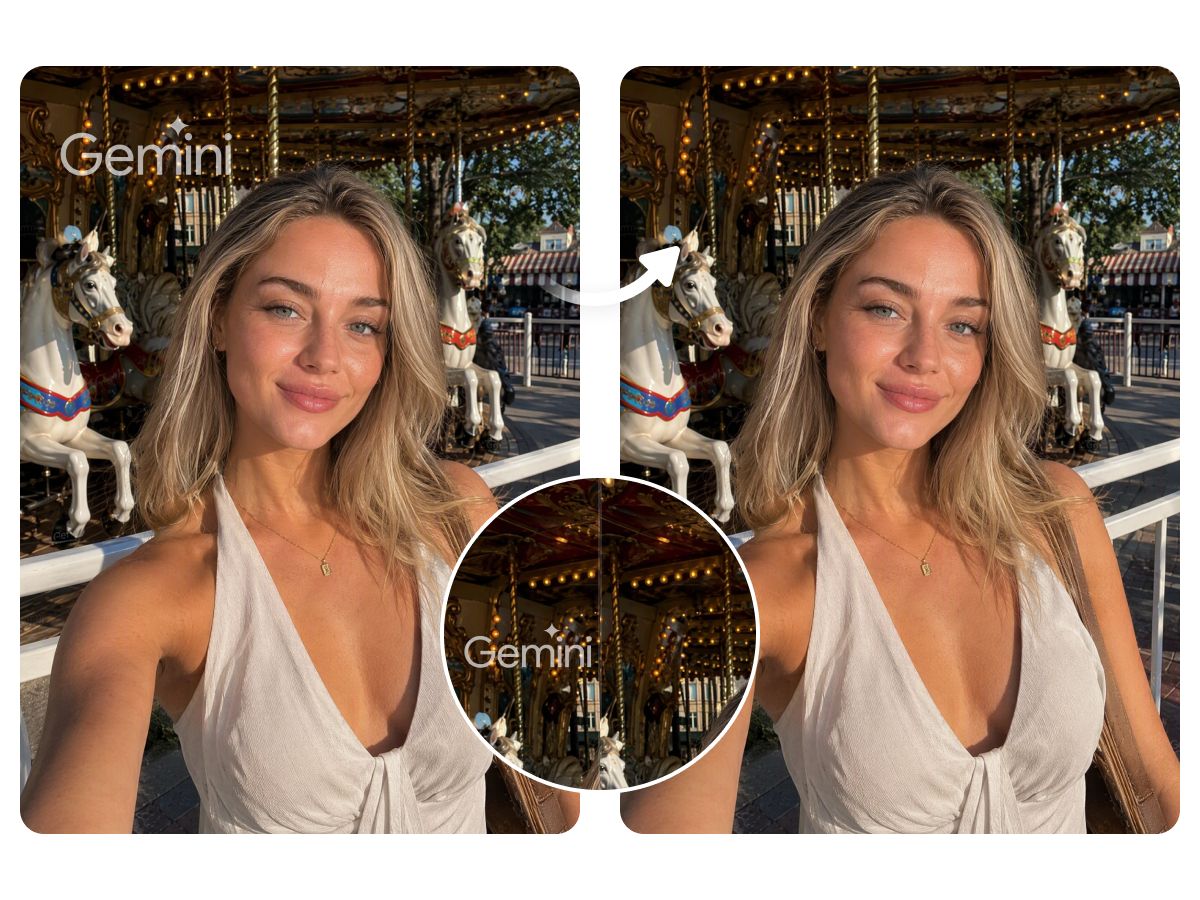
Remove the visible Gemini watermark from your images without cropping or losing important details. With Airbrush Gemini Watermark Remover, you can keep the original layout and get your images ready for presentations, creative projects, or social media.

Upload Image

Drag and drop Image here

Airbrush Gemini watermark remover

Remove the visible Gemini watermark from your images without cropping or losing important details. With Airbrush Gemini Watermark Remover, you can keep the original layout and get your images ready for presentations, creative projects, or social media.

Airbrush Gemini watermark remover

Remove the Gemini Watermark Without Cropping Your Image

Remove the visible Gemini watermark while keeping the full image in its original frame. Airbrush lets you clean up AI-generated photos without cutting away important elements or changing the composition you want to preserve.
Airbrush Gemini watermark remover

Reconstruct the Background Behind the Gemini Watermark

When a watermark is removed, the affected area needs to blend with the surrounding image. Airbrush Gemini Watermark Remover helps rebuild nearby colors and textures, reducing visible gaps or uneven patches in the background.
Airbrush Gemini watermark remover

Remove Gemini Watermarks from Light and Dark Backgrounds

Gemini watermarks can appear over bright skies, dark surfaces, or detailed scenery. Airbrush processes the marked area according to its surroundings, helping maintain a consistent appearance across different backgrounds.
Airbrush Gemini watermark remover

Keep the Original Image Dimensions After Watermark Removal

Maintain your image's original width, height, and proportions during Gemini watermark removal. This is useful when working with visuals prepared for specific layouts, where cropping or resizing could affect the final design.

Use Cases of Gemini Watermark Remover

Airbrush Gemini watermark remover
Prepare Gemini-Generated Artwork for Design Projects

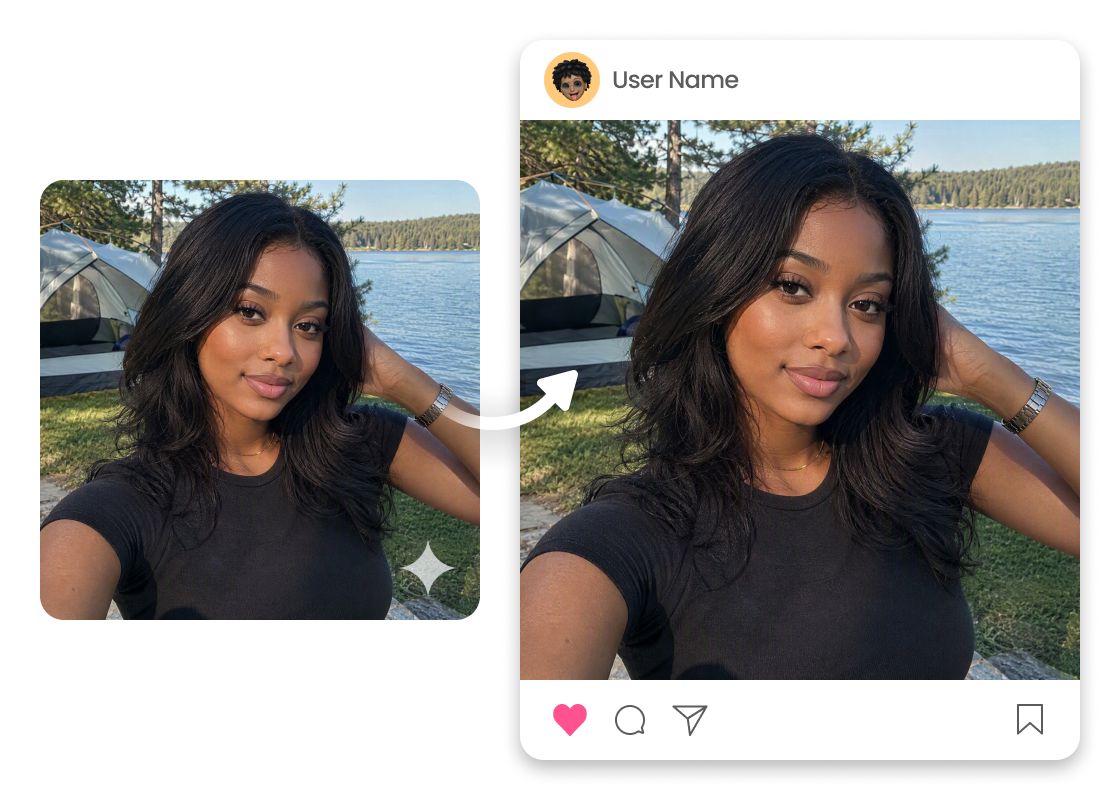
Working on posters, digital illustrations, or creative layouts? Remove distracting Gemini watermarks before adding typography, graphics, or other design elements. Keep the artwork's composition intact as you develop your final project.

Airbrush Gemini watermark remover

Prepare Gemini-Generated Artwork for Design Projects

Working on posters, digital illustrations, or creative layouts? Remove distracting Gemini watermarks before adding typography, graphics, or other design elements. Keep the artwork's composition intact as you develop your final project.

Airbrush Gemini watermark remover

Refine Gemini Images for Website Banners

Website banners need clean visuals that work alongside headlines, buttons, and navigation elements. Remove visible Gemini watermarks from background artwork to create more space for your design without altering the image's proportions.

Airbrush Gemini watermark remover

Prepare AI-Generated Images for Marketing Materials

From campaign concepts to promotional graphics, Gemini images can support different marketing projects. Clean up unwanted watermark overlays before incorporating the visuals into brochures, presentations, or branded materials.

How to Remove Gemini Watermark with Airbrush

Upload Your Image

Open Airbrush Gemini Watermark Remover and upload your image.

Remove the Watermark

Let Airbrush process the image and remove the Gemini watermark.

Preview and Download

Check the result and download your image.

Airbrush Gemini watermark remover

User Reviews

I use Gemini to create illustrations for my blog. I wanted to remove the watermark without cropping the image, and Airbrush worked well for that.

- Daniel R.

I tried it on a few Gemini images with different backgrounds. The results looked clean, and I didn't need to spend time editing each watermark manually.

- Sofia M.

I needed a Gemini-generated image for a presentation. The watermark was distracting, so I removed it with Airbrush and kept the original image size.

- Lucas T.

FAQs

Yes. Airbrush Gemini Watermark Remover is designed to remove visible Gemini watermarks without cropping the image. You can keep the original framing and avoid cutting out important parts of your picture.

Airbrush works to preserve the surrounding colors, textures, and details while removing the watermark. Results may vary depending on the image background and the details underneath the watermark.

Yes. Airbrush can process watermarks placed over different backgrounds, including detailed scenery, patterns, and textured surfaces. However, areas with intricate details may require closer review after processing.

Airbrush Gemini Watermark Remover focuses on removing visible watermarks from Gemini-generated images. It is not designed to remove SynthID, Google's invisible watermark technology used to identify AI-generated content.

You can use the edited images for personal or creative projects, provided your use follows Google's applicable terms and any relevant licensing requirements. Removing a visible watermark does not change the image's usage rights or disclosure obligations.

No. Airbrush Gemini Watermark Remover has a straightforward workflow. Upload your image, let the tool process the watermark, review the result, and download the edited picture.

Gemini Watermark Remover for AI-Generated Images