Airbrush

start icostart icostart icostart icostart ico

Download for 7-day Free Trial

smart banner
HomeAll Tools
Transparent Background

Free Transparent Background Generator

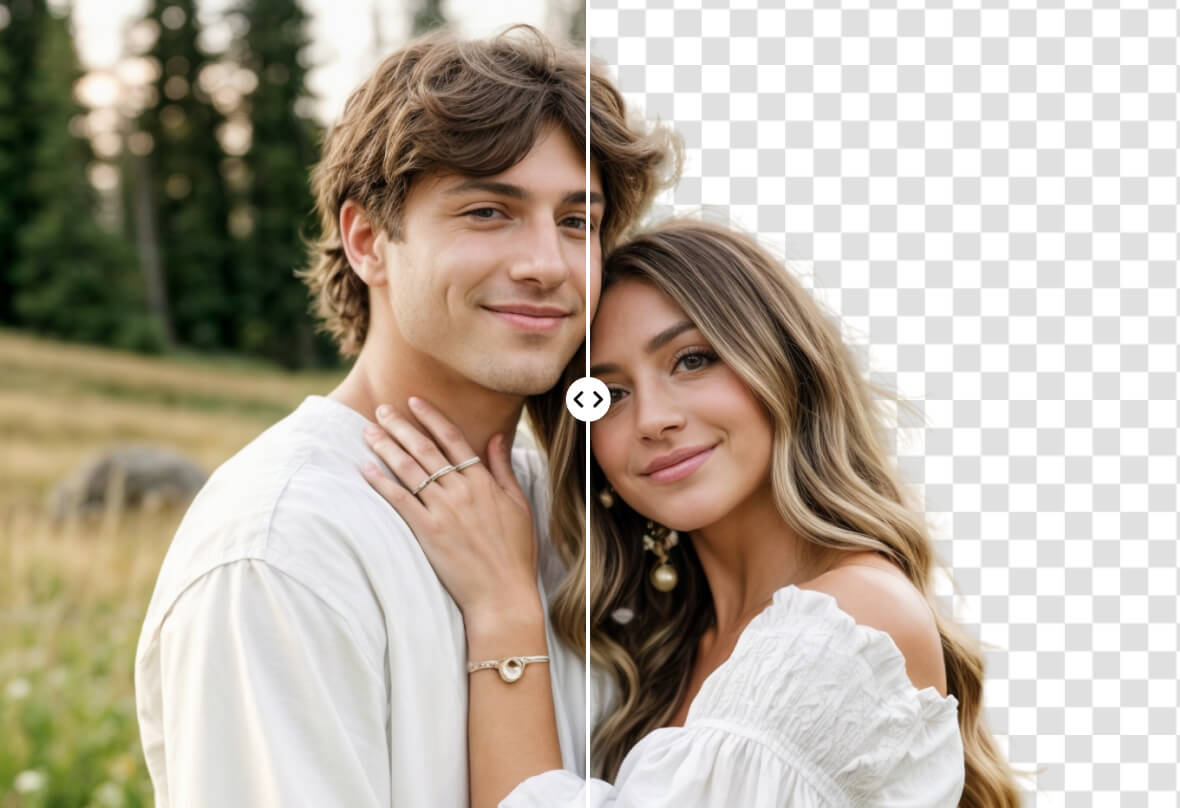
Make backgrounds transparent with the Free Transparent Background Generator. Remove distractions, highlight your subject, and create clean images for presentations, e-commerce, or social media in seconds. No editing skills needed!
Transparent Background
Drag and drop Image here

Airbrush Studio

Switch to Airbrush Studio on desktop for advanced control and unlimited exports.

Mac OS
Windows
Transparent Background

Fast, User-Friendly Transparent Background Removal
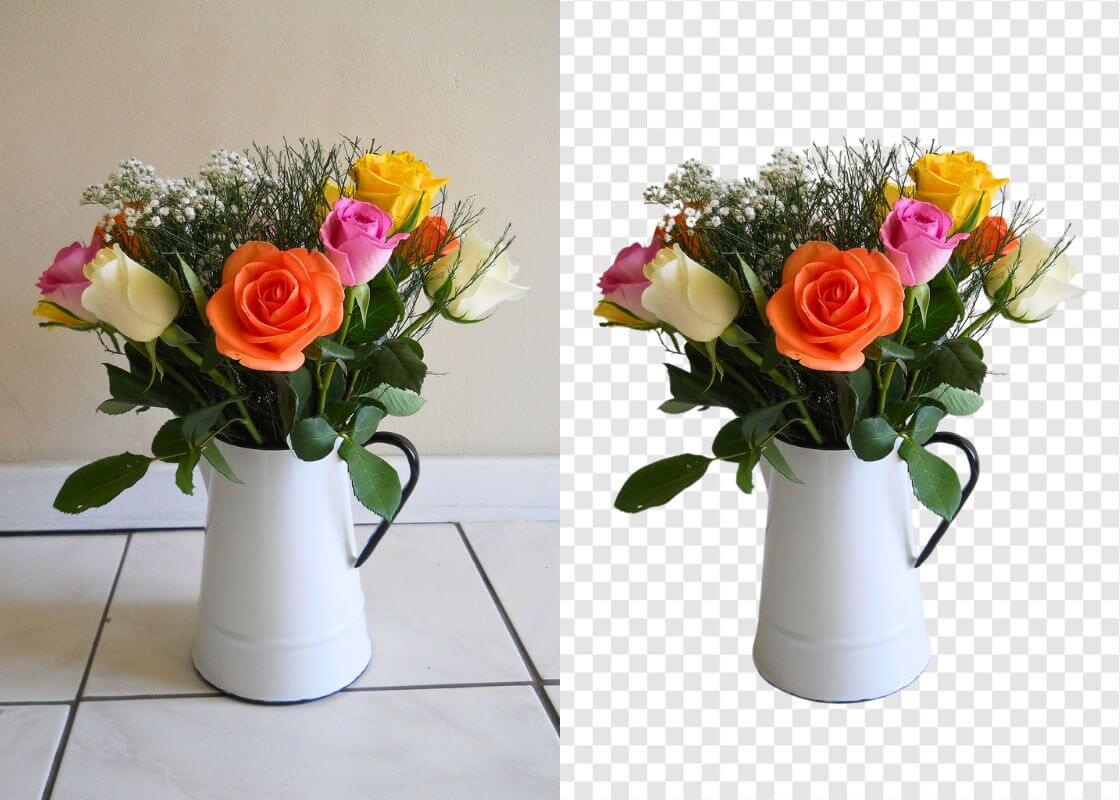
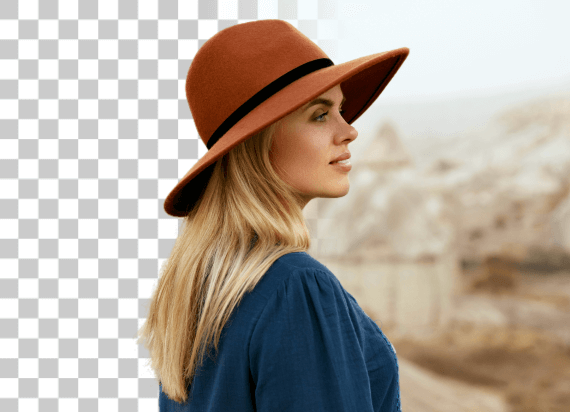
Airbrush Transparent Background Maker is fast, simple, and easy to use. No editing skills needed—just upload your image, and AI will handle the rest. Get a clean, high-quality transparent background in seconds, making your photos stand out effortlessly. Use it for personal or professional needs without any hassle.
Transparent Background

Supports Different Image Formats

Airbrush supports various image formats, making background removal seamless. Upload PNG, JPG, or other common file types, and let AI process them with precision. No need for conversions—simply edit and save your images in the format that suits your needs.
Transparent Background

Transparent Logos in Seconds

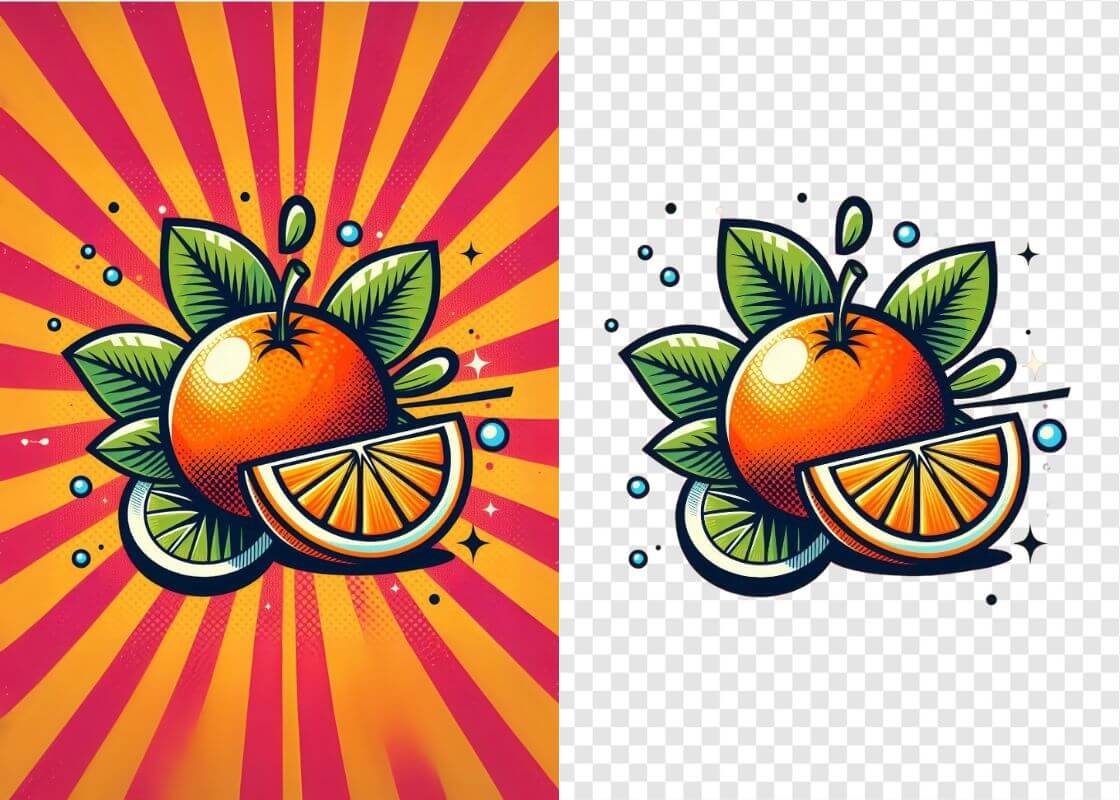
No more struggling with rough edges or missing details when making a logo background transparent. Airbrush uses advanced AI to accurately detect and refine the subject, ensuring every detail is preserved. Just upload your logo, and in seconds, you'll have a clean, high-resolution transparent file ready for websites, branding, or any design project—quick, precise, and hassle-free.
Transparent Background

Improve product photography

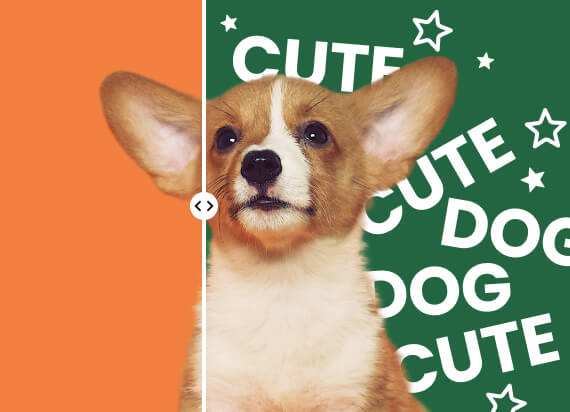
Seamlessly integrate your image into any project by making its background transparent. This adds versatility and a polished look, allowing you to layer different backgrounds or merge elements for visually striking compositions with added depth.
Transparent Background

Seamless Editing for Designers and Creators

With Airbrush, professionals can simplify their workflow by generating transparent backgrounds in an instant. Forget tedious manual edits—just upload your image, and AI handles the rest. Whether for layering graphics, refining compositions, or enhancing designs, this tool streamlines the process, delivering clean, precise results while saving valuable time.

How to Create a Transparent Background with Airbrush

Select Your Image

Go to Airbrush, click "Upload," and choose your image

Automatic Transparent Background

Once uploaded, AI instantly processes your image, creating a clean, transparent background with no effort required.

Download

Save your image.
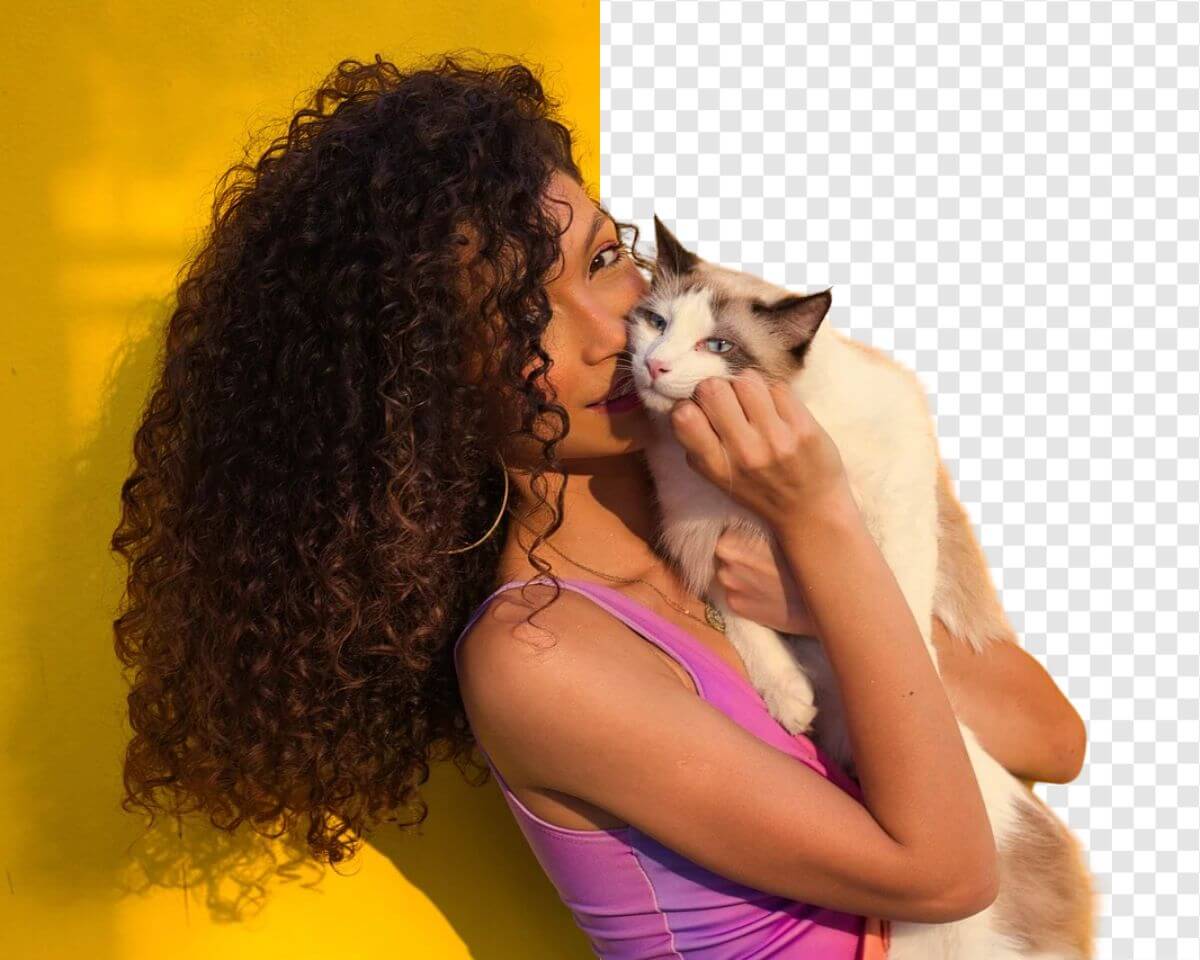
how to

User Reviews

Emily Carter
I use Airbrush to prepare product photos for different marketplaces. The transparent background makes it much easier to reuse the same product image across listings and promotional graphics.
Daniel Kim
I needed a transparent PNG of our logo for presentations and website graphics. Airbrush kept the edges clean, and the logo worked well across both light and dark designs.
Sophia Martinez
I create seasonal social media graphics regularly, and Airbrush makes my transparent images much easier to reuse. I can keep the same subject and adapt it to different campaign designs without starting over.
Emily Carter
I use Airbrush to prepare product photos for different marketplaces. The transparent background makes it much easier to reuse the same product image across listings and promotional graphics.
Daniel Kim
I needed a transparent PNG of our logo for presentations and website graphics. Airbrush kept the edges clean, and the logo worked well across both light and dark designs.
Sophia Martinez
I create seasonal social media graphics regularly, and Airbrush makes my transparent images much easier to reuse. I can keep the same subject and adapt it to different campaign designs without starting over.

Frequently Asked Questions

How do I make the background of a picture transparent with Airbrush?

Upload your picture to Airbrush Transparent Background Maker. The tool separates the main subject from its surroundings and creates a transparent background while keeping important details clear. Preview the result and download your edited image.

Does Airbrush Transparent Background Maker work for product photos with complex edges?

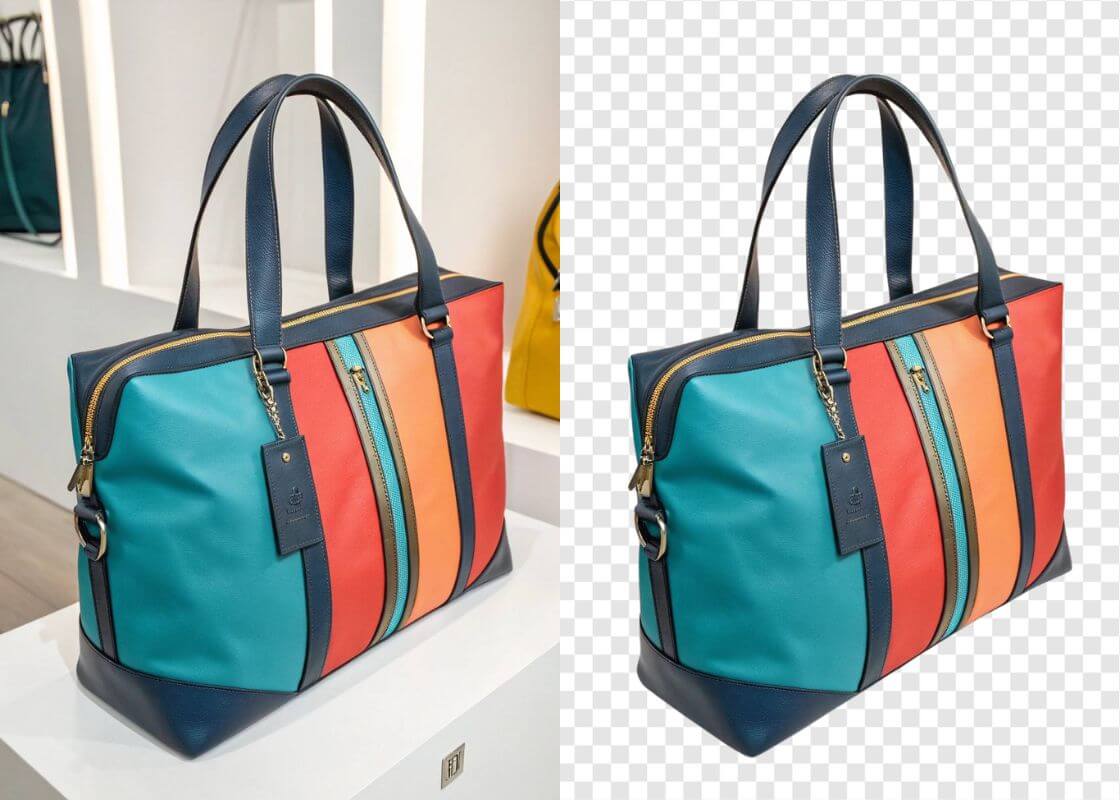
Airbrush is designed to handle product photos with detailed shapes and complex edges. It helps preserve important outlines and smaller details, giving you a cleaner product image for online stores, catalogs, ads, and other designs

What are the best tools to create transparent images?

The best tools should provide clean subject separation, preserve important details, and produce images that are easy to reuse. Airbrush Transparent Background Maker is a practical option for product photos, logos, people, objects, and creative projects.

Can Airbrush make a logo background transparent?

Yes. Upload your logo to Airbrush Transparent Background Maker to separate it from its existing background. A transparent logo is easier to use across websites, presentations, packaging, social media, and other branded materials.

Can I create transparent product images for online stores?

Yes. Transparent product images can be adapted for online stores, marketplaces, catalogs, ads, and promotional campaigns. Airbrush helps prepare product visuals that can be reused across different sales channels.

Will making an image background transparent affect its quality?

Making the background transparent changes the area around the main subject rather than intentionally reducing the quality of the subject itself. The final result can vary depending on the quality and complexity of the original image.

Can Airbrush create transparent images of people and objects?

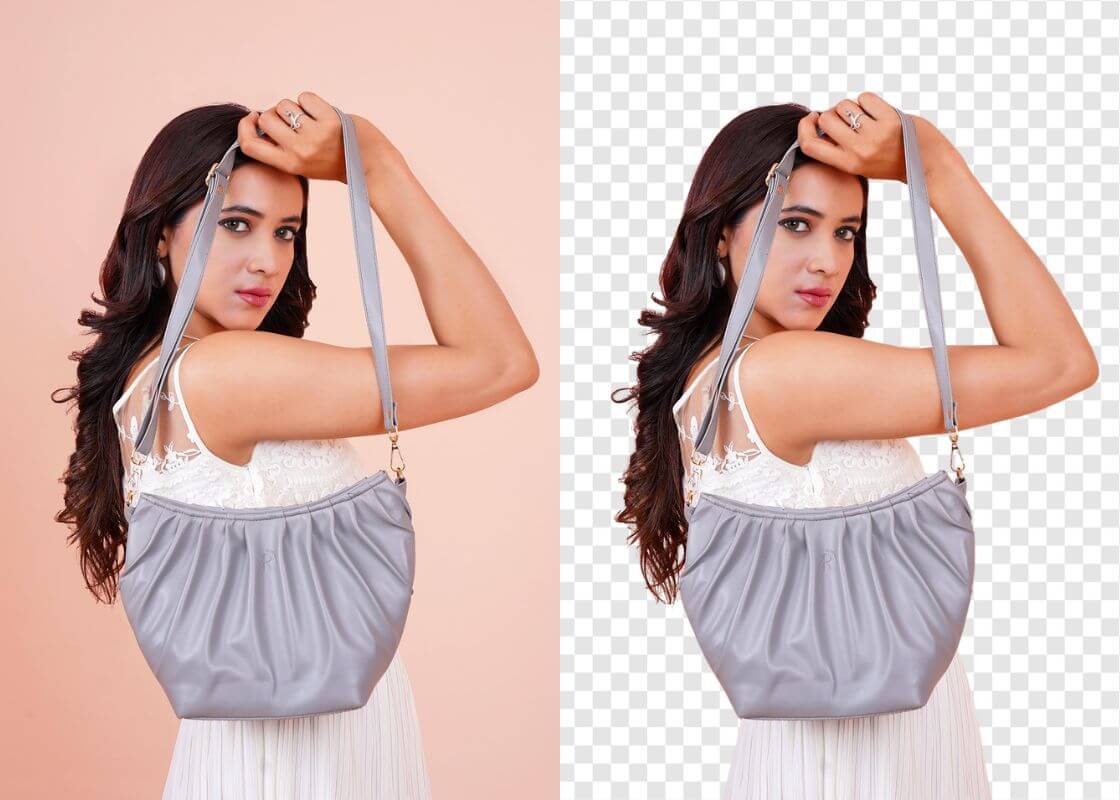
Yes. Airbrush Background Transparent Maker can separate people, products, and other objects from their surroundings, giving you transparent images for thumbnails, presentations, marketing graphics, social content, and creative designs.