Airbrush

start icostart icostart icostart icostart ico

Download for 7-day Free Trial

smart banner
HomeAll Tools
AI Breast Expansion

Free Breast Expansion AI

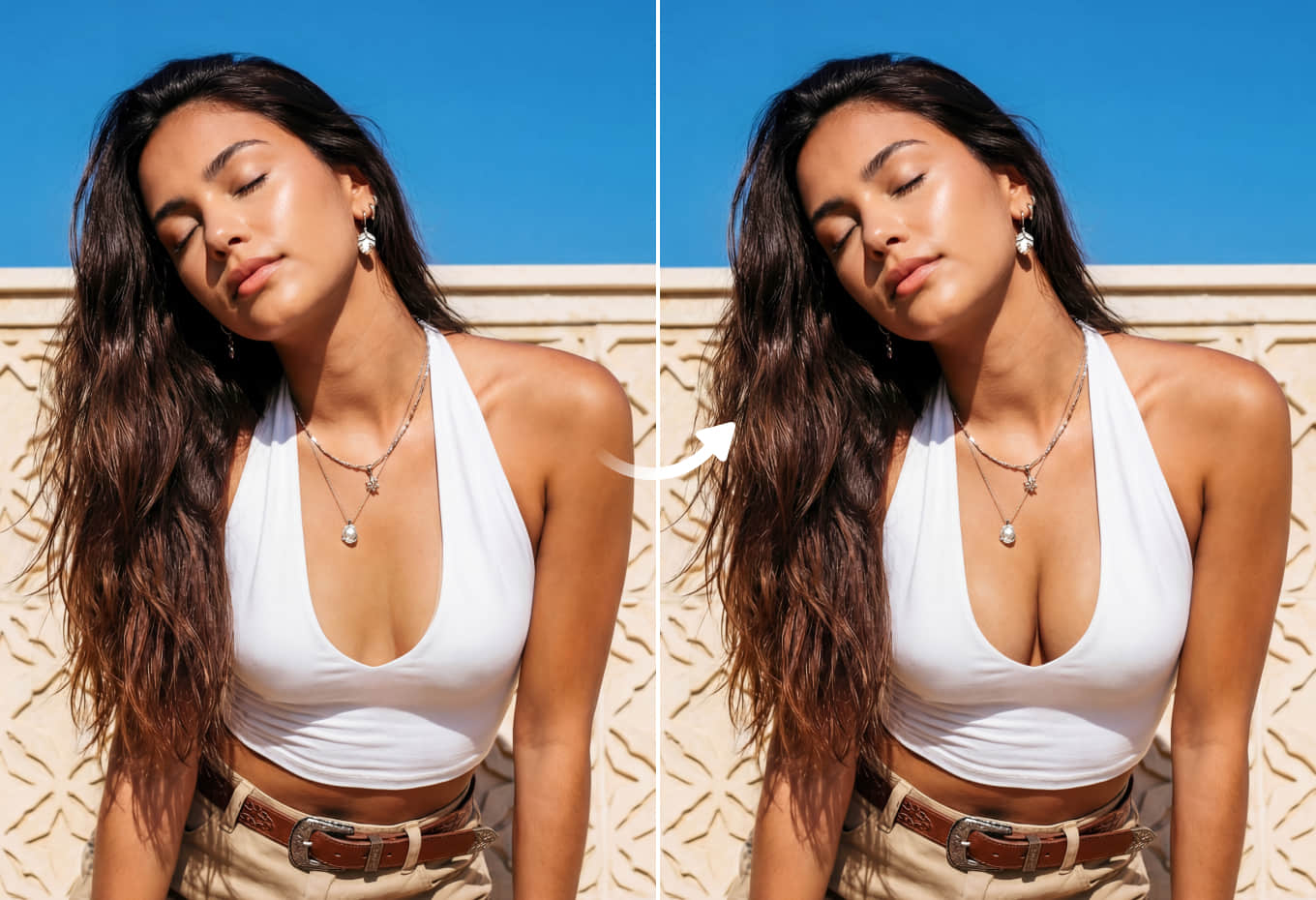
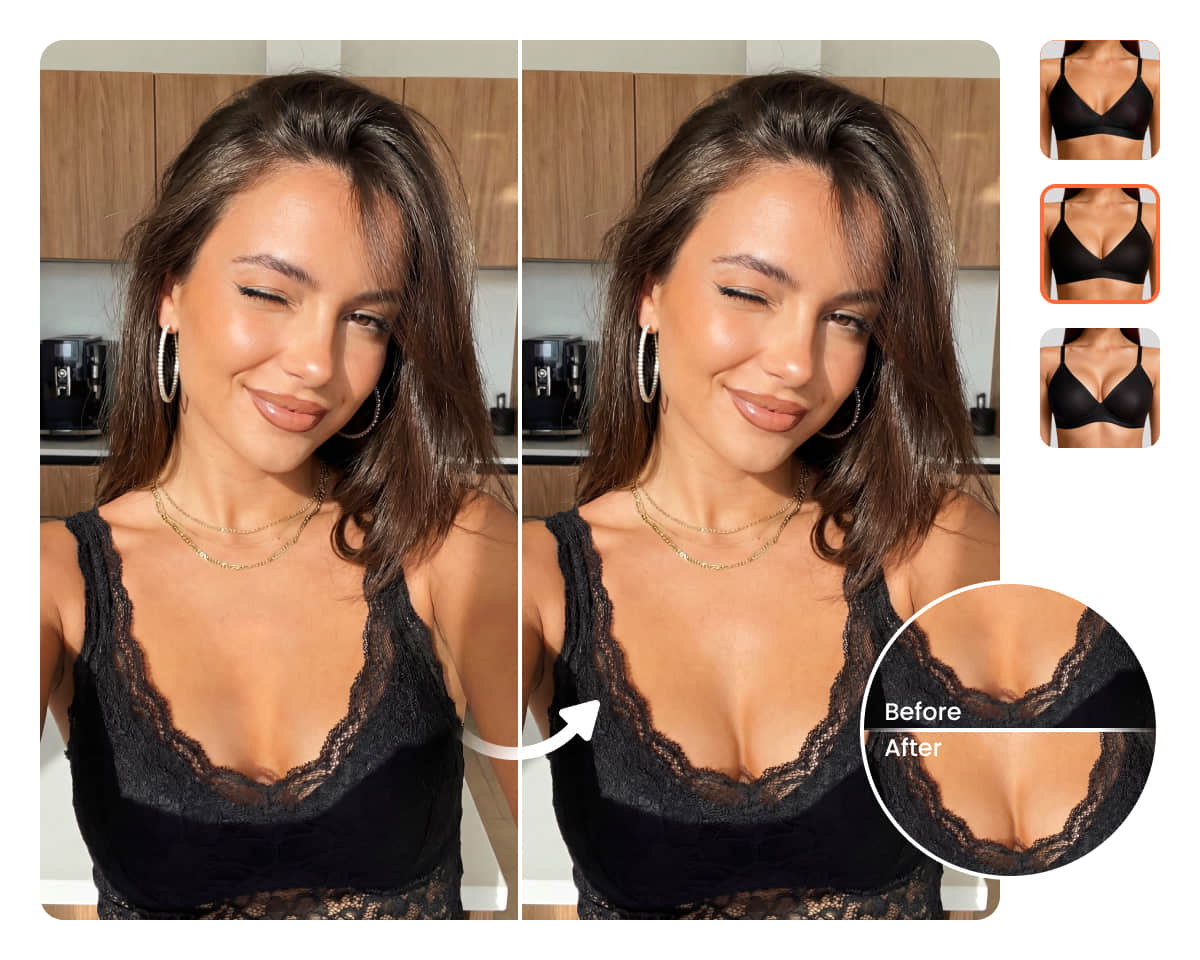
Instantly enhance bust size in photos with Airbrush. Upload an image, apply the AI boob effect, and get a more defined result that still looks natural and balanced. No manual editing needed, let the AI generate the best-looking result automatically, ready to download.
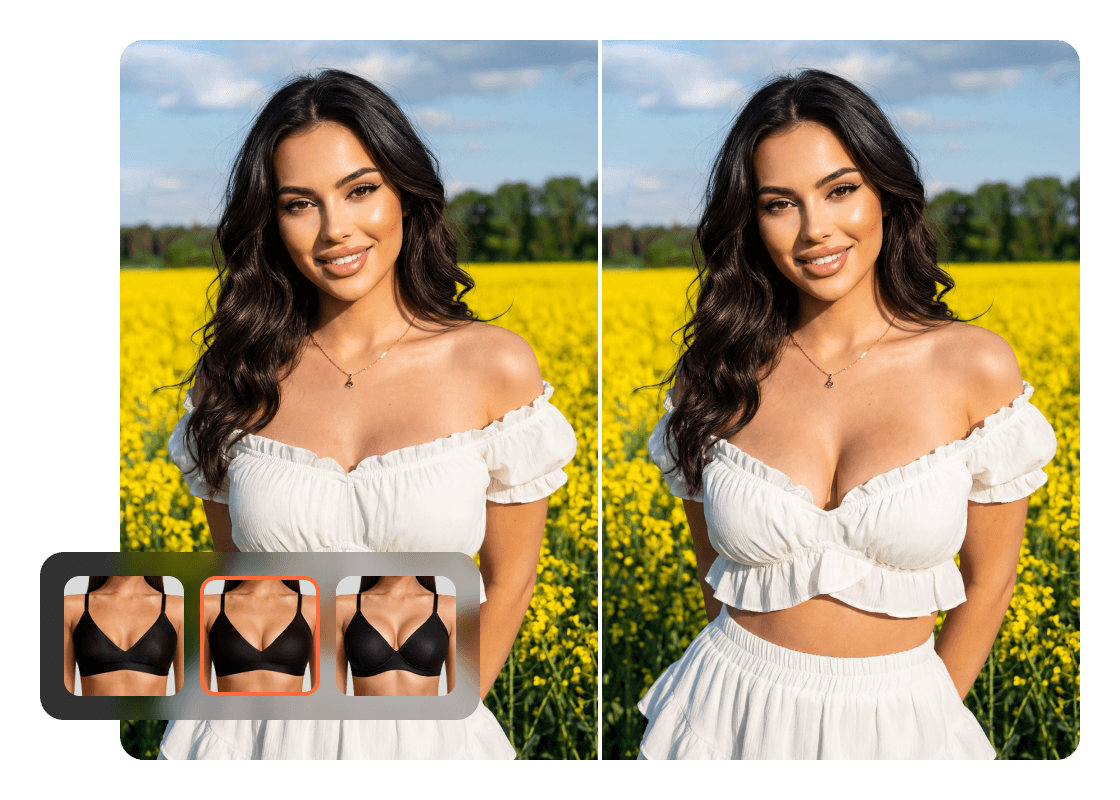
 AI Breast Expansion
Drag and drop Image here
0 free use left

Try this feature on our desktop and mobile apps.

Mac OS
Windows
iOS
Android
 AI Breast Expansion

Natural-Looking Breast Enhancement in Photos
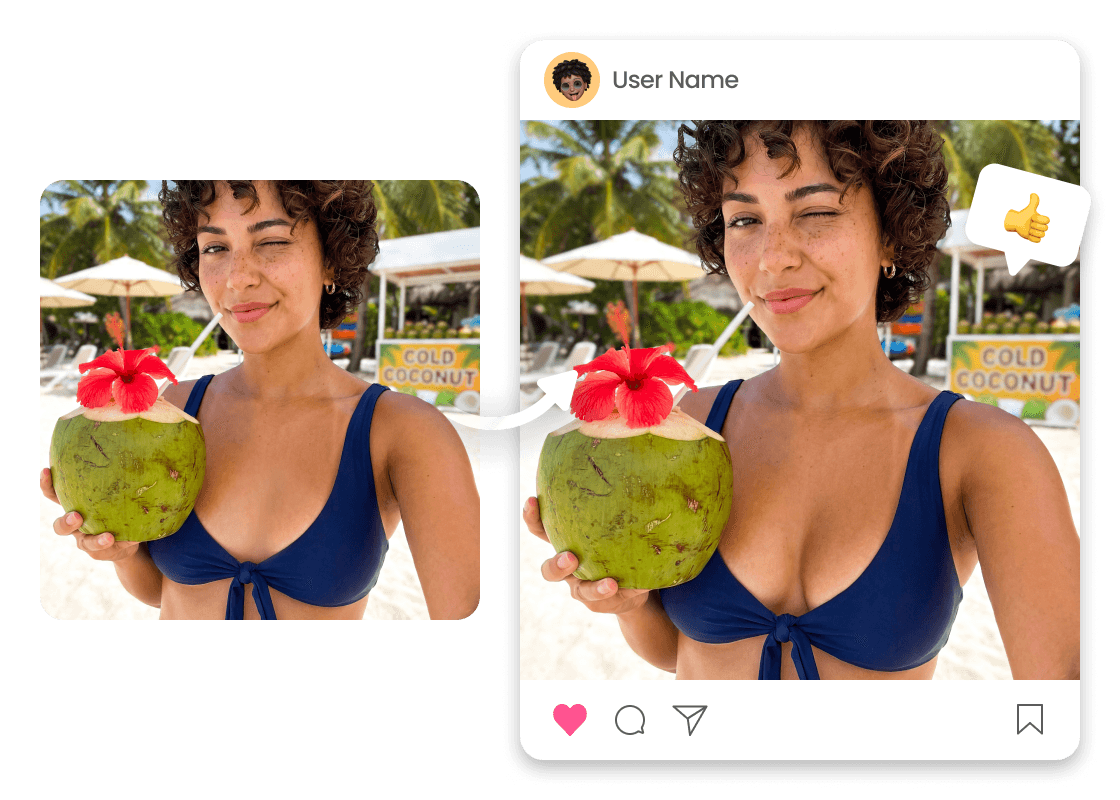
With Airbrush’s free AI breast expansion tool, you can adjust breast size in photos in just a few clicks, from subtle to fuller results depending on the look you want. The AI reshapes smoothly and keeps proportions balanced, maintaining realistic contours so the final image still looks natural and consistent with your body shape.
 AI Breast Expansion

AI Breast Enhancement for Every Body Type
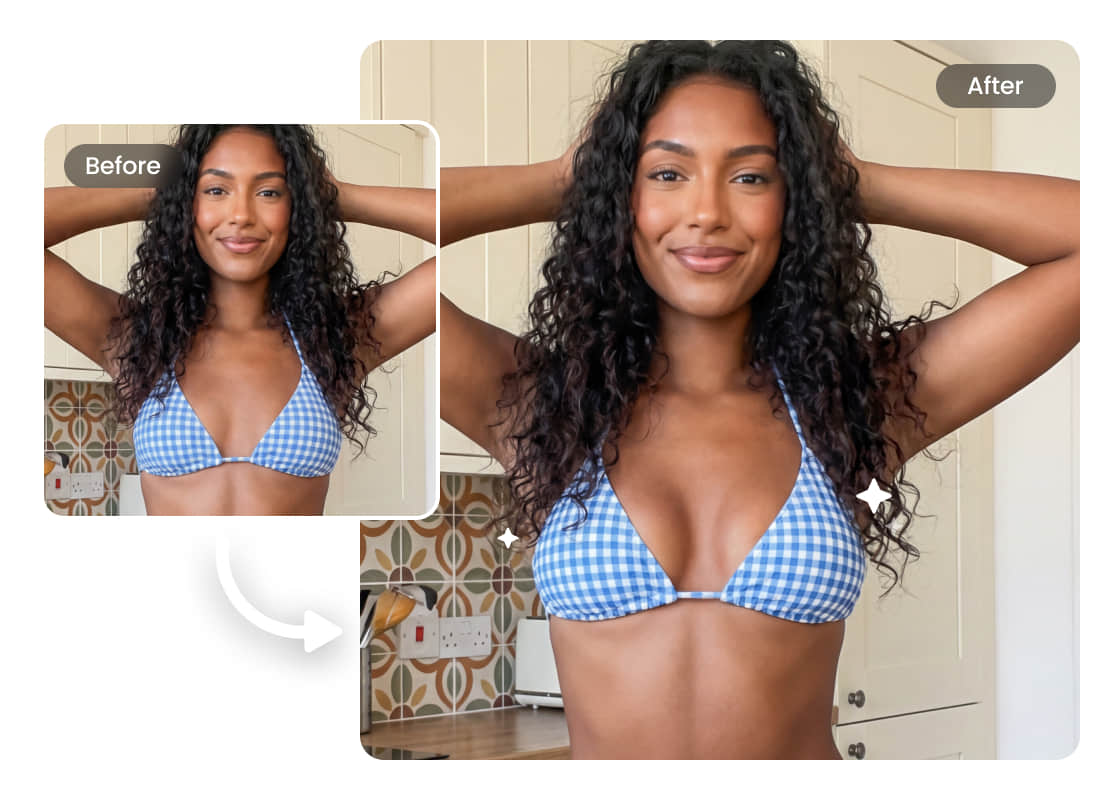
No matter your body type or skin tone, this AI breast enhancement tool is designed to work across a wide range of shapes and proportions. From petite to curvier figures, it adjusts boob size in a way that stays balanced with your frame, keeping contours smooth and realistic so the final result looks natural.
 AI Breast Expansion

Clothing and Posture Stay Coherent After Reshape

With Airbrush AI Breast Expansion, clothing folds, fabric tension, and shadows update to match the new shape, while posture, angle, and expression stay consistent. The edit blends smoothly, keeping the photo realistic and well-balanced.

How to Use AI Breast Expansion Online

Upload a photo

Open the Airbrush tool page and click Upload to choose the image you want to edit to enlarge breasts.

Apply Breast Expansion

After the photo is uploaded, Breast Expansion runs automatically and reshapes the area smoothly for a natural-looking result.

Preview and download

Check the updated image, then download the final photo when it’s ready.
how to

User reviews 

Lina Moretti
Airbrush made ai breast expansion feel simple. I could adjust breast size and the result still looked like a natural breast shape.
Ayesh
I tried the realistic ai breast expansion option and it blended well with the outfit. Being free online for quick edits was helpful, and the ai breast enlarger didn’t look overdone.
Mina Caldwell
The ai breast expansion tool gave me a cleaner, more balanced silhouette than I expected. It handled breasts with ai edits smoothly, and the overall ai tool workflow was easy.
Lina Moretti
Airbrush made ai breast expansion feel simple. I could adjust breast size and the result still looked like a natural breast shape.
Ayesh
I tried the realistic ai breast expansion option and it blended well with the outfit. Being free online for quick edits was helpful, and the ai breast enlarger didn’t look overdone.
Mina Caldwell
The ai breast expansion tool gave me a cleaner, more balanced silhouette than I expected. It handled breasts with ai edits smoothly, and the overall ai tool workflow was easy.

Frequently Asked Questions

What is AI breast enlargement?

AI breast enlargement is an enhancement feature that adjusts the chest area and overall silhouette to create a fuller boob look while keeping the rest of the image consistent.

How do I use it?

Just upload a photo, and the tool will adjust the shape automatically. The goal is a natural-looking result that fits the photo’s lighting and proportions.

Will the result look realistic?

It’s designed to keep a realistic breast shape and maintain realistic proportions, so the edit blends with your body type instead of looking distorted.

Does it change my whole body or only the chest area?

The main focus is the chest area, but the tool also considers body proportion so the final boob shape stays balanced.

Will it warp clothing or the background?

The system aims for a seamless edit by keeping edges, fabric lines, and nearby background details stable. Results can vary on tight patterns or complex shadows.

What quality will I get after processing?

Outputs are intended to remain high-resolution, with the enhanced area staying clear and consistent with the rest of the photo.