


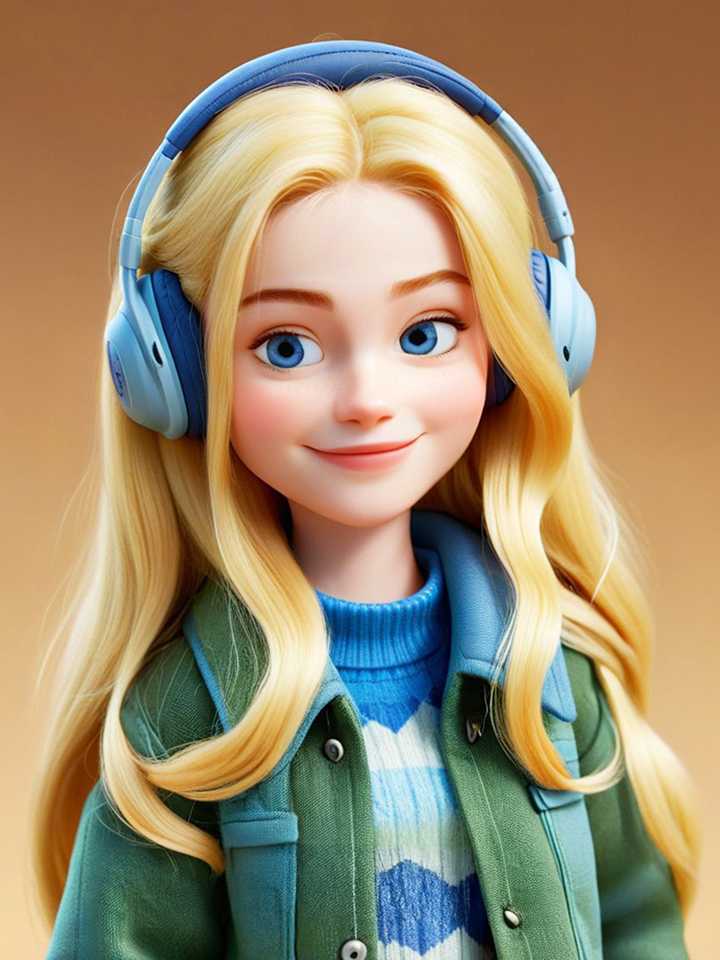
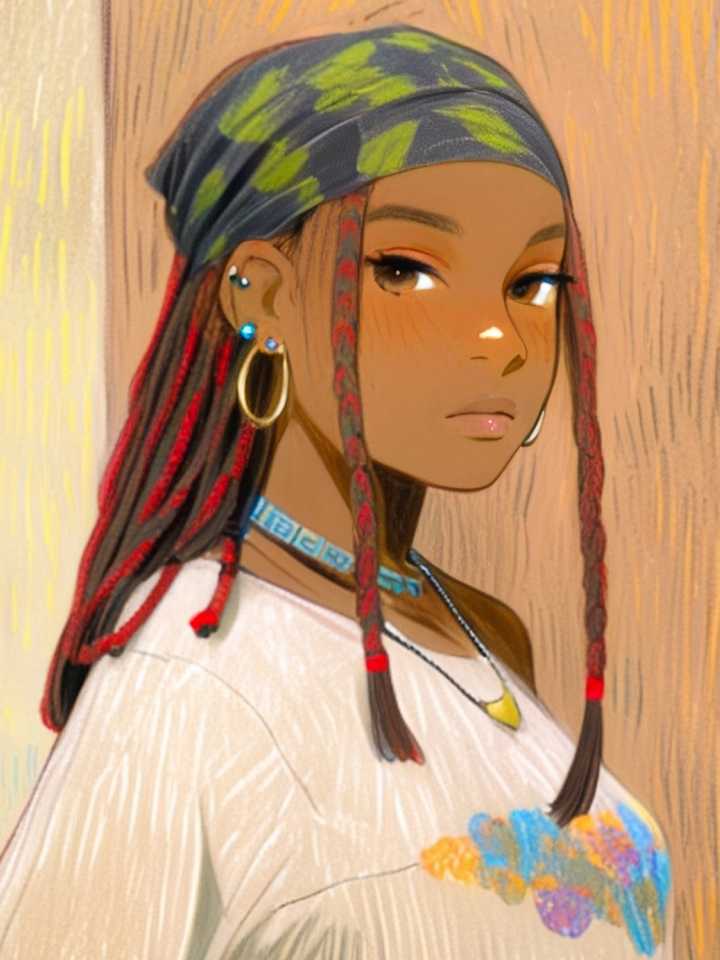
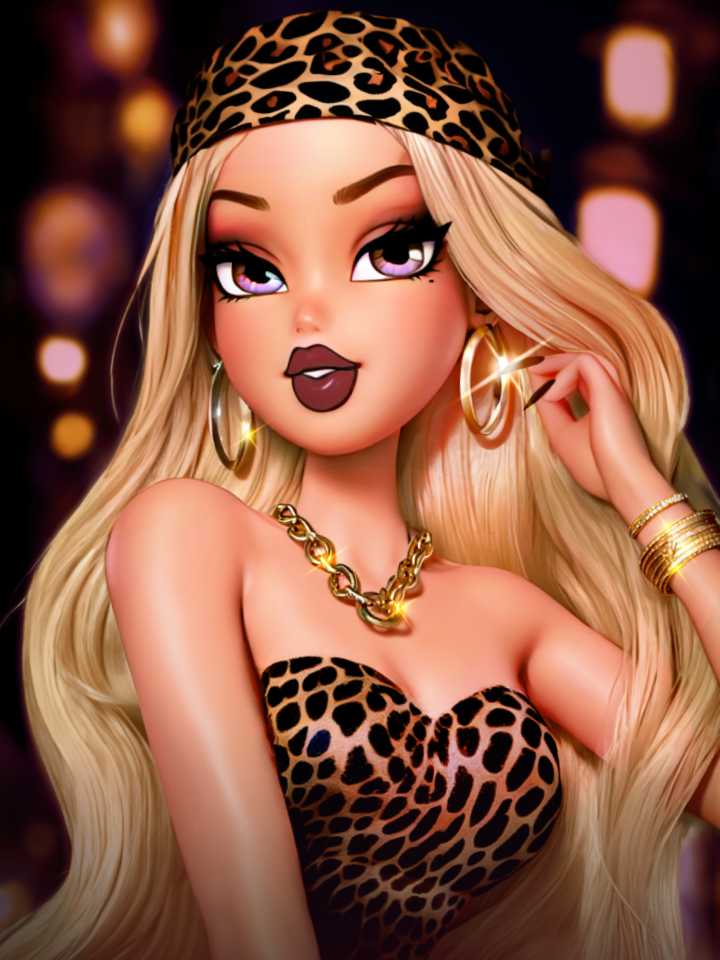
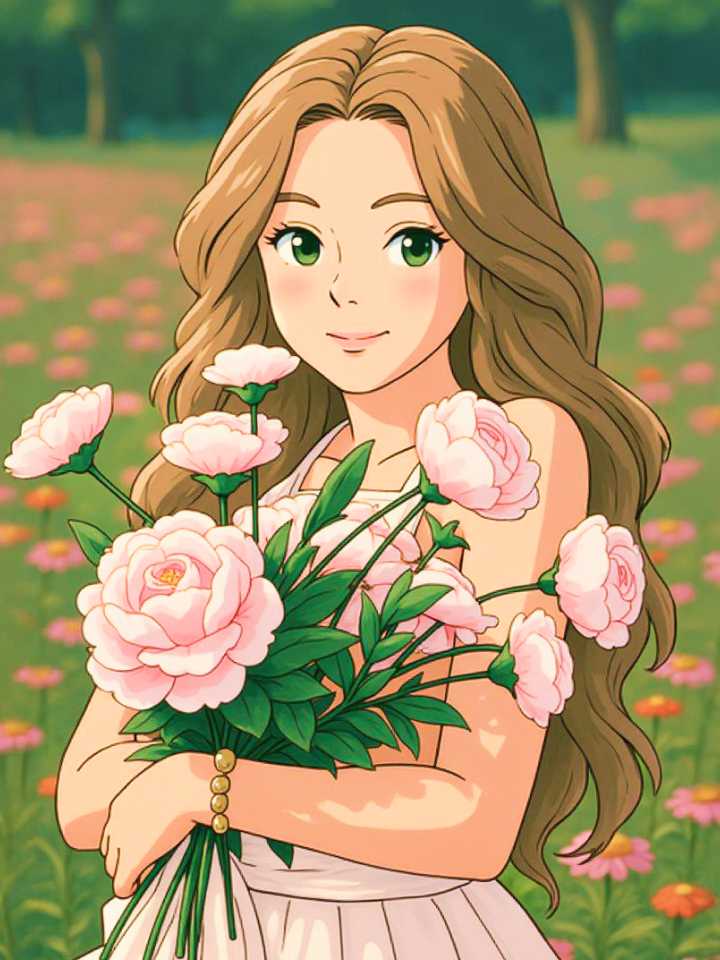
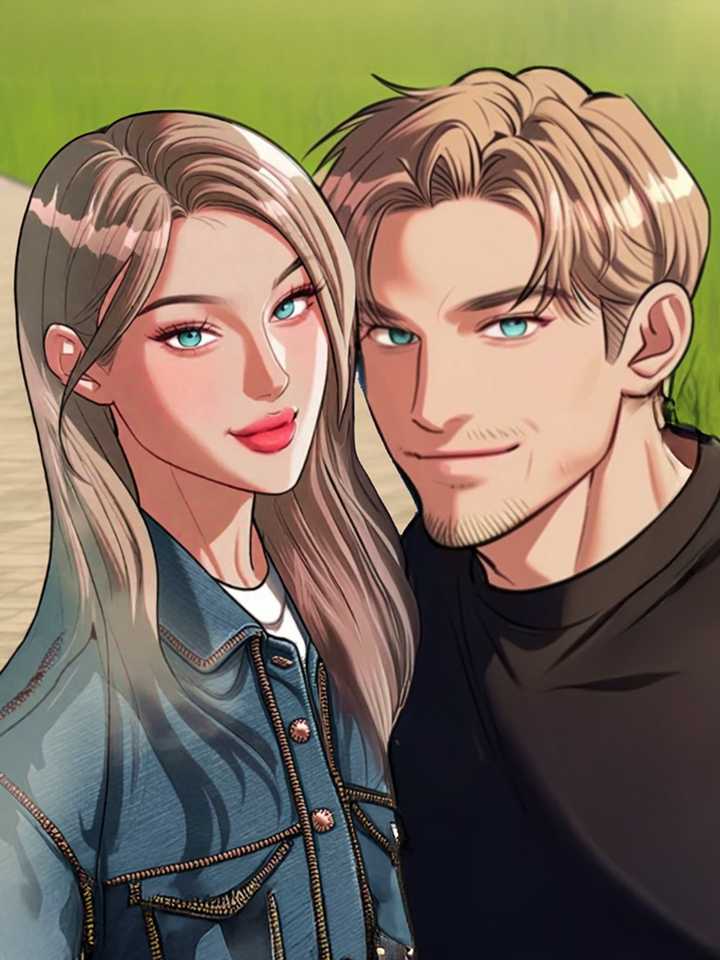
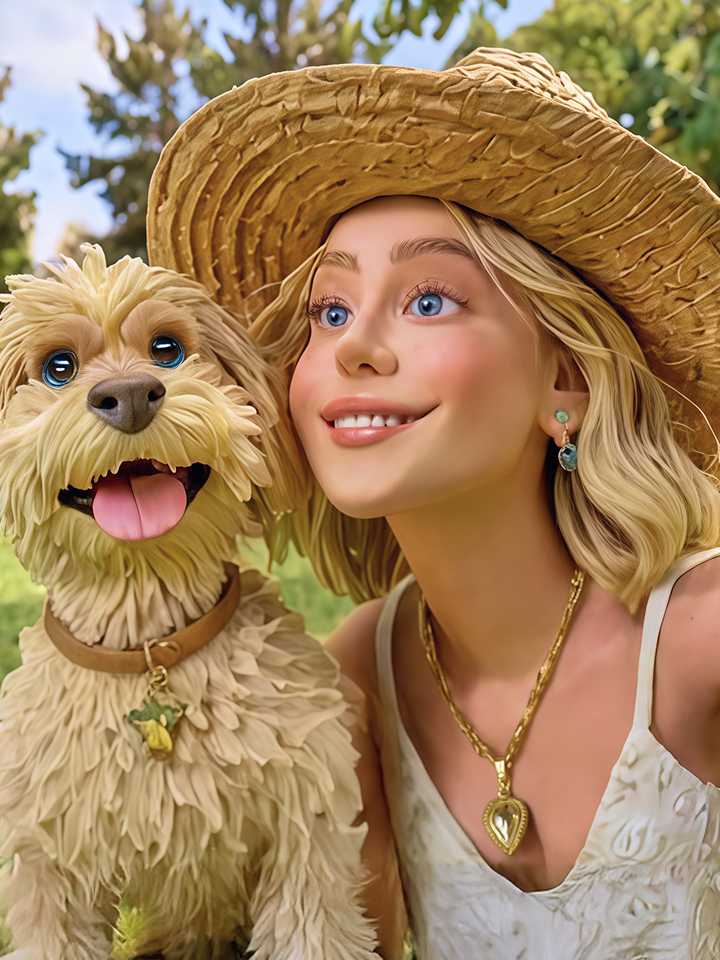
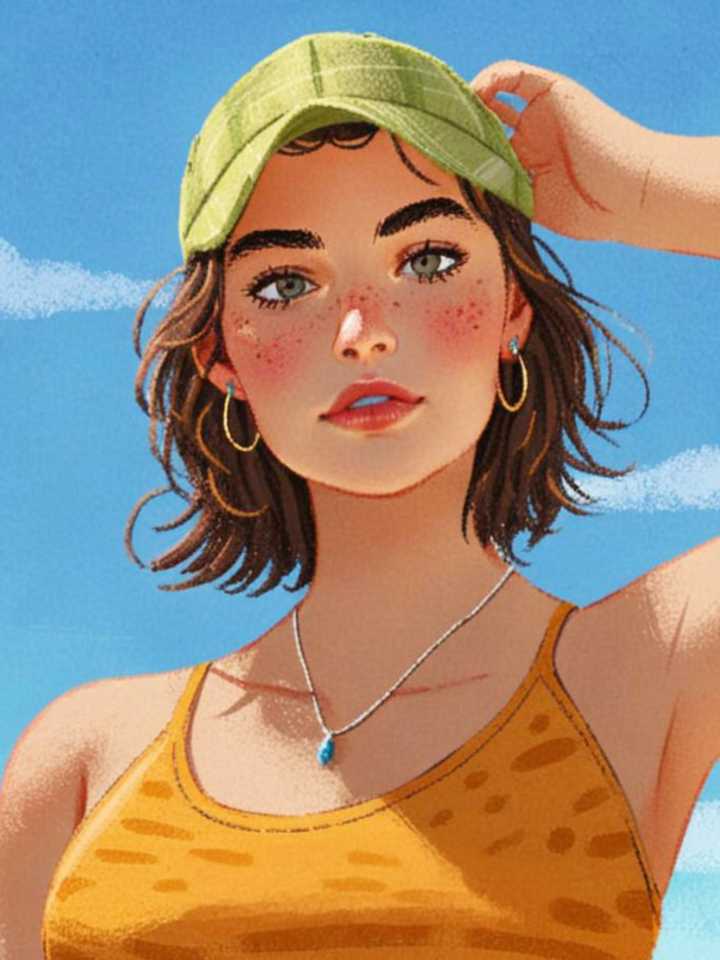
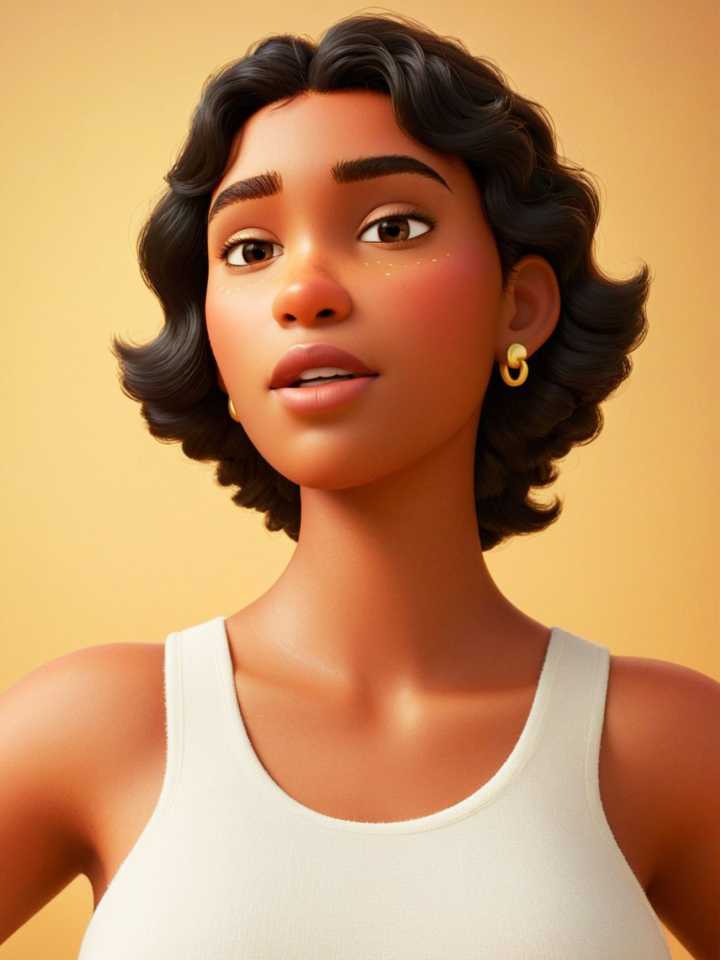
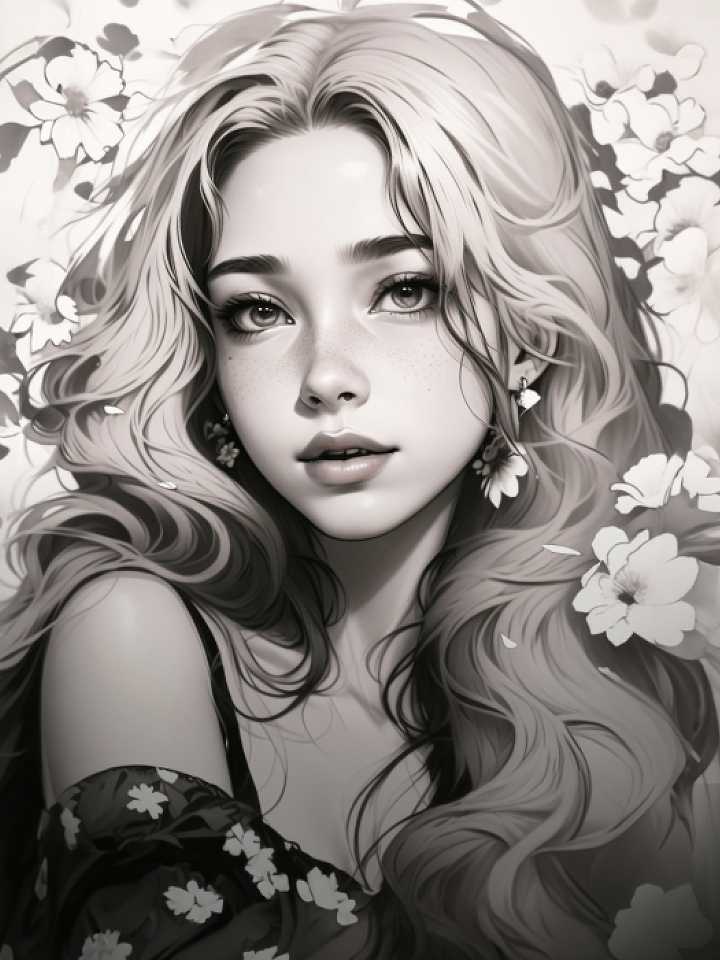
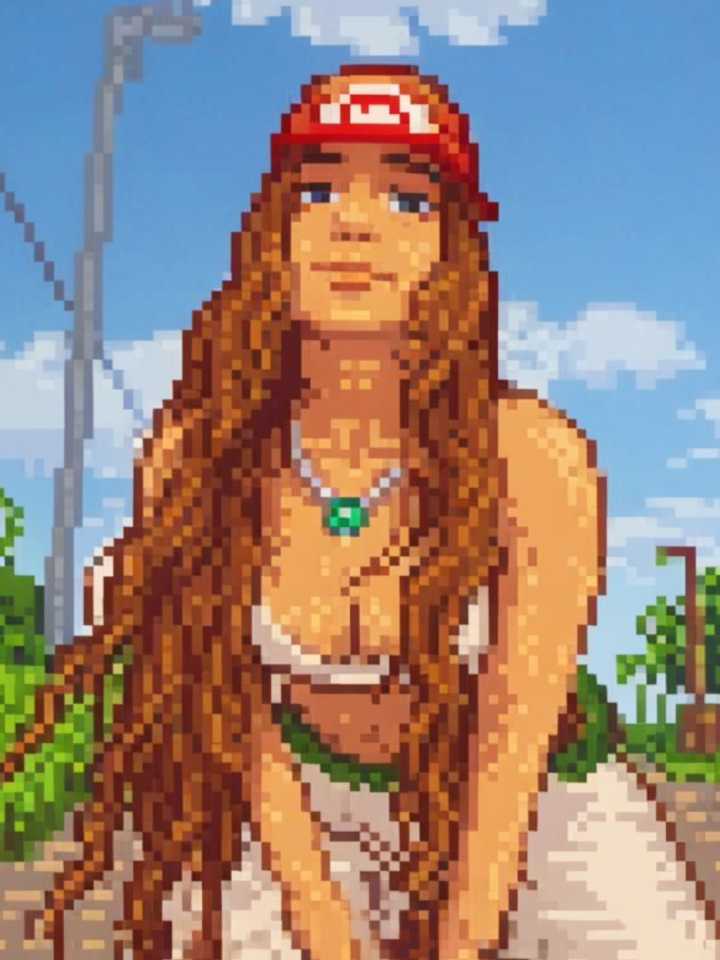
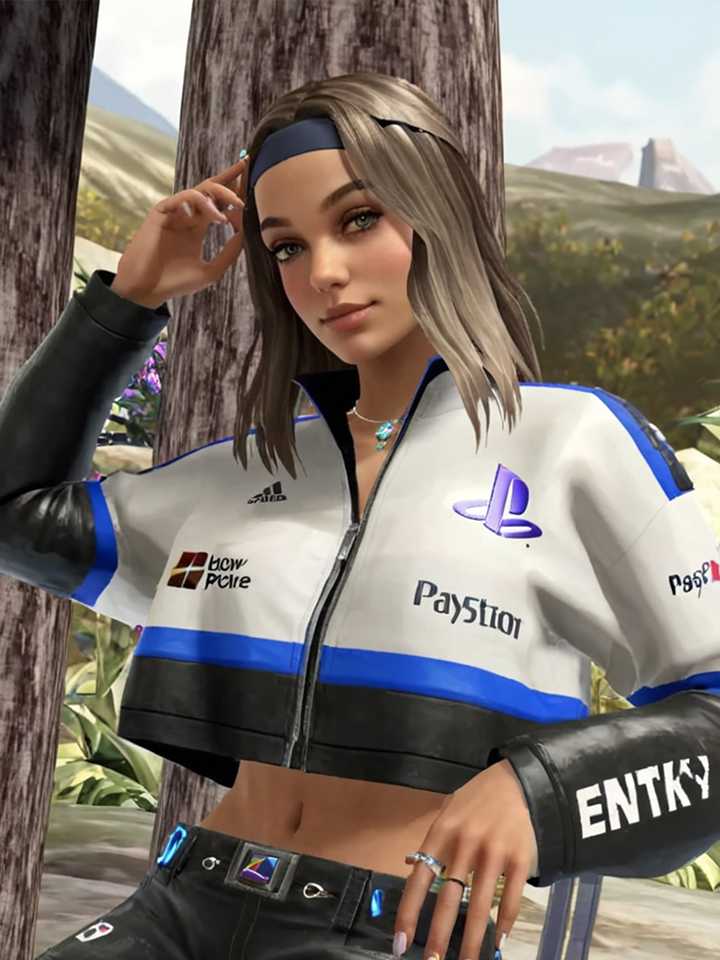
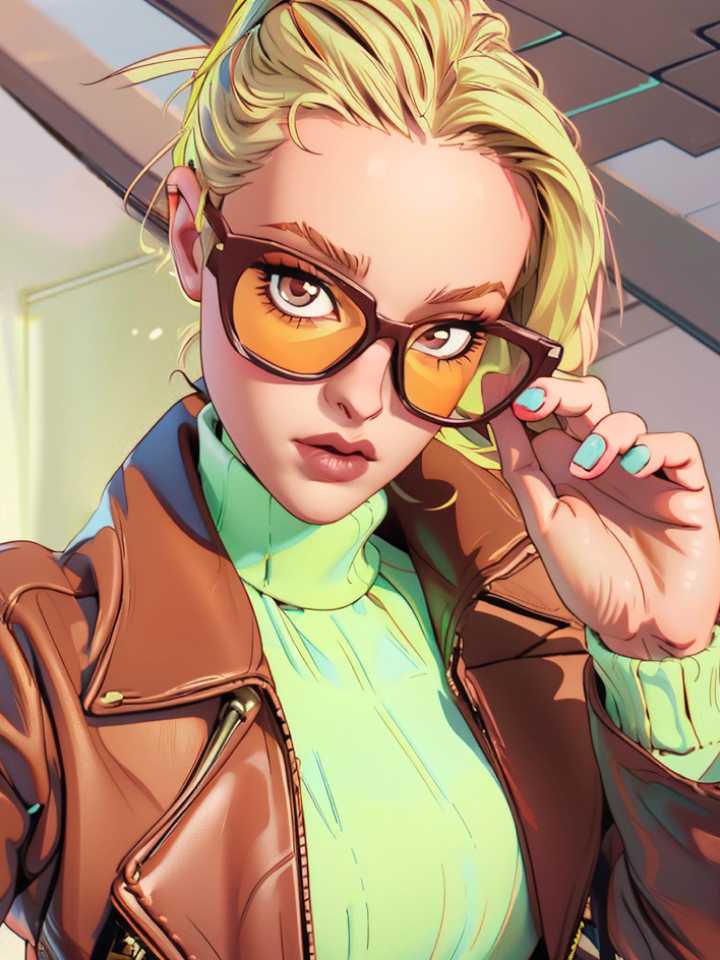
Airbrush AI Filters
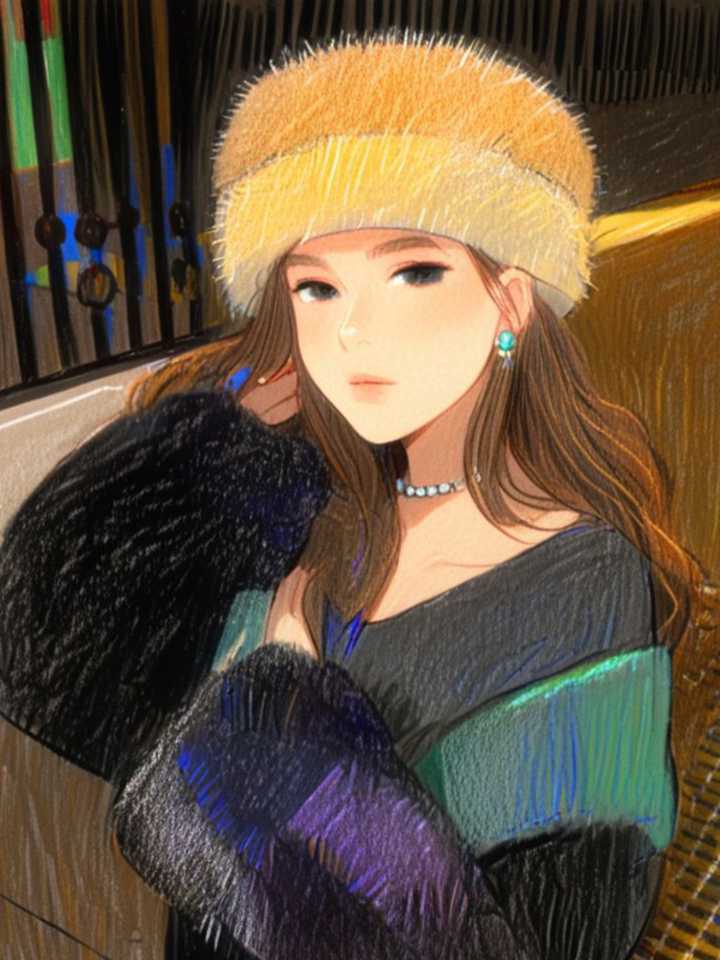
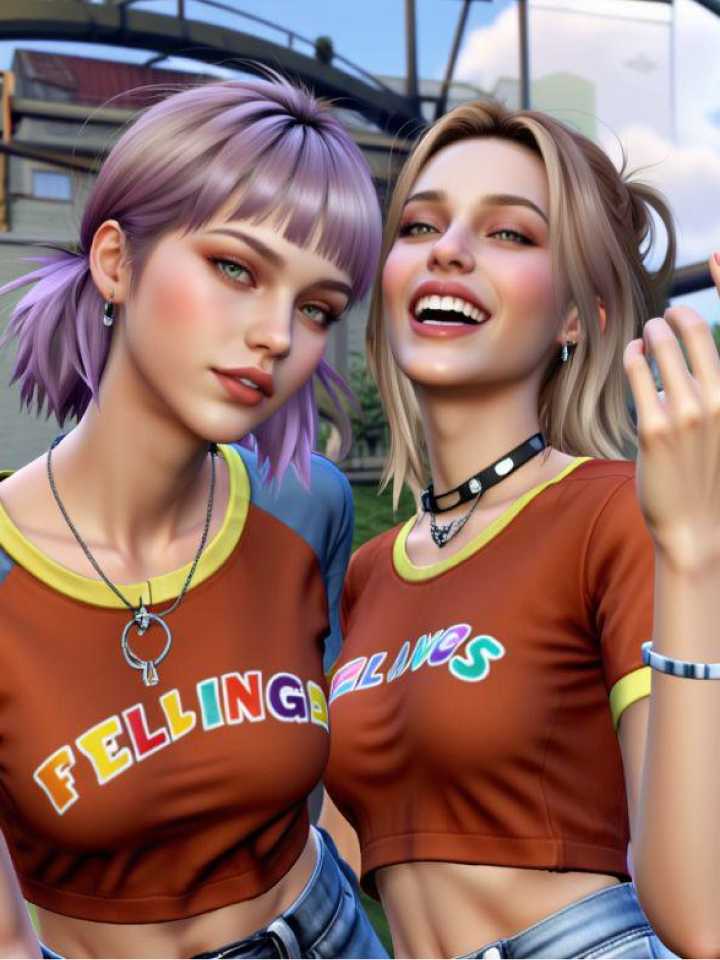
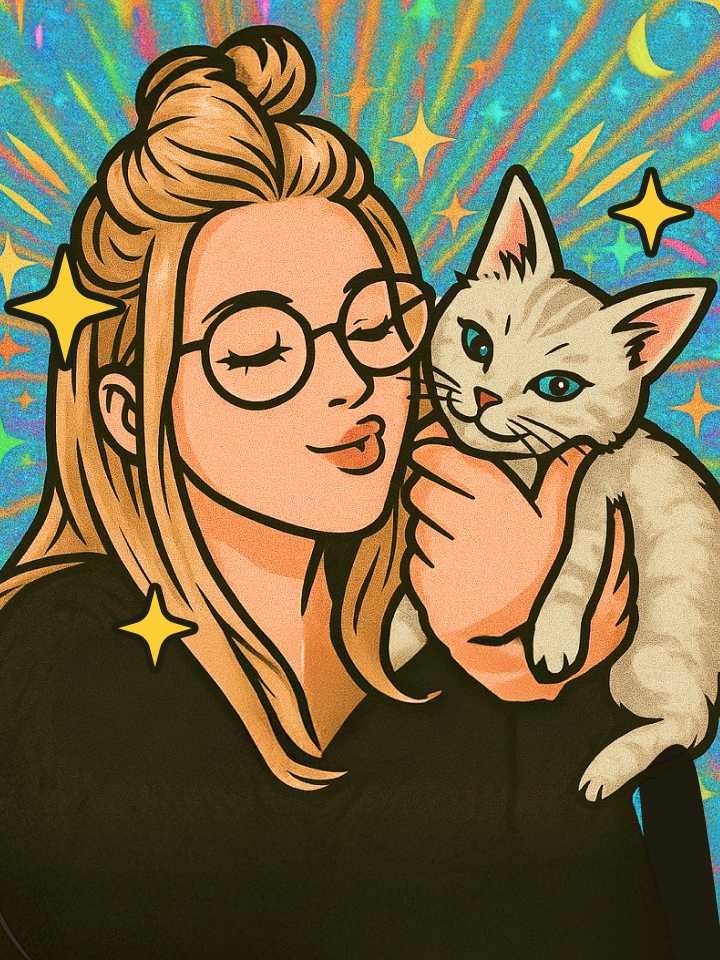
Transform your selfies and landscapes with Airbrush’s AI photo filters. Whether you want an anime-inspired look, a cartoon twist, or a hand-drawn sketch effect, it only takes a few taps. It’s an easy, creative way to turn everyday photos into eye-catching visuals.

Why Choose Airbrush for AI Filter?

All Your Favorite AI Filters in One Place
Airbrush brings anime, cartoon, and sketch filters together in one easy-to-use tool. Effortlessly switch between styles and transform any photo with smart AI effects. Whether you're experimenting with looks or creating content, it's all possible in just a few taps.

Simple to Use, Works with Any Image Format
Airbrush AI Filter is designed for everyone—no editing experience needed. It supports popular image formats like JPEG, PNG, and JPG, allowing you to upload any photo smoothly. The tool handles your images with precision and delivers high-quality, creative transformations effortlessly.

Edit Instantly Without Registration
No registration needed—just upload your image and see it transformed. Whether you prefer anime, sketch, or cartoon-style effects, find the filter that suits your personality. Enjoy smooth, fast results with no sign-up hassle.
All Your Favorite AI Filters in One Place
Airbrush brings anime, cartoon, and sketch filters together in one easy-to-use tool. Effortlessly switch between styles and transform any photo with smart AI effects. Whether you're experimenting with looks or creating content, it's all possible in just a few taps.
Simple to Use, Works with Any Image Format
Airbrush AI Filter is designed for everyone—no editing experience needed. It supports popular image formats like JPEG, PNG, and JPG, allowing you to upload any photo smoothly. The tool handles your images with precision and delivers high-quality, creative transformations effortlessly.
Edit Instantly Without Registration
No registration needed—just upload your image and see it transformed. Whether you prefer anime, sketch, or cartoon-style effects, find the filter that suits your personality. Enjoy smooth, fast results with no sign-up hassle.

Get Realistic Results—Detailed, Natural, and You
Experience AI-generated results that go beyond filters. Whether you choose anime, cartoon, or sketch styles, Airbrush captures the unique details of your face—from subtle expressions to contours—with precision. The technology ensures every result looks natural, detailed, and unmistakably you, turning ordinary photos into stylized images that still feel personal and true to life.

Turn Your Selfie into Your Signature Look
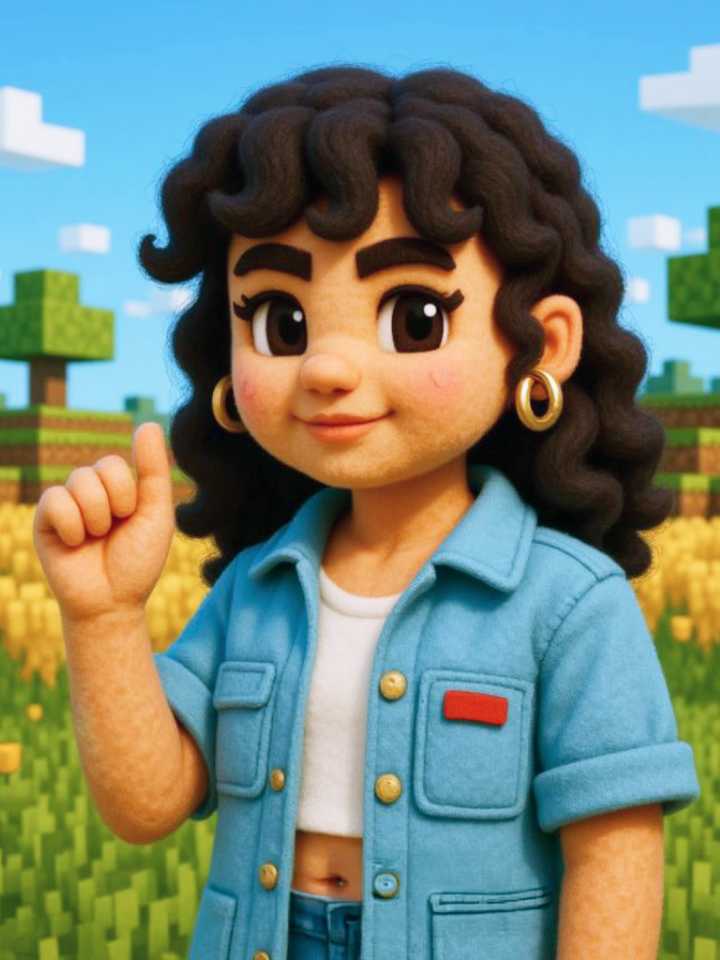
Turn your images into cartoon-style art perfect for social media posts, unique profile pictures, or fun digital content. Airbrush’s AI cartoon filter makes it easy to give your photos a playful, eye-catching style that stands out online—ideal for personal branding, avatars, or simply adding some fun to your feed.

Turn Any Photo into Fun, Cartoon-Style Art with AI
Airbrush’s AI Cartoon Filter instantly transforms your photos into vibrant, illustrated versions of yourself. It’s perfect for adding a creative twist to your social media posts, profile pictures, or digital art projects. With just one image, you can create eye-catching cartoon effects that are playful, polished, and totally unique—no editing skills needed.

Photo to Anime/Ghibli Art
Bring a touch of anime magic to your photos with Airbrush’s AI Ghibli-style filter. From soft colors to expressive character vibes, it turns ordinary images into enchanting art inspired by animated storytelling. Use it to create unique profile photos, enhance your social media feed with a creative touch, or explore a new artistic side of your everyday pictures.
How to use Airbrush AI Filter?
step 1
Upload Your Photo
Choose an image from your library.
step 2
Choose the Filter
Choose AI Filter and watch your photo become unique digital art in moments
step 3
Review and Download
Download to save your digital Art.
User reviews
Marlowe Quinn
The AI filter effects are incredible! I turned a regular photo into a dreamy cartoon style that looks professionally drawn. Super fun and shockingly accurate
Inez Calderón
I’ve used a ton of apps, but this one really nails it. The anime and sketch filters actually highlight your real features instead of just slapping a generic look over them.
Jasper Linwood
Honestly impressed. I uploaded a random selfie and the results were frame-worthy. It’s become my go-to tool for profile pics and creative edits.
Frequently Asked Questions
What can I do with Airbrush’s AI filters?
You can transform your photos using three main AI filters: Photo to Cartoon, Photo to Anime, and Photo to Sketch—turning everyday images into stylized artwork.
Can I transform my photos into anime using AI?
Yes! Airbrush offers anime-style AI filters that transform your photo into eye-catching, animated visuals in just a few seconds.
Is Airbrush’s AI filter free to use?
Yes, you can access the AI filters free for basic use. Upload your image and instantly see cartoon, sketch, or anime versions.
Can I try different art styles on the same photo?
Absolutely. You can switch between cartoon, sketch, and anime filters to see which one fits your image best—all in one place.
What file types are supported for upload?
You can upload common formats like JPEG or PNG to use any of the Airbrush AI image filters.

Features & Tools
AI Powered RetouchEraserBackground RemoveNo Beard FilterFace EditorAI MakeupPhoto FiltersPhoto Color ChangerAll ToolsDownload
Support
Features & Tools
Download
Support