Airbrush

start icostart icostart icostart icostart ico

Download for 7-day Free Trial

smart banner
HomeAll Tools
AI Video Upscaler

Free AI Video Upscaler | Upscale Video Online

Enhance your video quality with Airbrush AI Video Upscaler. Boost resolution, sharpen details, and upgrade low-quality footage online using smart AI for clearer, smoother, and more professional-looking results.
Drag and drop video hereSupported video types: MP4, M4V, MOV; ≤4K; <200mb; <10 mins

Unlock More Free Features in the App

Mac OS
Windows
iOS
Android
AI Video Upscaler

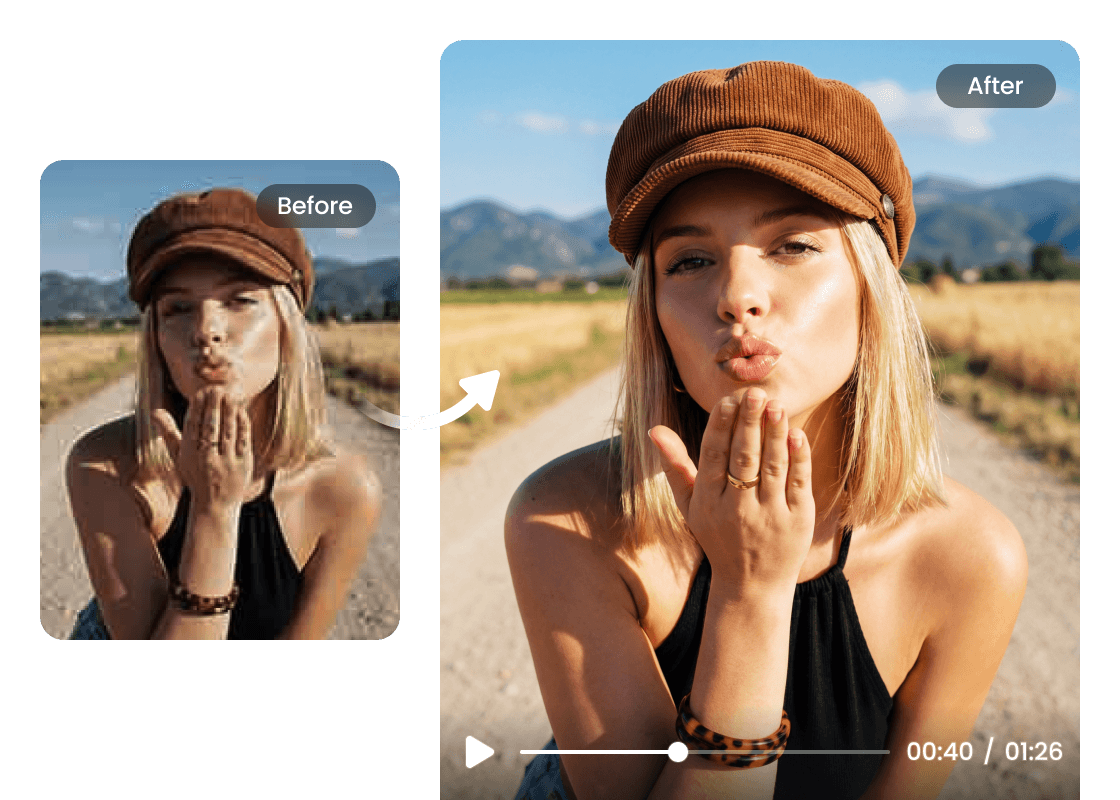
Upscale Videos to 4K with Smart AI Precision

Airbrush brings advanced AI video upscaling that lifts your footage to 4K clarity without sacrificing quality. Each frame is analyzed and enhanced with added detail, sharper textures, and cleaner visuals, transforming low-resolution videos into crisp, high-quality results.
AI Video Upscaler

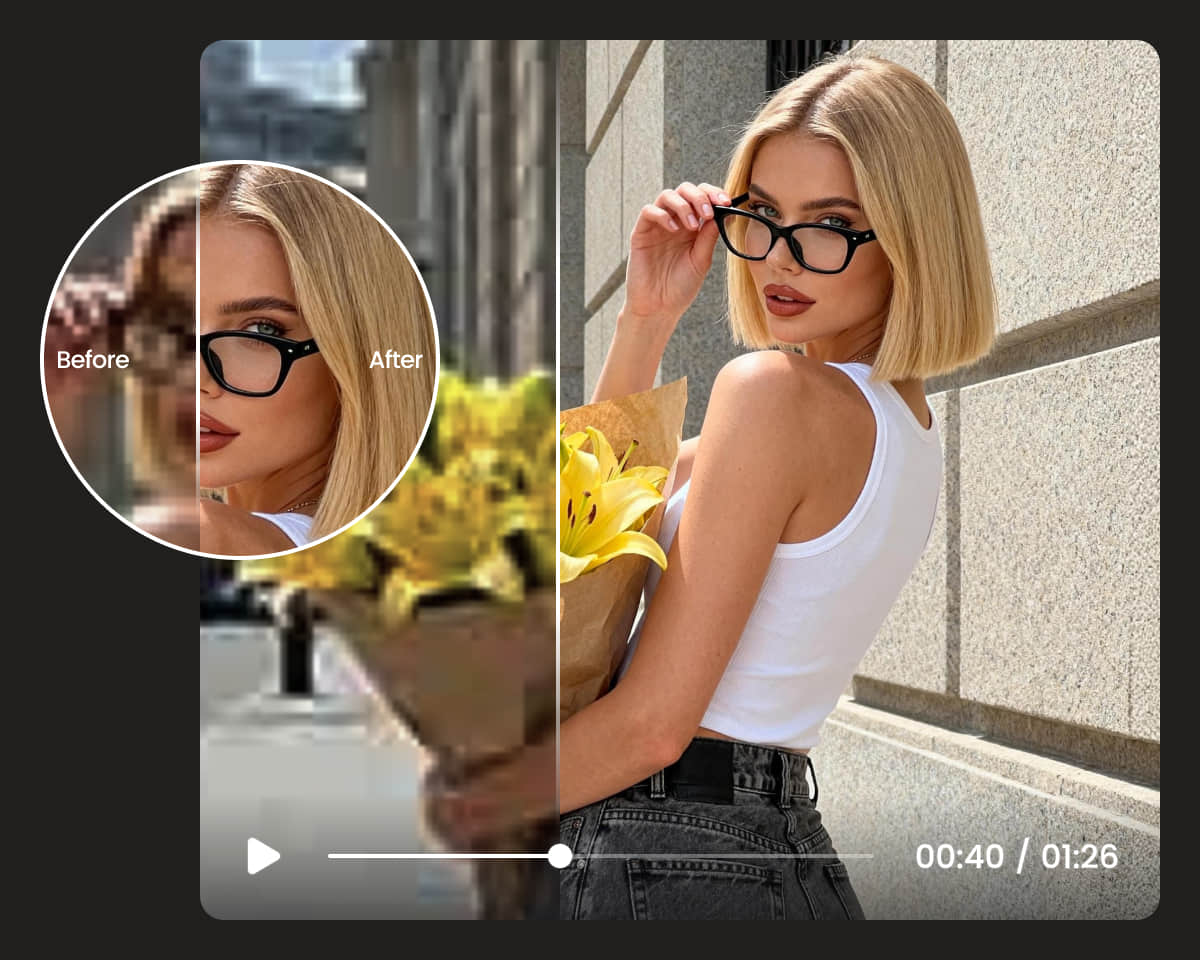
100% Automatic AI Upscaling, Zero Skills Required
Airbrush makes video upscaling completely effortless. Powered by 100% AI, you only need to upload your clip, no apps to install, no high-end laptop required. The AI handles everything automatically, delivering clear, upscaled results with zero effort.
AI Video Upscaler

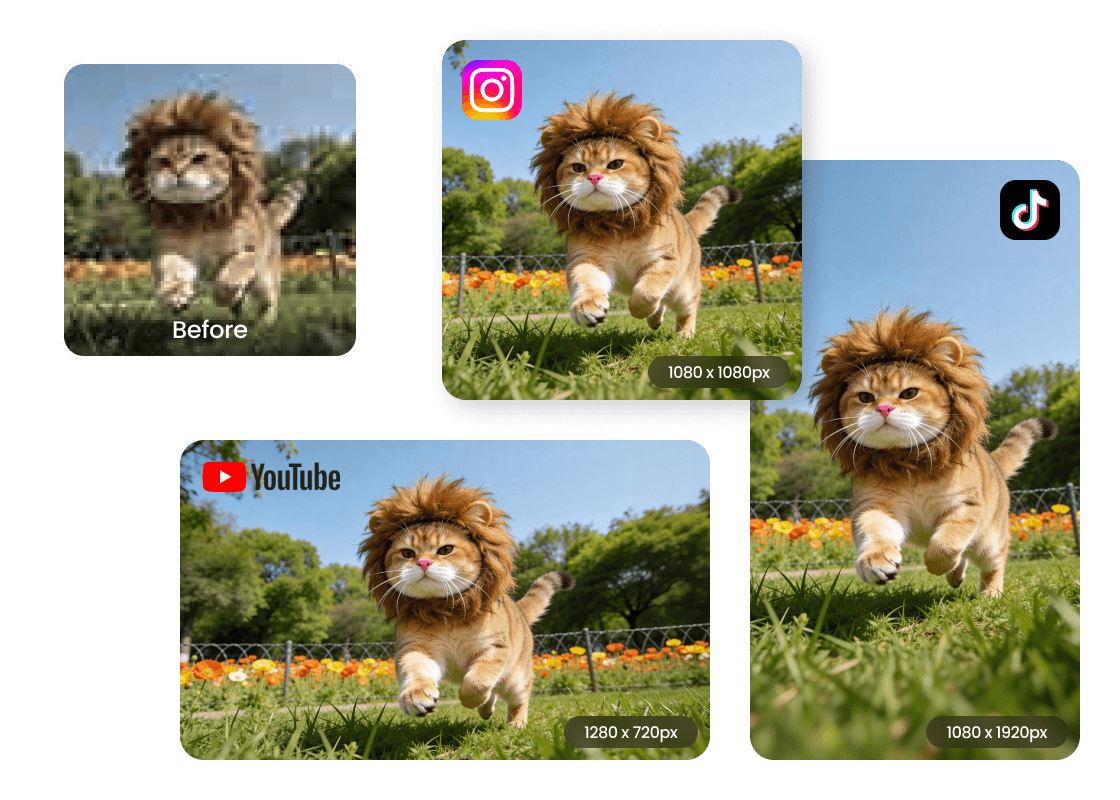
HD Quality for TikTok, Instagram, and Every Social Platform

HD content is essential on today’s video-driven platforms. Whether you’re posting on TikTok, Instagram, YouTube, or Facebook Reels, high-quality videos help you stand out, and with Airbrush, you can enhance video and share them in no time.

How to AI Video Upscaler?

Upload a video

Open Airbrush, click “Upload,” and choose the video you want to upscale

AI UpScale your video automatically

Once uploaded, the AI upgrades the quality by improving brightness, contrast, sharpness, and overall resolution.

Save your HD video

Preview the enhanced result, pick your export format, and download your upgraded video.
how to

User Reviews

Rowan Ellis
I wanted to upscale some old travel clips, and Airbrush did an amazing job. The video enhancer made everything look cleaner without me doing anything complicated.
Priya Sandoval
The upgrade to 1080p is unbelievably smooth. The enhancement feels natural, and my videos now look good enough for social media and client work.
Mateo Rivers
I’m shocked by how good the AI is. The algorithm actually adds detail instead of just sharpening the footage. My videos look polished and professional now.
Rowan Ellis
I wanted to upscale some old travel clips, and Airbrush did an amazing job. The video enhancer made everything look cleaner without me doing anything complicated.
Priya Sandoval
The upgrade to 1080p is unbelievably smooth. The enhancement feels natural, and my videos now look good enough for social media and client work.
Mateo Rivers
I’m shocked by how good the AI is. The algorithm actually adds detail instead of just sharpening the footage. My videos look polished and professional now.

FAQ

Is the Airbrush Video Upscaler free to use?

Yes, you can try the free video upscaler online and enhance your clips without downloading any software.

How does the AI improve my video quality?

The tool uses AI to analyze each frame and rebuild missing details, delivering cleaner, sharper video enhancement without manual editing.

Can I upscale my videos to 4K?

Yes, the upscaler can convert low-resolution clips into smoother 4K video, depending on the quality of the original footage.

Do I need a powerful computer to use the tool?

No. Since it’s a video upscaler online, all processing happens in the cloud, so even basic devices can upgrade videos easily.

What video formats and resolutions are supported?

Most common formats are supported, and the tool can enhance video resolution up to HD or 4K, depending on your needs