


 Airbrush Studio
Make Every Photo Perfect on Desktop
The AI-powered photo editor for macOS and Windows built for creators and photographers who demand professional result without complex workflows. Edit faster, create more, and keep every image natural.
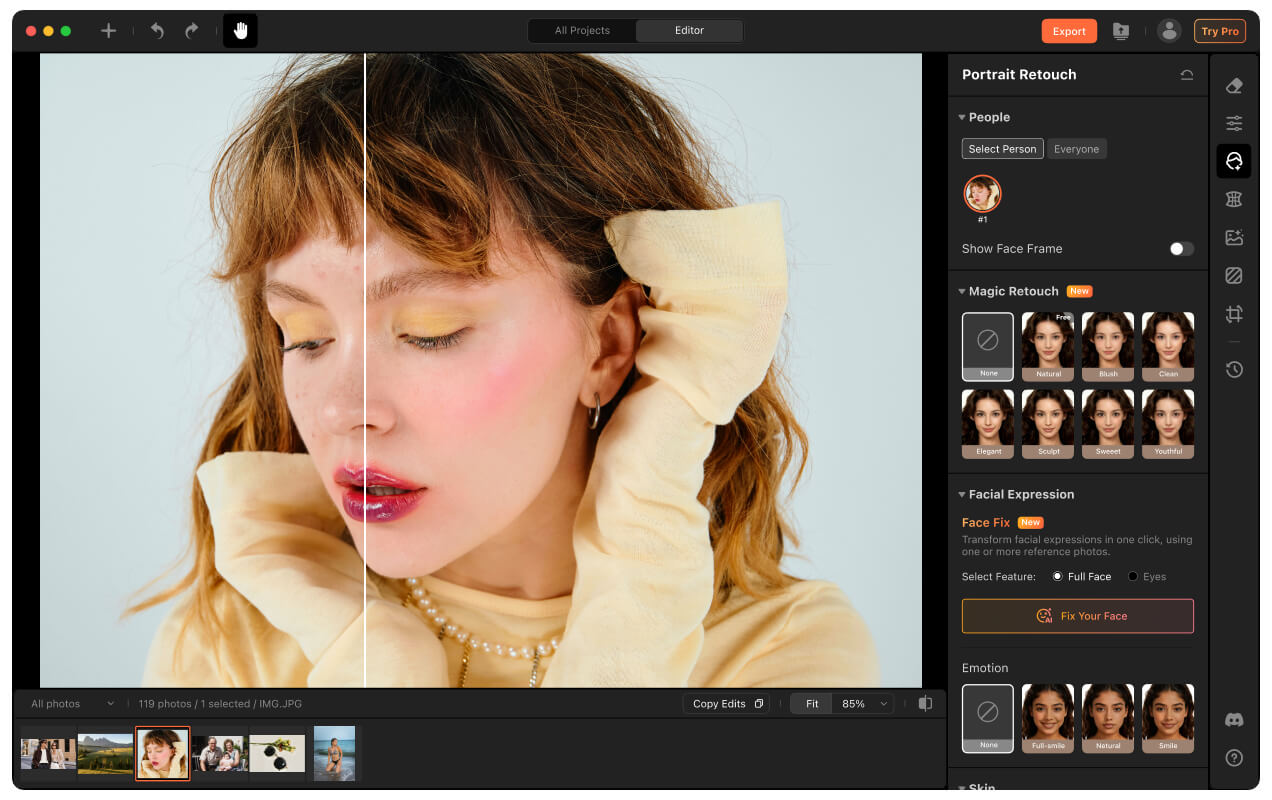
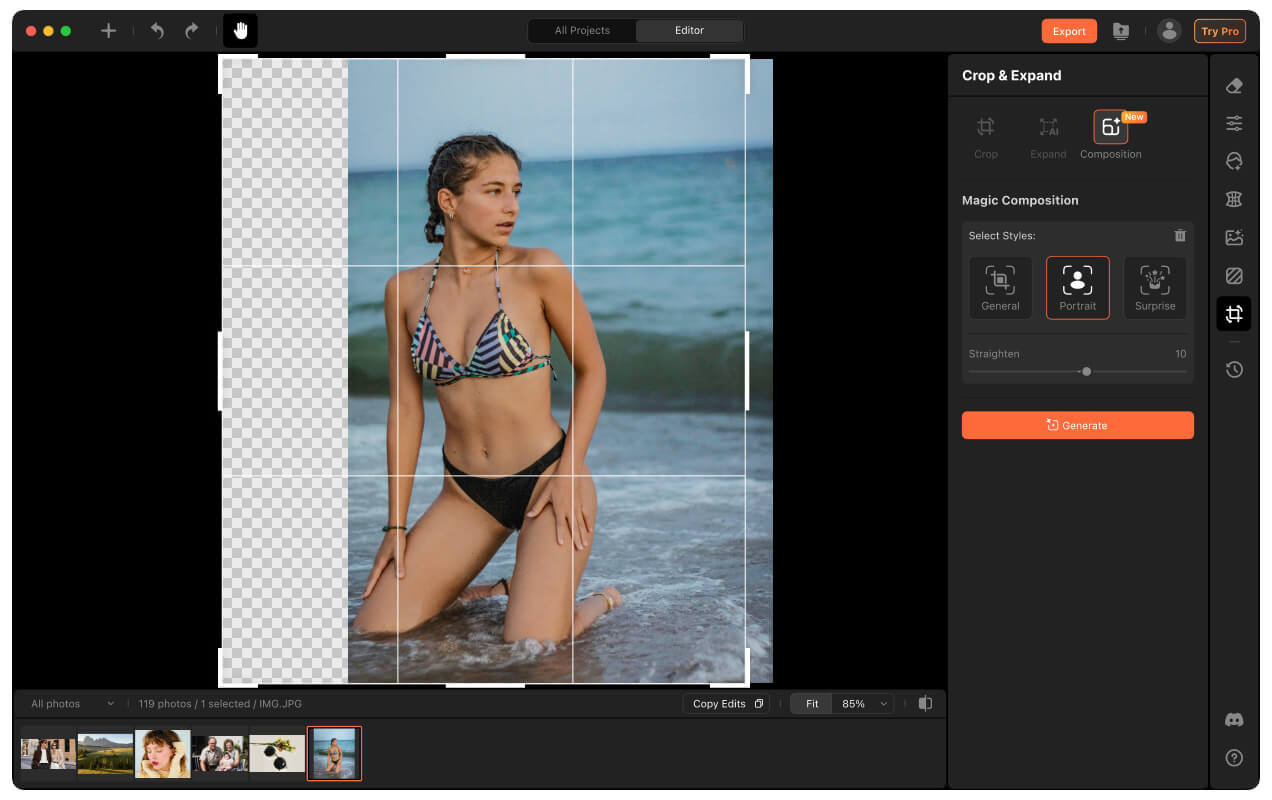
Portrait Retouch
Portraits with True Taste
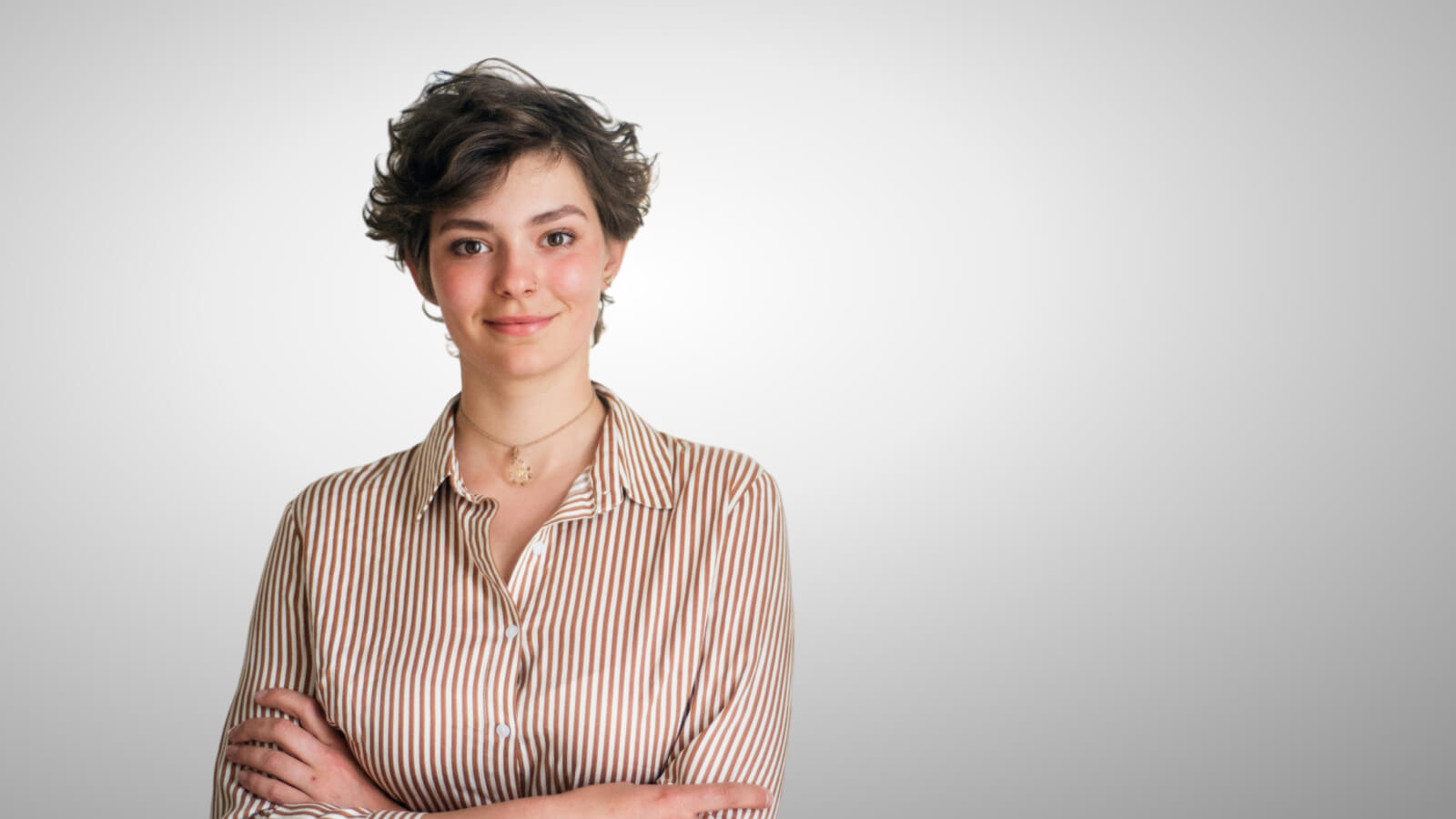
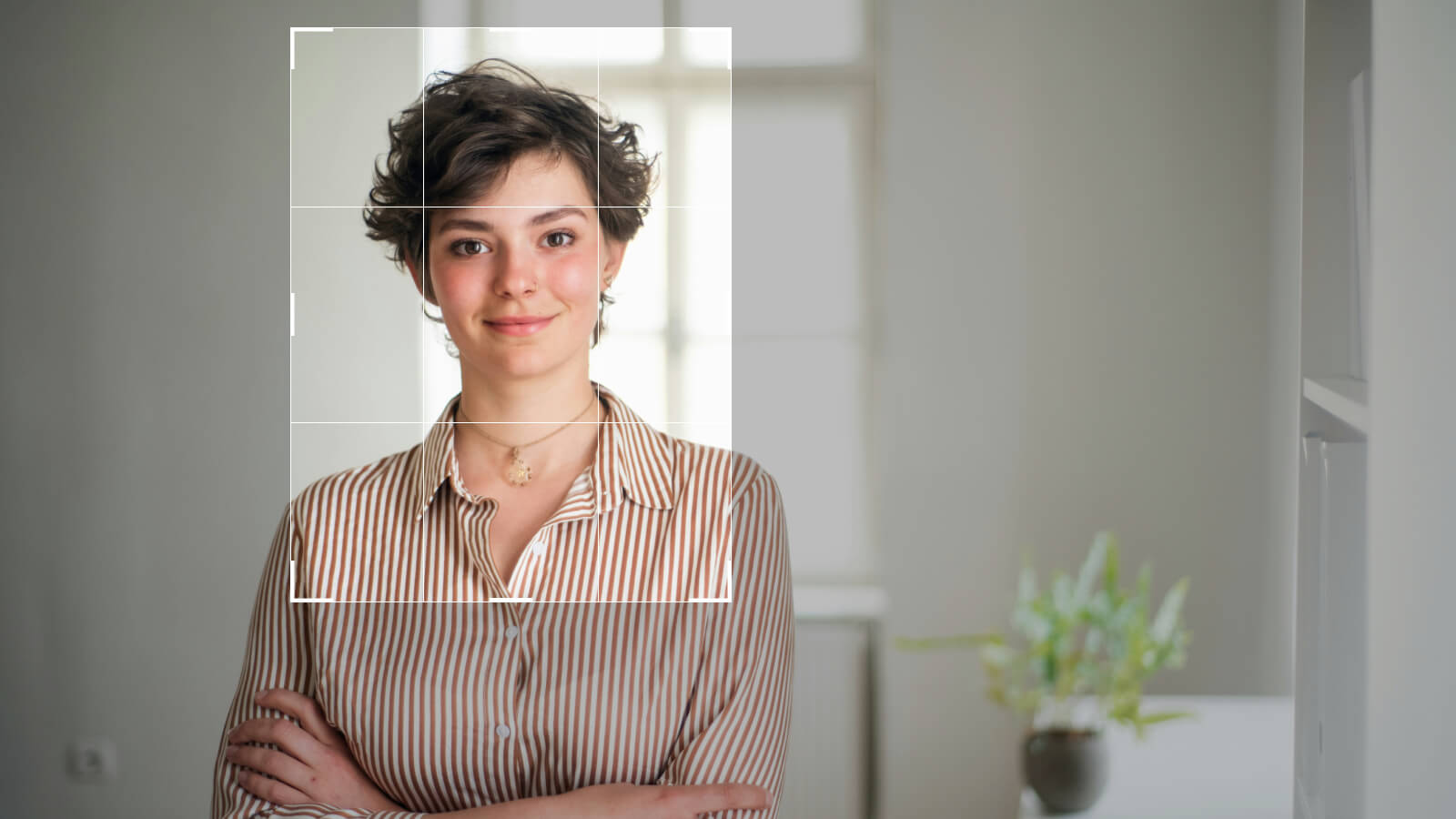
Backed by commercial photography expertise and advanced visual intelligence, our proprietary AI models understand human anatomy to deliver authentic, natural, and high-quality results.
Fix, Enhance and Transform Every Image
Color grade, remove distractions, enhance quality, replace skies, and refine every detail—without switching between multiple tools.


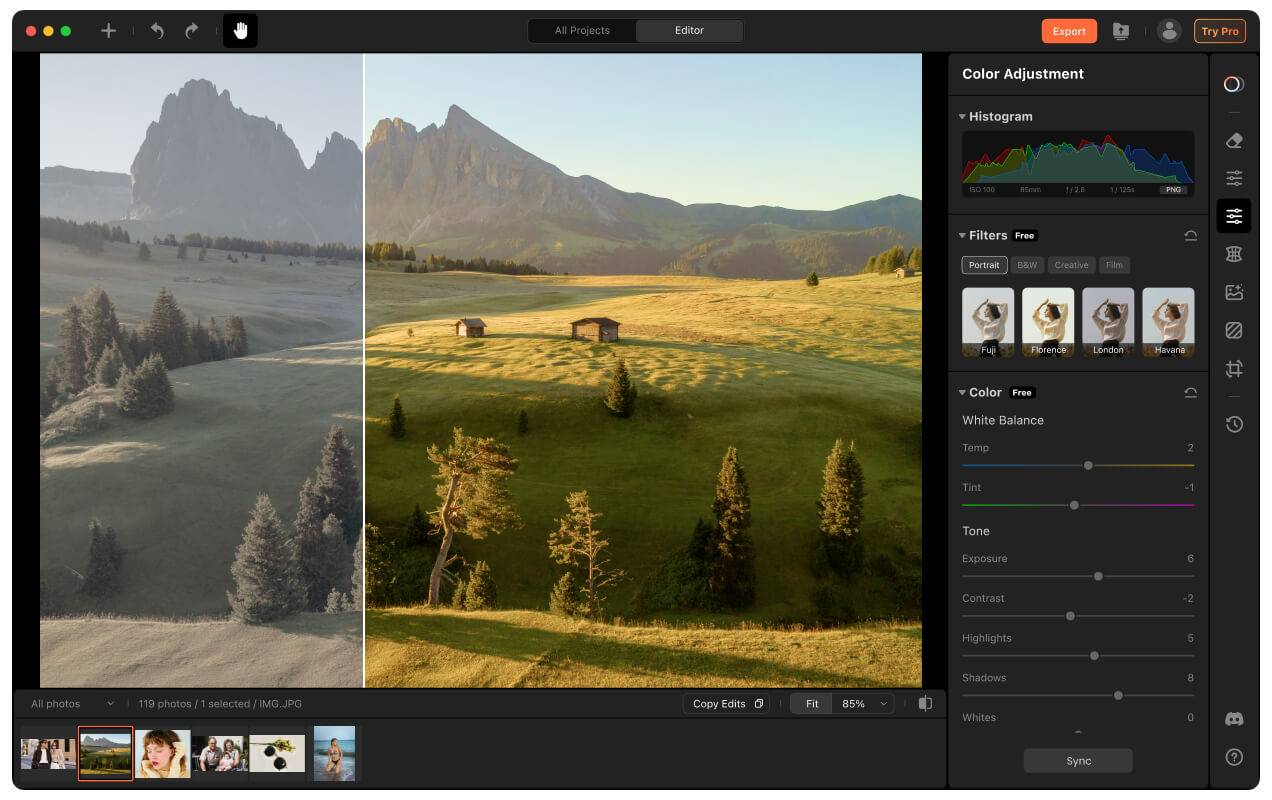
Color Grading
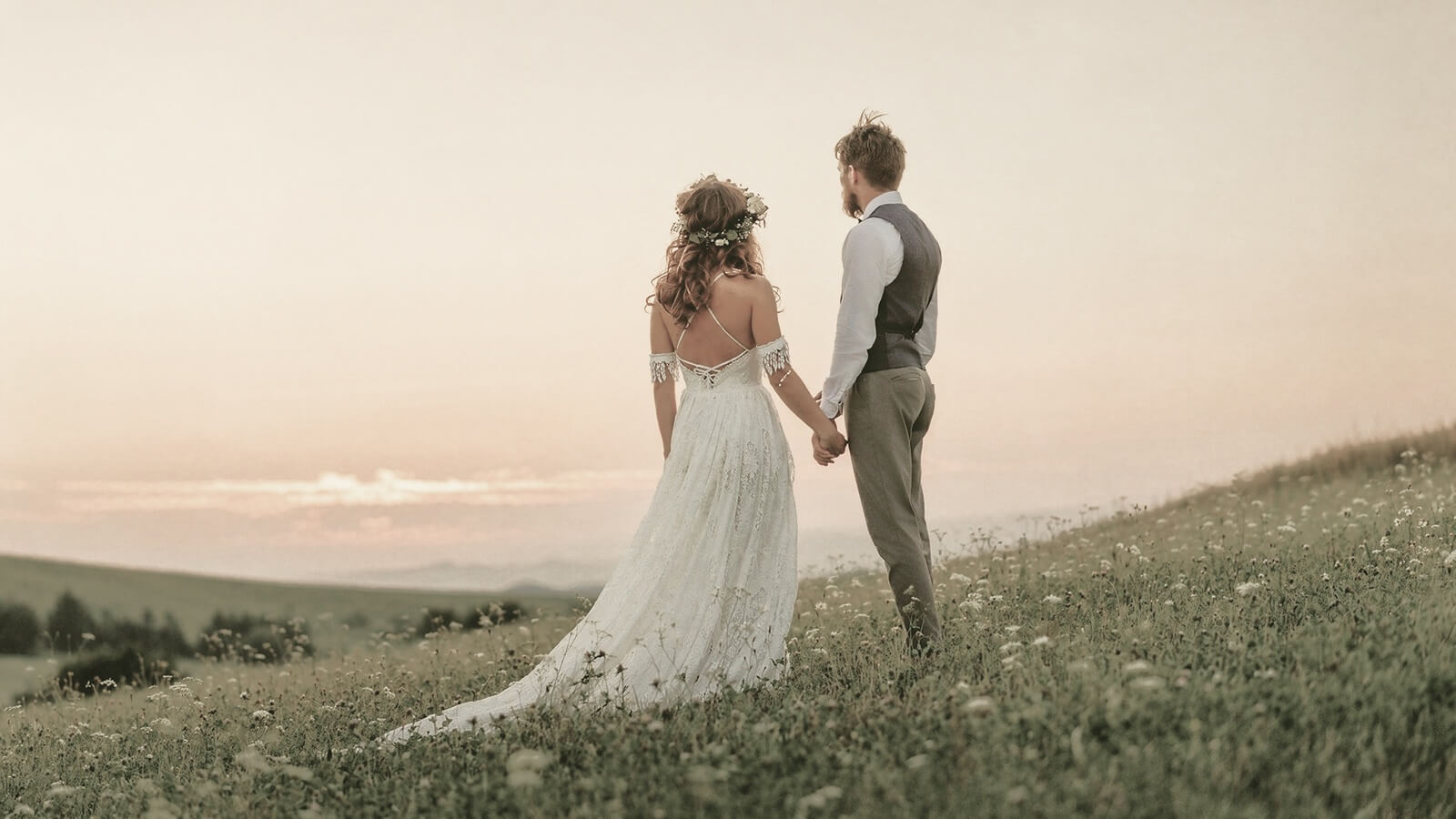
Infuse your image with rich, cinematic tones to elevate the style of your photos.


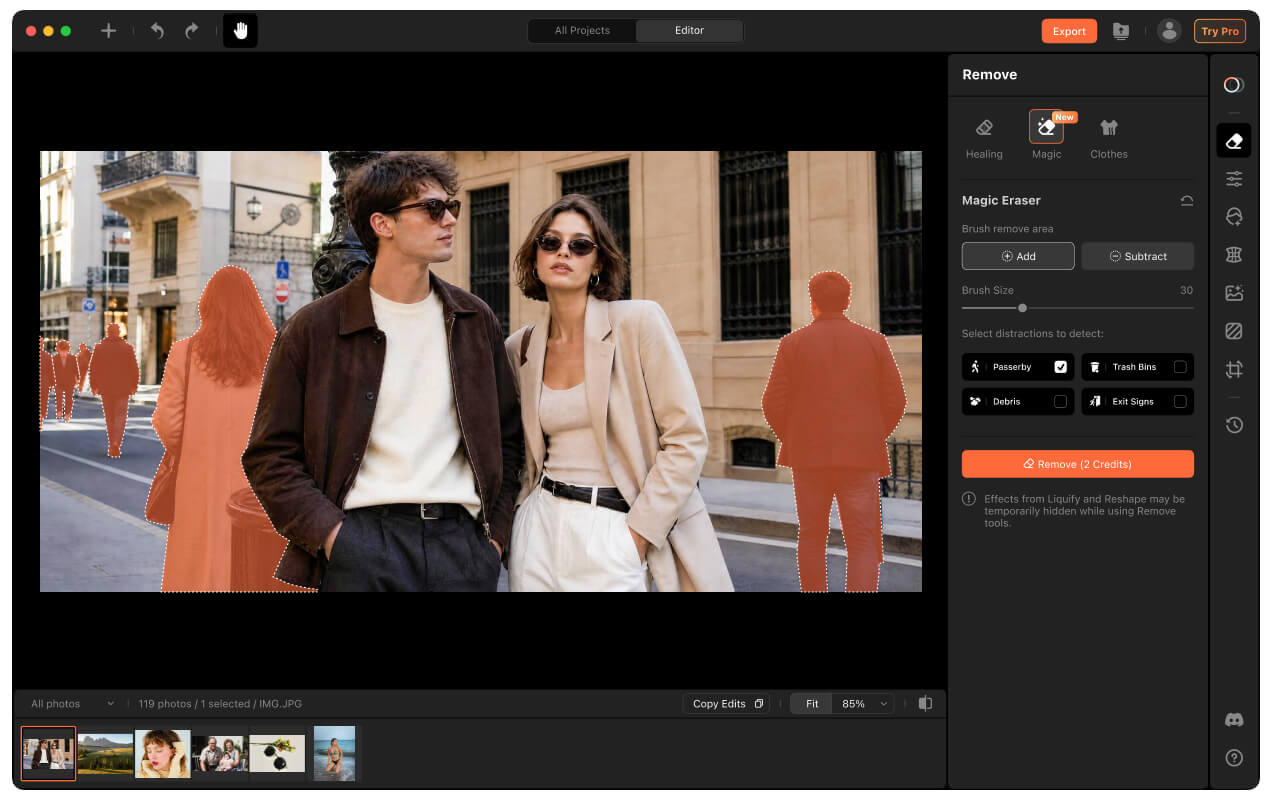
Magic Eraser
Remove passersby, clutter or unwanted distractions to keep attention exactly where it belongs.


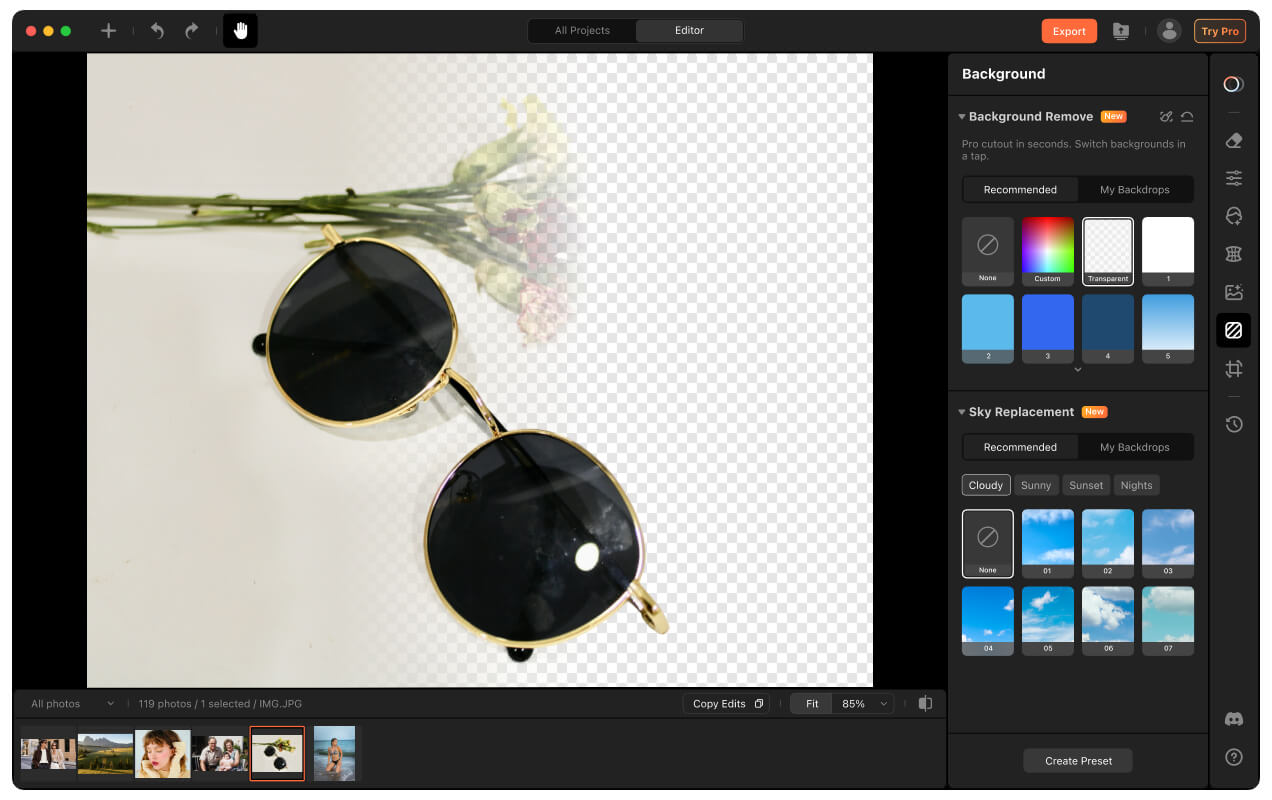
Background Remove
Generate clean, studio-quality cutouts in seconds.


Creative Blur
Add depth and focus to make your subject stand out.


Sky Replacement
Turn dull, overcast skies into vibrant blur skies or dramatic sunsets.


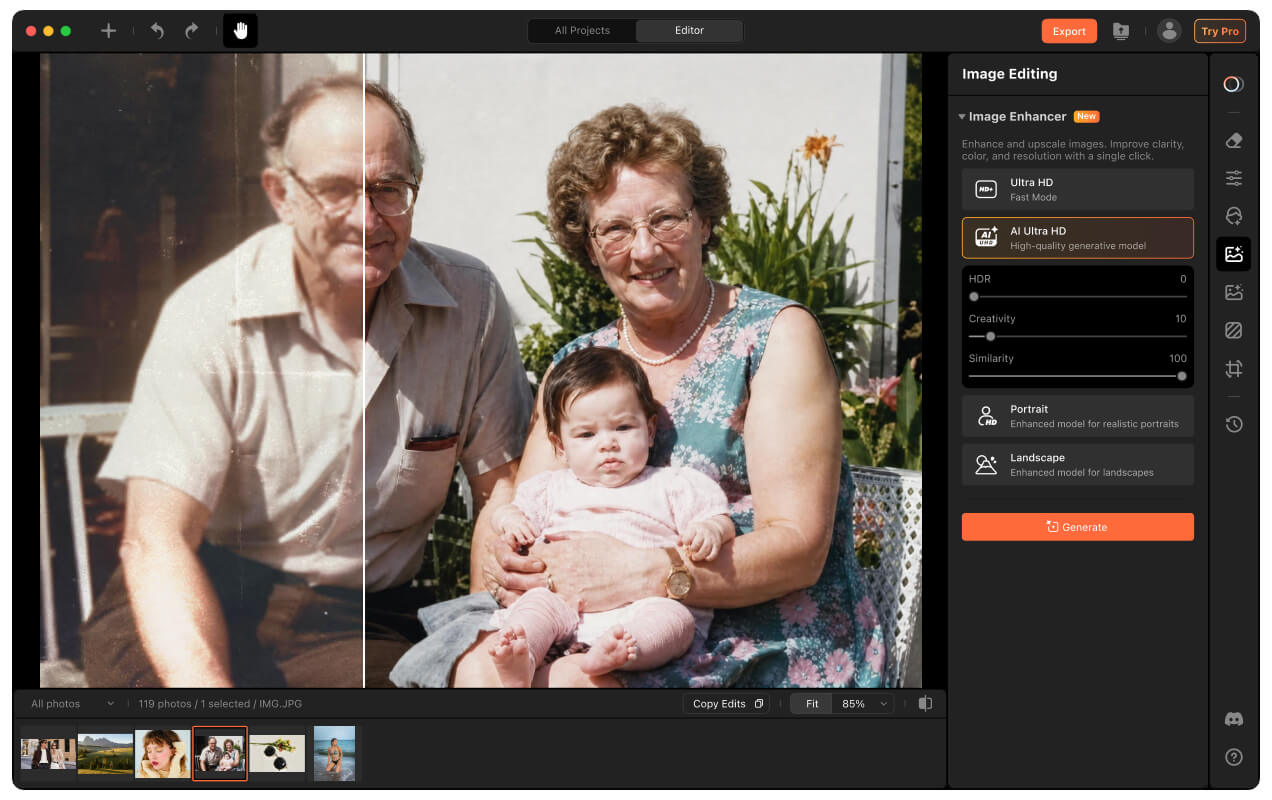
Image Enhance
Upscale and sharpen blurry low-resolution photo for crisp, high-quality results.
From Precision Editing to Batch Workflows
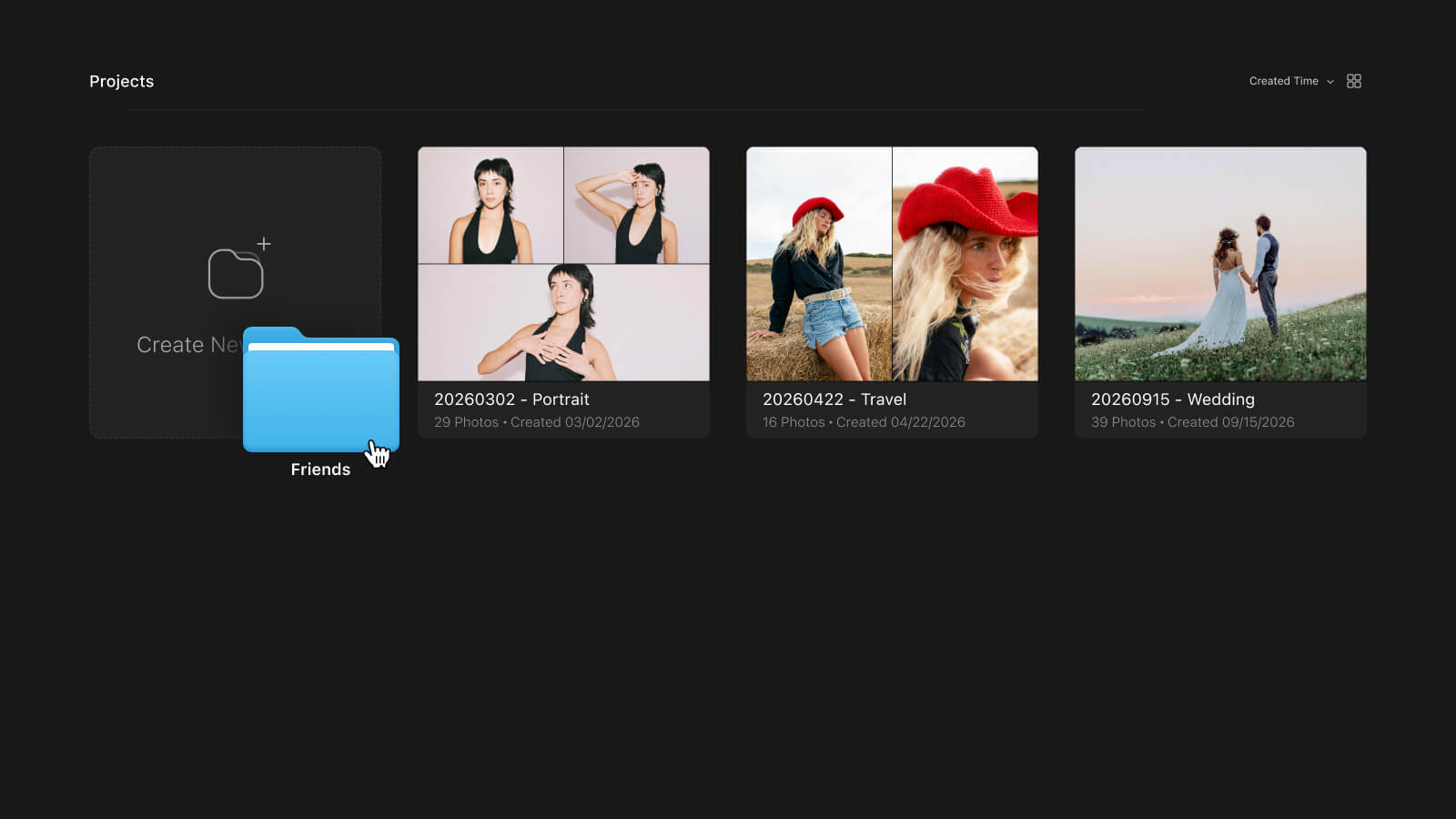
Whether you're perfecting a single portrait or editing hundreds of images at once, Airbrush Studio combines precise control with powerful batch automation to keep your workflow fast, consistent, and efficient.
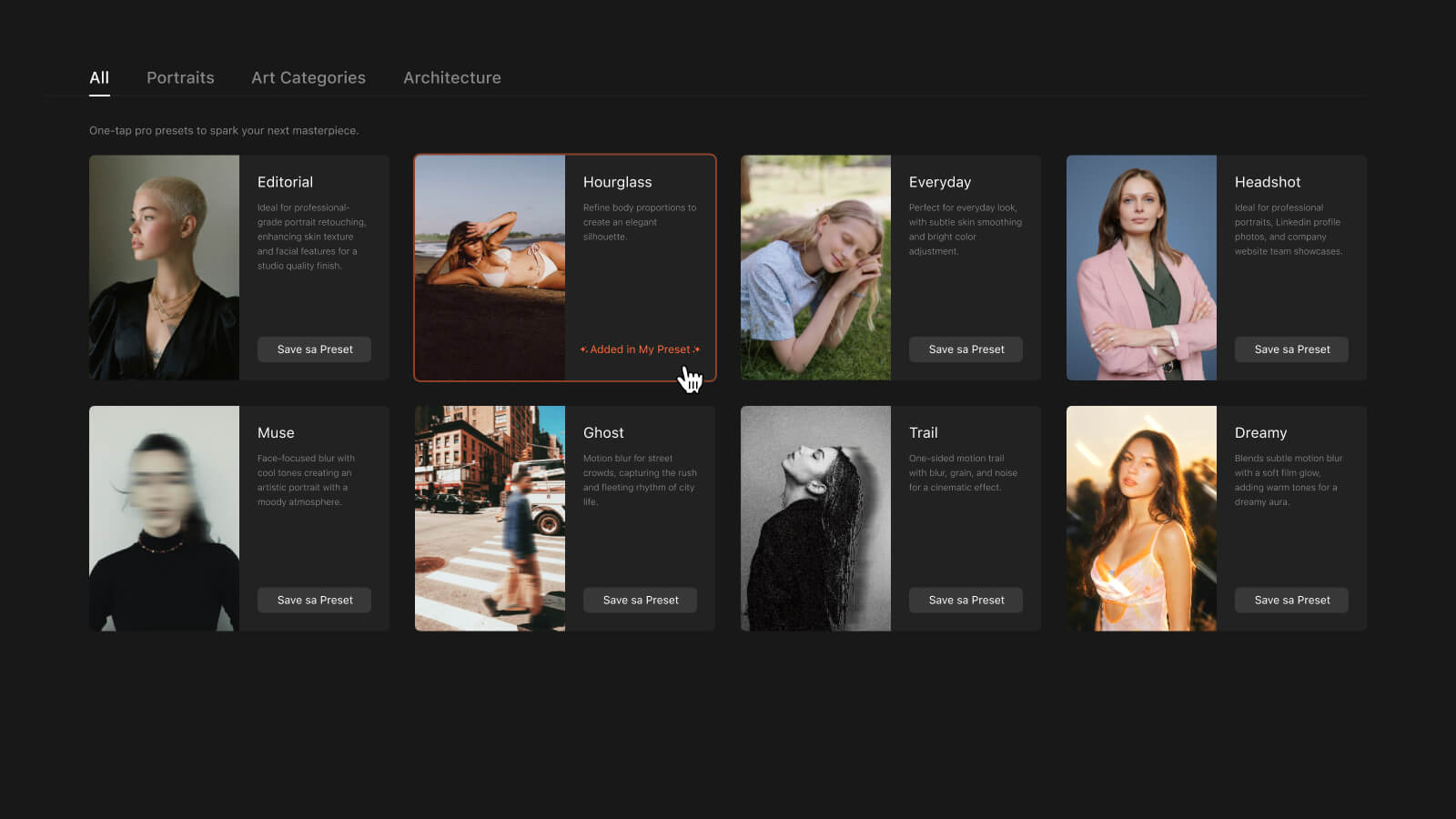
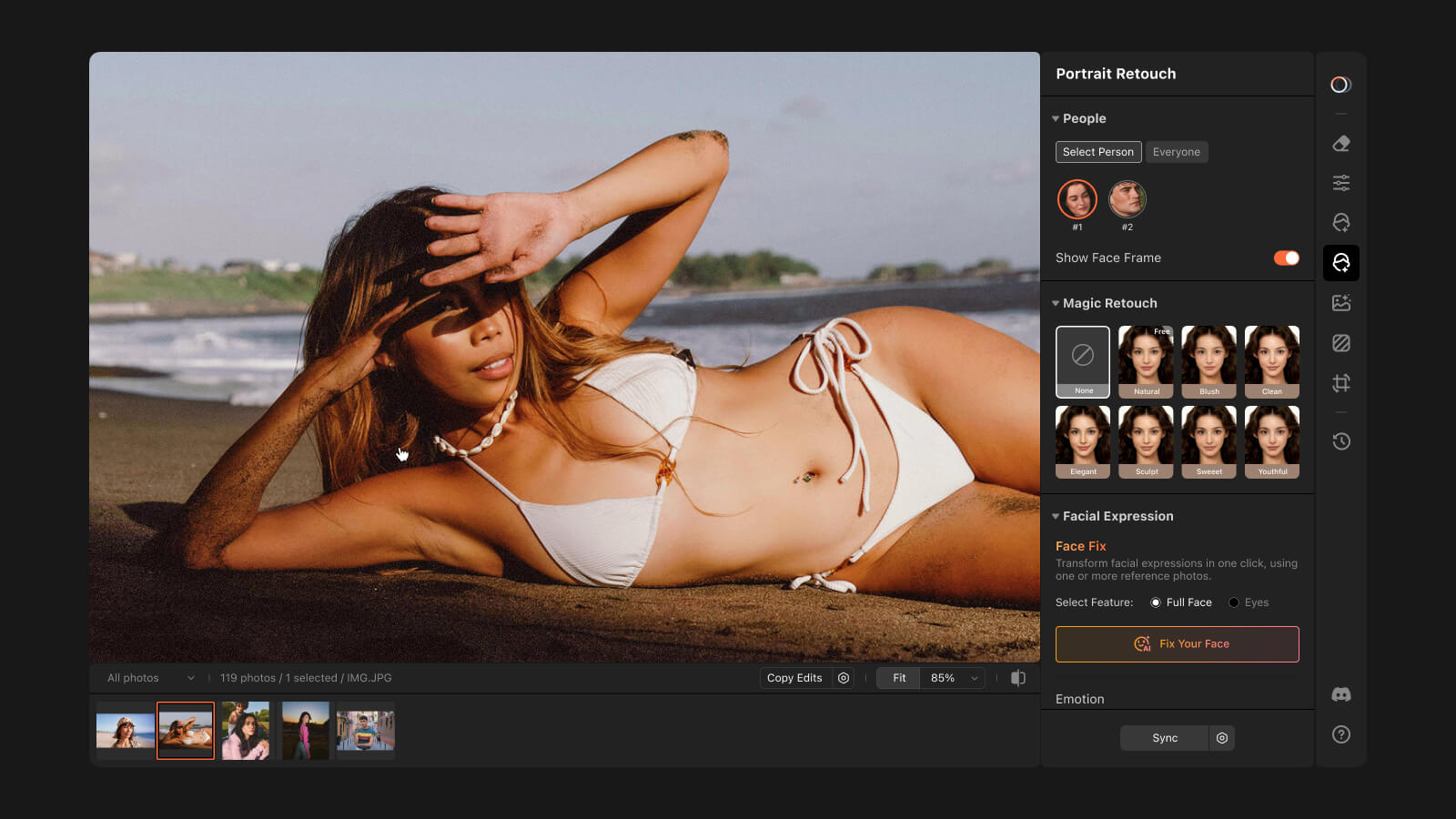
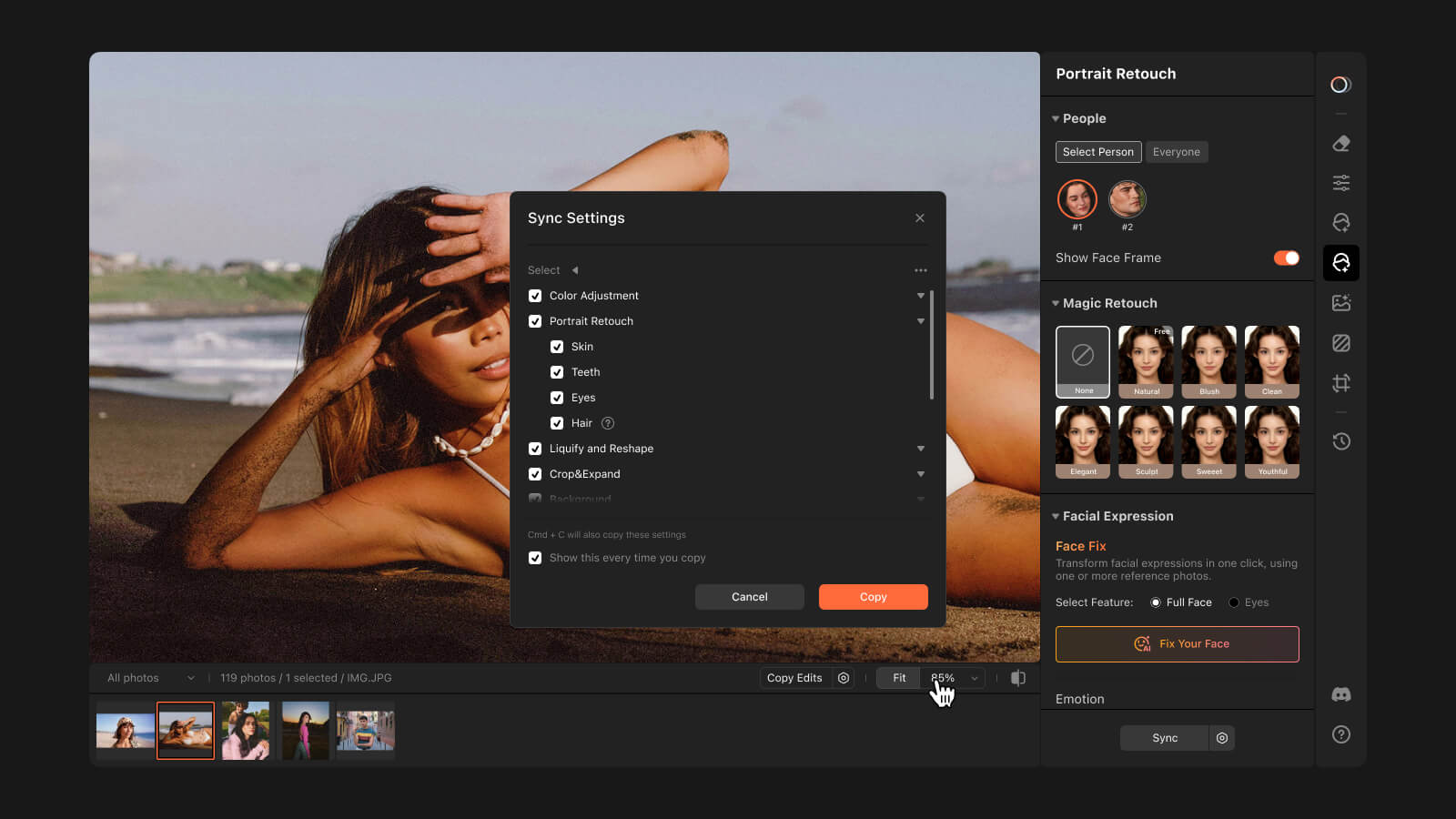
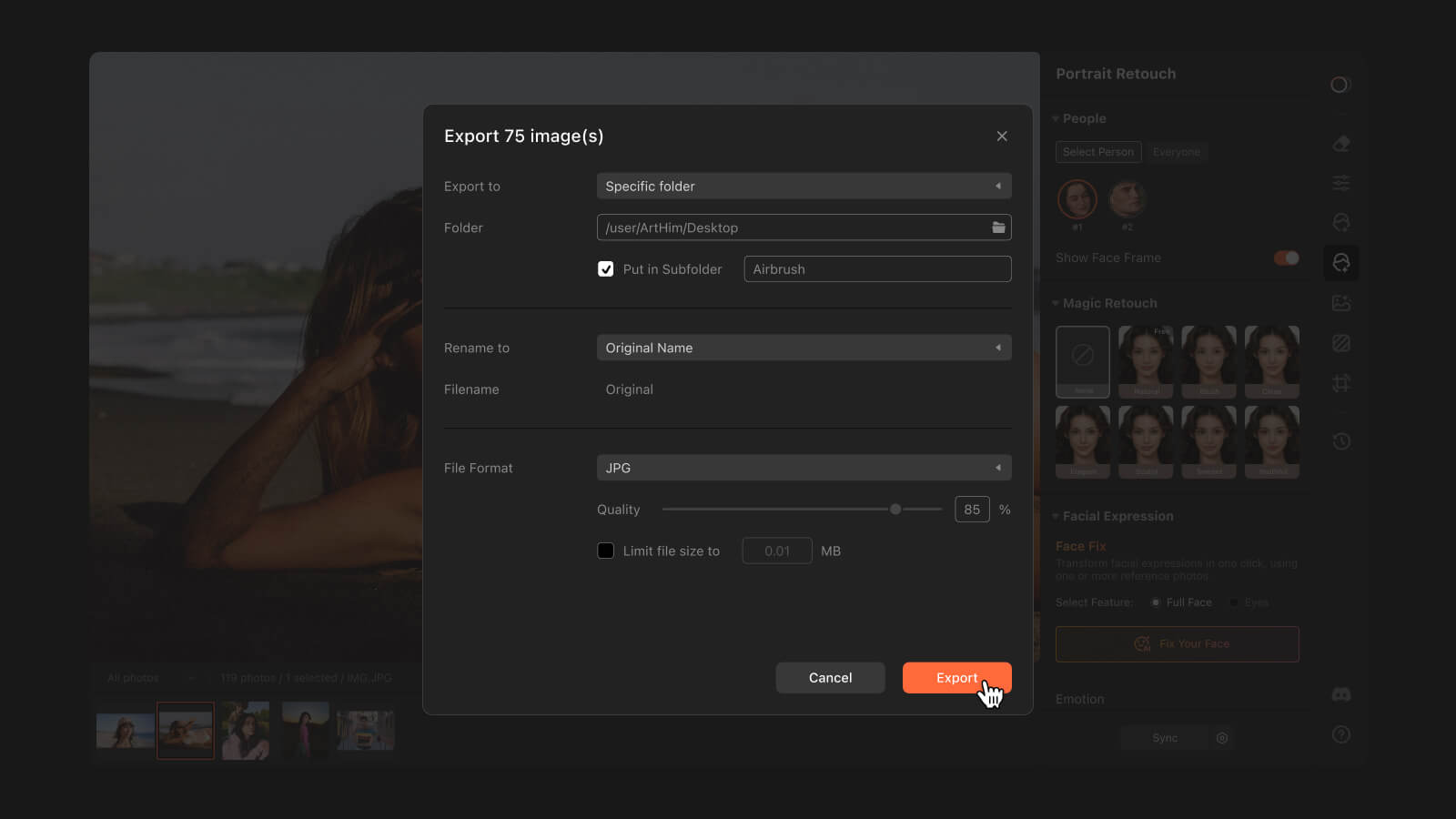
Smart Presets for Every Scenario
Smart Preset intelligently applies a complete editing workflow tailored to your scene, helping you achieve professional results in one click.
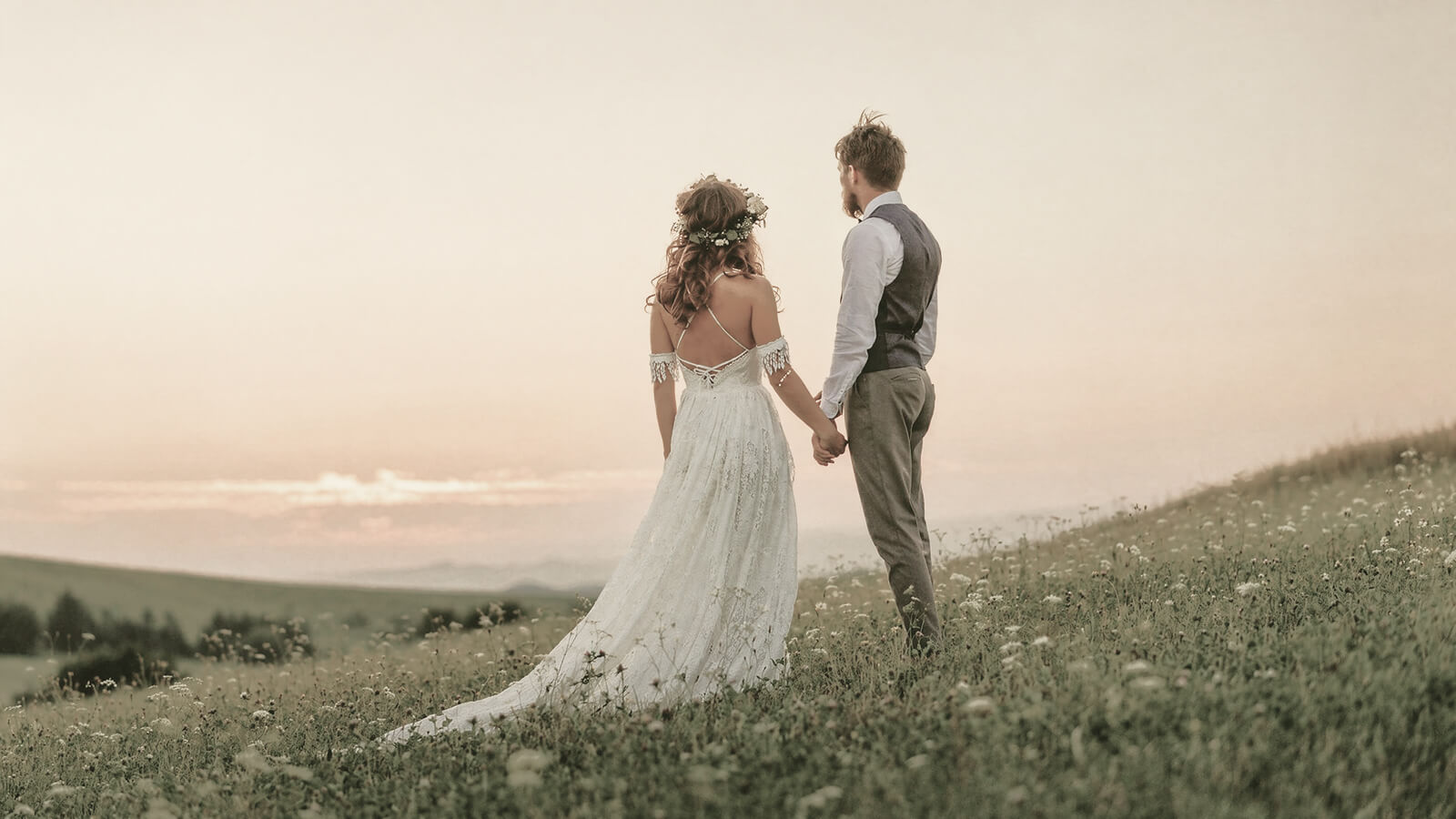








Create and Edit in One Workflow
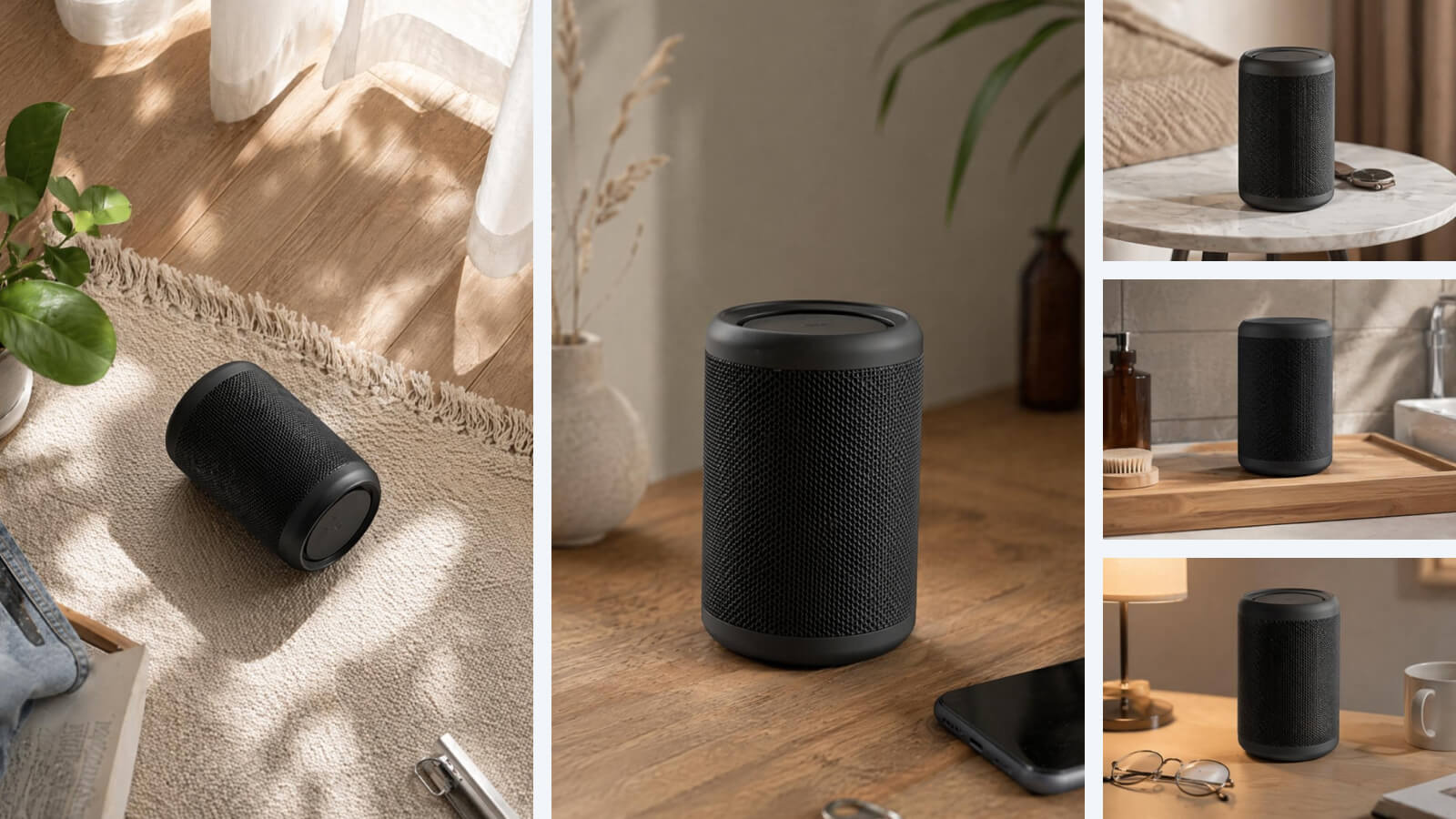
Powered by advanced image models including GPT Image and Nano Banana, Airbrush Studio lets you edit, transform, and generate new visuals from simple refinements to completely new creations.
Why Airbrush Studio on Desktop?
More than a bigger screen. Airbrush Studio gives creator the privacy, speed and flexibility needed for real creative work.
Private and Secure
Keep your photos on your machine with secure, offline-capable processing.
Faster Performance
Use your GPU power for batch editing, faster processing, and instant previews.
Unlimited High-Resolution Exports
Export high resolution image unlimitedly without worrying about per-image limits.
Designed for Pros
A clean, distraction-free workspace built for productivity.
Trusted by Millions of Creators Worldwide
Global impact with Proven Productivity
1M+
1M+ creators editing with Airbrush Studio
100+
Used in 100+ countries worldwide
65%
65% faster editing workflows
1M+
1M+ creators editing with Airbrush Studio
100+
Used in 100+ countries worldwide
65%
65% faster editing workflows
FAQ
Who can use Airbrush Studio?
Whether you’re a photographer, designer, creator, or simply someone who loves stunning visuals, Airbrush Studio is designed for you! It’s an ideal photo editor for PC, offering a range of tools to enhance your images effortlessly.
Do I need a strong foundation in photo editing?
Not at all! Airbrush Studio’s AI-powered tools handle the hard work, allowing you to achieve professional results even without prior experience. Anyone can use this easy photo editor for PC with confidence.
Can I change the language?
Currently, Airbrush Studio supports English only, but we plan to add more languages soon to better cater to a global audience. Stay tuned for future updates, including the ability to download photo editor free for PC in additional languages.
What are the system version requirements?
Airbrush Studio supports Windows 10 (and above) and macOS 11 (and above). Make sure your device is up to date with the latest operating system for seamless use of this photo editor software for PC.
What is the price?
Airbrush Studio offers a free Basic plan with credits to help you get started, making it a great option for users looking for the best free photo editor for PC. Additional paid plans are available for those who need more credits and advanced features.
Can I edit multiple photos at once?
Absolutely! Batch editing is a core feature of Airbrush Studio, allowing you to apply consistent retouching across hundreds of images quickly and easily. It’s the perfect tool if you’re looking for a photo editor app for PC with bulk editing capabilities.

Features & Tools
AI Powered RetouchEraserBackground RemoveNo Beard FilterFace EditorAI MakeupPhoto FiltersPhoto Color ChangerAll ToolsDownload
Support
Features & Tools
Download
Support