
HomeAll Tools
Blue Background

Add a Blue Background to Your Photo

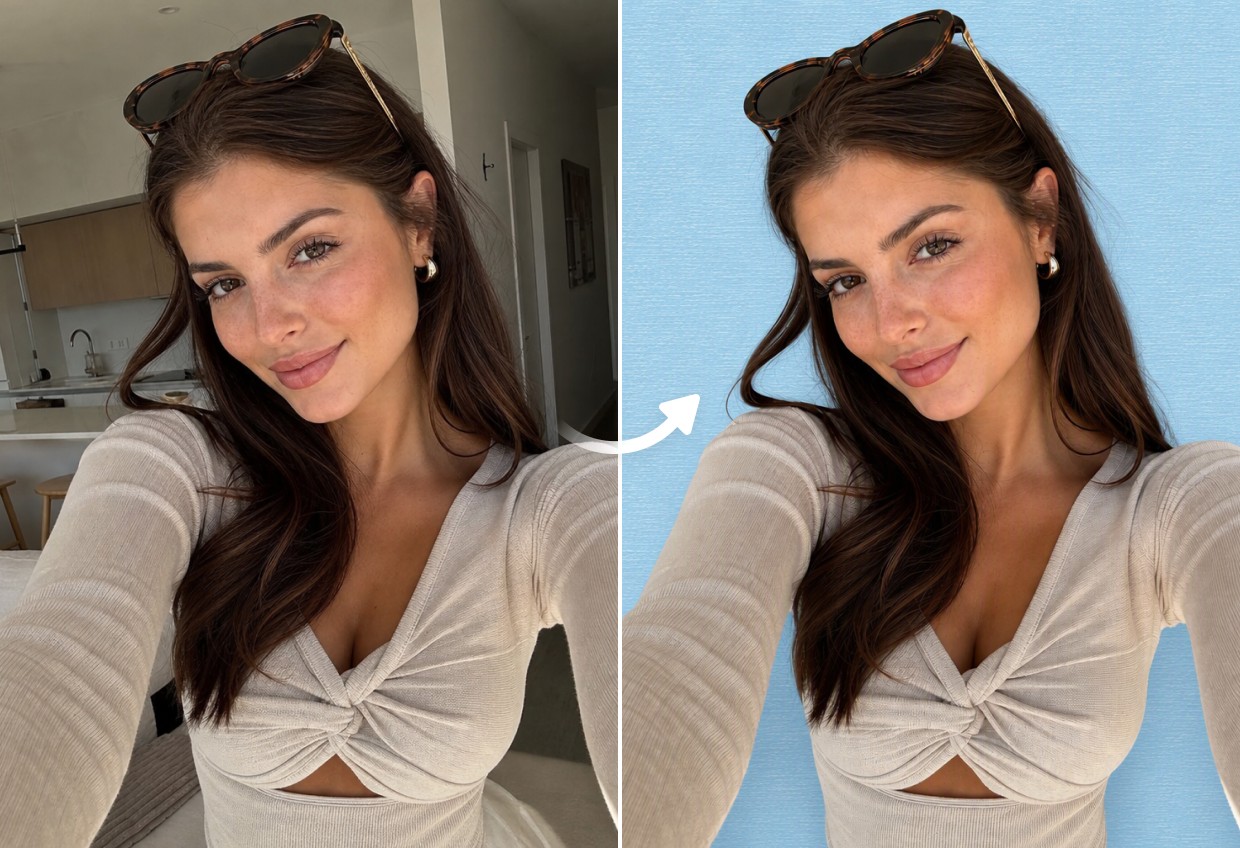
Create a clean blue background with Airbrush. Replace the original background, choose a blue shade that suits your image, and keep your subject looking natural. Ideal for portraits, product photos and profile pictures.

Upload Image

Drag and drop Image here

Blue Background

Create a clean blue background with Airbrush. Replace the original background, choose a blue shade that suits your image, and keep your subject looking natural. Ideal for portraits, product photos and profile pictures.

Blue Background

Replace Your Photo Background with Blue

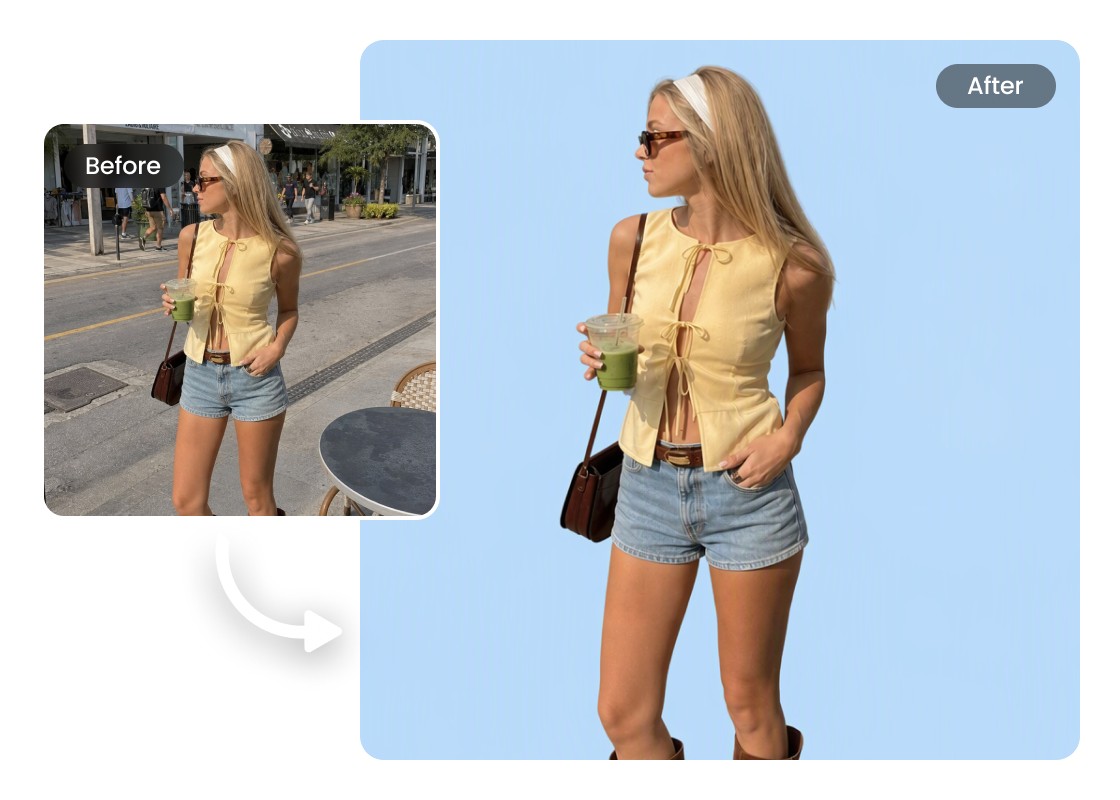
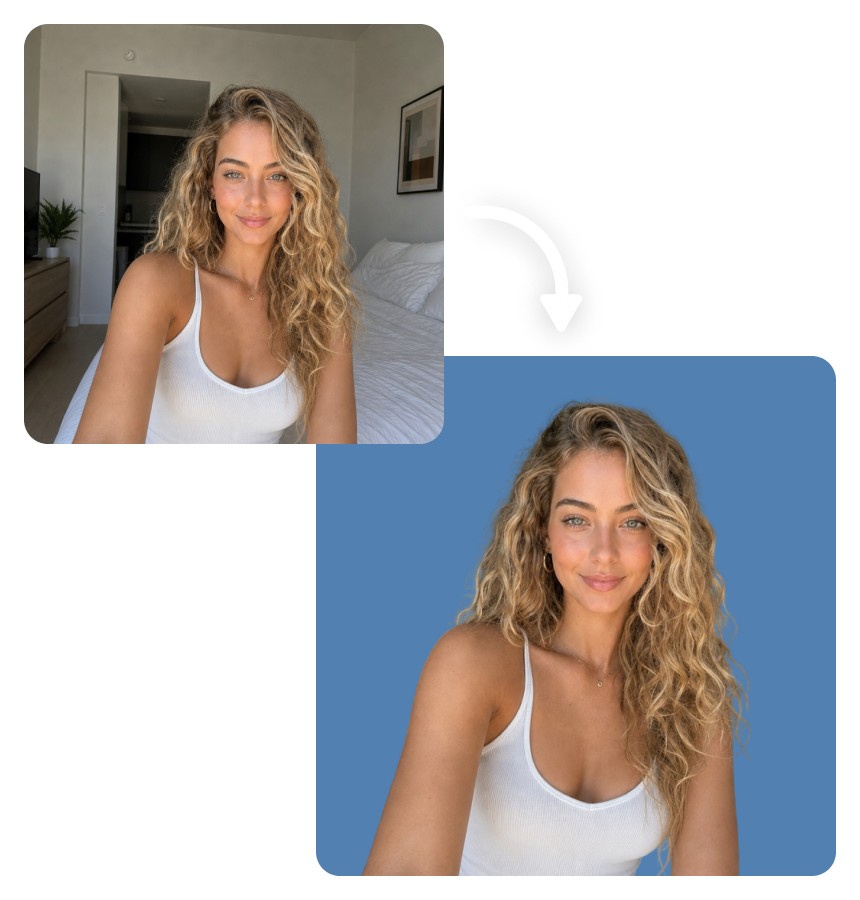
Give your photos a fresh look by replacing unwanted surroundings with a clean blue backdrop. Airbrush Blue Background Maker helps you remove the original background and create a more consistent appearance for portraits, products, and other images.
Blue Background

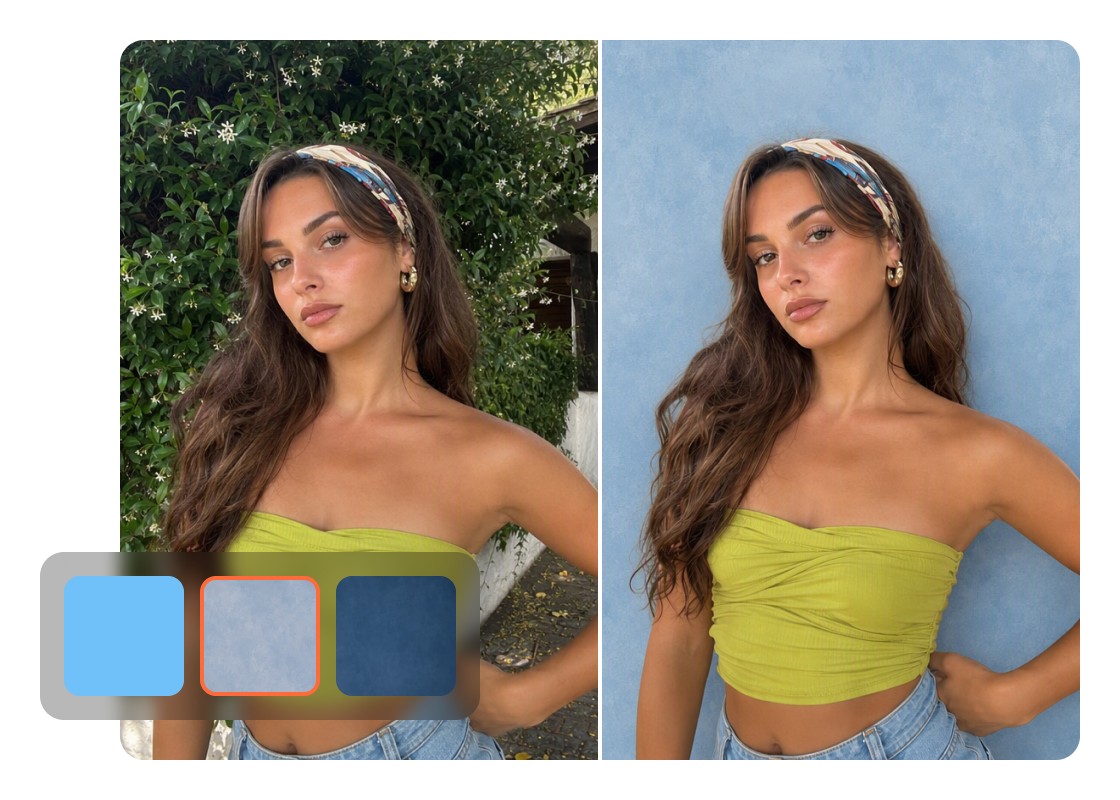
Choose from Different Shades of Blue

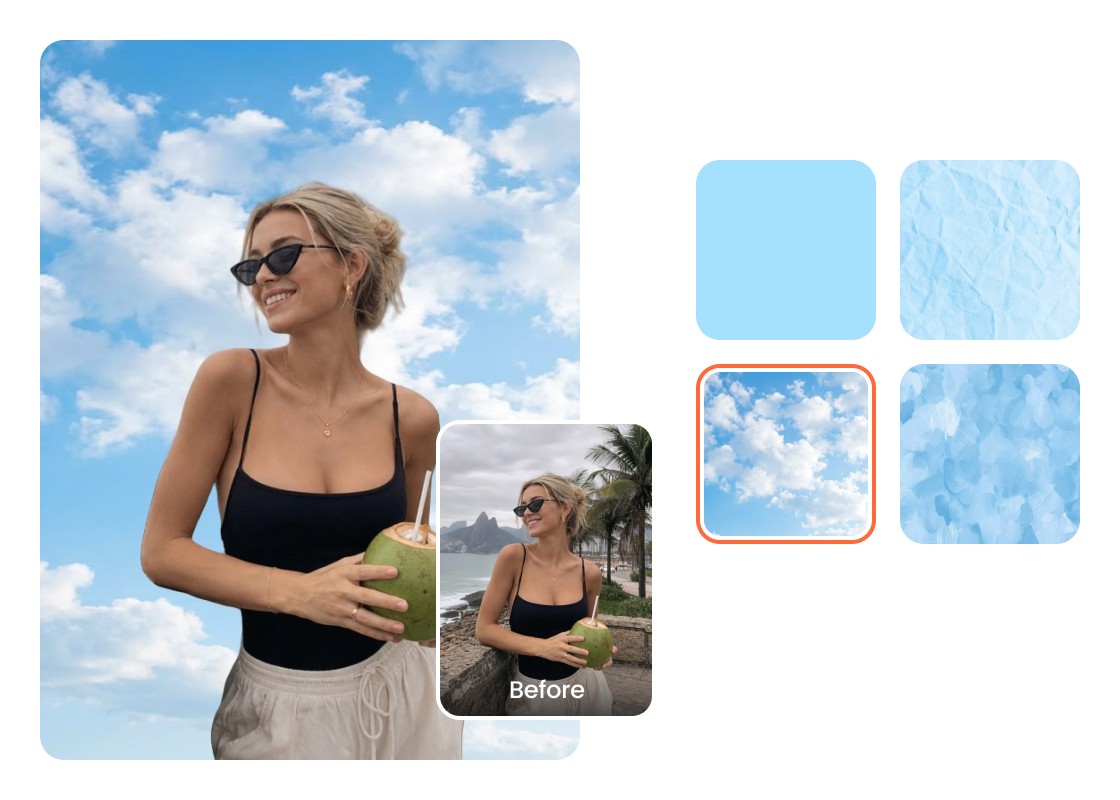
Explore different blue tones, from soft sky blue to deeper shades, to find the right match for your image. Whether you prefer a subtle or bold background blue color, Airbrush gives you preset options to suit different styles and purposes.
Blue Background

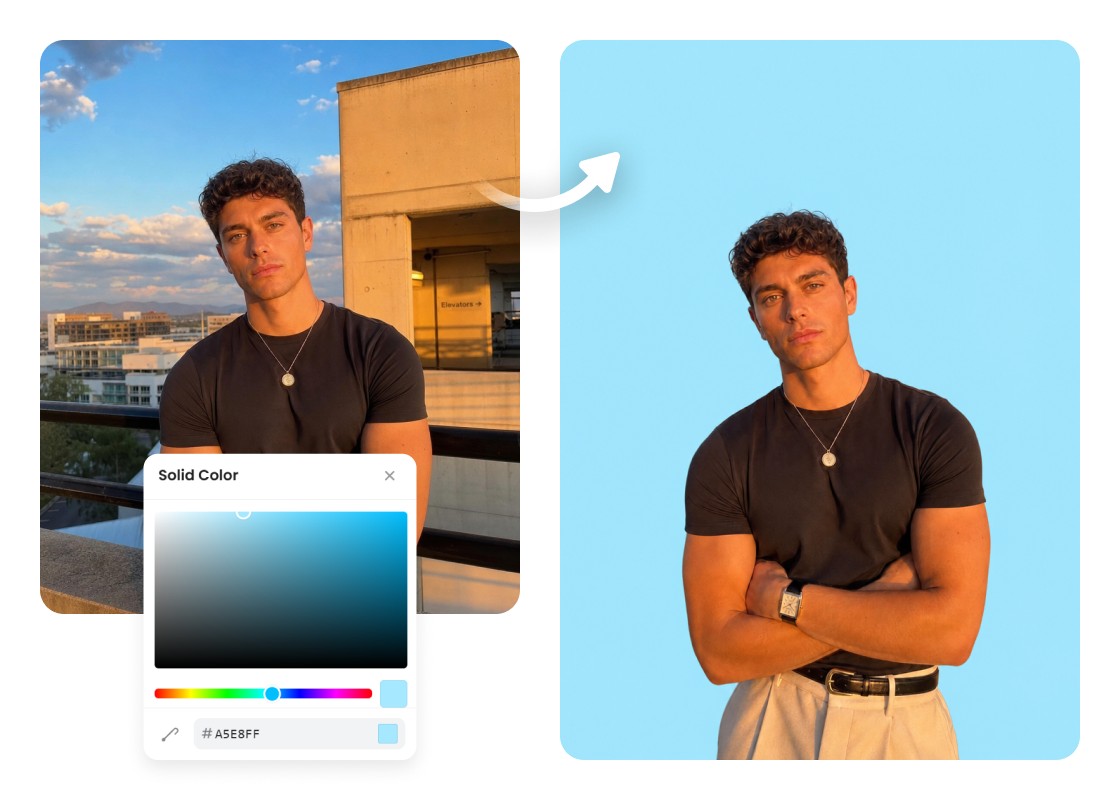
Create a Custom Blue Background with HEX Color Codes

Need a specific blue for your brand or project? Enter a HEX color code to create a custom backdrop that matches your requirements. This gives you more control over blue background photo editing when standard color presets aren't quite right.
Blue Background

Upload Your Own Blue Background Image

Want something more personal than a solid blue color? Upload your own blue background image and let Airbrush replace the original backdrop. It's a great option for branded visuals, creative designs, and social media posts.

Use Cases of Blue Background Maker

Blue Background
Create Eye-Catching Social Media Posts and Thumbnails

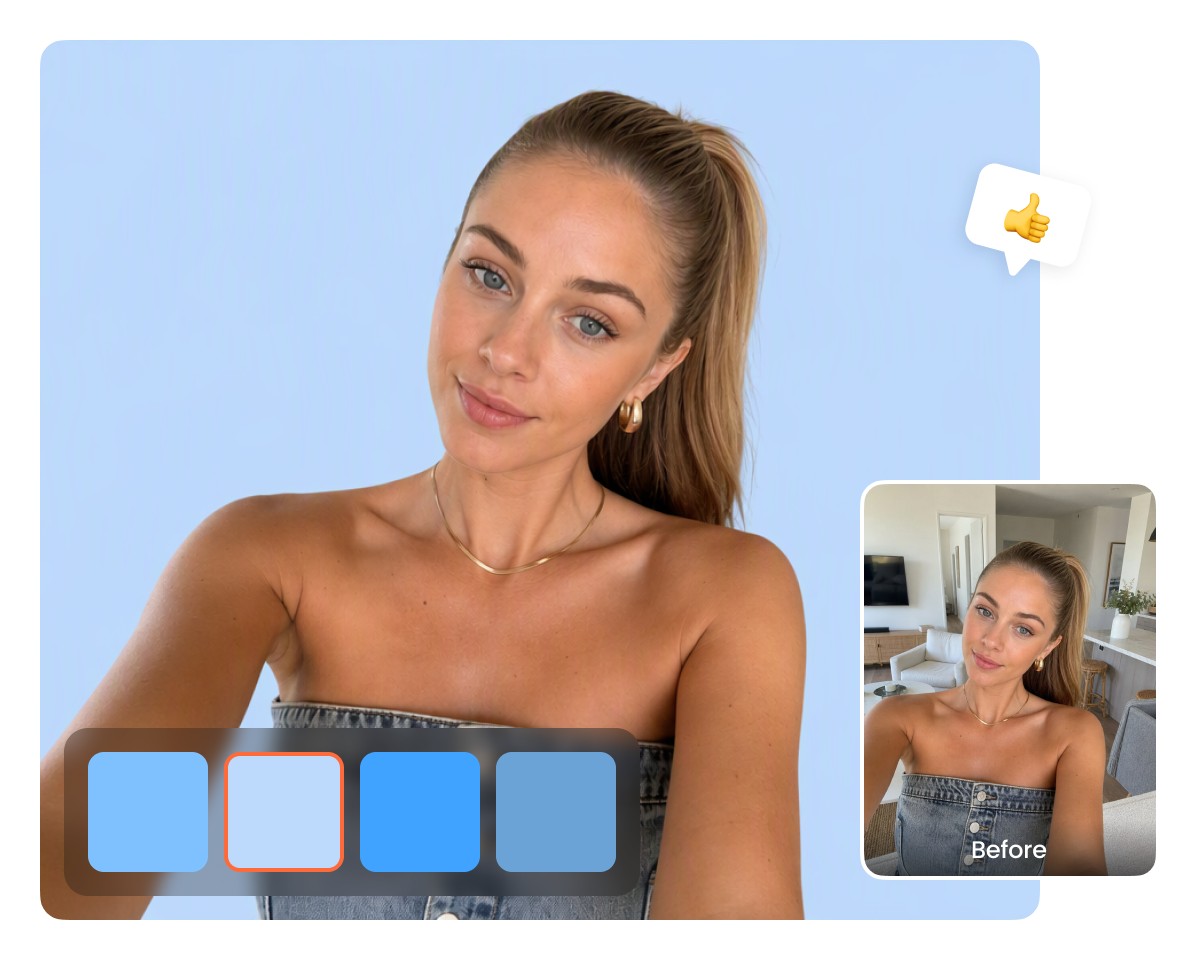
Make your visuals stand out by adding a blue background to photo content for social platforms. Experiment with lighter or bolder shades to complement your subject and prepare images for YouTube thumbnails, Instagram posts, and promotional graphics.
Blue Background

Create Eye-Catching Social Media Posts and Thumbnails

Make your visuals stand out by adding a blue background to photo content for social platforms. Experiment with lighter or bolder shades to complement your subject and prepare images for YouTube thumbnails, Instagram posts, and promotional graphics.

Blue Background

Create Blue Backgrounds for ID and Passport Photos

Prepare a blue passport background for documents that require a specific backdrop color. Choose a suitable shade for ID cards, visa applications, or official photos, and check the requirements of the issuing authority before submitting.

Blue Background

Give Product Photos a Consistent Blue Background

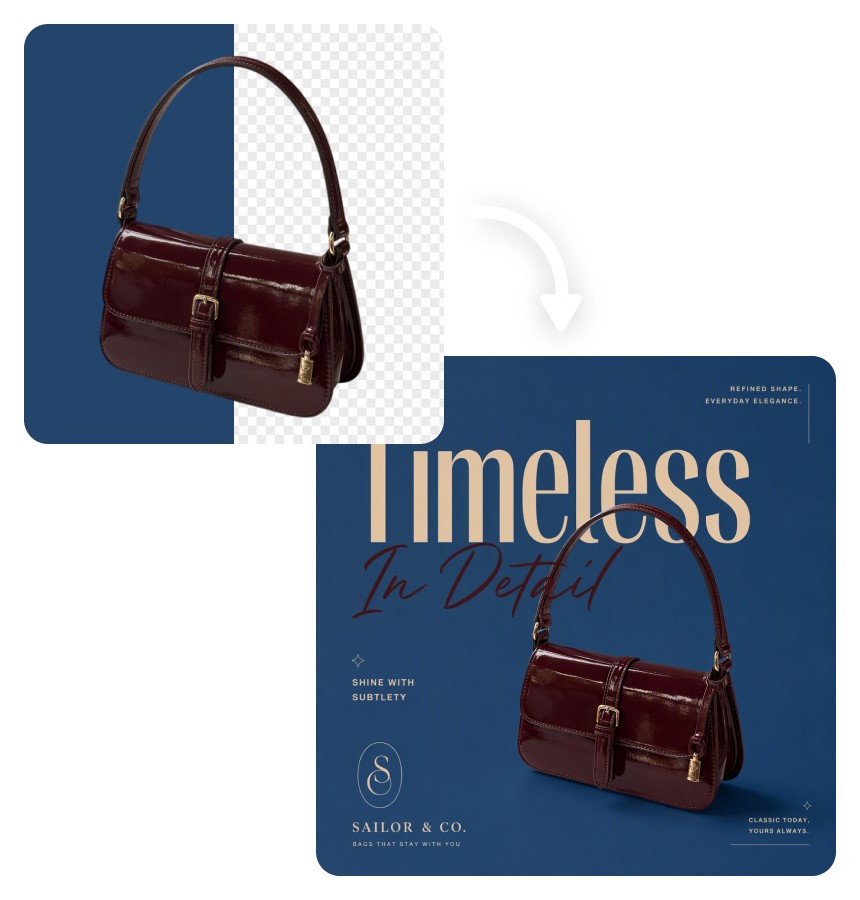
Make your product collection look more coordinated with a consistent blue background for photo listings. Choose a shade that complements your products and create matching visuals for online stores, catalogs, promotional materials, and advertisements.

Blue Background

Make Professional Headshots for Business Profiles

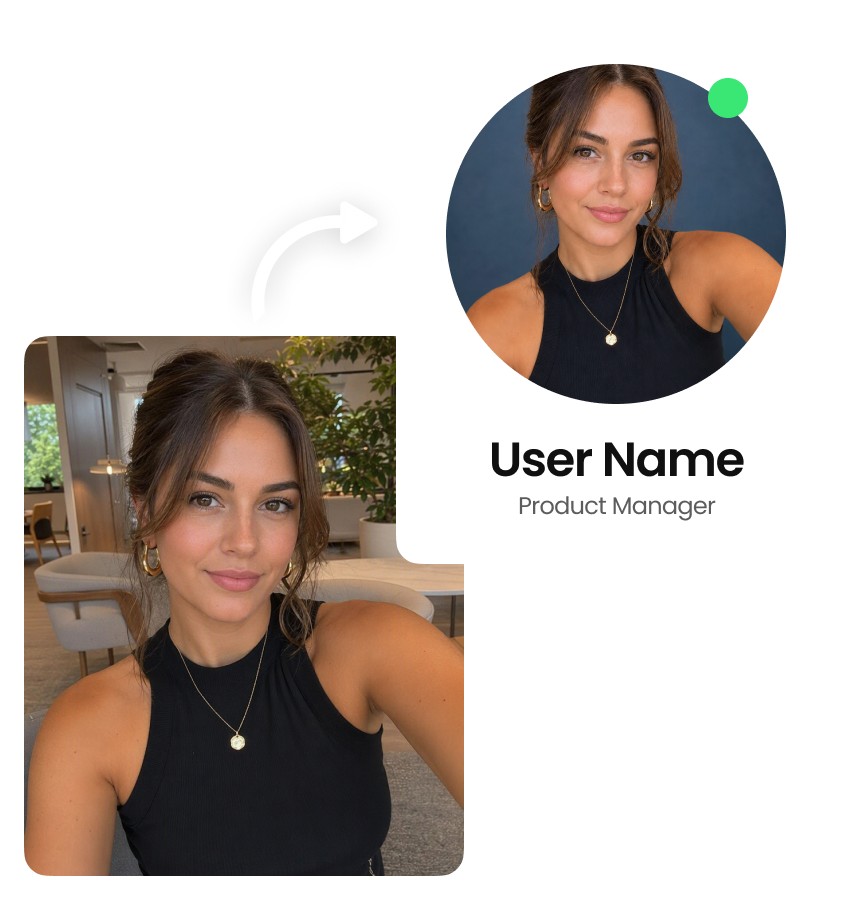
Replace busy or distracting surroundings with a simple blue backdrop that puts attention on your face. Create polished headshots for LinkedIn, company directories, professional portfolios, and other profiles that benefit from a consistent appearance.

How to Add a Blue Background to a Photo with Airbrush?

Upload Your Photo

Open Airbrush Blue Background Maker and upload the photo you want to edit.

Choose a Blue Background

Choose a blue shade from the preset colors, enter a custom HEX color code, or upload your own blue background image.

Preview and Download

Check your photo with the new blue background, then download the final image to your device.

Blue Background

User Reviews

I needed a blue background for a few product photos, and I liked being able to choose the exact shade. It helped me keep the photos consistent without editing each background manually.

- Camila Rojas

I used Airbrush to change the background of a profile photo. The original was taken at home, so it looked a bit messy. The blue background gave it a cleaner look, and the process was straightforward.

- Martín Ferreira

I was preparing some graphics for social media and wanted a specific blue to match our brand. Being able to enter the HEX code was really useful. The final images looked consistent across the posts.

- Valentina Morales

I needed a blue background for a few product photos, and I liked being able to choose the exact shade. It helped me keep the photos consistent without editing each background manually.

- Camila Rojas

I used Airbrush to change the background of a profile photo. The original was taken at home, so it looked a bit messy. The blue background gave it a cleaner look, and the process was straightforward.

- Martín Ferreira

I was preparing some graphics for social media and wanted a specific blue to match our brand. Being able to enter the HEX code was really useful. The final images looked consistent across the posts.

- Valentina Morales

Frequently Asked Questions

Upload your image to Airbrush Blue Background Maker, select a blue shade from the available colors, and preview the result. You can also enter a custom HEX code if you need a specific color. Once you're satisfied, download your edited photo.

Yes. Airbrush offers preset blue shades, custom HEX color codes, and the option to upload your own blue background image. You can choose anything from light blue to navy, match a specific brand color, or add a personalized backdrop to your photo.

Yes, Airbrush Blue Background Maker can help you prepare a blue passport background for documents that require one. However, passport and ID photo requirements vary by country and document type, so check the official color and photo specifications before submitting.

Airbrush is designed to replace the background while keeping the main subject visible. However, results may vary depending on image quality, lighting, and details such as hair or transparent objects. Always preview the edited image before downloading.

A solid blue background places your subject against a visible blue color, while a transparent background removes the backdrop entirely. Airbrush Blue Background Maker is intended for adding blue colors, while Airbrush Transparent Background Maker is designed for images that need transparency.

Yes. If you want consistent blue background photos, you can enter the same HEX color code when editing each image. This is particularly useful for product collections, employee headshots, and branded content that needs a matching background across different photos.

Add a Blue Background to Your Photo