Airbrush

start icostart icostart icostart icostart ico

Download for 7-day Free Trial

smart banner
Mac Photo EditorMac Photo EditorMac Photo Editor

Airbrush Studio - Mac Photo Editor

A desktop photo editing software designed for photographers, creators, and anyone who wants flawless portraits.
Supported OS: macOS 11+ / Windows 10 & 11
About Airbrush Studio
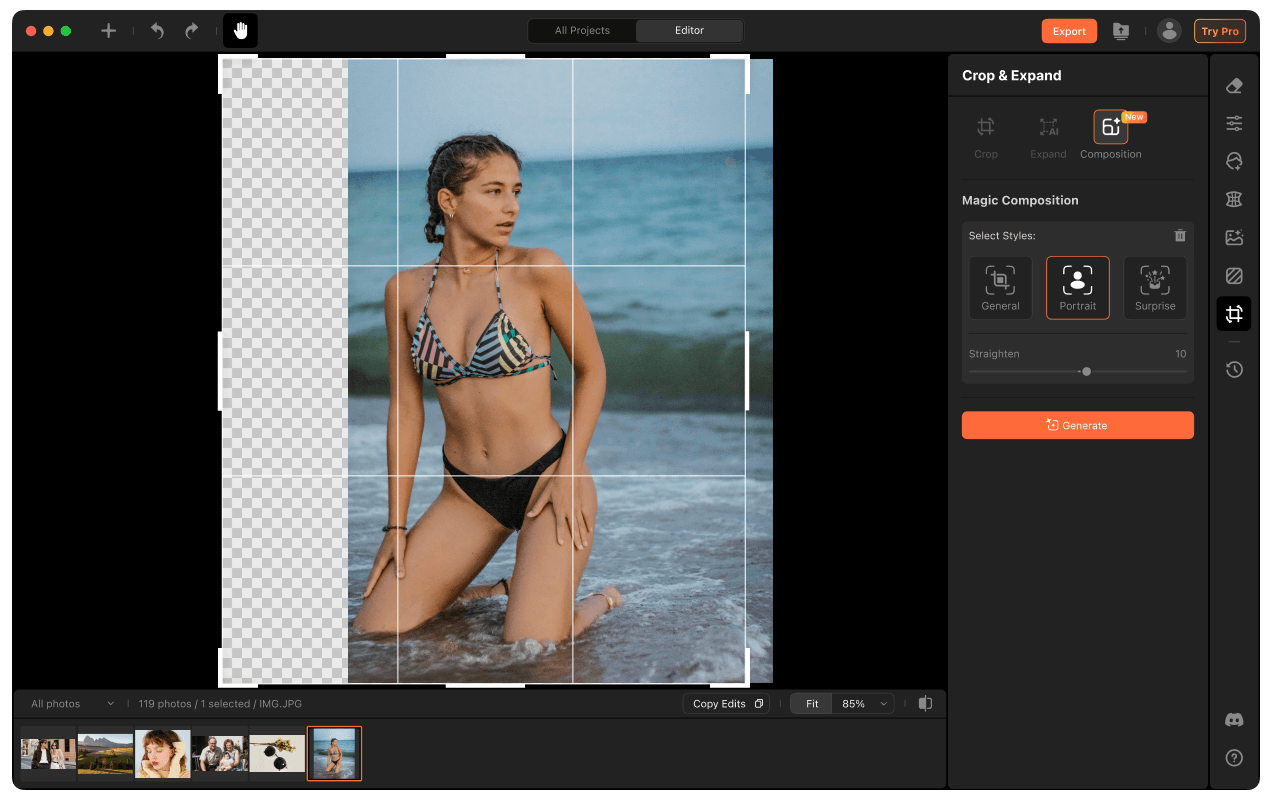
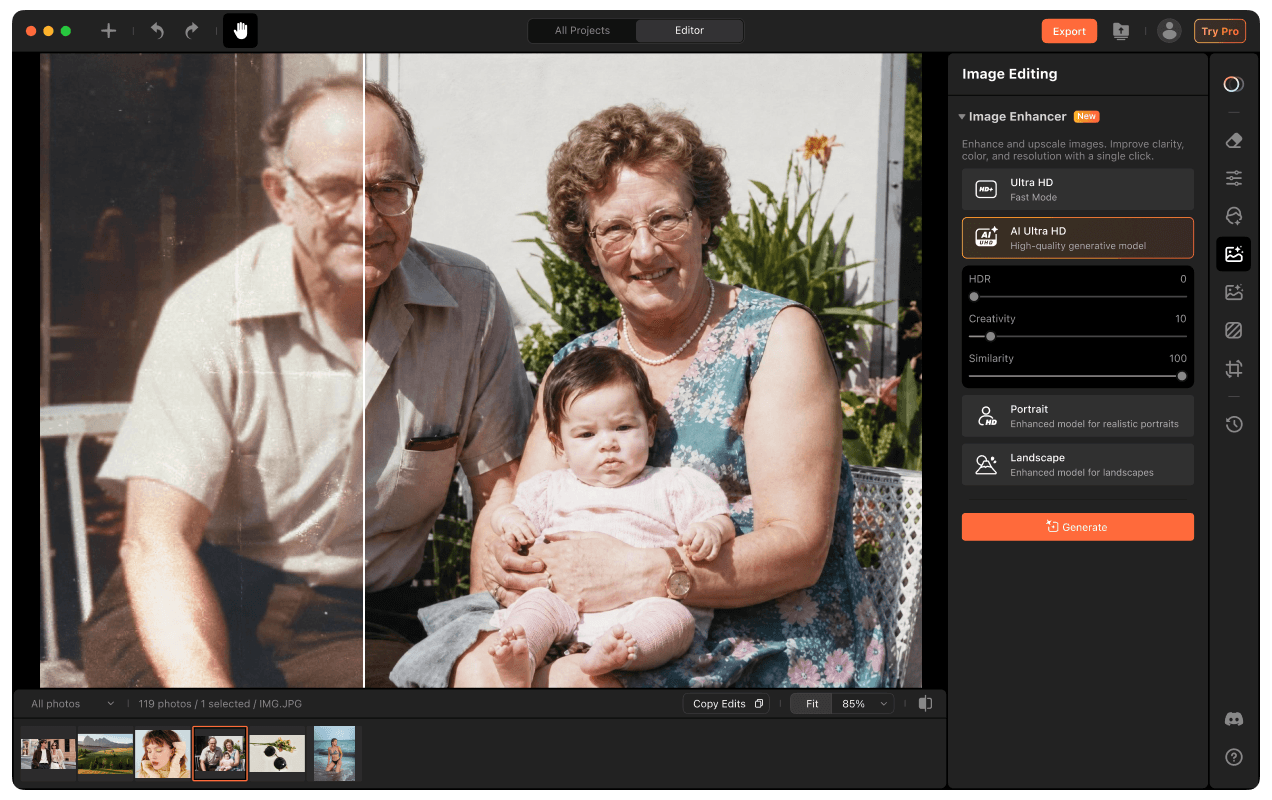
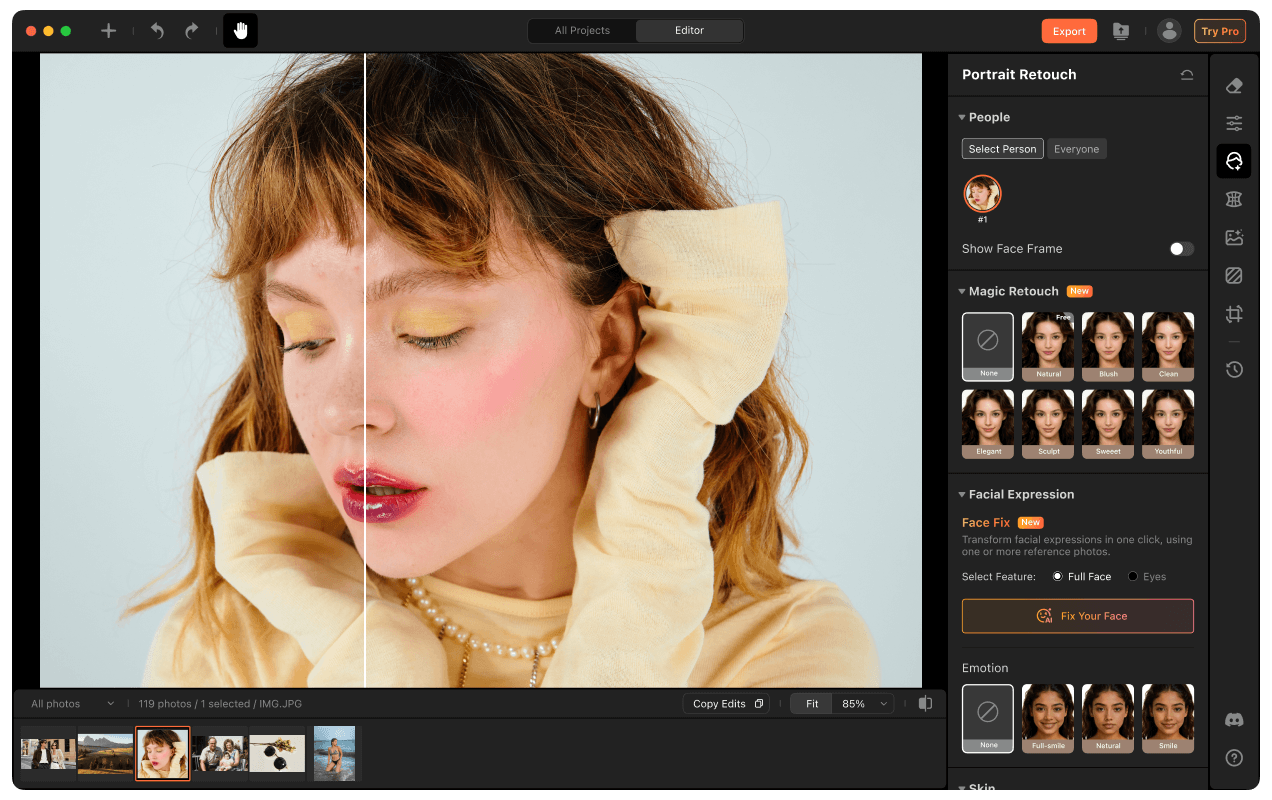
Airbrush Studio is the leading photo editing software on desktop, designed for photographers, businesses and anyone who wants high-quality beautiful portraits fast, without complex editing skills and manual work.

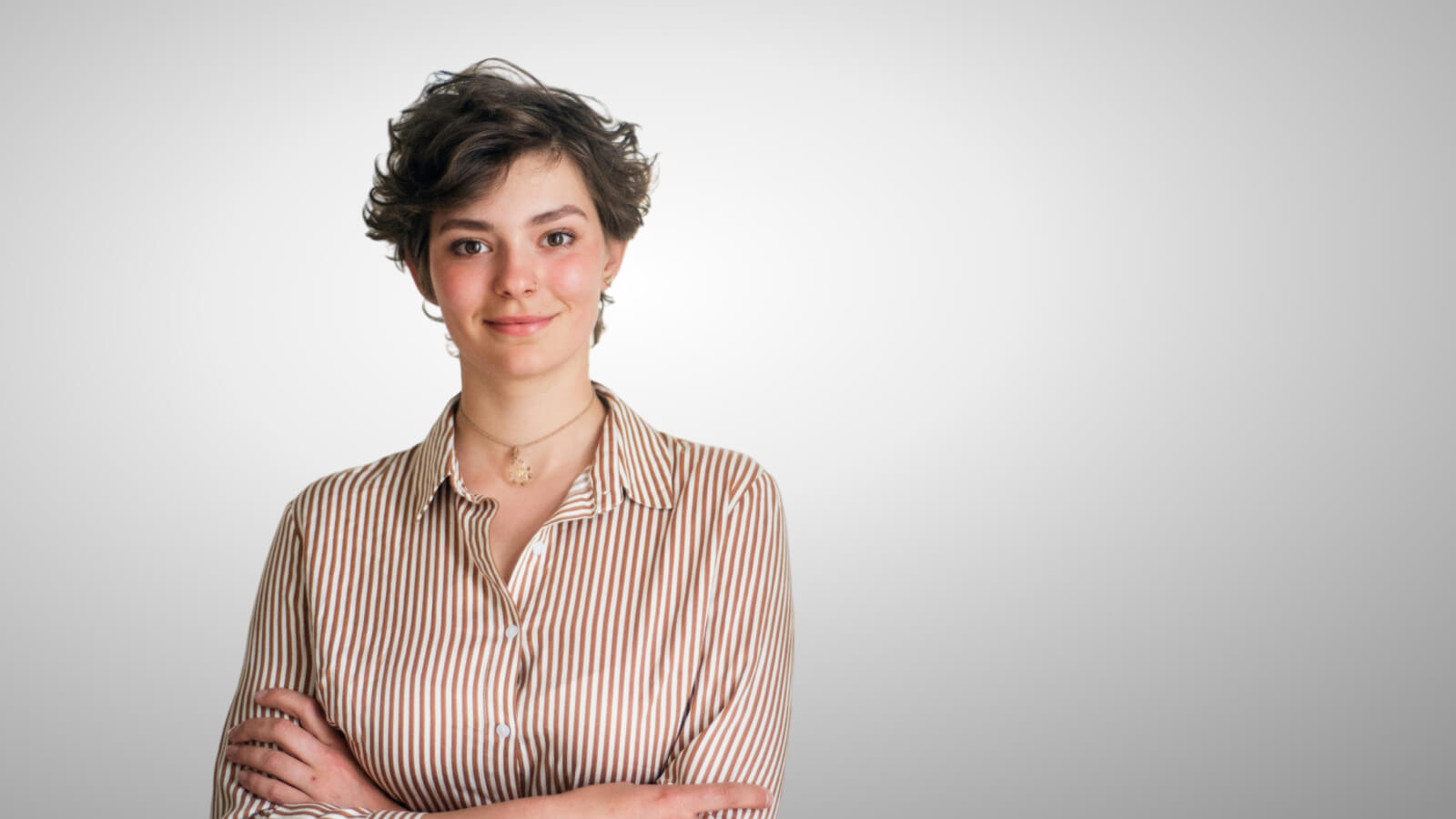
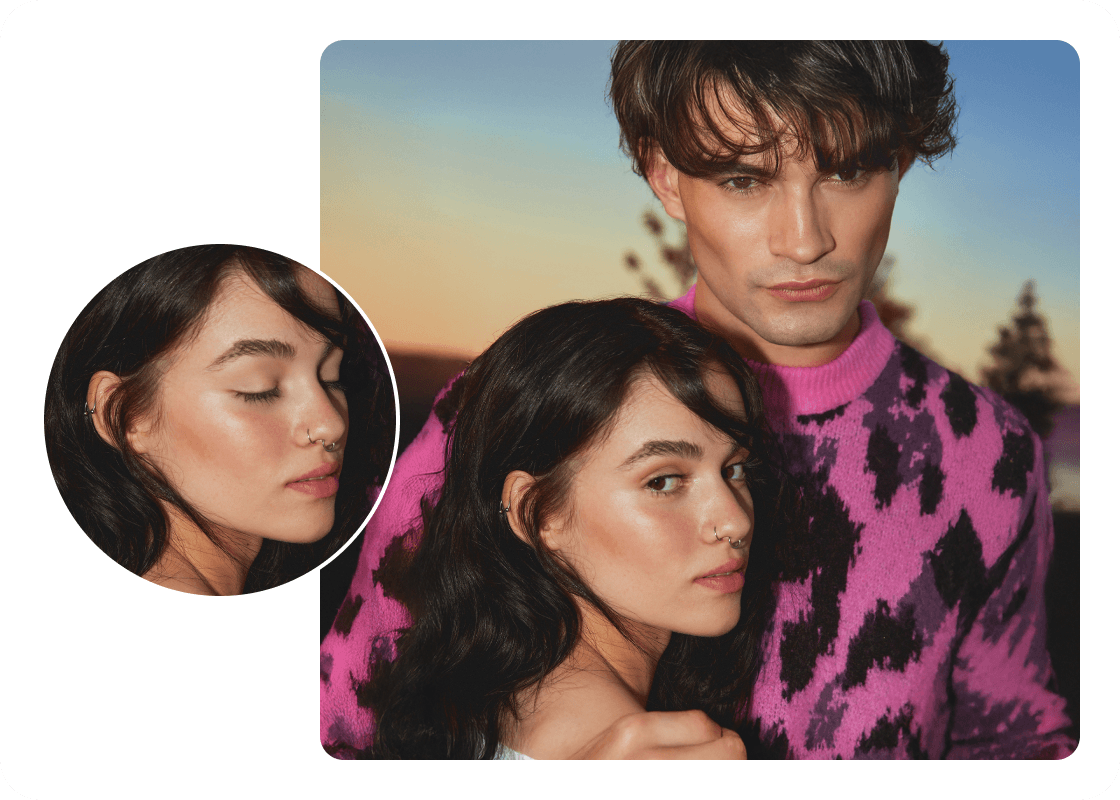
Portrait Retouching with Precision

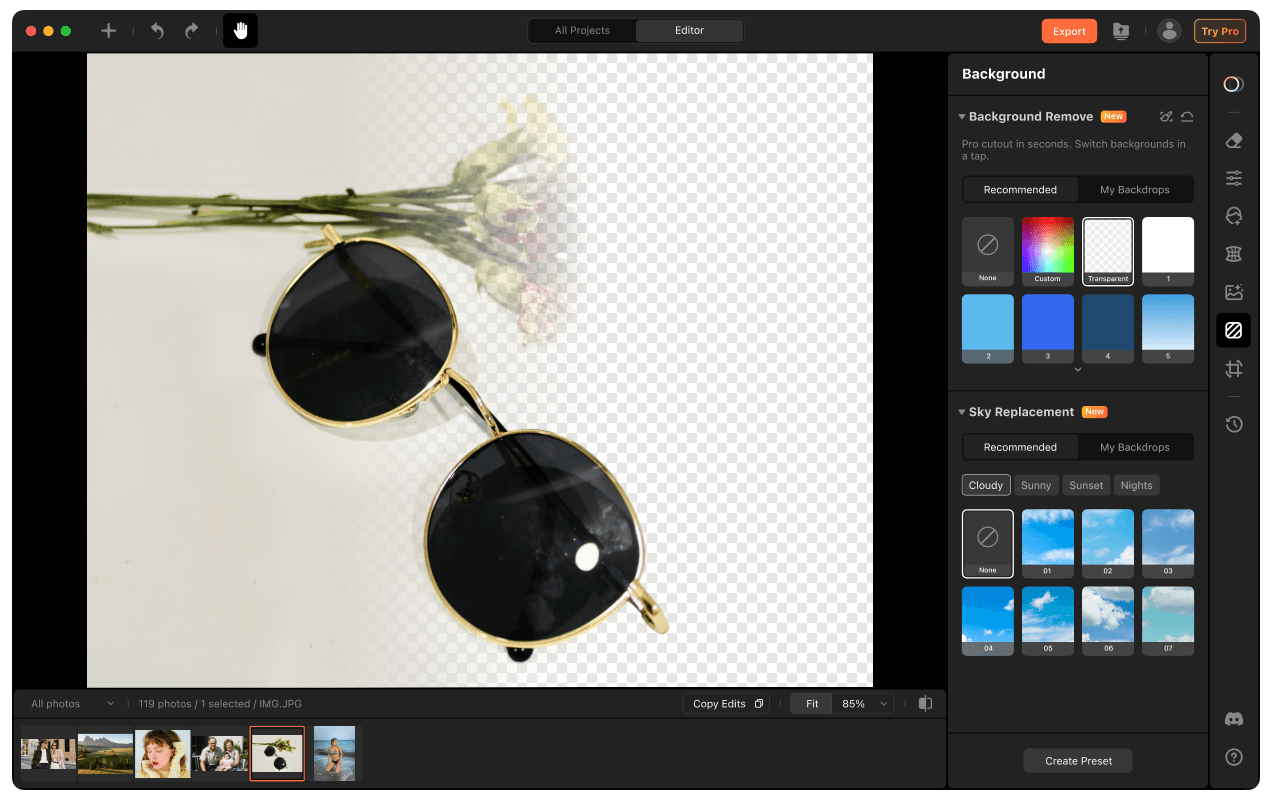
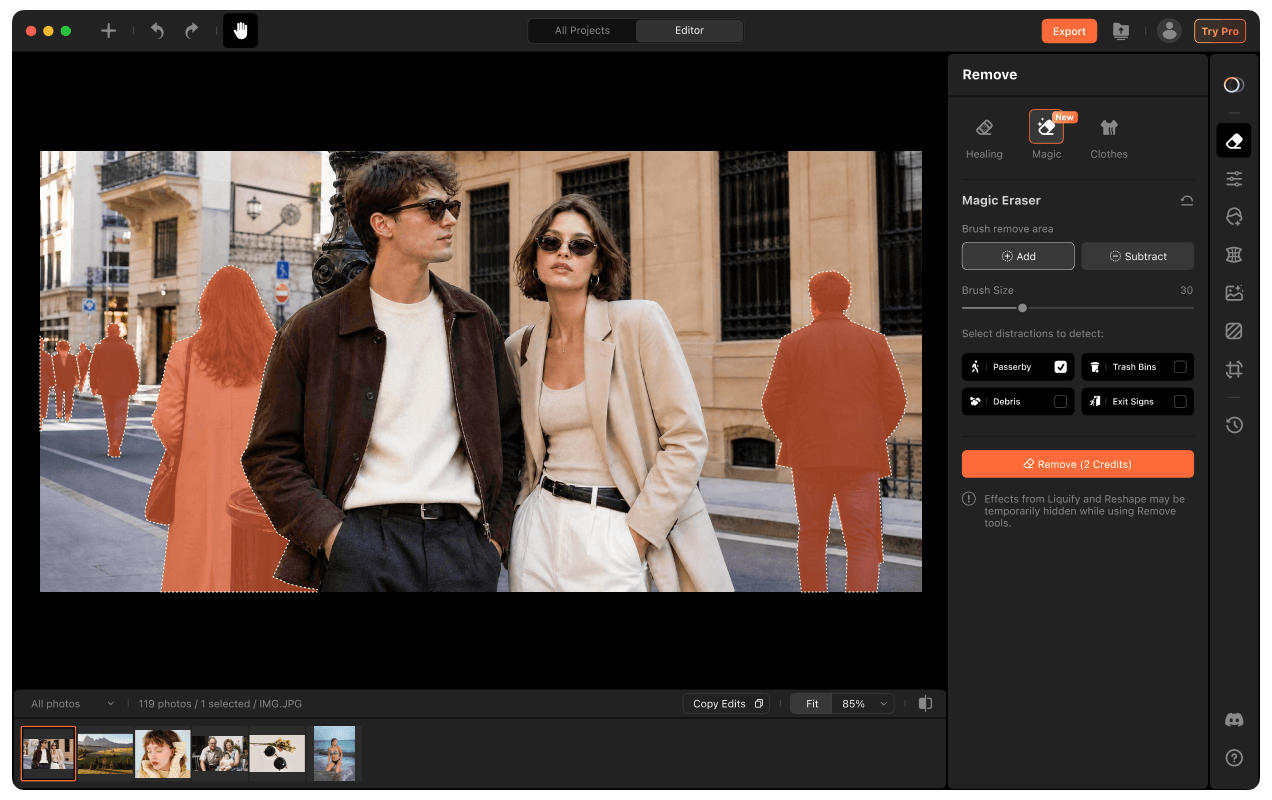
Remove unwanted objects in one tap, from passersby to trash bins and background clutter. AI restores the cleared area into a clean, natural backdrop, keeping edges smooth and helping your subject stay clearly in focus.

Skin Shades

Cleanup with Magic Eraser

Remove unwanted objects in one tap, from passersby to trash bins and background clutter. AI restores the cleared area into a clean, natural backdrop, keeping edges smooth and helping your subject stay clearly in focus.

Perfect Every Expression in Your Photos

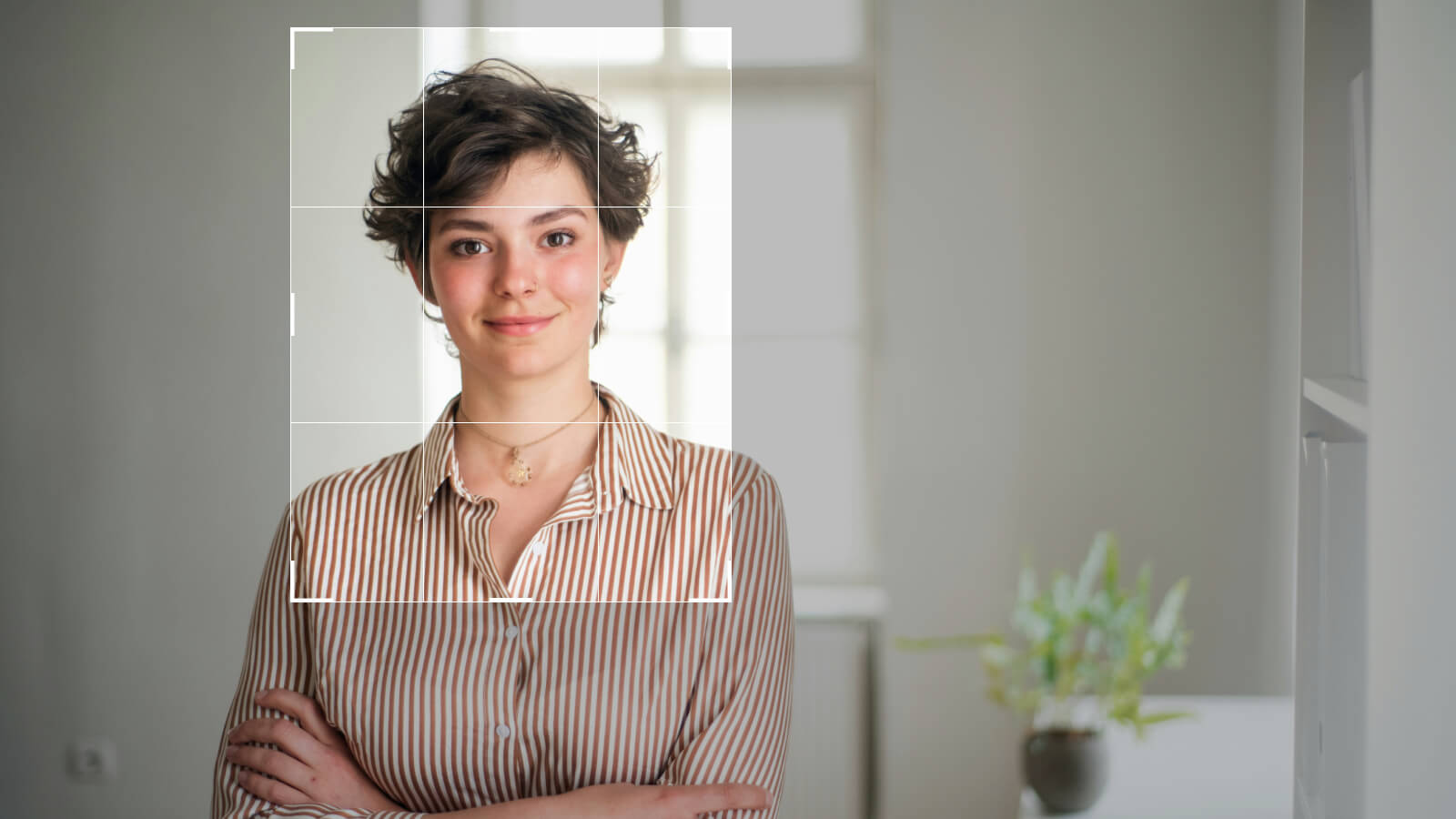
Editing facial expressions can be tough without the right tools. Airbrush Studio, a good photo editor for PC, lets you soften a serious look, adjust a smile, or brighten tired eyes with just a few clicks. It’s simple, effective, and perfect for realistic portrait touch-ups, no editing skills needed.
Smile
Grin
Cool
Smile
Grin
Cool

Exclusive Presets Make Every Shot Standout

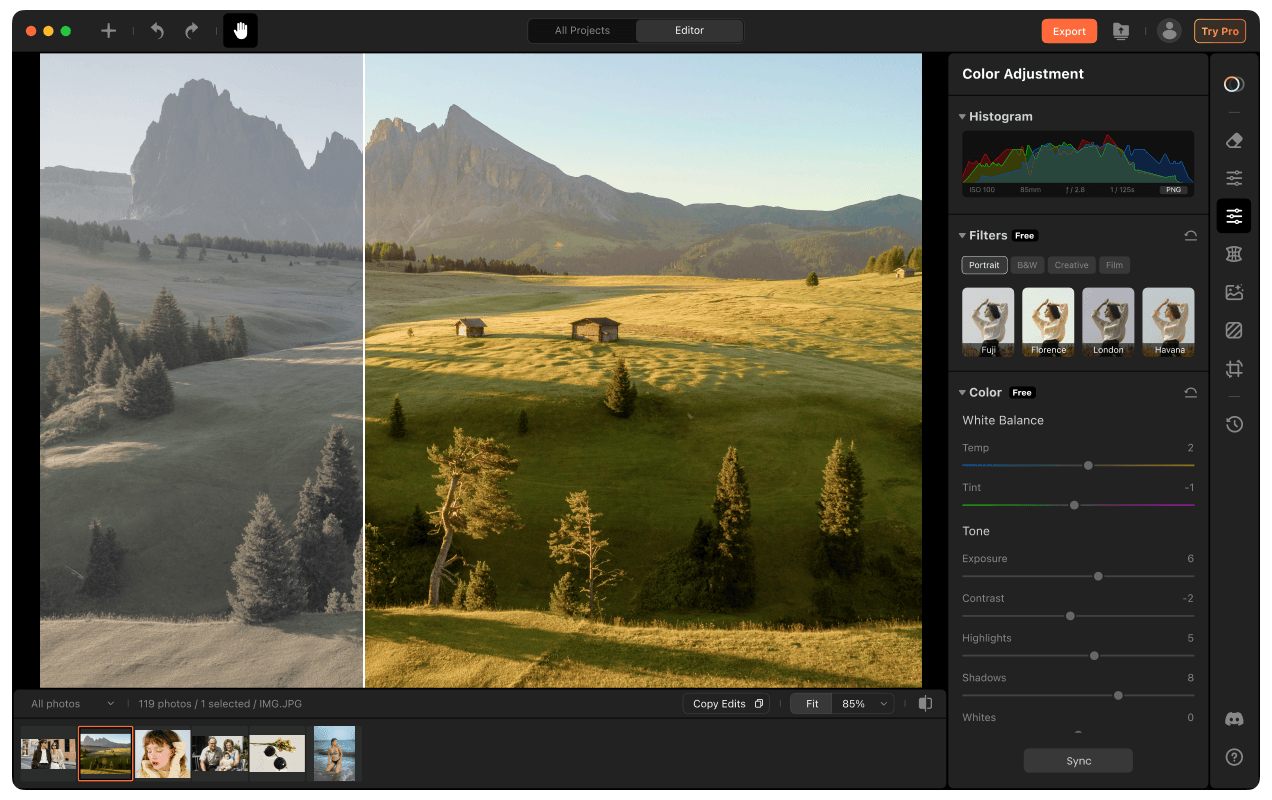
We offer intelligent presets tailored for different scenes helping you achieve visually stunning results that match your expectations.

Weddings
Weddings
Headshots
Headshots
Beauty & Fashion
Beauty & Fashion
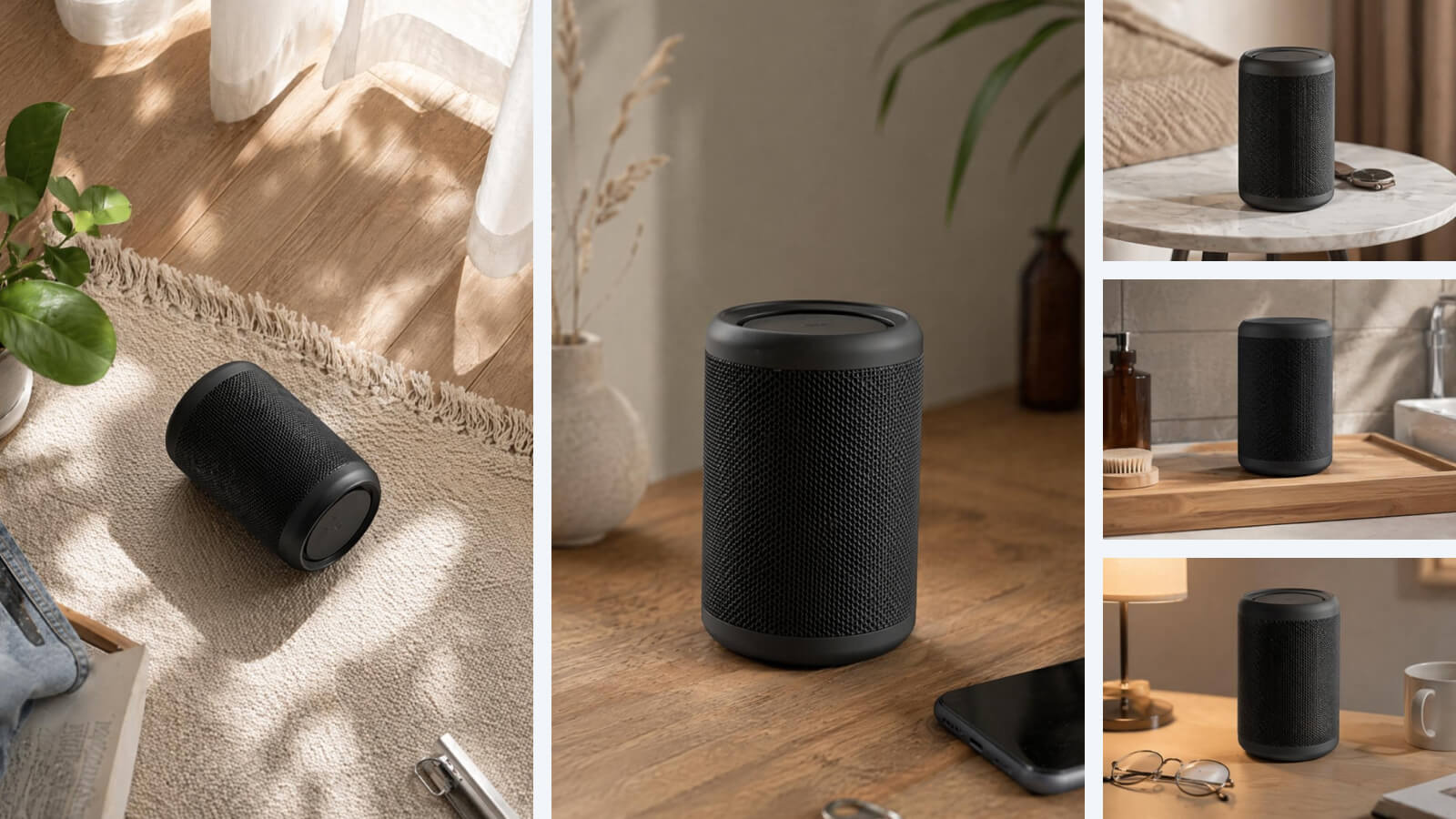
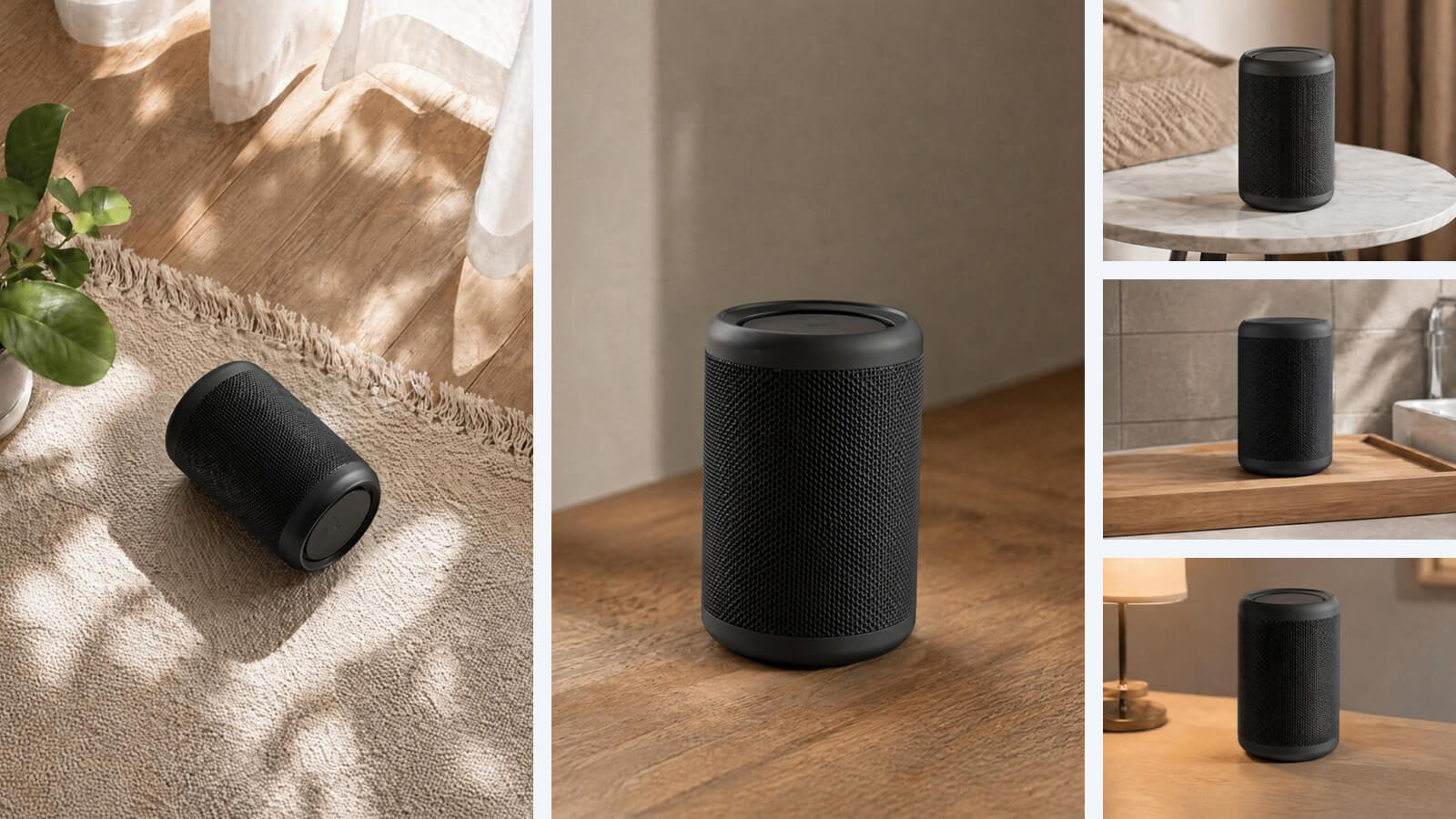
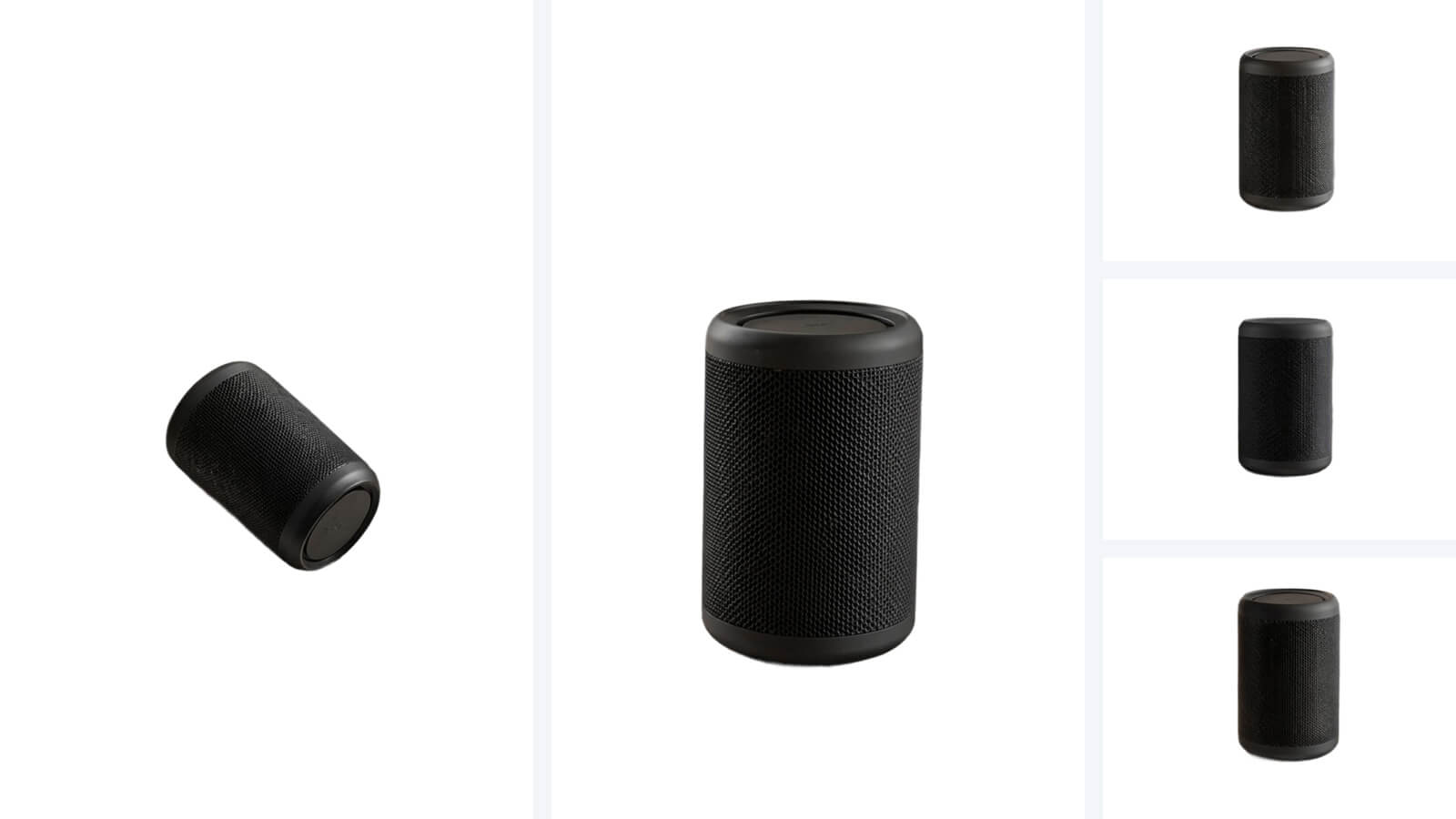
Products
Products
Real Estate
Real Estate
Weddings
Weddings
Headshots
Headshots
Beauty & Fashion
Beauty & Fashion
Products
Products
Real Estate
Real Estate
Weddings
Weddings
Headshots
Headshots
Beauty & Fashion
Beauty & Fashion
Products
Products
Real Estate
Real Estate

Batch Sync for Portrait Retouch

Reuse the same retouch look across a full set of portraits. It now synchronizes not just color tweaks, but skin, teeth, and eye settings too, helping results stay uniform without repetitive manual work.

Magic Retouch

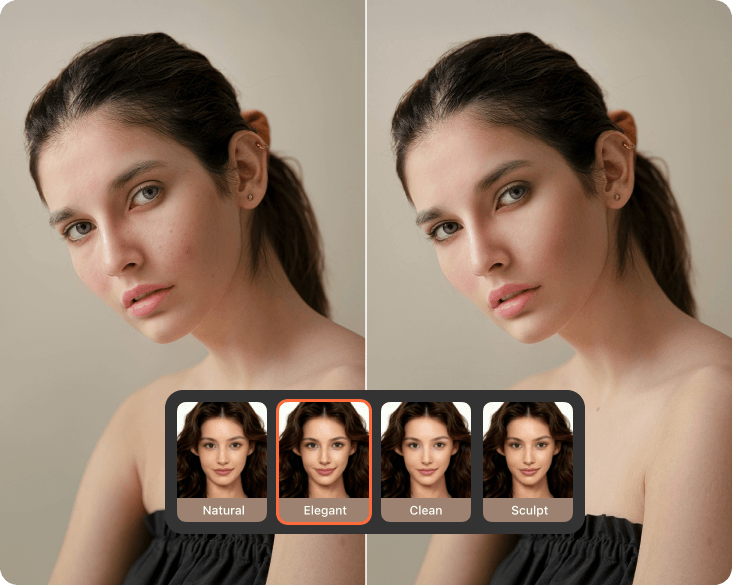
Refresh your entire look in one click. Magic Retouch smooths, refines, and perfects small details, helping facial features look clean and balanced. The result stays natural while giving your photo a polished, flawless finish.
Mac Photo Editor
User Reviews
As a lifestyle blogger, I’ve tried countless photo editors, but Airbrush Studio on my MacBook is hands-down the easiest. From blemish removal to skin retouching, it feels like magic in one click. Super intuitive and the results are always on point.
- Chloe Y
I use Airbrush Studio on my MacBook Air for editing portraits I take for my clients. The AI face fix and skin retouching features are insanely accurate—makes my workflow faster and results look professional. Highly recommend for creatives.
- Kenzo S.
Love how lightweight yet powerful the Mac version is. It handles expression editing, filters, and even fixes uneven tones without lag. I don’t need to open heavy apps anymore. This one has it all, and it feels made for Mac users.
- Tessa D

FAQ

Who can use Airbrush Studio on MacBook?

Airbrush Studio is ideal for anyone looking to improve their photos. Whether you're a photographer, a designer, or just love editing photos on Mac, this image editor for Mac can help you achieve professional-quality results with ease.

Do I need experience in photo editing to use Airbrush Studio?

No prior experience is necessary! Airbrush Studio is designed to be user-friendly, so even beginners can enjoy professional-quality edits. It’s the best photo editor for Mac, offering simple, intuitive features that anyone can use.

Can I change the language settings in Airbrush Studio?

Currently, Airbrush Studio supports only English, but we plan to roll out more language options soon. Stay tuned for upcoming updates, which will allow for a more localized experience on Mac image editing tools.

What are the system requirements for using Airbrush Studio on Mac?

Airbrush Studio supports macOS 11 (and above), ensuring compatibility with the latest MacBook models. For the best experience, be sure your device is running a current version of macOS to get full access to the mac image editor features

Can I batch-edit multiple photos on Airbrush Studio for Mac?

Absolutely! Airbrush Studio’s picture editing software for Mac includes batch-editing tools, making it easy to apply your desired edits across many images at once. This is perfect for anyone needing to work on multiple photos quickly.

How does Airbrush Studio handle my privacy and security?

Airbrush Studio takes your privacy seriously. All AI-based photo processing happens directly on your device, image editor macOS ensures that your images are never uploaded to the cloud without your consent. Your data stays secure while you enjoy seamless editing.