Airbrush

start icostart icostart icostart icostart ico

Download for 7-day Free Trial

smart banner
HomeAll Tools
Collage Maker

Free Image Collage Maker - Airbrush Collage Generator

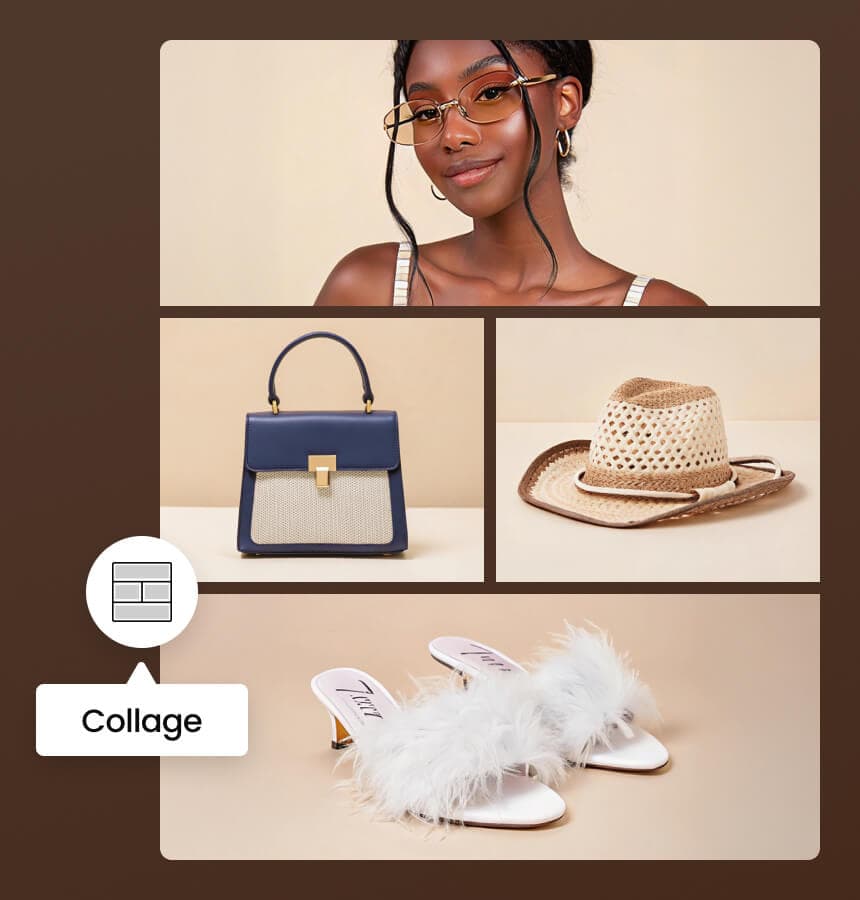
Create beautiful collages with Photo Collage Maker! Use up to 9 images, pick from 40 templates, and customize layouts effortlessly. The Collage Generator lets you adjust spacing and swap images with ease.

Drag and drop Image hereUpload 2-9 Images to Create Your CollageUpload Image
Photo Collage Maker

Airbrush Studio

Switch to Airbrush Studio on desktop for advanced control and unlimited exports.

Reasons to Choose Airbrush Collage Maker

01

Effortless and User-Friendly Interface

Creating collages has never been easier! The intuitive design allows you to upload images, choose a template, and customize with just a few clicks. No editing skills required—just drag, drop, and arrange your photos effortlessly.
02

Wide Range of Templates for Every Style

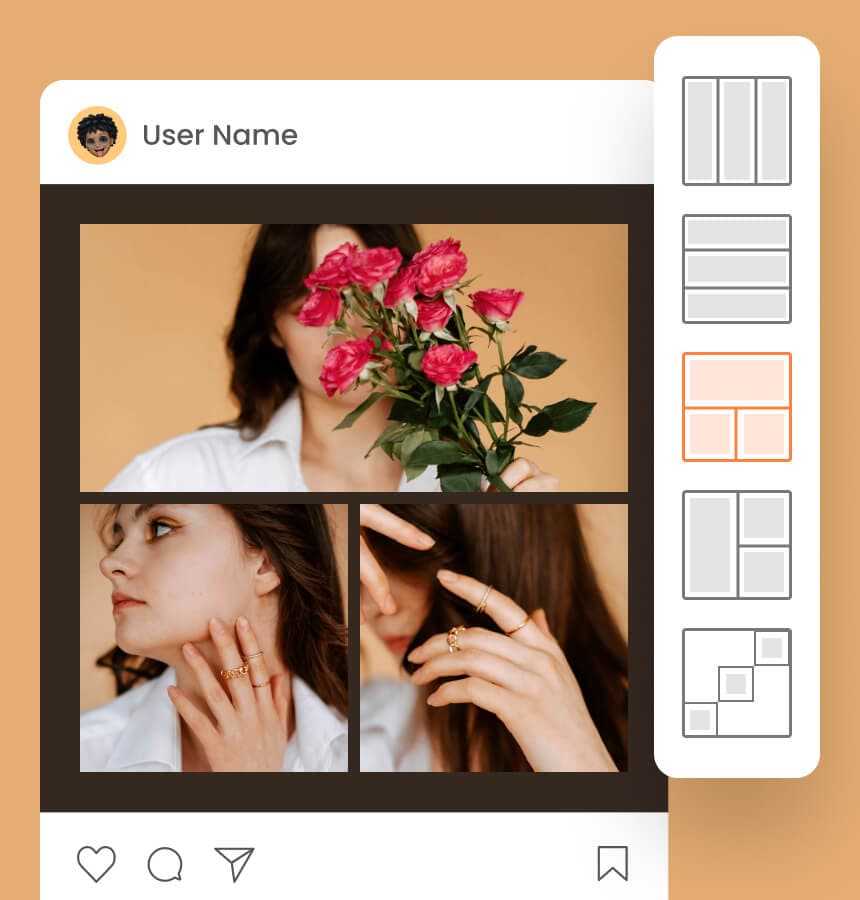
Choose from 40+ templates with Airbrush Photo Collage Maker to suit any style or occasion. Whether it’s a photo collage maker for social media, a creative picture collage, or a stylish collage creator, there’s a perfect layout for you!

03

Multiple Aspect Ratios for Versatile Use

Airbrush Collage generator offers multiple aspect ratios, including 1:1, 3:4, 4:5, and 16:9, perfect for social media, prints, or digital projects. Create a photo collage that fits Instagram, Pinterest, or any platform with ease!

04

Customizable Layouts for Full Control

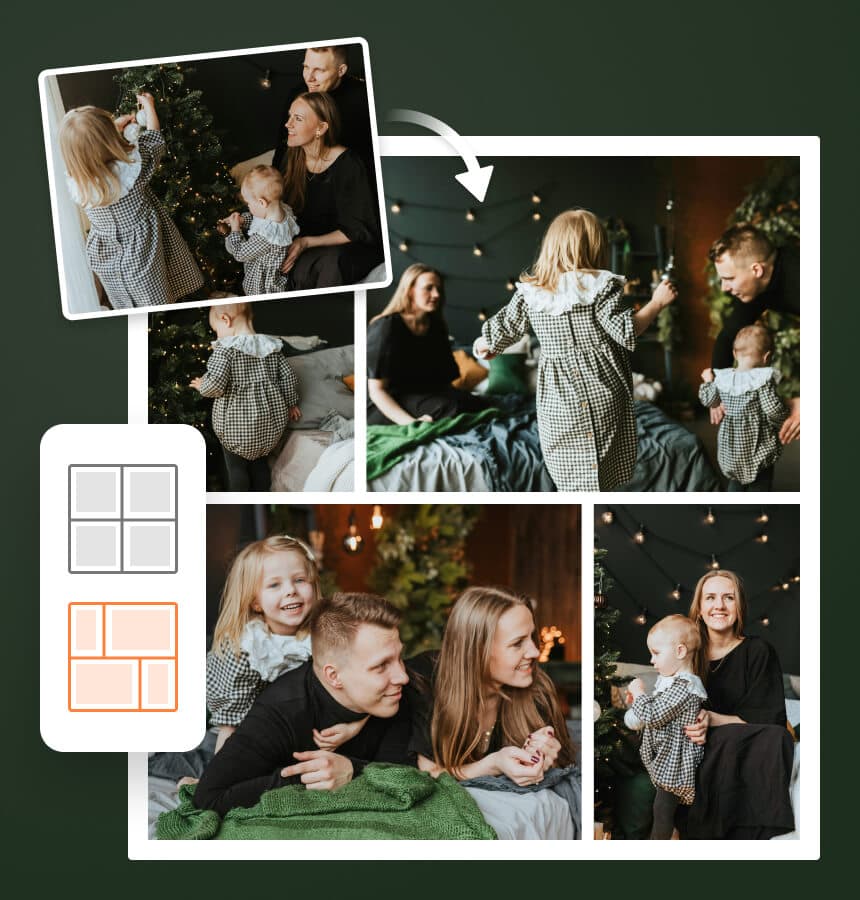
With Airbrush Photo Collage Maker, you have full control over your layout. Drag to resize, swap images, and adjust spacing to create the perfect photo collage. Whether for social media or prints, customize every detail with ease!

01

Effortless and User-Friendly Interface

Creating collages has never been easier! The intuitive design allows you to upload images, choose a template, and customize with just a few clicks. No editing skills required—just drag, drop, and arrange your photos effortlessly.

02

Wide Range of Templates for Every Style

Choose from 40+ templates with Airbrush Photo Collage Maker to suit any style or occasion. Whether it’s a photo collage maker for social media, a creative picture collage, or a stylish collage creator, there’s a perfect layout for you!

03

Multiple Aspect Ratios for Versatile Use

Airbrush Collage generator offers multiple aspect ratios, including 1:1, 3:4, 4:5, and 16:9, perfect for social media, prints, or digital projects. Create a photo collage that fits Instagram, Pinterest, or any platform with ease!

04

Customizable Layouts for Full Control

With Airbrush Photo Collage Maker, you have full control over your layout. Drag to resize, swap images, and adjust spacing to create the perfect photo collage. Whether for social media or prints, customize every detail with ease!

Why Collage Maker Stands Out for Creative Designs

Collage Maker stands out for its ease of use and creative flexibility. With 40+ templates, multiple aspect ratios, and customizable layouts, you can design stunning collages for any occasion or project—quickly and without hassle.

Photo Collage Maker

Create Product Showcases and Portfolios

Showcase multiple products in one frame with Photo Collage generator. Create a photo collage to highlight features, designs, or variations, making it perfect for portfolios, e-commerce, and social media marketing.

Photo Collage Maker

Create Product Showcases and Portfolios

Showcase multiple products in one frame with Photo Collage generator. Create a photo collage to highlight features, designs, or variations, making it perfect for portfolios, e-commerce, and social media marketing.

Photo Collage Maker

Boost Engagement with Marketing Collages

Increase engagement with eye-catching marketing collages using Collage Maker. Create a picture collage for ads, promotions, or branding to attract customers and make your content stand out on social media.

Photo Collage Maker

Preserve Memories with Personal Collage Maker

Keep your favorite moments alive with Collage Maker. Create a photo collage of vacations, celebrations, or family memories. Customize layouts and designs to turn special moments into timeless keepsakes.

Photo Collage Maker

Make Greeting Cards with Collage Maker

Use Photo Collage Maker to design unique greeting cards for birthdays, holidays, and special occasions. Create a photo collage with personal touches, add memories, and turn your pictures into meaningful keepsakes.

How to make a photo collage

1

step 1

Choose up to 9 images.

2

step 2

Find the perfect photo collage template for any occasion. Pick a style, and then customize your photo collage with a click!

3

step 3

Save your photo collage and share it instantly on Facebook, Instagram, Pinterest, and more!

1step 1

Choose up to 9 images.

2step 2

Find the perfect photo collage template for any occasion. Pick a style, and then customize your photo collage with a click!

3step 3

Save your photo collage and share it instantly on Facebook, Instagram, Pinterest, and more!

User reviews 

I love how easy it is to use Collage generator! The templates are amazing, and I can create a photo collage in minutes. Great for organizing my travel photos. Highly recommend!

- Emilia Vasquez

This picture collage tool is a game-changer! I use it for my Instagram posts, and the layouts make my content stand out. The ability to adjust spacing and swap images is a huge plus!

- Kofi Mensah

I’ve tried many collage maker apps, but this one is the best! It’s so simple, yet gives so many customization options. I can create greeting cards and digital collages effortlessly. Love it!

- Ayaka Tanaka

I love how easy it is to use Collage generator! The templates are amazing, and I can create a photo collage in minutes. Great for organizing my travel photos. Highly recommend!

- Emilia Vasquez

This picture collage tool is a game-changer! I use it for my Instagram posts, and the layouts make my content stand out. The ability to adjust spacing and swap images is a huge plus!

- Kofi Mensah

I’ve tried many collage maker apps, but this one is the best! It’s so simple, yet gives so many customization options. I can create greeting cards and digital collages effortlessly. Love it!

- Ayaka Tanaka

Frequently Asked Questions

Simply upload 1 to 9 images, choose a template, and customize your photo collage by adjusting layout, spacing, and swapping images.

Yes! Airbrush offers a free collage generator with multiple templates and customization options, allowing you to design collages without any cost.

Absolutely! You can drag to resize, swap images, and adjust spacing between sections to create a custom collage that fits your style.

The collage generator online supports multiple aspect ratios, including 1:1, 3:4, 4:5, 16:9, and more, perfect for social media and prints.

Yes! The collage generator app works on both desktop and mobile, allowing you to design collages anytime, anywhere.

You can create a picture collage with up to 9 images, making it great for storytelling, product showcases, or special moments.

Yes! With 40+ collage templates, you can easily create wall collages, greeting cards, and more to match your needs.

Free Image Collage Maker - Airbrush Collage Generator

;