











Airbrush

start icostart icostart icostart icostart ico

Download for 7-day Free Trial

smart banner
Photo Editor for PCPhoto Editor for PCPhoto Editor for PC

Portrait Retouching - Best Photo Editor for PC

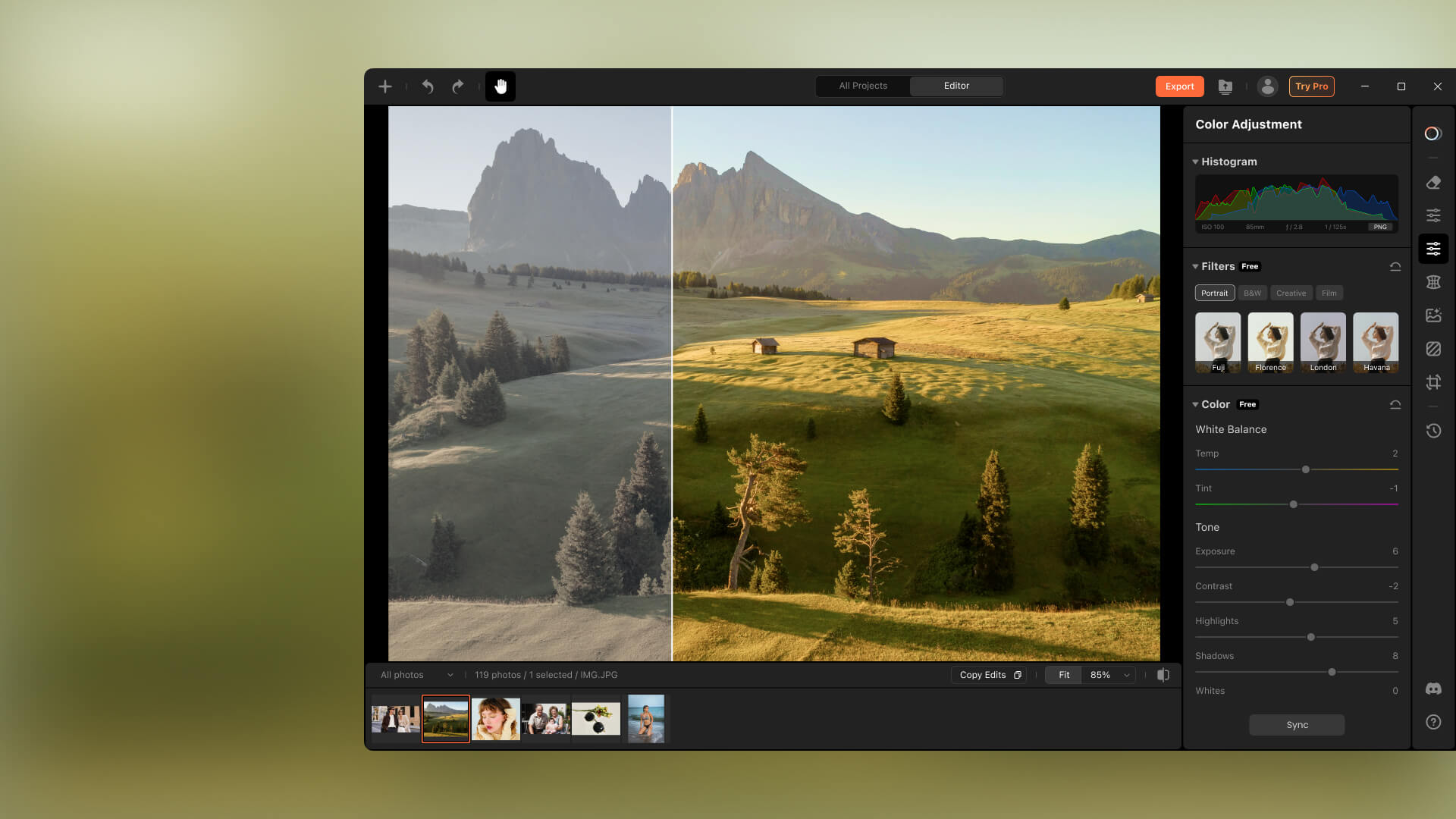
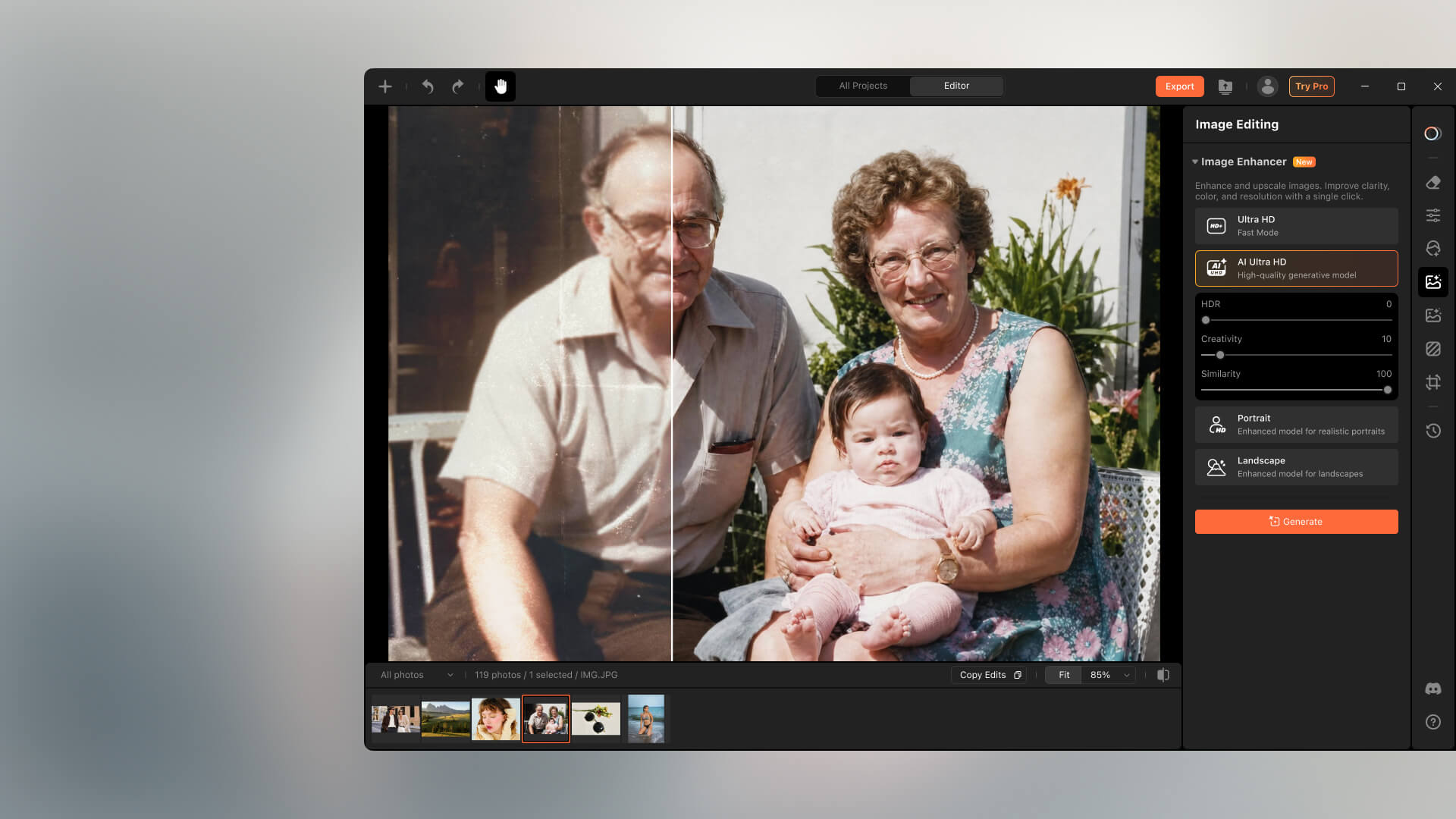
Airbrush Studio, a Photo Editor for PC makes portrait touch-ups simple: smooth skin, open eyes, enhance expressions, and refine features, no editing skills needed.
Supported OS: macOS 11+ / Windows 10 & 11

Make Every Shot Perfect, No More Closed Eyes

It’s frustrating to snap a great photo only to find someone’s eyes closed. With Airbrush Studio, a Photo Editor for Windows, you can fix it in a few clicks, just upload the photo plus a few clear shots with open eyes, and the tool will seamlessly restore them.
Photo Editor for PC

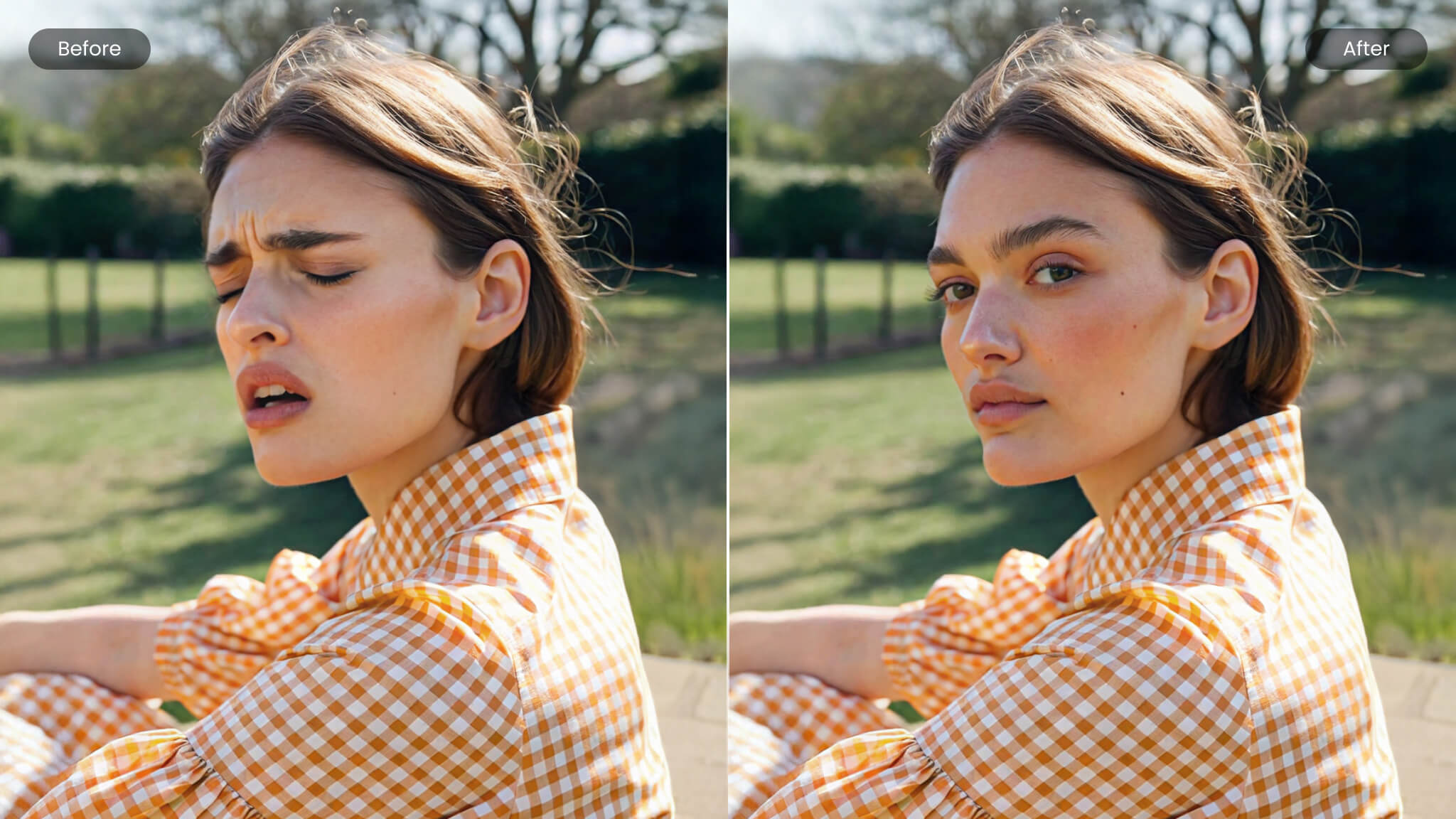
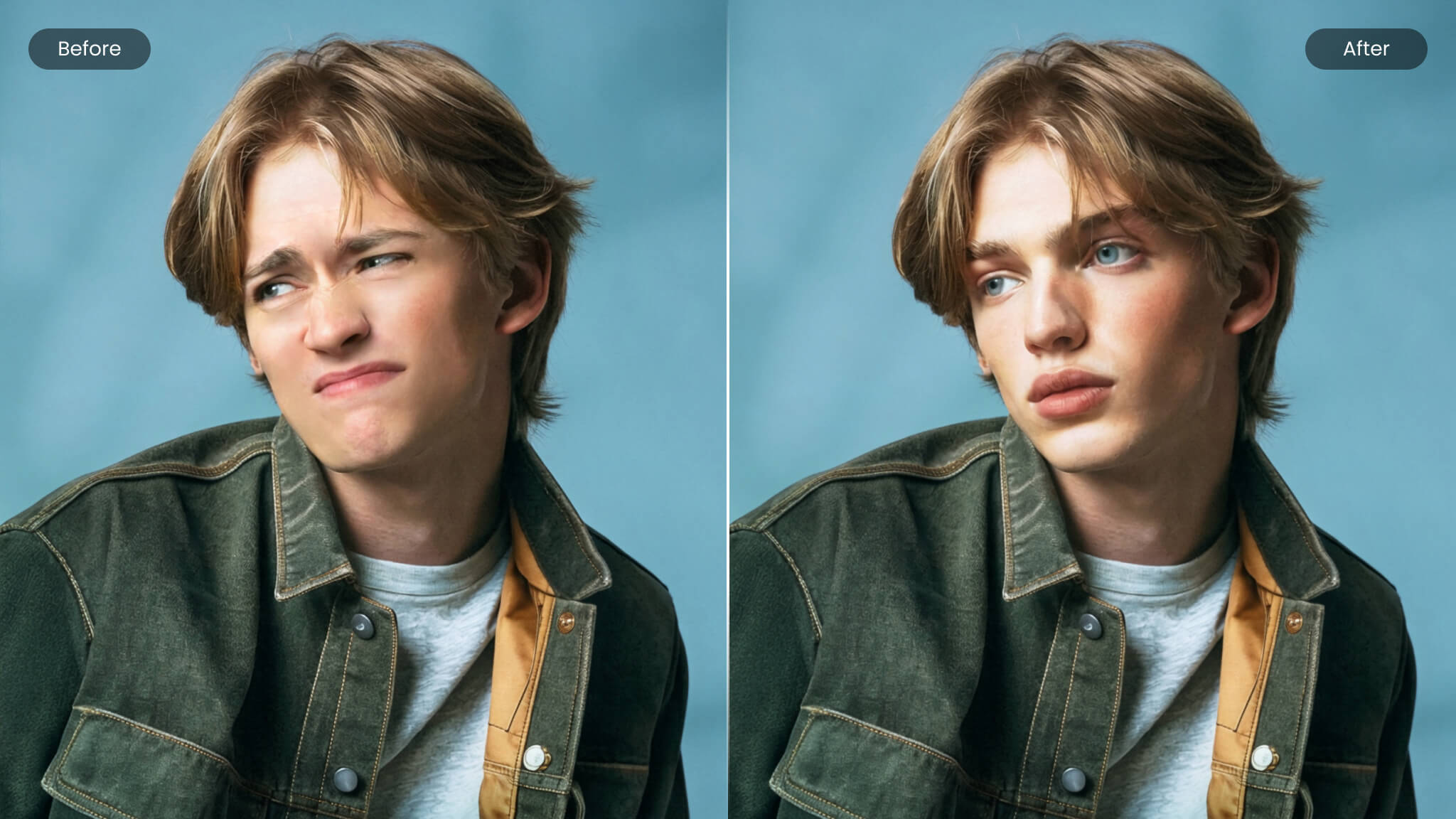
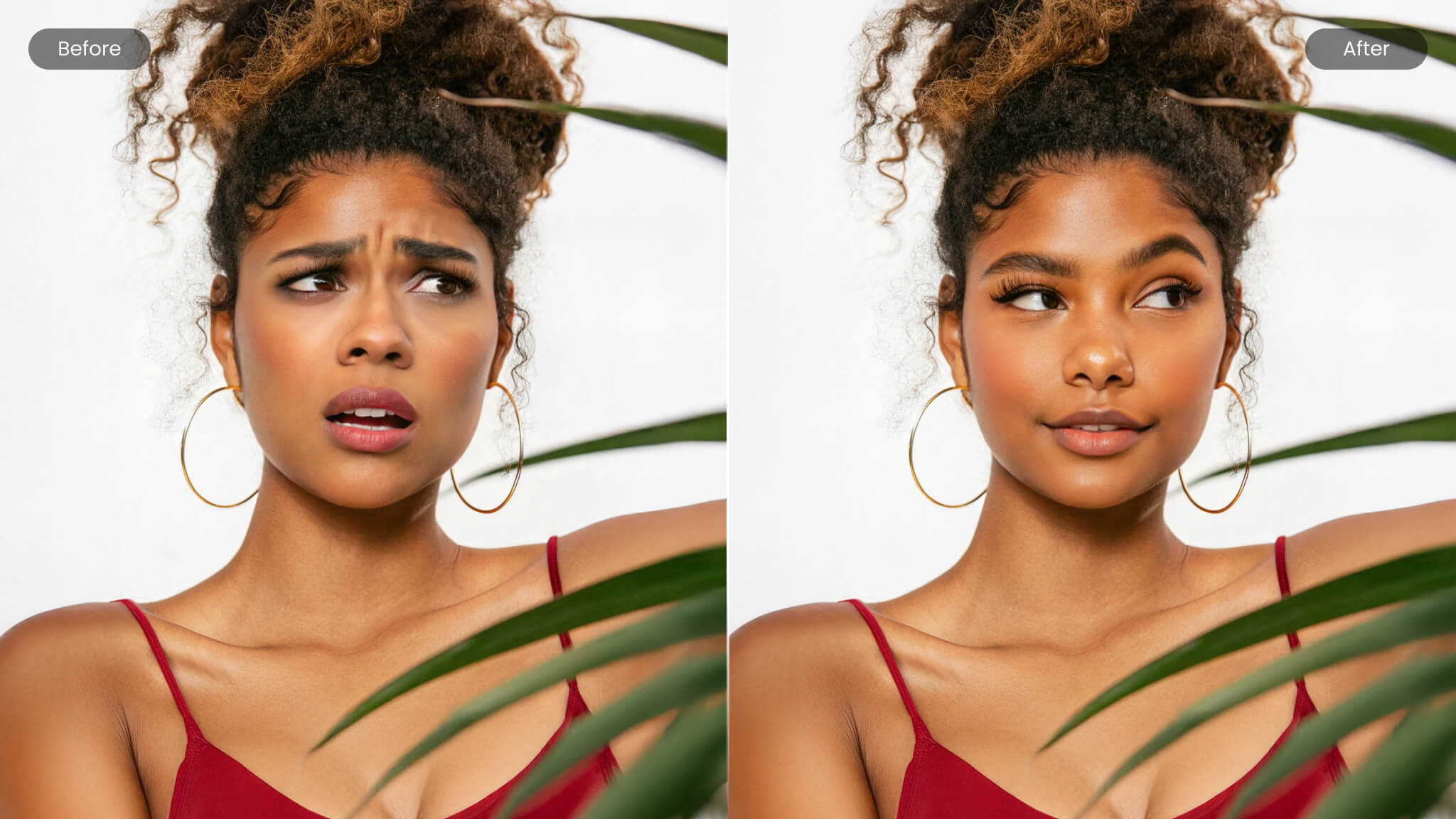
Perfect Every Expression in Your Photos

Editing facial expressions can be tough without the right tools. Airbrush Studio, a good photo editor for PC, lets you soften a serious look, adjust a smile, or brighten tired eyes with just a few clicks. It’s simple, effective, and perfect for realistic portrait touch-ups, no editing skills needed.
Photo Editor for PC
Photo Editor for PC
Photo Editor for PC

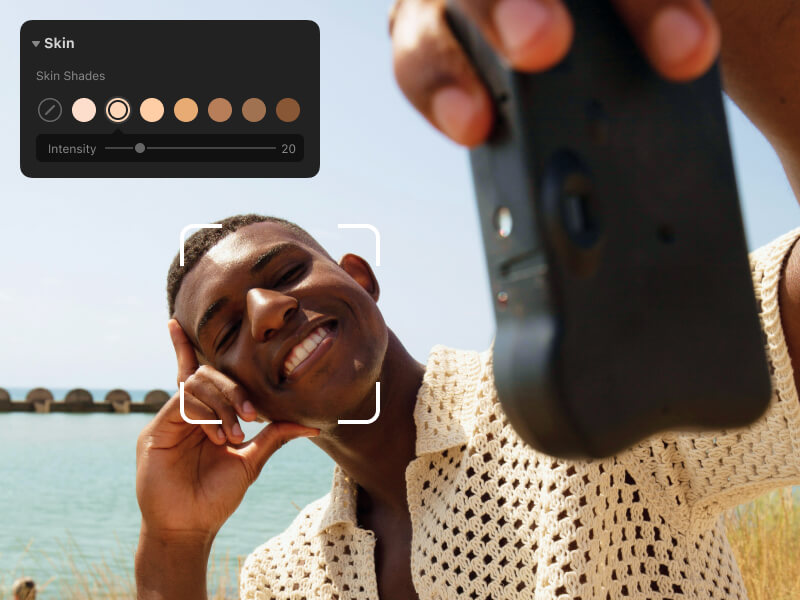
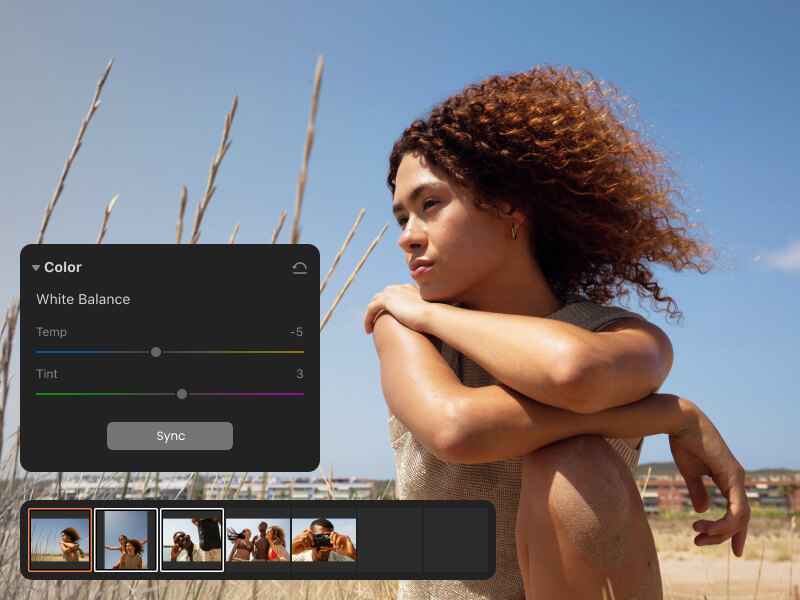
Edit with Precision

  • Skin Shades
  • Smooth & Even Texture
  • Wrinkle Removal
  • Face Contouring

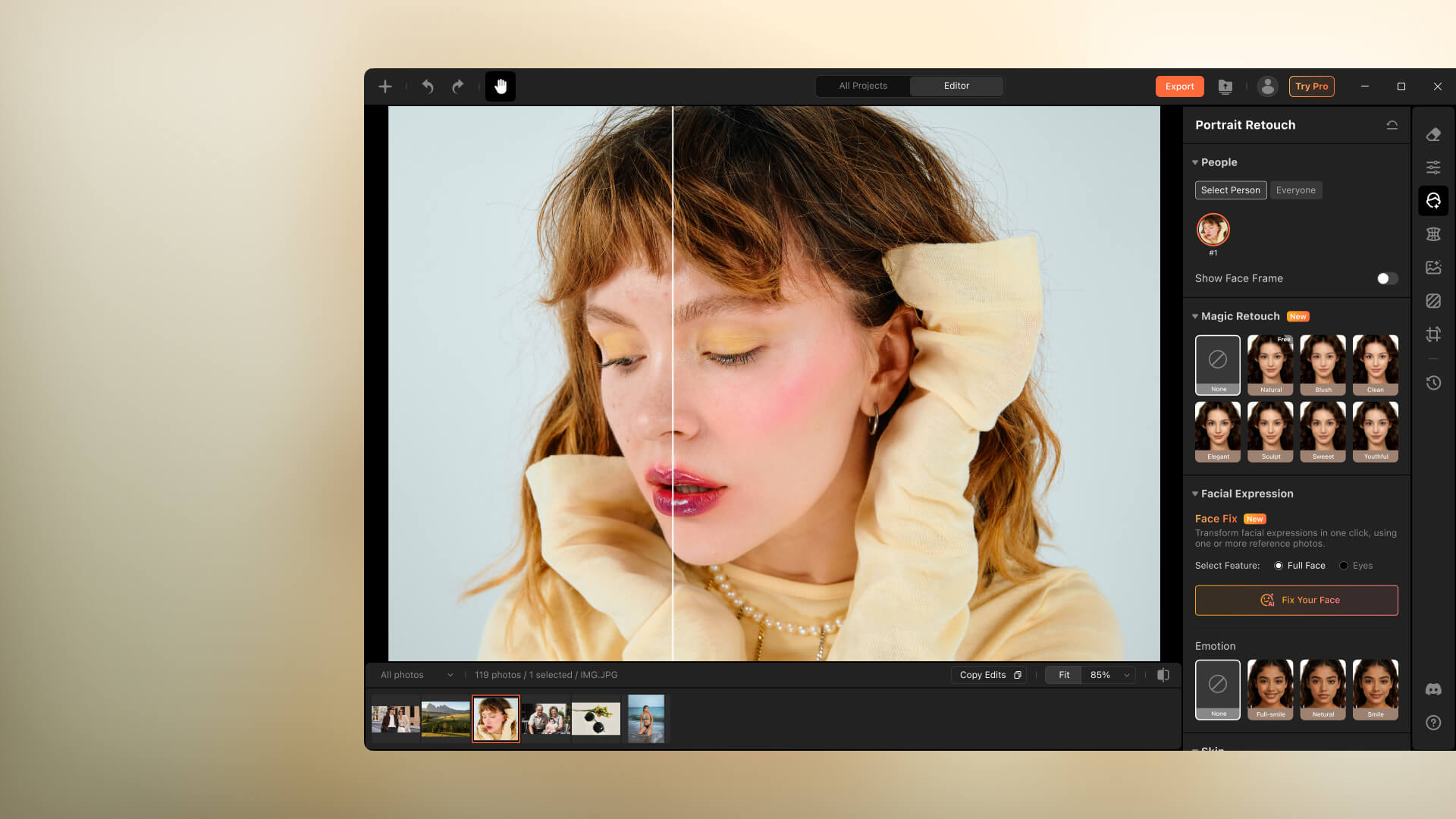
Magic Retouch

Refresh your entire look in one click. Magic Retouch smooths, refines, and perfects small details, helping facial features look clean and balanced. The result stays natural while giving your photo a polished, flawless finish.
Photo Editor for PC

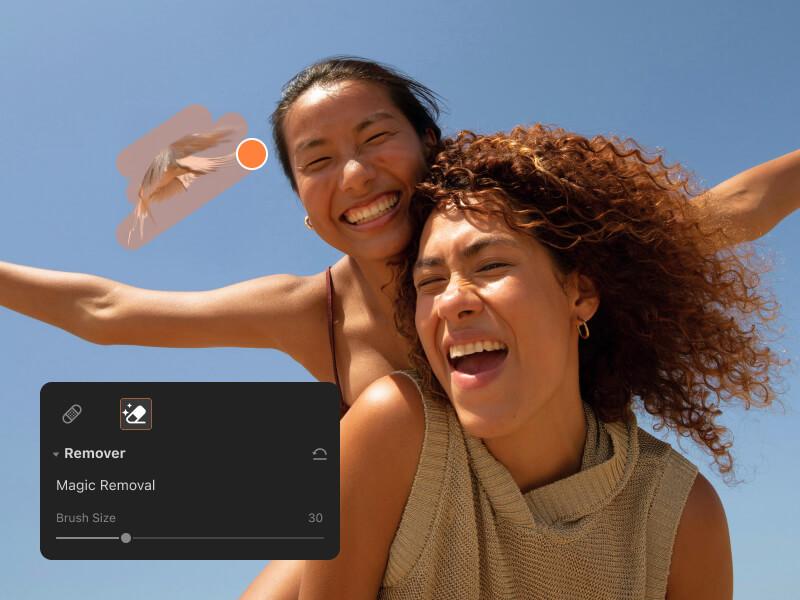
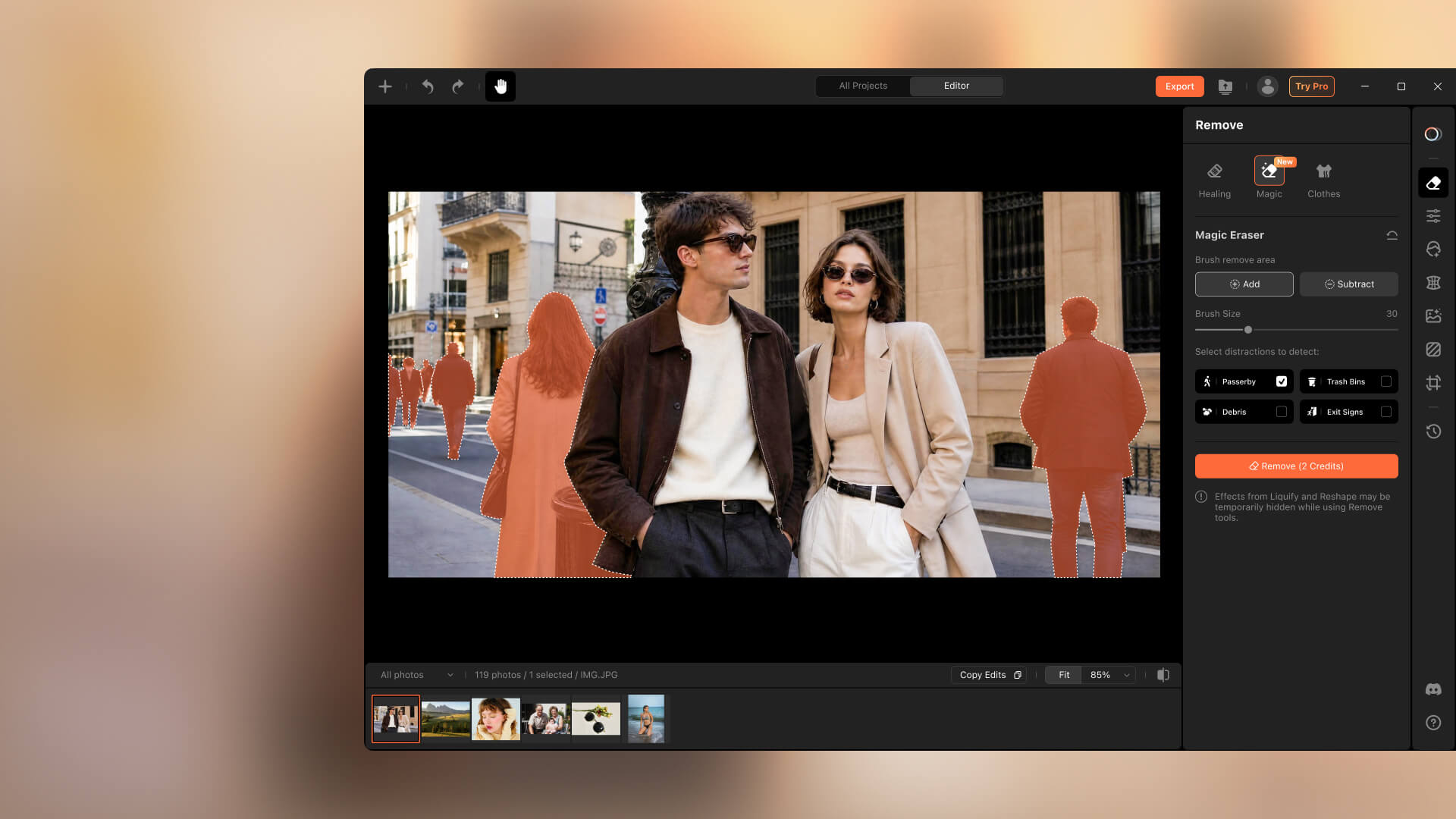
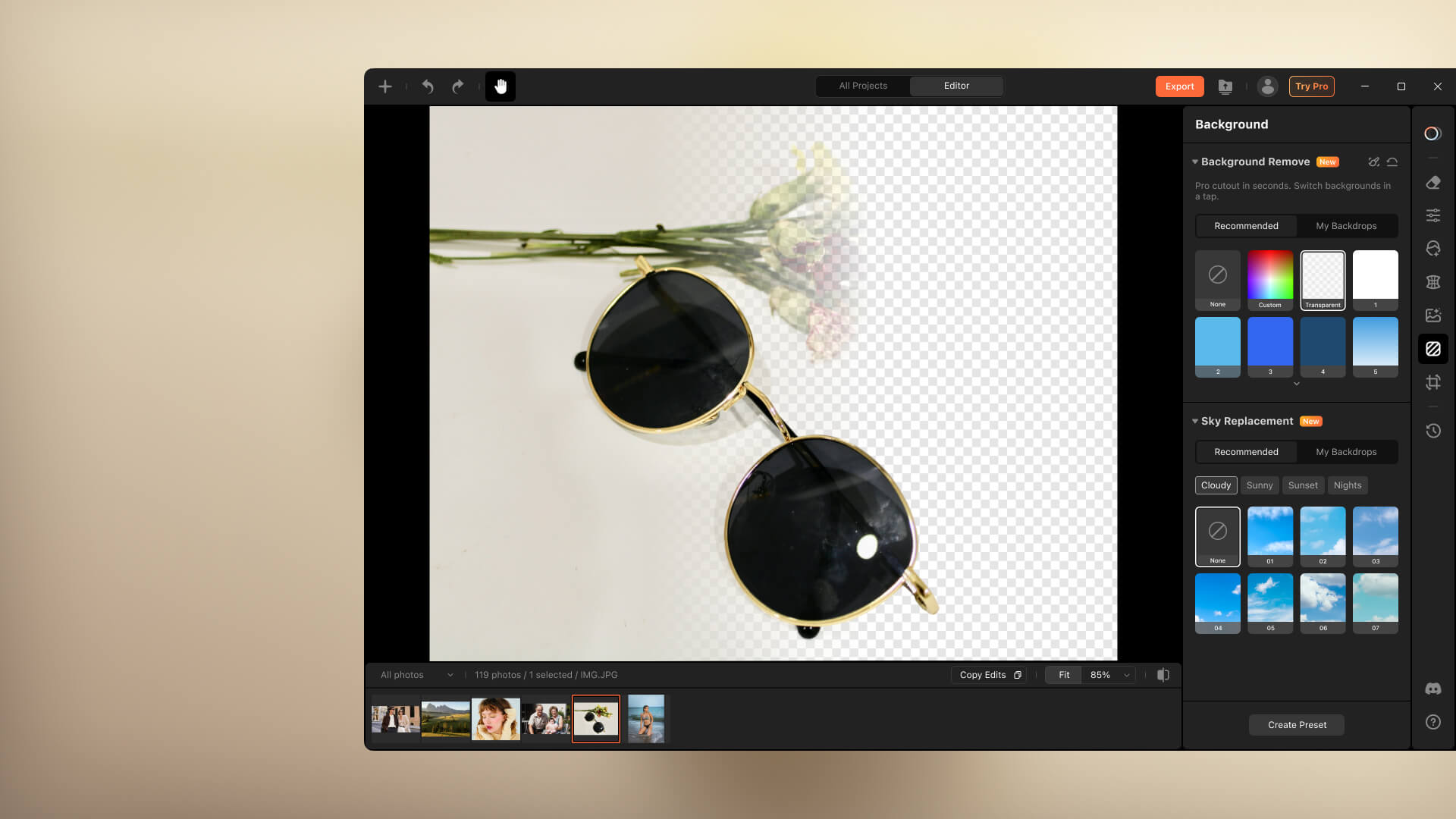
Magic Eraser

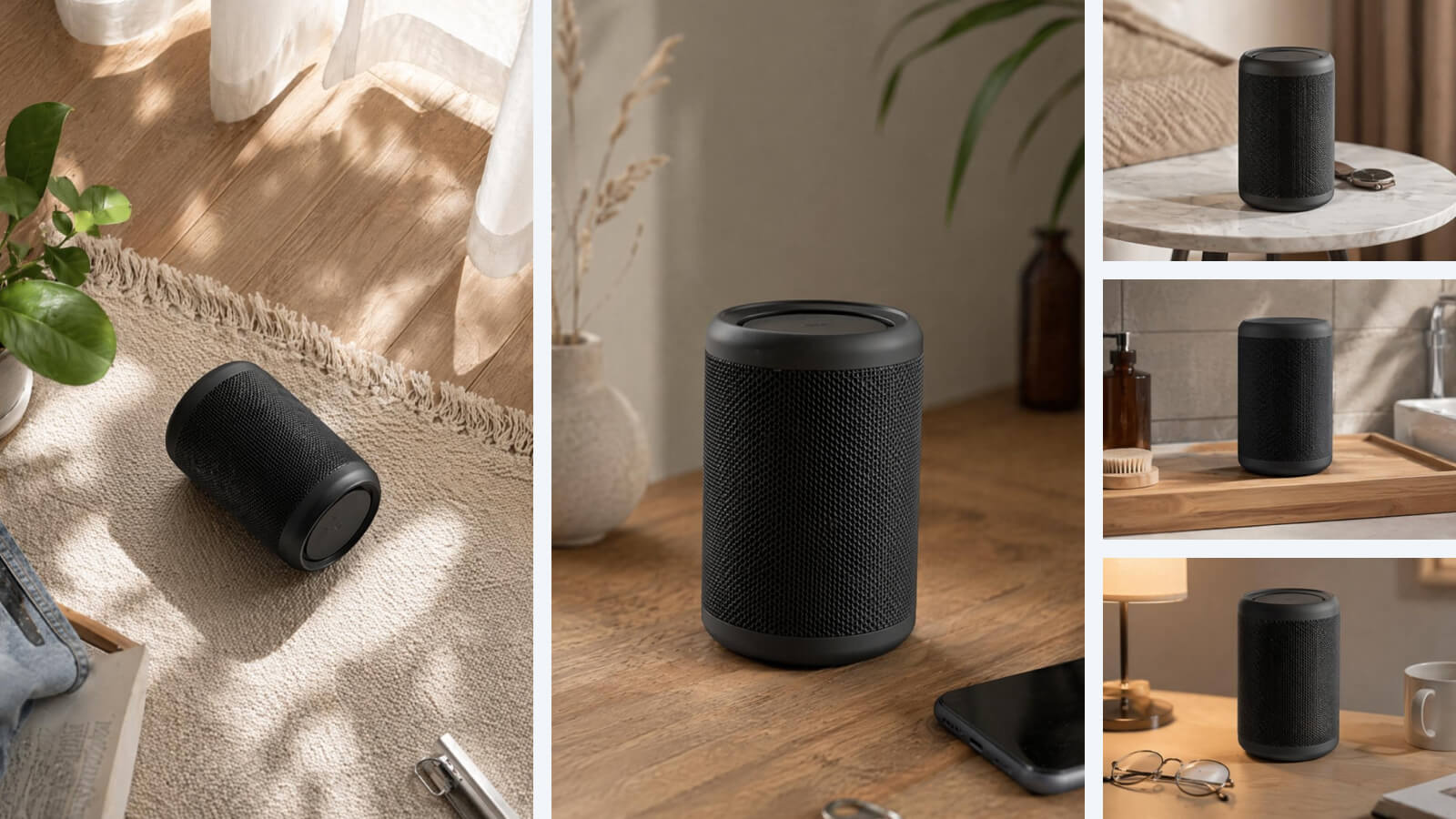
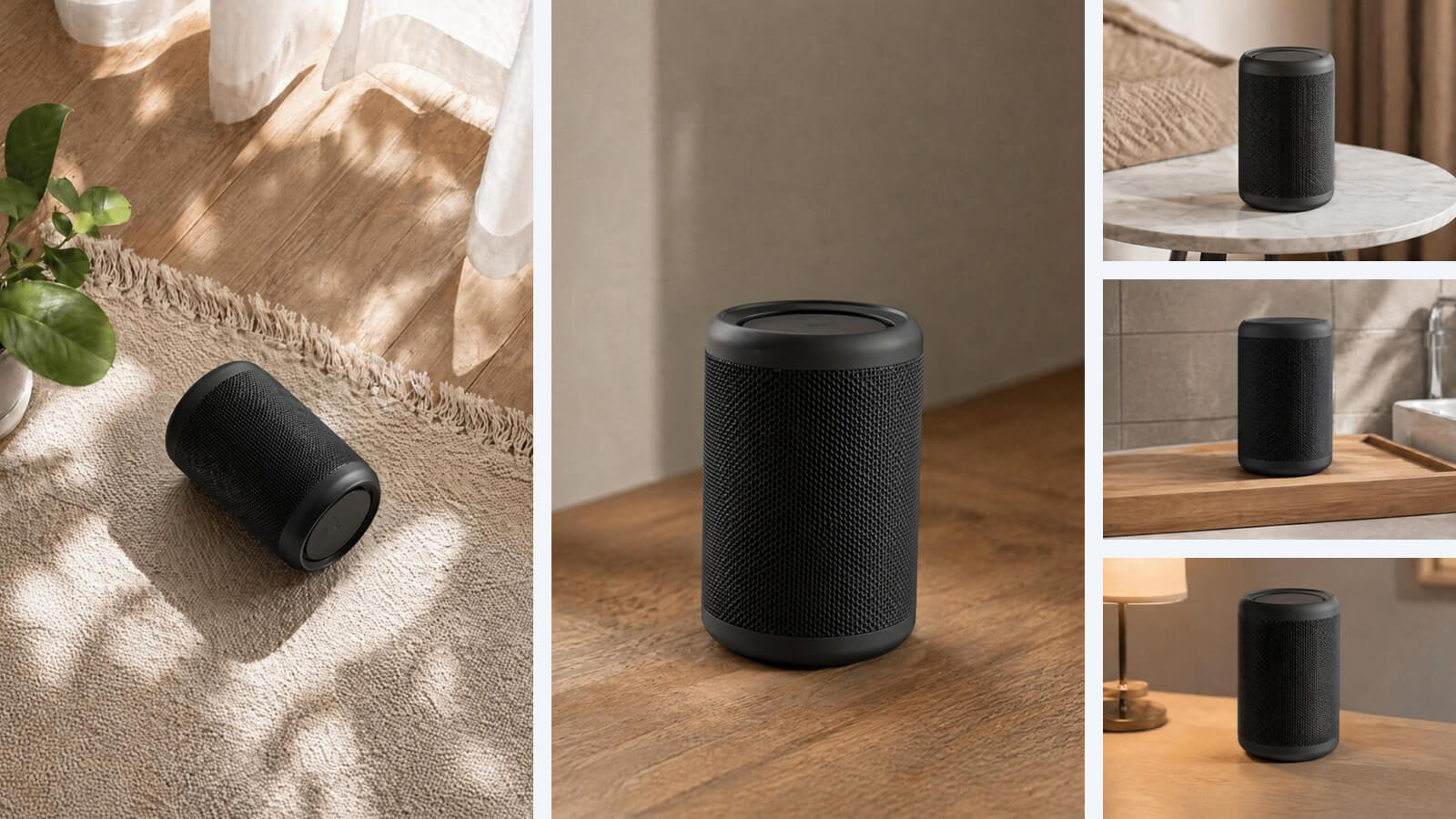
Remove unwanted objects in one tap, from passersby to trash bins and background clutter. AI restores the cleared area into a clean, natural backdrop, keeping edges smooth and helping your subject stay clearly in focus.
Photo Editor for PC

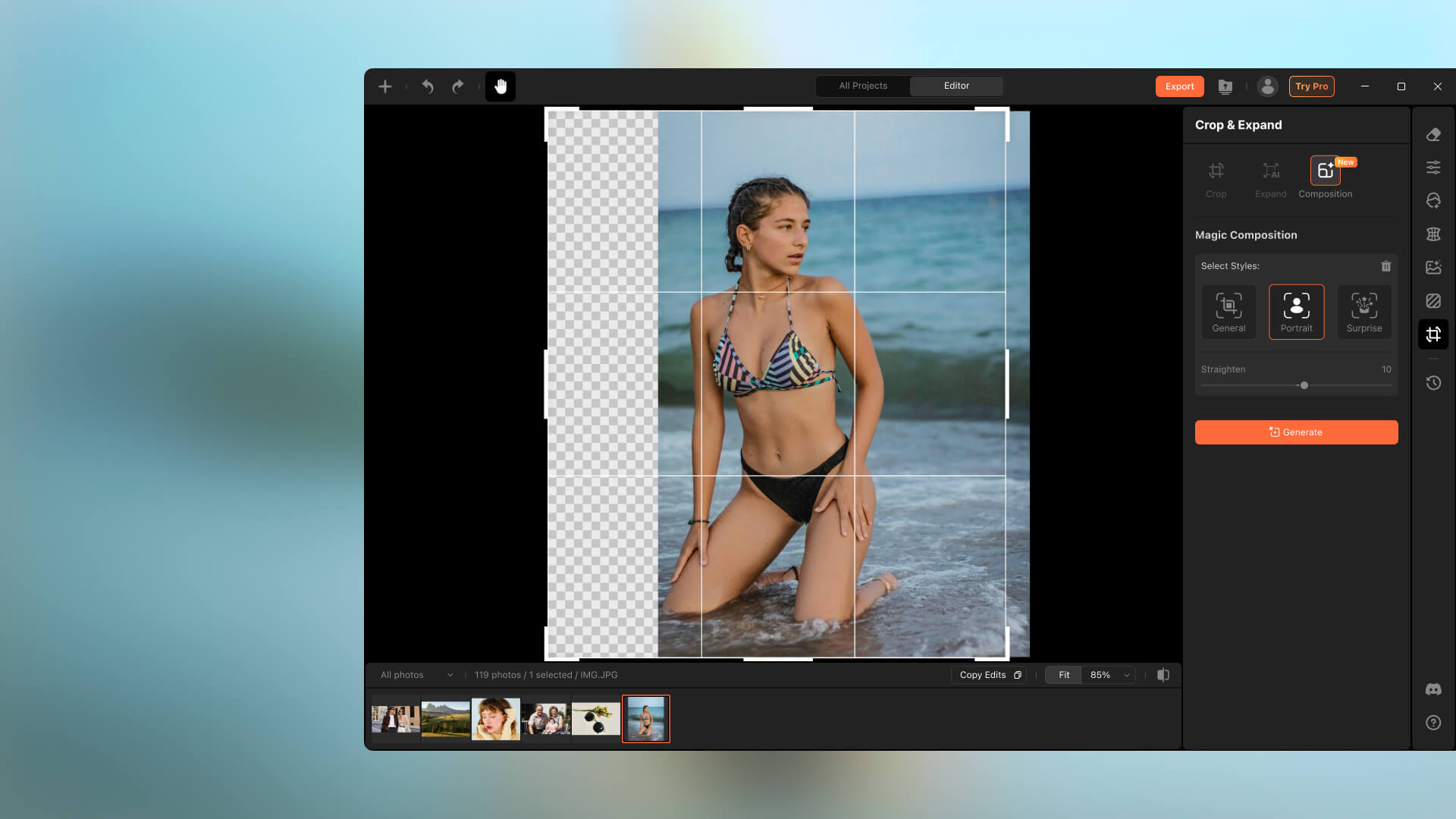
Body Retouch

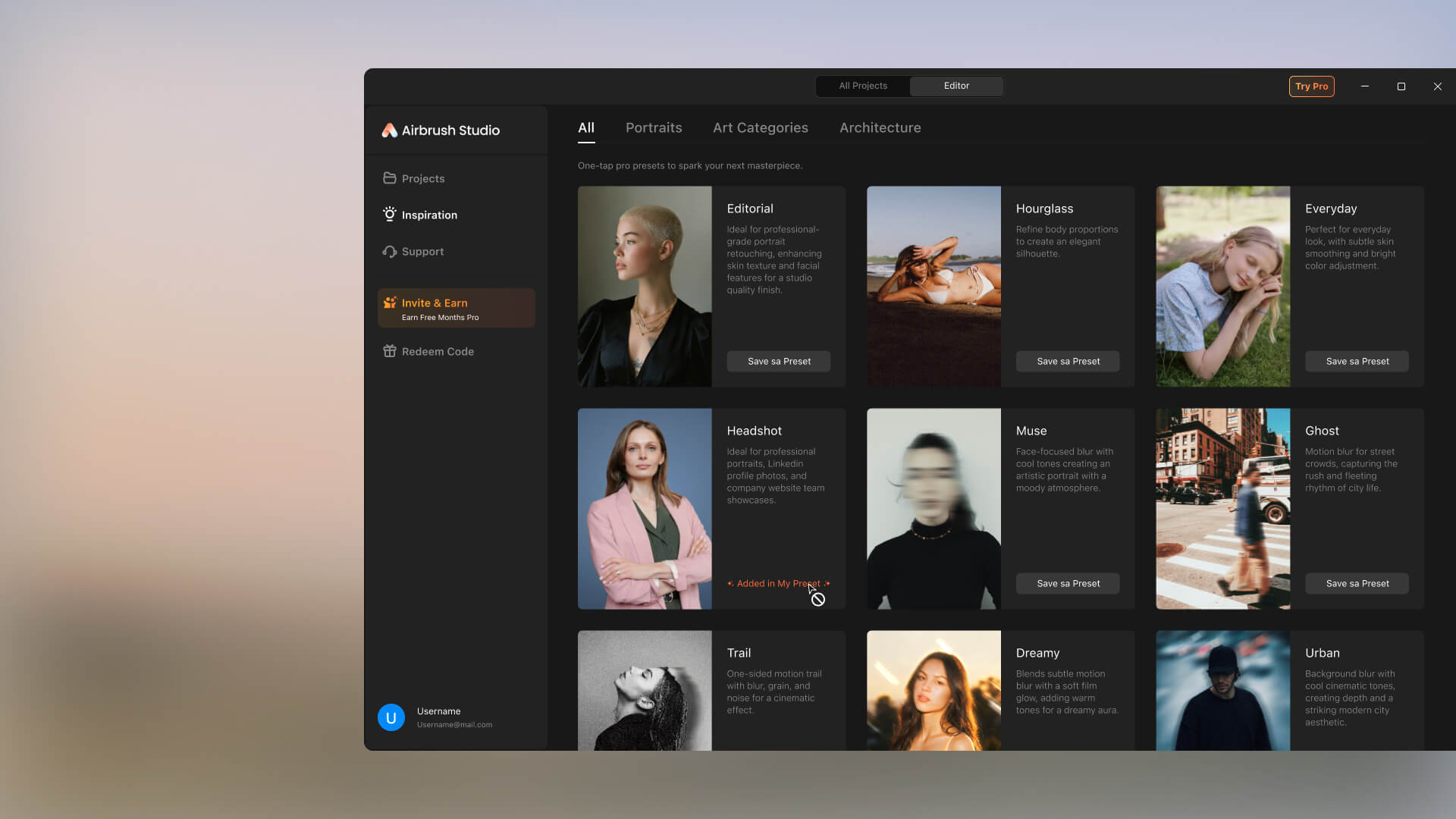
Not every photo turns out the way you want. Airbrush Studio Body Reshape helps refine your silhouette with natural adjustments, letting you shape an hourglass figure for a more polished result that still looks like you, without feeling over-edited.
Photo Editor for PC

Studio Highlights

Designed for high-volume editing without sacrificing quality. So creators can stay focused on their vision, not the tech.
  • Built for Portraits
    From subtle skin retouching to full expression edits, get pro results fast. Designed for high-volume portrait workflows.
  • Simple Yet Powerful
    An intuitive interface and pro-level tools designed to help you work smarter, not harder.
  • Effortless Batch Edits
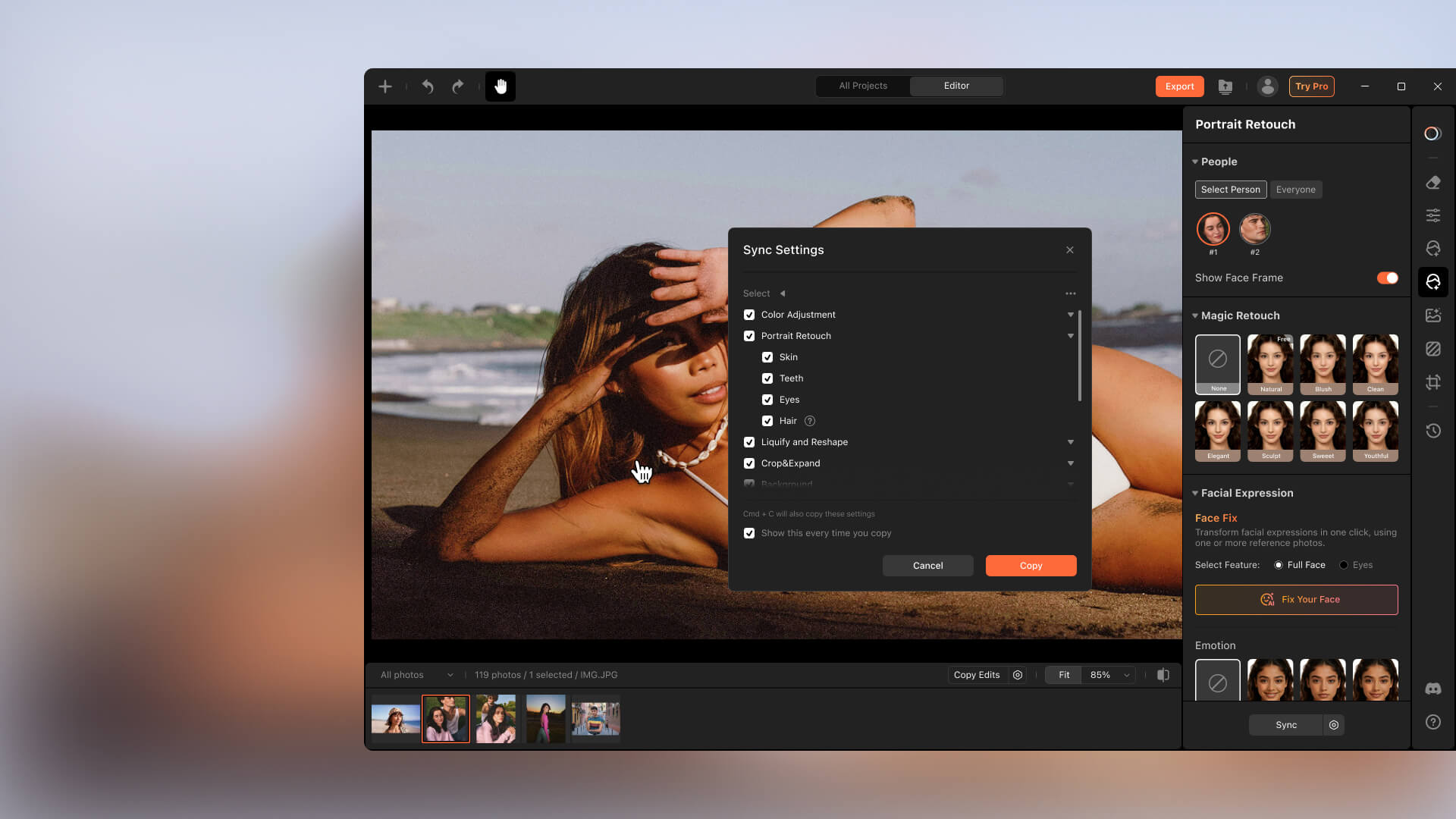
    Process hundreds of images at once with powerful batch editing tools. Fast, precise, and built for scale.
User Reviews
Airbrush Studio on Windows is a lifesaver. I work with student profiles and the face fix feature has saved so many pictures with uneven lighting and dull skin. One tap, and the photos glow like they were done in a studio.
- Priya R.
I was shocked by how professional my photos looked after using the AI features. Airbrush Studio for Windows really simplifies complex edits like makeup correction, eye brightening, and even facial balance. Brilliant tool.
- Mason T
I use it for editing product shots and team portraits—flawless skin, perfect color tones, and the one-click fixes are unbelievably good. It's smooth on my Windows laptop, and I love how fast it processes everything
- Amina K.

FAQ

Who can use Airbrush Studio?

Whether you’re a photographer, designer, creator, or simply someone who loves stunning visuals, Airbrush Studio is designed for you! It’s an ideal photo editor for PC users, offering a range of tools to enhance your images effortlessly.

Do I need a strong foundation in photo editing?

Not at all! Airbrush Studio’s best photo editor for PC tools handle the hard work, allowing you to achieve professional results even without prior experience. Anyone can use this easy-to-navigate photo editor software for PC.

Can I change the language?

Currently, Airbrush Studio supports English only, but we plan to add more languages soon to better cater to a global audience. Stay tuned for future updates, including the ability to download photo editor free for PC in additional languages.

What are the system version requirements?

Airbrush Studio supports Windows 10 (and above) and macOS 11 (and above). Make sure your device is up to date with the latest operating system for seamless use of the photo editor for PC free download.

What is the price?

Airbrush Studio is currently completely free for all users, with potential pricing options planned for the future. Enjoy the best free photo editor for PC without worrying about hidden costs or subscriptions!

Can I edit multiple photos at once?

Absolutely! Batch editing is a core feature of Airbrush Studio, allowing you to apply consistent retouching across hundreds of images quickly and easily. It’s the perfect tool if you’re looking for photo editor for PC windows 10 free download with bulk editing capabilities.