HomeAll Tools
Signature PNG

Airbrush Signature PNG Maker

Create a clean signature PNG from a photo or scanned signature with Airbrush. Remove the background while keeping the original strokes and details, then save a transparent signature ready for documents, forms, and more.

Upload Image

Drag and drop Image here

Signature PNG

Create a clean signature PNG from a photo or scanned signature with Airbrush. Remove the background while keeping the original strokes and details, then save a transparent signature ready for documents, forms, and more.

Signature PNG

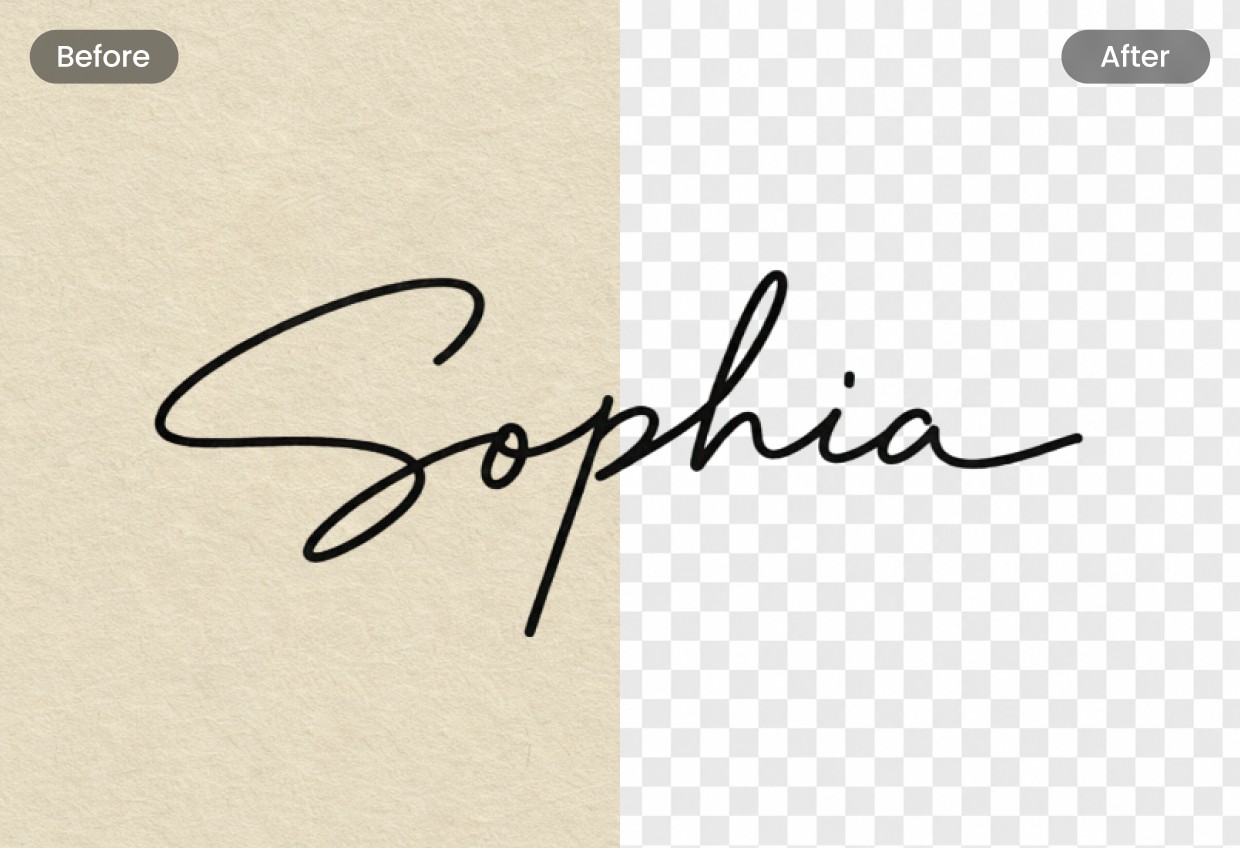
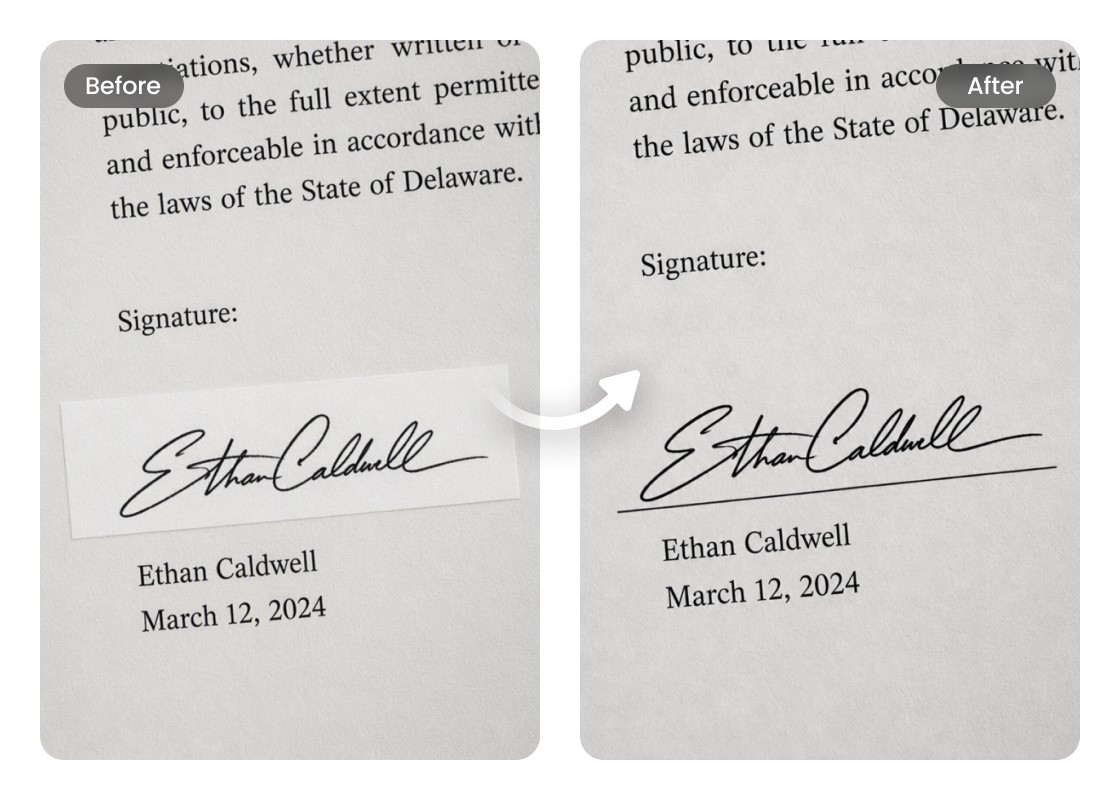
Remove the Background from Your Signature

Turn a photo or scan of your handwritten signature into a clean signature PNG by removing the surrounding background. Airbrush separates the signature from the page, making it easier to place over documents, forms, and other files.
Signature PNG

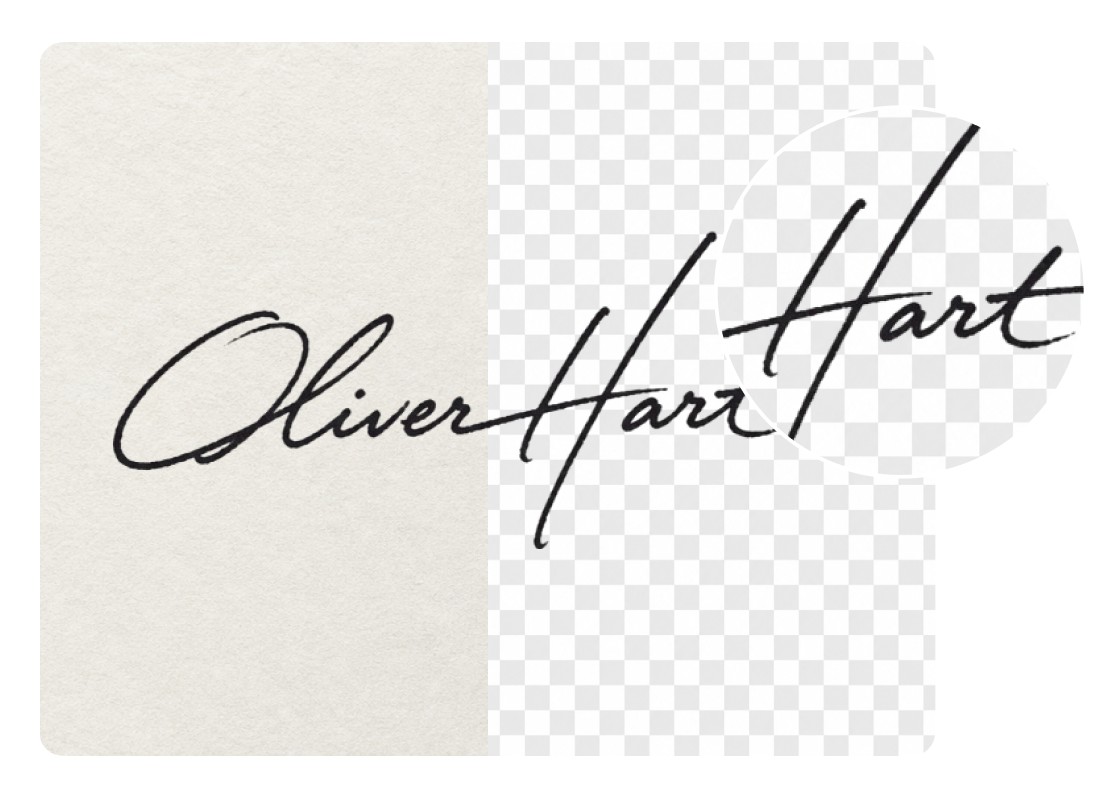
Help Preserve Visible Signature Strokes and Details

Airbrush helps retain the visible curves, lines, and fine details of your handwriting while creating a PNG signature. The result can stay close to the original signature, depending on the clarity and quality of the source image.
Signature PNG

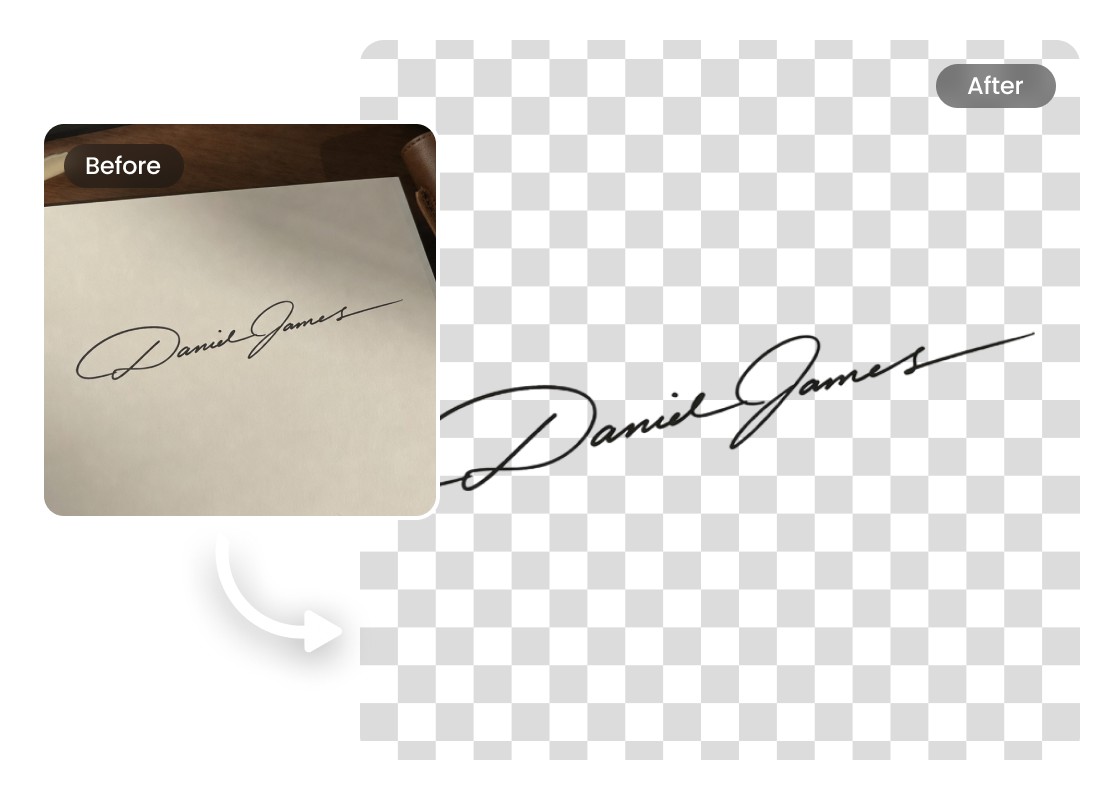
Create Clean, Well-Defined Signature Edges

Airbrush helps preserve the visible strokes and define their edges for a cleaner result. This creates a polished signature PNG that fits naturally into forms, letters, and other digital documents.
Signature PNG

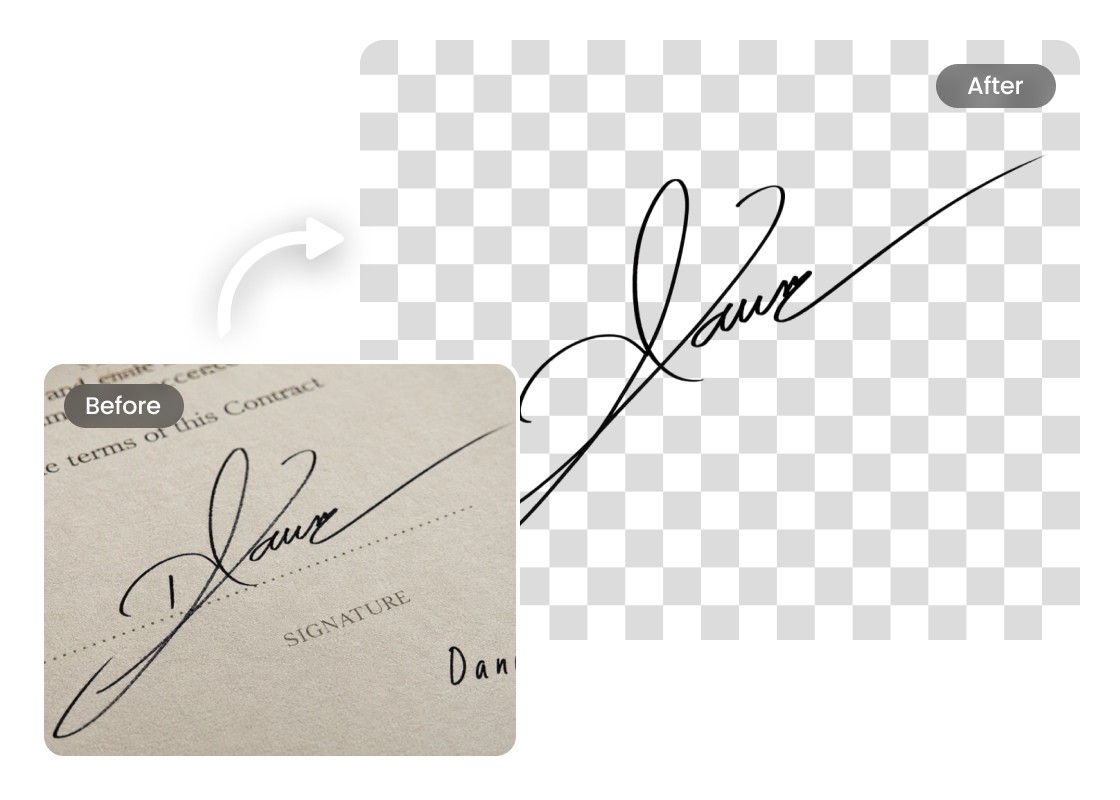
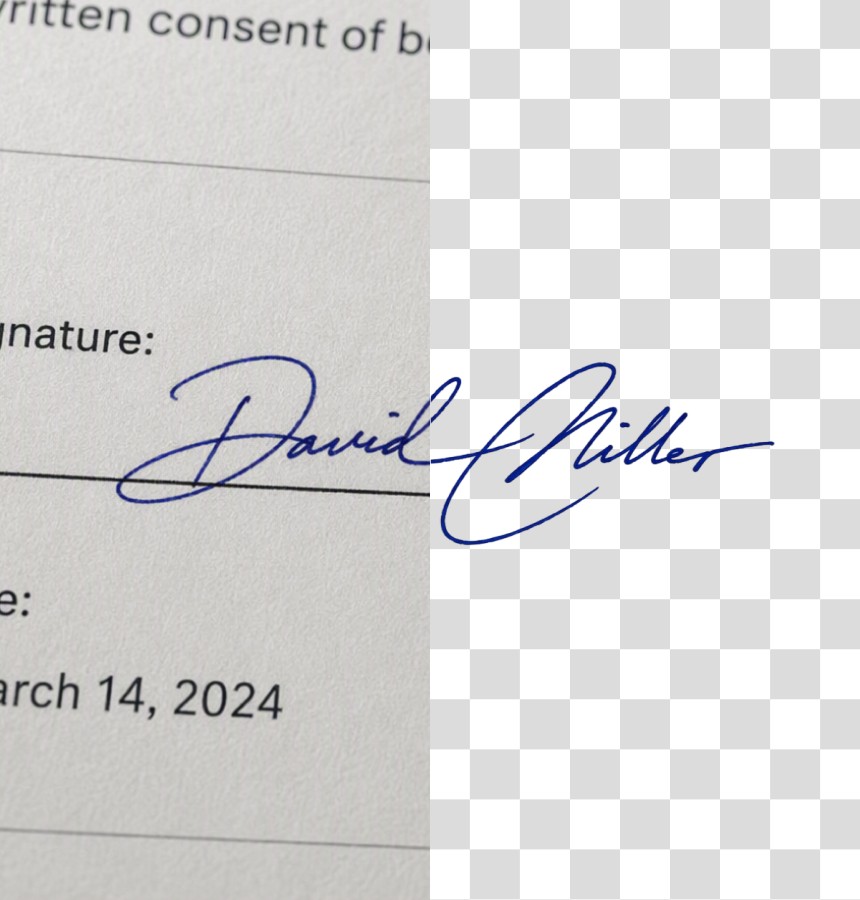
Save Your Signature with a Transparent Background

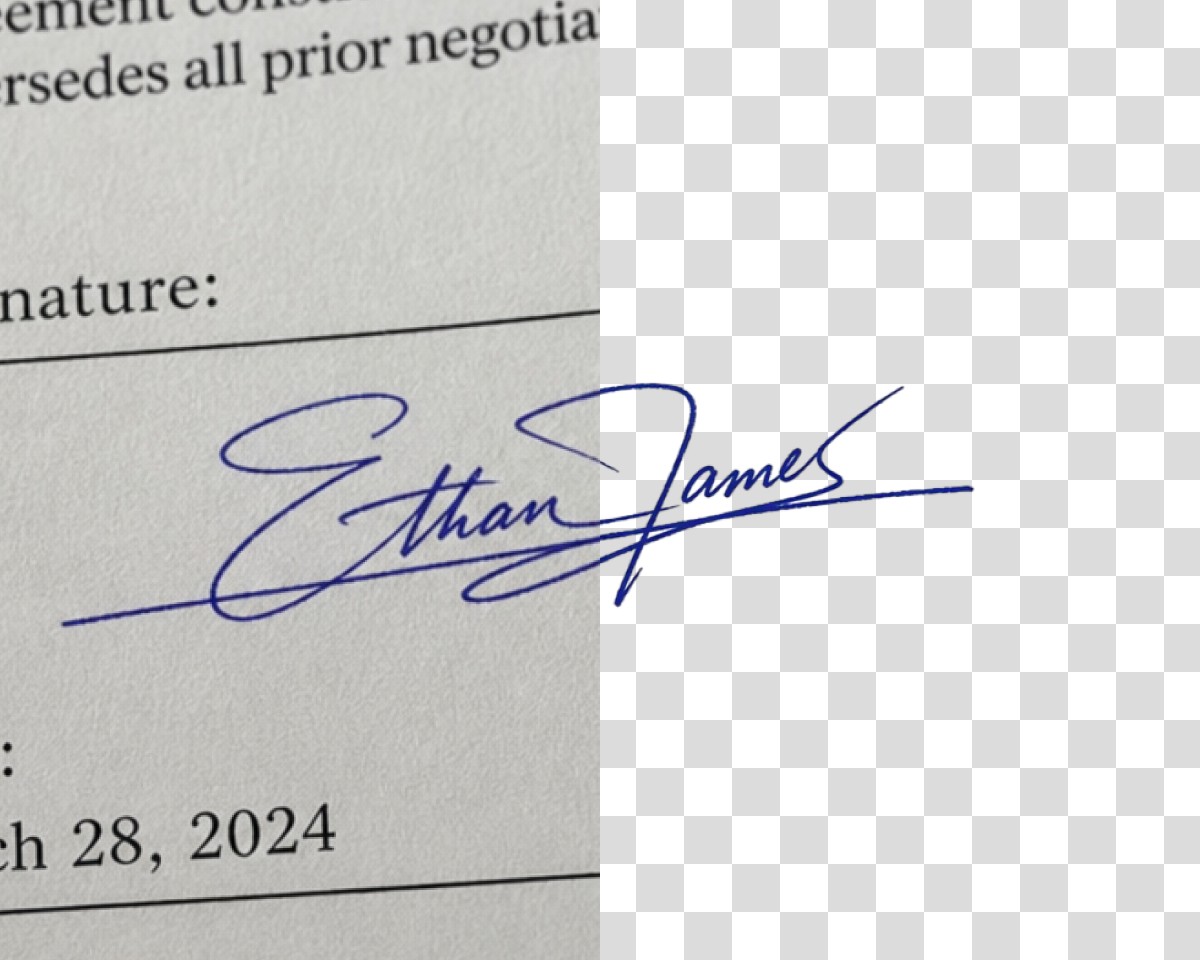
Create a digital signature PNG with a transparent background that blends naturally into different documents. Without a white box around it, your signature can sit neatly over document backgrounds, signature lines, and other page elements.

Use Cases of the Signature PNG Maker

Signature PNG
Add Your Signature to Personal Documents

Create a transparent signature in PNG format for personal letters, applications, forms, and other everyday documents. The background-free image is easy to position while keeping nearby text and page elements visible.
Signature PNG

Add Your Signature to Personal Documents

Create a transparent signature in PNG format for personal letters, applications, forms, and other everyday documents. The background-free image is easy to position while keeping nearby text and page elements visible.

Signature PNG

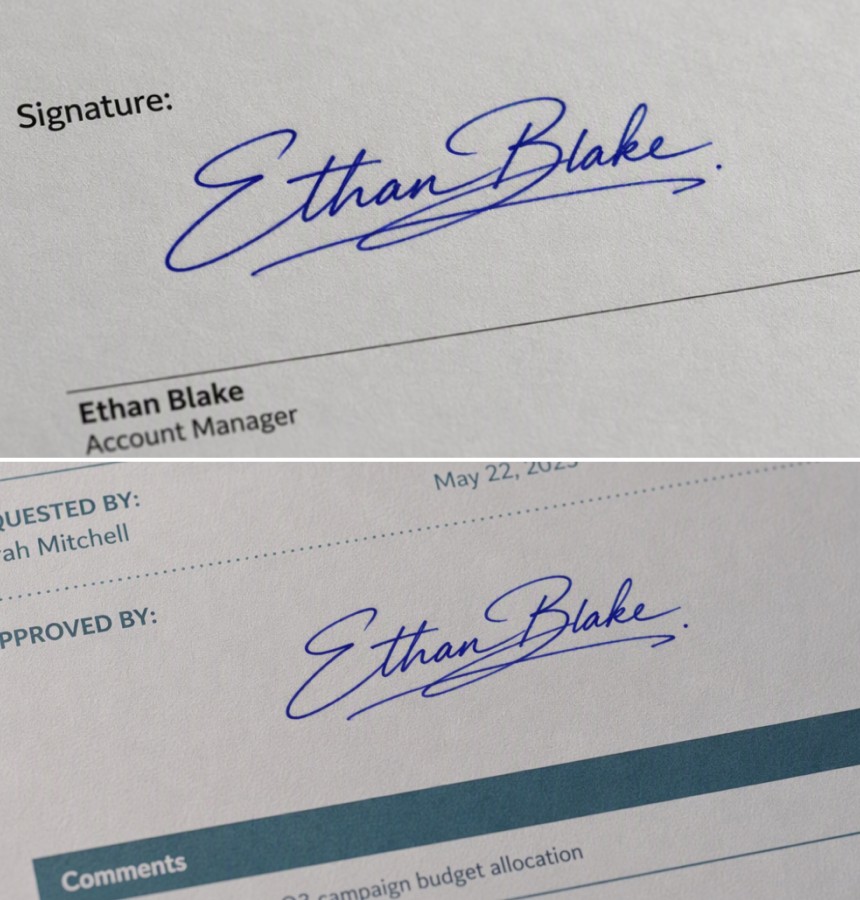
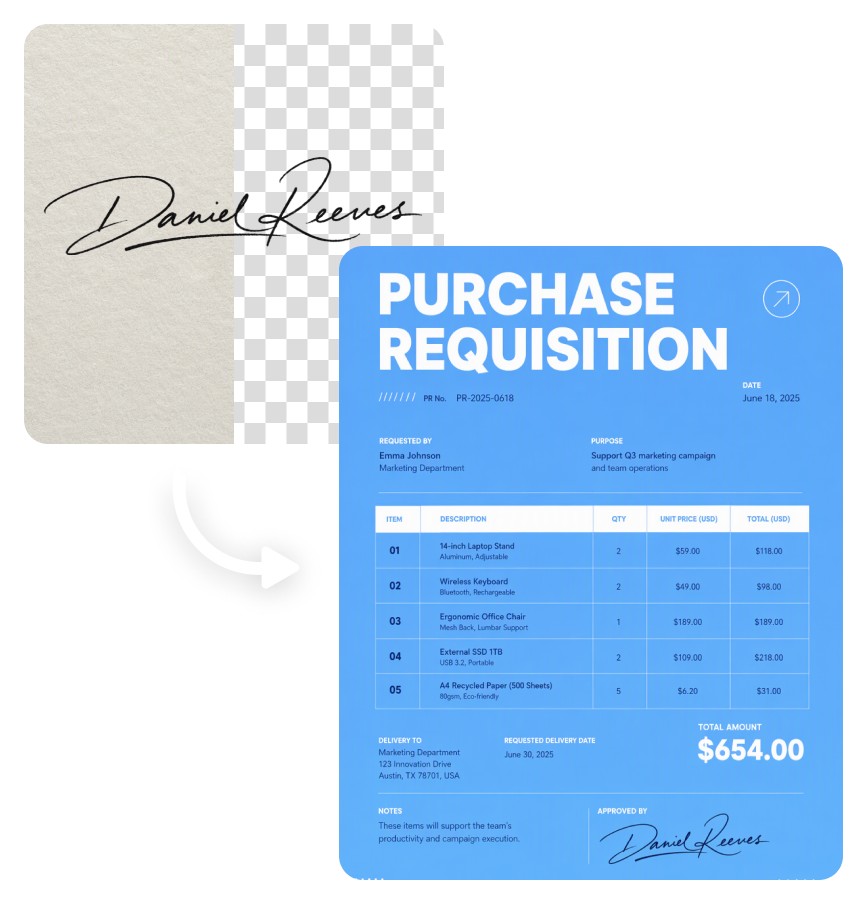
Simplify Repetitive Signing in Business Workflows

Keep a reusable PNG signature for invoices, approval forms, expense reports, and other routine business documents. It can save time when you regularly need to add your signature to files that support image-based signatures.

Signature PNG

Add Your Signature to Supported Contracts and Agreements

Prepare a digital signature PNG for contracts, agreements, and other documents that accept signature images. Use it only when image-based signatures are permitted and you are authorized to sign the document.

How to Create a Signature PNG with Airbrush?

Upload Your Signature to Airbrush

Upload a well-lit photo or scan in which the signature is clearly separated from the paper or surrounding background.

Let Airbrush Remove the Background

Airbrush automatically isolates the signature from its background. Preview the result to confirm that the original strokes remain clear and the surrounding paper has been removed.

Download Your Signature PNG

Preview the finished signature and download it as a transparent PNG for use in compatible documents and forms.

Signature PNG

User Reviews

I photographed my signature on white paper, but the background looked awkward when I added it to a document. Airbrush removed the background cleanly and kept the thinner parts of my handwriting visible. The PNG signature worked well in my PDF.

- Lucas Bennett

I needed the same signature for several client forms and didn't want to scan it every time. I made a transparent signature PNG once and now keep the file ready to use. It sits much more naturally on the document than my old JPG did.

- Sofia Ramirez

My original signature image came from a phone photo, so there were shadows and extra space around the writing. The signature PNG maker gave me a much cleaner version while keeping the shape of my actual signature. I now use it for routine business documents.

- Daniel Foster

I photographed my signature on white paper, but the background looked awkward when I added it to a document. Airbrush removed the background cleanly and kept the thinner parts of my handwriting visible. The PNG signature worked well in my PDF.

- Lucas Bennett

I needed the same signature for several client forms and didn't want to scan it every time. I made a transparent signature PNG once and now keep the file ready to use. It sits much more naturally on the document than my old JPG did.

- Sofia Ramirez

My original signature image came from a phone photo, so there were shadows and extra space around the writing. The signature PNG maker gave me a much cleaner version while keeping the shape of my actual signature. I now use it for routine business documents.

- Daniel Foster

Frequently Asked Questions

Only upload and use a signature that belongs to you or that you have explicit permission to process. Do not create, copy, or place another person’s signature PNG on a document without their authorization.

A signature PNG is an image of a signature saved in PNG format, often with a transparent background. This makes it easier to place the signature on documents without a visible box or paper background around it.

Yes. Use the Airbrush Signature PNG Maker to upload a clear photo or scan of your handwritten signature. Airbrush removes the surrounding paper background, preserves the visible signature shape, and lets you download the result as a transparent PNG.

A transparent background allows your PNG signature to sit naturally over different document backgrounds and signature lines. It also avoids the white rectangle that can appear around signatures copied directly from photos or scans.

Airbrush removes the surrounding background and aims to preserve the visible shape and strokes of your signature. It does not verify or recreate your identity. Use a clear, well-lit image with enough contrast, because the result depends on the quality and legibility of the original signature.

Yes. You can reuse the same signature in PNG format for compatible documents that accept image signatures. Before using it, make sure you are authorized to sign each document and that the recipient accepts a signature image instead of a verified electronic signature.

No. A digital signature PNG is only an image of handwritten signing marks. It does not verify the signer’s identity, record authentication data, or provide the security features of a verified digital-signature service. Use a dedicated e-signature service when legal verification or authentication is required.

Yes. Upload your JPG signature to Airbrush, remove the surrounding background, and download the result as a transparent PNG. This creates a cleaner signature file that is easier to place on compatible documents and forms.

Airbrush Signature PNG Maker