


Remove Glare from Photo with AI
Remove glare from any photo online. Upload your image and the tool reduces harsh reflections and bright hotspots, making details clearer and lighting more even while the photo stays natural.
Upload Image
Drag and drop Image here

Remove glare from any photo online. Upload your image and the tool reduces harsh reflections and bright hotspots, making details clearer and lighting more even while the photo stays natural.
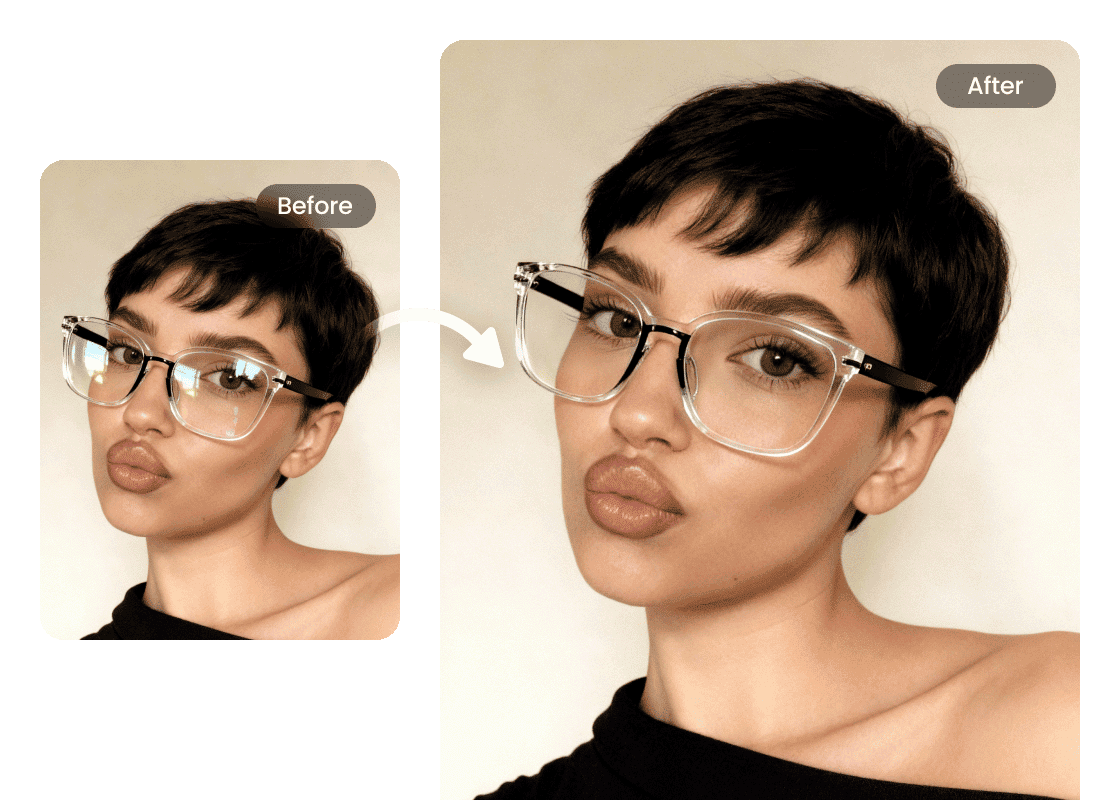
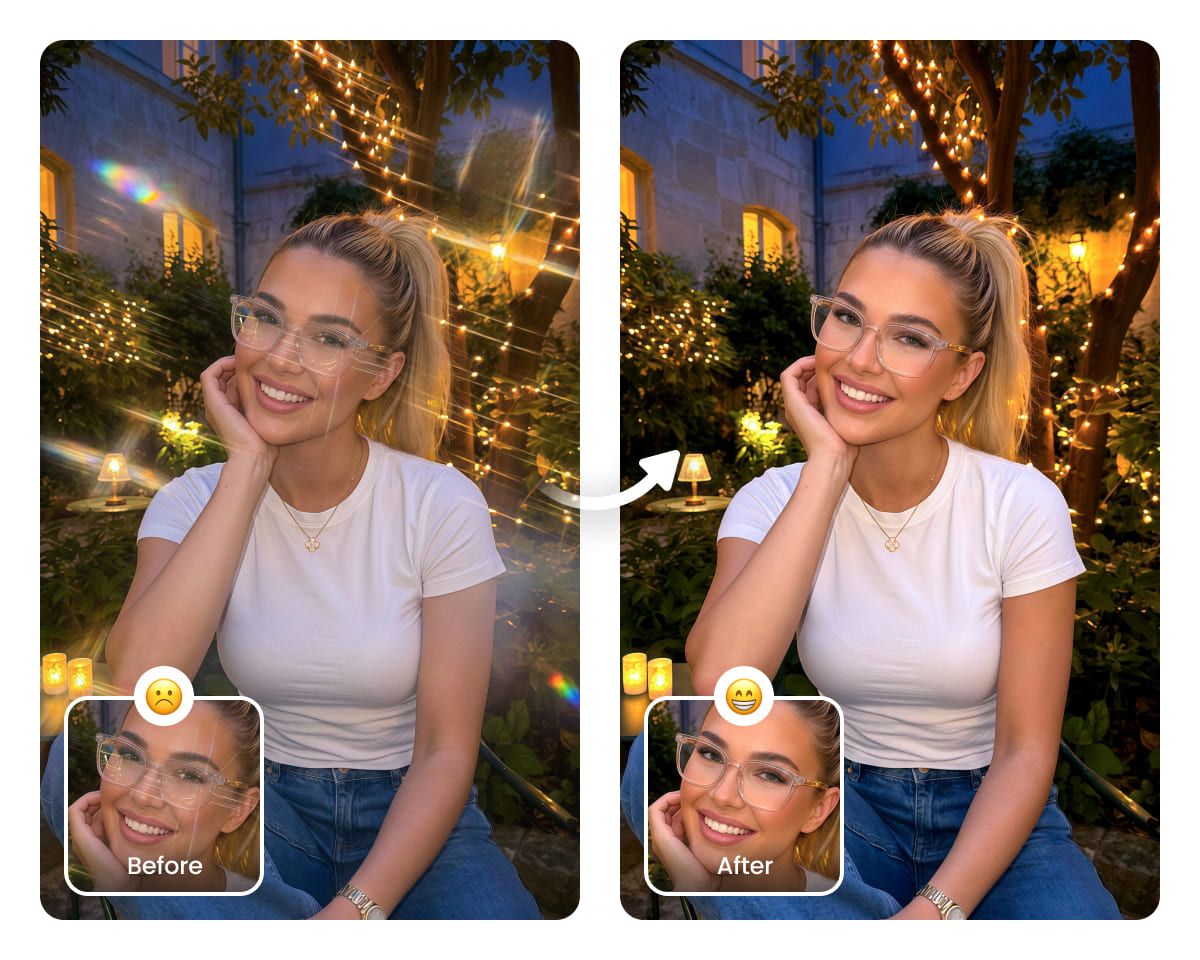
Remove Glare from Glasses
Lens glare often obscures the eyes and affects the overall balance of a portrait. Airbrush removes distracting reflections without flattening facial detail, making it a practical option for selfies, portraits, and profile images.
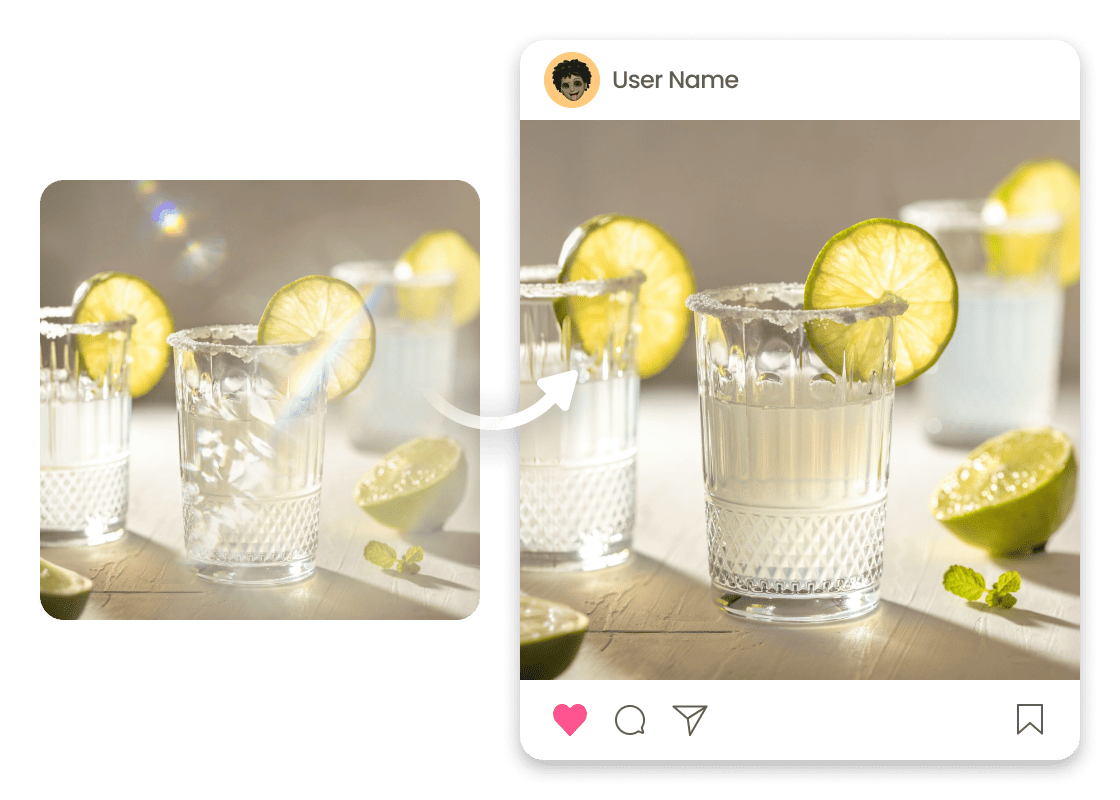
Remove Reflections from Objects
Shiny packaging and glossy surfaces can add distracting glare. Airbrush removes reflections and hotspots from product photos, keeping details clear for a cleaner, professional finish, ideal for e-commerce listings, social posts, and ads.
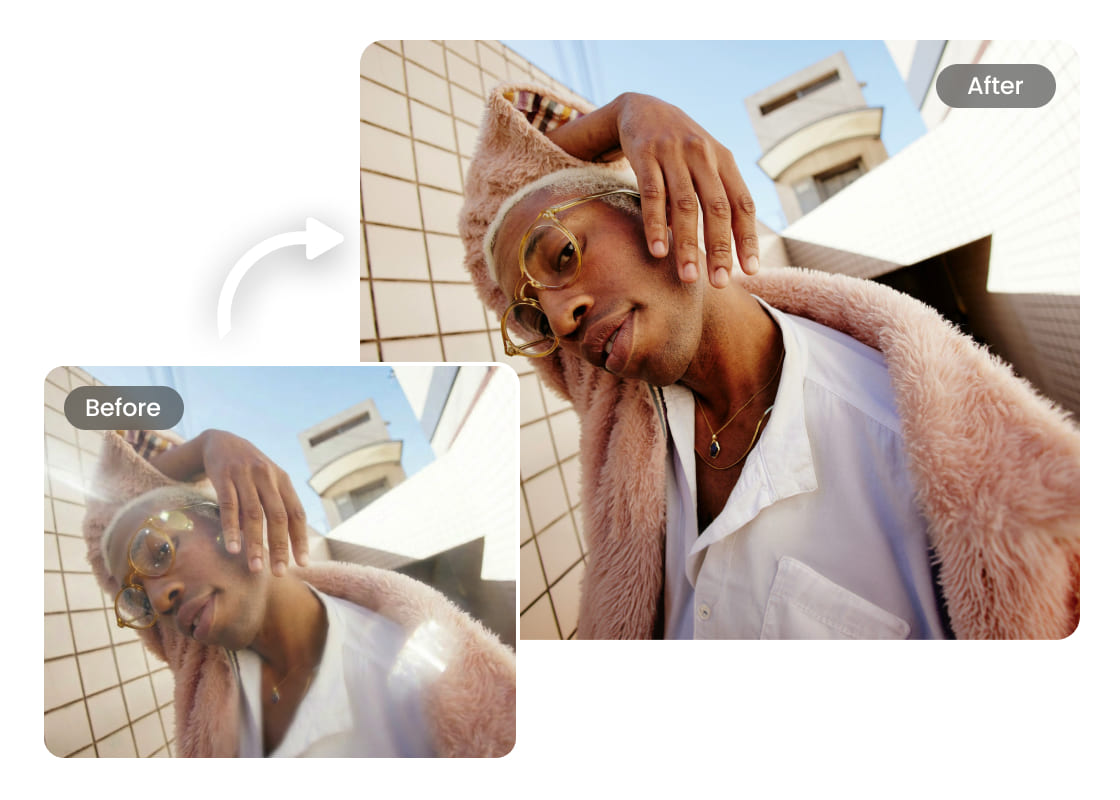
Instant Reflection Removal, Natural Results
Unwanted shine can wash out details. Mark reflective areas and let the tool tone them down, keeping textures and colors intact. Works on portraits, products, and banners with a clean, studio-style finish.
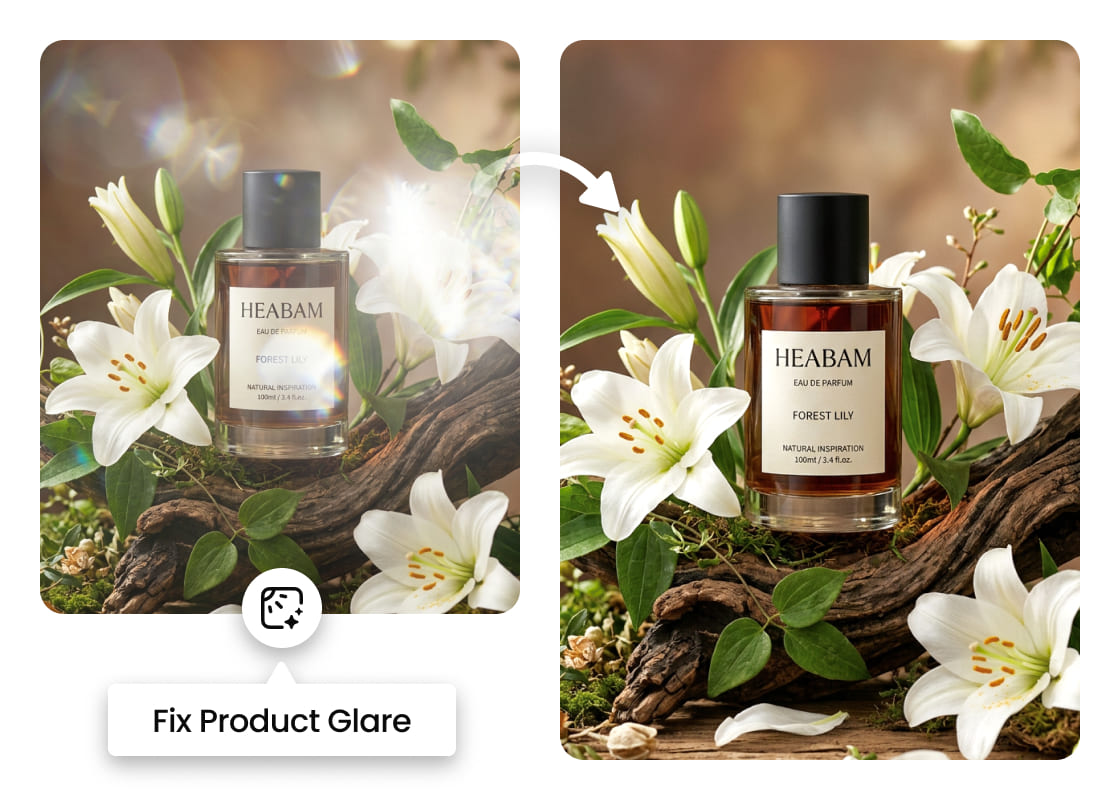
Reduce Sun Glare in Outdoor Photos
Bright midday light can blow out highlights. Airbrush tones down hotspots and glare, bringing back texture and colour in outdoor shots. Handy for travel scenes, landscapes, and sunlit portraits.
How to Use Glare Removal?
Upload a photo
Choose the image where glare or bright reflections are visible.
Process
Upload your photo, and AI will automatically detect and reduce glare from photo.
Apply and download
Run the glare removal, preview the result, then download your updated photo.
User reviews
Noor Hasegawa
I tried it after my camera caught strong highlights on a glossy surface. The photo editing steps were simple, and I could adjust the cleaned area until it matched the rest of the image. It noticeably enhanced the photo without looking overdone
Ravi Delacruz
My product shots had unwanted reflections that ruined the listing. I uploaded the file, made a quick select, and the tool managed to eliminate the glare without flattening details. The final result saved me from reshooting
Selena Marwood
I shot outdoors and the lighting caused harsh glare across the scene. After marking the bright spots, the tool cleaned them up quickly. The result looked natural, and the overall photo look stayed consistent.
Frequently Asked Questions
What types of glare can this tool remove?
It reduces bright hotspots and unwanted reflections caused by sunlight, shiny surfaces, indoor lighting, or glossy materials. It works best when the glare sits on top of a visible texture or background.
Will it change the rest of my photo?
The goal is to target only the glare area while keeping the rest of the image consistent, including skin texture, product details, and background color.
Is it good for e-commerce product photos?
Yes. It helps fix reflections on packaging, glass, plastic, and other glossy materials, which can save time when reshooting is not possible and manual retouching is too slow.
What file types are supported, and will there be a watermark?
Most tools support common formats like JPG and PNG. Watermark rules depend on the free plan vs. export settings, so it’s best to check the download screen or pricing section on the tool page.

Features & Tools
AI Powered RetouchEraserBackground RemoveNo Beard FilterFace EditorAI MakeupPhoto FiltersPhoto Color ChangerAll ToolsDownload
Support
Features & Tools
Download
Support