


Best AI Video Watermark Remover
Airbrush's AI Watermark Remover effortlessly eliminates watermarks, logos, and text from your videos. Using advanced algorithms, it detects and removes logos and text, giving your content a clean, professional look.
Remove distracting watermarks and logos with Airbrush’s Video Watermark Remover. Use the Watermark Eraser to see real-time results and repurpose your videos effortlessly. Achieve a clean, professional look for all your content with ease.



Remove distracting watermarks and logos with Airbrush’s Video Watermark Remover. Use the Watermark Eraser to see real-time results and repurpose your videos effortlessly. Achieve a clean, professional look for all your content with ease.
Airbrush's AI Watermark Remover effortlessly eliminates watermarks, logos, and text from your videos. Using advanced algorithms, it detects and removes logos and text, giving your content a clean, professional look.
Airbrush's AI Watermark Remover is completely browser-based - no installation or signup is required. Easily remove watermarks, logos, and text from your videos in just a few clicks, hassle-free.
Enjoy high-quality, watermark-free videos with Airbrush's online Watermark Remover. Our advanced algorithms analyze each frame, seamlessly removing watermarks while preserving original clarity. Perfect for creators, marketers, and anyone needing pristine content.
Eliminate unwanted watermarks, text, and logos from your videos with Airbrush’s advanced online tool. Our algorithms ensure a clean, professional look without quality loss, directing viewers' focus where it matters most.
Airbrush's AI Watermark Remover quickly and easily removes watermarks, text, and logos while preserving video quality. It's ideal for repurposing content, improving professionalism, and keeping viewers attention.

You can revise your old TikTok videos by removing previously added logos with Airbrush. Our tool lets you easily erase unwanted logos, enabling you to reuse and repurpose your content seamlessly. Enjoy a fresh, clean look for all your videos, free from distractions.
You can revise your old TikTok videos by removing previously added logos with Airbrush. Our tool lets you easily erase unwanted logos, enabling you to reuse and repurpose your content seamlessly. Enjoy a fresh, clean look for all your videos, free from distractions.
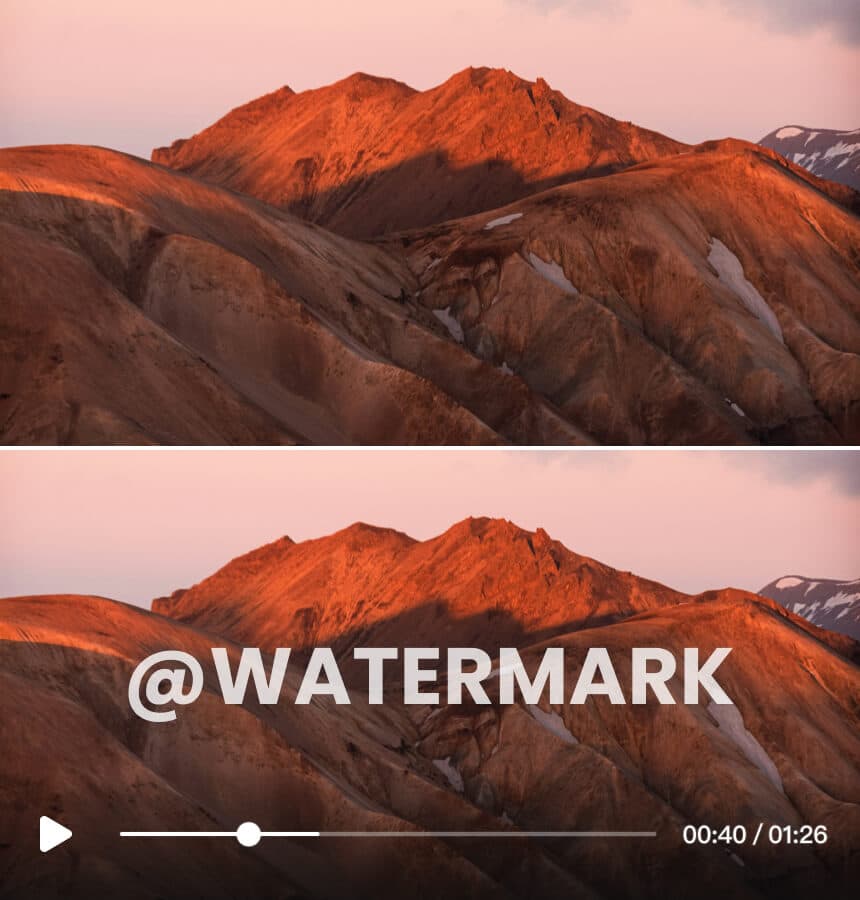
Airbrush helps YouTubers and short video creators by removing watermarks and logos without degrading quality. Easily reuse and repurpose your content, saving time and resources. Perfect for maintaining a professional look while maximizing the value of your existing videos.
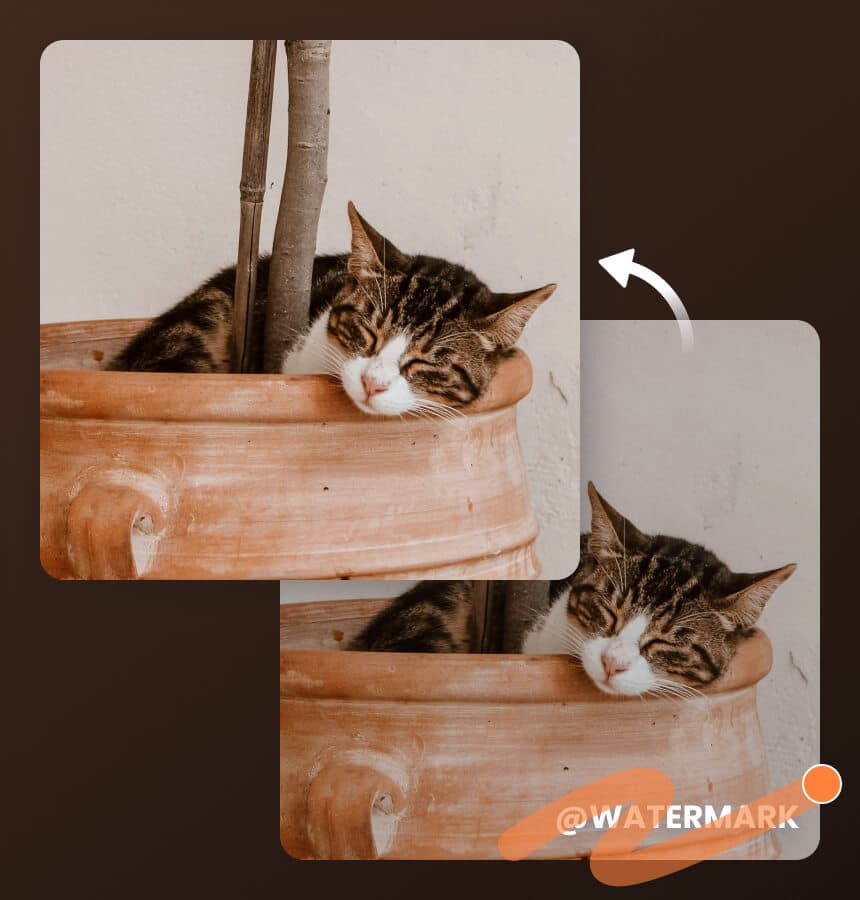
If you're rebranding and need to update old videos with new logos, Airbrush's Watermark Remover is your solution. Effortlessly remove old logos and replace them, ensuring your content stays current and professional, saving you time and effort.
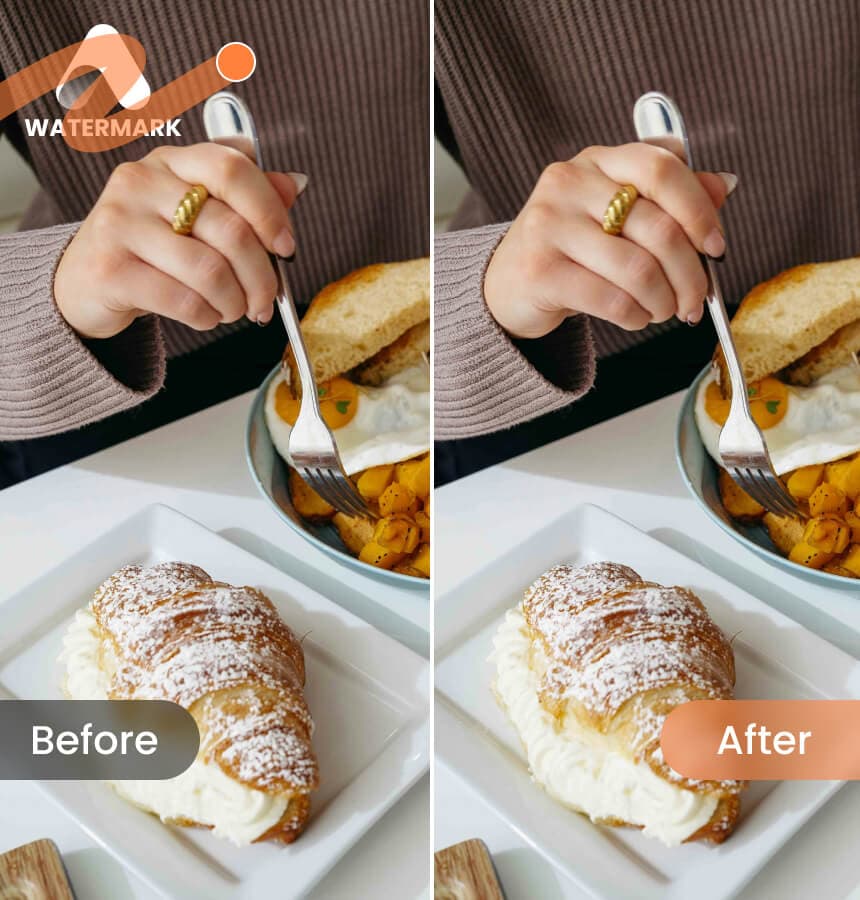
Airbrush's Online Watermark Remover allows you to quickly and effortlessly remove watermarks from your videos in seconds. No technical skills required – just a few simple steps and you're done. Enjoy a seamless, user-friendly experience every time!
Hit the "Upload" button and choose your video file from your device to start with Airbrush's Video Watermark Remover. We support multiple formats, such as MP4 and MOV.
The watermark remover process is completely automatic. You can see the video preview without paying.
You can download the first 5 seconds of your video preview at no cost. To download the entire video, additional credits are required.
I am beyond impressed with Airbrush's watermark remover! It effortlessly removed the logos from my old videos without any loss in quality. This tool is a game-changer for repurposing my content. Highly recommend!
Airbrush is a must-have for content creators! The AI technology works seamlessly, removing watermarks in just a few clicks. My videos look so much cleaner and more professional now. Best tool I've used!
This watermark remover is fantastic! It saved me so much time and effort. The process is automatic and easy to use. Airbrush has definitely earned a permanent spot in my video editing toolkit!
You can remove a watermark from a video for free using Airbrush. Upload your video, and it is done. You can download the first 5 seconds of your video at no cost. Additional credits are required to download the entire video.
Airbrush supports removing watermarks from various video types, including MP4, M4V, and MOV. The video resolution should be less than 4K, with a file size under 200MB and a duration of less than 10 minutes.
Airbrush's Video watermark remover uses advanced AI algorithms to analyze each frame of the video. It identifies and isolates specific watermark, logo, or text and fills in the area using surrounding pixels, ensuring a seamless and natural look.
Airbrush effectively removes transparent or semi-transparent watermarks. Upload your video, and let the AI handle the rest. The algorithm ensures the watermark is seamlessly removed without affecting the video quality.
To remove a TikTok watermark online using Airbrush, upload your TikTok video to start the AI removal process, and then download the watermark-free video once the process is complete.
The time it takes for Airbrush to remove objects from a video varies depending on the video length and the complexity of the objects. Typically, the process is quick and can be completed within a few minutes.
Removing an object involves erasing any unwanted elements from the video, such as people, items, or text. Removing a watermark specifically targets logos, text, or branding marks that are often semi-transparent and placed in a fixed position on the video.
Airbrush prioritizes your data security. Uploaded videos are processed securely, and the original files remain unchanged. Your data is handled in accordance with strict privacy policies, ensuring your information is protected.
Currently, Airbrush processes one video at a time. Each video must be uploaded and processed individually to ensure the best quality results.
Yes, Airbrush supports videos with a duration of up to 10 minutes. For longer videos, consider splitting them into shorter segments before uploading.
