


1
Step 1:
Go to Background Panel and you will see various background color and texture in Recommended section.
Airbrush Studio is a desktop photo editing software for Windows and Mac that helps photographers, businesses, and creators remove image backgrounds instantly with AI precision. Create transparent backgrounds, clean product cutouts, studio-style portraits, and polished marketing visuals in just a few clicks.
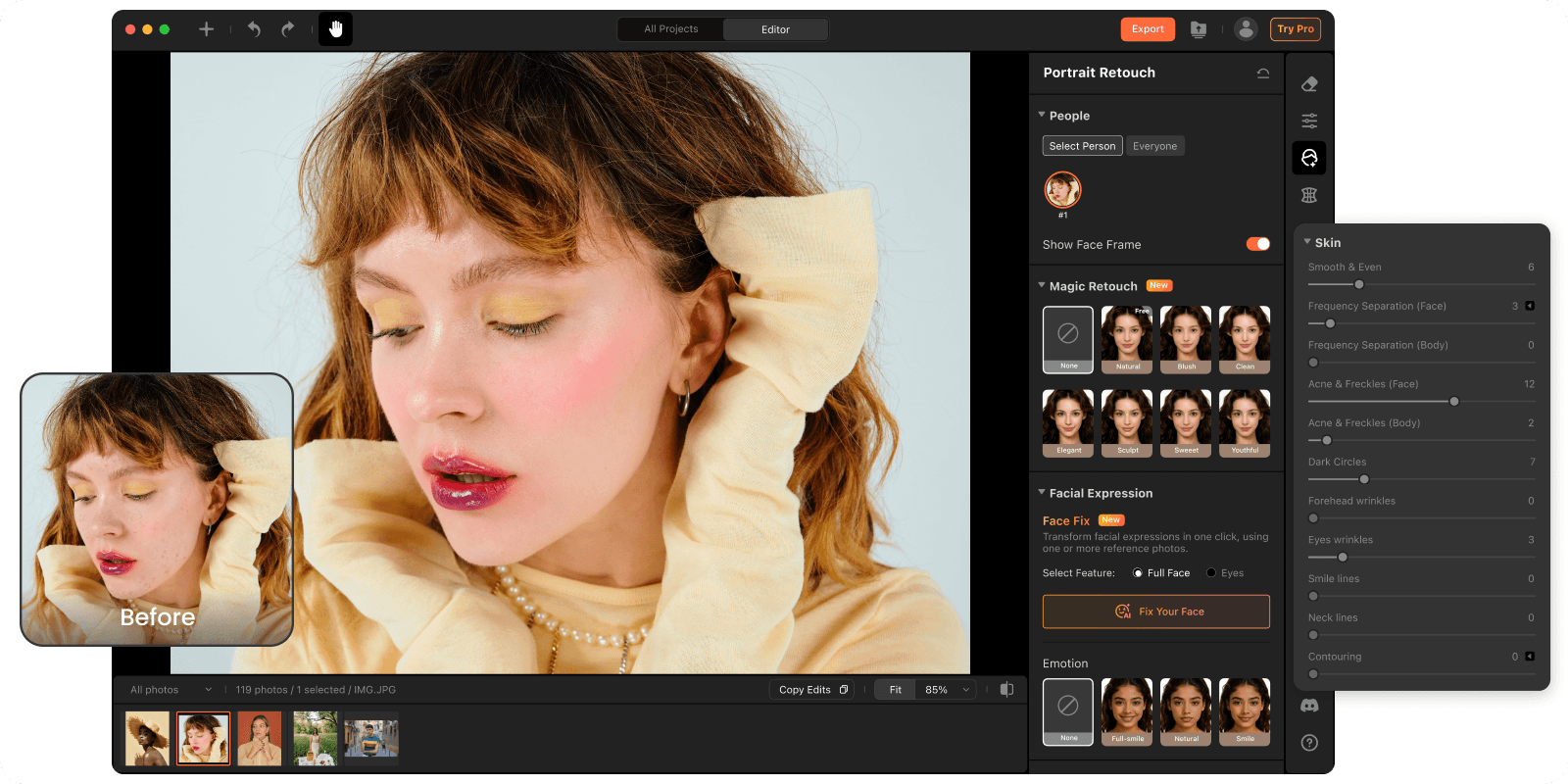
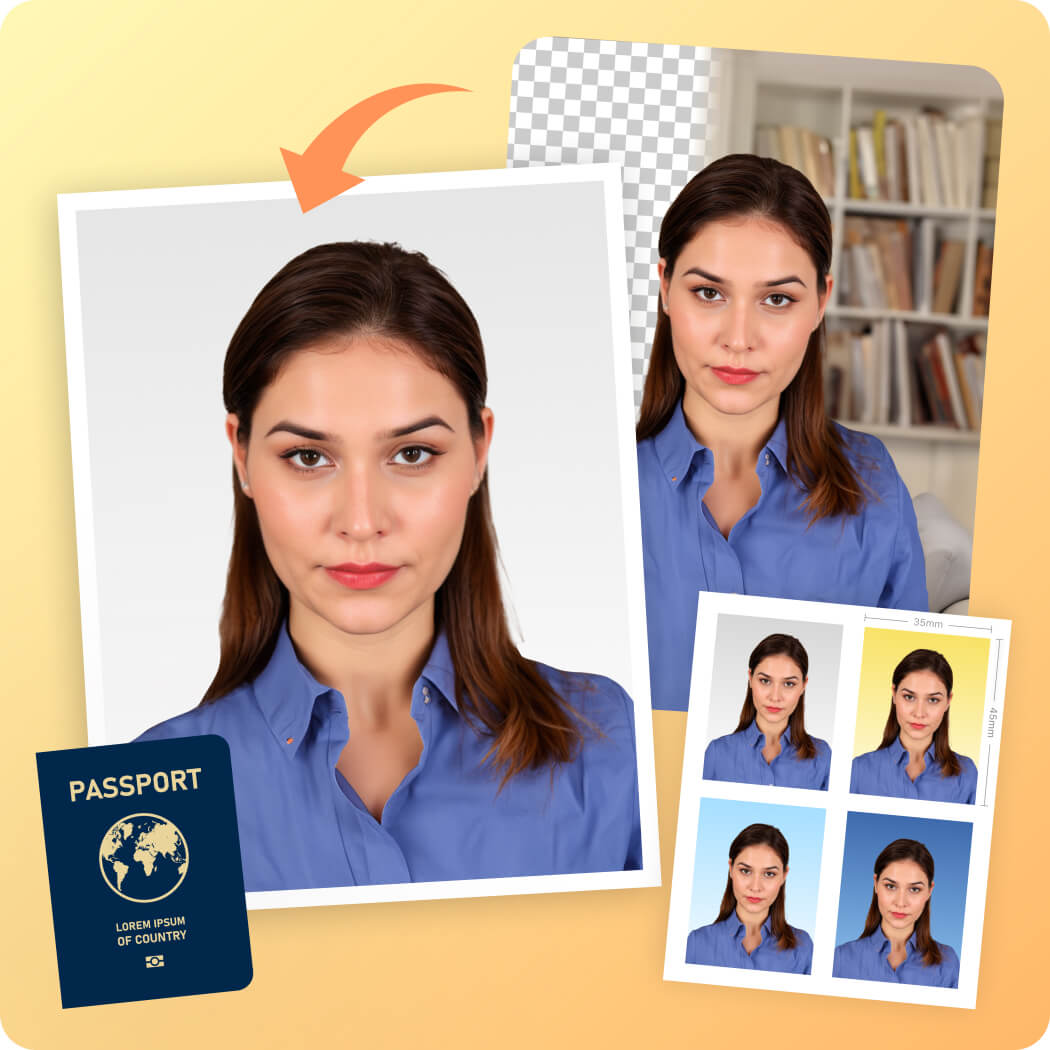
Airbrush Studio helps you quickly remove backgrounds and replace them with clean white, transparent, or studio-style backgrounds for LinkedIn headshots, company profiles, resumes, passport photos, and ID photos.
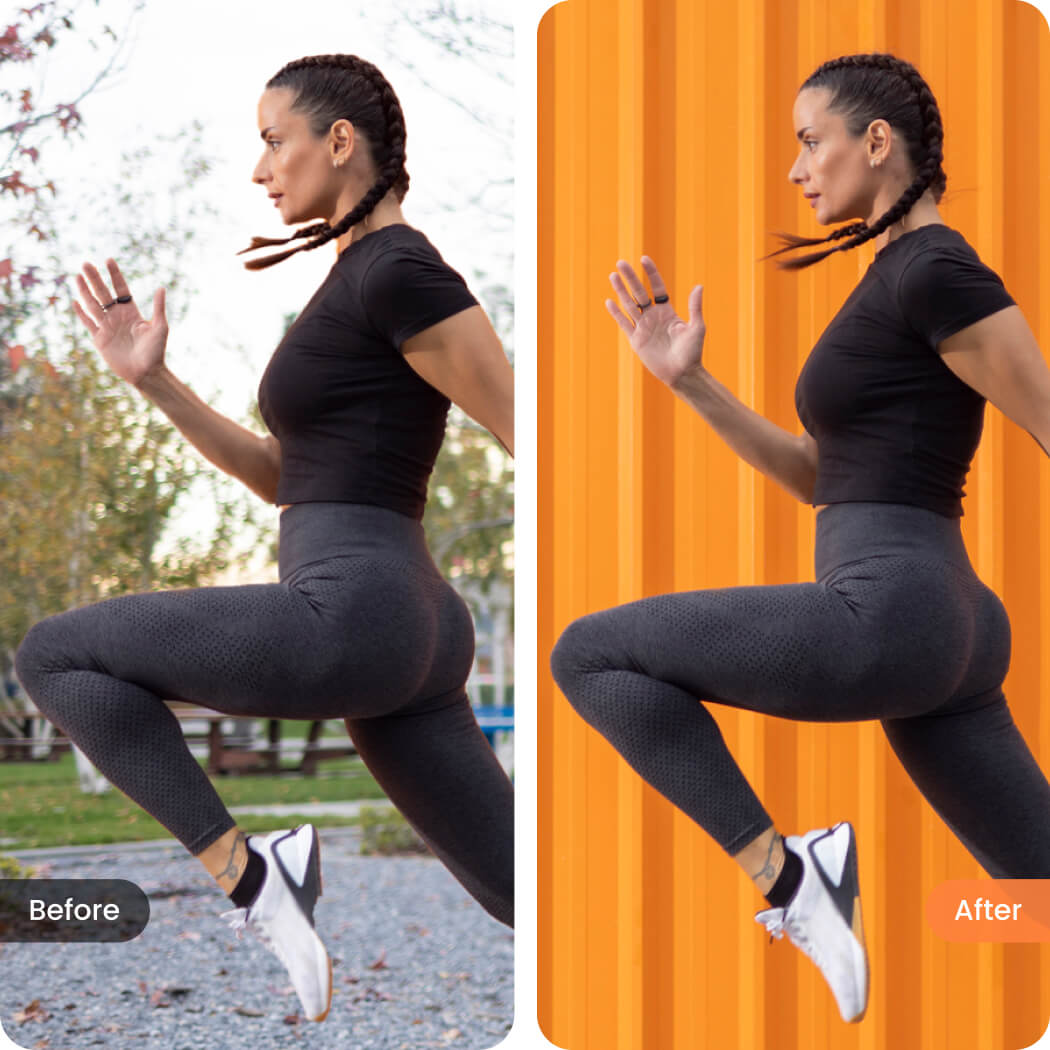
Airbrush Studio helps e-commerce sellers quickly remove backgrounds from product photos and replace them with clean white, transparent, or branded backgrounds for online stores, catalogs, and marketplaces.
Perfect for clothing, beauty, electronics, food, and commercial product photography.
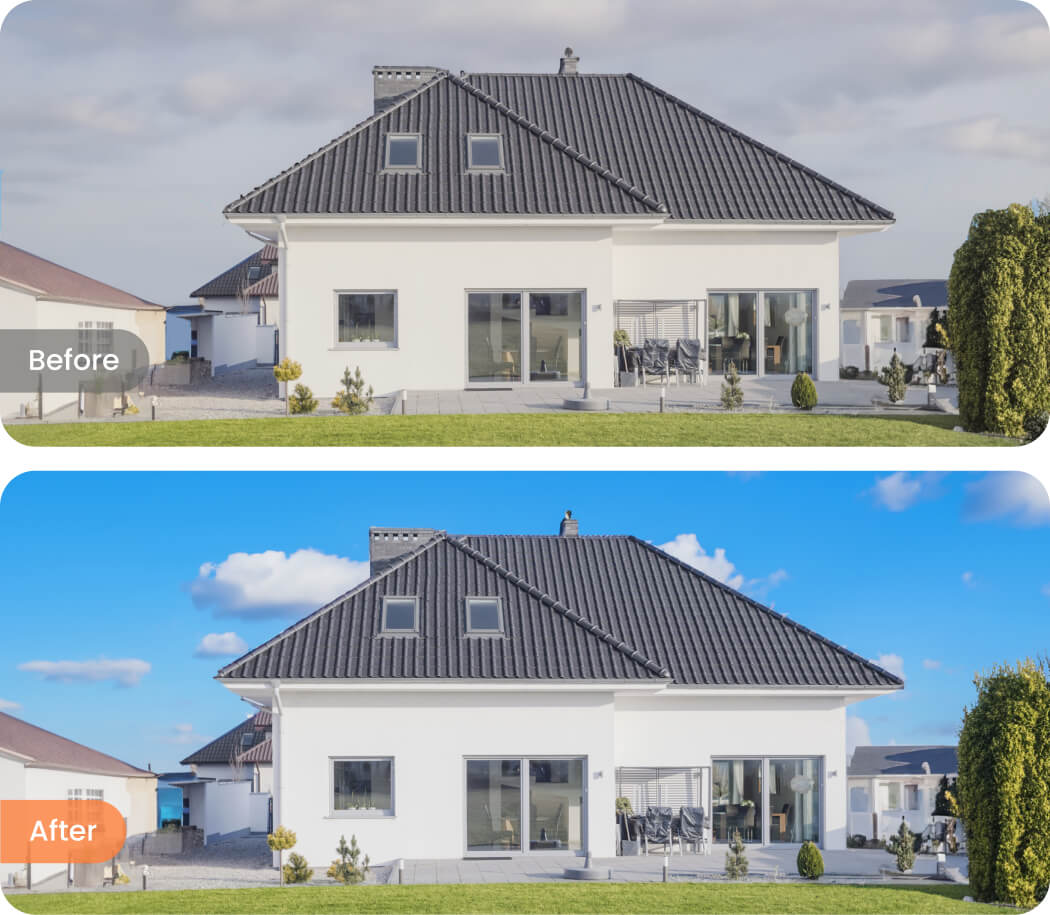
Gray skies and dull backgrounds can make property photos look less appealing. Easily remove and replace backgrounds or skies to create brighter, cleaner real estate images that help listings stand out online.
Perfect for real estate agents, Airbnb hosts, and property photographers looking to create more attractive property presentations.
Create clean cutouts for ads, posters, YouTube thumbnails, social media posts, and promotional campaigns. Remove distracting backgrounds to make products, people, and key visual elements stand out more clearly across every platform.
Ideal for creators, marketers, and small businesses producing content at scale.

Remove or replace backgrounds from multiple photos at once with consistent AI results. Airbrush Studio helps photographers, e-commerce teams, and content creators speed up large editing workflows while maintaining clean, high-quality cutouts across every image. No manual selection or masking required.
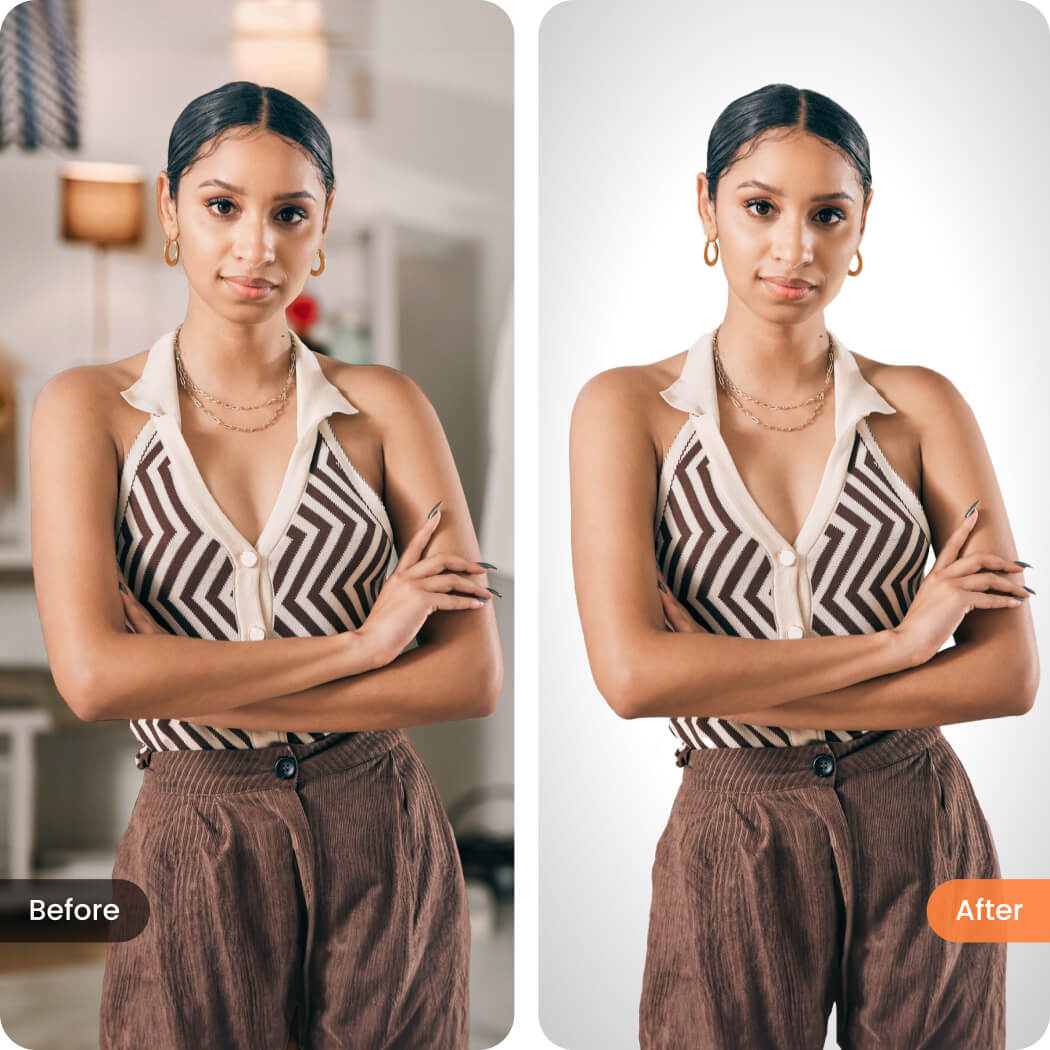
Go to Background Panel and you will see various background color and texture in Recommended section.
Choose the background color you want from Recommended section or upload your own in My Backdrops.
Optionally you can use the brush to refine the background mask or click Reset to reset background remove and replace.
