


Airbrush Image Sharpener - Sharpen Images Online
Sharpen Images easily with Airbrush Image Sharpener. Enhance photo clarity, fix blurriness, and make every detail stand out in seconds. Perfect for portraits, landscapes, and any photo that needs a crisp, polished look.
Upload Image
Drag and drop Image here
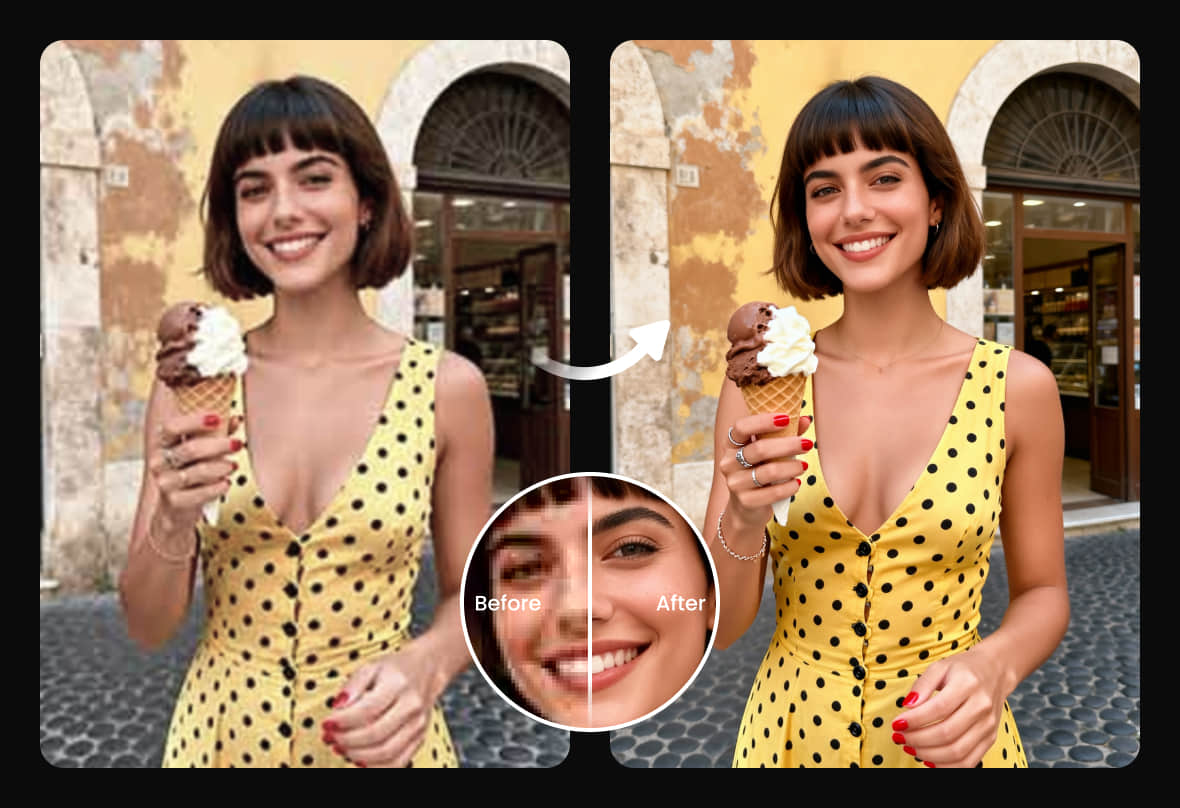
Sharpen Images easily with Airbrush Image Sharpener. Enhance photo clarity, fix blurriness, and make every detail stand out in seconds. Perfect for portraits, landscapes, and any photo that needs a crisp, polished look.

Sharpen blurry photos and remove pixelation using AI
Don’t let blurry photos hold you back. Airbrush Image Sharpener brings dull, unclear shots back to life with stunning clarity and rich detail. In just one click, you can sharpen images, enhance textures, and reveal true-to-life colors that look naturally flawless, no reshoots needed.
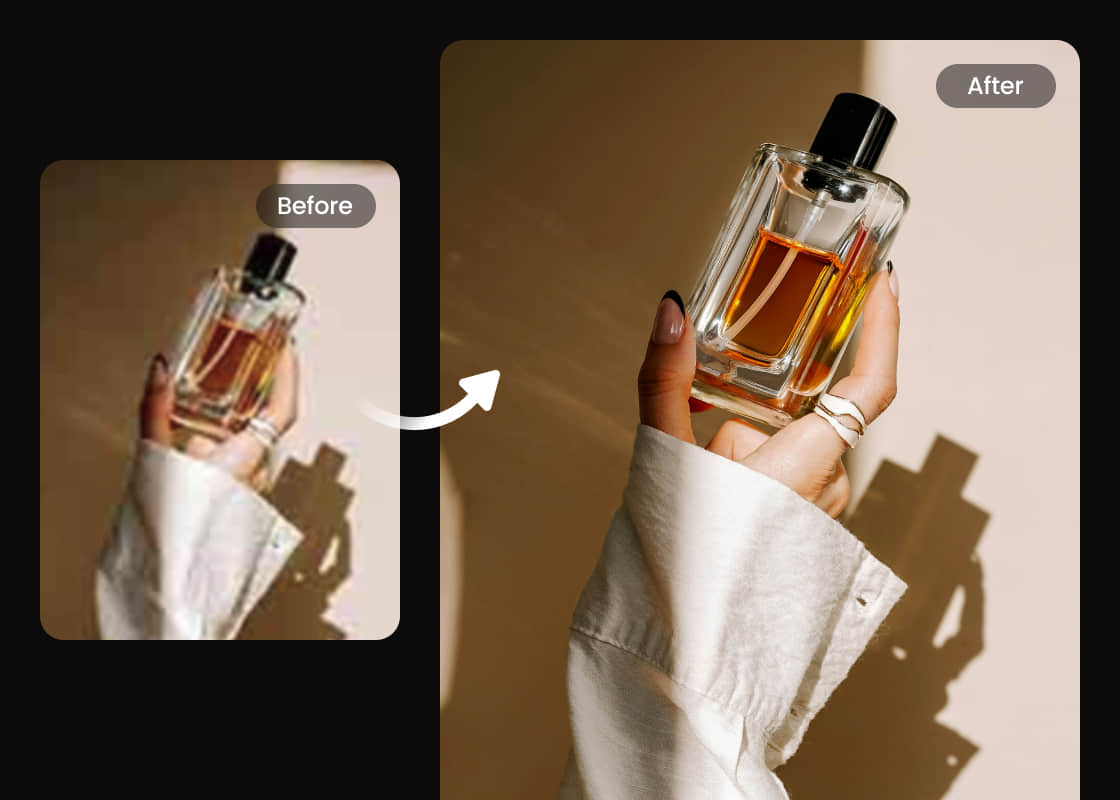
Make Product Photos Pop for E-Commerce Success
Save time and money with Airbrush Image Sharpener; no need for a professional editor. Instantly sharpen product photos, highlight textures, and boost clarity with one click. Perfect for e-commerce sellers who want polished, high-quality images effortlessly.
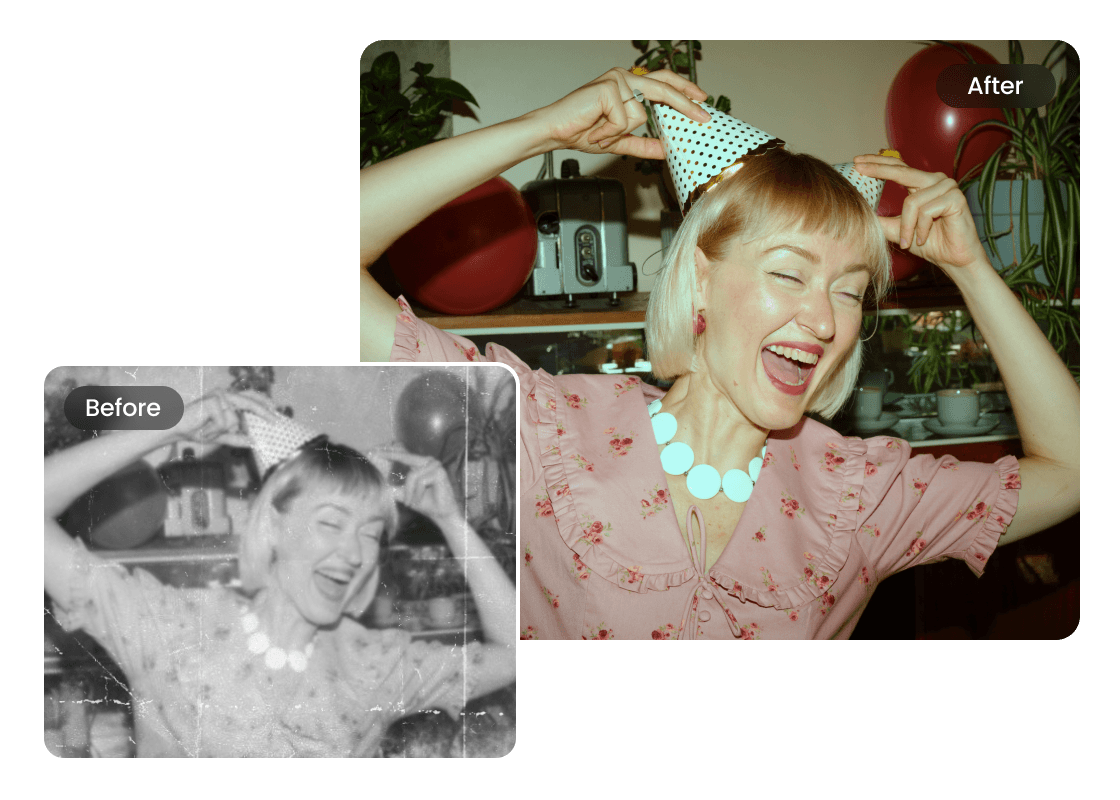
Restore Memories by Sharpening Your Old Family Photos
Every family has old photos that blur and lose clarity over time. With Airbrush Image Sharpener, you can easily restore those precious memories. Sharpen old family photos, bring back details, and relive every moment with renewed warmth and clarity.
How to use Airbrush Image Sharpener?
Upload Images
Select a photo from your computer or phone.
Enhance Automatically
Let AI process your images and improve their quality instantly.
Preview & Download
Review the enhanced results, then download them directly to your device.
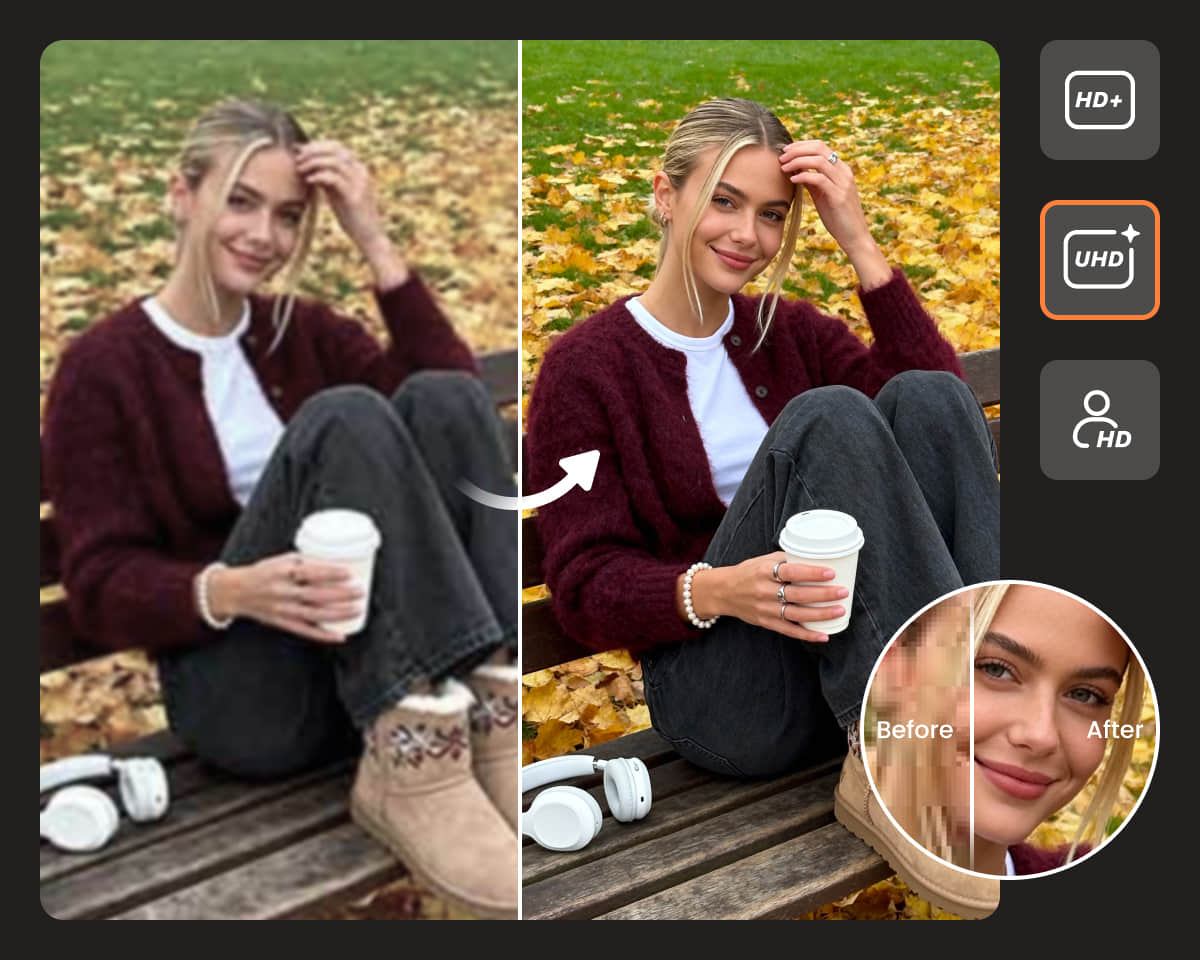
User Reviews
Emma L.
I was amazed by how easily this tool could sharpen your image! My old, blurry images now look crisp and detailed. The enhancement feels natural, not over-edited — it’s like magic for anyone who wants real sharpness in their photos.
Daniel K.
I tried many apps to fix blur, but nothing compares to Airbrush. It’s fast, simple, and the enhancement results are stunning. You can sharpen your image in seconds and make even low-quality photos look like professional shots.
Sofia R.
This app brought my travel photos back to life! It removes blur perfectly and adds just the right amount of sharpness. The enhancement feels smooth and realistic — a must-have if you want to sharpen your image with one tap.
Frequently Asked Questions
What is the Airbrush Sharpen Tool and how does it work?
The Sharpen Tool helps improve image clarity by enhancing edges and details. It instantly reduces blur and restores focus, making your photos look crisp and clear with just one click.
Can I use this tool for image enhancement?
Yes! Airbrush offers advanced image enhancement powered by AI. It improves texture, lighting, and contrast to make every photo look sharp, vibrant, and natural.
What image format does Airbrush Image Sharpener support?
You can upload and download your photos in popular formats such as JPG, PNG, and JPEG. These formats ensure high-quality results after sharpening.
Can I fix low-quality or pixelated images?
Yes, Airbrush helps reduce pixel distortion and improves photo definition. It refines rough edges and brings out fine details for a smooth, high-resolution look.
Is the Sharpen Tool suitable for professional editing?
Definitely! The Sharpen Tool is great for both personal and professional use. Many users rely on it for portraits, product photos, and creative image enhancement.

Features & Tools
AI Powered RetouchEraserBackground RemoveNo Beard FilterFace EditorAI MakeupPhoto FiltersPhoto Color ChangerAll ToolsDownload
Support
Features & Tools
Download
Support