


Extend Images Online in One Click
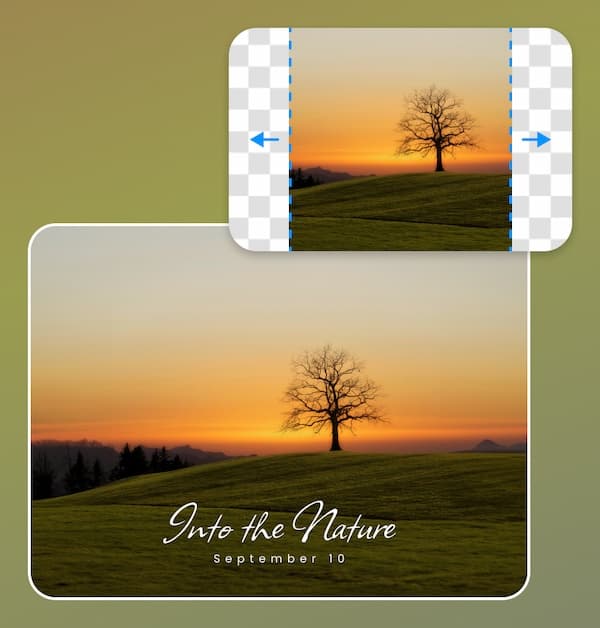
Say goodbye to stretching photos. With 's AI image extender, expand portrait photos into wide landscapes effortlessly. Autofill backgrounds with realistic details in any direction, in one click.
Enlarge your images and uncrop image areas seamlessly with Airbrush’s AI Image Extender. Scale your visuals without losing quality, powered by advanced AI that preserves every fine detail.
Drag and drop Image here
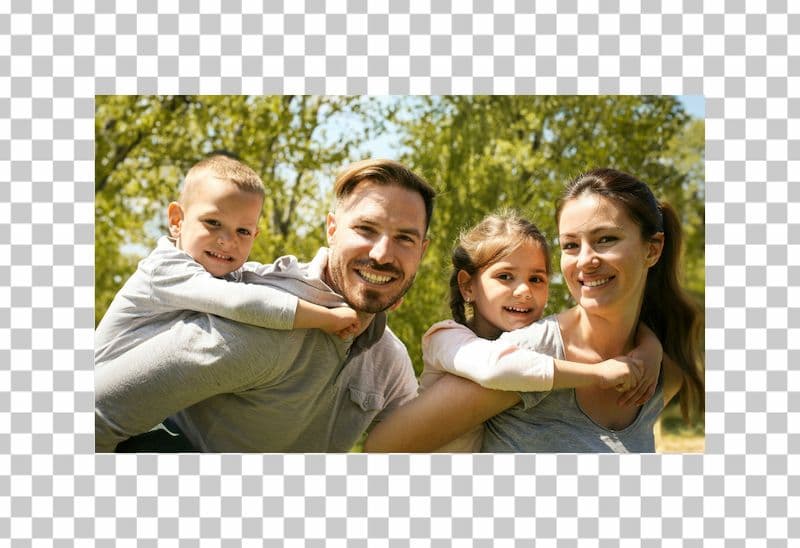

Enlarge your images and uncrop image areas seamlessly with Airbrush’s AI Image Extender. Scale your visuals without losing quality, powered by advanced AI that preserves every fine detail.
Say goodbye to stretching photos. With 's AI image extender, expand portrait photos into wide landscapes effortlessly. Autofill backgrounds with realistic details in any direction, in one click.
Say goodbye to manual resizing! With Airbrush’s AI Photo extender, upload your photo and let AI seamlessly adjust it for Instagram, TikTok, Pinterest, and more—without stretching or hassle.
Elevate your photo editing with Airbrush’s AI Image Expender. Effortlessly expand images, fill backgrounds, and adjust compositions without losing quality, giving you more creative freedom in your edits.
Easily resize your images for Instagram, Facebook, Pinterest, and more with Airbrush’s AI tool. Ensure your visuals are perfectly tailored to each platform, enhancing your marketing impact seamlessly.
Airbrush AI Image Extender seamlessly expands images beyond their original boundaries, enhancing visuals while maintaining artistic integrity. It offers effortless, high-quality extensions for creatives and designers alike.
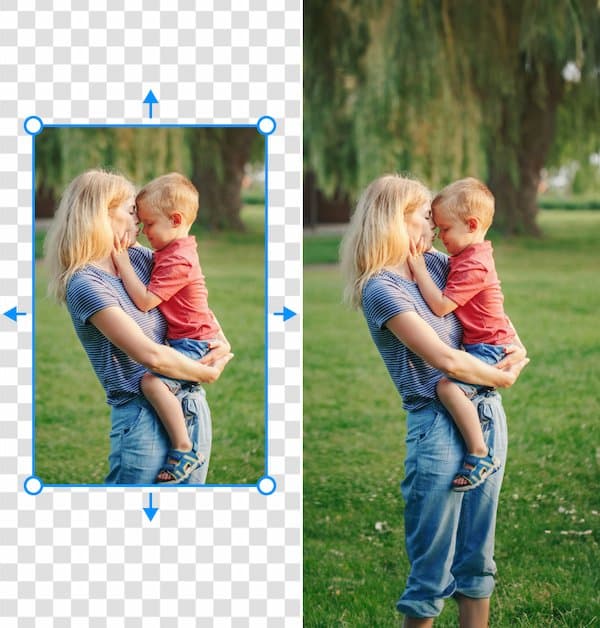
Easily resize images for different website sections with Airbrush’s AI Image Extender. Adjust headers, banners, and product images without losing quality, ensuring a professional, cohesive design every time.
Easily resize images for different website sections with Airbrush’s AI Image Extender. Adjust headers, banners, and product images without losing quality, ensuring a professional, cohesive design every time.
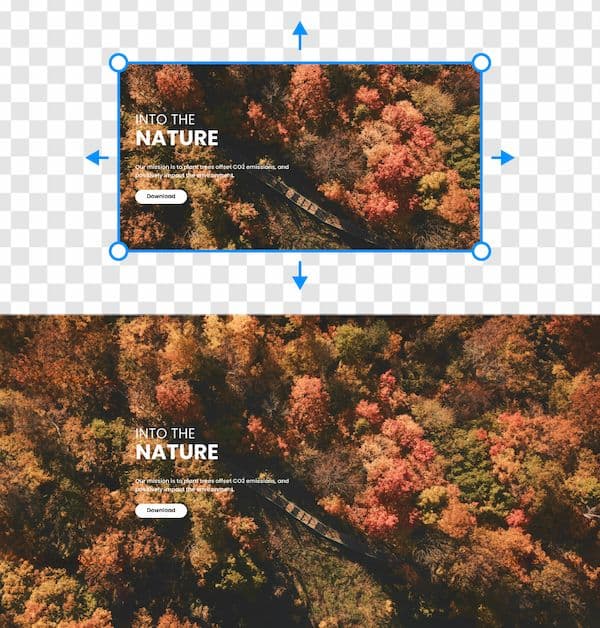
Recreate perfect family memories with Airbrush’s AI Photo Extender. Easily uncrop family photos, filling in missing details to complete the scene. Relive special moments by restoring every part of the picture.
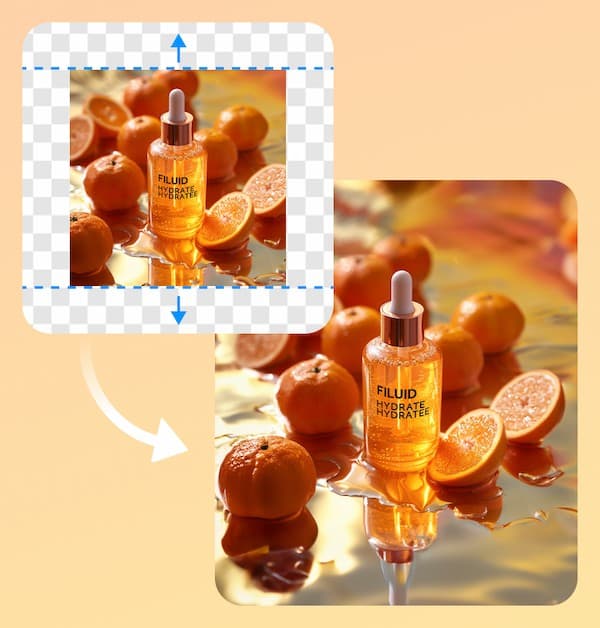
Print large banners and posters without distortion using Airbrush’s AI Photo Extender. It simplifies resizing, reducing manual adjustments, and allowing you to focus on creating high-quality visuals efficiently.
Easily expand your images for Pinterest using AI technology. Adjust your photos for pins and boards without losing quality, ensuring your visuals stand out with minimal effort!
Drag and drop the image you want to Expand
AI will automatically expand the image online.
Save the image
I’ve tried many tools, but nothing compares to Airbrush’s image extender. It’s perfect for resizing and uncropping family photos, and the results are always flawless. Love it!"
Airbrush’s AI Photo Extender is incredible. As a graphic designer, I need to resize images constantly, and this tool makes it effortless while maintaining top-notch quality. It’s a must-have for creatives!
This tool saved me so much time. No more endless manual adjustments! I use it for all my marketing campaigns, and the quality is outstanding. Highly recommended for any business owner.
You can upload images in jpg (jpeg) and png formats for resizing.
The resized images will be available for download in jpg format.
Yes, you can upload 1 image per upload at a time.
Yes, you can download the image for free, but it will include a watermark.
Yes, you can download the resized image without a watermark for a small fee of $0.8 per download.
The AI technology intelligently resizes images while maintaining their original quality and adding realistic details.
Yes, the AI Photo Extender also supports uncropping, allowing you to extend the edges of an image seamlessly.
Absolutely! The AI Photo Extender is perfect for professionals, such as photographers, designers, and marketers, who need high-quality images for various platforms.
No, the AI Photo Extender is a web-based tool, so you can use it directly from your browser without additional software.
Yes, the tool is perfect for resizing images to fit the dimensions required for platforms like Instagram, Facebook, and Pinterest.
