




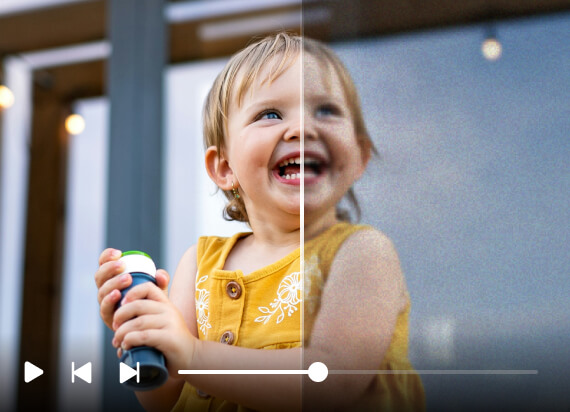

I had a few blurry clips from a family trip that I thought I couldn't use. The video blur remover made them noticeably clearer without making them look overly sharpened. Really useful for footage you can't record again.
- Amara N.
Unblur video online with Airbrush to make blurry footage clearer and easier to watch. Reduce unwanted blur, improve sharpness, and bring out more visible detail while keeping the original look of your video natural.
Drag and drop video here
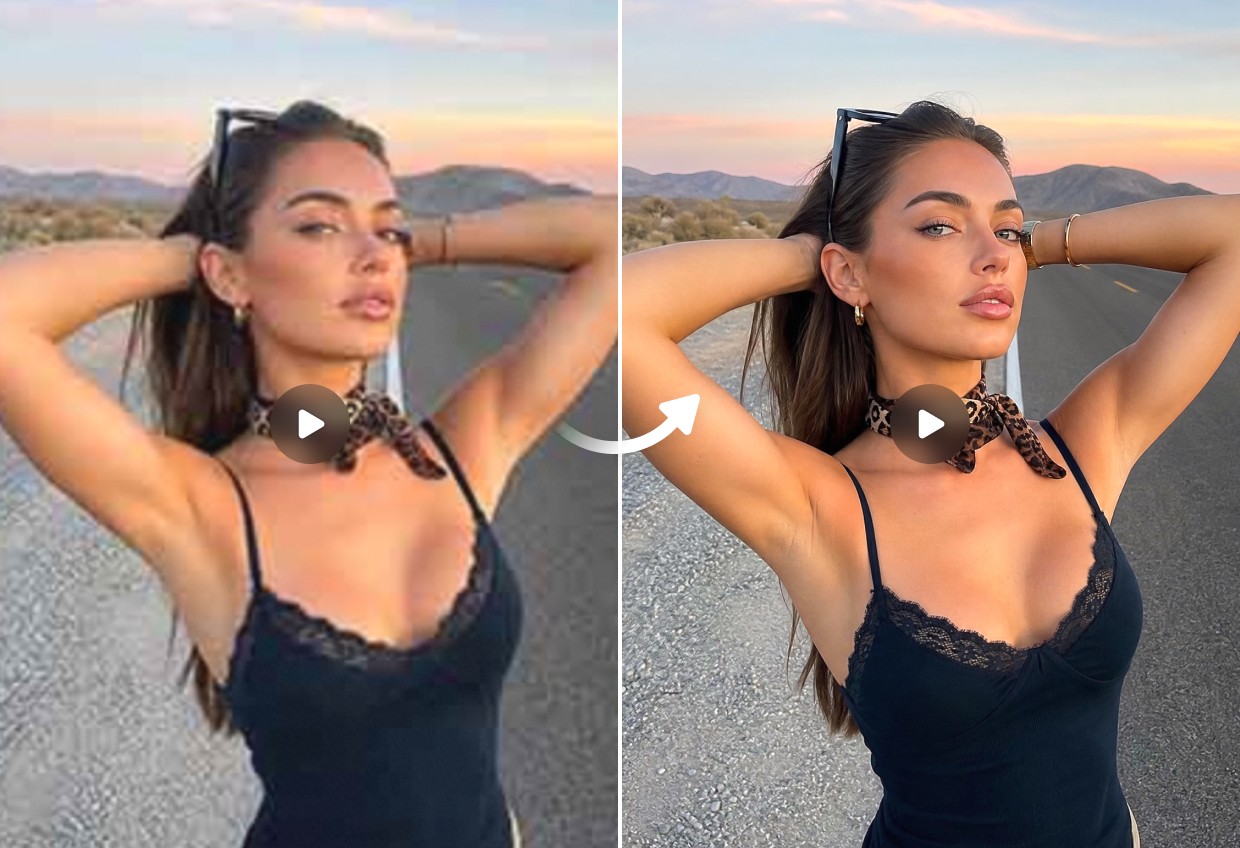
Unblur video online with Airbrush to make blurry footage clearer and easier to watch. Reduce unwanted blur, improve sharpness, and bring out more visible detail while keeping the original look of your video natural.
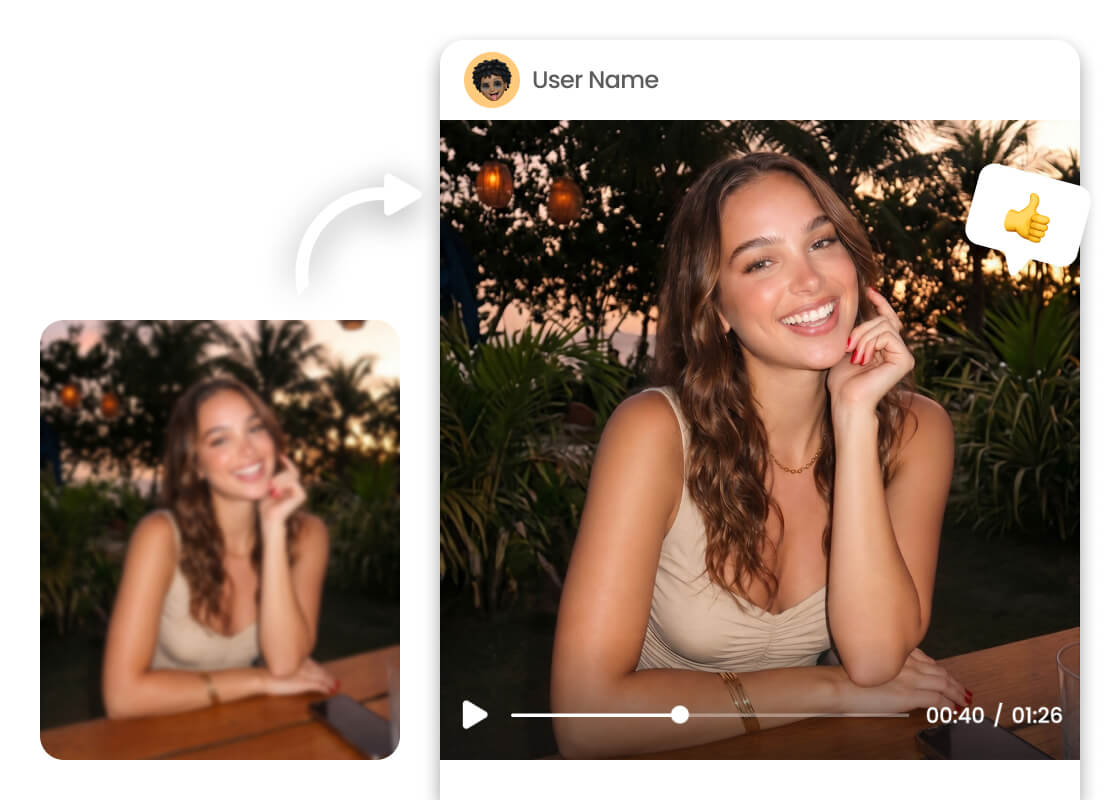
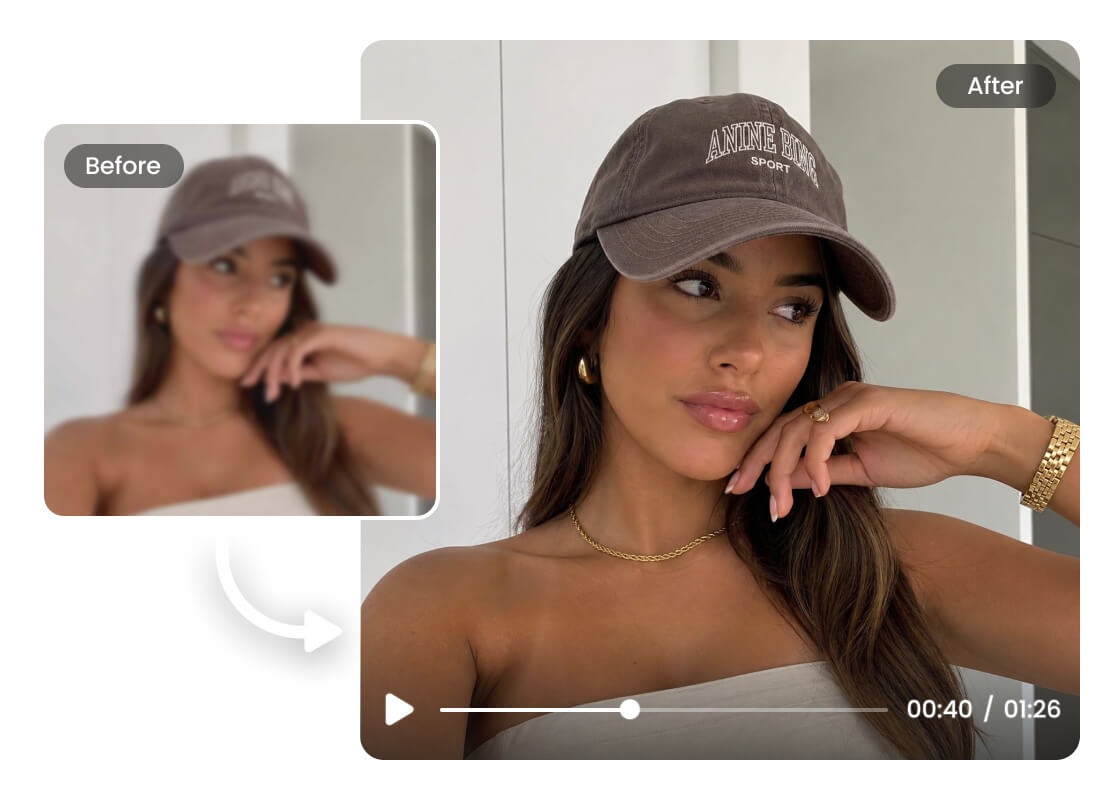
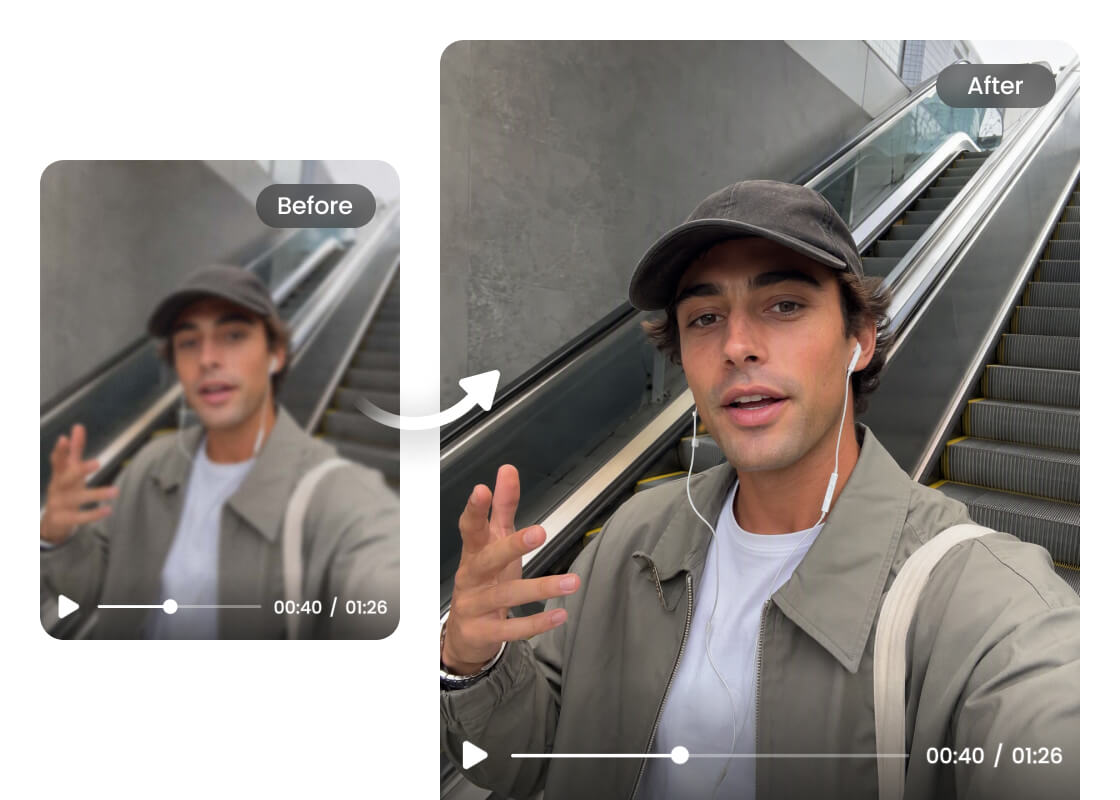
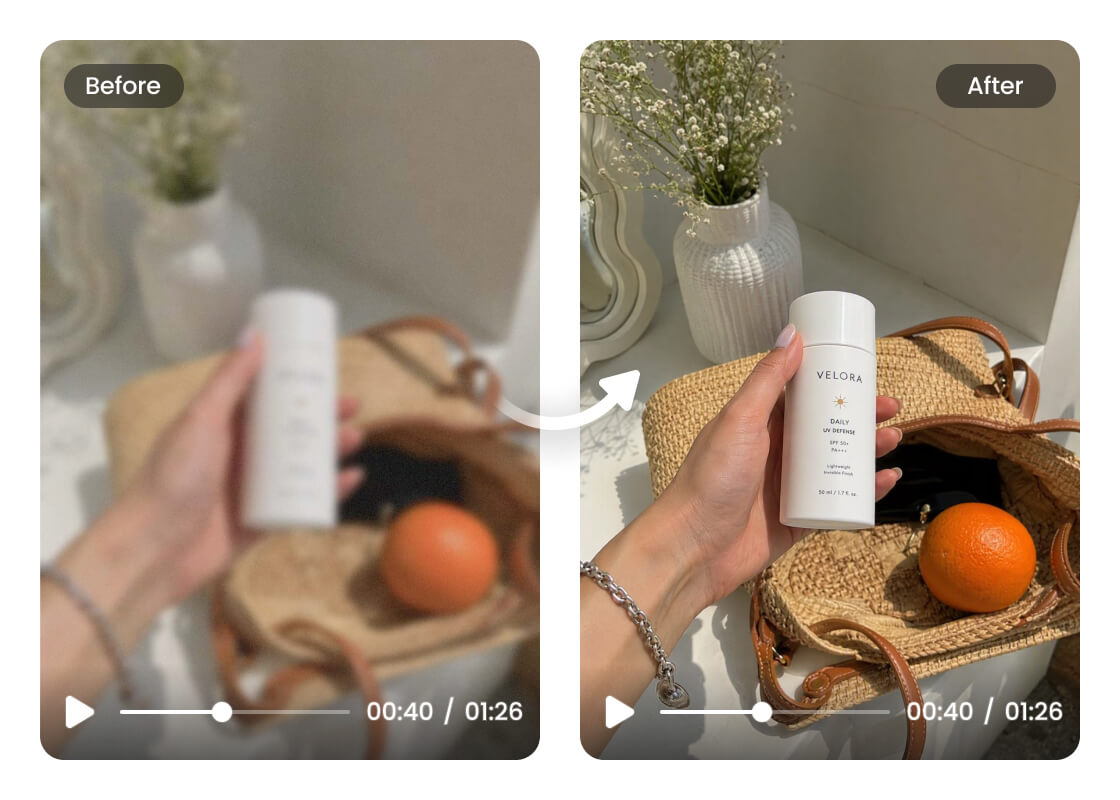
Upload Your Blurry Video
Choose the blurry video you want to improve and upload it from your device. Using the original file can help achieve a better result.
Unblur and Improve Your Video
Start the video unblur process to reduce unwanted blur and improve sharpness and visible details. The video is processed automatically without manual editing.
Preview and Download
Preview the clearer video and check the improved details. Once you're happy with the result, download it to your device for sharing, editing, or reuse.
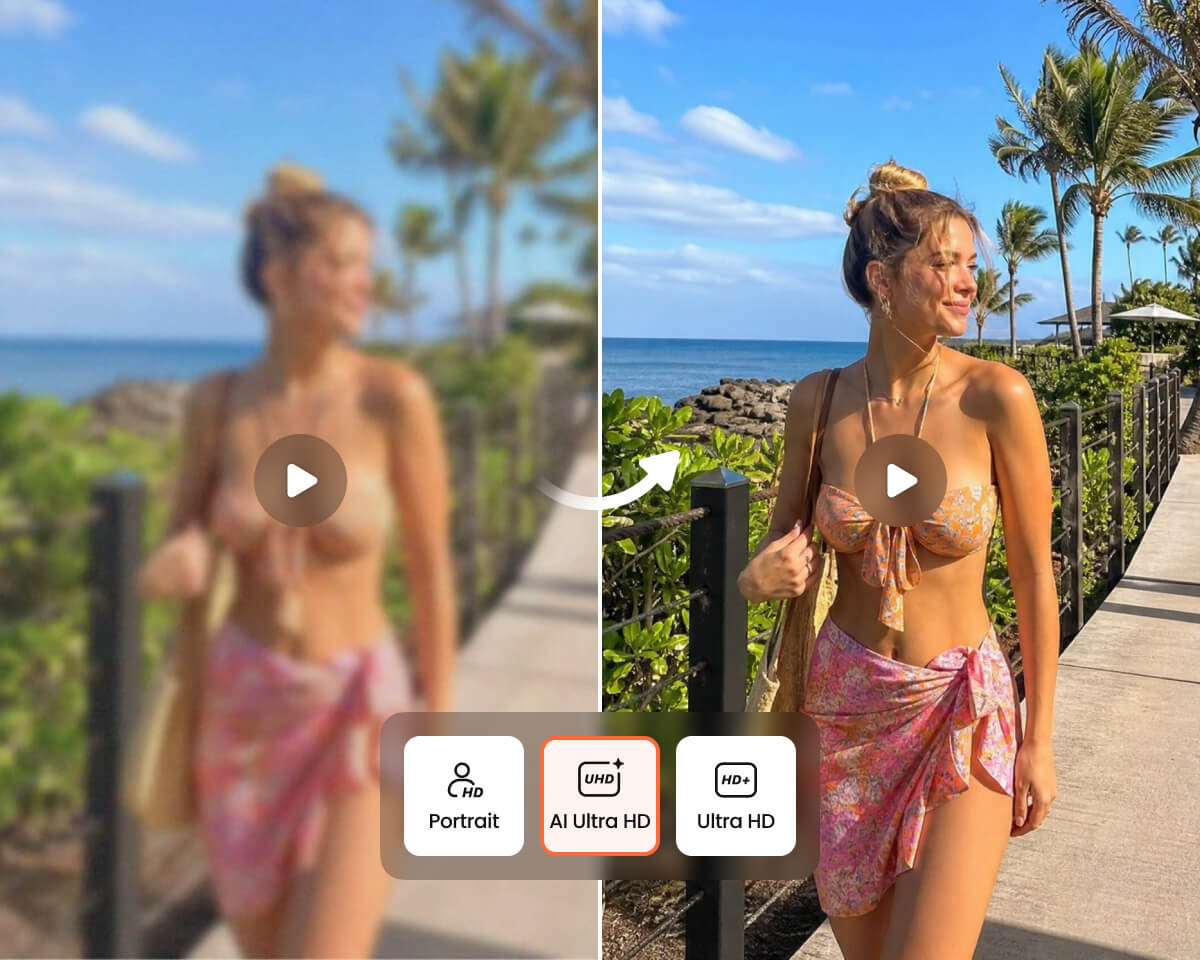
I had a few blurry clips from a family trip that I thought I couldn't use. The video blur remover made them noticeably clearer without making them look overly sharpened. Really useful for footage you can't record again.
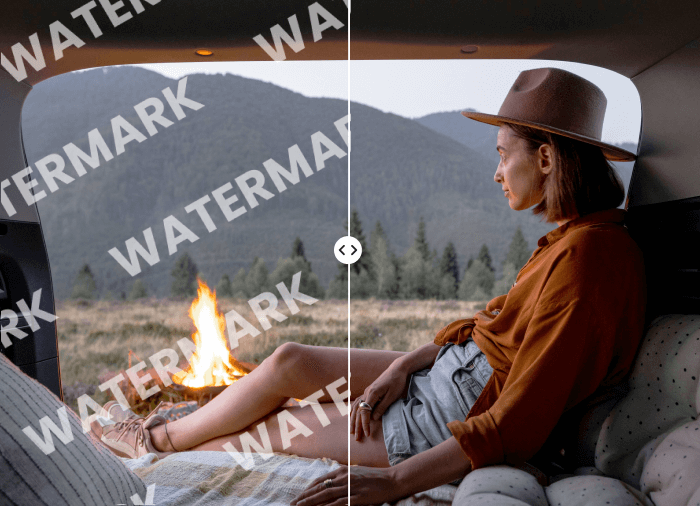
I needed to unblur video clips before adding them to a YouTube project. The process was straightforward, and the improvement was easy to see, especially in footage that looked slightly soft and out of focus.
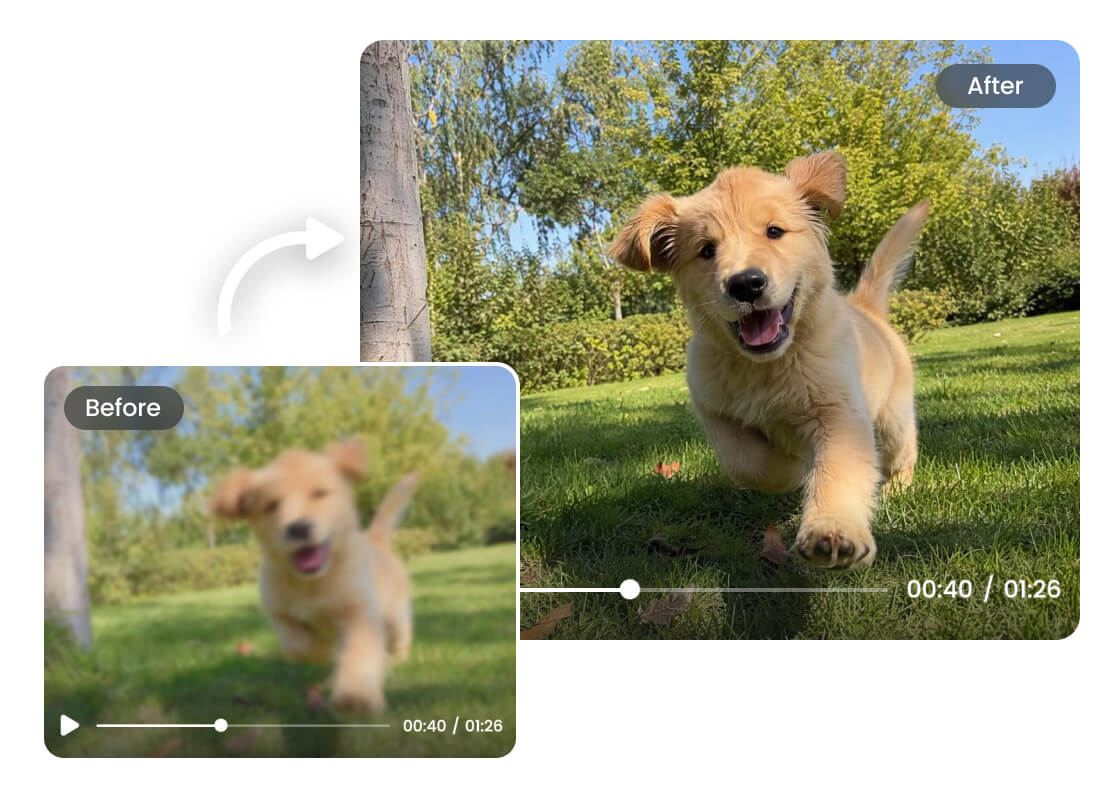
I used it to remove blur from video footage of my dog running outside. Some of the movement was difficult to see in the original clip, and the improved version looked much clearer while still feeling natural.
Upload your footage to Airbrush Video Blur Remover and let it process the video automatically. Airbrush reduces unwanted blur and improves visible sharpness while maintaining a natural appearance. Results depend on the original video’s resolution, compression, and available detail.
Airbrush can help reduce common types of video blur, including camera shake, motion blur from moving subjects, soft focus, missed focus, and compression-related blur. It works best when the original video still contains enough visible detail. Very severe blur may not be fully recoverable.
Yes. Airbrush can reduce motion-related blur caused by camera movement or fast-moving subjects. It improves perceived definition and makes the footage easier to watch, but frames with heavy motion blur may still have missing details that cannot be fully restored.
Airbrush can improve videos that look slightly soft or out of focus by enhancing visible sharpness and definition. It is best for footage where the subject is still recognizable. If the original video is extremely out of focus, the tool can improve clarity but may not fully recover missing details.
Yes. Airbrush can make old or low-quality footage look clearer by reducing unwanted blur and improving perceived detail. However, no video blur remover can fully recover information that was not captured in the original recording. For best results, upload the highest-quality original file available.
Airbrush provides free credits that you can use to try the Video Blur Remover online. The number of videos you can process, preview or download may depend on the credits available in your account.
Yes. You can upload videos recorded on an iPhone or Android device to Airbrush Video Blur Remover. Airbrush can help improve footage affected by movement, missed focus, or compression from messaging apps and social platforms.
