



Airbrush

start icostart icostart icostart icostart ico

Download for 7-day Free Trial

smart banner
HomeAll Tools
Add White Background to Photo

AI White Background Maker

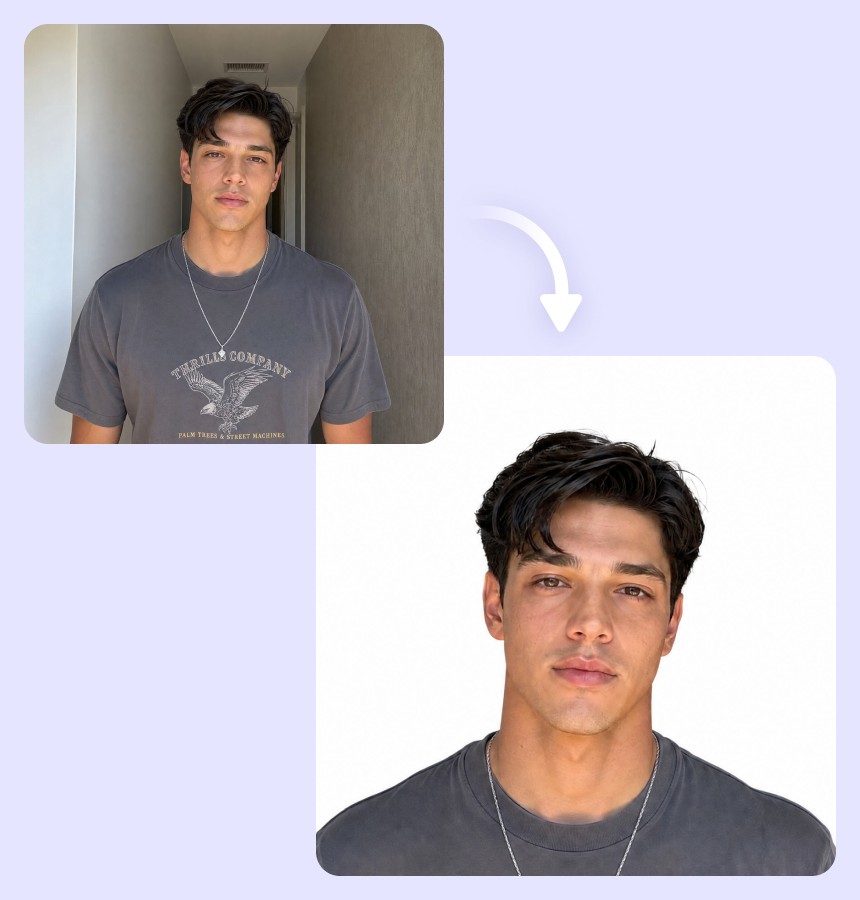
Create a white background for any photo with Airbrush. Upload your image to remove the original background and replace it with a clean white background for a polished, distraction-free result.

Upload Image

Drag and drop Image here

White Background

Create a white background for any photo with Airbrush. Upload your image to remove the original background and replace it with a clean white background for a polished, distraction-free result.

White Background

Turn Any Photo Background White

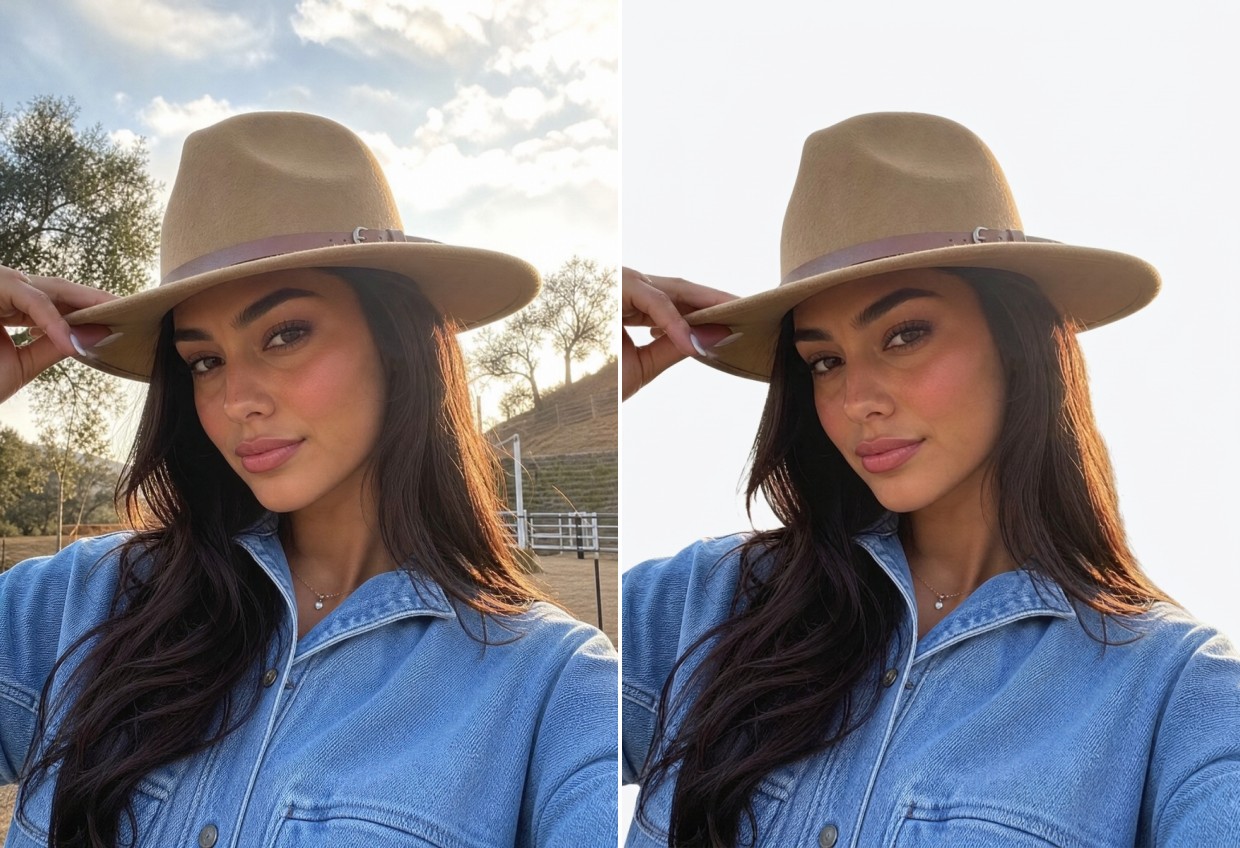
Whether the original scene is colorful, dark, outdoor, or visually distracting, Airbrush can turn background white and give the photo a simpler setting. The result puts more attention on the subject without requiring a new photo or reshoot.
White Background

Preserve the Original Colors of Your Subject

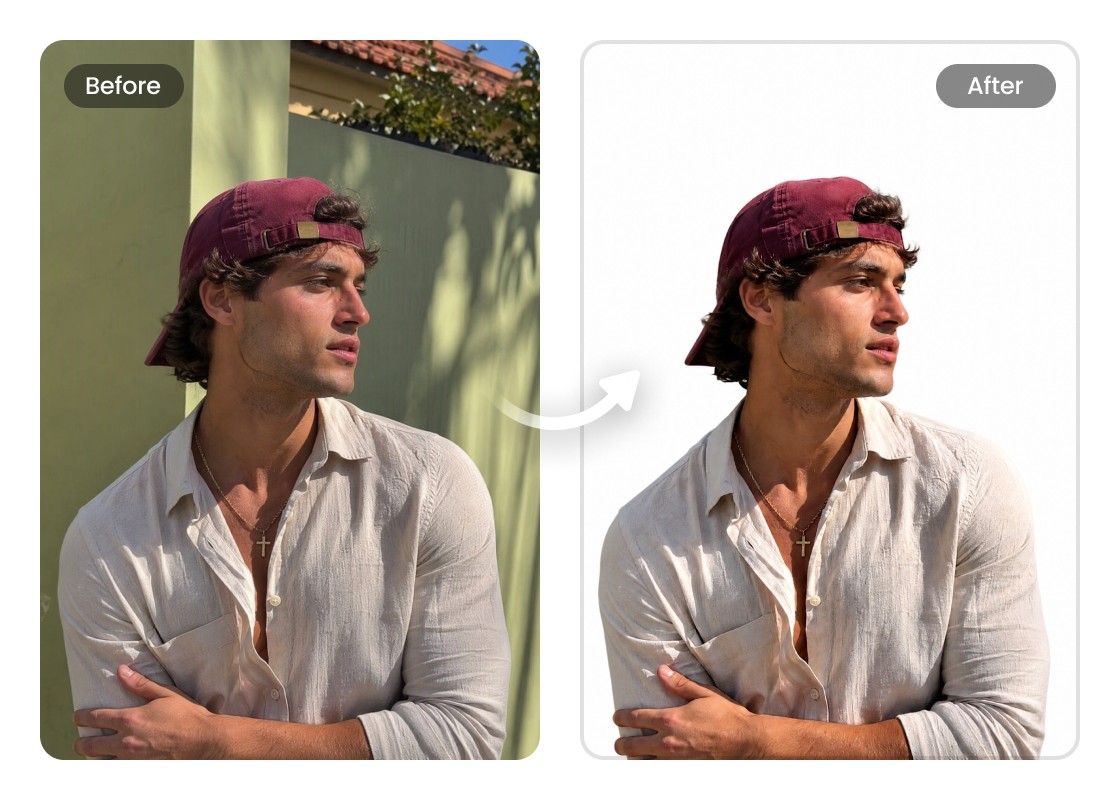
Changing the backdrop shouldn't affect the colors that make your photo look right. Airbrush lets you make the background white while retaining natural skin tones, clothing colors, textures, and the original appearance of objects in the image.
White Background

Create White Backgrounds for Multiple People or Objects

Group photos and images with several objects can be difficult to edit individually. Airbrush can change the background to white across the whole image while keeping each person or object in place for a balanced, ready-to-use result.
White Background

Make Background White Without Manual Selection

Forget tracing outlines or carefully selecting the background yourself. Airbrush identifies the main subject automatically and lets you make photo background white, reducing the manual editing needed when working around people, objects, and detailed shapes.
White Background

Create an Even White Background Across the Image

Uneven lighting and shadows can make a plain backdrop look inconsistent. Airbrush replaces the existing scene with a uniform white background image, giving you the same white tone across the entire frame for a balanced and consistent finish.

Use Cases of White Background

White Background
White Backgrounds for IDs and Documents

Some applications require photos with a simple, distraction-free backdrop. Use Airbrush to change photo background to white for ID-style pictures, forms, applications, records, and other documents that call for a plain presentation. Official photo requirements vary by country, organization, and document type, so check the relevant guidelines before submitting your image.


White Background

White Backgrounds for IDs and Documents

Some applications require photos with a simple, distraction-free backdrop. Use Airbrush to change photo background to white for ID-style pictures, forms, applications, records, and other documents that call for a plain presentation. Official photo requirements vary by country, organization, and document type, so check the relevant guidelines before submitting your image.
White Background

Create Store-Ready Images on a White Background

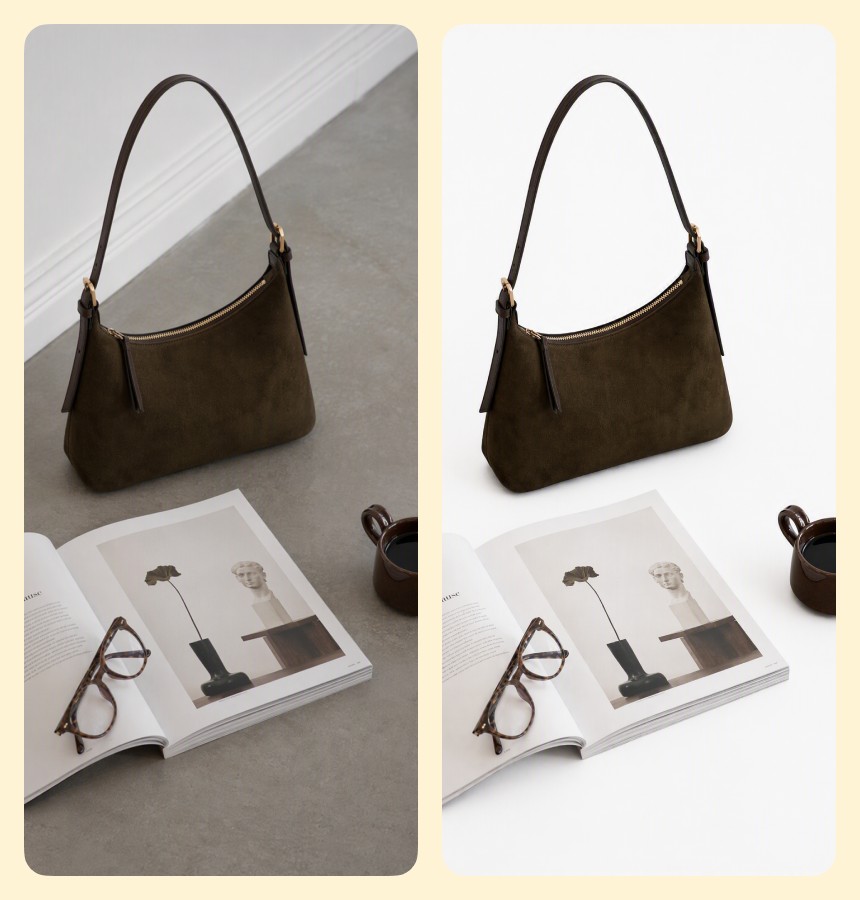
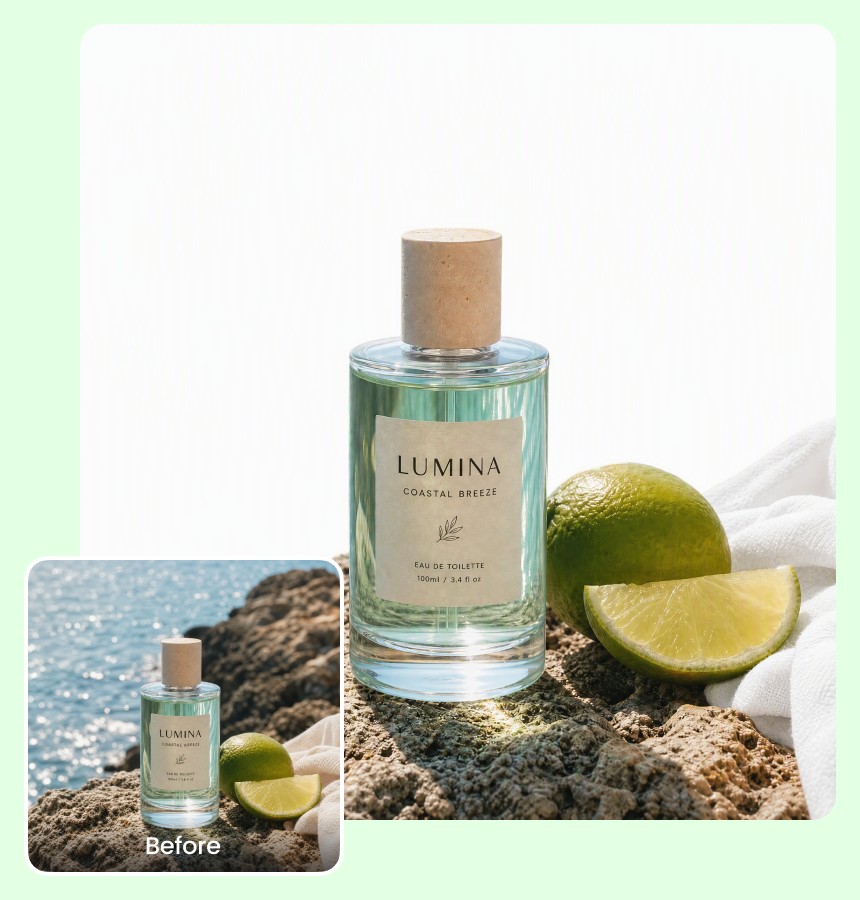
Give merchandise a consistent appearance across your shop without arranging a new photoshoot. A white background for photos keeps attention on the item and works well for catalogs, online storefronts, and marketplace listings.

White Background

Give Portraits and Headshots a Studio-Style Look

Turn casual shots into more polished portraits by replacing busy rooms, outdoor scenery, or unwanted surroundings. Airbrush lets you create images with a white background suitable for resumes, team pages, portfolios, and personal profiles.

White Background

Keep Ad Creatives Clean and Focused

Remove visual clutter before placing a photo into banners, promotions, or campaign layouts. A white background photo gives text, graphics, and other design elements more room while helping the main subject remain the visual focus.

How to Add a White Background to a Photo with Airbrush

Upload Your Photo

Open Airbrush White Background Maker and upload the image you want to edit. You can use portraits, objects, group photos, and other everyday images.

Apply a White Background

Airbrush identifies the main subject and replaces the existing background with white automatically, without requiring you to trace or select areas manually.

Preview and Download

Review your edited photo, check the white background, and download the finished image from Airbrush for your preferred use.

White Background

User Reviews

I use it for photos on my online shop. Even when I shoot items in different places, I can make the background white and keep my listings looking consistent.

- Aarav Mehta

I needed a plain white background for a profile photo but didn’t want to retake it. Airbrush changed the background without affecting my face or the colors of my clothes.

- Layla Al-Harbi

The group photo feature worked surprisingly well for me. I had three people in the picture, and it replaced the background with white without making me select everyone separately.

- Zainab Qureshi

I use it for photos on my online shop. Even when I shoot items in different places, I can make the background white and keep my listings looking consistent.

- Aarav Mehta

I needed a plain white background for a profile photo but didn’t want to retake it. Airbrush changed the background without affecting my face or the colors of my clothes.

- Layla Al-Harbi

The group photo feature worked surprisingly well for me. I had three people in the picture, and it replaced the background with white without making me select everyone separately.

- Zainab Qureshi

Frequently Asked Questions

Airbrush White Background Maker is an online photo editor that replaces an existing backdrop with white. It gives you a dedicated way to change background to white without working with layers, masks, or more complex editing software.

Look for a tool that can recognize different subjects, preserve their original appearance, and produce a consistent white backdrop. Airbrush White Background Maker combines these capabilities in a browser-based editor designed specifically for this task.

Airbrush White Background Maker supports commonly used photo formats, including JPG, JPEG, and PNG. This makes it easy to make photo background white using images from phones, cameras, downloads, and other common sources.

Yes. A white background adds visible white behind the subject, while a transparent background contains no visible backdrop and is typically saved as a PNG. Airbrush offers dedicated tools for both results, depending on how you plan to use the image.

No. Airbrush White Background Maker can automatically replace a photo background with white, without masks or layers. If you need a transparent background instead, use Airbrush Background Remover.

Airbrush White Background Maker includes three credits to help you get started. You can use these credits to create and download white-background images.

Yes. You can use Airbrush White Background Maker on a compatible mobile browser to upload a photo, apply a white background, and download the result.

This tool is designed specifically to make photo backgrounds white. To use another color or a different backdrop, use Airbrush’s Background Changer instead.

AI White Background Maker