Airbrush

start icostart icostart icostart icostart ico

Download for 7-day Free Trial

smart banner
HomeAll Tools
Crop Image

Crop Image

Crop image online with a free image cropper designed for precision and flexibility. Remove unwanted areas, adjust the perfect aspect ratio, and create clean, well-composed images for social media, online stores, documents, and everyday use.

Upload Image

Drag and drop Image here

Crop Image

Airbrush Studio

Switch to Airbrush Studio on desktop for advanced control and unlimited exports.

Crop Image

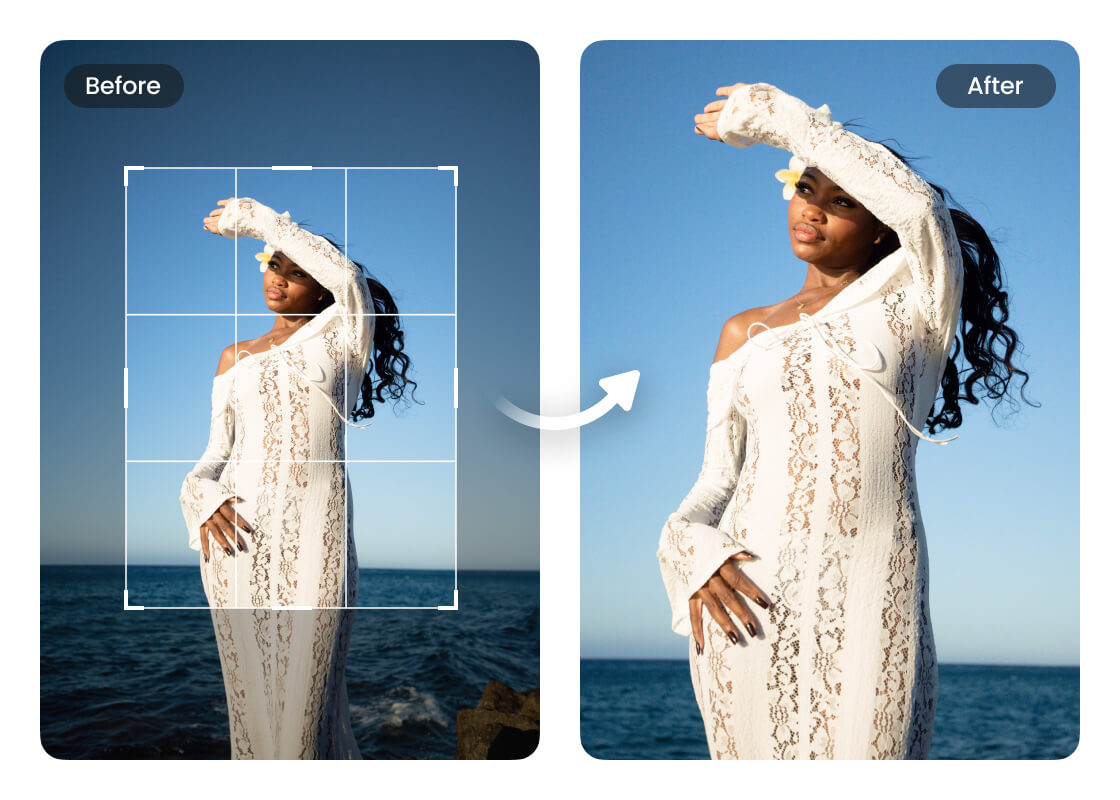
Remove Visual Distractions

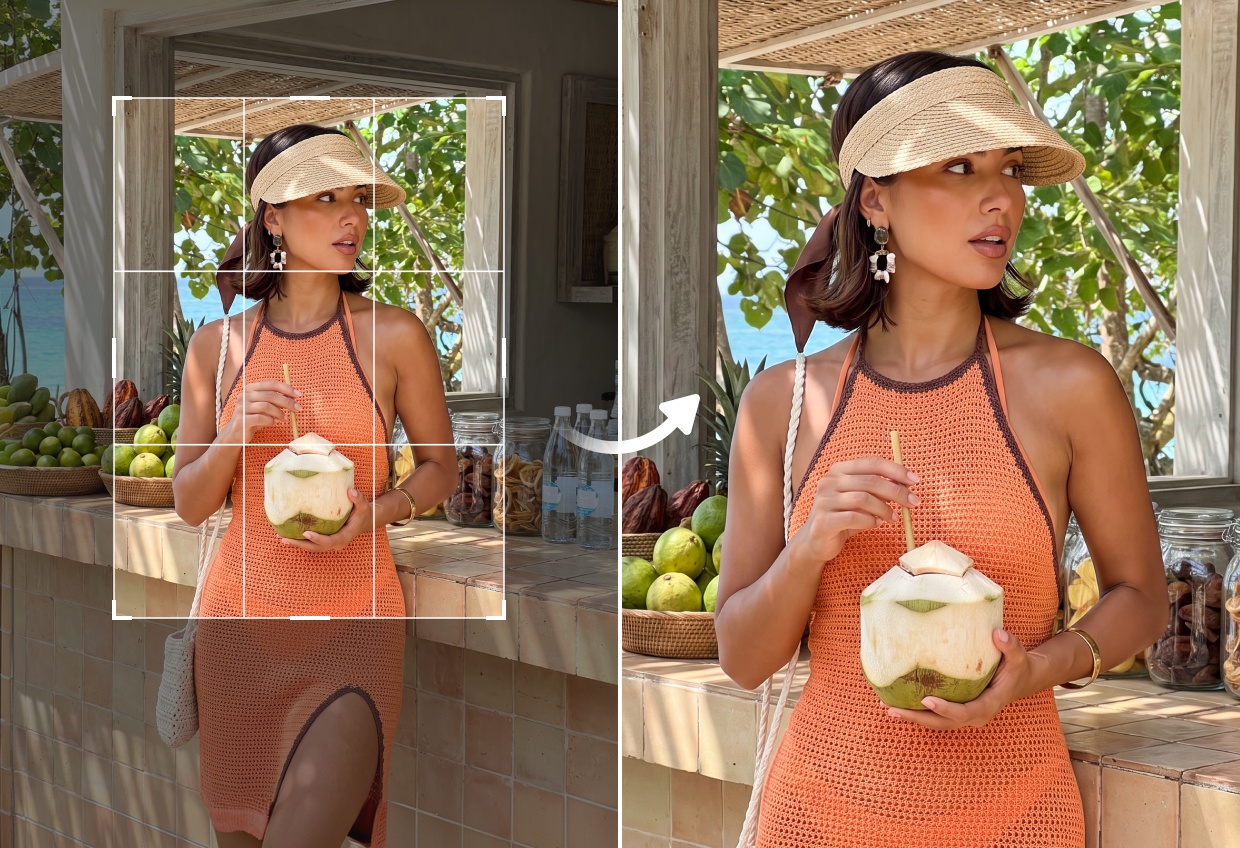
Every image contains elements that can draw attention away from the main subject. Cropping removes unnecessary background or empty space, creating a cleaner composition that naturally keeps the focus where it belongs.
Crop Image

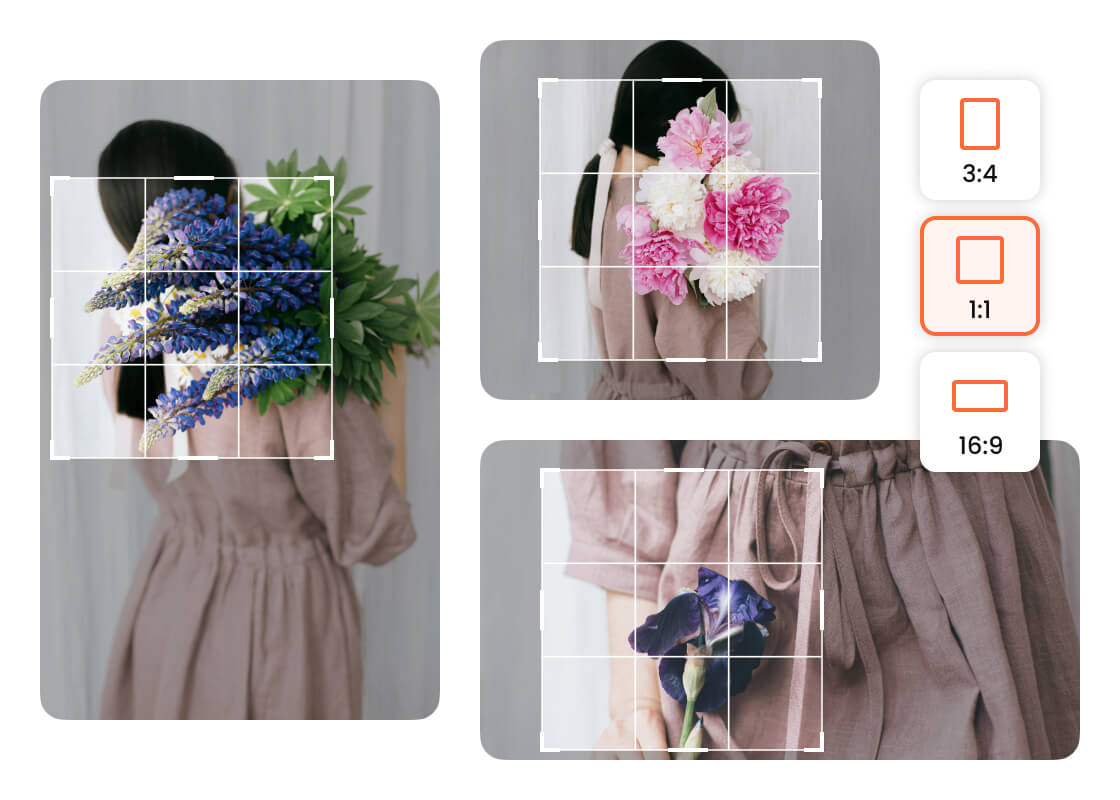
Frame Every Photo with Better Balance

A well-framed image feels more natural and professional. Adjust the crop to improve alignment, strengthen composition, and create photos that guide the viewer's eye exactly where you want it.
Crop Image

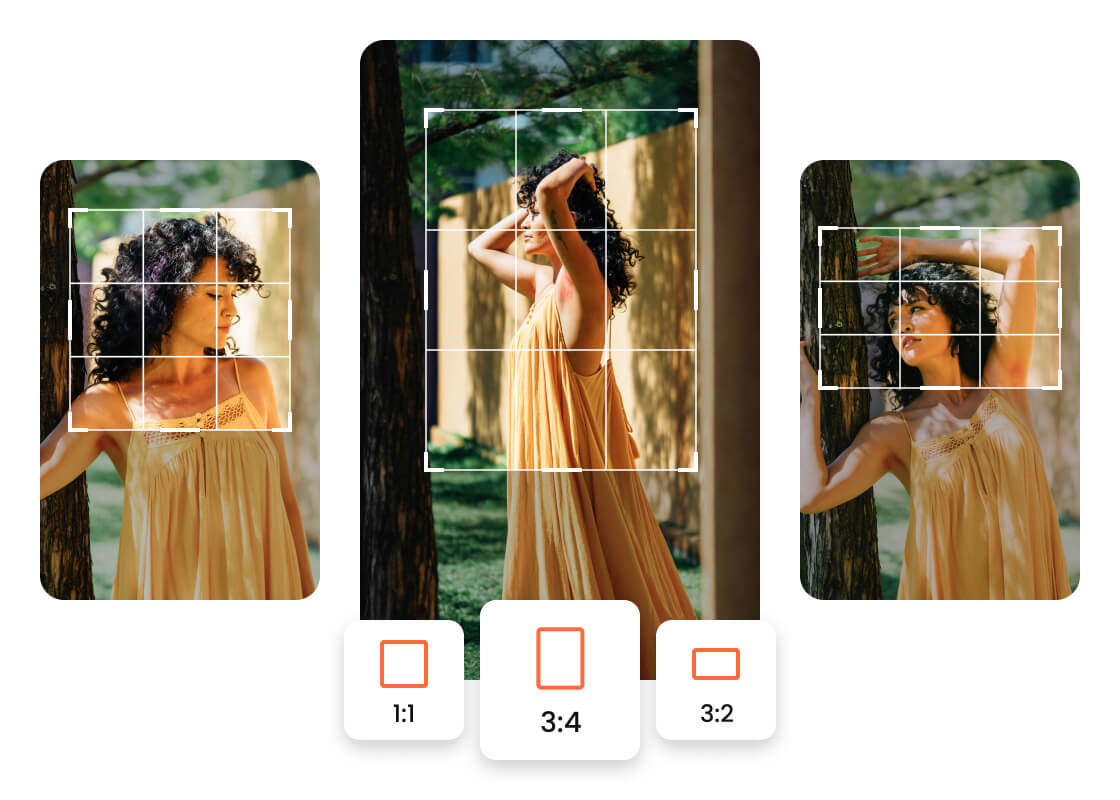
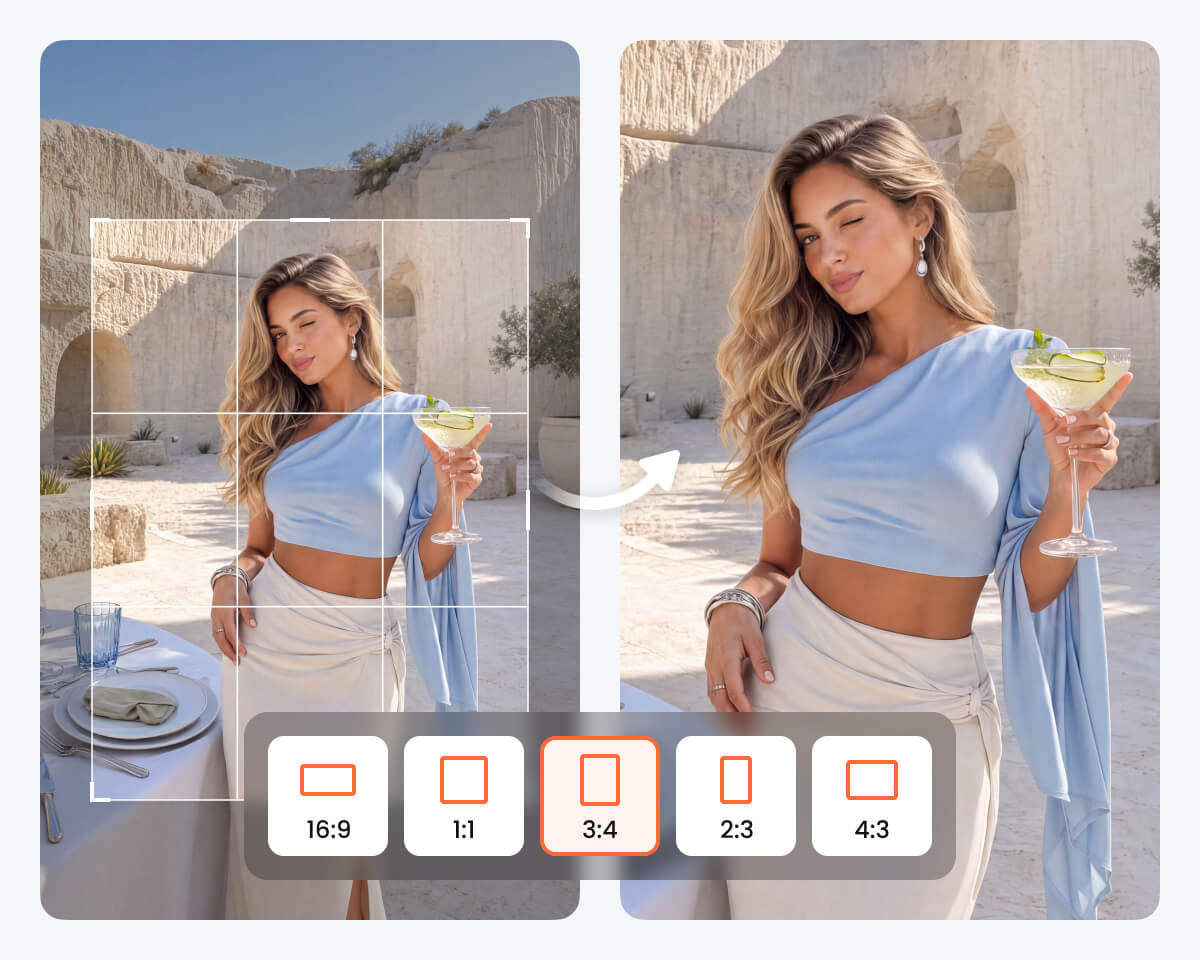
Match Any Aspect Ratio with Confidence

Different platforms require different layouts, but your photos shouldn't lose their impact. Switch between square, portrait, landscape, and custom dimensions while keeping your composition balanced and consistent.
Crop Image

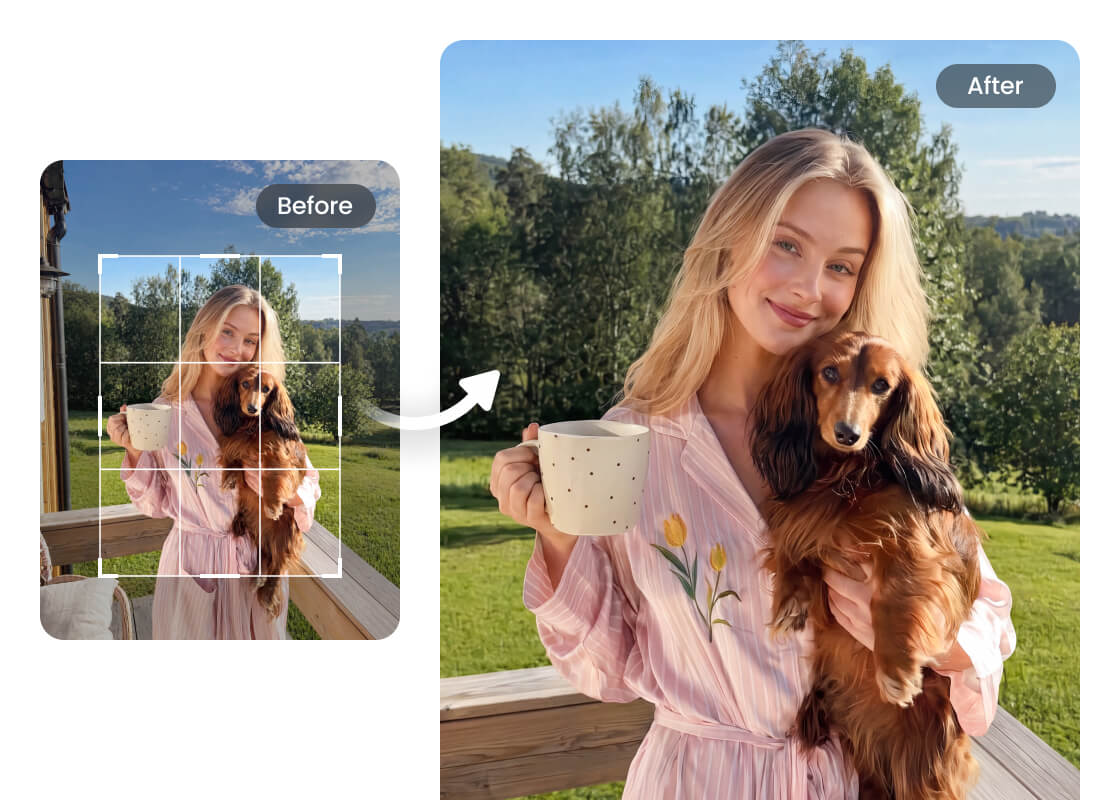
Keep Your Subject Front and Center

A well-placed crop highlights your subject and creates a stronger visual balance. By focusing on what matters most, your photo looks cleaner, more engaging, and ready for any purpose.

Use Cases for Airbrush Image Cropper

Crop Image
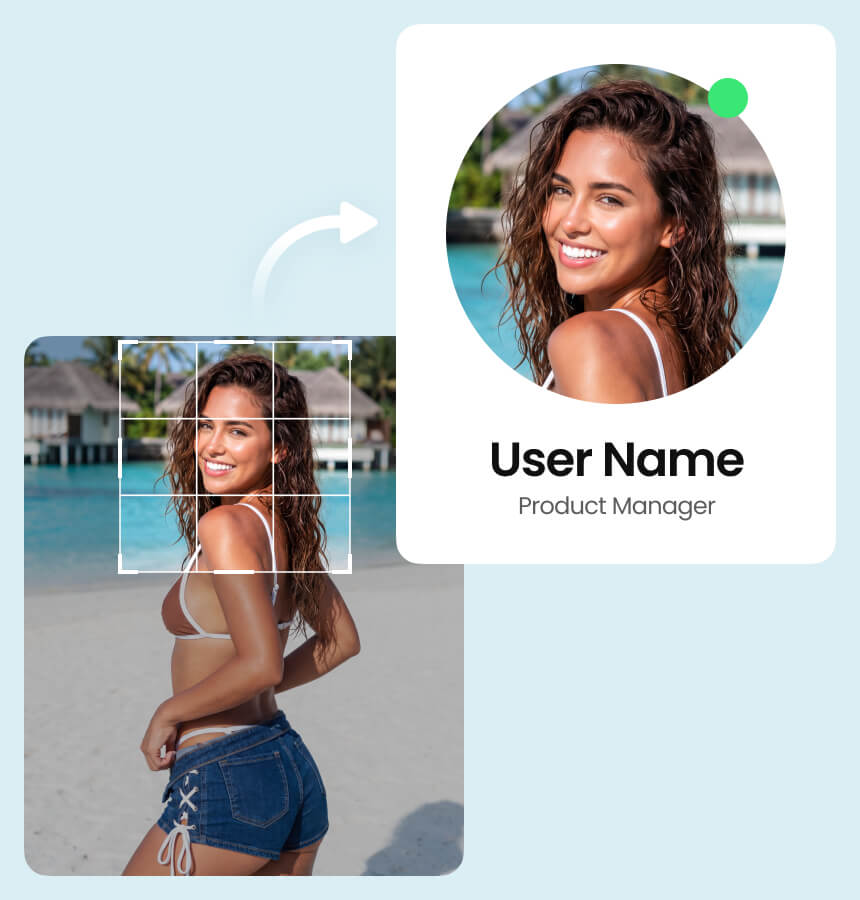
Create Profile Pictures That Stand Out

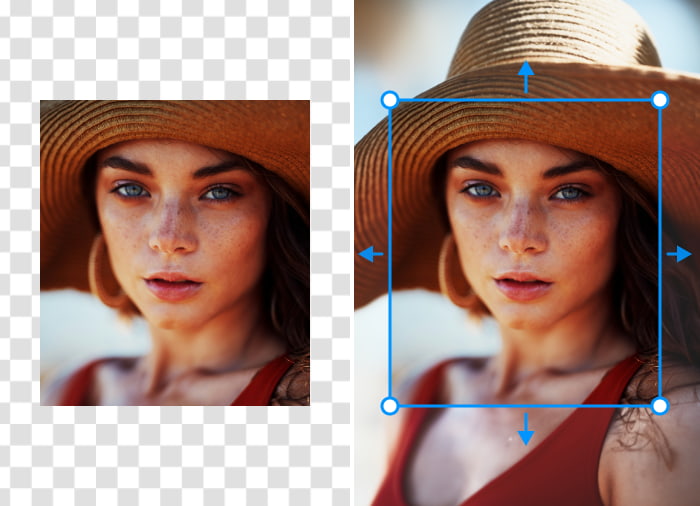
A well-cropped portrait creates a stronger first impression. Adjust the framing to keep the focus on your face and create profile photos that look natural across social media, professional networks, and messaging apps.
Crop Image

Create Profile Pictures That Stand Out

A well-cropped portrait creates a stronger first impression. Adjust the framing to keep the focus on your face and create profile photos that look natural across social media, professional networks, and messaging apps.
Crop Image

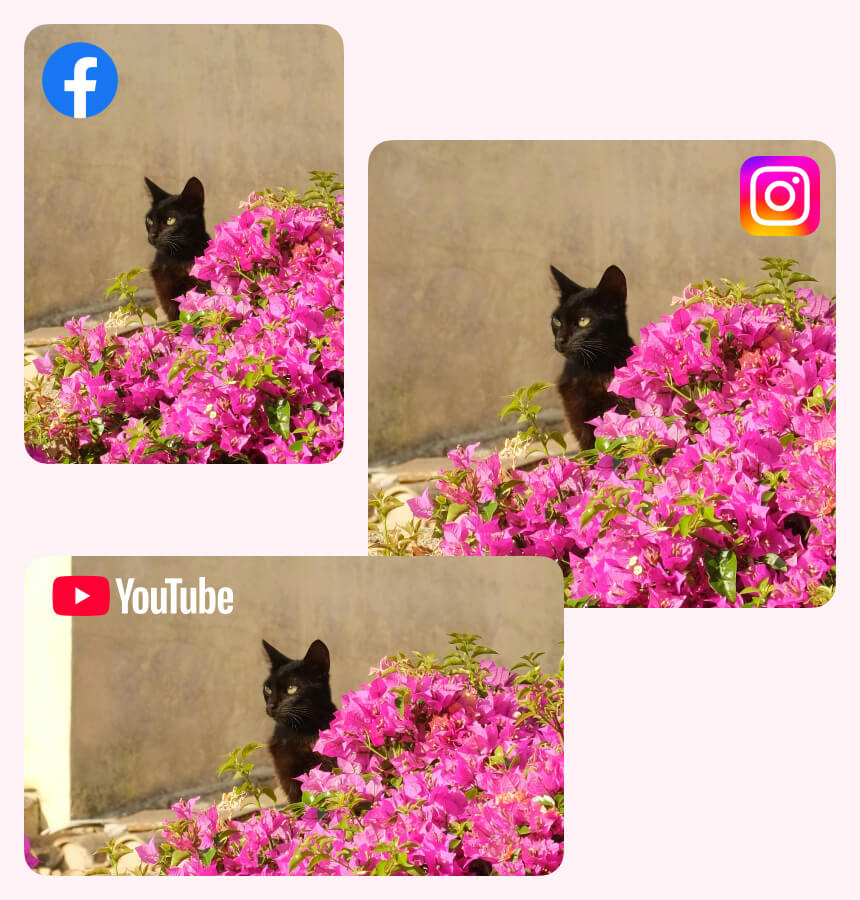
Create Content That Fits Every Social Platform

Every platform presents images differently. Adjusting the composition for posts, stories, banners, and thumbnails helps your photos look intentional and prevents important details from being cropped unexpectedly.

Crop Image

Present Products with Greater Clarity

Good product photography keeps attention on the item, not the background. Refine the composition to showcase important details, create a cleaner presentation, and help customers focus on what you're selling.

Crop Image

Prepare Images for Work, School, and Presentations

Well-framed visuals make documents easier to read and presentations more professional. Whether you're creating reports, resumes, slides, or marketing materials, properly cropped images help your content look organized and polished.

How to Crop an Image with Airbrush

Upload Your Image

Choose the image you want to crop and upload it securely. Your photo is ready for editing in just a moment.

Adjust the Crop

Move the crop frame and choose the aspect ratio that fits your image. Fine-tune the composition until it looks just right.

Preview and Download

Preview your cropped image to check the final result. When you're happy with it, download the edited image to your device.

Crop Image

User Reviews

I needed to crop several product photos for my online store. The Airbrush Image Cropper was simple to use, and every image looked clean.

- Hannah P.

I used it to adjust family photos before printing them. Being able to reposition the crop made a bigger difference than I expected.

- Michael R.

Most social media platforms use different image sizes, so I crop photos before uploading them. Airbrush photo Cropper saves time and helps everything look more consistent.

- Sophia L.

I needed to crop several product photos for my online store. The Airbrush Image Cropper was simple to use, and every image looked clean.

- Hannah P.

I used it to adjust family photos before printing them. Being able to reposition the crop made a bigger difference than I expected.

- Michael R.

Most social media platforms use different image sizes, so I crop photos before uploading them. Airbrush photo Cropper saves time and helps everything look more consistent.

- Sophia L.

Frequently Asked Questions

Upload your image to Airbrush Image Cropper, adjust the crop area to keep the part you want, then download the final image. You can also choose preset aspect ratios for social media, documents, and other projects.

Yes. Airbrush Image Cropper removes unwanted areas while preserving the quality of the selected image area. The final result depends on the original file, but the cropped portion keeps its original resolution.

Yes. Airbrush Image Cropper includes preset aspect ratios for popular platforms such as Pinterest, Snapchat, Facebook, and Instagram, making it easy to prepare images for different layouts.

Yes. Airbrush Image Cropper is free to use online and works directly in your browser. There is no software to install, so you can crop images quickly from any device.

Airbrush Image Cropper supports popular image formats, including JPG, JPEG, PNG, WEBP, and BMP. More formats may be added in future updates.

Upload your photo to Airbrush Image Cropper, choose a square format for a feed post or a portrait ratio for Stories, adjust the frame, and download your image. Everything works directly in your browser, so no app installation is required.

Crop Image: Ready to crop your image?