


Airbrush

start icostart icostart icostart icostart ico

Für die Kostenlose 7-Tage-Probezeit herunterladen

smart banner
StartseiteAlle Werkzeuge
Transparenter Hintergrund

Kostenloser Generator für transparente Hintergründe

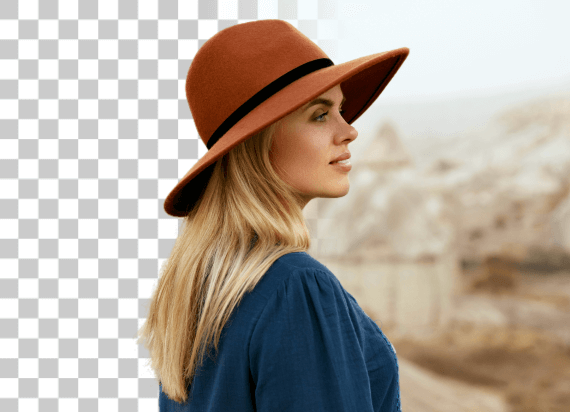
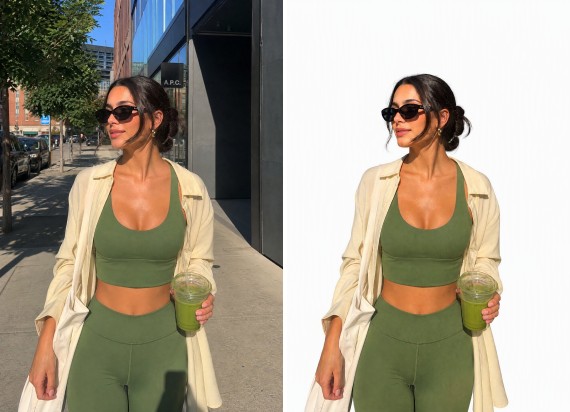
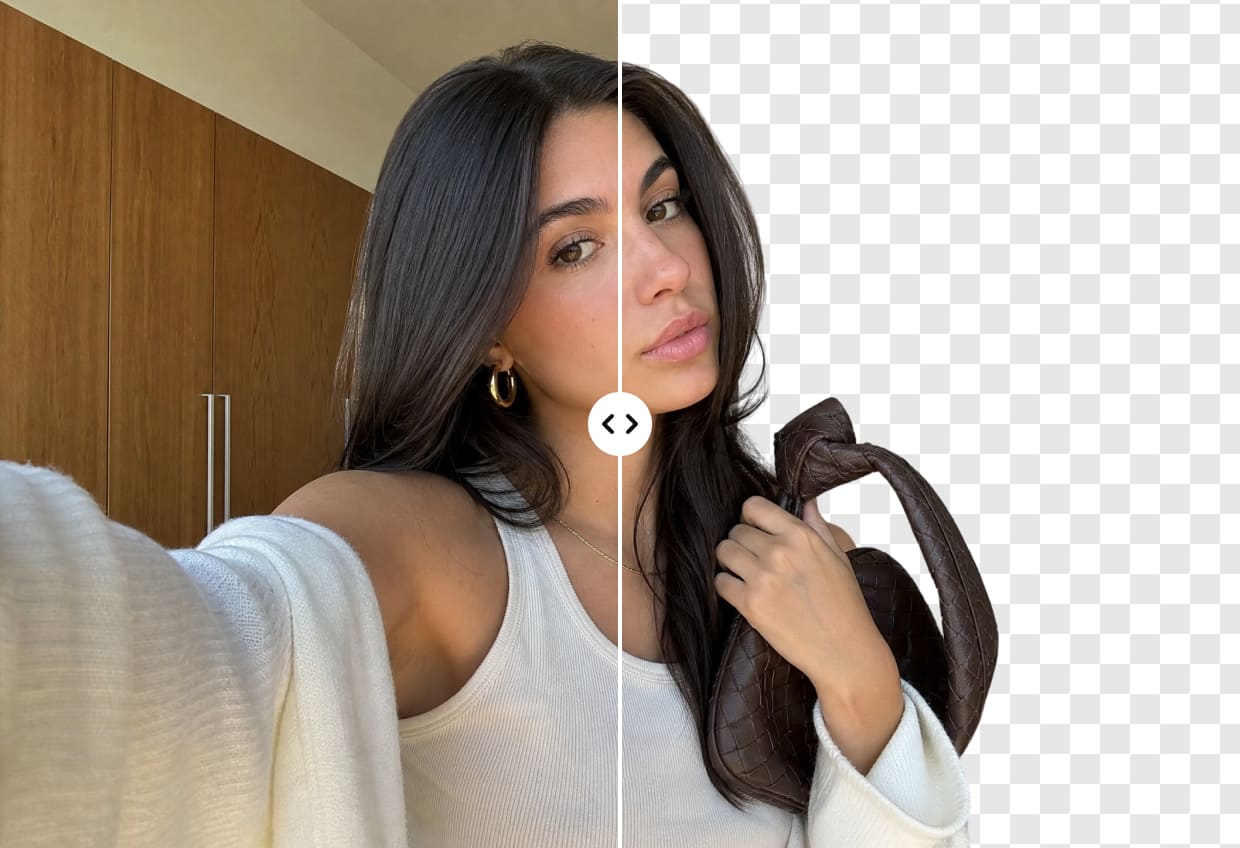
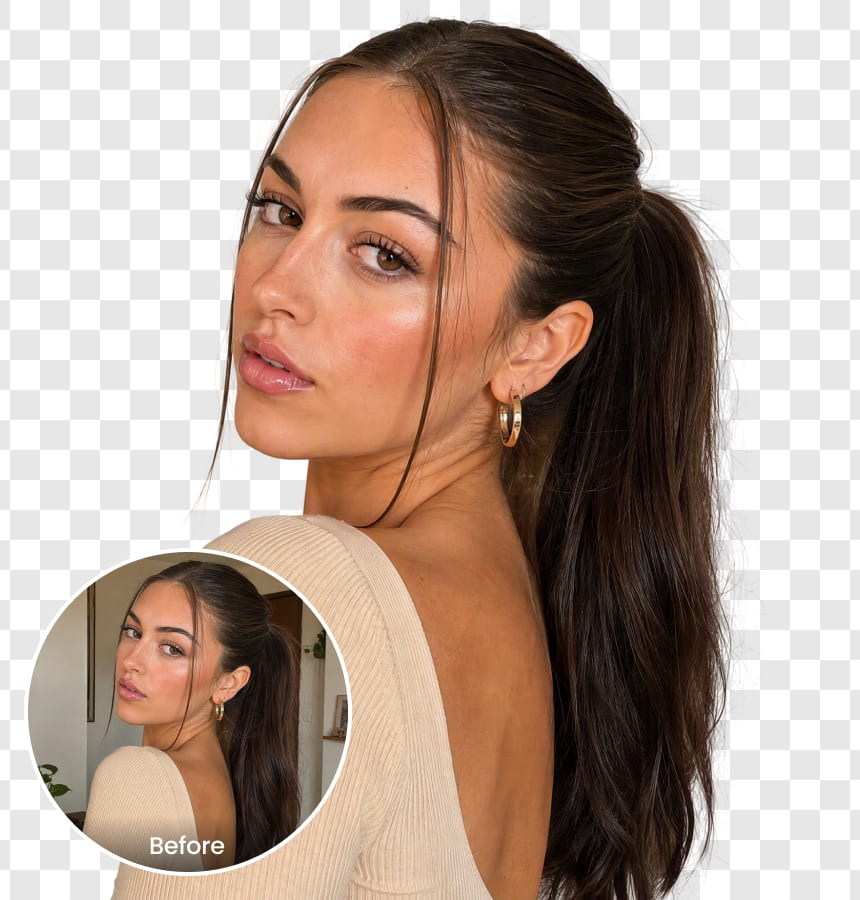
Machen Sie Hintergründe mit dem kostenlosen Generator für transparente Hintergründe transparent. Entfernen Sie Ablenkungen, heben Sie Ihr Motiv hervor und erstellen Sie im Nu klare Bilder für Präsentationen, E-Commerce oder soziale Medien. Keine Bearbeitungskenntnisse erforderlich!

Transparenter Hintergrund
Ziehen und legen Sie das Bild hier ab

Airbrush Studio

Wechseln Sie auf dem Desktop zu Airbrush Studio, für erweiterte Steuerungen und unbegrenzte Exporte.

Mac OS
Windows
Transparenter Hintergrund

Schneller, benutzerfreundlicher Generator für transparente Hintergründe

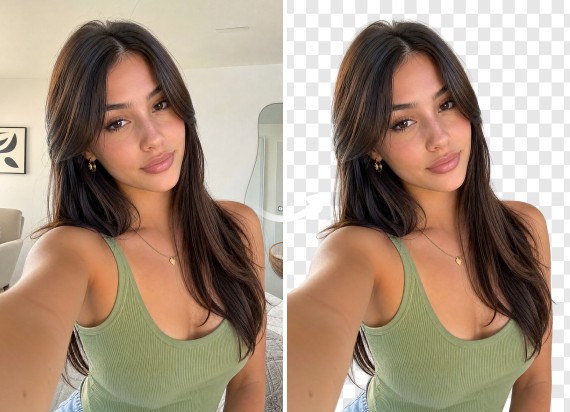
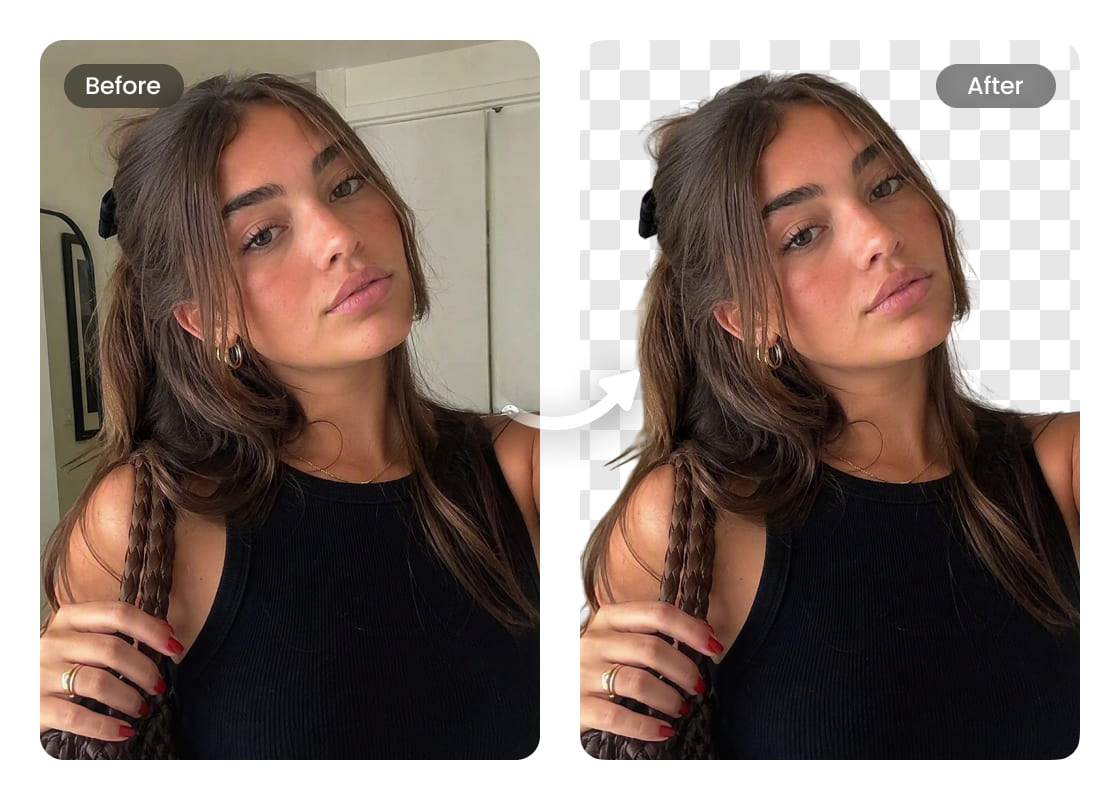
Der Generator für transparente Hintergründe von Airbrush ist schnell, einfach und benutzerfreundlich. Sie benötigen keine Bearbeitungskenntnisse – laden Sie einfach Ihr Bild hoch, und die KI erledigt den Rest. Erhalten Sie im Nu einen sauberen, hochwertigen transparenten Hintergrund, der Ihre Fotos mühelos hervorhebt. Verwenden Sie ihn ohne Probleme für private oder berufliche Zwecke.
Transparenter Hintergrund

Unterstützt verschiedene Bildformate

Airbrush unterstützt verschiedene Bildformate und ermöglicht so eine nahtlose Hintergrundentfernung. Laden Sie PNG-, JPG- oder andere gängige Dateiformate hoch und lassen Sie sie von der KI präzise verarbeiten. Es sind keine Konvertierungen erforderlich – bearbeiten und speichern Sie Ihre Bilder einfach in dem Format, das Ihren Anforderungen entspricht.
Transparenter Hintergrund

Transparente Logos im Nu

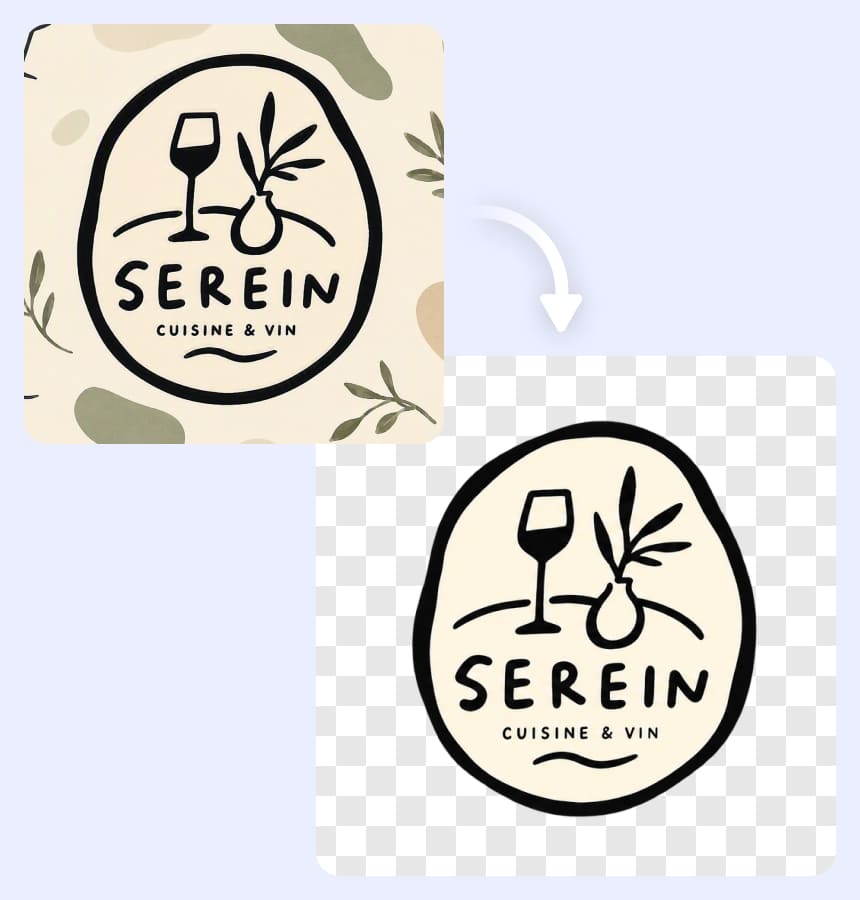
Keine Probleme mehr mit unscharfen Kanten oder fehlenden Details, wenn Sie einen Logo-Hintergrund transparent machen möchten. Airbrush nutzt fortschrittliche KI, um das Motiv präzise zu erkennen und zu verfeinern, sodass jedes Detail erhalten bleibt. Laden Sie einfach Ihr Logo hoch und innerhalb von Sekunden erhalten Sie eine saubere, hochauflösende transparente Datei, die Sie für Websites, Branding oder jedes andere Designprojekt verwenden können – schnell, präzise und problemlos.
Transparenter Hintergrund

Verbessern Sie die Produktfotografie

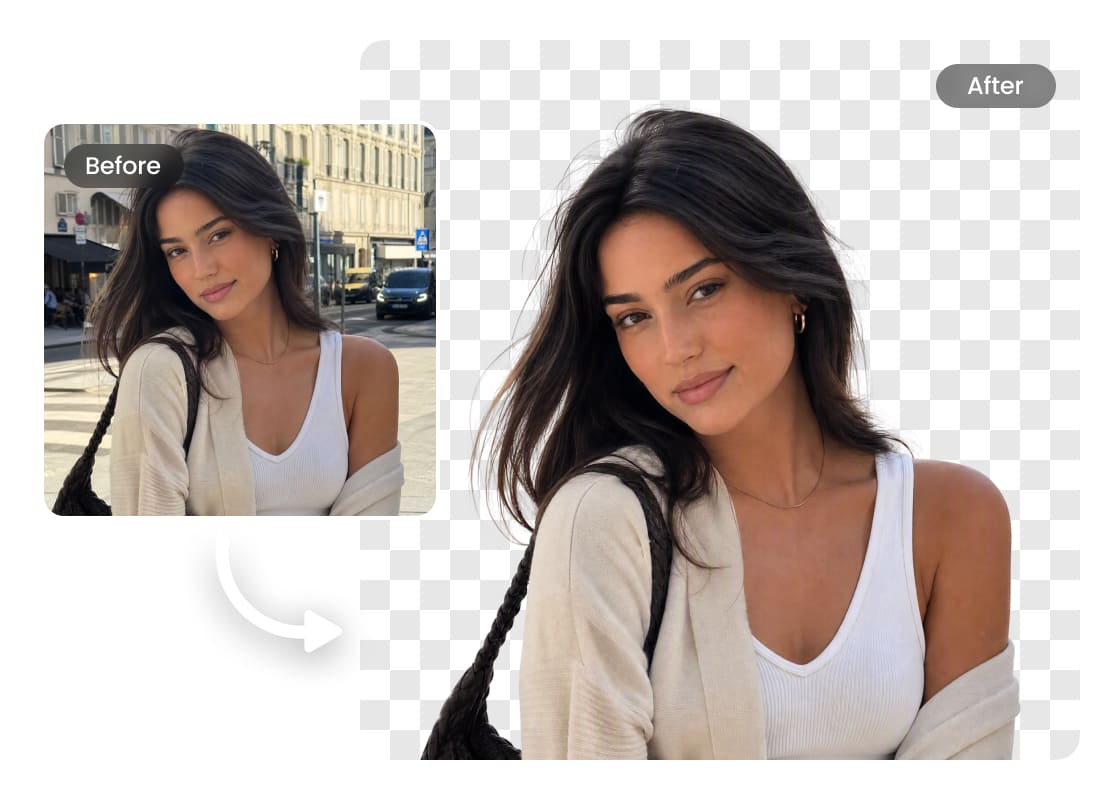
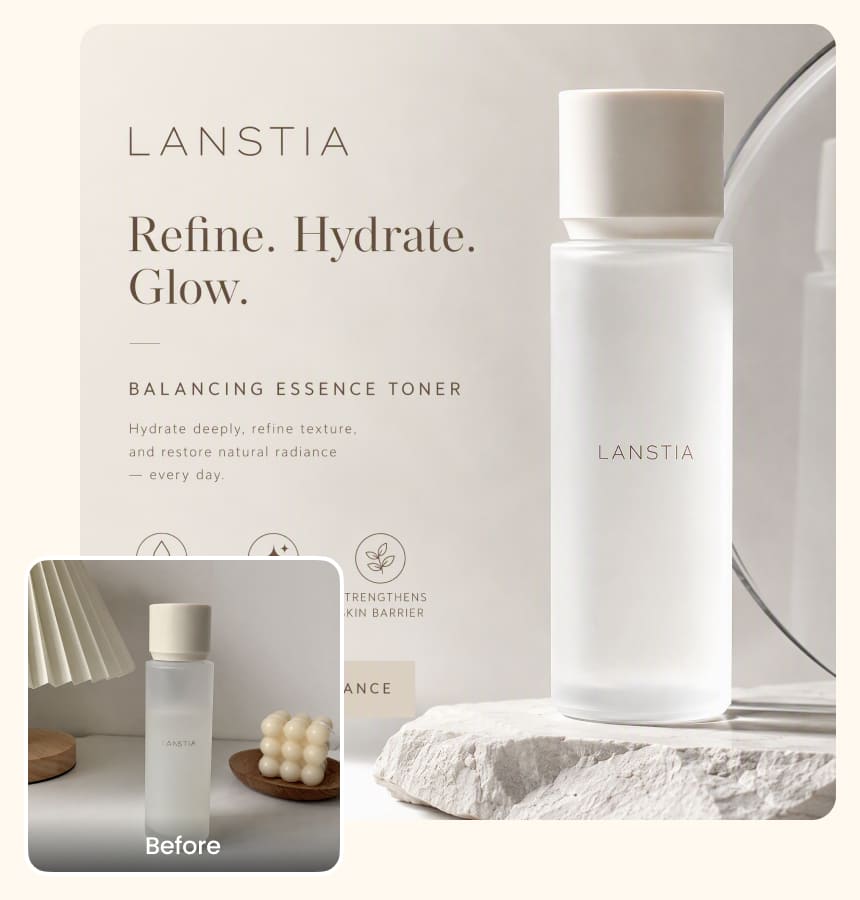
Integrieren Sie Ihr Bild nahtlos in jedes Projekt, indem Sie seinen Hintergrund transparent machen. Dies sorgt für Vielseitigkeit und ein professionelles Erscheinungsbild und ermöglicht es Ihnen, verschiedene Hintergründe zu überlagern oder Elemente zu verschmelzen, um visuell beeindruckende Kompositionen mit zusätzlicher Tiefe zu schaffen.
Transparenter Hintergrund

Nahtlose Bearbeitung für Designer und Kreative

Mit Airbrush können Fachleute ihren Arbeitsablauf vereinfachen, indem sie im Handumdrehen transparente Hintergründe erstellen. Vergessen Sie mühsame manuelle Bearbeitungen – laden Sie einfach Ihr Bild hoch, und die KI erledigt den Rest. Ob zum Überlagern von Grafiken, Verfeinern von Kompositionen oder Verbessern von Designs – dieses Tool optimiert den Prozess, liefert saubere, präzise Ergebnisse und spart gleichzeitig wertvolle Zeit.

Wie man mit Airbrush einen transparenten Hintergrund erstellt

Wählen Sie Ihr Bild

Gehen Sie zu Airbrush, klicken Sie auf „Hochladen“ und wählen Sie Ihr Bild aus.

Automatischer transparenter Hintergrund

Nach dem Hochladen verarbeitet die KI Ihr Bild sofort und erstellt mühelos einen sauberen, transparenten Hintergrund.

Herunterladen

Speichern Sie Ihr Bild.

how to

User Reviews

Emily Carter
I use Airbrush to prepare product photos for different marketplaces. The transparent background makes it much easier to reuse the same product image across listings and promotional graphics.
Daniel Kim
I needed a transparent PNG of our logo for presentations and website graphics. Airbrush kept the edges clean, and the logo worked well across both light and dark designs.
Sophia Martinez
I create seasonal social media graphics regularly, and Airbrush makes my transparent images much easier to reuse. I can keep the same subject and adapt it to different campaign designs without starting over.
Emily Carter
I use Airbrush to prepare product photos for different marketplaces. The transparent background makes it much easier to reuse the same product image across listings and promotional graphics.
Daniel Kim
I needed a transparent PNG of our logo for presentations and website graphics. Airbrush kept the edges clean, and the logo worked well across both light and dark designs.
Sophia Martinez
I create seasonal social media graphics regularly, and Airbrush makes my transparent images much easier to reuse. I can keep the same subject and adapt it to different campaign designs without starting over.

Frequently Asked Questions

How do I make the background of a picture transparent with Airbrush?

Upload your picture to Airbrush Transparent Background Maker. The tool separates the main subject from its surroundings and creates a transparent background while keeping important details clear. Preview the result and download your edited image.

Does Airbrush Transparent Background Maker work for product photos with complex edges?

Airbrush is designed to handle product photos with detailed shapes and complex edges. It helps preserve important outlines and smaller details, giving you a cleaner product image for online stores, catalogs, ads, and other designs

What are the best tools to create transparent images?

The best tools should provide clean subject separation, preserve important details, and produce images that are easy to reuse. Airbrush Transparent Background Maker is a practical option for product photos, logos, people, objects, and creative projects.

Can Airbrush make a logo background transparent?

Yes. Upload your logo to Airbrush Transparent Background Maker to separate it from its existing background. A transparent logo is easier to use across websites, presentations, packaging, social media, and other branded materials.

Can I create transparent product images for online stores?

Yes. Transparent product images can be adapted for online stores, marketplaces, catalogs, ads, and promotional campaigns. Airbrush helps prepare product visuals that can be reused across different sales channels.

Will making an image background transparent affect its quality?

Making the background transparent changes the area around the main subject rather than intentionally reducing the quality of the subject itself. The final result can vary depending on the quality and complexity of the original image.

Can Airbrush create transparent images of people and objects?

Yes. Airbrush Background Transparent Maker can separate people, products, and other objects from their surroundings, giving you transparent images for thumbnails, presentations, marketing graphics, social content, and creative designs.

Alle Online-Foto- und Videobearbeitungstools