
Airbrush

start icostart icostart icostart icostart ico

Descargar y disfruta de un periodo de prueba gratis de 7 días

smart banner

Generador de fondos transparentes gratis

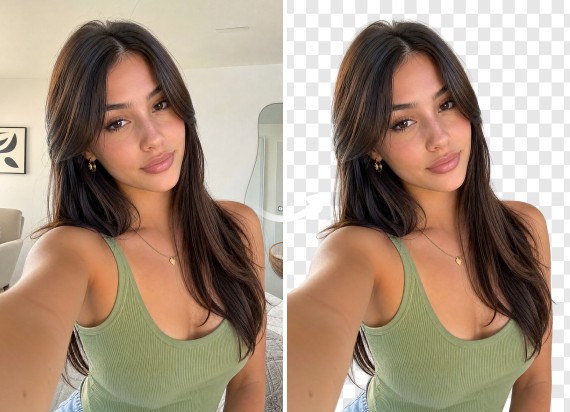
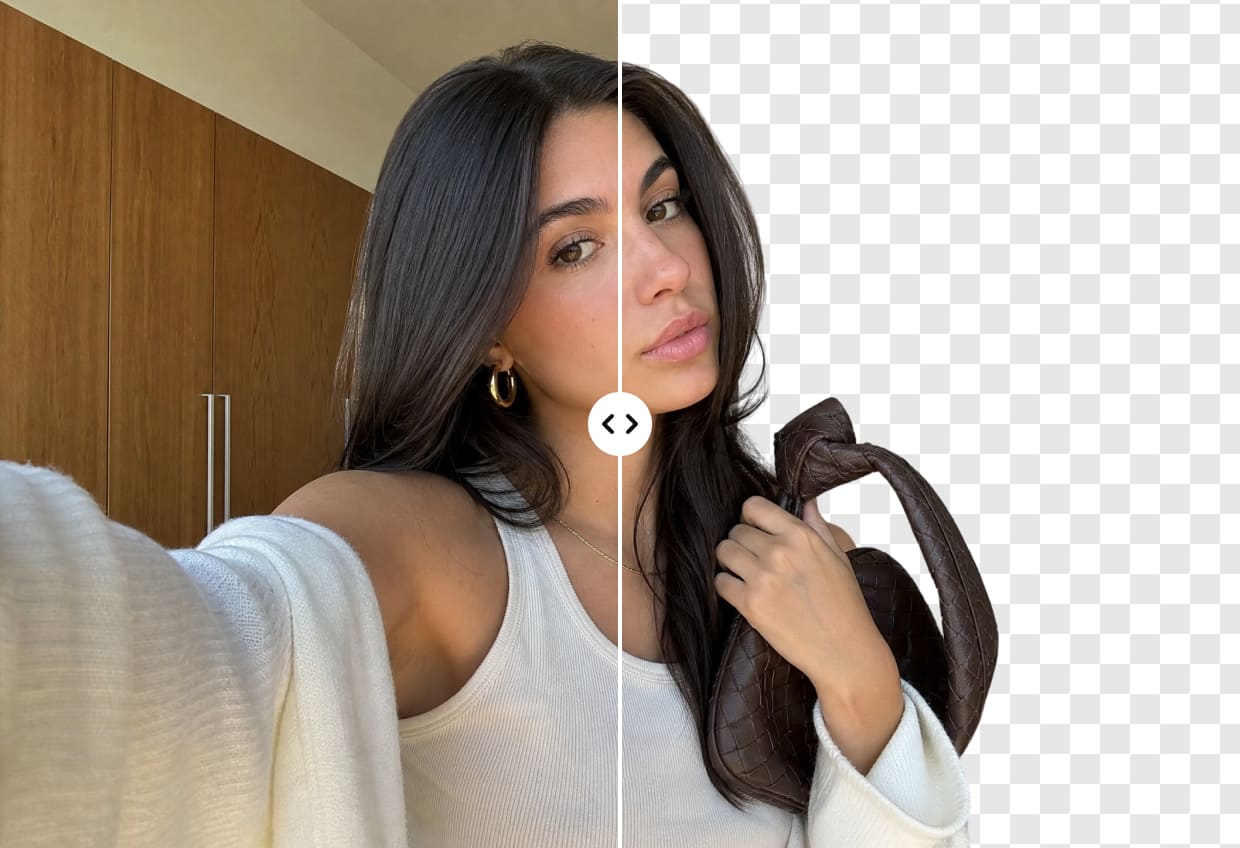
Haz que los fondos de tus imágenes sean transparentes con el generador de fondos transparentes gratis. Elimina distracciones, resalta el sujeto principal y crea imágenes limpias para presentaciones, e-commerce o redes sociales en segundos. No se requieren habilidades de edición.

Fondo transparente
Arrastra y suelta la imagen aquí

Airbrush Studio

Cambia a Airbrush Studio en la versión de escritorio para obtener controles avanzados y exportaciones ilimitadas.

Mac OS
Windows
Fondo transparente

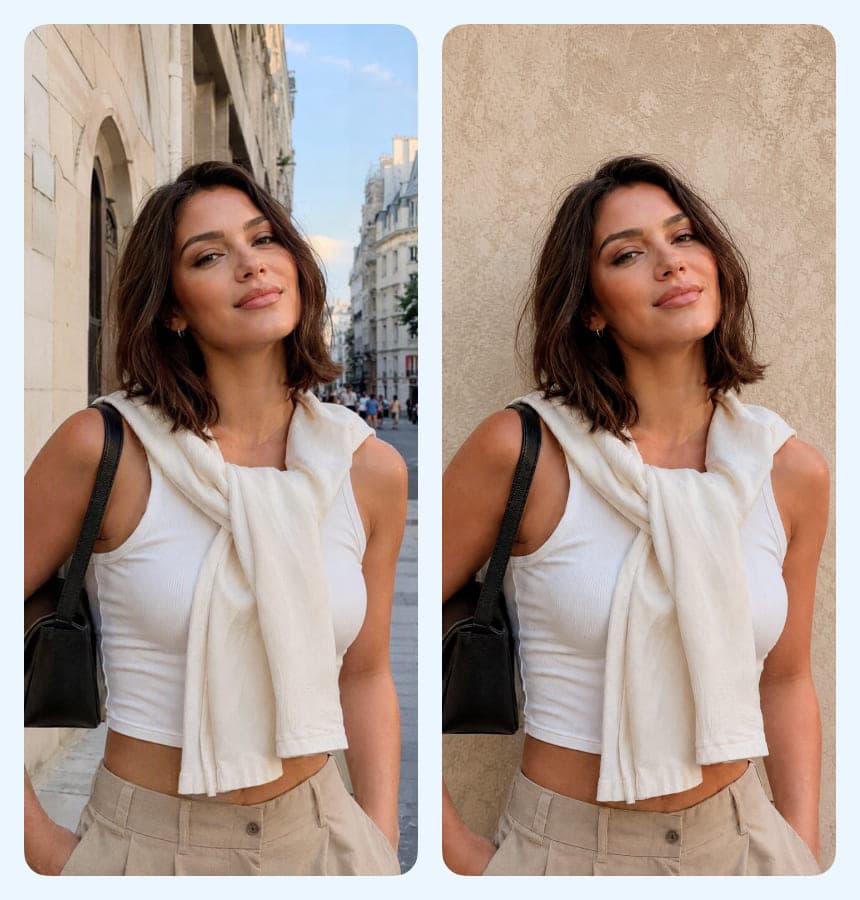
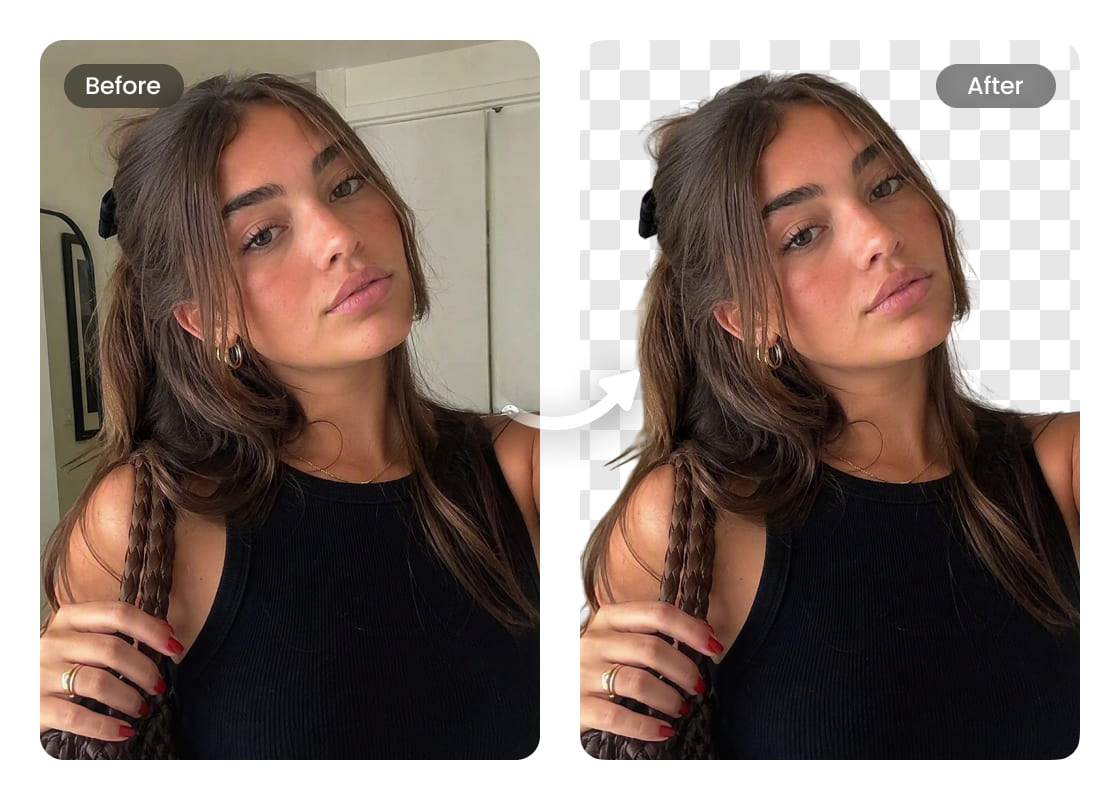
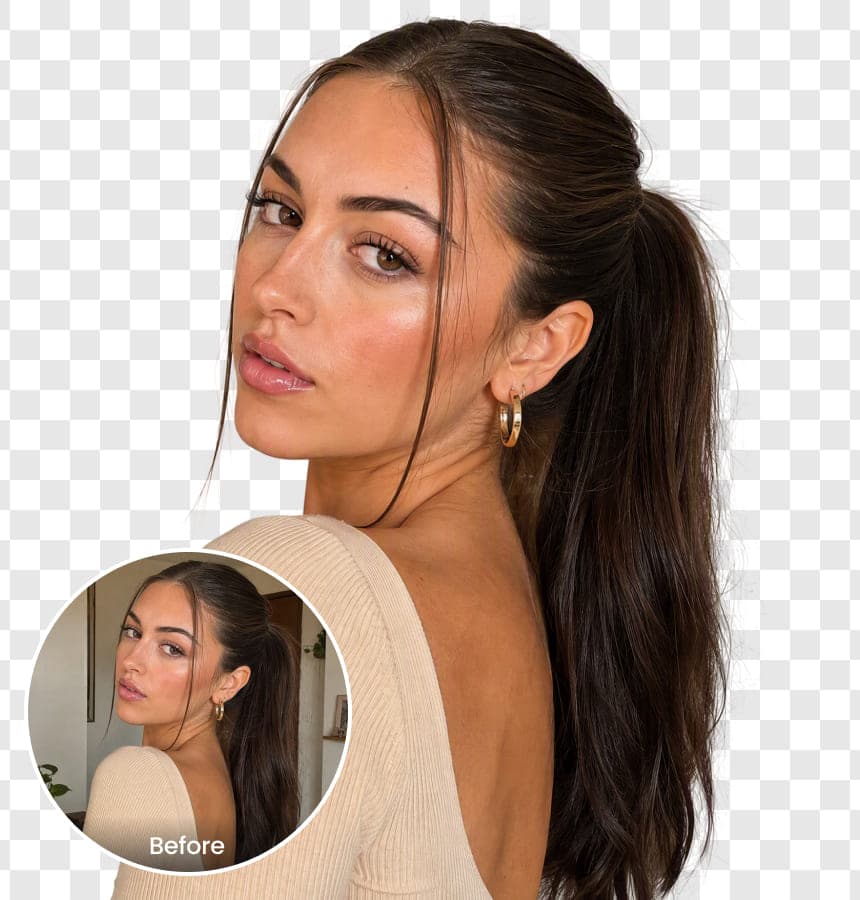
Eliminación de fondo transparente de forma rápida y fácil

El creador de fondos transparentes de Airbrush es rápido, sencillo y muy fácil de usar. No necesitas experiencia en edición: solo sube tu imagen y la IA se encarga del resto. Obtén un fondo transparente limpio y de alta calidad en segundos para que tus fotos destaquen sin esfuerzo. Úsalo tanto para proyectos personales como profesionales, sin complicaciones.
Fondo transparente

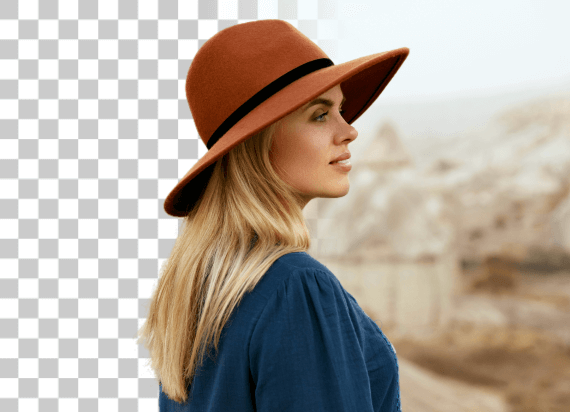
Compatible con diferentes formatos de imagen

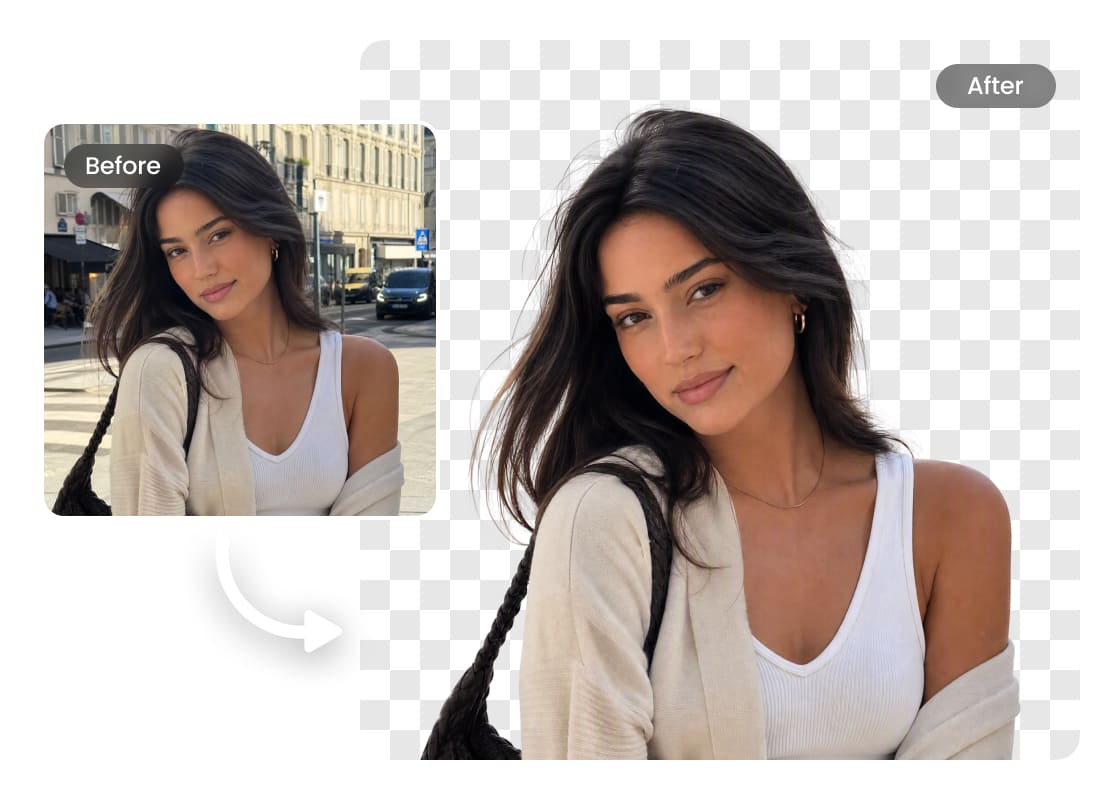
Airbrush es compatible con varios formatos de imagen, lo que hace que la eliminación de fondo sea fluida y precisa. Sube archivos PNG, JPG u otros formatos comunes y deja que la IA los procese con exactitud. No necesitas convertir nada: edita y guarda tus imágenes en el formato que mejor se adapte a tus necesidades.
Fondo transparente

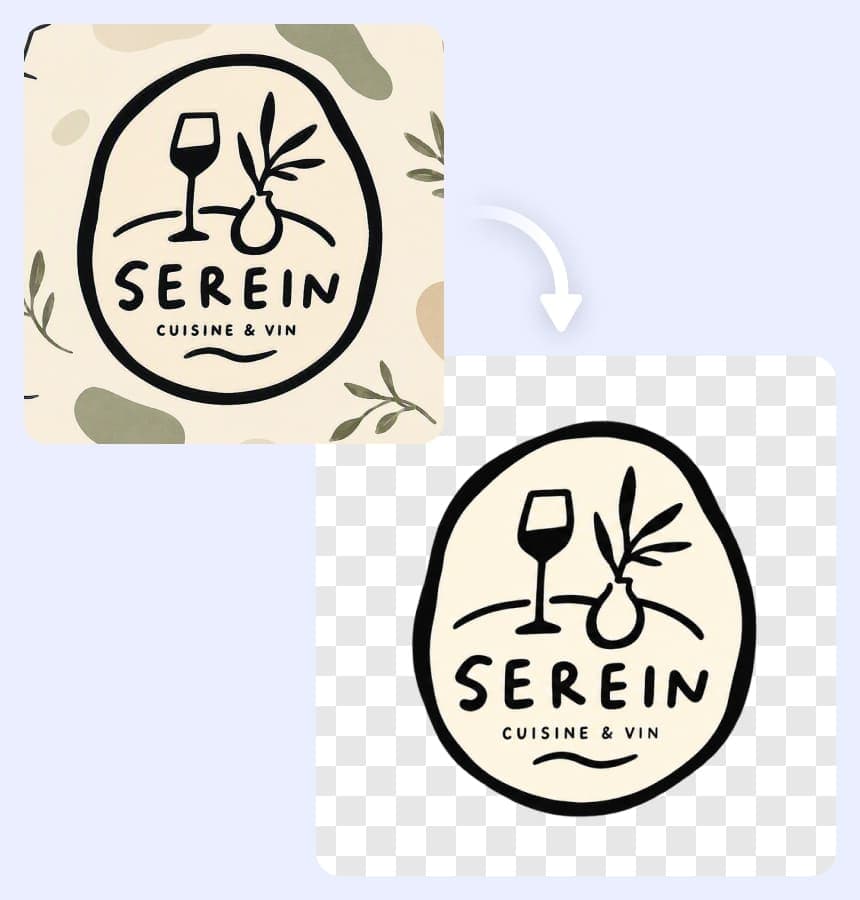
Logos con fondo transparente en segundos

Olvídate de bordes irregulares o detalles perdidos al hacer transparente el fondo de un logo. Airbrush usa IA avanzada para detectar y refinar el sujeto con precisión, conservando cada detalle. Solo sube tu logo y en segundos tendrás un archivo transparente, limpio y en alta resolución, listo para usar en sitios web, branding o cualquier proyecto de diseño. Rápido, preciso y sin complicaciones.
Fondo transparente

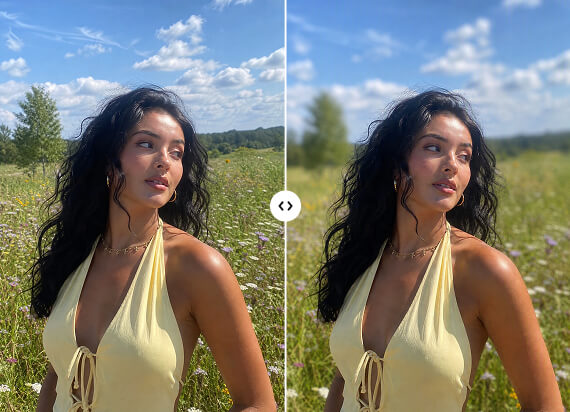
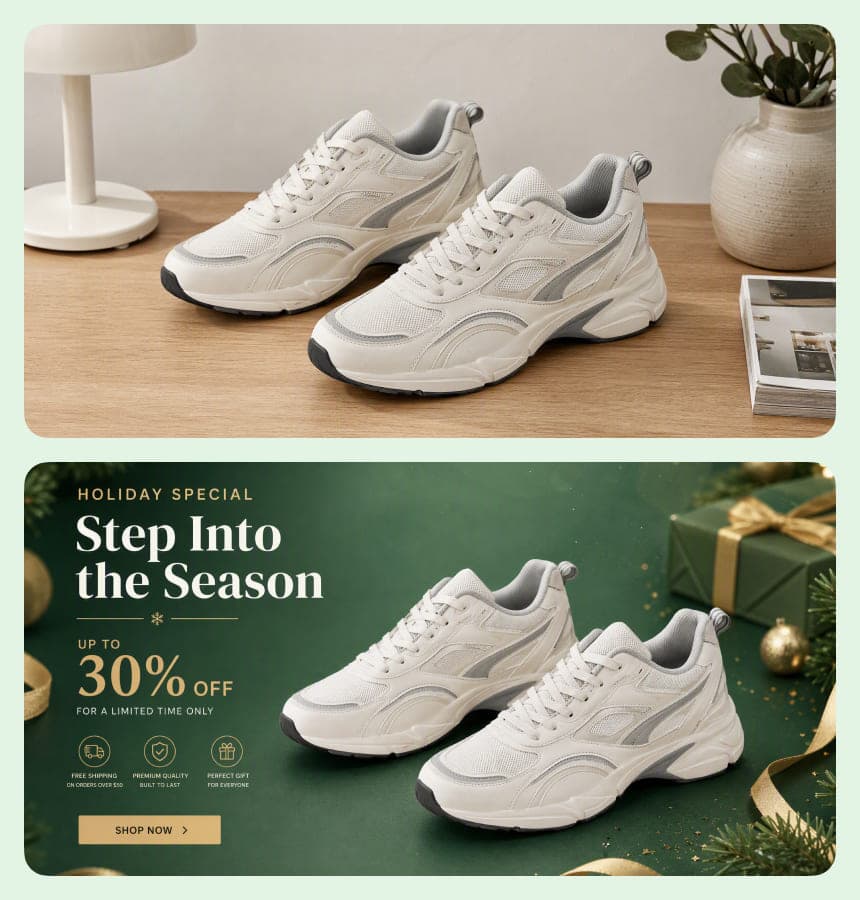
Mejora la fotografía de productos

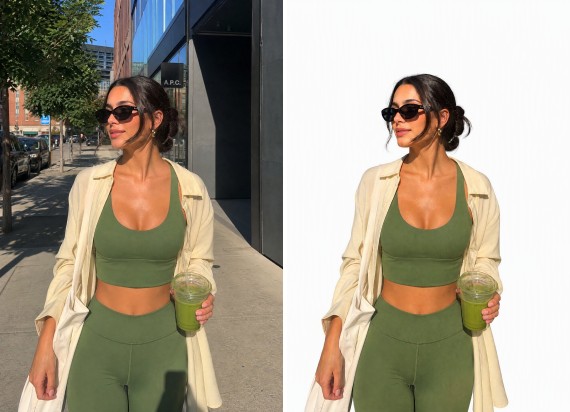
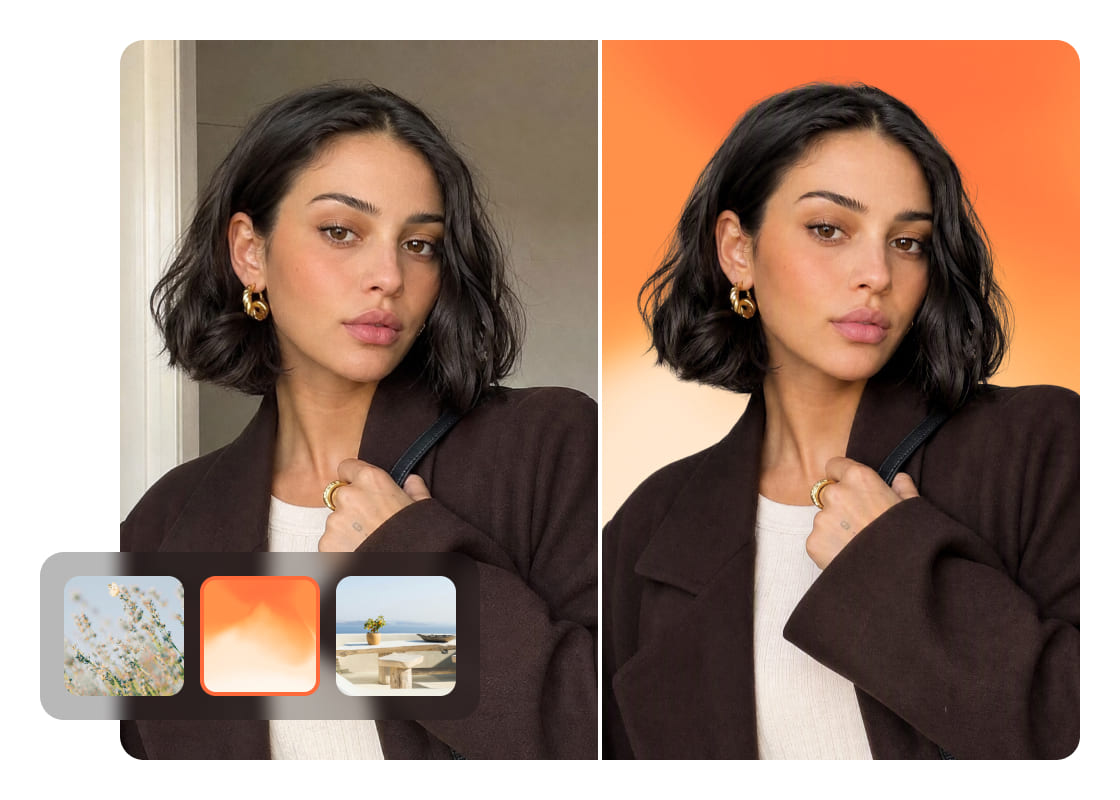
Integra tu imagen en cualquier proyecto de forma sencilla al hacer transparente su fondo. Esto te da más flexibilidad y un acabado profesional, permitiéndote combinar fondos o mezclar elementos para crear composiciones visuales más atractivas y con mayor profundidad.
Fondo transparente

Edición fluida para diseñadores y creadores

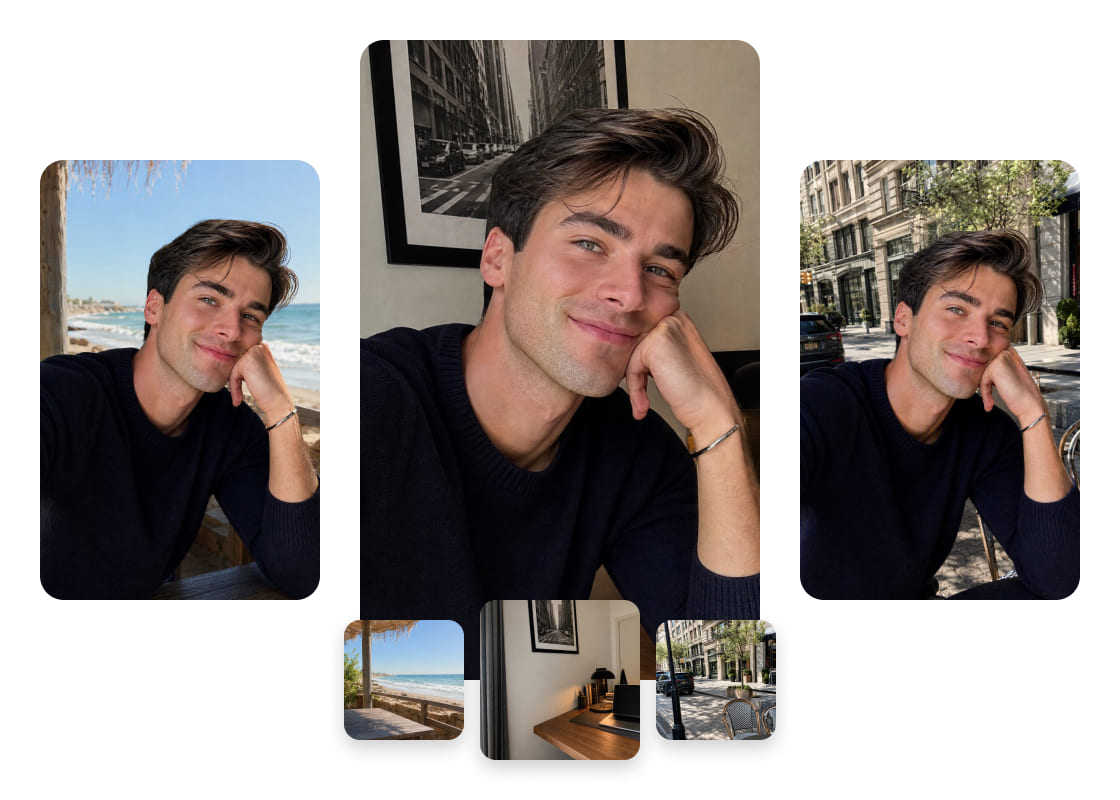
Con Airbrush, los profesionales pueden simplificar su flujo de trabajo creando fondos transparentes al instante. Olvídate de ediciones manuales largas: solo sube tu imagen y la IA hace el resto. Ya sea para superponer gráficos, ajustar composiciones o mejorar diseños, esta herramienta agiliza el proceso y ofrece resultados limpios y precisos, ahorrando tiempo valioso.

Cómo crear un fondo transparente con Airbrush

Selecciona tu imagen

Entra a Airbrush, haz clic en "Subir" y elige tu imagen.

Fondo transparente automático

Una vez subida, la IA procesa tu imagen al instante y crea un fondo transparente limpio sin esfuerzo.

Descarga

Guarda tu imagen.

how to

User Reviews

Emily Carter
I use Airbrush to prepare product photos for different marketplaces. The transparent background makes it much easier to reuse the same product image across listings and promotional graphics.
Daniel Kim
I needed a transparent PNG of our logo for presentations and website graphics. Airbrush kept the edges clean, and the logo worked well across both light and dark designs.
Sophia Martinez
I create seasonal social media graphics regularly, and Airbrush makes my transparent images much easier to reuse. I can keep the same subject and adapt it to different campaign designs without starting over.
Emily Carter
I use Airbrush to prepare product photos for different marketplaces. The transparent background makes it much easier to reuse the same product image across listings and promotional graphics.
Daniel Kim
I needed a transparent PNG of our logo for presentations and website graphics. Airbrush kept the edges clean, and the logo worked well across both light and dark designs.
Sophia Martinez
I create seasonal social media graphics regularly, and Airbrush makes my transparent images much easier to reuse. I can keep the same subject and adapt it to different campaign designs without starting over.

Frequently Asked Questions

How do I make the background of a picture transparent with Airbrush?

Upload your picture to Airbrush Transparent Background Maker. The tool separates the main subject from its surroundings and creates a transparent background while keeping important details clear. Preview the result and download your edited image.

Does Airbrush Transparent Background Maker work for product photos with complex edges?

Airbrush is designed to handle product photos with detailed shapes and complex edges. It helps preserve important outlines and smaller details, giving you a cleaner product image for online stores, catalogs, ads, and other designs

What are the best tools to create transparent images?

The best tools should provide clean subject separation, preserve important details, and produce images that are easy to reuse. Airbrush Transparent Background Maker is a practical option for product photos, logos, people, objects, and creative projects.

Can Airbrush make a logo background transparent?

Yes. Upload your logo to Airbrush Transparent Background Maker to separate it from its existing background. A transparent logo is easier to use across websites, presentations, packaging, social media, and other branded materials.

Can I create transparent product images for online stores?

Yes. Transparent product images can be adapted for online stores, marketplaces, catalogs, ads, and promotional campaigns. Airbrush helps prepare product visuals that can be reused across different sales channels.

Will making an image background transparent affect its quality?

Making the background transparent changes the area around the main subject rather than intentionally reducing the quality of the subject itself. The final result can vary depending on the quality and complexity of the original image.

Can Airbrush create transparent images of people and objects?

Yes. Airbrush Background Transparent Maker can separate people, products, and other objects from their surroundings, giving you transparent images for thumbnails, presentations, marketing graphics, social content, and creative designs.

Todas las herramientas online de edición de fotos y videos