


Airbrush

start icostart icostart icostart icostart ico

Téléchargez et profitez de 7 jours d'essai gratuits

smart banner
AccueilTous les outils
Fond transparent

Générateur gratuit de fond transparent

Rendez les fonds transparents avec le générateur gratuit de fond transparent. Supprimez les éléments superflus, mettez votre sujet en valeur et obtenez des images nettes pour vos présentations, l’e-commerce ou les réseaux sociaux en quelques secondes. Aucune compétence en retouche requise !

Fond transparent
Glisser-déposer l'image ici

Airbrush Studio

Passez à Airbrush Studio sur ordinateur pour un contrôle avancé et des exports illimités.

Mac OS
Windows
Fond transparent

Suppression rapide et intuitive de fond transparent

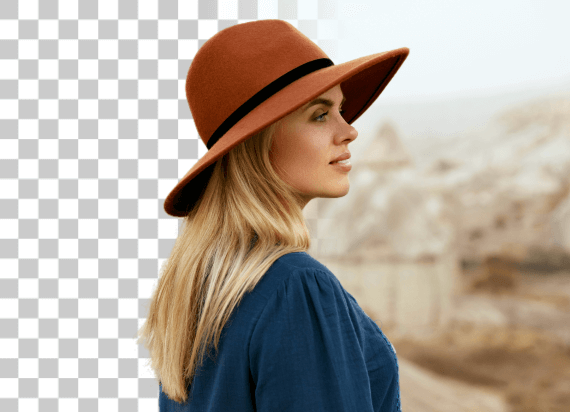
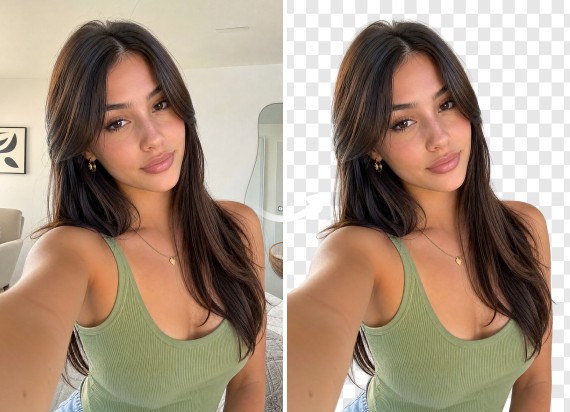
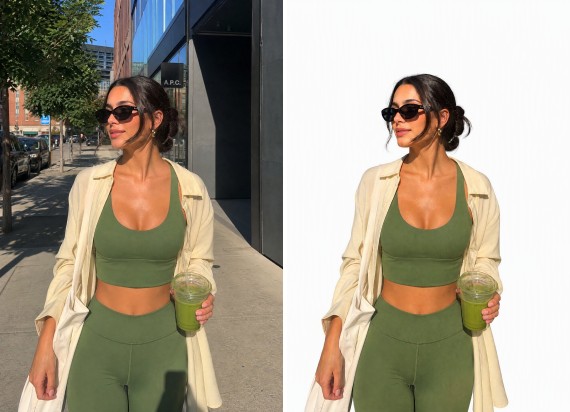
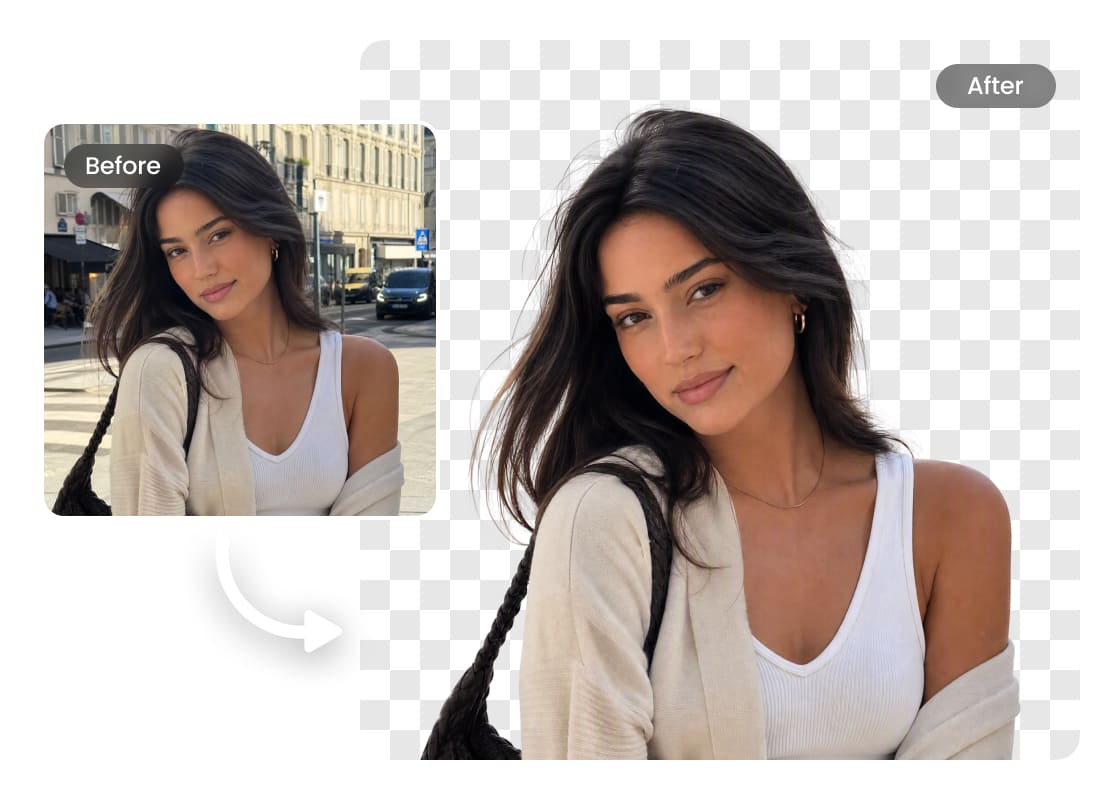
Le générateur de fond transparent Airbrush est rapide, simple et facile à utiliser. Aucune compétence en retouche requise, importez simplement votre image et l’IA s’occupe du reste. Obtenez en quelques secondes un fond transparent net et de haute qualité, qui met instantanément vos photos en valeur. Utilisez-le aussi bien pour des besoins personnels que professionnels, sans la moindre contrainte.
Fond transparent

Prise en charge de différents formats d’image

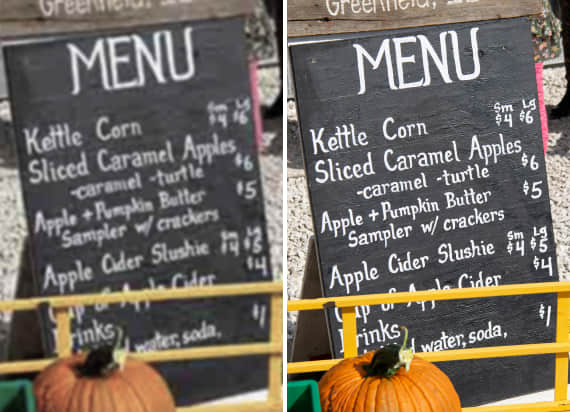
Airbrush prend en charge de nombreux formats d’image, pour une suppression de fond fluide et homogène. Importez des fichiers PNG, JPG ou d’autres formats courants, et laissez l’IA les traiter avec précision. Aucune conversion nécessaire, modifiez et enregistrez simplement vos images dans le format qui vous convient.
Fond transparent

Logos transparents en quelques secondes

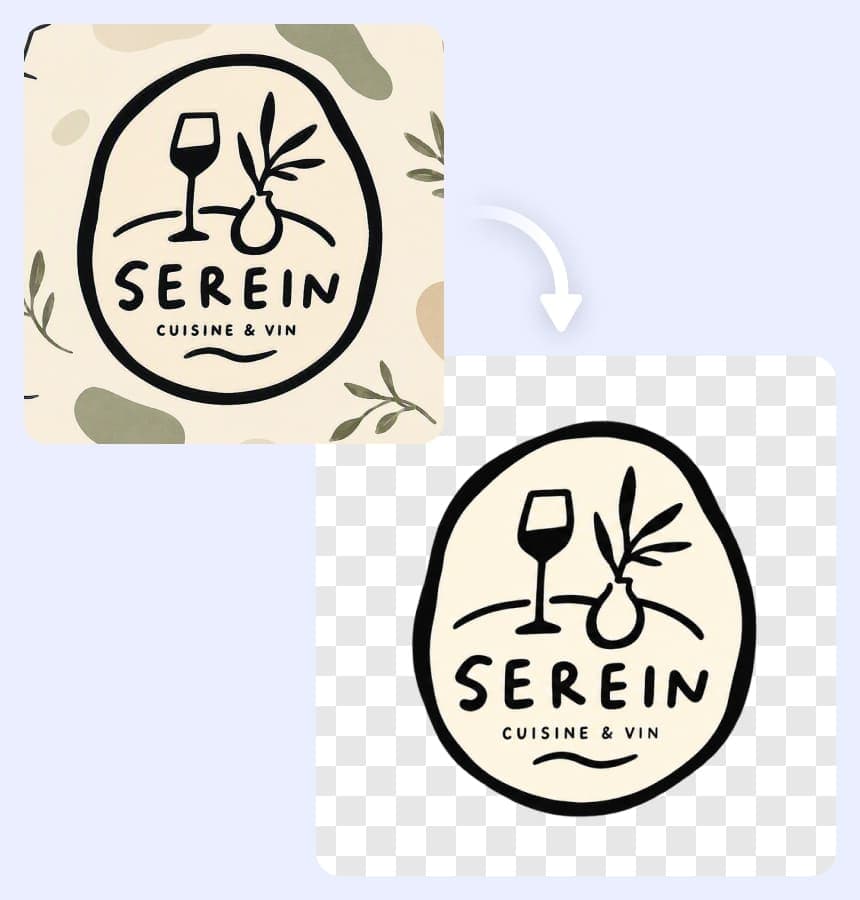
Fini les bords irréguliers et les détails manquants lors de la mise en transparence d’un logo. Airbrush s’appuie sur une IA avancée pour détecter et affiner précisément le sujet, en préservant chaque détail. Importez simplement votre logo et obtenez en quelques secondes un fichier transparent propre et en haute résolution, prêt pour les sites web, le branding ou tout projet de design, rapidement et sans effort.
Fond transparent

Améliorer la photographie de produits

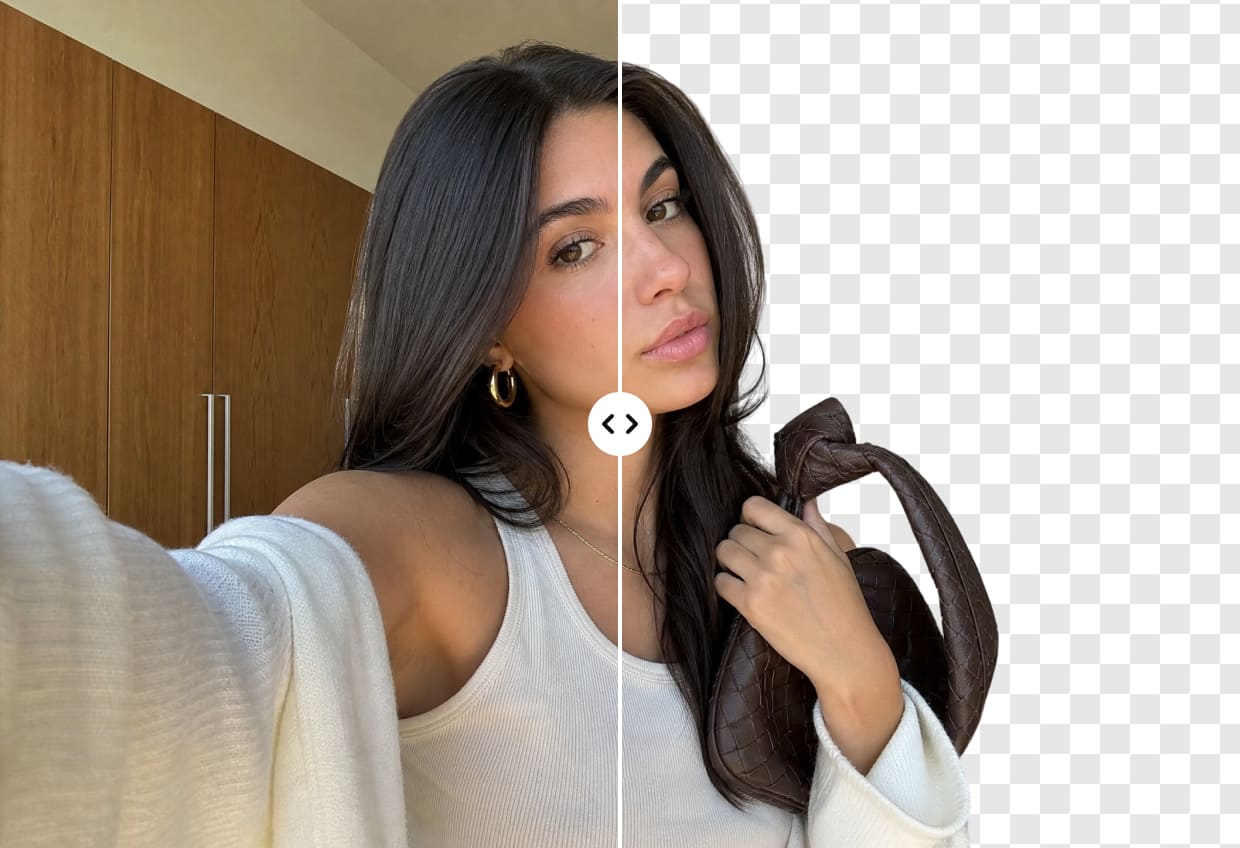
Intégrez facilement votre image à n’importe quel projet en rendant son fond transparent. Cela apporte plus de flexibilité et un rendu soigné, en vous permettant de superposer différents fonds ou de combiner des éléments pour des compositions visuellement percutantes.
Fond transparent

Retouche fluide pour designers et créateurs

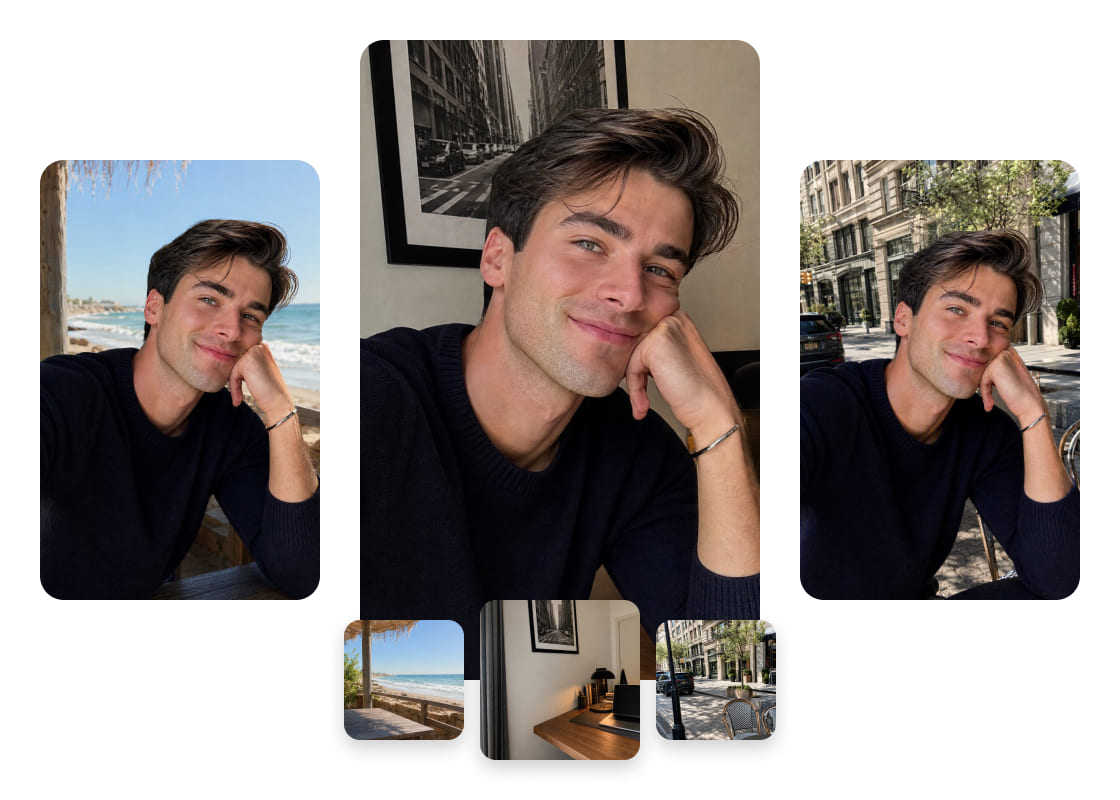
Avec Airbrush, les professionnels peuvent simplifier leur flux de travail en générant des fonds transparents instantanément. Oubliez les retouches manuelles fastidieuses, importez simplement votre image et l’IA s’occupe du reste. Que ce soit pour superposer des éléments graphiques, affiner des compositions ou enrichir des créations, cet outil simplifie le flux de travail et fait gagner un temps précieux, sans compromis sur la précision.

Comment créer un fond transparent avec Airbrush

Sélectionnez votre image

Accédez à Airbrush, cliquez sur « Importer » et choisissez votre image

Fond transparent automatique

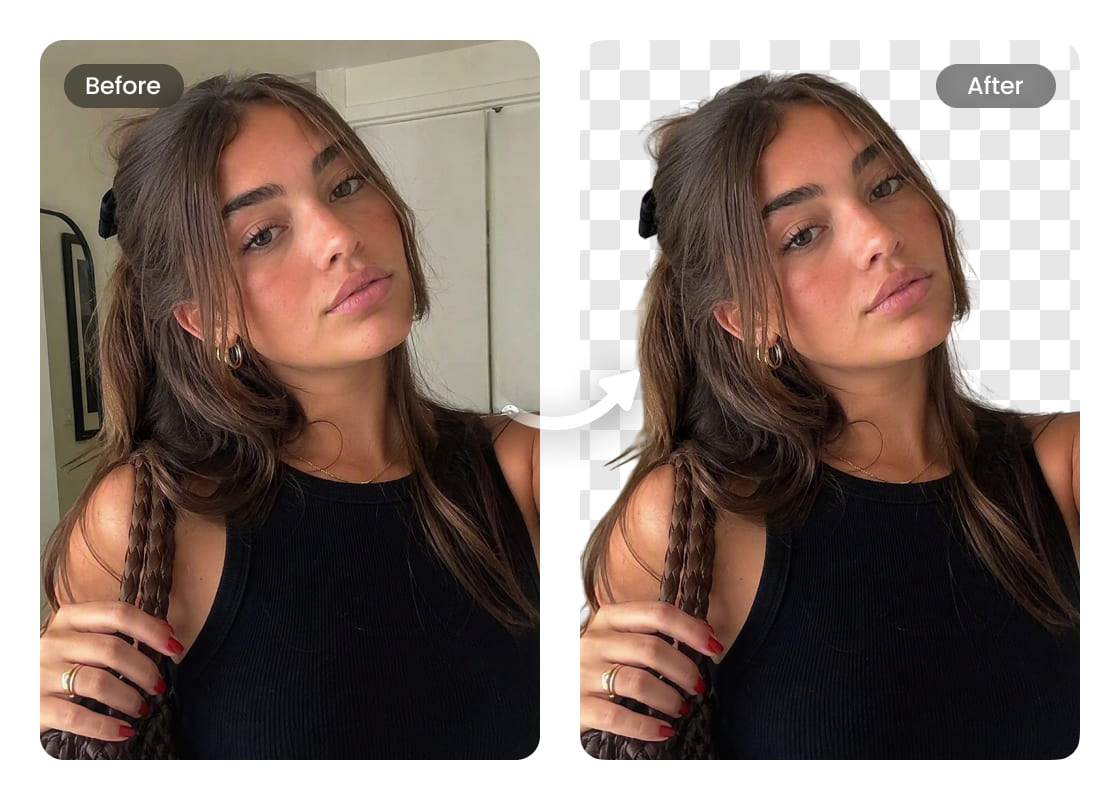
Une fois importée, l’IA traite instantanément votre image et crée un fond transparent propre, sans aucun effort.

Télécharger

Enregistrez votre image.

how to

User Reviews

Emily Carter
I use Airbrush to prepare product photos for different marketplaces. The transparent background makes it much easier to reuse the same product image across listings and promotional graphics.
Daniel Kim
I needed a transparent PNG of our logo for presentations and website graphics. Airbrush kept the edges clean, and the logo worked well across both light and dark designs.
Sophia Martinez
I create seasonal social media graphics regularly, and Airbrush makes my transparent images much easier to reuse. I can keep the same subject and adapt it to different campaign designs without starting over.
Emily Carter
I use Airbrush to prepare product photos for different marketplaces. The transparent background makes it much easier to reuse the same product image across listings and promotional graphics.
Daniel Kim
I needed a transparent PNG of our logo for presentations and website graphics. Airbrush kept the edges clean, and the logo worked well across both light and dark designs.
Sophia Martinez
I create seasonal social media graphics regularly, and Airbrush makes my transparent images much easier to reuse. I can keep the same subject and adapt it to different campaign designs without starting over.

Frequently Asked Questions

How do I make the background of a picture transparent with Airbrush?

Upload your picture to Airbrush Transparent Background Maker. The tool separates the main subject from its surroundings and creates a transparent background while keeping important details clear. Preview the result and download your edited image.

Does Airbrush Transparent Background Maker work for product photos with complex edges?

Airbrush is designed to handle product photos with detailed shapes and complex edges. It helps preserve important outlines and smaller details, giving you a cleaner product image for online stores, catalogs, ads, and other designs

What are the best tools to create transparent images?

The best tools should provide clean subject separation, preserve important details, and produce images that are easy to reuse. Airbrush Transparent Background Maker is a practical option for product photos, logos, people, objects, and creative projects.

Can Airbrush make a logo background transparent?

Yes. Upload your logo to Airbrush Transparent Background Maker to separate it from its existing background. A transparent logo is easier to use across websites, presentations, packaging, social media, and other branded materials.

Can I create transparent product images for online stores?

Yes. Transparent product images can be adapted for online stores, marketplaces, catalogs, ads, and promotional campaigns. Airbrush helps prepare product visuals that can be reused across different sales channels.

Will making an image background transparent affect its quality?

Making the background transparent changes the area around the main subject rather than intentionally reducing the quality of the subject itself. The final result can vary depending on the quality and complexity of the original image.

Can Airbrush create transparent images of people and objects?

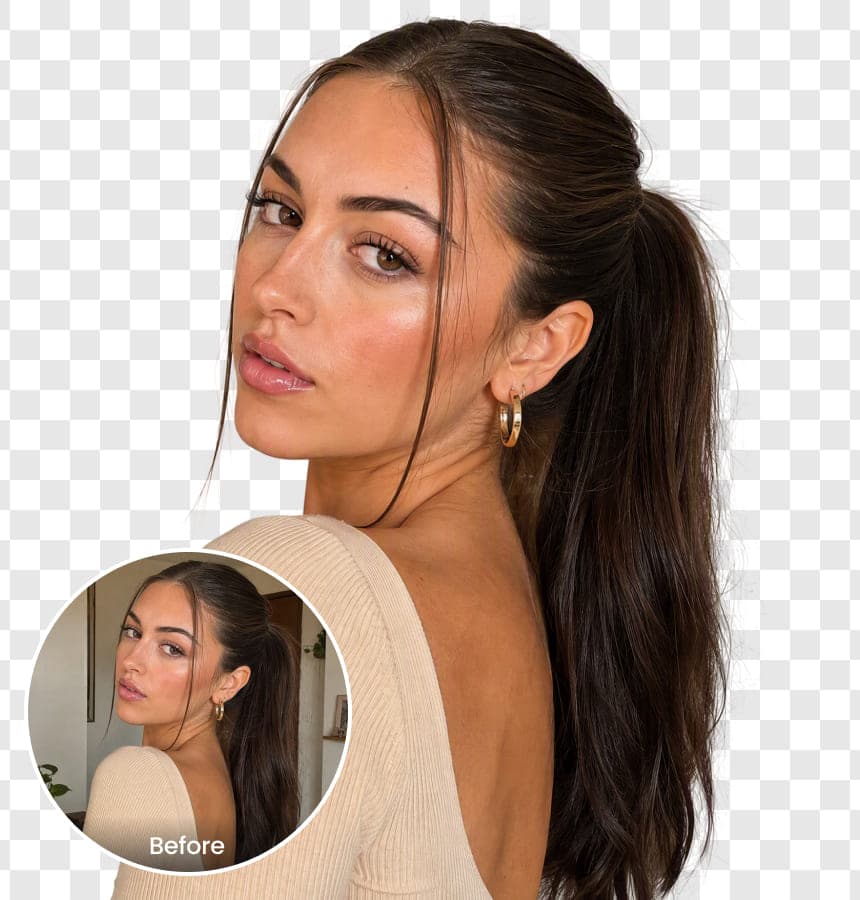
Yes. Airbrush Background Transparent Maker can separate people, products, and other objects from their surroundings, giving you transparent images for thumbnails, presentations, marketing graphics, social content, and creative designs.

Tous les outils de montage photo et vidéo en ligne