


Airbrush

start icostart icostart icostart icostart ico

Download for 7-day Free Trial

smart banner
HomeAll Tools
AI Video Enhancer

AI Video Enhancer - Enhance Video Quality to 4K

Free online AI video enhancer for restoring low-quality footage with sharper details, cleaner visuals, and more natural colors. Reduce blur and noise, recover lost clarity, and create videos that look great on every screen. Ideal for old memories, travel clips, product videos, and everyday content.

Drag and drop video hereSupported video types: MP4, M4V, MOV; ≤4K; <200mb; <10 mins

Airbrush Studio

Switch to Airbrush Studio on desktop for advanced control and unlimited exports.

Free online AI video enhancer for restoring low-quality footage with sharper details, cleaner visuals, and more natural colors. Reduce blur and noise, recover lost clarity, and create videos that look great on every screen. Ideal for old memories, travel clips, product videos, and everyday content.

AI Video Enhancer

Make Every Frame Look Better

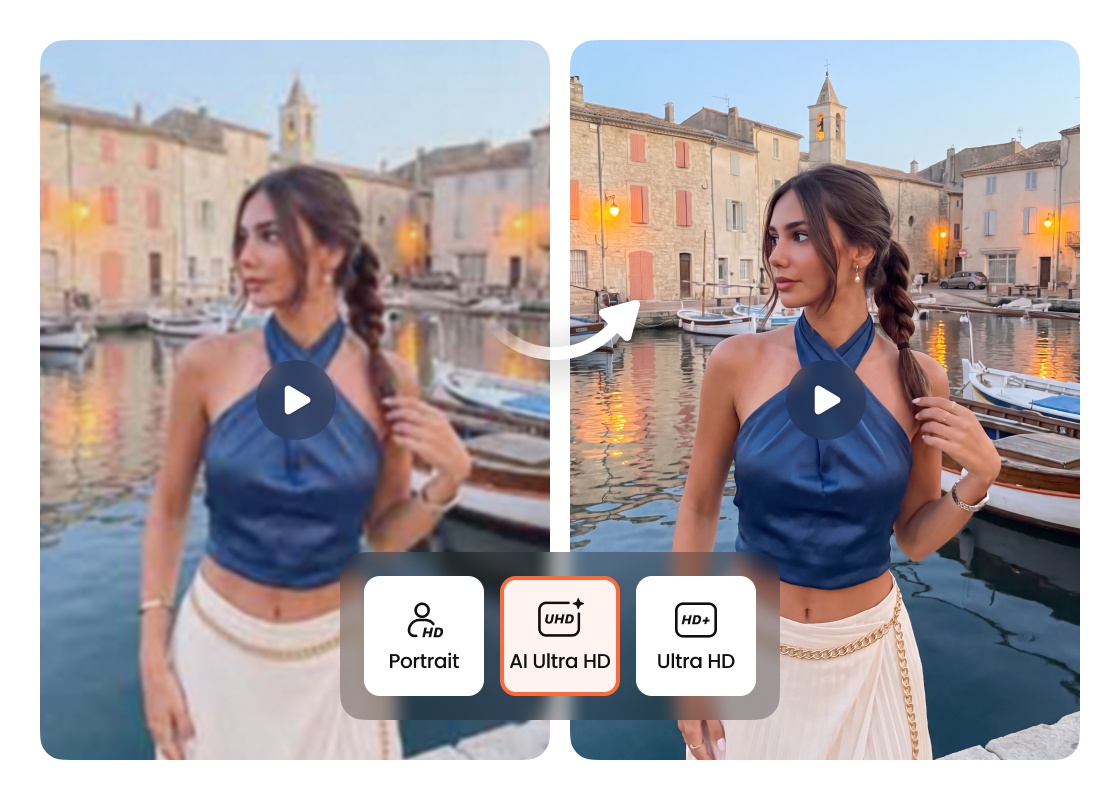
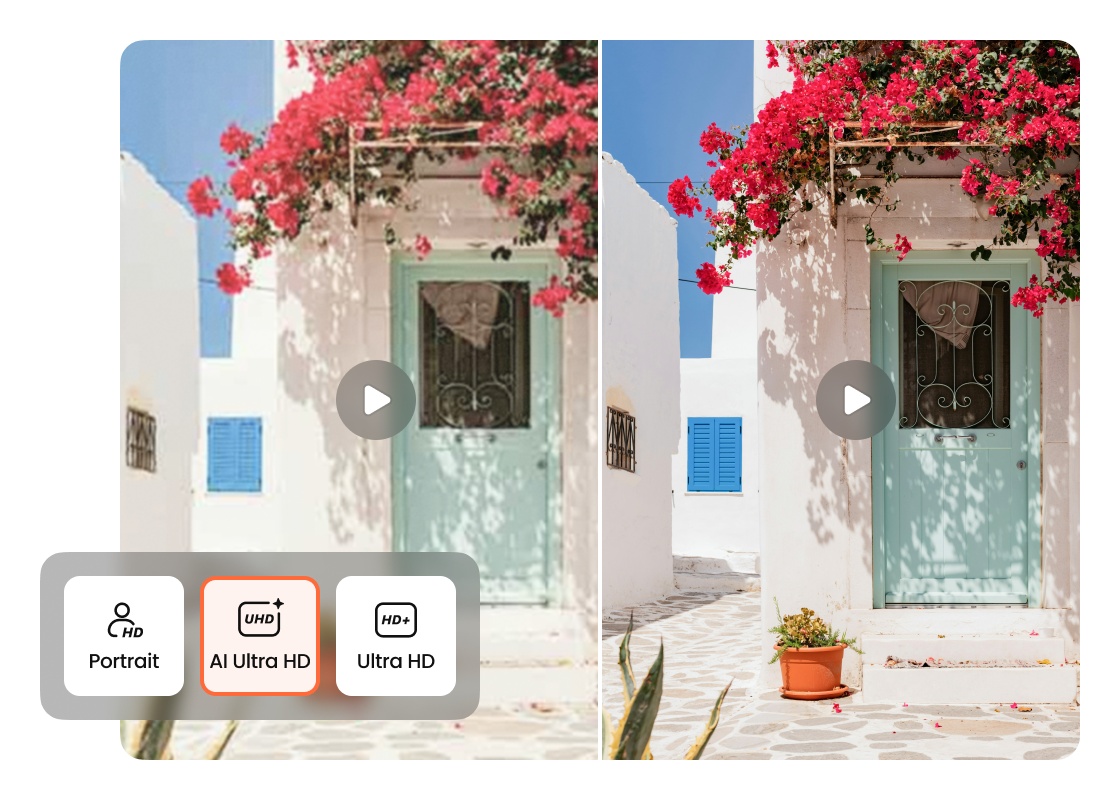
Every great video begins with strong visual quality. Airbrush AI Video Enhancer restores lost details, reduces blur and noise, and improves overall image quality to create sharper, more natural-looking footage without the need for complex editing.
AI Video Enhancer

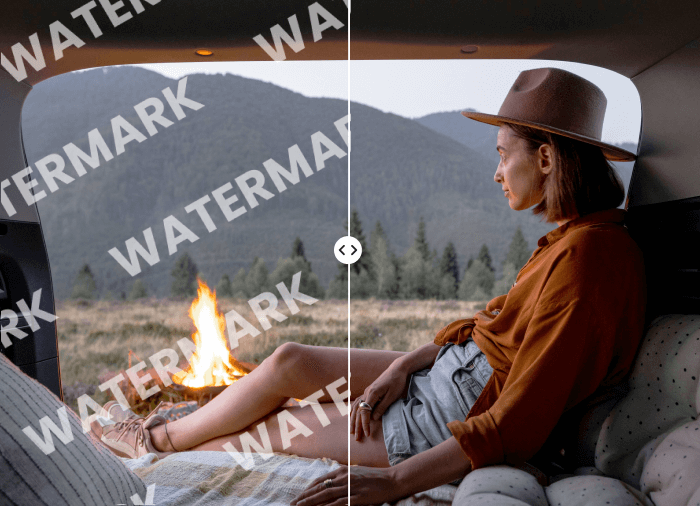
Make Low-Quality Videos Clearer

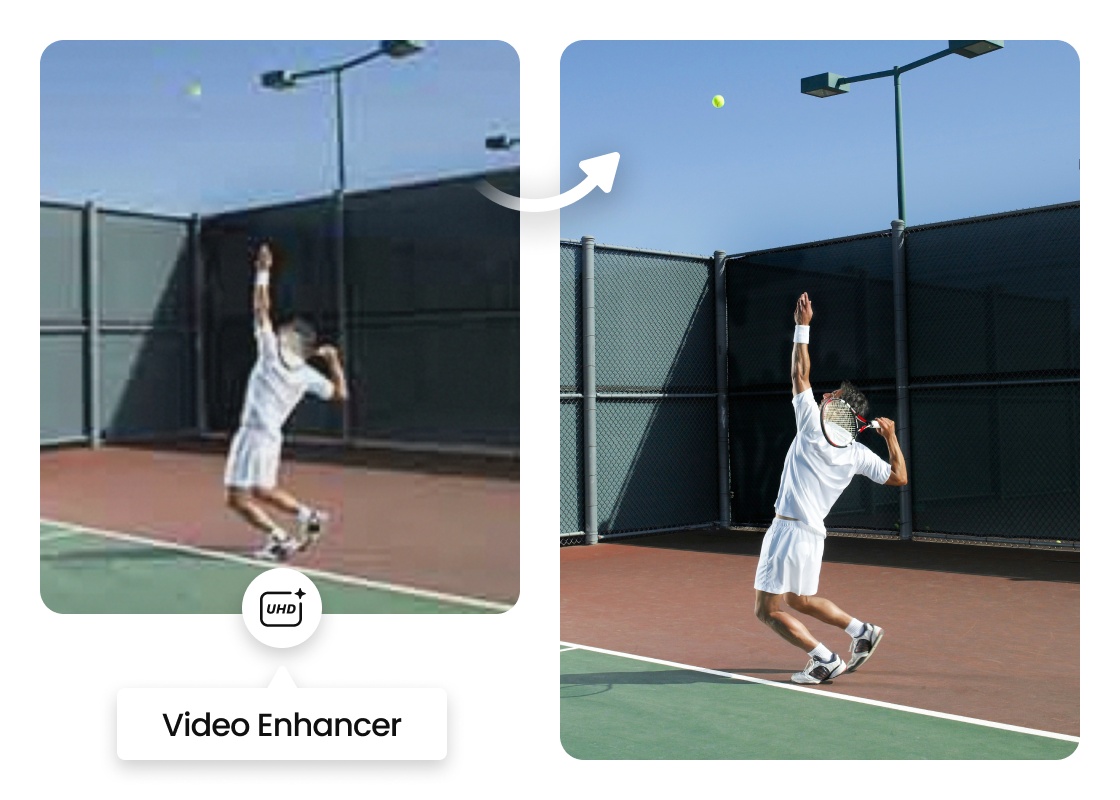
Videos recorded in poor conditions can appear soft, blurry, or lacking in detail. Airbrush video quality enhancer improves picture quality and definition, making footage look sharper on everything from mobile devices to large displays. A clearer video helps important subjects stand out and creates a more enjoyable viewing experience.
AI Video Enhancer

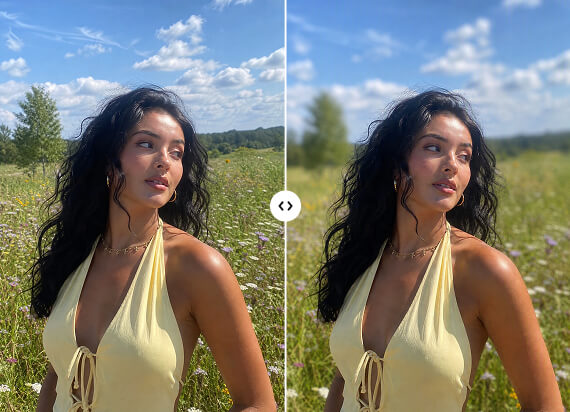
Restore Natural Color and Lighting

Poor lighting can leave videos looking dark, dull, or washed out. Balance brightness, contrast, highlights, and shadows to create richer colors and a more natural appearance. Whether you're improving recent clips or using a 4K video enhancer for higher-resolution output, balanced lighting helps every scene look more realistic.
AI Video Enhancer

Reduce Noise for Cleaner Footage

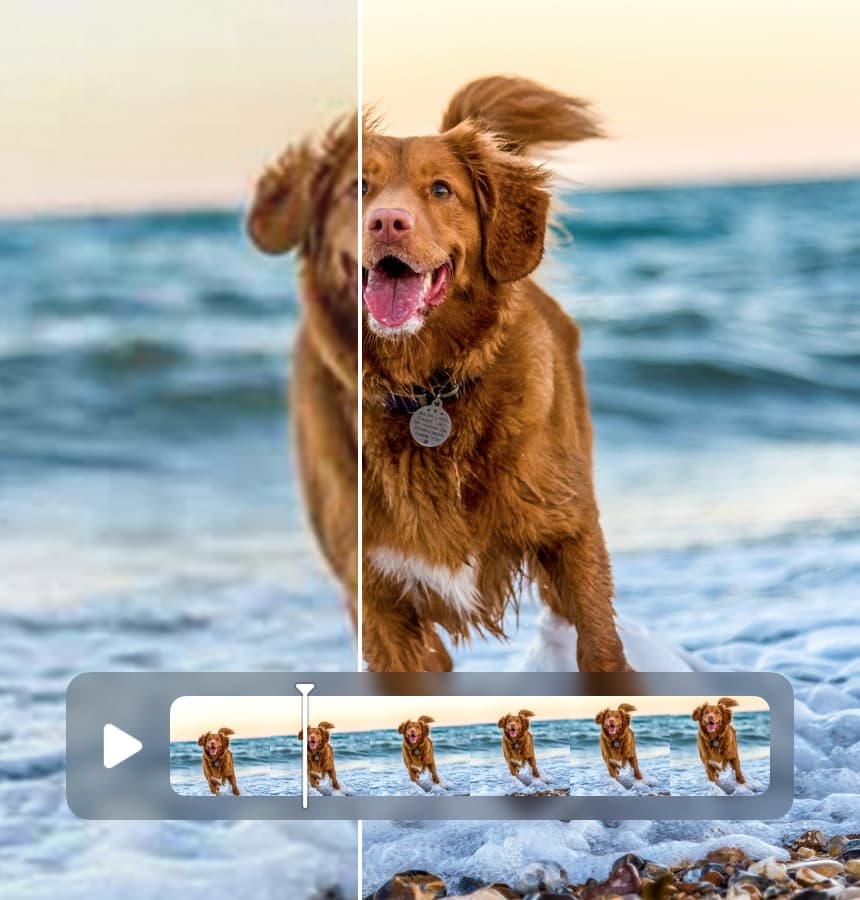
Low-light recordings often contain visible grain and digital noise that distract from the moment you're trying to capture. Reduce unwanted noise while preserving important textures and fine details, creating smoother, cleaner videos that look professional without appearing over-processed.
AI Video Enhancer

Preserve a Natural Look

The best enhancements improve quality without making footage look artificial. Airbrush video enhancer enhances sharpness, colors, and fine details while maintaining natural textures, realistic lighting, and smooth transitions. The result is a clearer video that stays true to the original scene.

Use Cases

AI Video Enhancer
Restore Family Videos

Older recordings often contain faded colors, visible blur, and lower resolution. Airbrush enhances image quality while preserving the memories behind every birthday, holiday, vacation, and family celebration, making older videos look their best on modern displays.

AI Video Enhancer

Restore Family Videos

Older recordings often contain faded colors, visible blur, and lower resolution. Airbrush enhances image quality while preserving the memories behind every birthday, holiday, vacation, and family celebration, making older videos look their best on modern displays.
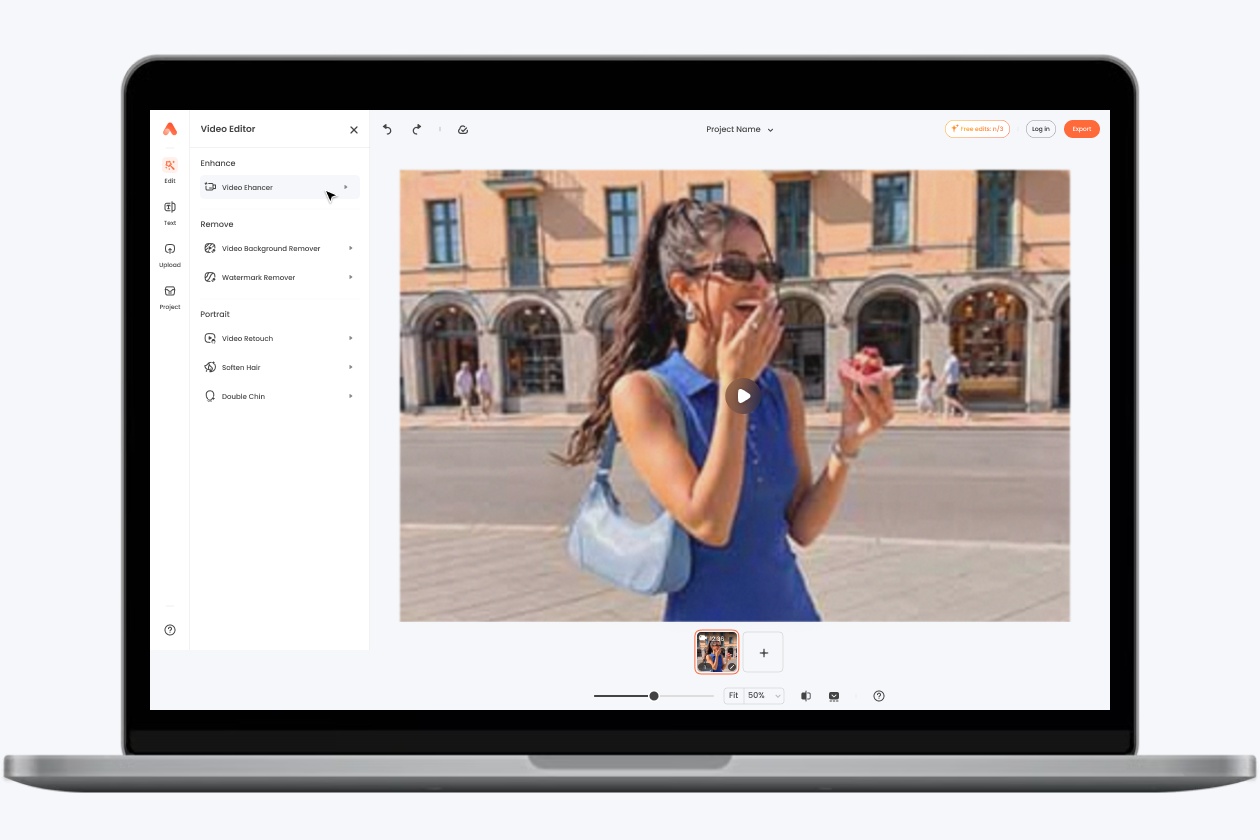
AI Video Enhancer

Improve Social Media Videos

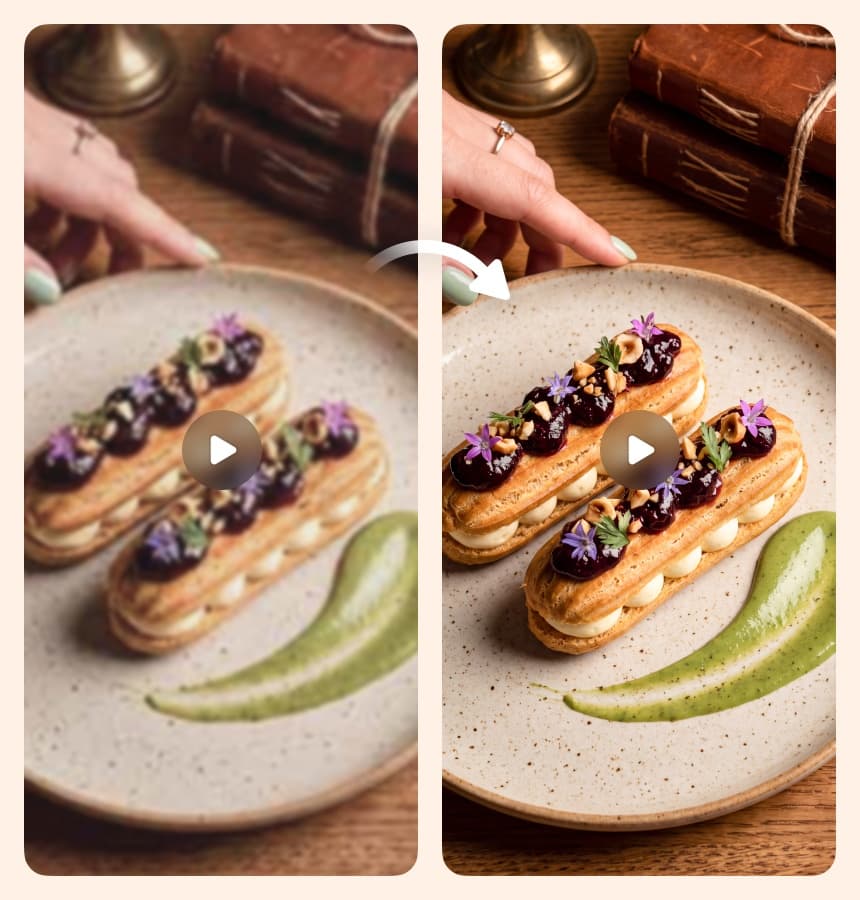
High-quality content attracts more attention across YouTube, TikTok, Instagram, Facebook, and other social platforms. Airbrush improves overall video quality, helping creators publish cleaner, more polished videos that stand out in every feed.

AI Video Enhancer

Product Videos For Marketing

Customers notice quality. Whether you're promoting products, recording demonstrations, or creating advertising content, sharper visuals and more accurate colors help products appear more professional and easier to understand.

AI Video Enhancer

Upgrade Business Presentations

Professional-looking videos help businesses communicate more effectively. Whether you're creating presentations, advertisements, product launches, or promotional campaigns, clearer visuals make your message easier to understand and leave a stronger impression on your audience.

Upload Your Video
Let AI Enhance Your Video
Preview and Download

How to Enhance Video Quality with Airbrush

How to Enhance Video Quality with Airbrush
Upload Your Video
Let AI Enhance Your Video
Preview and Download
Upload Your Video

Select the video you want to improve from your device. Whether it's an old recording, a travel clip, a product video, or everyday footage, simply upload it to get started.

Let AI Enhance Your Video

Airbrush automatically analyzes every frame to reduce blur and noise, recover lost details, improve colors, and enhance overall video quality. No manual editing or technical skills are required.

Preview and Download

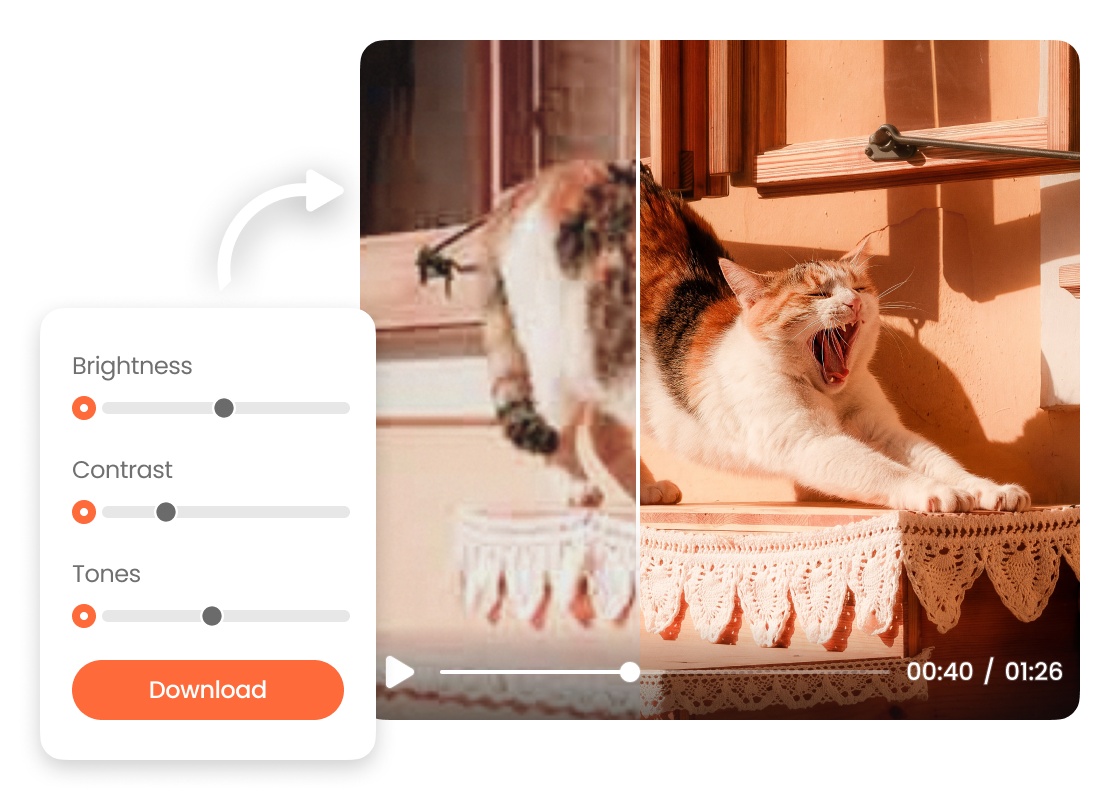
Once the enhancement is complete, preview the improved video to compare the results. When you're satisfied, download it.

User Reviews

I restored a few old family videos that had been sitting on my computer for years. The enhanced versions looked much clearer, especially when I watched them on my TV.

- Jessica M.

Some of our older product videos no longer matched the quality of our newer content. Enhancing them saved us from re-recording everything and made our product pages look much more consistent.

- Ryan T.

Most of my travel videos are recorded on my phone, and they usually lose quality after sharing them online. This made them look cleaner without making the colors or details feel over-edited.

- Olivia K.

I restored a few old family videos that had been sitting on my computer for years. The enhanced versions looked much clearer, especially when I watched them on my TV.

- Jessica M.

Some of our older product videos no longer matched the quality of our newer content. Enhancing them saved us from re-recording everything and made our product pages look much more consistent.

- Ryan T.

Most of my travel videos are recorded on my phone, and they usually lose quality after sharing them online. This made them look cleaner without making the colors or details feel over-edited.

- Olivia K.

Frequently Asked Questions

Airbrush AI Video Enhancer analyzes every frame of your uploaded video to improve sharpness, recover details, reduce noise, and enhance colors. Simply upload your video, and the AI automatically creates a clearer, more natural-looking version that's ready to download.

Yes. Airbrush video quality enhancer can restore older or low-quality videos by reducing blur, minimizing noise, recovering fine details, and improving colors. It's a great choice for home videos, archived footage, and older recordings that need a cleaner, sharper look.

No. Airbrush AI Video Enhancer is designed to improve video quality while preserving a natural appearance. It restores details, balances colors, and reduces noise without making footage look overly sharp or oversaturated.

Airbrush supports popular video formats, including MP4, MOV, M4V, and 3GP. Additional formats may become available as new features and updates are introduced.

No. Airbrush video quality enhancer never changes your original video. It creates a separate enhanced version, allowing you to compare both files before downloading the improved copy.

Many AI video upscalers only increase video resolution. Airbrush AI Video Enhancer improves multiple aspects of video quality, including detail recovery, blur reduction, noise reduction, color enhancement, and overall clarity, making it suitable for a wider range of video enhancement tasks.

Airbrush video quality enhancer is a browser-based tool that improves blurry or low-quality videos by restoring details, reducing noise, enhancing colors, and increasing overall clarity. It works online, so you don't need to install any software.

Upload your video to Airbrush AI Video Enhancer, and the AI automatically analyzes every frame to reduce blur and noise, recover details, improve colors, and enhance overall video quality. When processing is complete, preview the result and download your enhanced video.

Ready to enhance your video quality?