Clean TikTok Clips Before Sharing
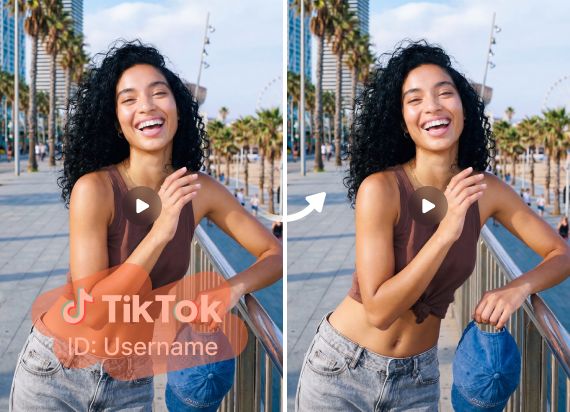
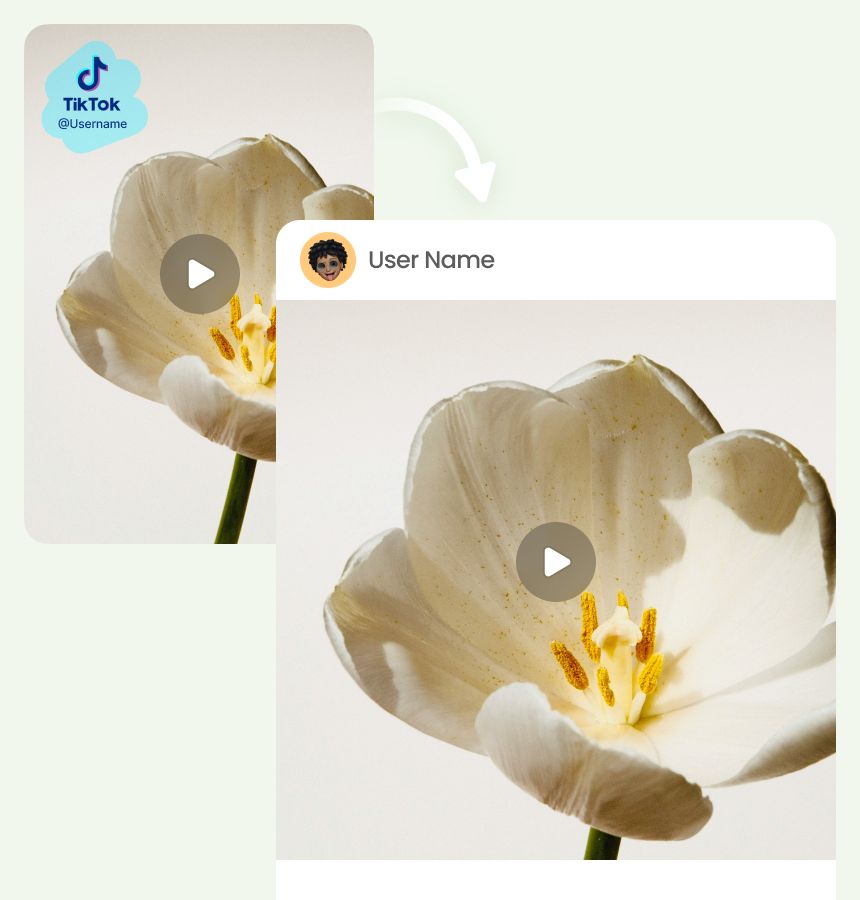
Upload TikTok clips you own or have permission to edit, then remove usernames, logos, text, or moving watermarks before sharing them on other social platforms. Keep the original frame clean and easy to reuse.
Upload a TikTok video you own or have permission to edit, then remove unwanted marks without changing the frame. Clean logos, usernames, text, and moving watermarks while keeping your video sharp and ready to share.
Drag and drop video here
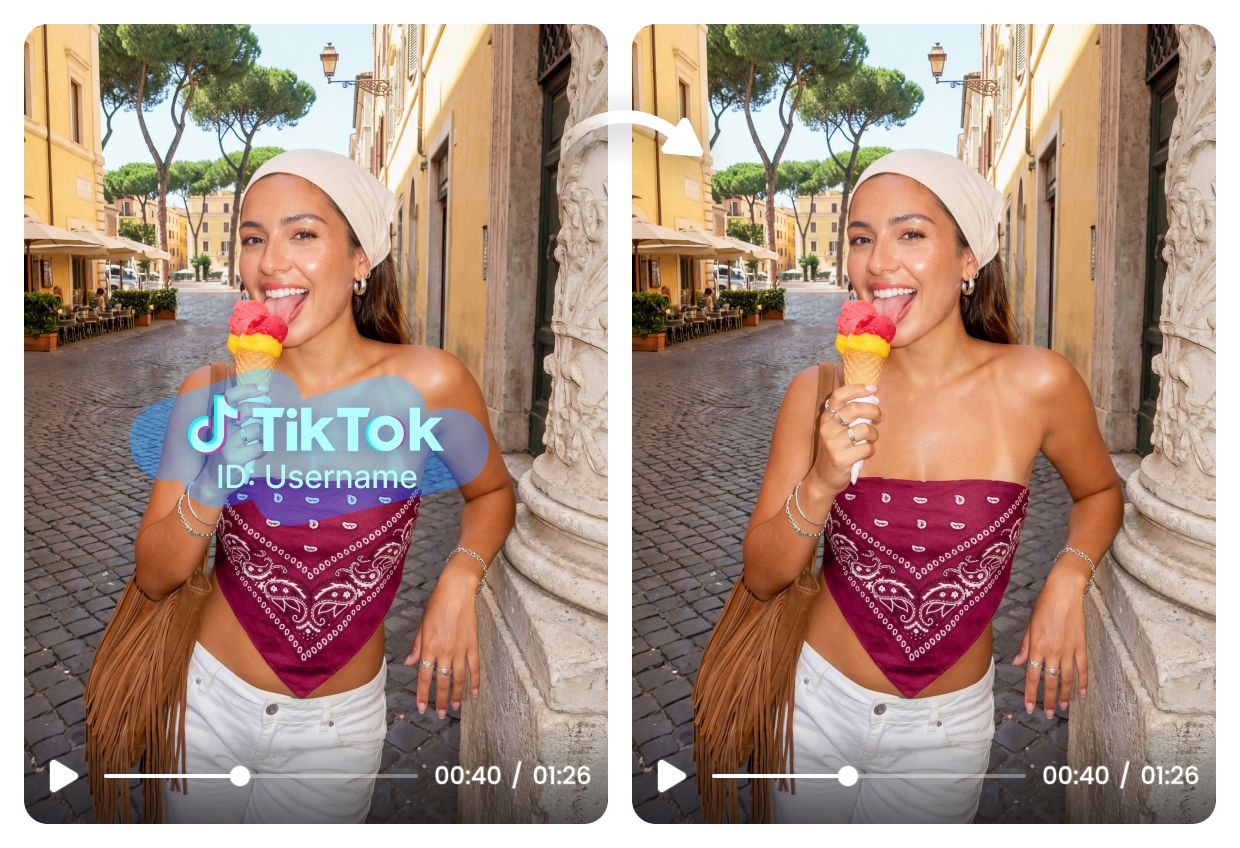
Upload a TikTok video you own or have permission to edit, then remove unwanted marks without changing the frame. Clean logos, usernames, text, and moving watermarks while keeping your video sharp and ready to share.
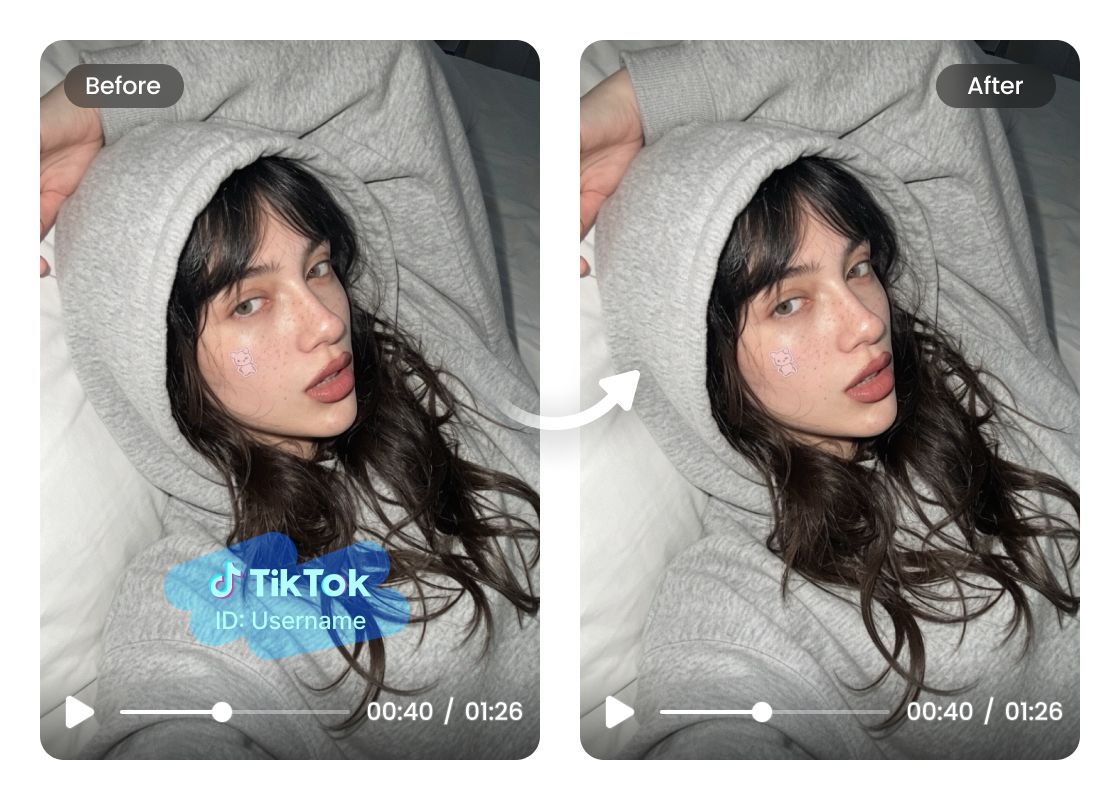
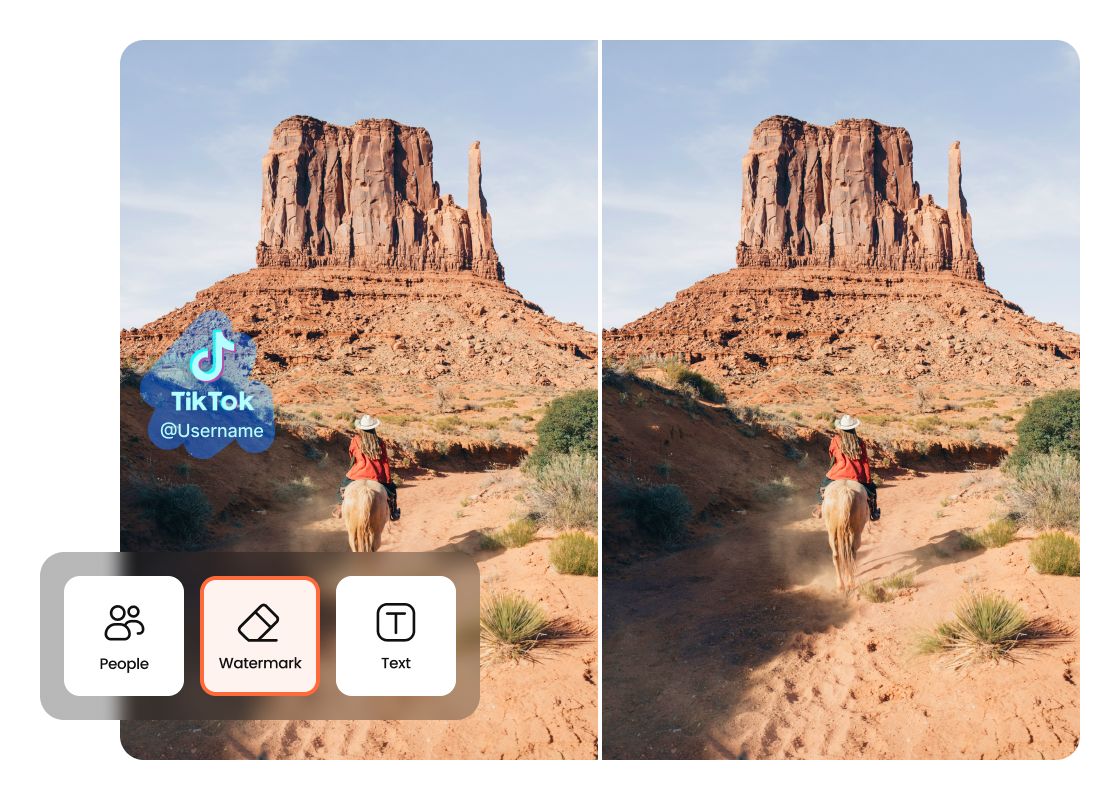
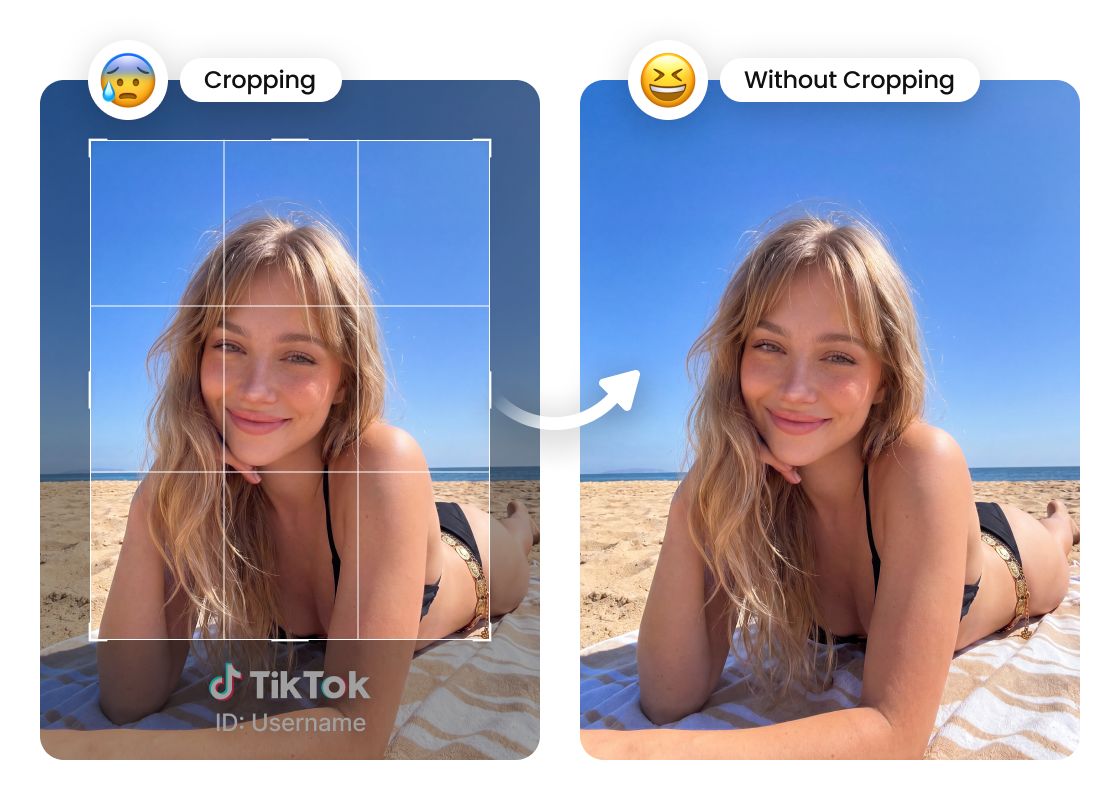
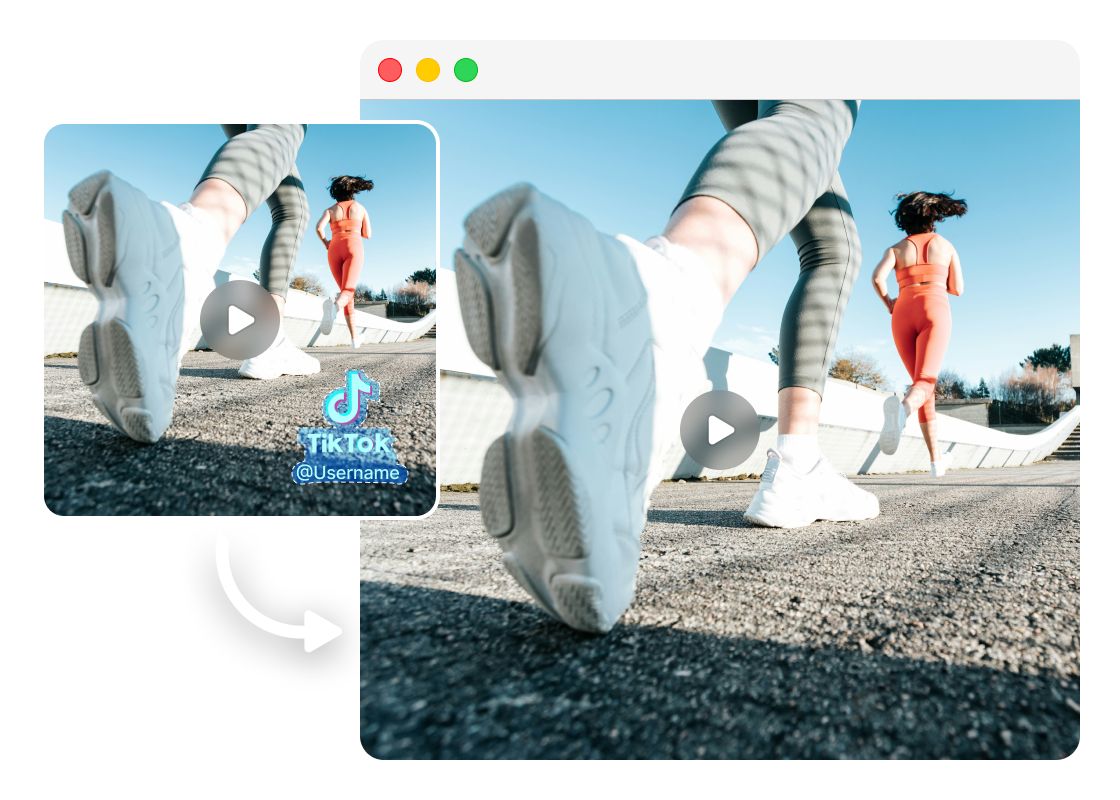
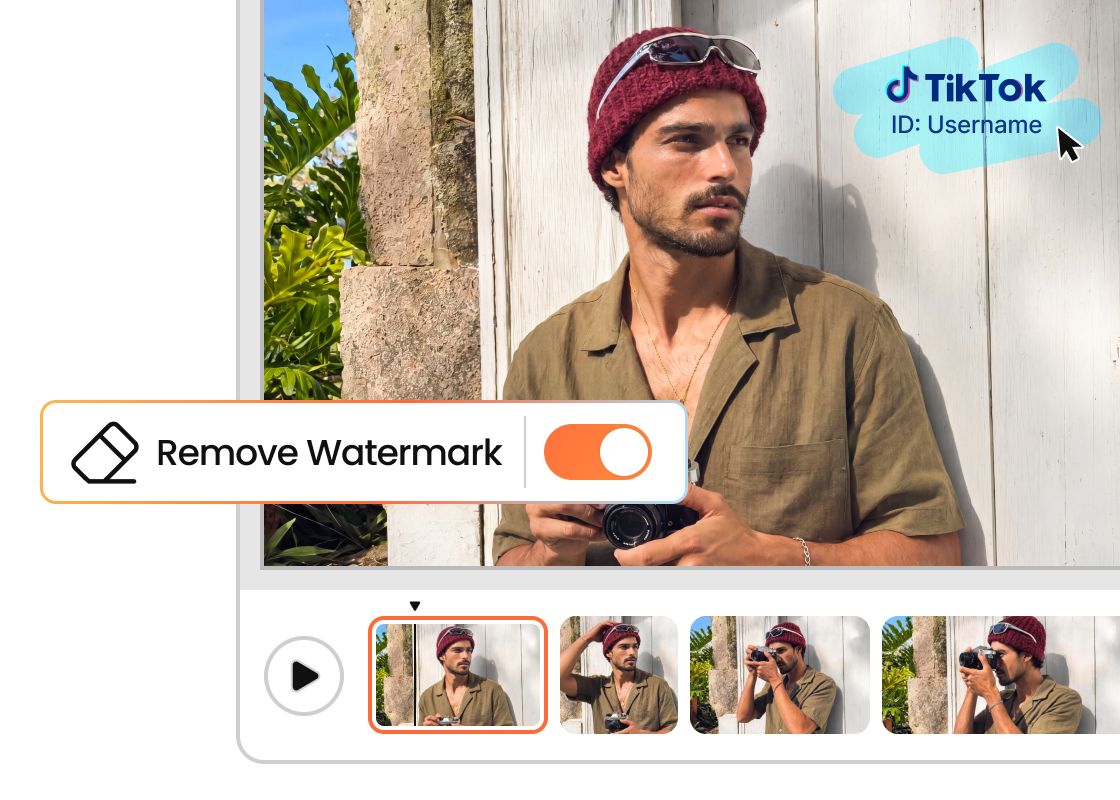
Upload TikTok clips you own or have permission to edit, then remove usernames, logos, text, or moving watermarks before sharing them on other social platforms. Keep the original frame clean and easy to reuse.
Upload TikTok clips you own or have permission to edit, then remove usernames, logos, text, or moving watermarks before sharing them on other social platforms. Keep the original frame clean and easy to reuse.
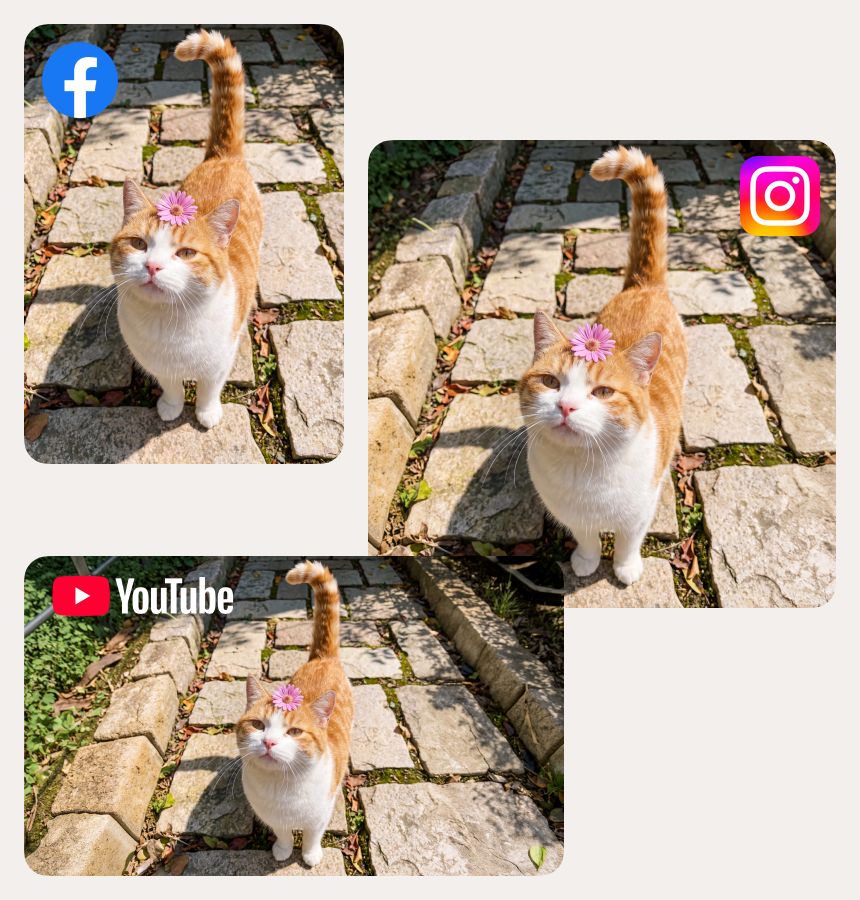
Prepare TikTok videos for Instagram, YouTube Shorts, Facebook, product pages, and other channels. Remove unwanted watermarks or text so your content looks consistent wherever your audience sees it.
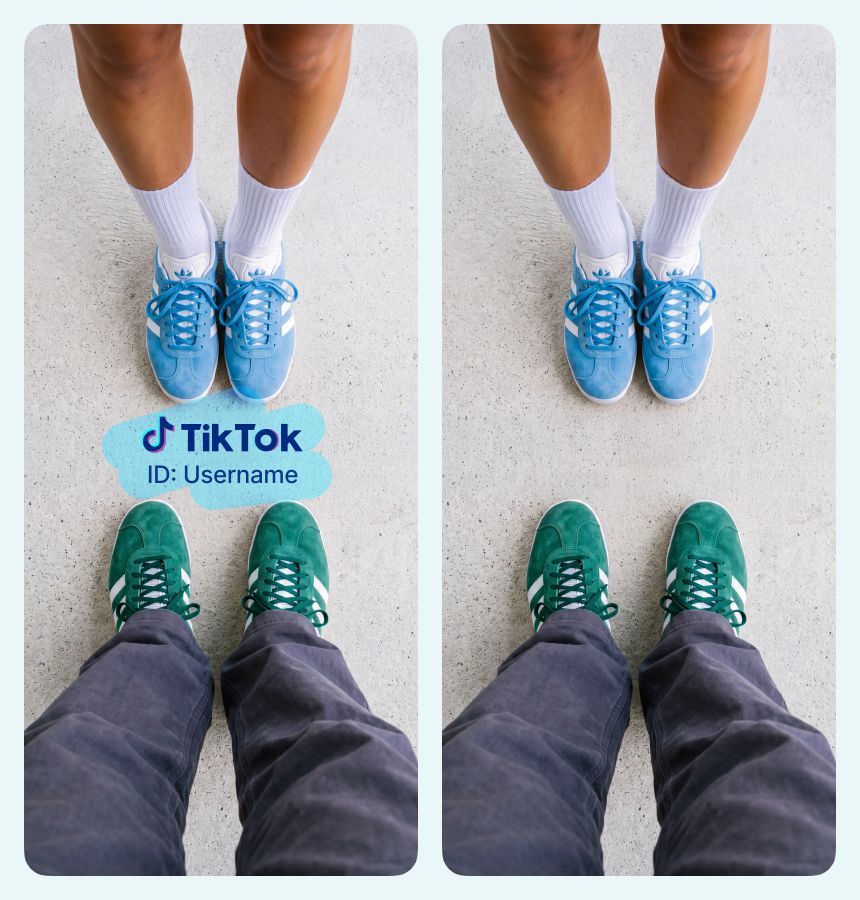
Prepare product videos, ad creatives, and authorized UGC clips for your online store or brand channels. Remove distracting watermarks, logos, or text before using the video in marketplaces, ads, and social media posts.
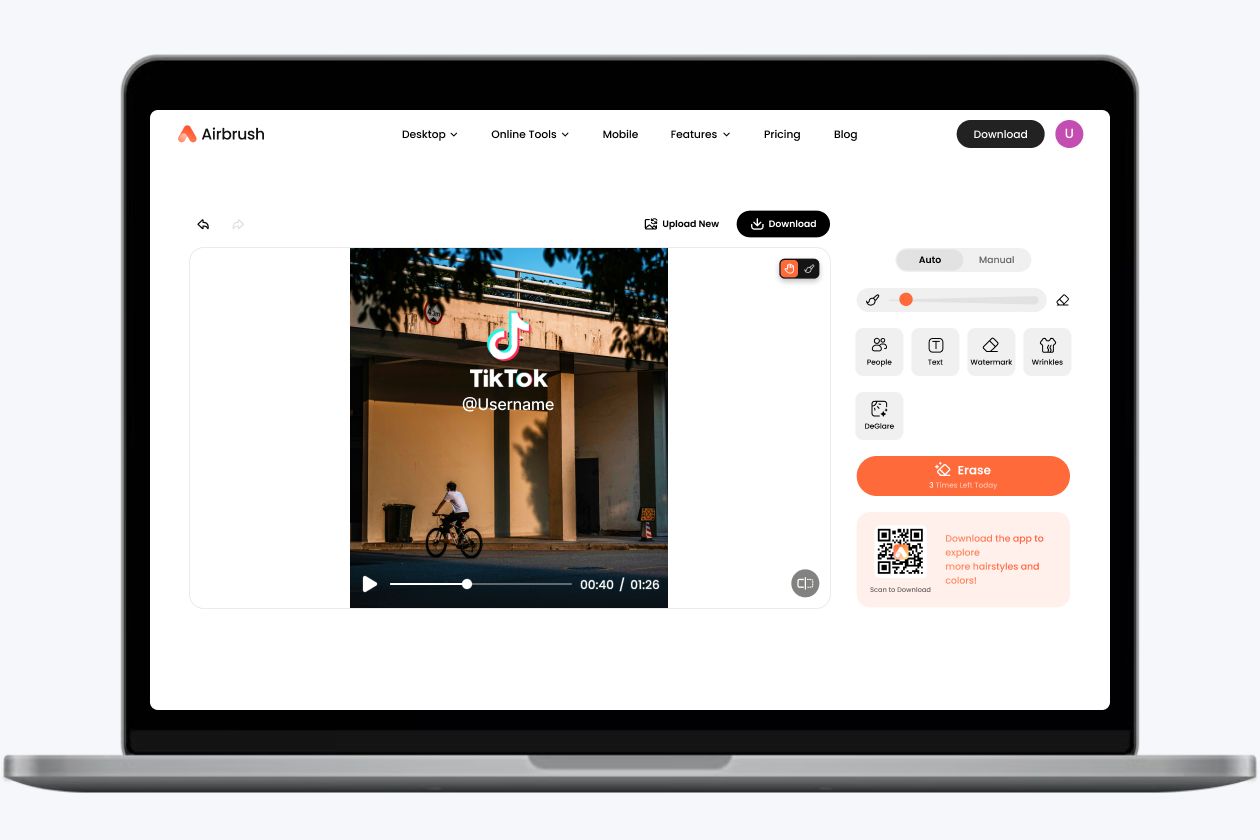
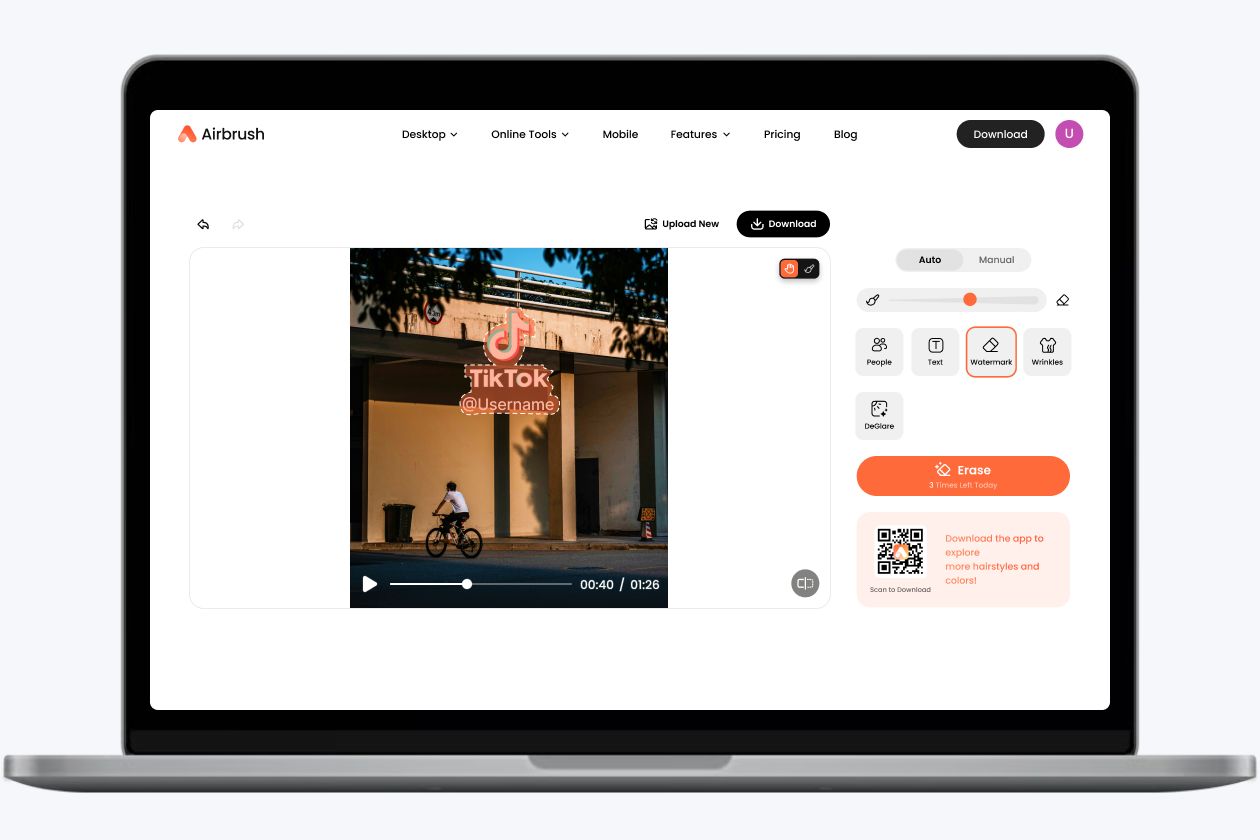
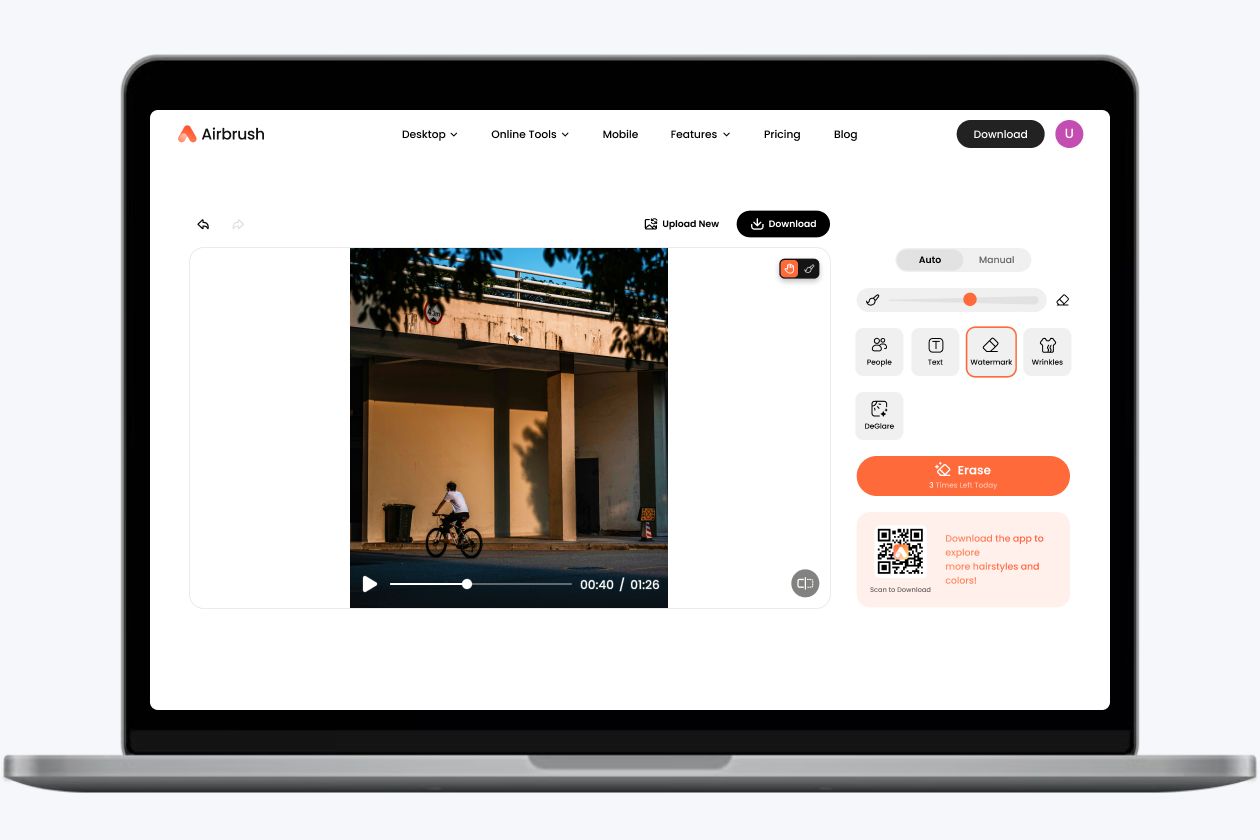
I needed to clean a TikTok clip that I had permission to reuse for a short social post. The Airbrush TikTok watermark remover helped me remove the username and corner watermark without cropping the frame, and the final video still looked sharp.
The auto option was quick for a simple TikTok watermark, and Box Select gave me more control when the mark moved across the video. It made preparing short videos for different social channels much easier.
I use short product videos for ads and store pages, so small logos and text overlays can be distracting. This tool helped me clean the video while keeping the product centered and clear.
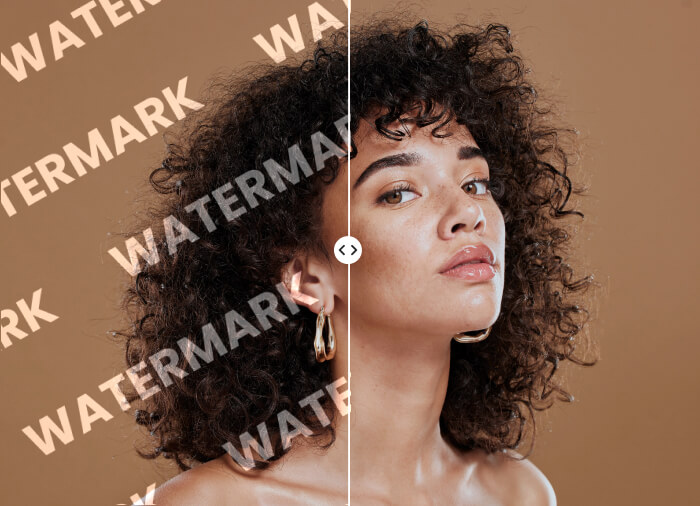
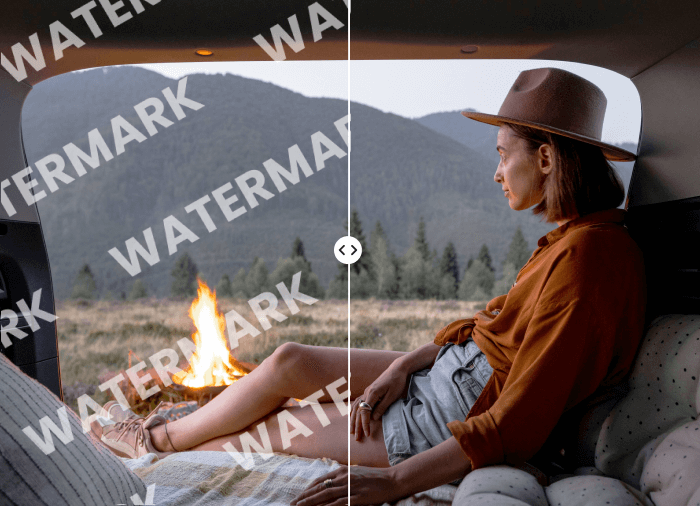
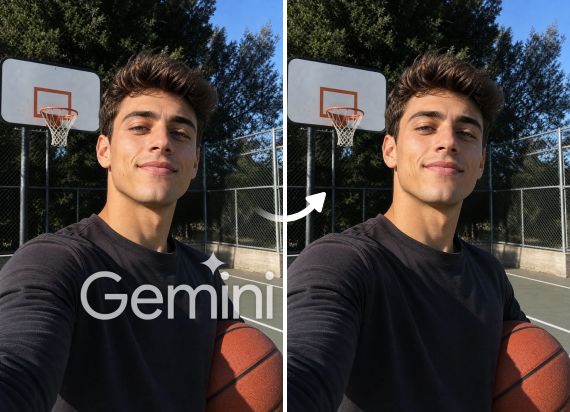
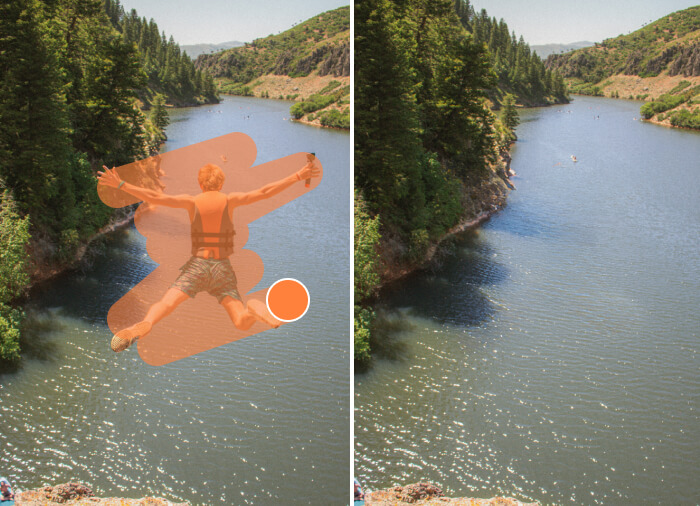
You can use Airbrush TikTok Watermark Remover to upload your video and remove a watermark from a TikTok video in a few simple steps. Choose Auto Mode for quick AI detection, or use Box Select to manually mark the exact area you want to clean. Airbrush can remove logos, usernames, text, and moving watermarks from the selected area.
Yes. Airbrush works as a TikTok logo remover and video watermark remover for uploaded videos. You can remove the TikTok logo, username, text overlays, or other visible marks while keeping the original video frame. For best results, use Box Select when you need more control over the area you want to clean.
Yes. Airbrush supports TikTok watermark removal for moving marks. Auto Mode helps detect the watermark quickly, while Box Select lets you choose the exact area when the mark appears in different parts of the video. This helps you create a cleaner TikTok video without cropping the frame.
No. Airbrush is not a TikTok downloader or TikTok video downloader. It is an online watermark remover that helps you clean videos you upload, including clips you own, created yourself, or have permission to edit. After watermark removal, you can export the cleaned video from Airbrush.
Yes. After you upload your video and use Airbrush to remove the watermark, you can download the cleaned version without a watermark. This is useful when you need a watermark-free video for social media, ads, product pages, or brand channels. Airbrush does not download TikTok links directly, but it can help clean videos you upload.
Upload your video to Airbrush Watermark Remover, then use Auto Mode or Box Select to remove the TikTok watermark from the selected area. Airbrush helps remove the watermark without cropping, so your video keeps its original frame, layout, and composition.
You should use Airbrush TikTok Watermark Remover only for videos you own, created yourself, or have permission to edit. This helps you clean video content safely and reuse it across social media, ads, product pages, or other brand channels without using someone else’s work without permission.
Yes. Airbrush is designed to keep your TikTok video without watermark clear and natural-looking. It cleans the selected area while helping the video stay sharp, smooth, and ready to export or share. This makes it useful for anyone who wants to clean video online before reusing it across platforms.