






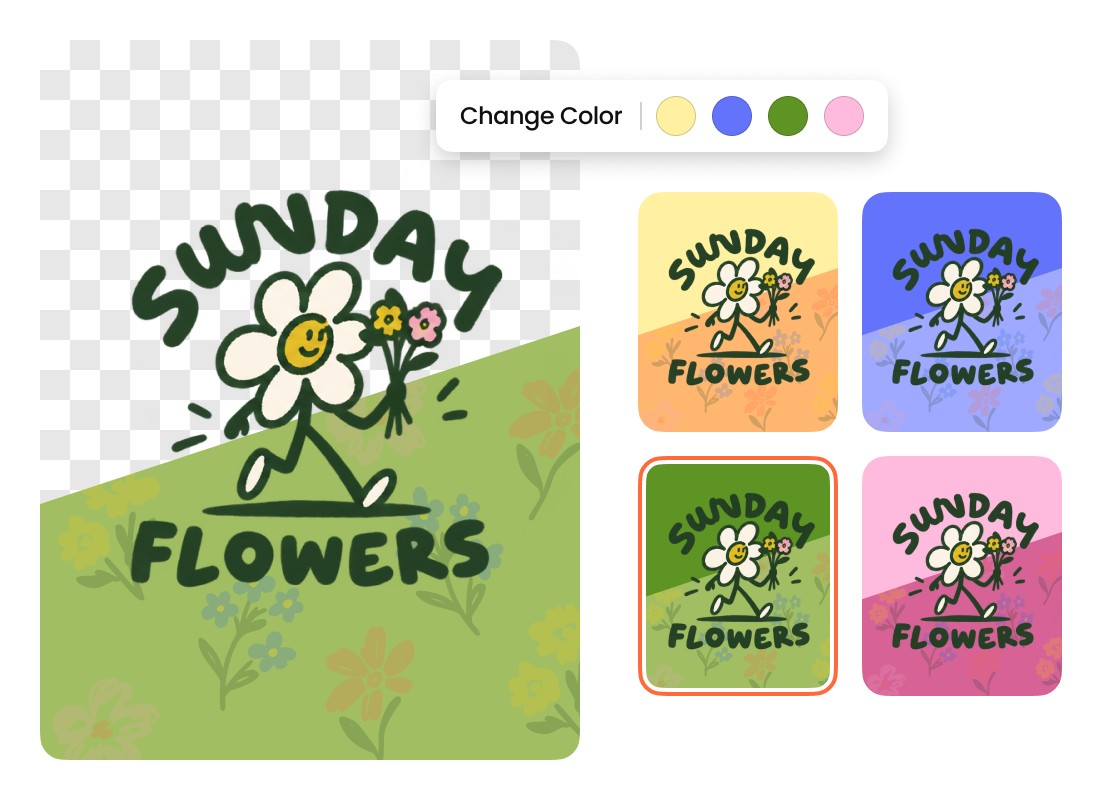
I used Airbrush to get a transparent background for our company logo. I liked that I could preview it on different colors before choosing the version that looked best on our website.
- Maya Collins
Airbrush Logo Background Remover removes unwanted backgrounds while keeping your logo clear and defined. Make the background transparent, choose a new color or style, or upload your own image to create a logo that fits your design.
Drag and drop Image here
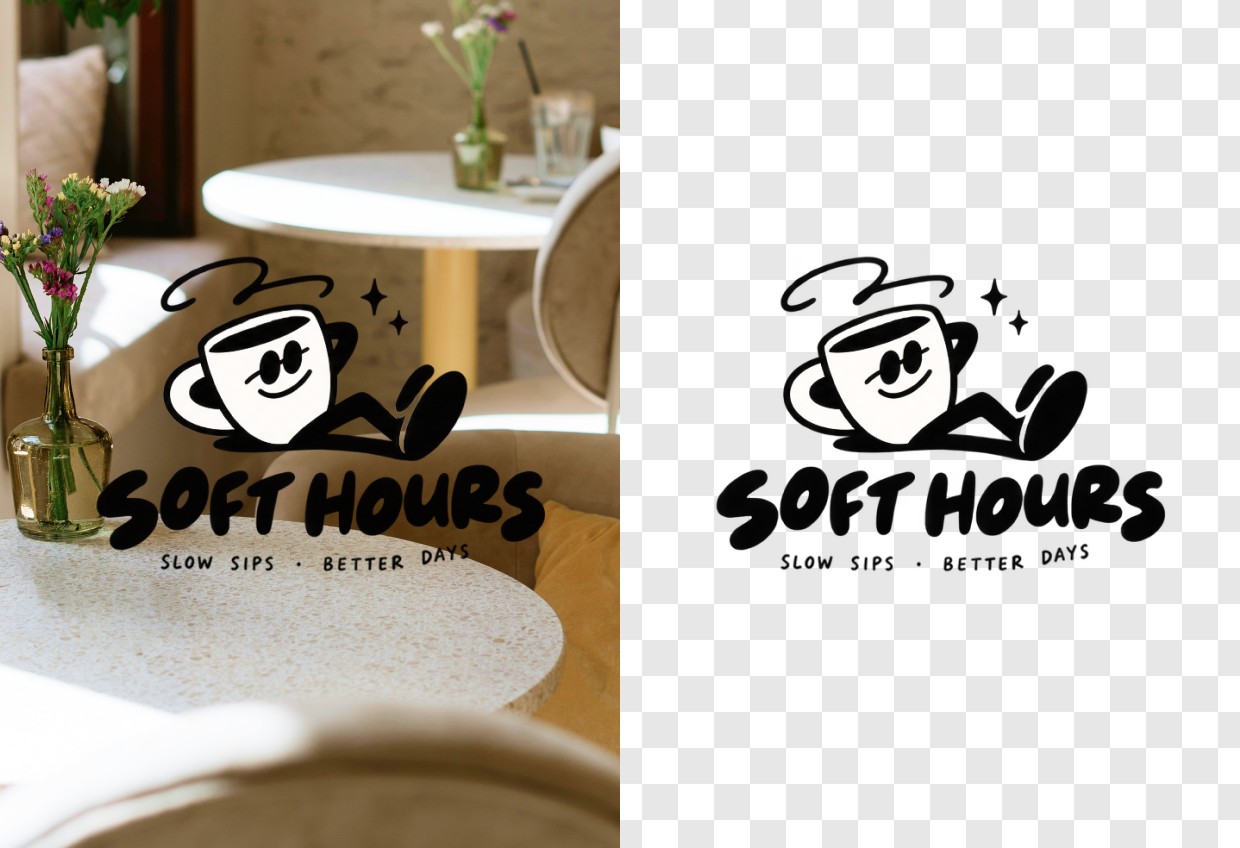
Airbrush Logo Background Remover removes unwanted backgrounds while keeping your logo clear and defined. Make the background transparent, choose a new color or style, or upload your own image to create a logo that fits your design.
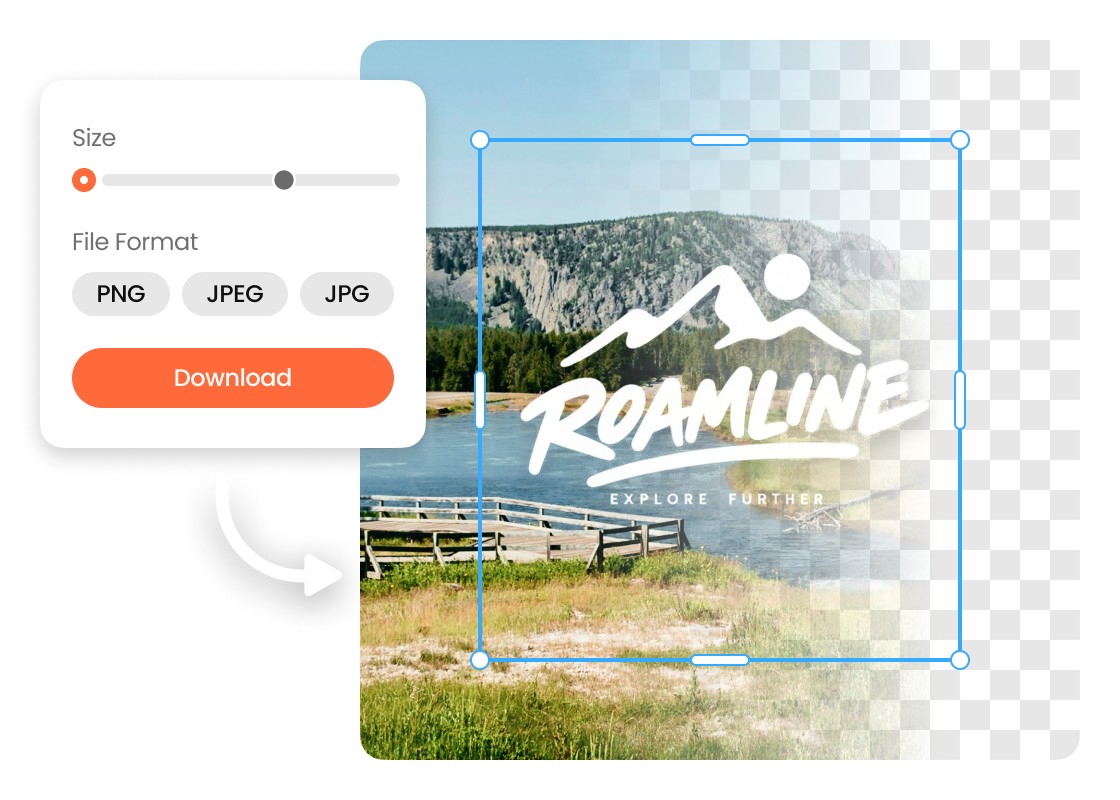
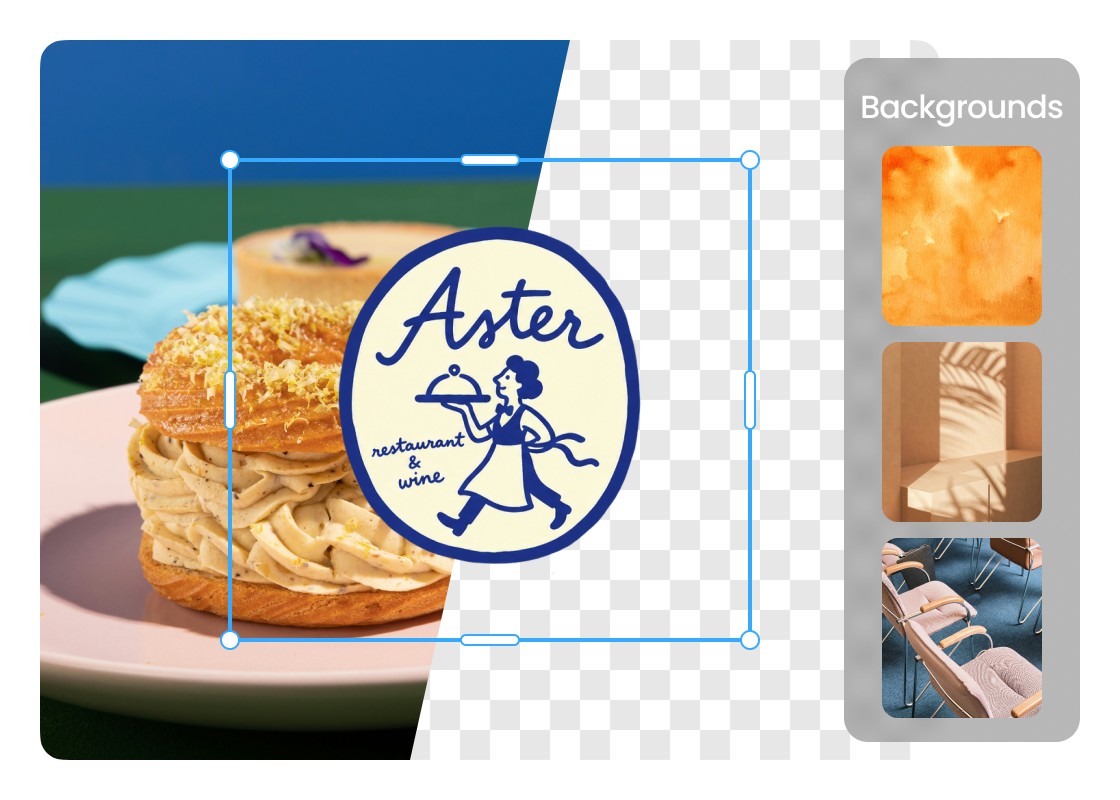

Upload Your Logo
Choose the logo you want to edit and upload it to Airbrush logo background remover. The Logo Background Remover detects the main design and separates it from the existing background.
Choose Your New Background
Keep the background transparent, switch to white or another color, explore the available background styles, or upload your own image for a custom result.
Preview and Download
Review the result to make sure the logo and background look right together. Make any final background changes if needed, then download your finished logo.

I used Airbrush to get a transparent background for our company logo. I liked that I could preview it on different colors before choosing the version that looked best on our website.
Airbrush made it easy to remove the background from a logo we use on product packaging. The lettering and edges stayed clean, and I could upload our own background instead of being limited to the preset options.
I needed a background remover tool for logos I use across different client projects. Airbrush lets me switch between transparent, white, and colored backgrounds, so I can prepare the right version for each layout.
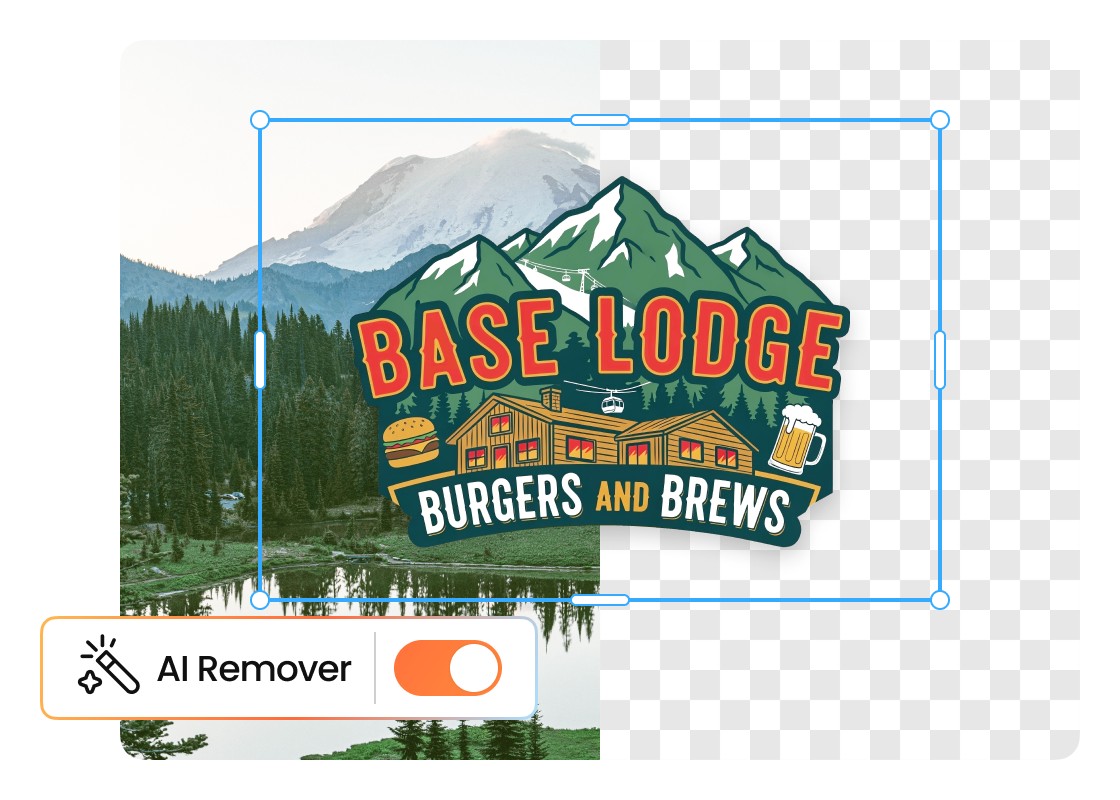
Upload your image to the Airbrush Logo Background Remover. It separates the logo from the existing background while keeping important shapes, text, and edges defined. You can then choose how you want the finished background to look.
Yes. Airbrush provides free credits that you can use to remove a logo background remover online. Additional processing may require more credits.
Airbrush is designed to preserve the details that make your logo recognizable, including lettering, shapes, colors, and fine edges. For the best result, start with a clear, high-quality image, especially when your logo contains small or detailed elements.
Yes. Airbrush Logo Background Remover works online, so you can edit a logo from a supported mobile browser without installing desktop software. Upload the image, select your preferred background, preview the result, and download it to your device.
Upload your logo to Airbrush and remove its existing background, then select the transparent option. A transparent logo is easier to place over websites, product images, presentations, social graphics, and other layouts without a white or colored box around it.
Use Airbrush to remove the white background from your logo while keeping the main artwork clearly separated from the surrounding area. Once removed, you can keep the space transparent or replace the white with another color, background style, or your own image.
Yes. Airbrush gives you more options than simply creating a transparent cutout. Choose white, black, or another color, select a custom shade, or explore ready-to-use background styles to find an option that works with your logo.
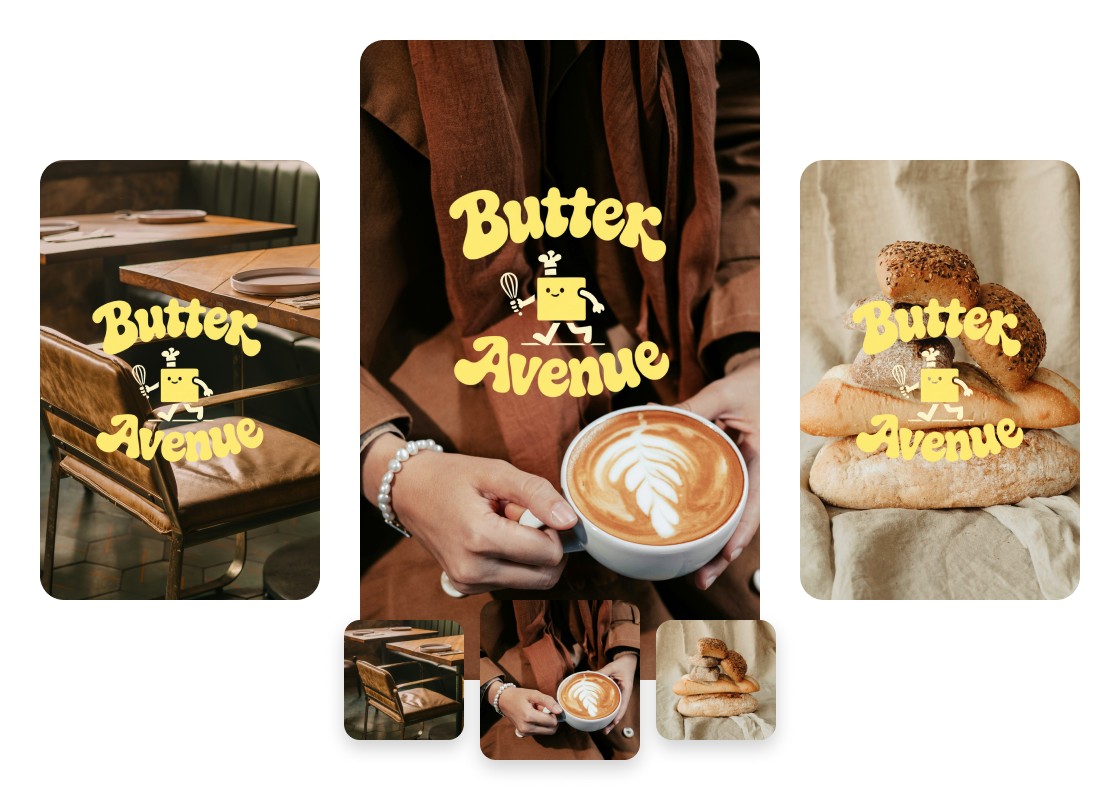
Yes. After you remove the background from your logo, Airbrush lets you upload your own picture as the replacement. This is useful when you want to preview your logo against a specific product photo, campaign visual, branded graphic, or other custom setting.
