Airbrush

start icostart icostart icostart icostart ico

Download for 7-day Free Trial

smart banner

Bulk Edit Portraits, Product, and More in One Workflow

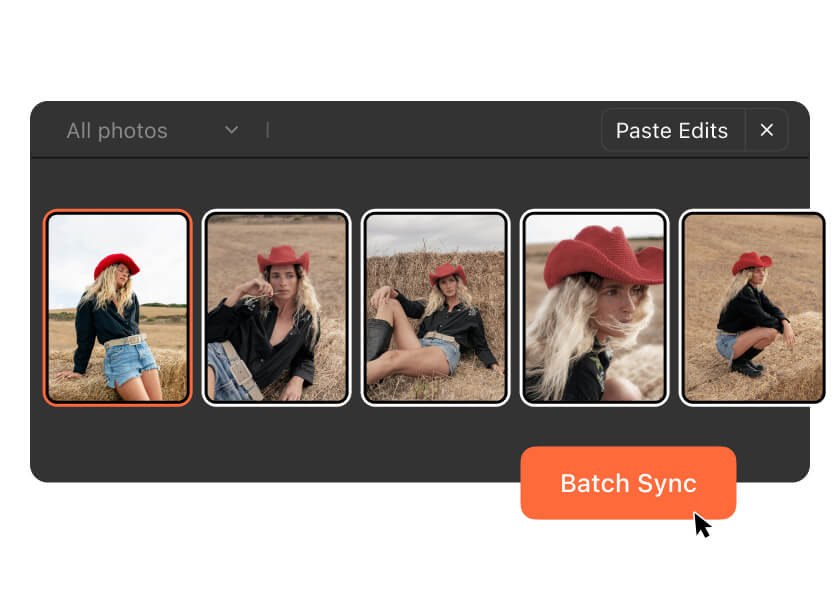
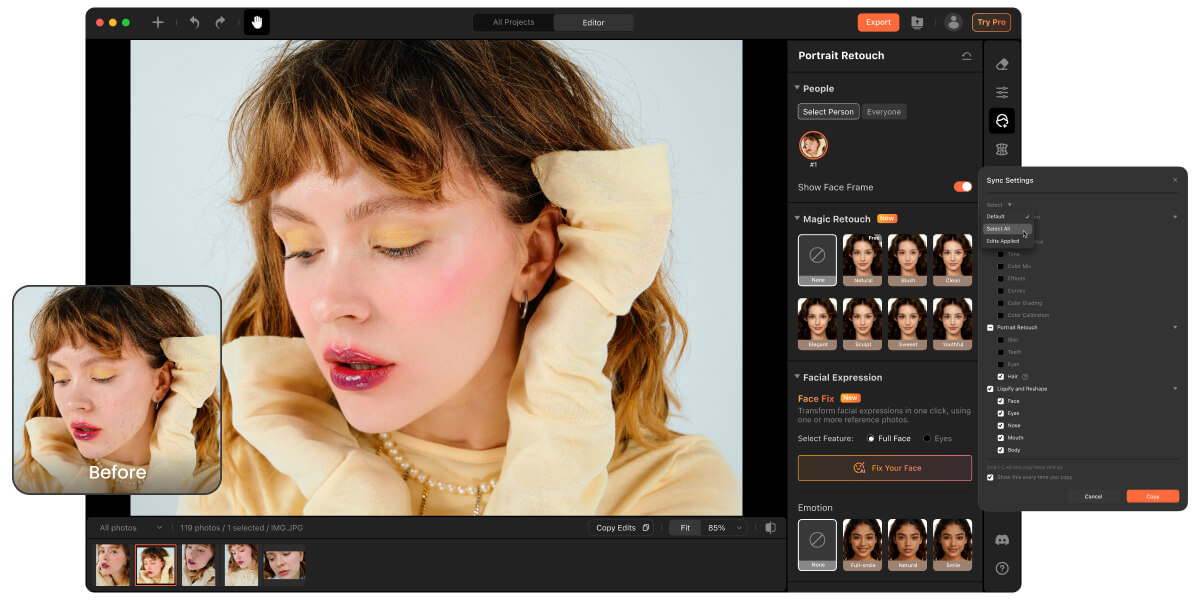
Edit multiple photos at once with Batch Photo Editor in Airbrush Studio. Keep portrait retouching, color grading, background changes, and image resizing consistent across your entire project.

Bulk Edit Portraits, Product, and More in One Workflow
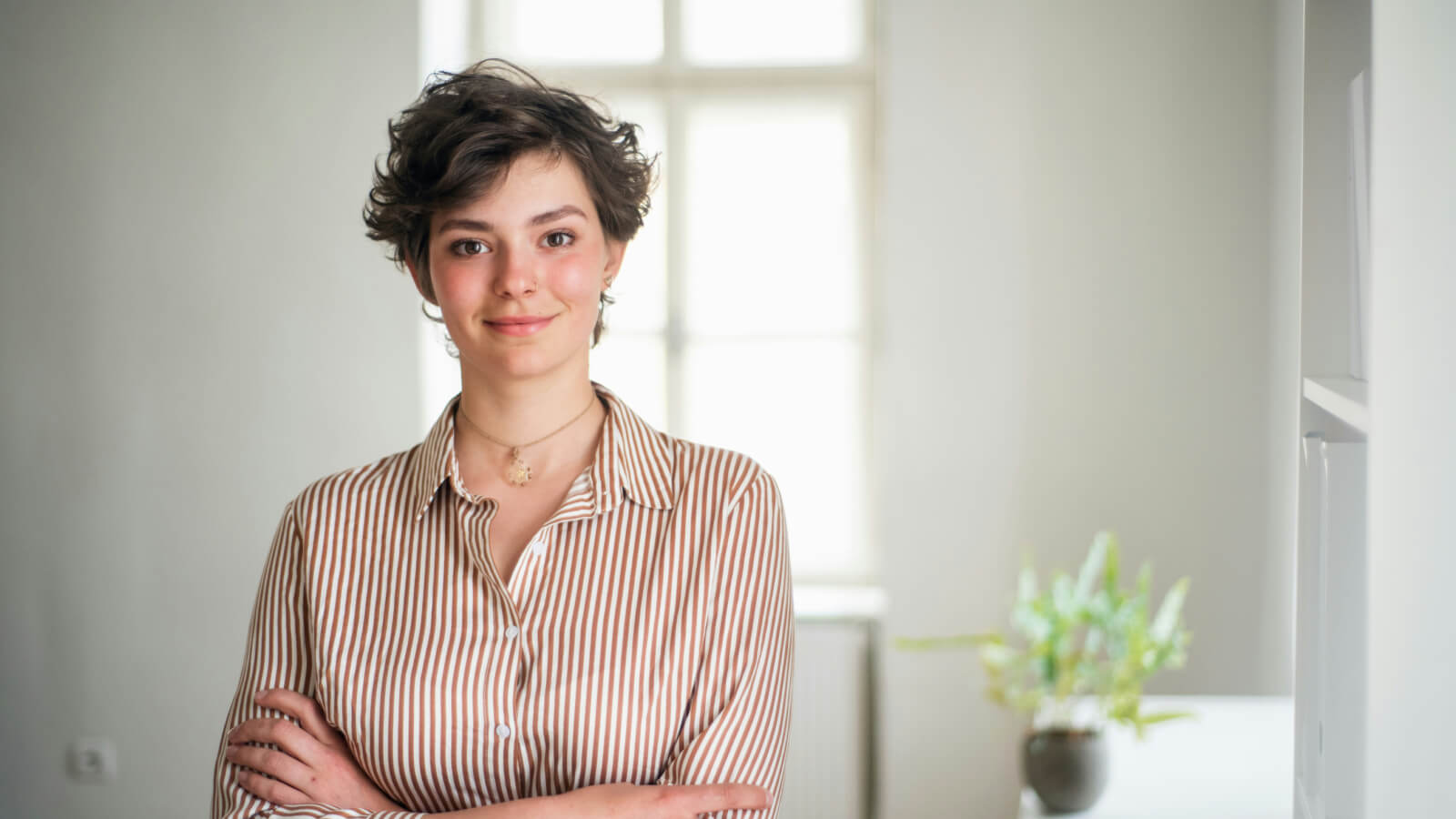
Keep Portrait Retouch Consistent in Every Image

Keep Portrait Retouch Consistent in Every Image

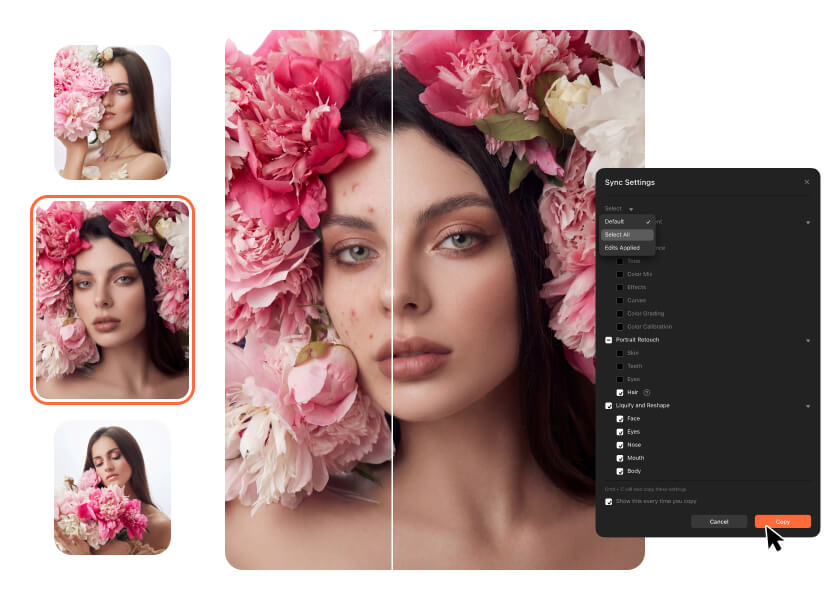
Portrait sets can easily look uneven when retouching is done manually one by one. Download Airbrush Studio on desktop to sync skin smoothing, teeth whitening, and eye enhancements across multiple photos while editing directly on your laptop with faster performance, consistent results, and local file privacy.
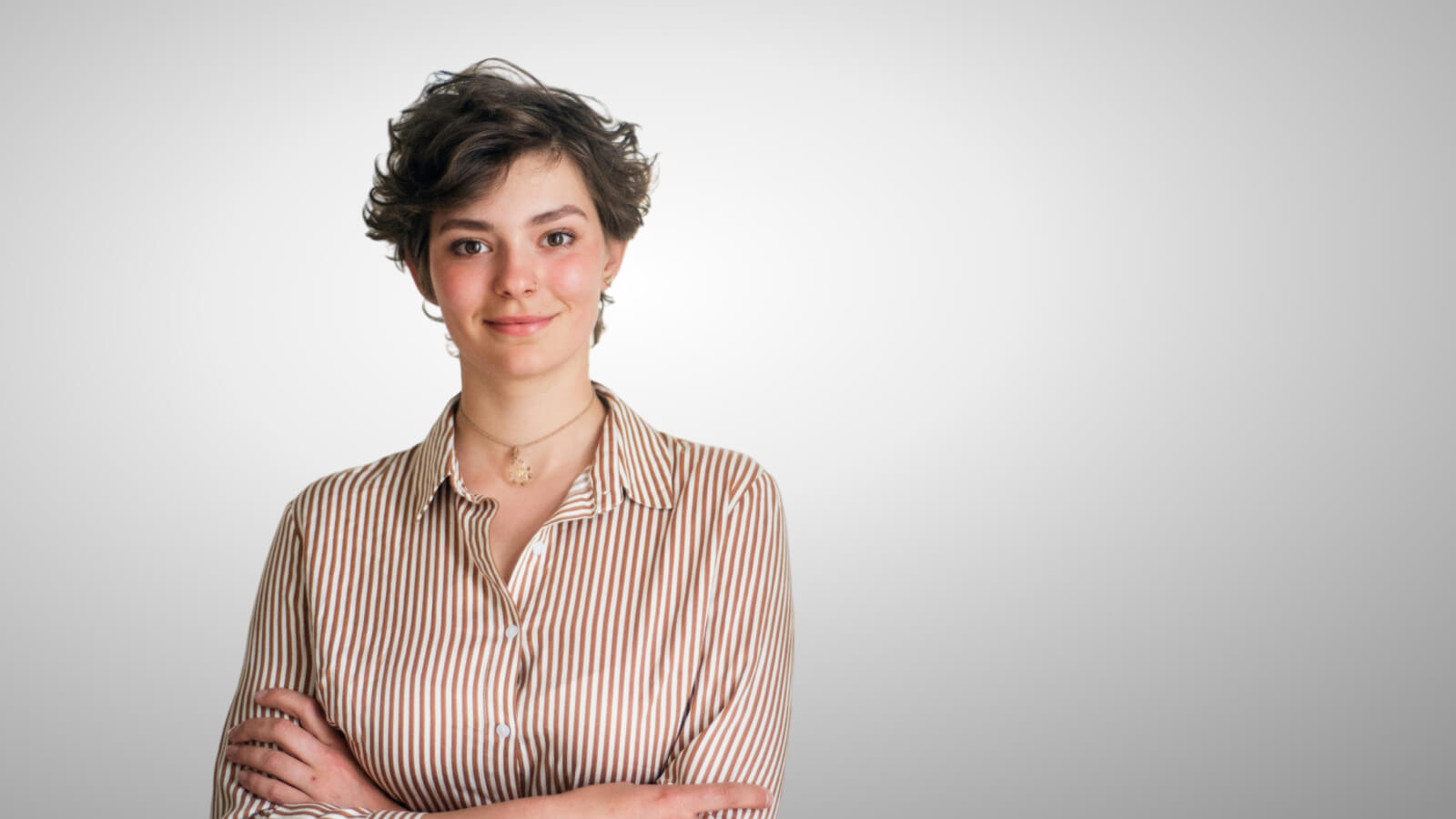
Replace Backgrounds Across Every Image

Replace Backgrounds Across Every Image

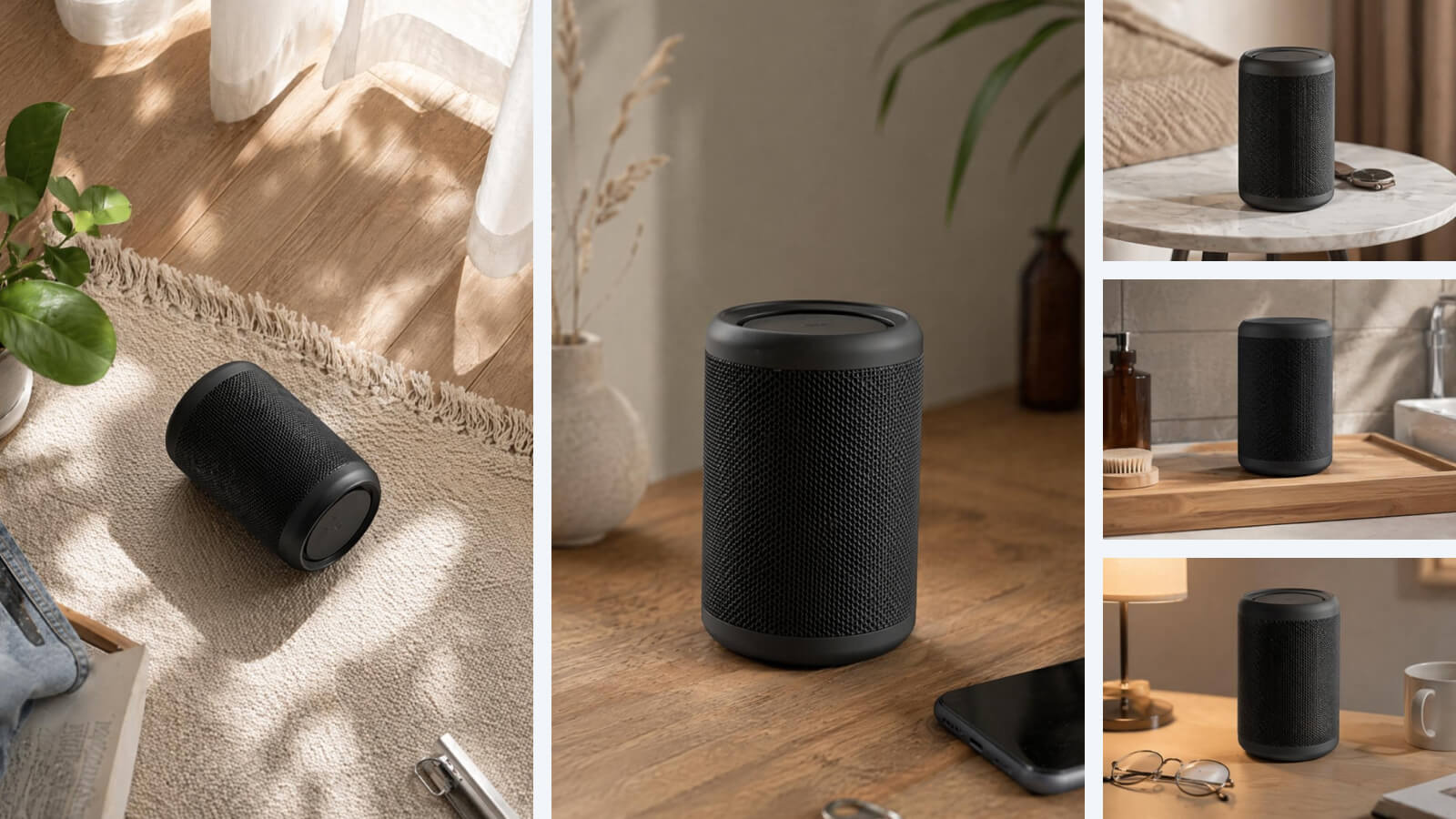
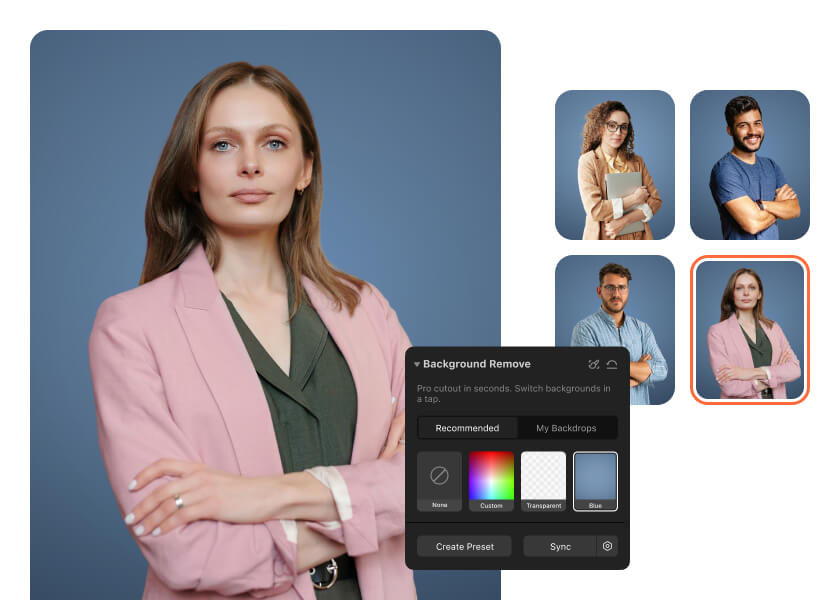
Cut out subjects and apply new backgrounds to all photos at once. Use clean studio backgrounds, lifestyle scenes, or platform-ready formats without editing each image manually. Works for product photos, e-commerce listings, and marketing assets.

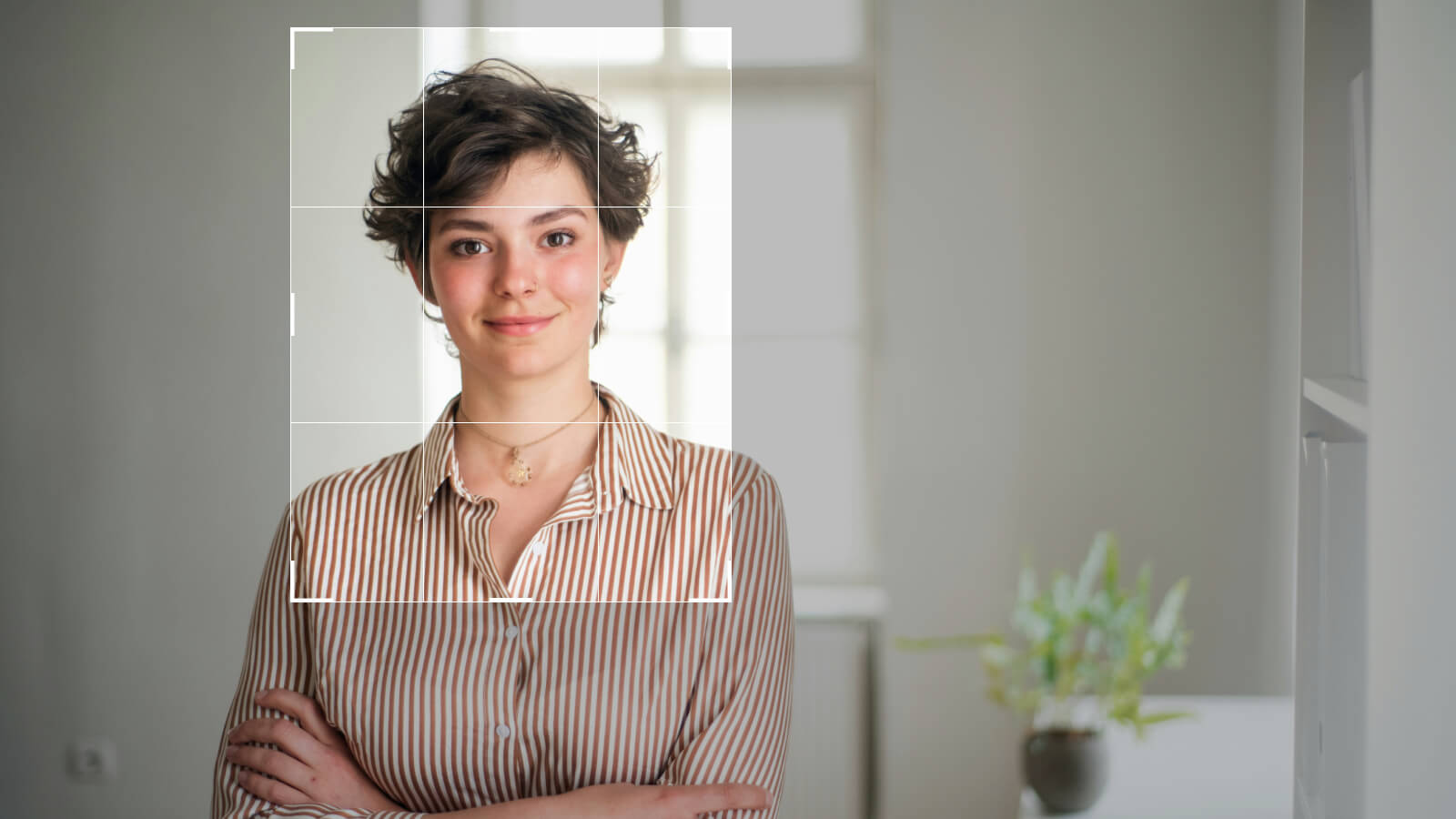
Resize and Format Images for Any Platform

Resize and Format Images for Any Platform

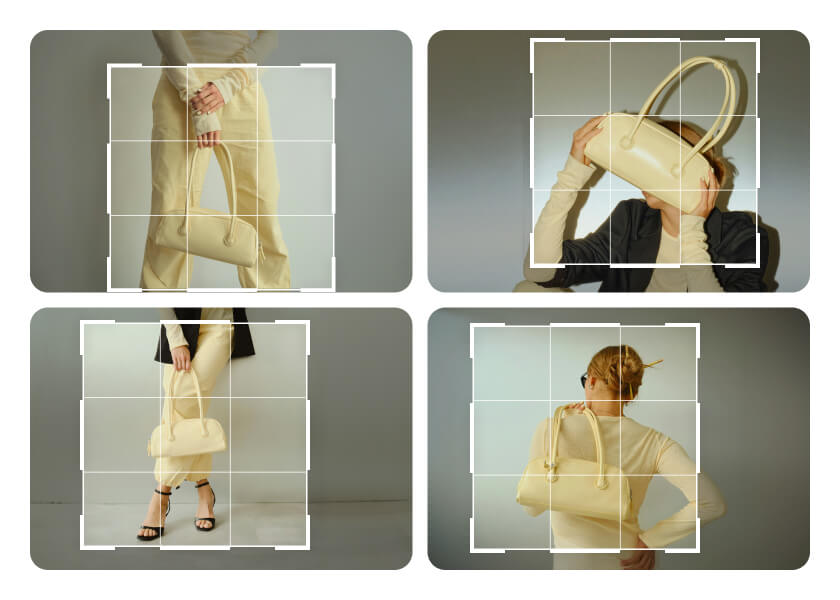
Crop and resize multiple images in one step. Prepare photos for e-commerce, social media, or client delivery with consistent dimensions and framing. No need to adjust images one by one.

Bulk Editing Designed for Speed and Efficiency

Bulk Editing Designed for Speed and Efficiency

Handle batch editing, portrait retouching, and background changes in one place. Skip repetitive one-by-one editing, Airbrush Studio is the only tool you need to batch edit across every image while keeping every image visually consistent and professionally polished.

How to batch edit photos in Airbrush Studio

1

Select your photos

In the filmstrip at the bottom, choose all the images you want to apply the same settings to.

2

Sync your settings

In the side panel, click the Sync button to instantly apply your current edits across the entire selection.

3

Sync across all images

Airbrush Studio’s engine automatically detects people, backgrounds, and other elements in each photo, ensuring every adjustment is precisely synchronized across all images.

User Reviews

I used to take hours to batch edit every clients' portraits manually, and now Airbrush Studio made editing large galleries smoother, especially for synchronizing skin retouching and color grading across multiple photos.

- Kael Veridian

I work with bulk photo uploads for ecommerce campaigns, and consistency is always difficult to maintain. Airbrush Studio helped me keep every image aligned without slowing down my workflow.

- Seraphina Vale

The color sync feature completely changed my image editing process. Filters, tone, and white balance now stay consistent across my full photo set, which saves a huge amount of time during photo editing.

- Orion Castiel

FAQ

What is the Airbrush Studio batch photo editor used for?

The desktop software helps users apply the same retouch and color adjustments across multiple images, making large-scale editing faster and more consistent for portraits, ecommerce, and content creation.

Can this bulk photo editor keep every image looking consistent?

Yes. The tool syncs filters, tone, white balance, skin retouching, and color grading so your full photo set maintains the same visual style without manual adjustments.

Does the tool support bulk image editing for professional workflows?

Airbrush Studio absolutely is designed for creators, photographers, studios, and ecommerce sellers who need efficient editing while maintaining high-quality results across large image collections.

Can I edit up to 50 photos at the same time?

Yes. Airbrush Studio on desktop allows you to sync portrait retouch and color adjustments across multiple images, helping you manage large batches more efficiently.

Can I apply edits to an entire batch of photos in one workflow?

Yes. Once you finish your preferred adjustments, the same settings can be synced across all selected images, helping you save time while maintaining a polished, cohesive look.