


1
Step 1:
Go to Portrait Retouch panel and select the face you want to retouch.
Airbrush Studio is a desktop photo editing software for Windows and Mac designed for simple yet professional portrait editing. Magic Retouch uses AI technology to automatically smooth skin, soften lines, add natural contouring and makeup while preserving realistic skin texture and facial details.
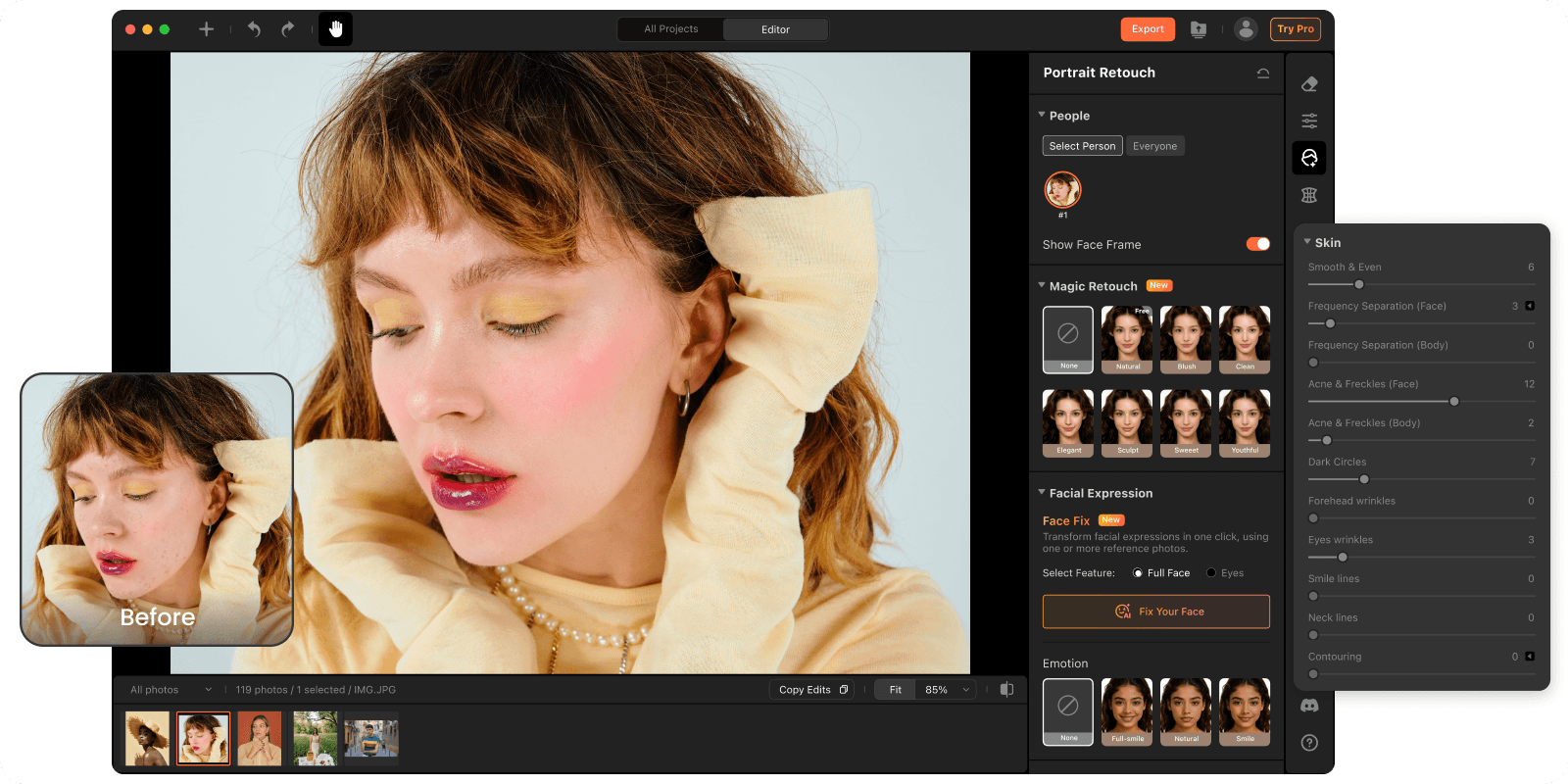
Magic Retouch uses advanced AI technology to automatically smooth skin, soften lines, reduce wrinkles, add subtle contouring, and enhance portraits without over-editing. Unlike aggressive beauty filters, Magic Retouch is designed to create natural-looking results suitable for both personal and professional scenario.
We offer seven beautifully designed retouch styles ranging from natural, anti-aging to sculpted contour looks for different face shapes, portrait styles, and occasions.
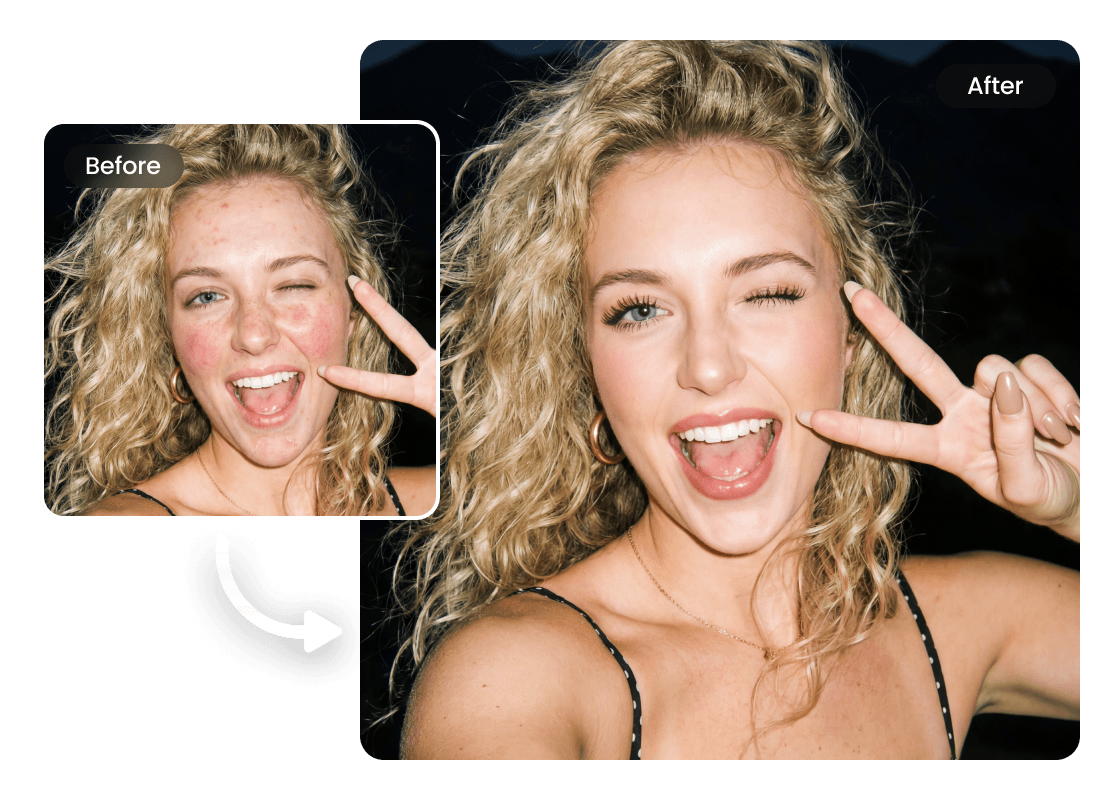
Professional portraits often require subtle skin retouching that looks polished but still natural. Magic Retouch helps photographers quickly smooth skin, reduce shine, soften under-eye lines, and enhance facial balance suitable for LinkedIn, resumes, company websites, and corporate branding.
Perfect for studio photographers, business professionals, and corporate teams.
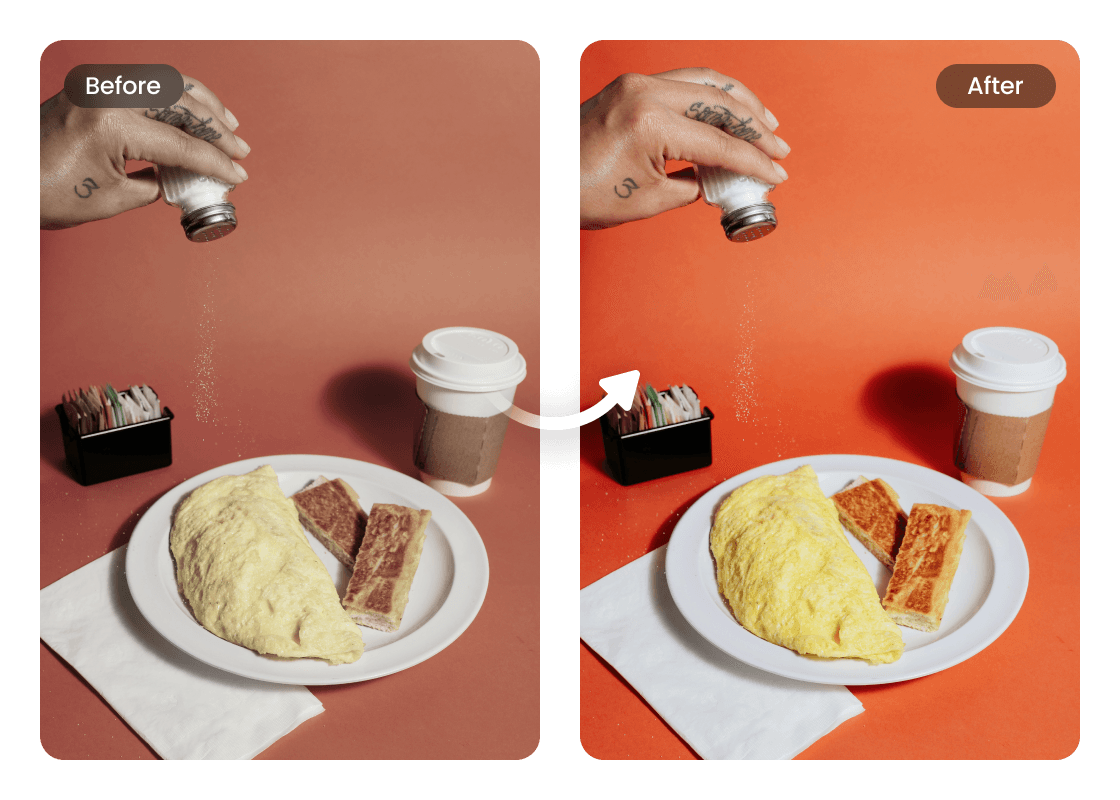
Manual portrait retouching in Photoshop can be slow and repetitive. Magic Retouch helps photographers, studios, and content creators edit portraits faster with consistent AI-powered results.
With one-click retouch presets, users can quickly enhance skin, refine facial details, and maintain a consistent visual style across large photo sets without time-consuming manual editing.
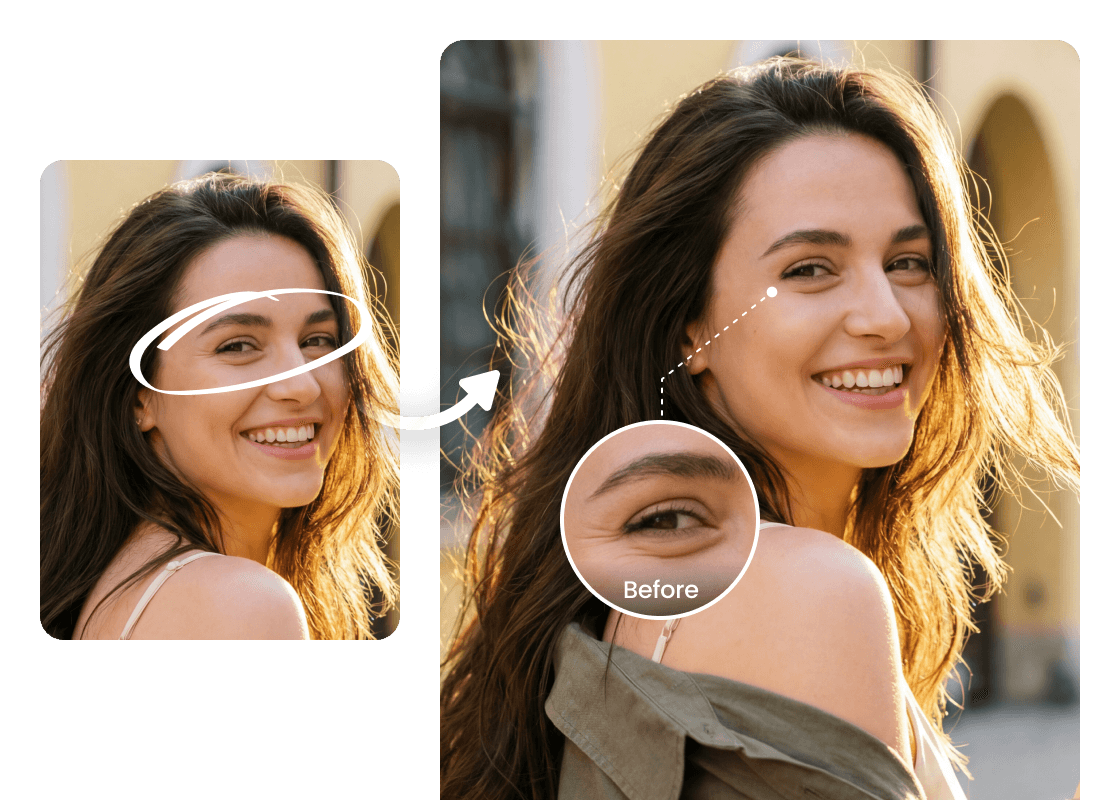
Different portraits require different retouch styles. Magic Retouch includes 7 AI-powered styles designed for different lighting conditions, face shapes, makeup styles, and portrait needs.
· Youthful — Softens fine lines and smooths skin naturally for a fresher, younger appearance.
· Elegant — Creates a refined, polished look perfect for events, dinners, parties, and formal portraits.
· Sculpted — Enhances facial contours, jawlines, and makeup definition for a more editorial-style finish.
Whether you want a clean everyday look, a polished social media portrait, or a glam studio-style result, Magic Retouch helps you achieve professional-looking portraits in one click.
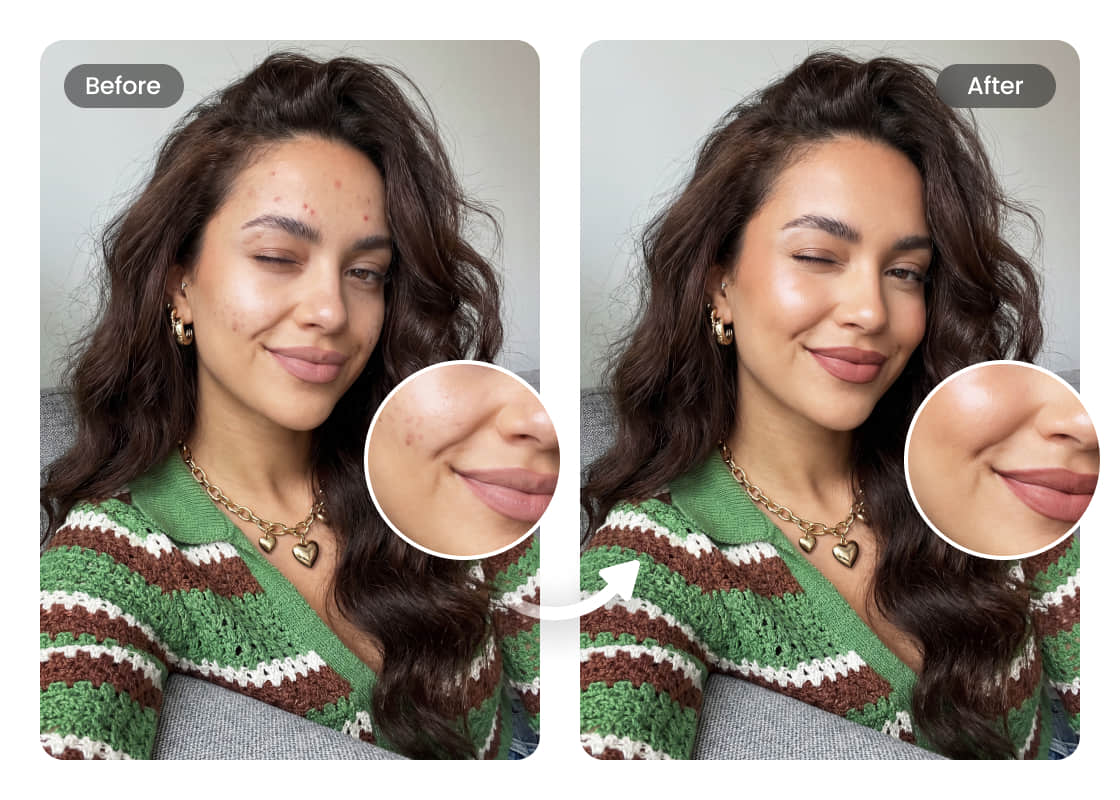
Magic Retouch helps photographers batch enhance portraits with consistent AI-powered results while dramatically reducing manual retouching time.
Perfect for wedding photographers, portrait studios, school photography, event shoots, and professional content workflows.
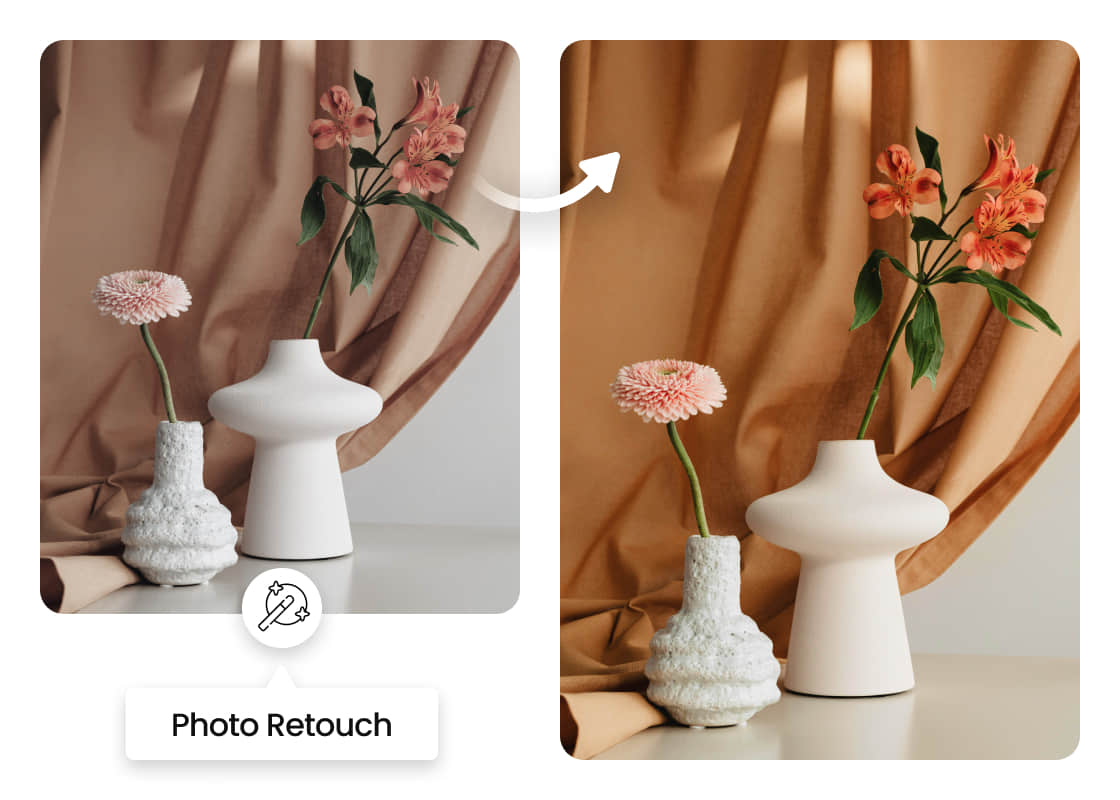
Go to Portrait Retouch panel and select the face you want to retouch.
Find Magic Retouch feature and choose the style you like.
You will have the magically retouched photo!
