


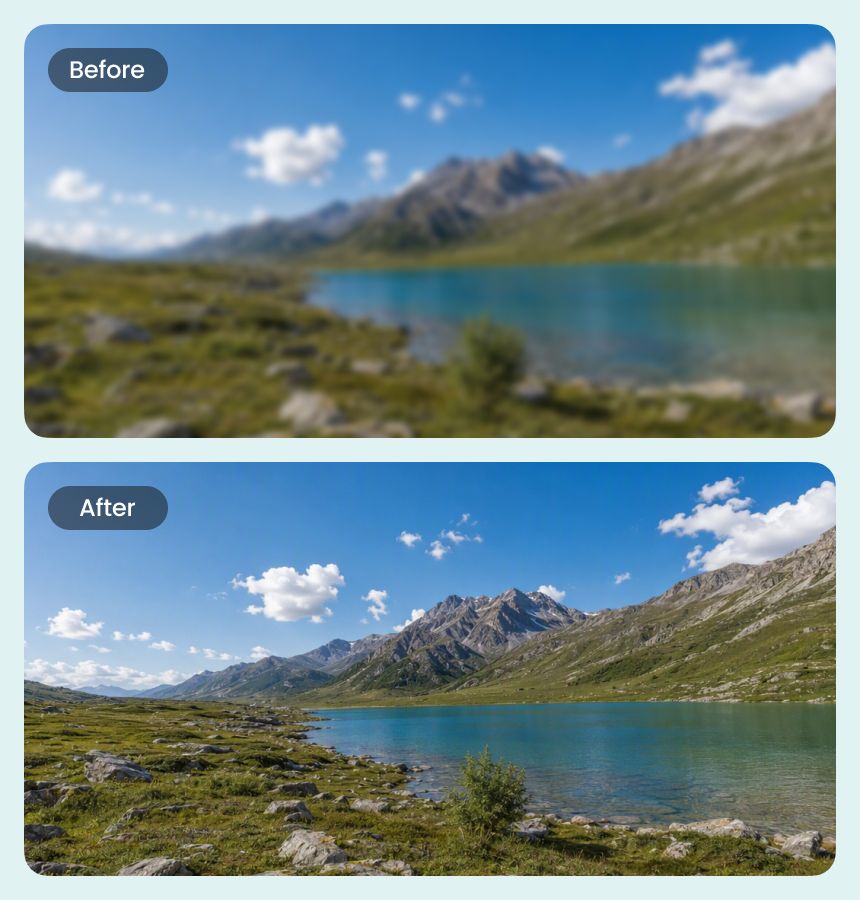
Expand Panoramic Photos to 8K Resolution
Airbrush helps bring out scenery, architecture, and distant elements across wide compositions, making panoramic photos better suited to detailed viewing and high-resolution displays.
Use Airbrush 8K Photo Enhancer to increase photo resolution and improve visible details for high-resolution viewing. Enhance smaller images for 8K output while keeping textures, edges, and the original character of the photo as natural as possible.
Drag and drop Image here
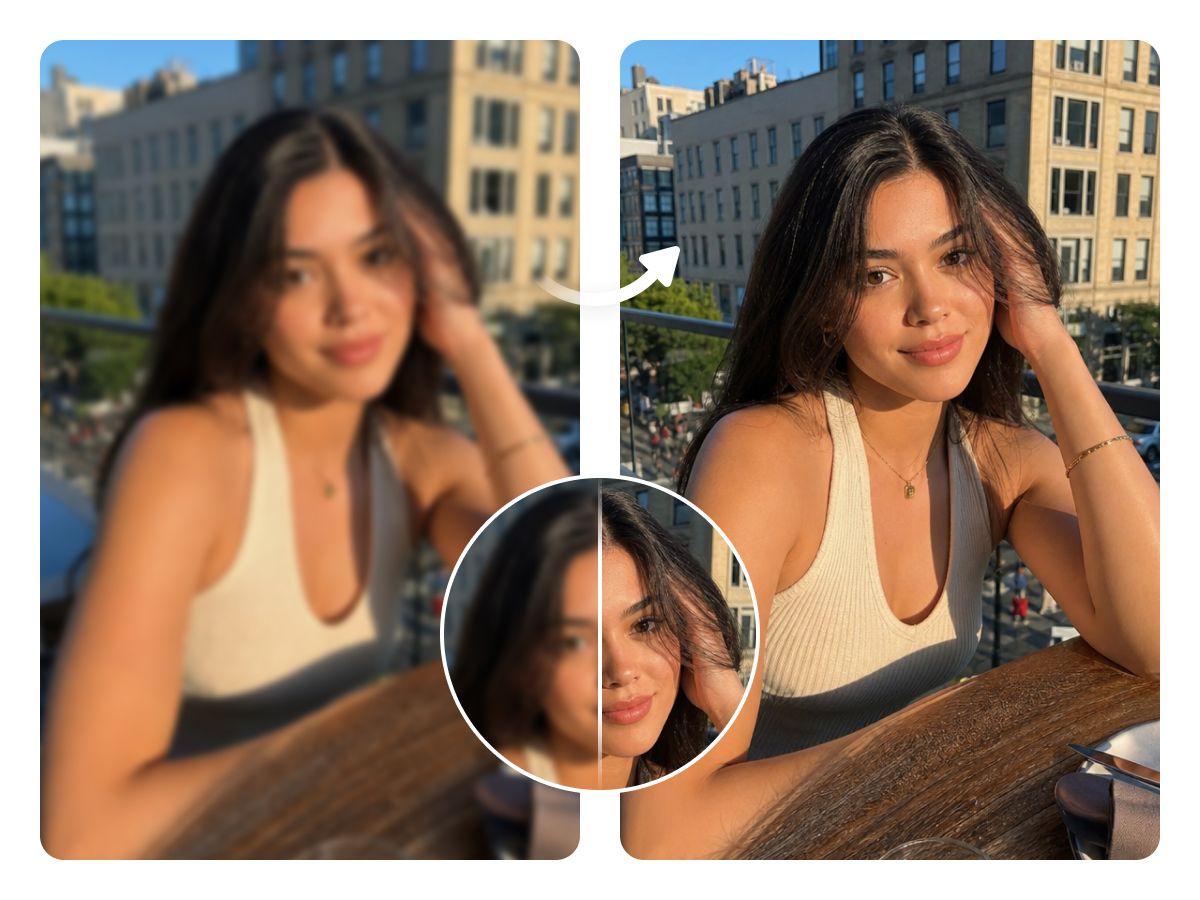
Use Airbrush 8K Photo Enhancer to increase photo resolution and improve visible details for high-resolution viewing. Enhance smaller images for 8K output while keeping textures, edges, and the original character of the photo as natural as possible.

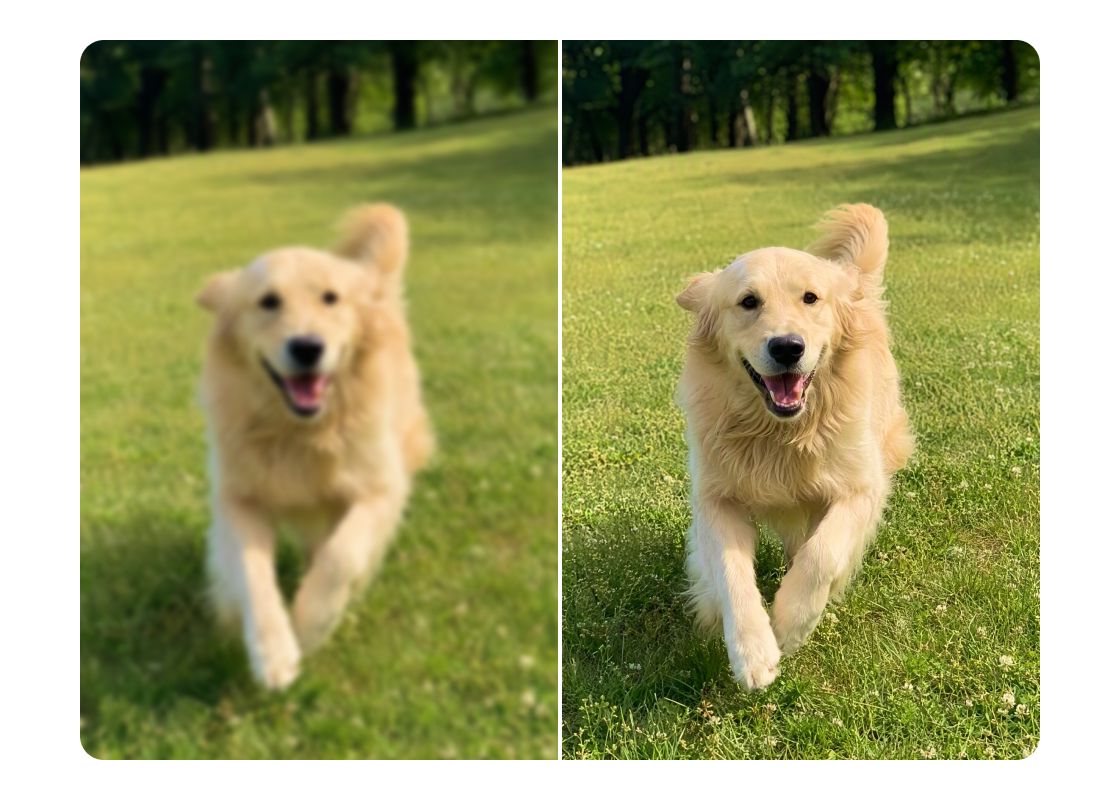
Airbrush helps bring out scenery, architecture, and distant elements across wide compositions, making panoramic photos better suited to detailed viewing and high-resolution displays.
Airbrush helps bring out scenery, architecture, and distant elements across wide compositions, making panoramic photos better suited to detailed viewing and high-resolution displays.

Prepare photos for digital signage, event screens, presentation panels, and other display environments where visual detail matters. Airbrush helps adapt smaller source files for these demanding viewing conditions.
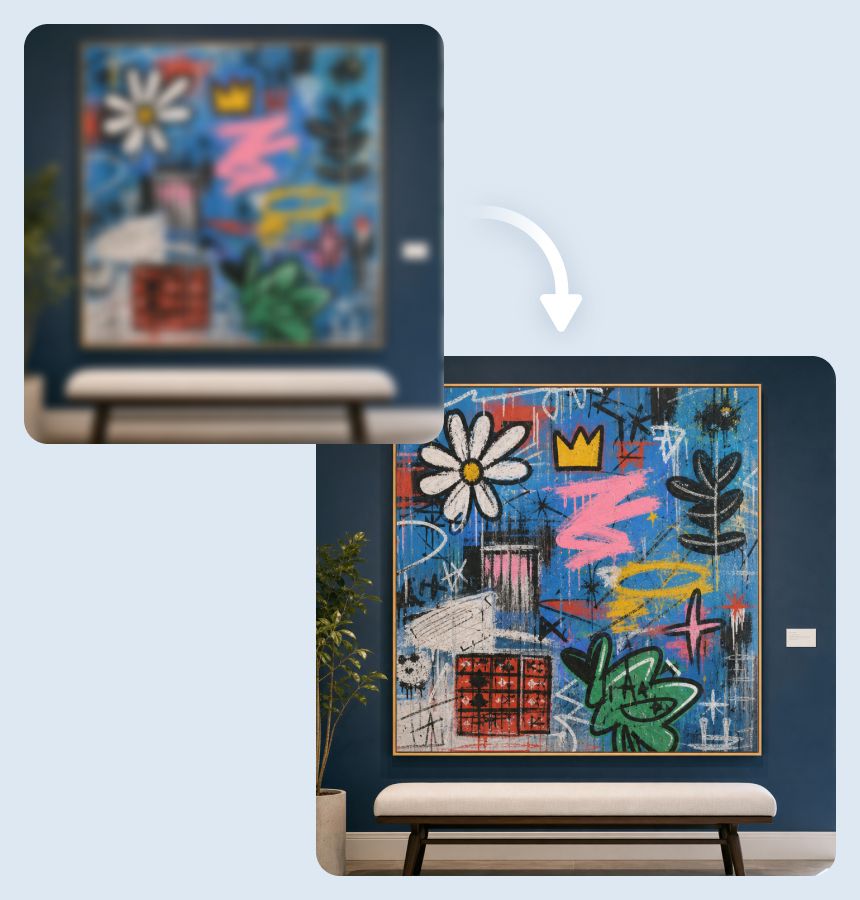
Give digital illustrations and artwork more flexibility for posters, exhibition graphics, presentation backgrounds, and other creative layouts. Airbrush helps creators adapt smaller source files while retaining the composition and visual style of the original work.

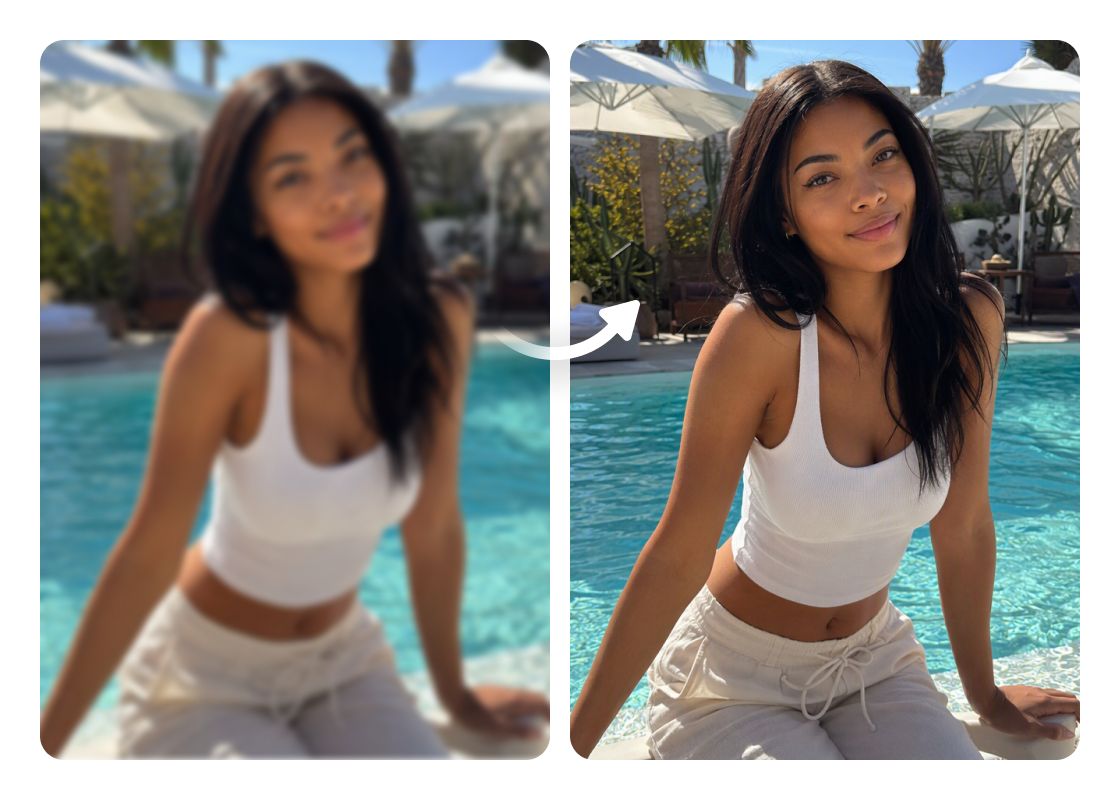
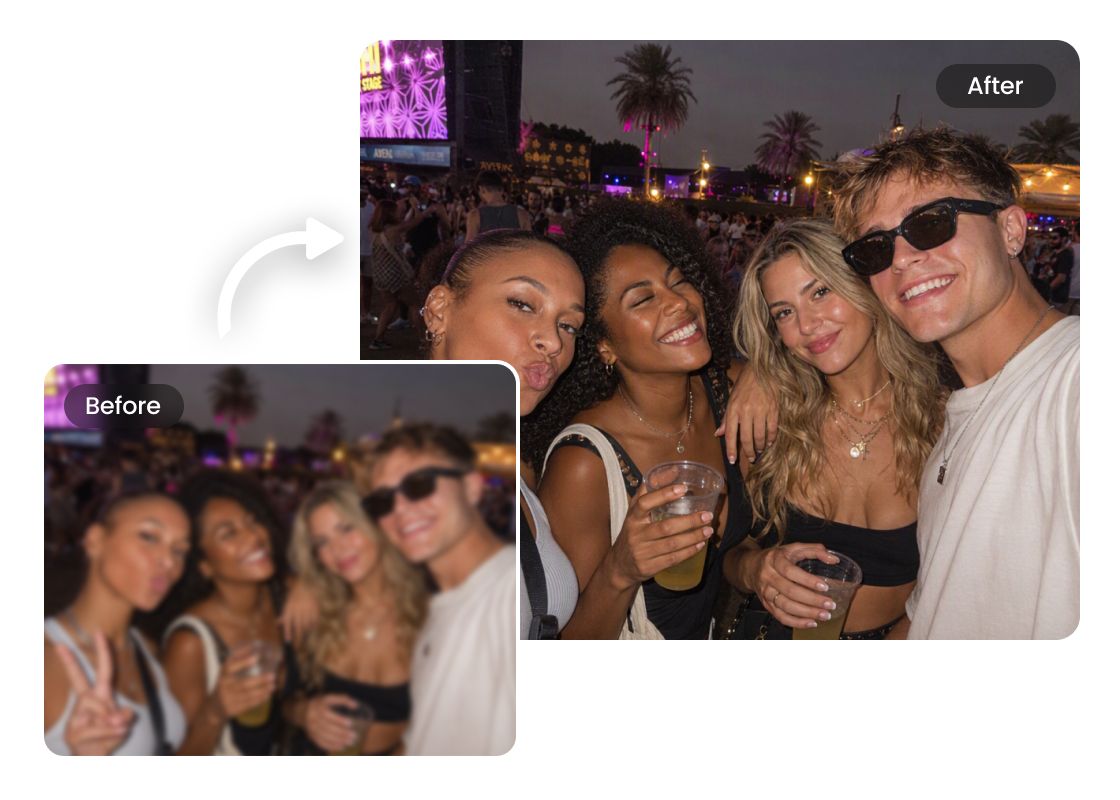
Photos from older cameras and devices may appear soft or undersized on modern monitors. Airbrush helps make these images better suited to current viewing needs while keeping their original character recognizable.
Upload Your Photo
Upload the image you want to enhance to Airbrush’s 8K Photo Enhancer.
Choose Your Upscaling Settings
Select 8K resolution and adjust the available settings to get the result that best suits your photo.
Enhance and Download
Apply the enhancement, preview the result, and download your 8K-quality image.
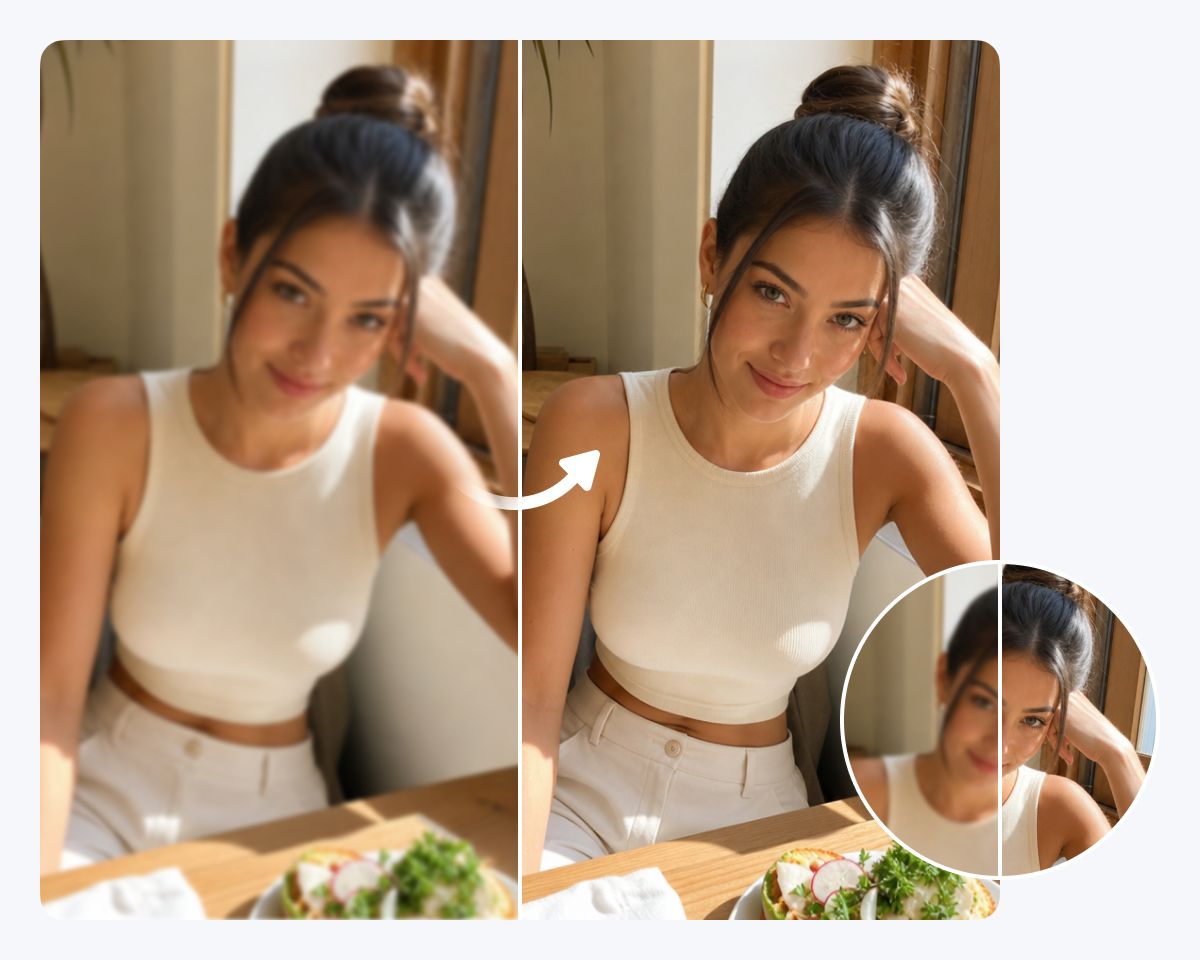
I had a few landscape shots that looked good at their original size but didn’t hold up well on my larger display. Airbrush gave me a much larger version with noticeably better detail, and the result still looked like my original photo.
I work with detailed digital illustrations, and sometimes the files are simply too small for larger projects. The 8K photo enhancer gave me the extra resolution I needed without making the artwork look overly processed.
I tried it on some older travel photos that I wanted to view on a newer screen. The process was straightforward, and I liked being able to choose the image type and upscaling level instead of using the same setting for every photo.
An 8K photo enhancer upscales an image toward 8K resolution while refining visible details, edges, and textures. Airbrush 8K Photo Enhancer supports this workflow for displays, photography, artwork, and other creative uses.
Airbrush can upscale lower-resolution photos toward 8K output. The final result may vary depending on the size, clarity, compression, and amount of detail available in the original image
8K provides more pixels than 4K and may be useful when an image needs to be viewed or used at a particularly large size. The better choice depends on the source image and how you plan to use the final result.
Airbrush is designed to retain the general appearance of the source photo while increasing its resolution. Some visual differences may occur during processing, particularly when significantly enlarging a small or low-quality image.
Yes. Airbrush 8K Photo Enhancer is browser-based, allowing you to upload a photo, select your settings, process the image, and download the result online.
