


Retouch Hundreds of Photos in Minutes
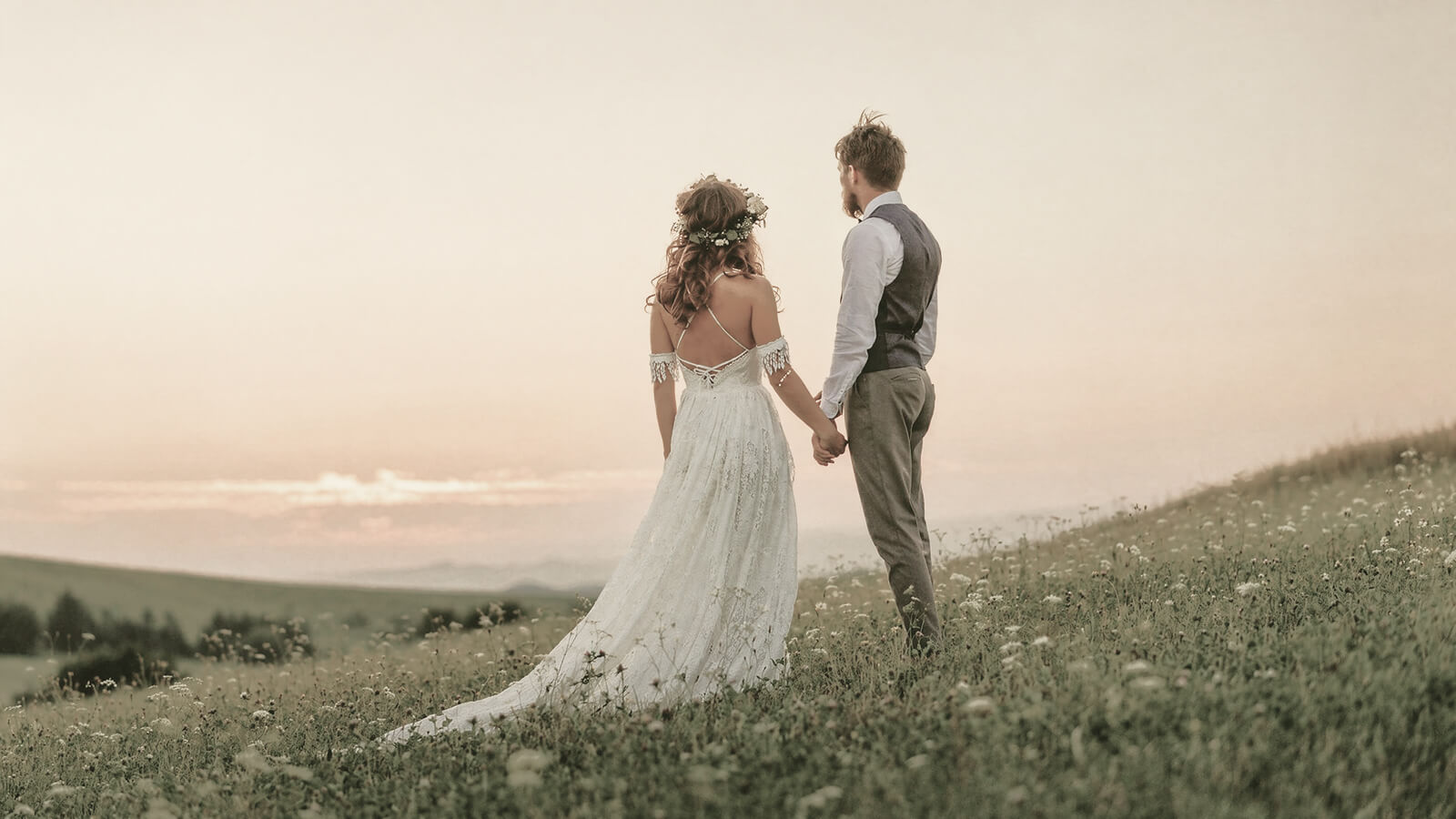
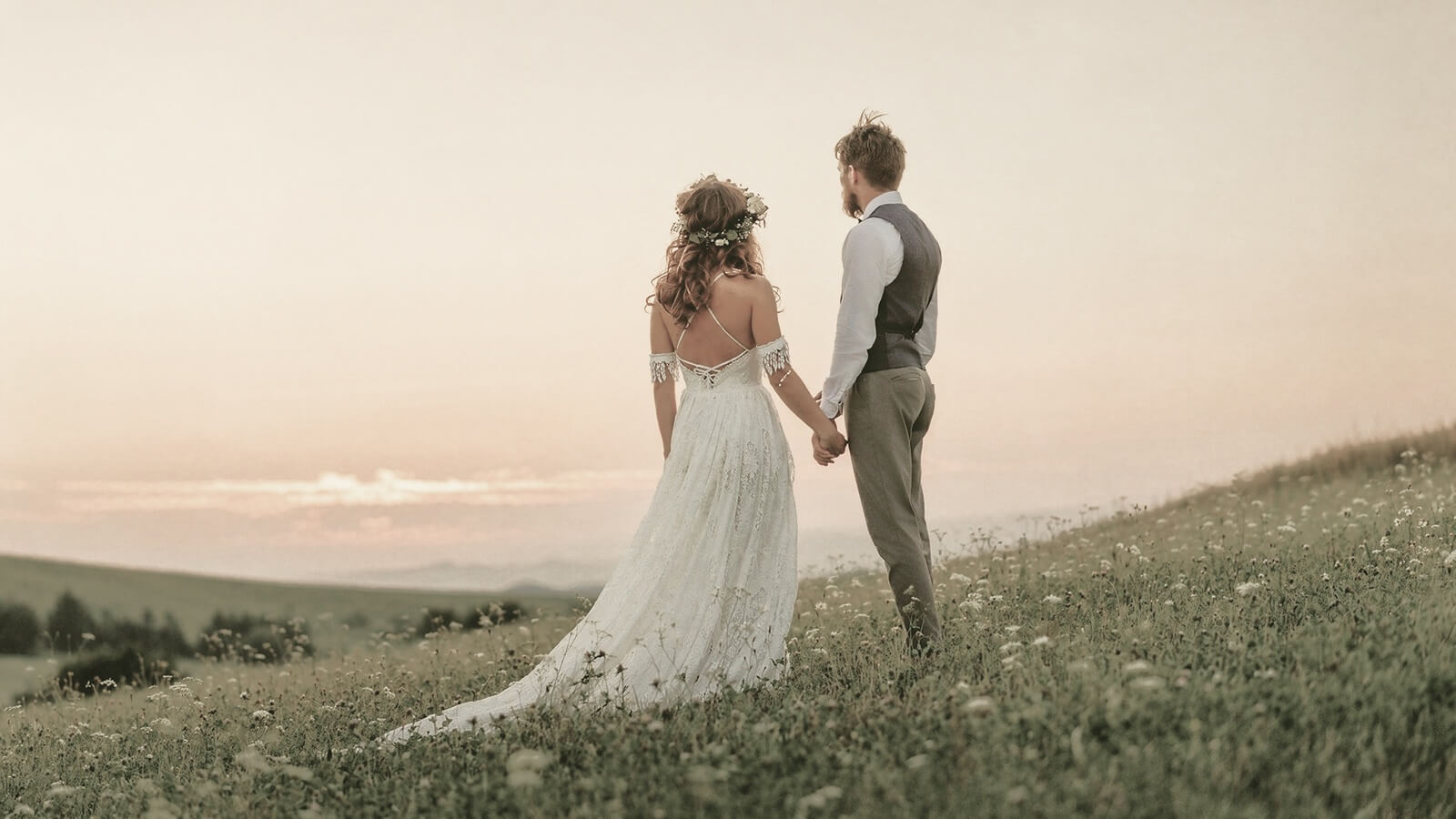
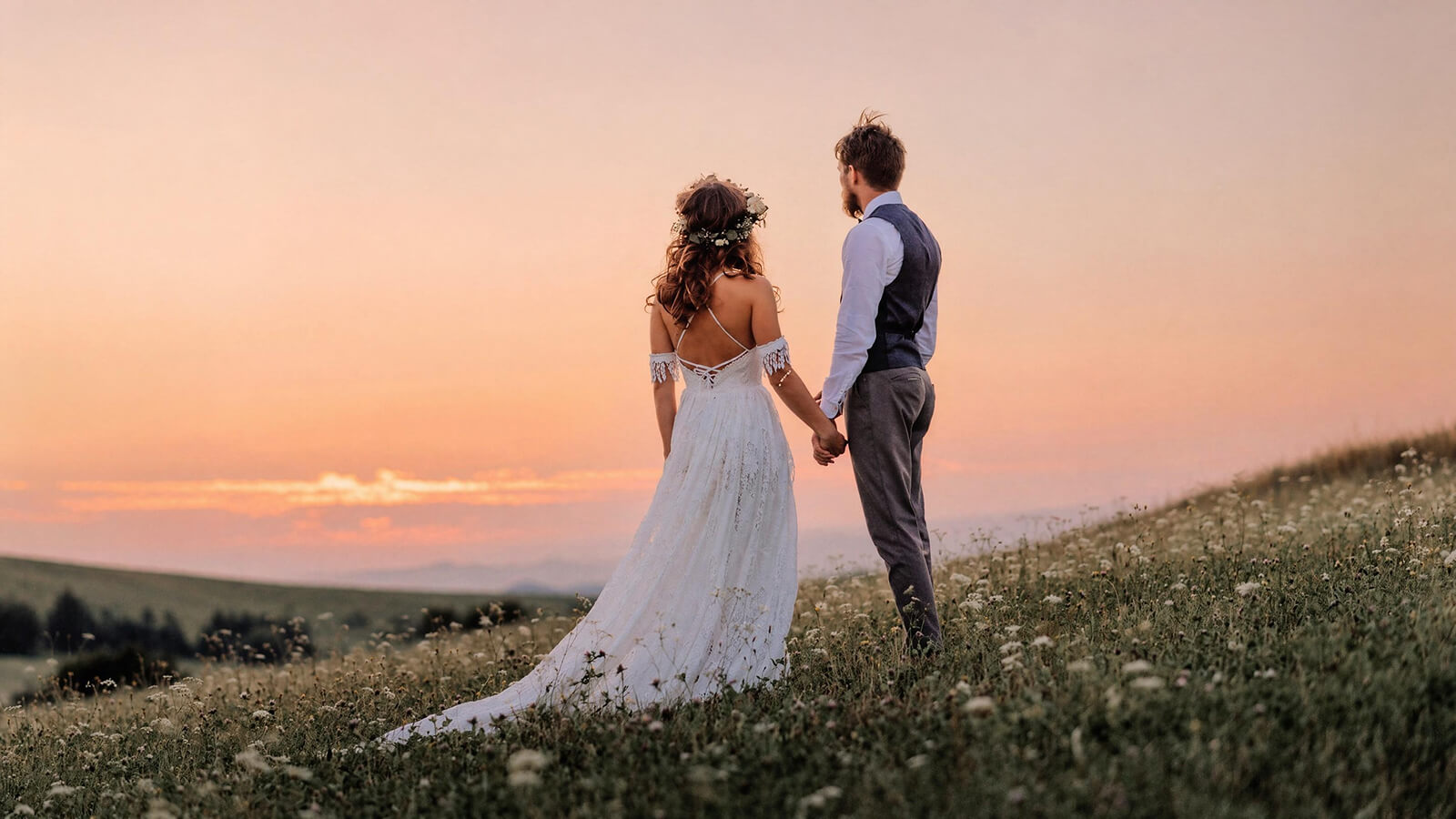
Apply skin retouching, blemish removal and facial adjustments across all images at once. From weddings to studio sessions, edit once then apply to the entire set without repeating the same steps.
Retouch skin, refine face and body, and edit hundreds of photos in one workflow with Airbrush Studio on desktop. Get professional results without complex tools or long editing time.
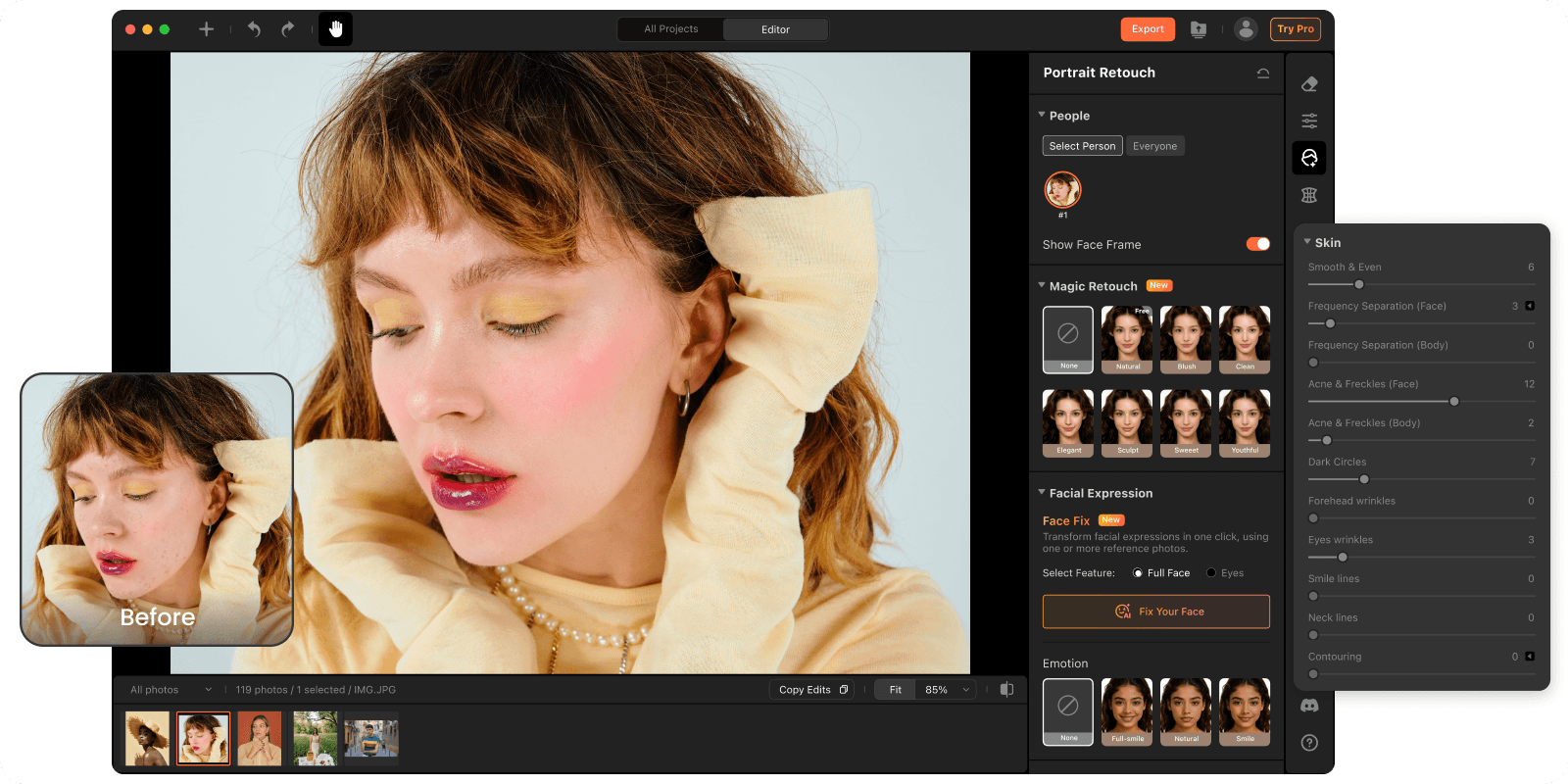
Adjust face, body shape and expression with intensity control. Each adjustment follows natural proportions, so results look real, not stretched or distorted.
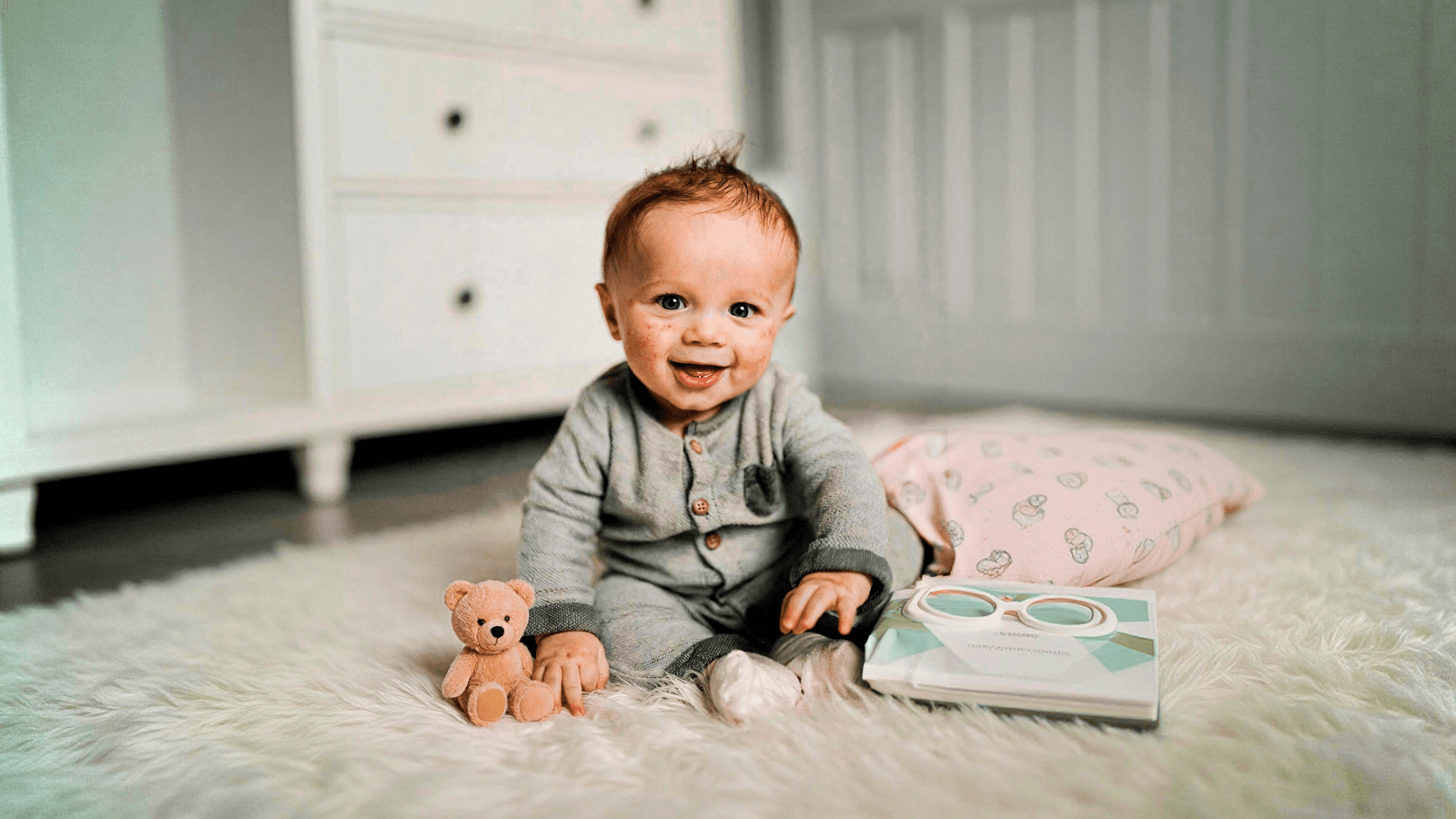
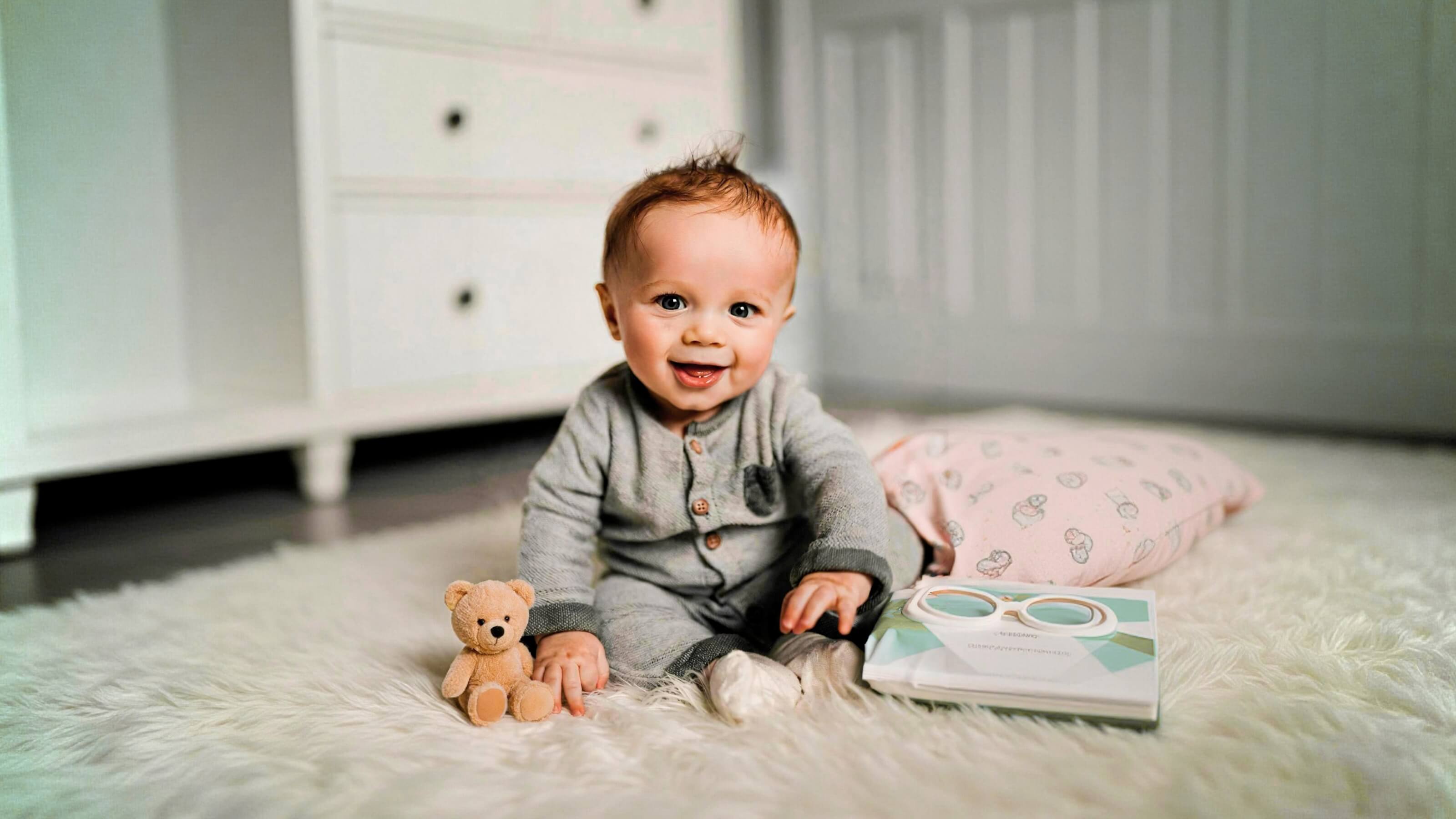
Use simple slider to detect and remove blemishes, wrinkles, and uneven texture while preserving pores and natural details.
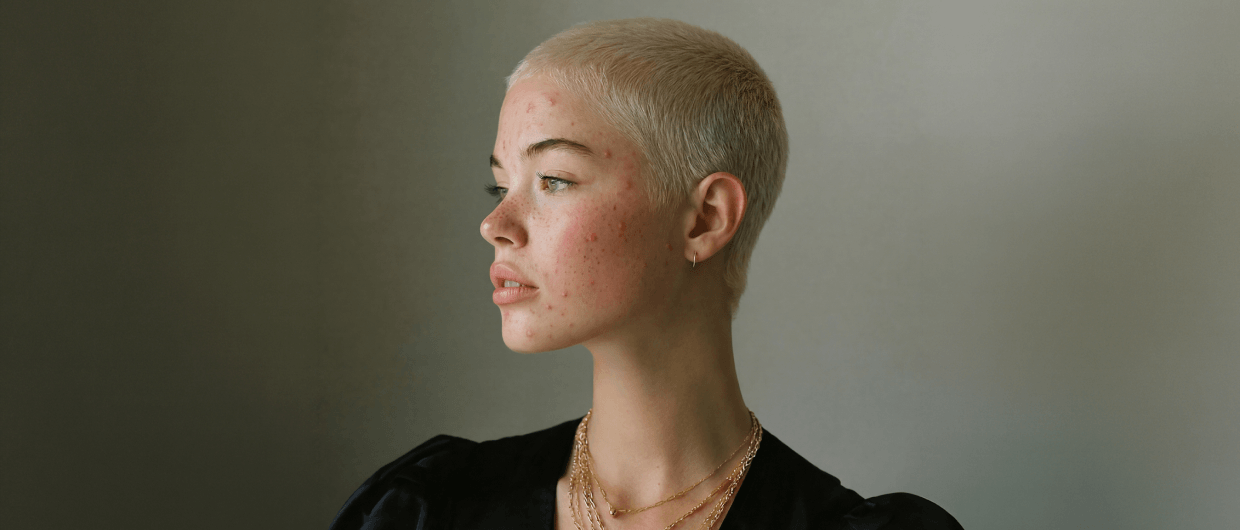
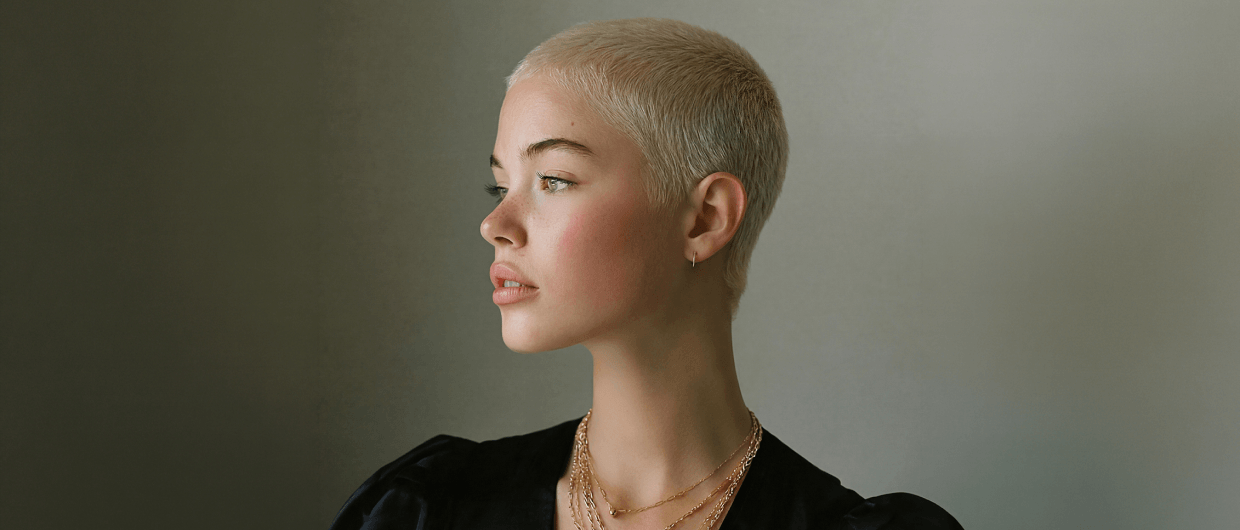
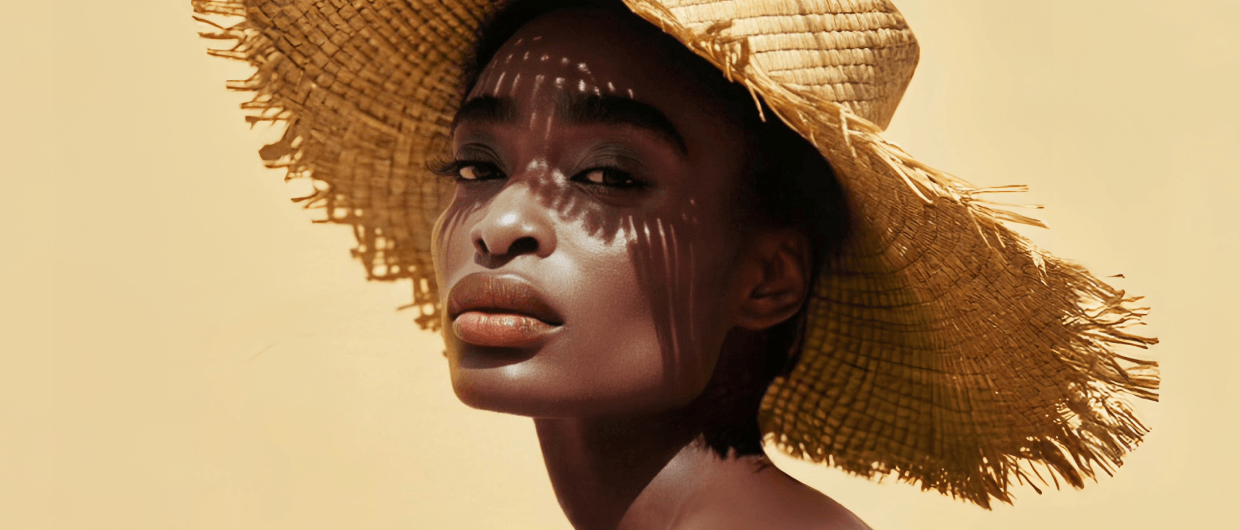
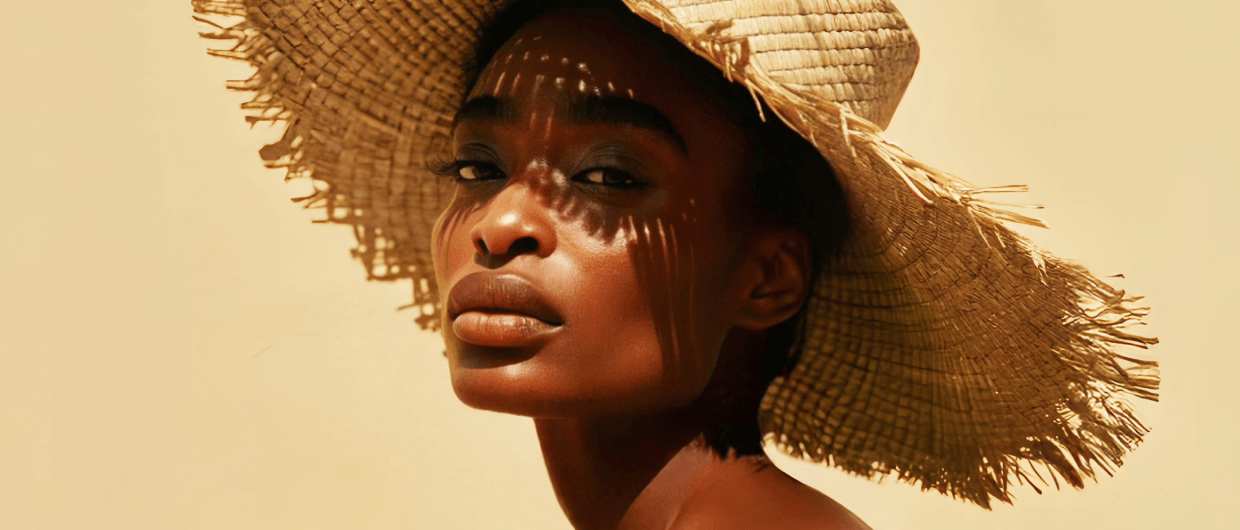
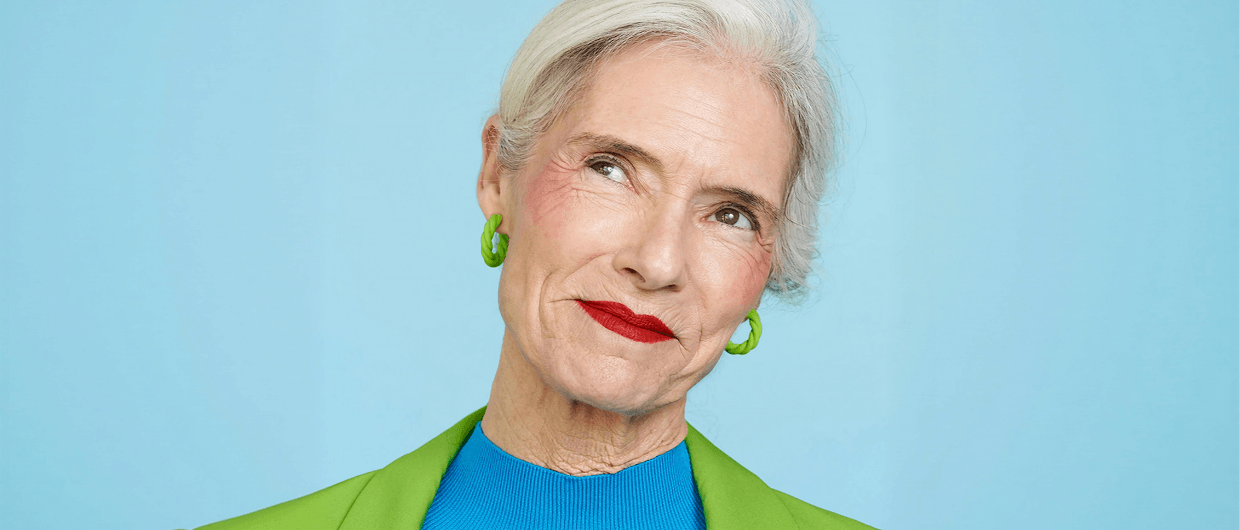
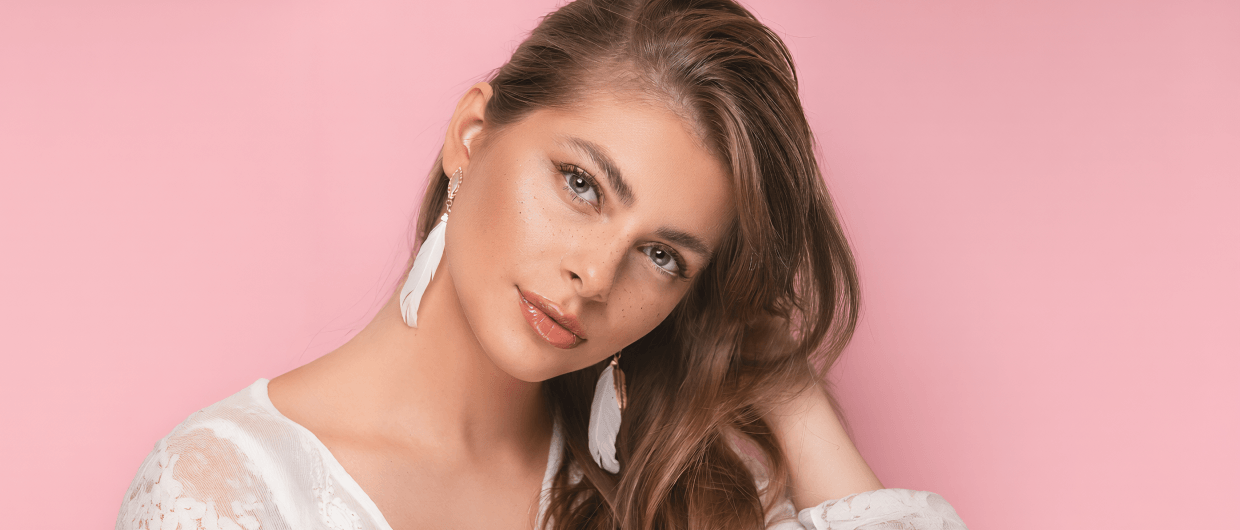
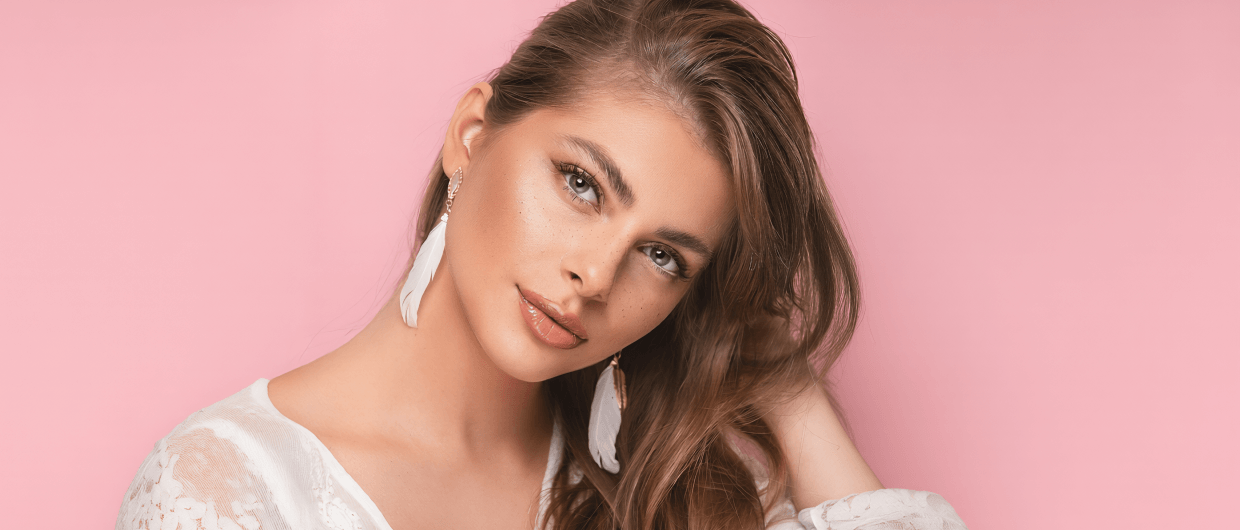
Apply skin retouching, blemish removal and facial adjustments across all images at once. From weddings to studio sessions, edit once then apply to the entire set without repeating the same steps.
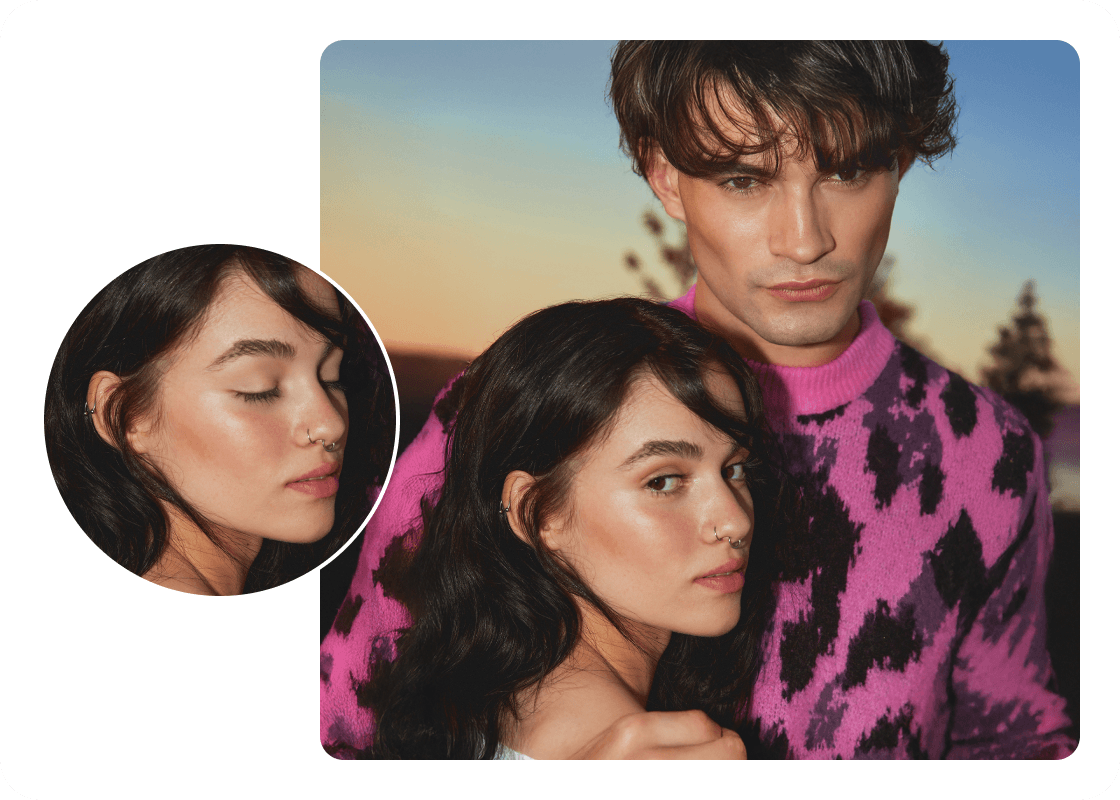
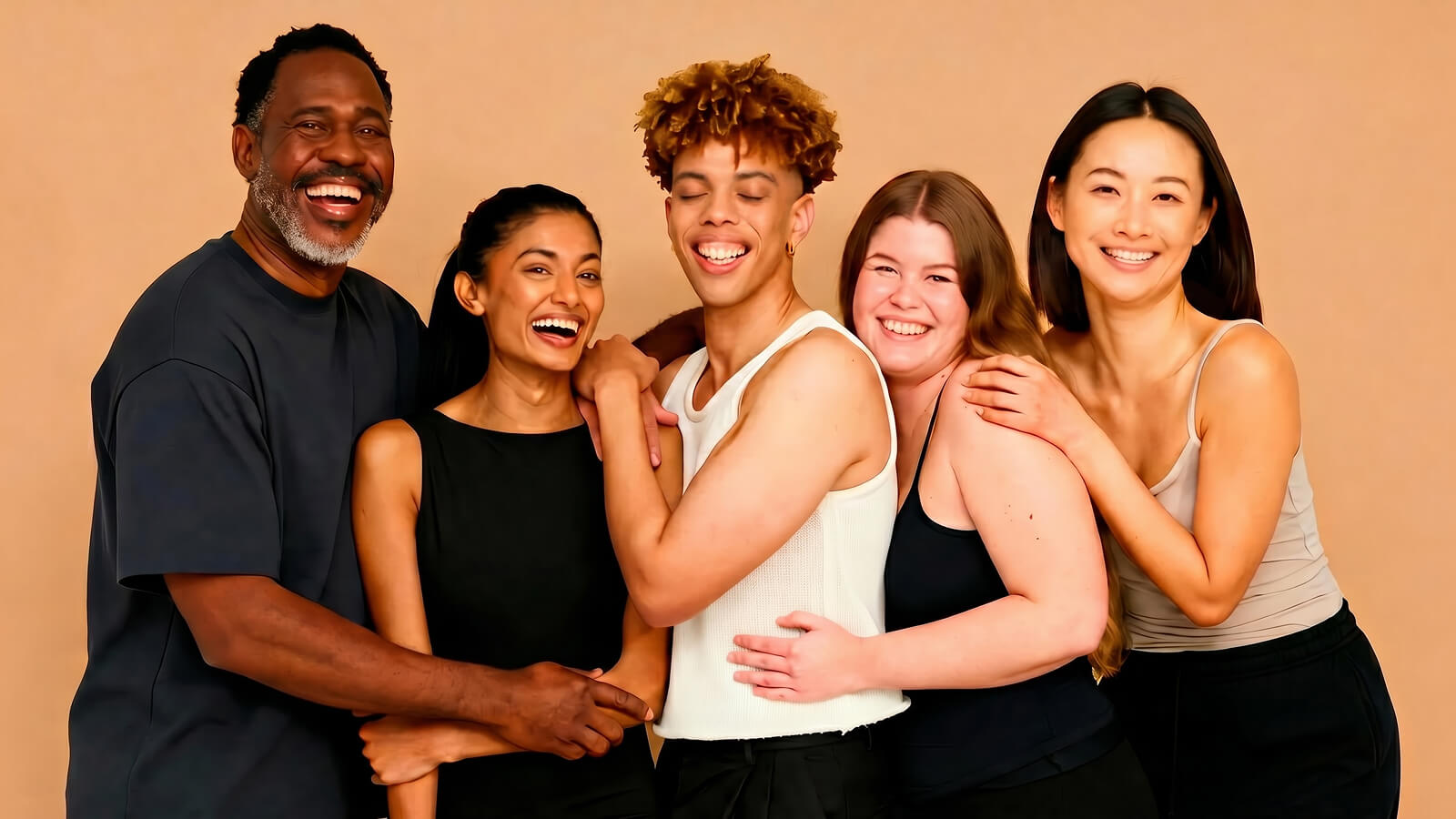
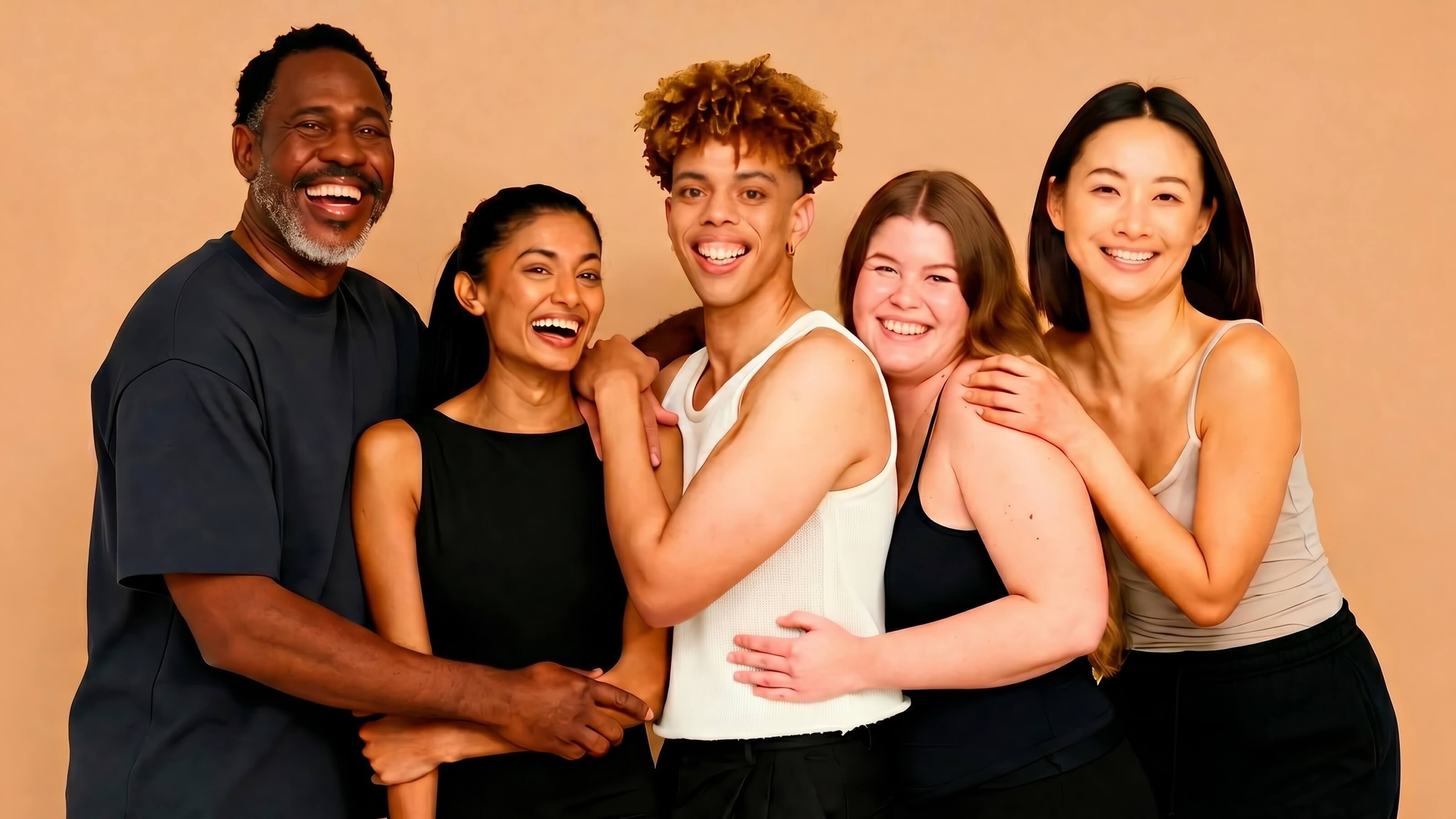
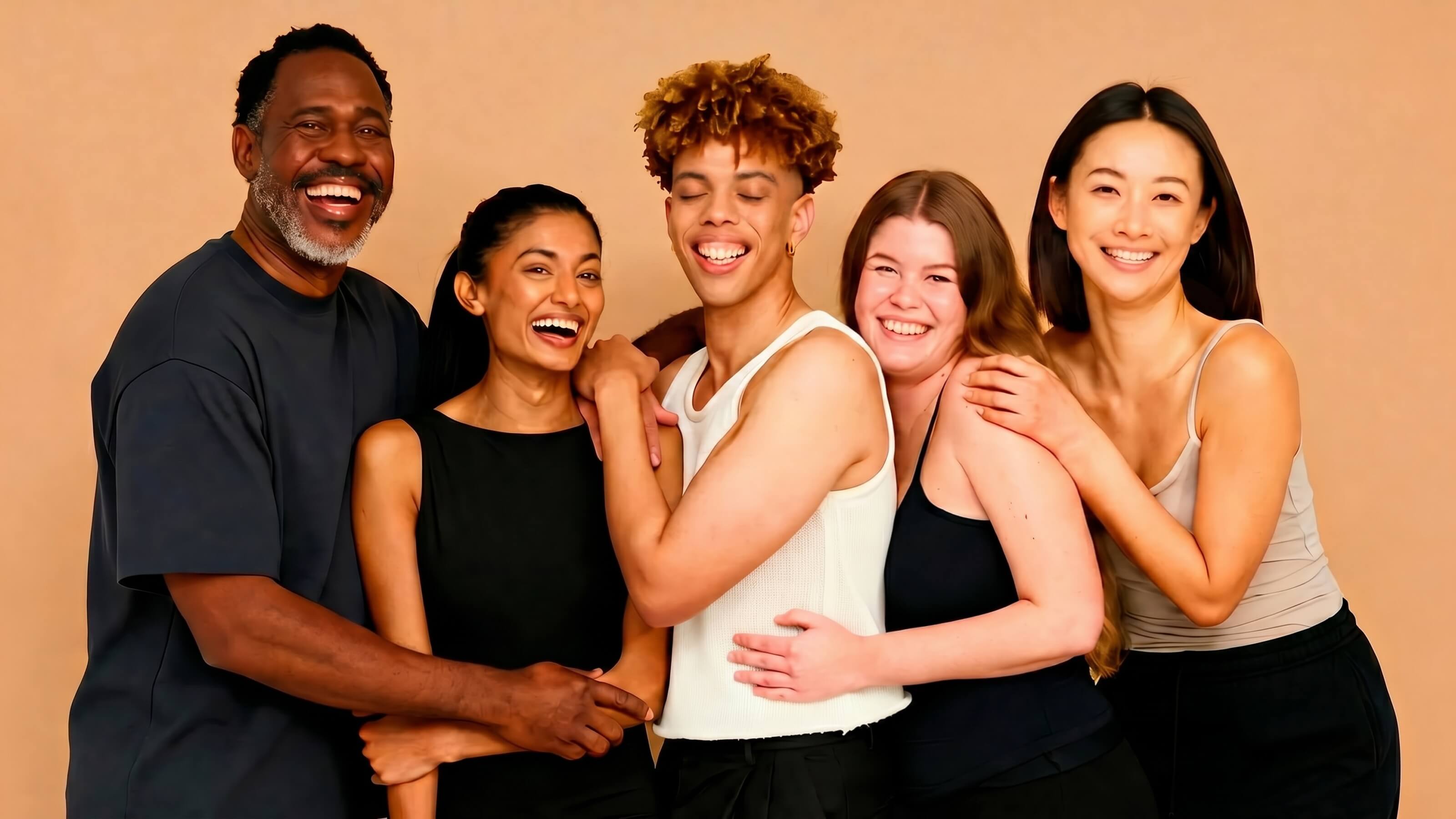
Closed eyes can spoil an otherwise great photo, especially in group shots. Just select as few as one reference photo, Airbrush Studio will restore natural looking open eyes for you.
Smart Preset applies an editing workflow tailored to your jobs to be done, helping you achieve outstanding results in one click.
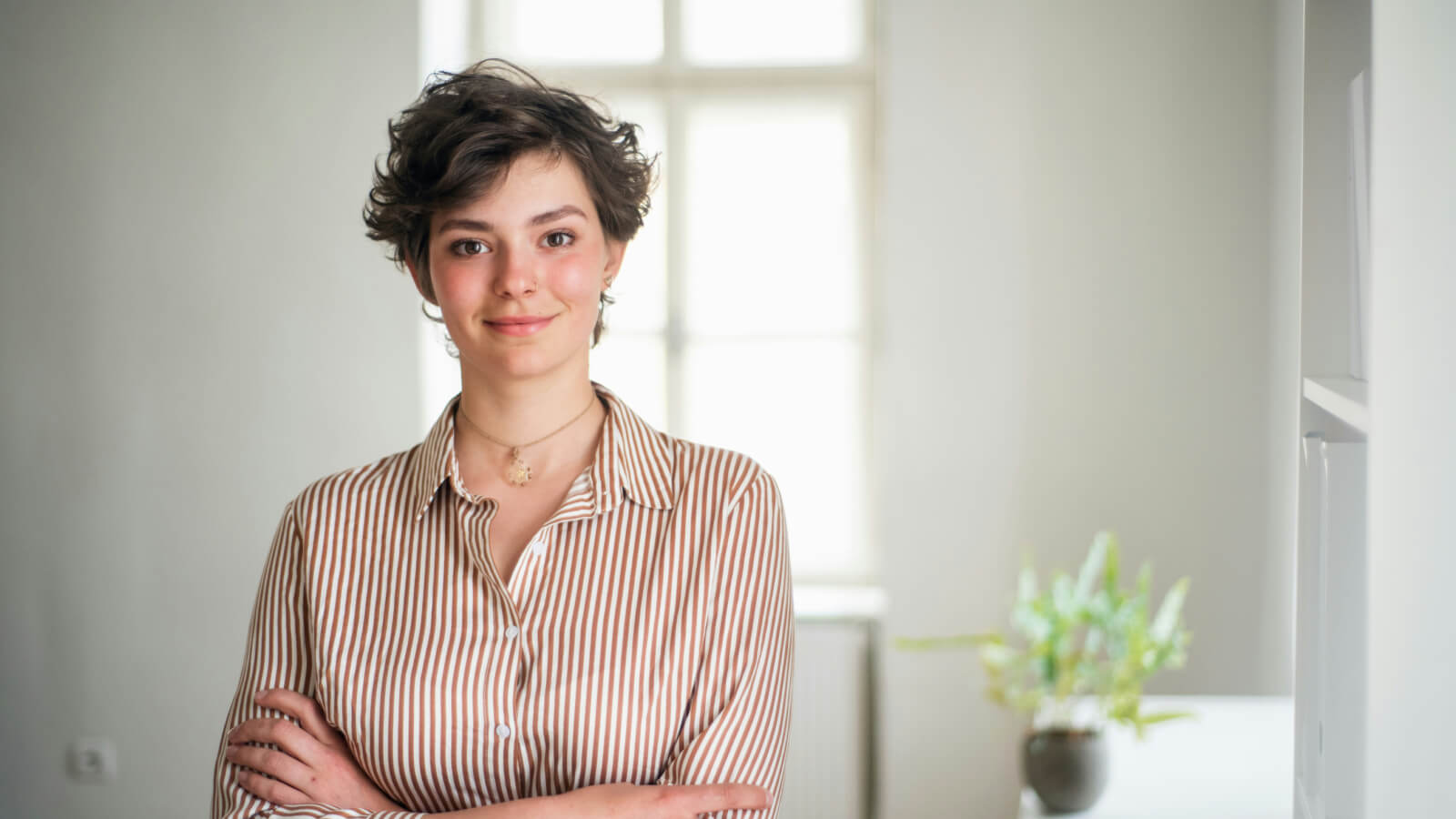
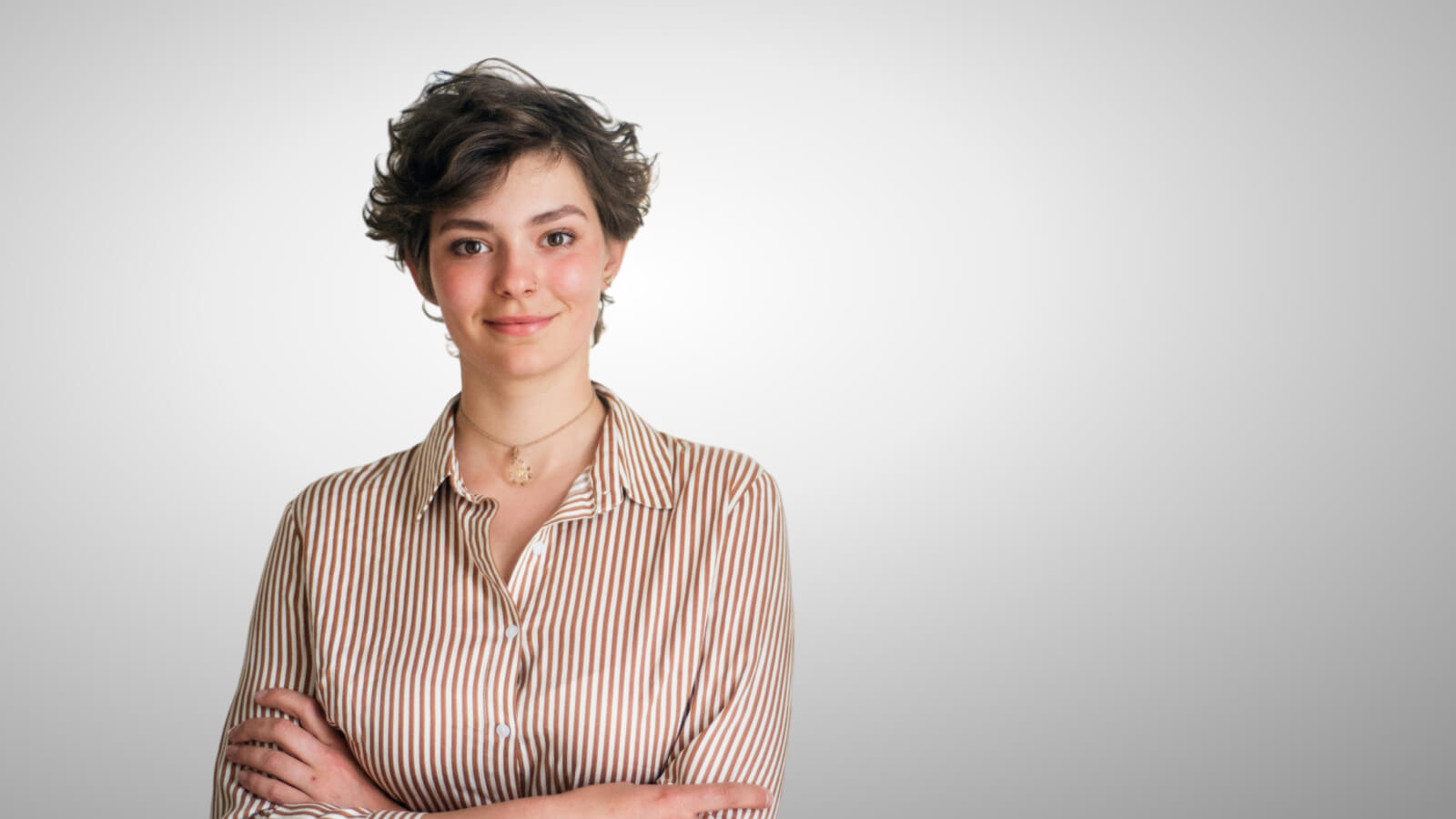
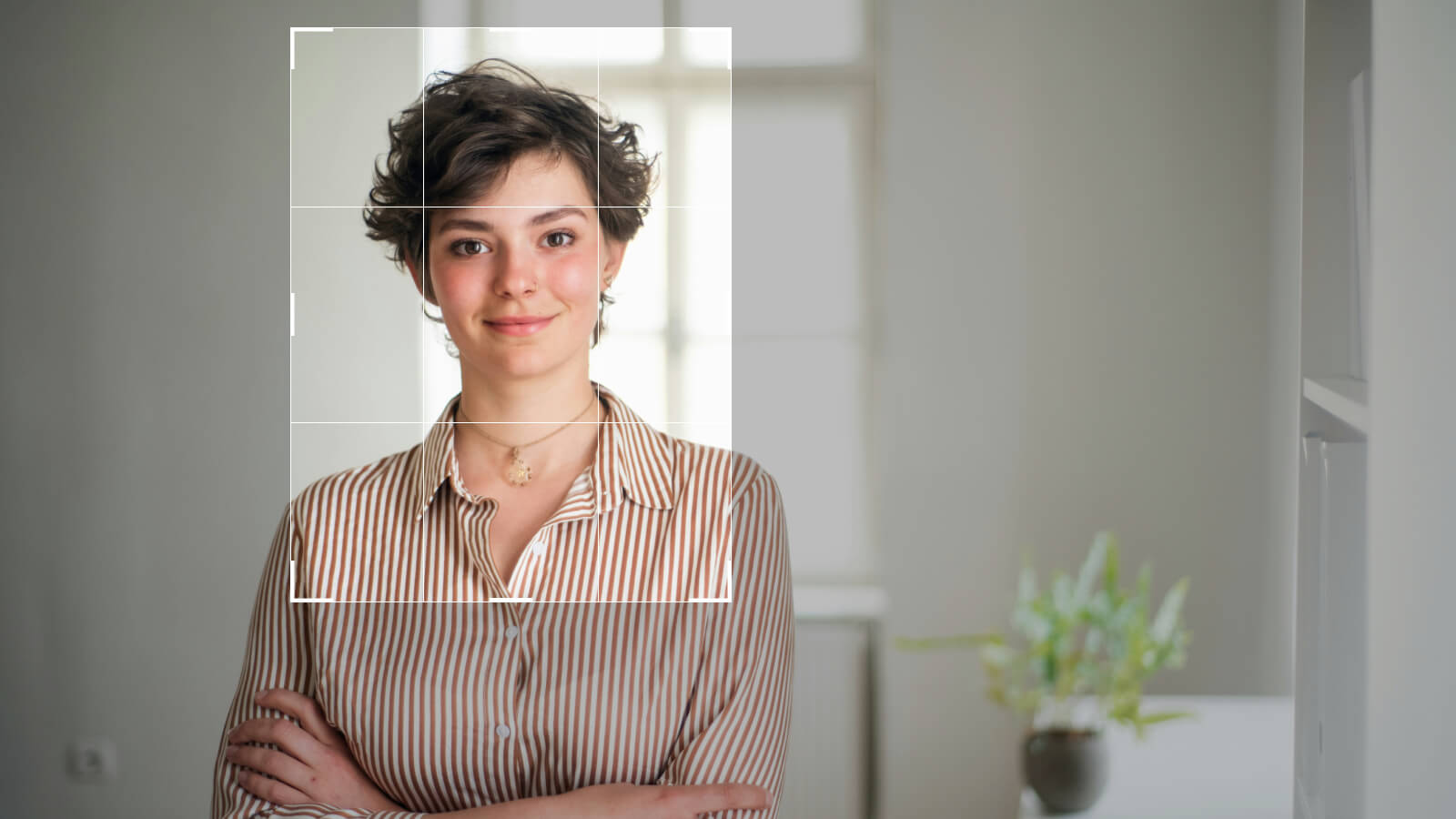
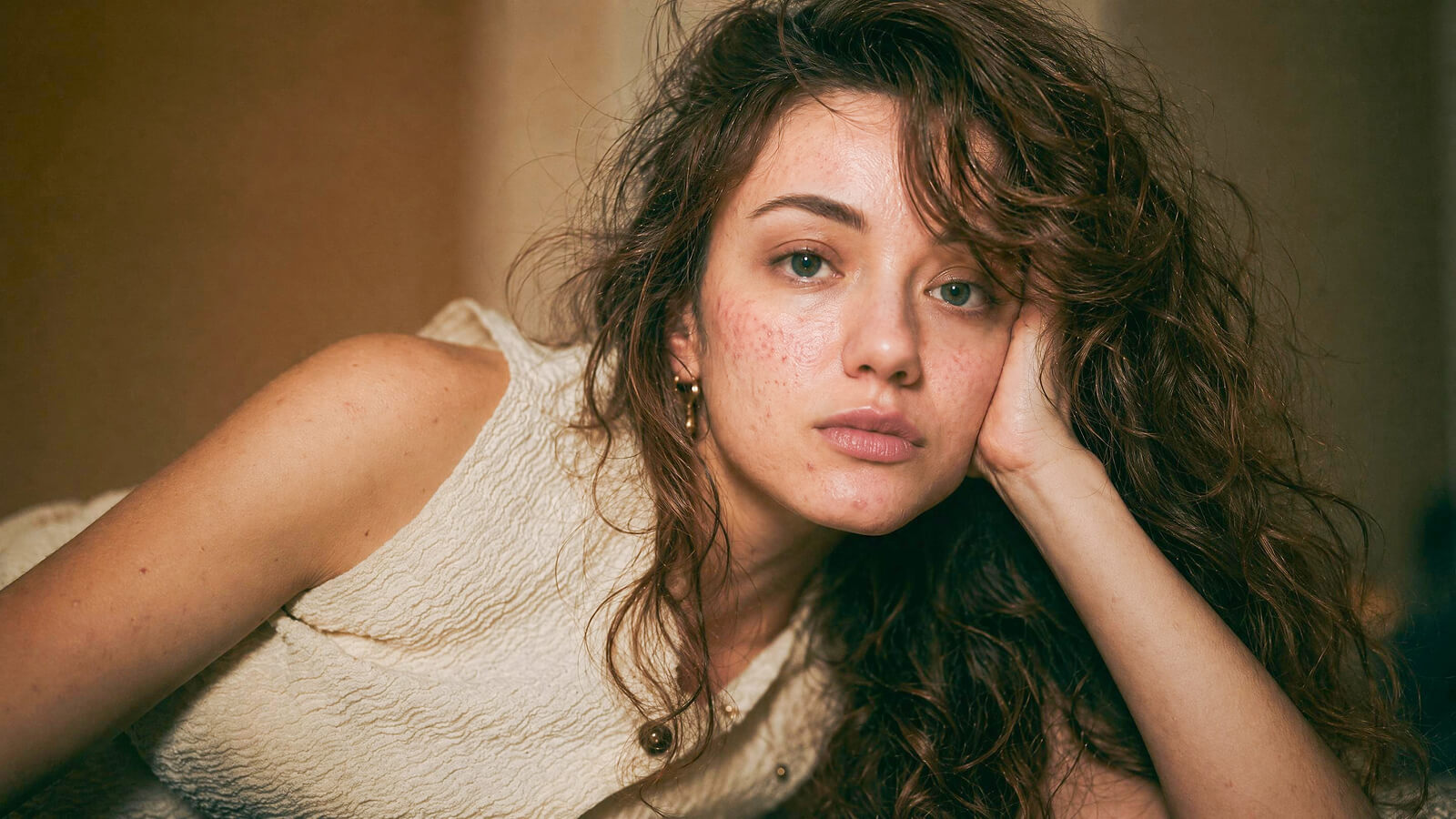
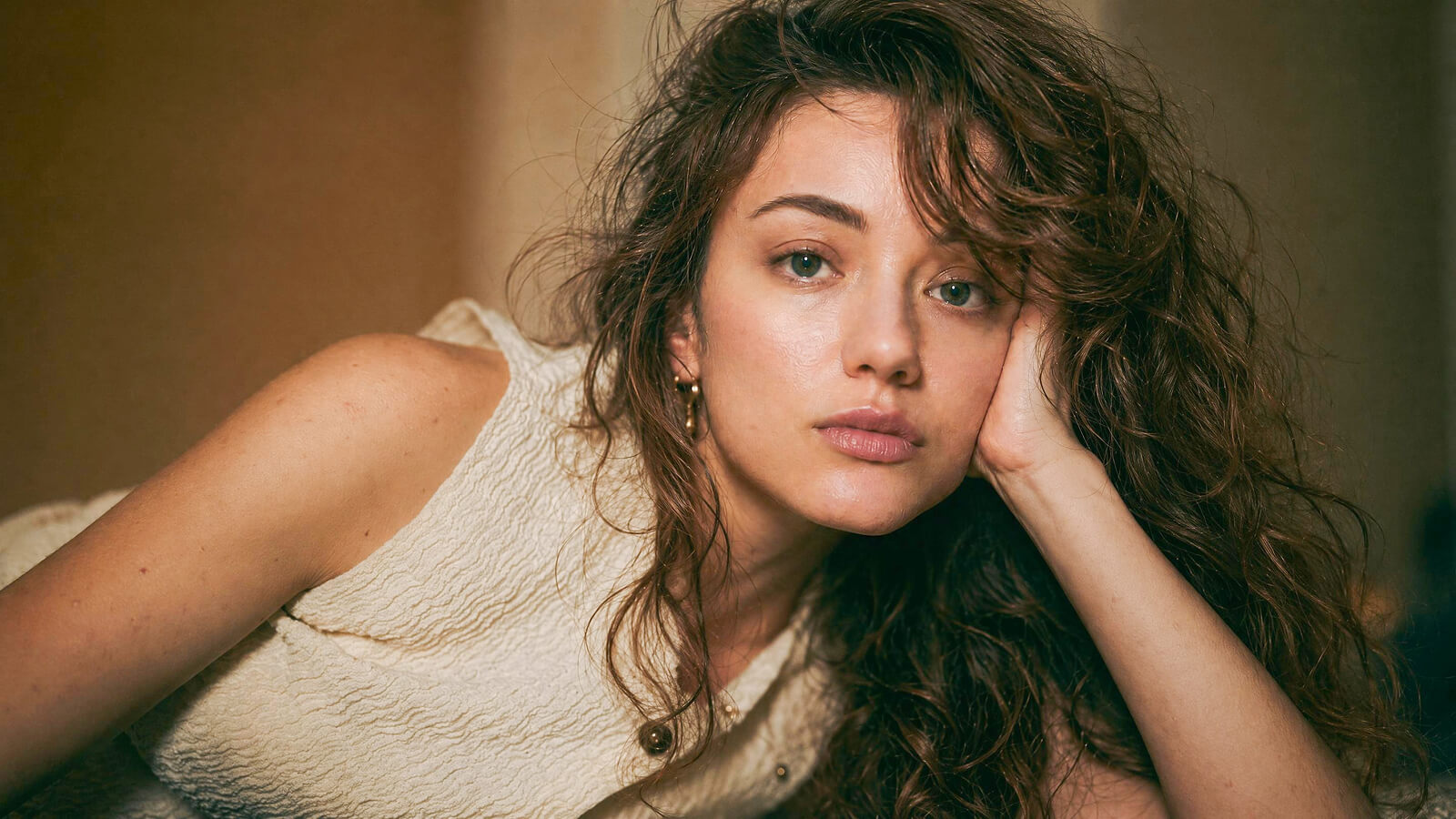
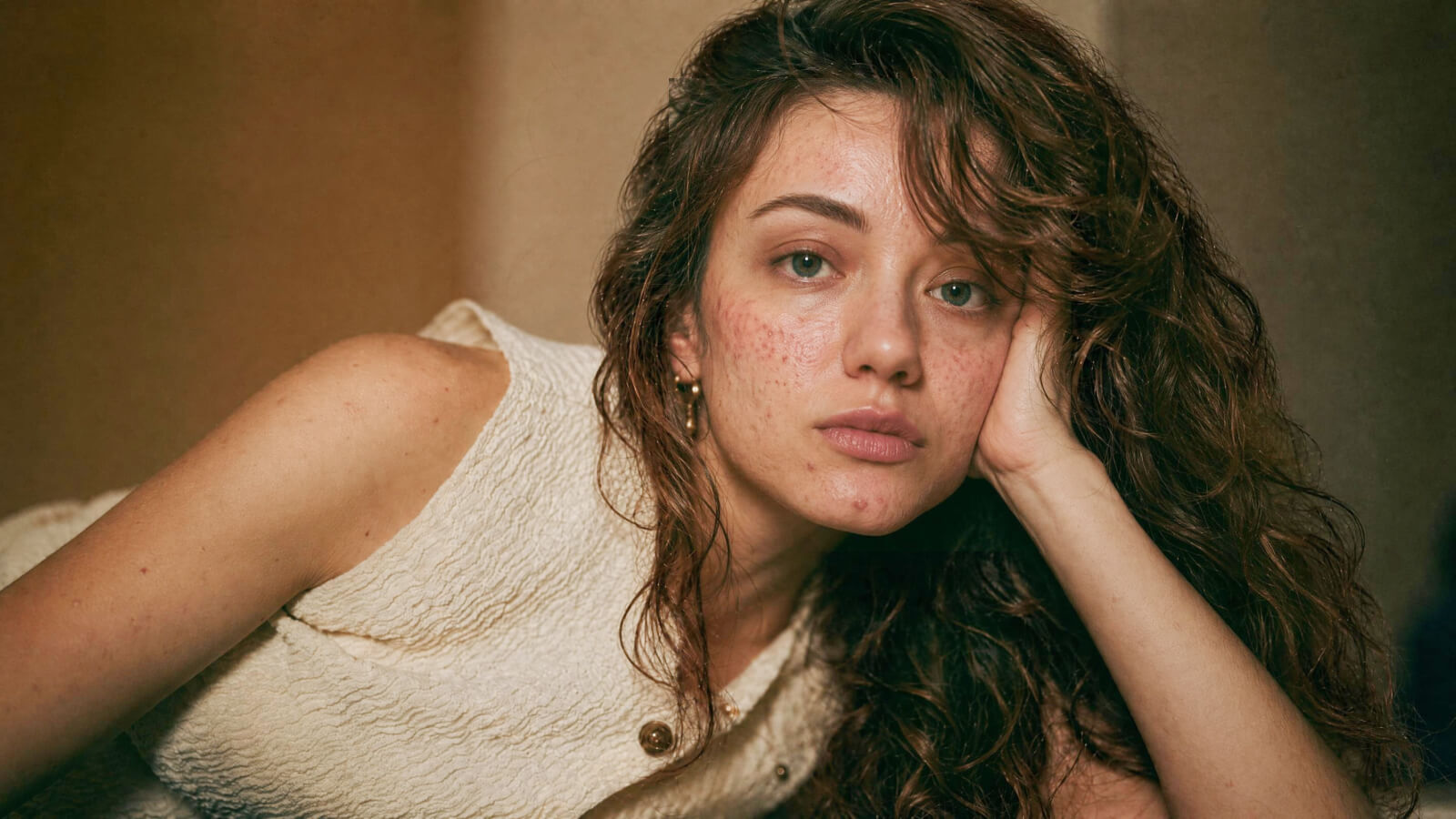
Go to the Portrait Retouch panel to smooth skin, brighten eyes, and adjust hair. You can also use one-click Magic Retouch to apply preset-based enhancements.
Go to Liquify and Reshape to adjust facial and body contours based on your needs.
Click Sync in the side panel to apply the same portrait edits across all selected photos.
