


Remove Wrinkles Photo Online Free
Captured a great photo, but noticed fine lines or tired-looking skin? Airbrush AI Wrinkle Remover helps you smooth face wrinkles naturally, keeping your features soft and expressive. Refresh your portraits easily and bring back a youthful, radiant glow, all for free.
Google Play
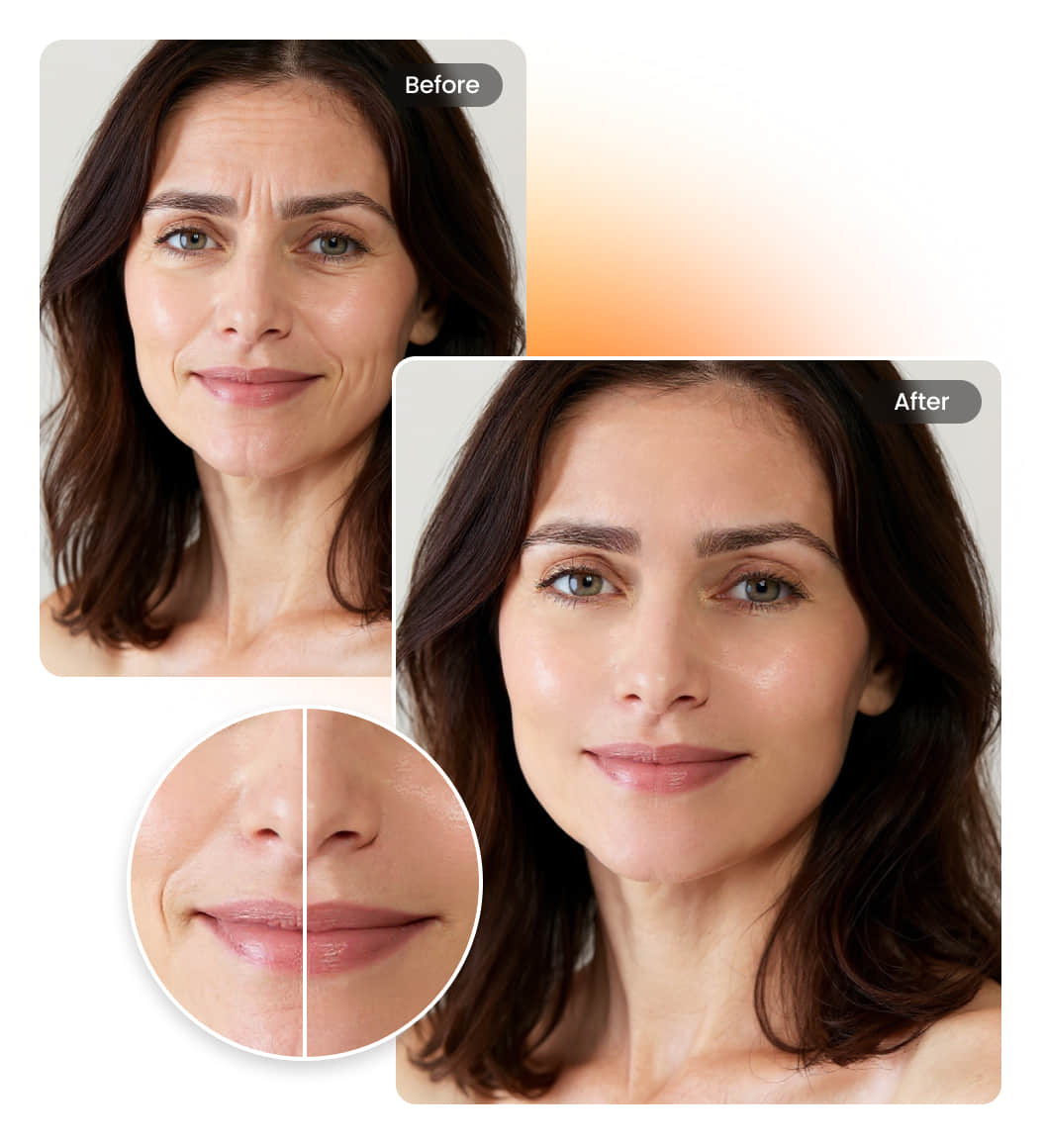
How to use Airbrush AI wrinkle remover?
Upload Images
Select a photo from your computer or phone.
Smooth Automatically
AI smooths facial wrinkles instantly, giving your skin a cleaner, refreshed look.
Preview & Download
Review the results and download your wrinkle-free look.
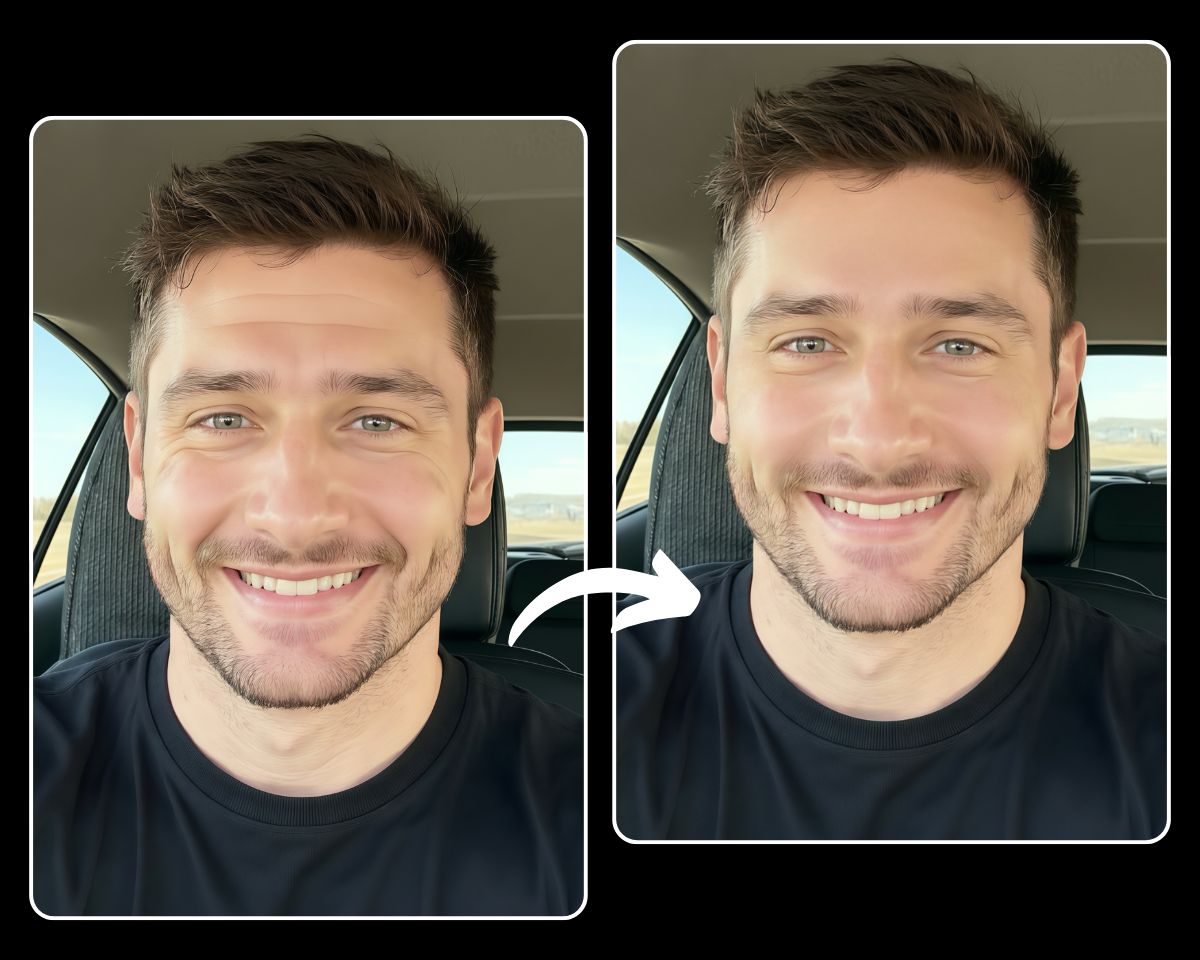
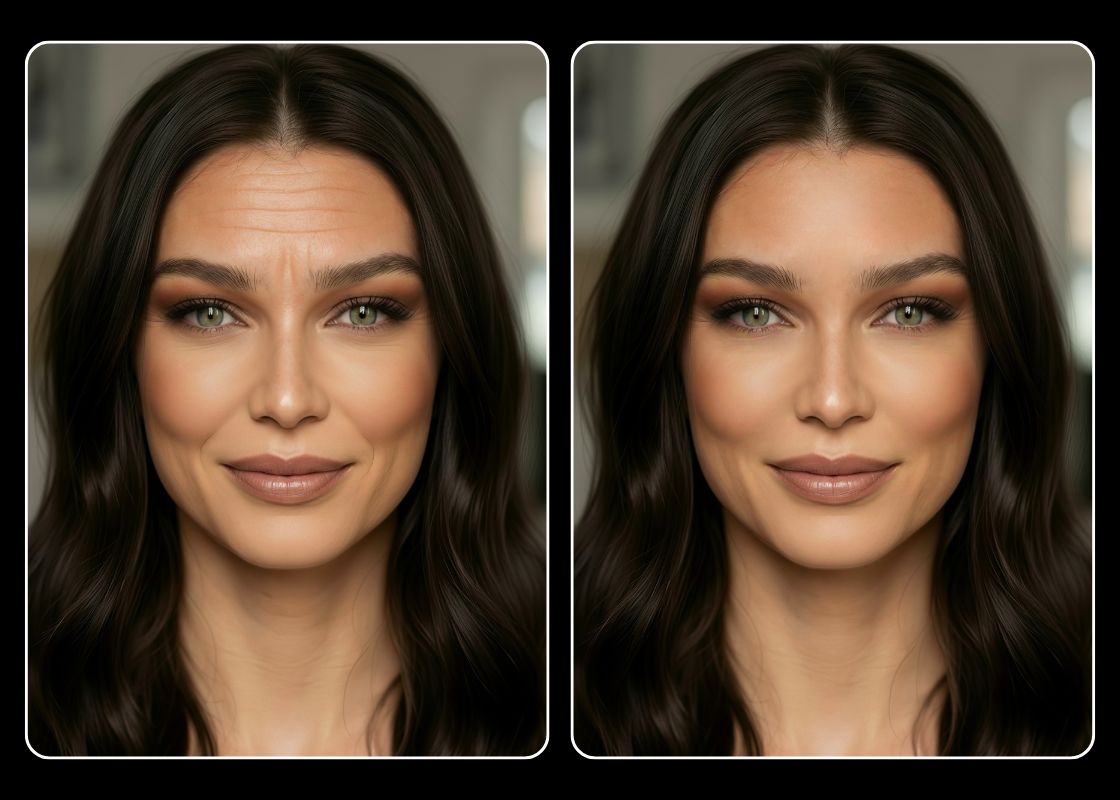
Smooth Away Face Wrinkles for a Naturally Youthful Look
Say goodbye to visible lines and fine wrinkles with Airbrush AI Wrinkle Remover. Smooth your skin while keeping it natural and expressive, giving every photo a fresh, youthful glow that highlights your true beauty.
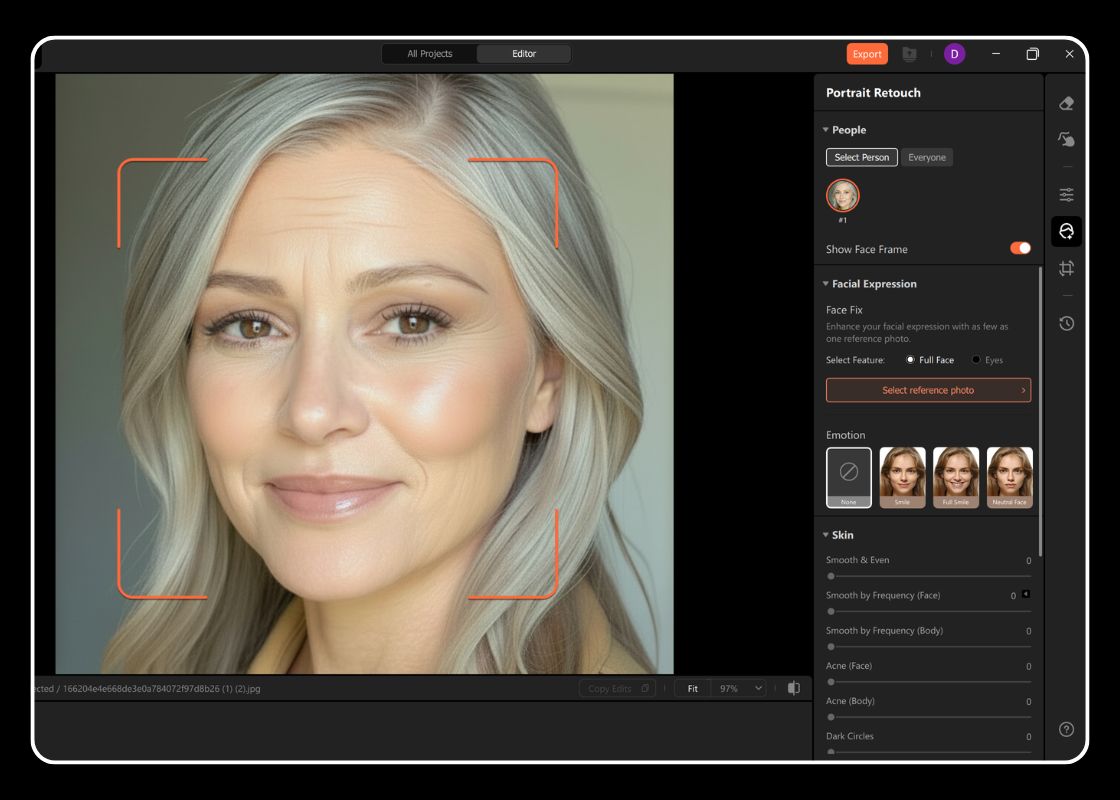
Edit Like a Pro with Airbrush Studio on Mac and Windows
Designed for professional photo editors, Airbrush Studio brings AI-powered wrinkle removal and precision retouching to your desktop. Edit images offline with ease, enjoy smooth performance, and achieve studio-quality results without needing an internet connection.
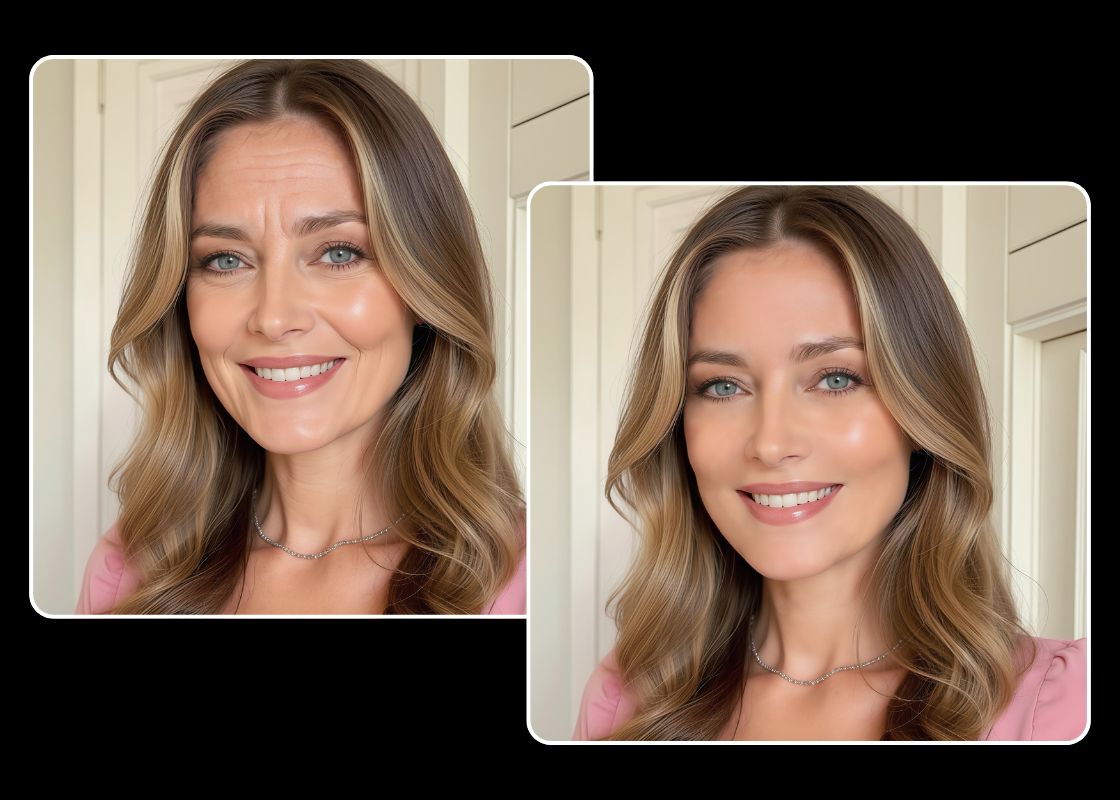
Enhance Professional Headshots with a Refined, Confident Look
Need a professional headshot overnight? Airbrush has you covered. The AI Wrinkle Remover delivers flawless, natural results fast. With Airbrush Studio, professional editors can achieve smooth, high-quality retouching using advanced AI tools on Mac and Windows.
User Reviews
Sarah T.
I love how easy it is to remove wrinkles from photo with Airbrush! My portraits look fresh and natural without losing texture. It’s perfect for quick touch-ups before posting or sending to clients.
Kevin L.
As a photographer, I’ve tried many photo retouching tools, but Airbrush stands out. It’s fast, accurate, and keeps skin tones realistic, perfect for professional headshots and profile photos.
Mia R.
This tool is amazing! With just one click, it smooths my forehead lines and brightens my face naturally. The results look clean, not overly edited, my new go-to for every portrait.
Frequently Asked Questions
Is it really free to edit my photos online?
Yes, you can enhance and retouch your photos online for free using Airbrush. Just upload your picture, use the AI wrinkle remover, and download the result instantly.
How effective is the Airbrush online wrinkle remover?
The online wrinkle remover uses advanced AI to detect facial lines and smooth them naturally, giving you refreshed, youthful results in seconds.
Will my photo look over-edited after wrinkle removal?
No — Airbrush is designed for subtle, realistic results. It softens wrinkles while keeping natural skin texture, tone, and lighting consistent.
Can I save or export my edited photo in different formats?
Yes! After editing, you can download your photo in PNG or JPG format depending on your needs — perfect for sharing or professional use
Can I upload PNG files to remove wrinkles?
Yes, Airbrush supports PNG images, so you can upload high-resolution photos and still get smooth, natural-looking wrinkle removal without losing detail

Features & Tools
AI Powered RetouchEraserBackground RemoveNo Beard FilterFace EditorAI MakeupPhoto FiltersPhoto Color ChangerAll ToolsDownload
Support
Features & Tools
Download
Support