


Teeth Whitening Photo Editor - Airbrush AI Teeth Whitening App
Whiten teeth in photos with ease using this online editor. Brighten your smile, reduce yellow tones, and give your portraits or selfies a clean, natural-looking boost for a fresher, more confident look.
Google Play
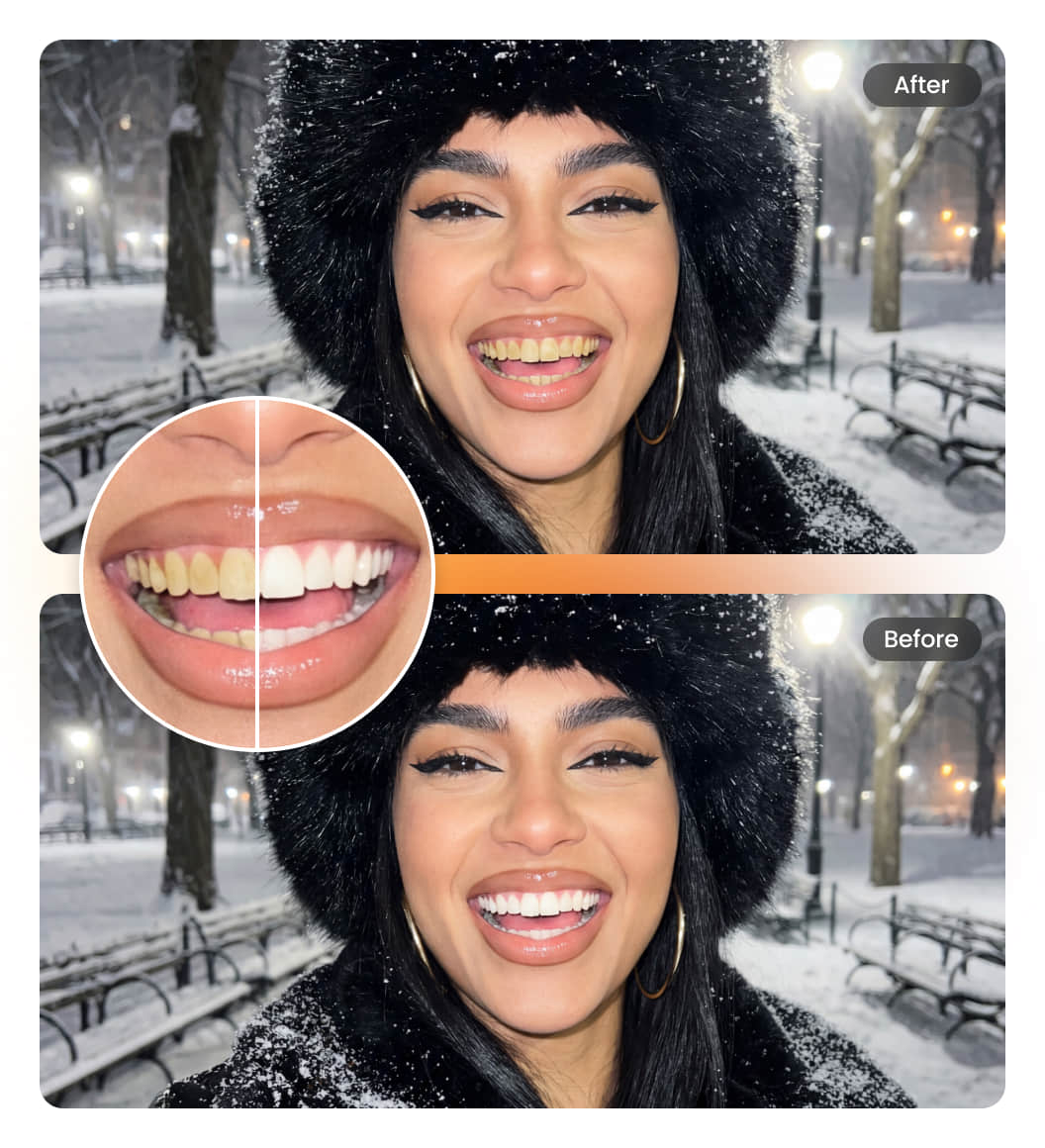
How to use Teeth Whitening Photo Editor?
Upload Image
Download Airbrush teeth whitening app, choose a portrait or selfie from your phone to begin.
Whiten Automatically
AI brightens your teeth and reduces yellow tones for a clean, natural-looking smile.
Preview & Download
Check the results and download your improved photo with a brighter smile.
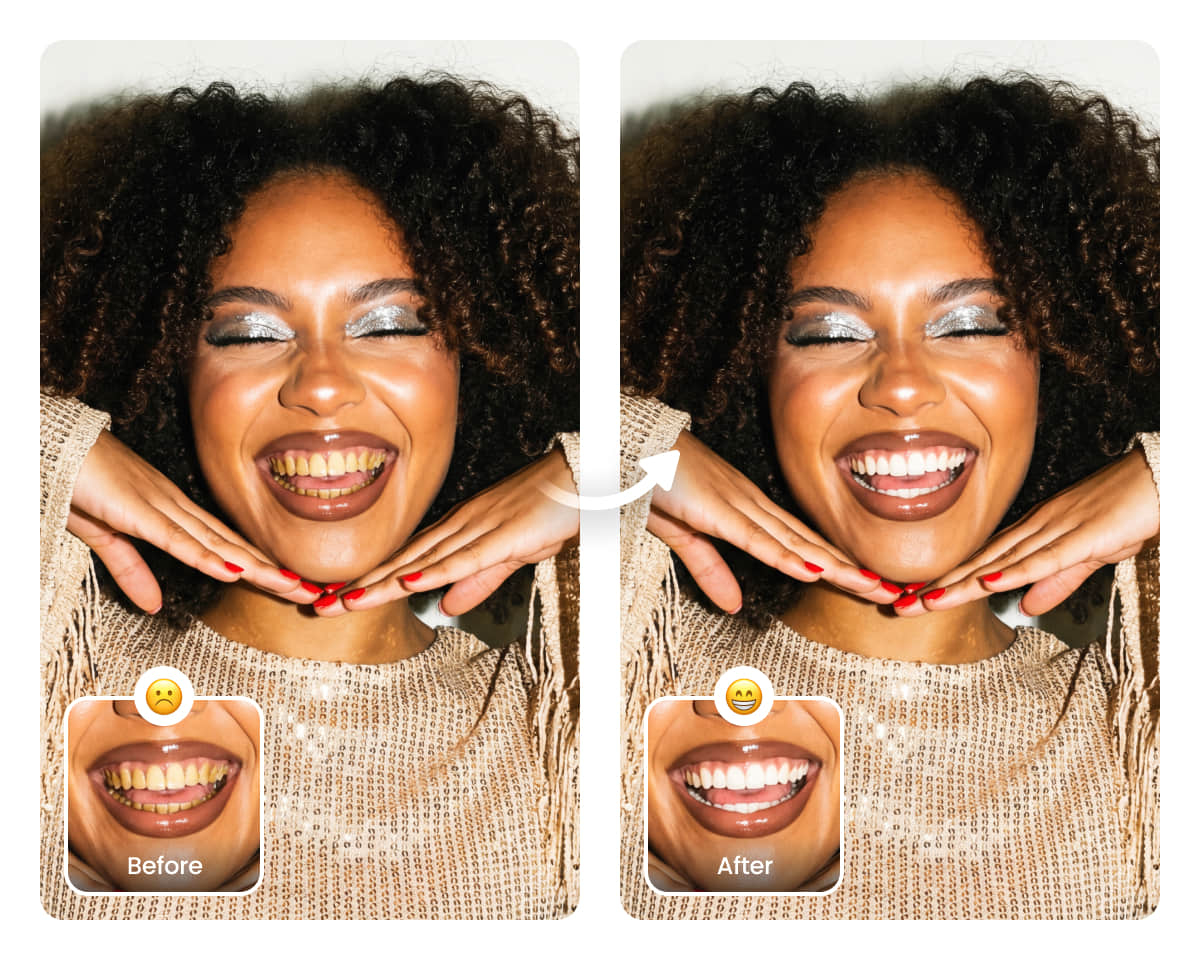
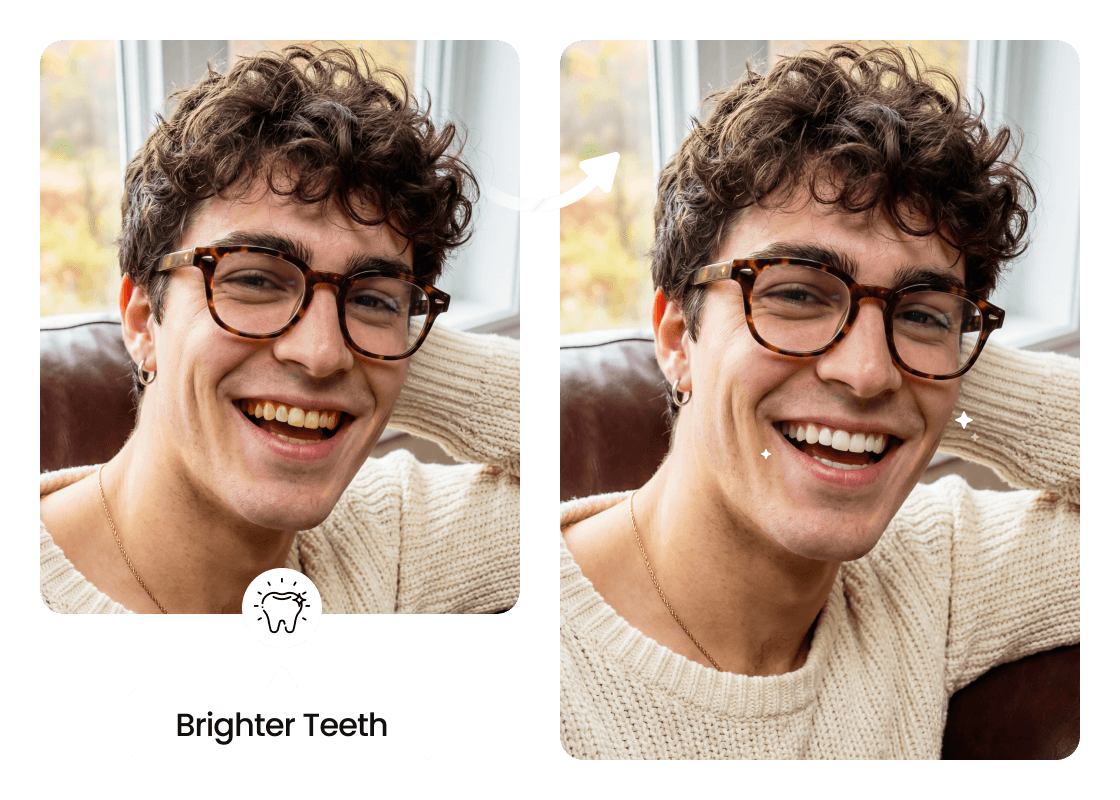
Achieve Brighter Teeth in Photos Without Losing Clarity
Most teeth whitening tools can whiten teeth, but they often blur details or lower the overall image quality. Airbrush stands out because its advanced AI brightens teeth while preserving every texture and tone. You get clean, natural whitening without sacrificing clarity, something many other editors simply can’t deliver.
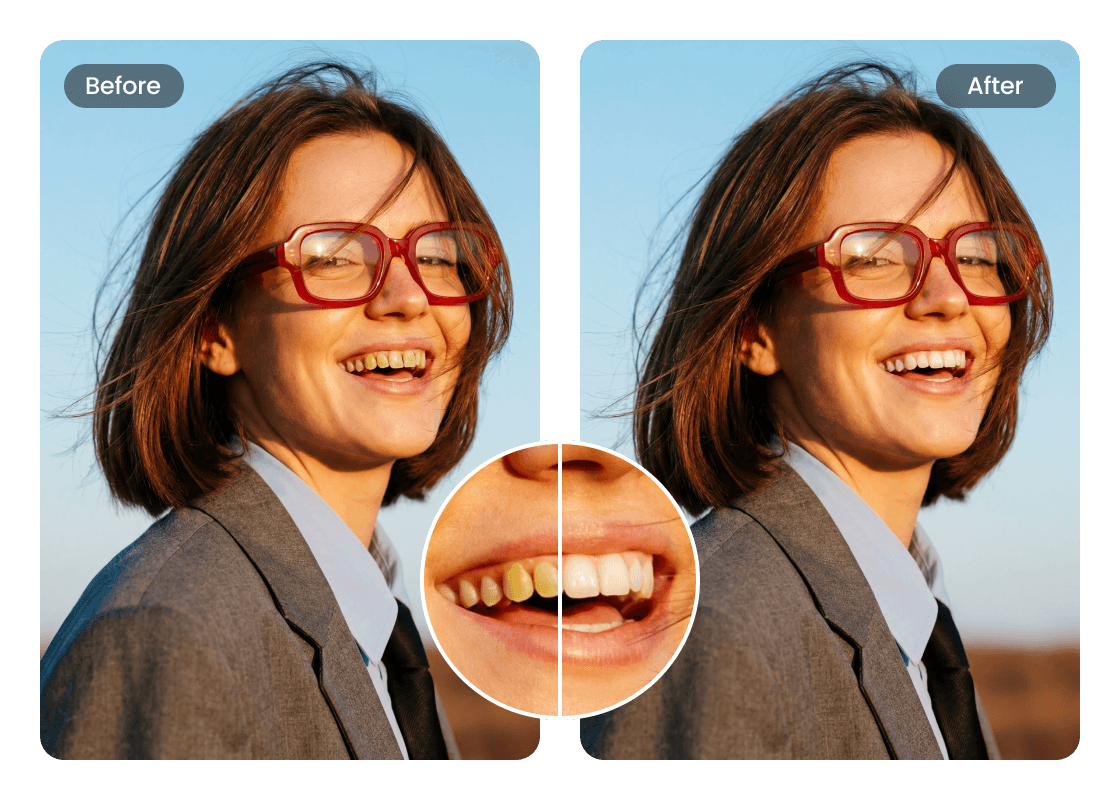
Enhance Your Smile
Dull or yellow teeth can take the shine out of a great photo, but Airbrush brings your smile back to life with clean, natural whitening. Its advanced AI removes stains and brightens teeth while keeping every detail sharp. The result is a fresh smile that looks flawless in every photo you share.
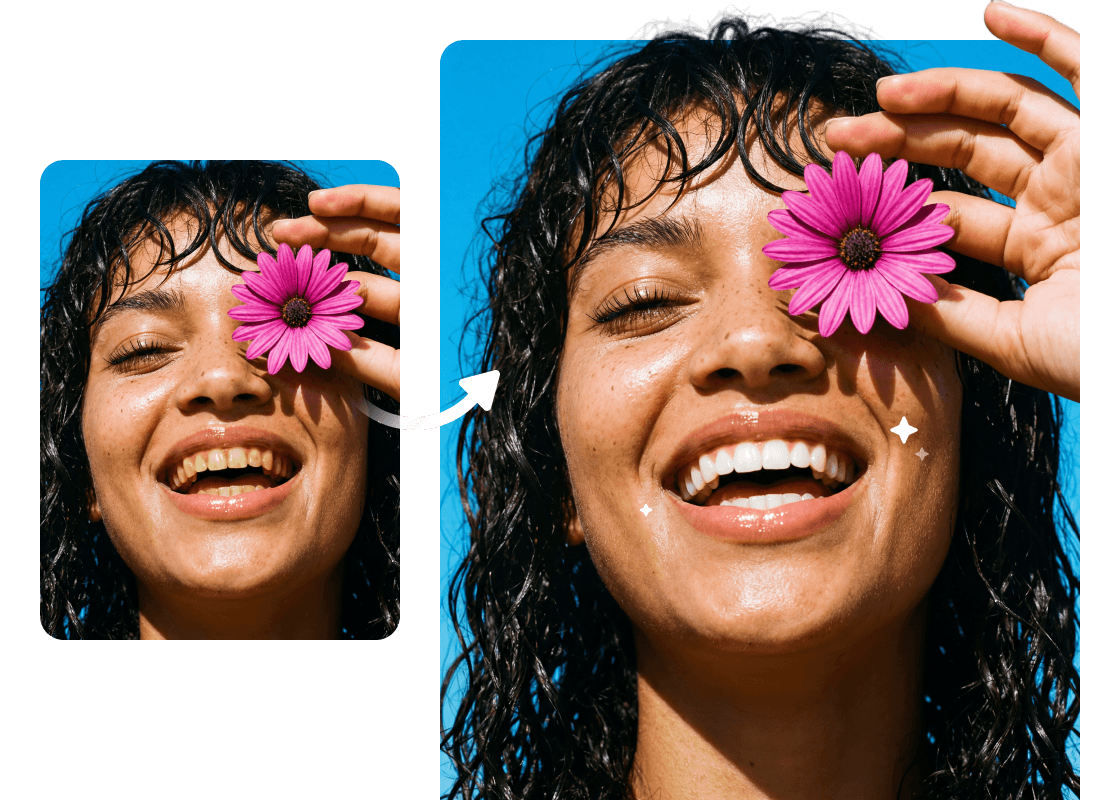
Refresh Your Portraits with Clean, White Teeth
Portrait photos highlight every facial detail, and yellow teeth can take away from an otherwise polished look. With Airbrush app, you can brighten your teeth in every image effortlessly, giving your portraits a clean, refreshed, and confident appearance.
User Reviews
Jenna Morales
I’ve tried so many editors, but this one gives me the cleanest white teeth effect without making my smile look fake. It’s simple, fast, and the results look amazing in my selfies.
Marcus Levin
This tool makes it so easy to brighten my portraits. My photos look so much better with just a quick edit, and the quality stays super crisp every time.
Elina Park
I love how smooth the teeth whitening editor works. It removes yellow tones gently and keeps everything looking natural. My friends keep asking what app I’m using!
Frequently Asked Questions
Can I whiten my teeth in photos without losing image quality?
Yes. The tool uses smart adjustments to whiten your teeth while keeping your smile clear and natural, so the photo still looks high-resolution.
Is this good for basic photo editing, or do I need advanced skills?
No advanced skills are needed. The tool handles most photo editing automatically and keeps everything simple for beginners.
Do I need to upload your photo in a specific format?
You can upload your photo in common formats like JPG or PNG. The tool will process it instantly and keep the original quality.
How fast can I whiten teeth using this tool?
Airbrush as a free teeth whitening app works in one click, making it fast and convenient for quick portrait touch-ups.
Does the tool help improve my smile’s overall shine?
Yes. Airbrush the teeth whitening app adjustment enhances brightness, giving your teeth a subtle smile shine without looking artificial
Is there a dedicated teeth whitening in photo editor option?
Yes. The tool includes a built-in free teeth whitening in photo editor that focuses specifically on enhancing your smile in portraits.

Features & Tools
AI Powered RetouchEraserBackground RemoveNo Beard FilterFace EditorAI MakeupPhoto FiltersPhoto Color ChangerAll ToolsDownload
Support
Features & Tools
Download
Support