


1
Step 1:
Go to Remove panel and click Magic Eraser.
Airbrush Studio is a desktop photo editing software for Windows and Mac designed to help photographers, creators, and businesses remove unwanted objects from photos accurately and fast. Powered by advanced content aware AI technology, Magic Eraser automatically detects distractions, removes unwanted people or objects, and seamlessly blends edits into the original background while preserving realistic textures and lighting.
Remove tourists, strangers, wrinkles, clutter, packaging, or messy backgrounds in seconds without time consuming manual retouching.
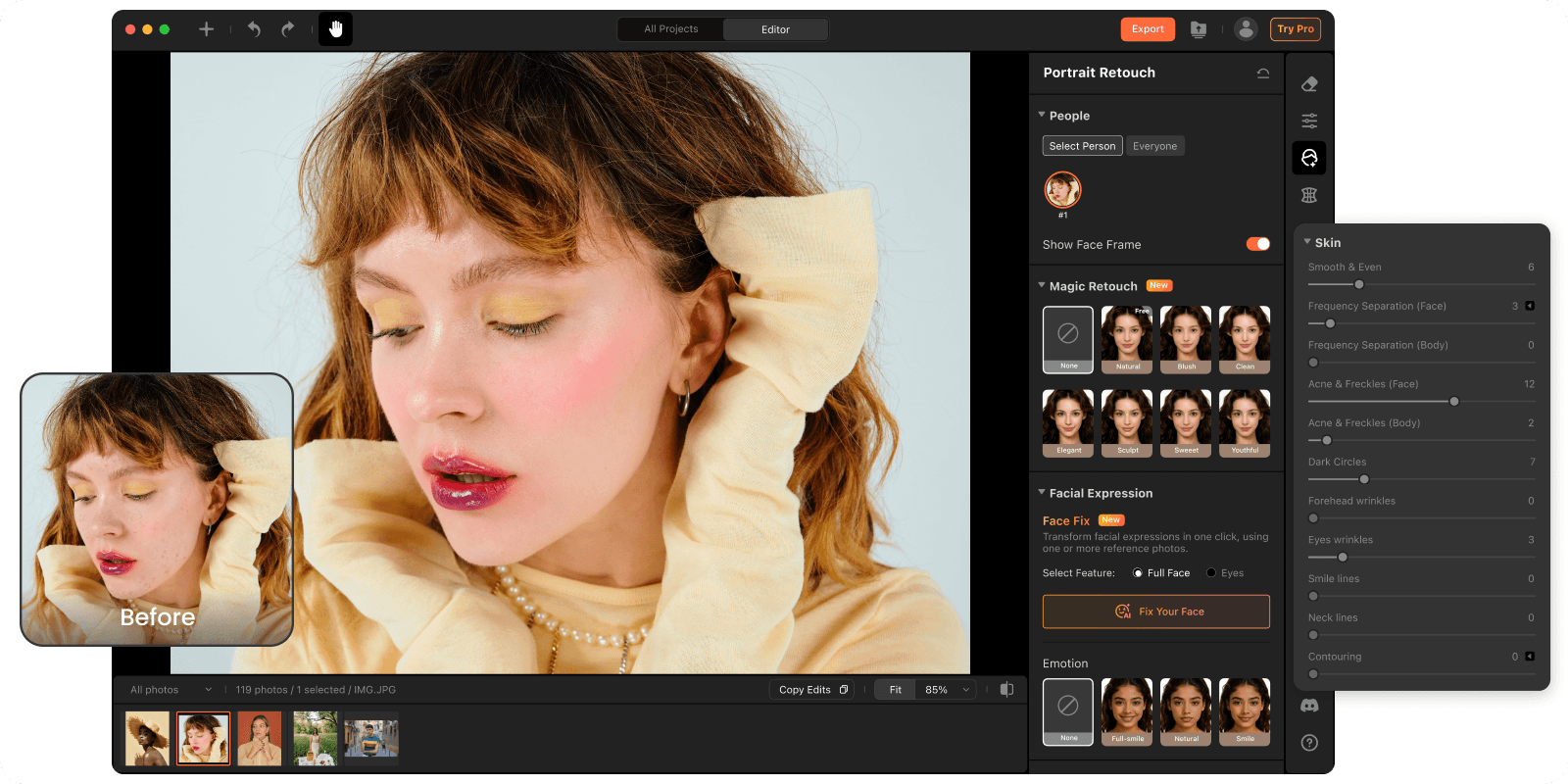
A perfect wedding moment can easily be ruined by random people in the background. Airbrush Studio automatically detects passersby and removes them naturally, helping photographers create clean, distraction free portraits faster.
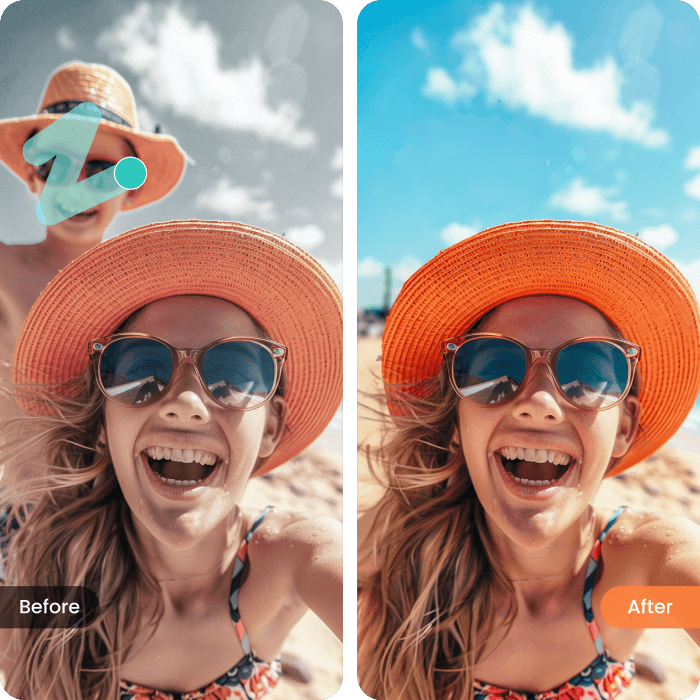
Messy backgrounds, clothing wrinkles, and packaging clutters can make product photos look unprofessional. Airbrush Studio helps e-commerce sellers and brands create cleaner, more professional product images while preserving natural fabric textures and lighting.
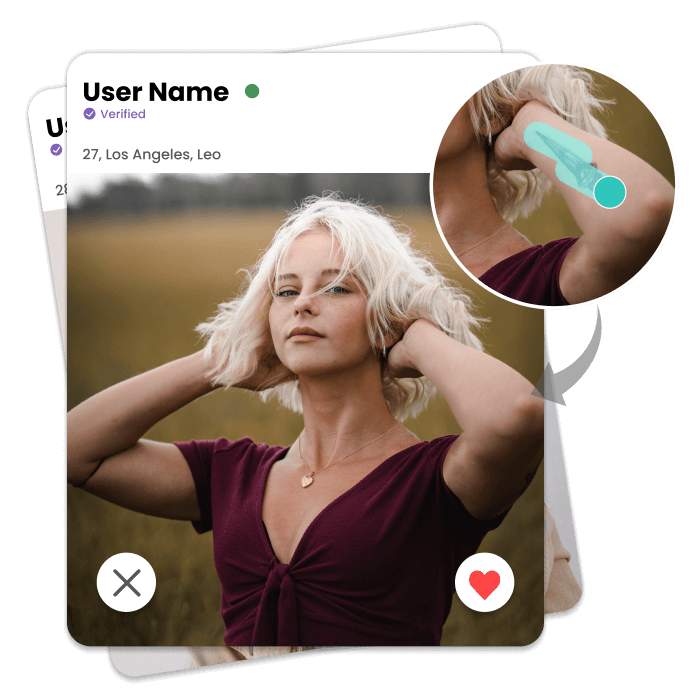
Event photos often include messy tables, equipment, signs, or people walking through the frame. Magic Eraser intelligently removes distractions and naturally fills the background for cleaner, more professional event photos without spending hours in Photoshop.
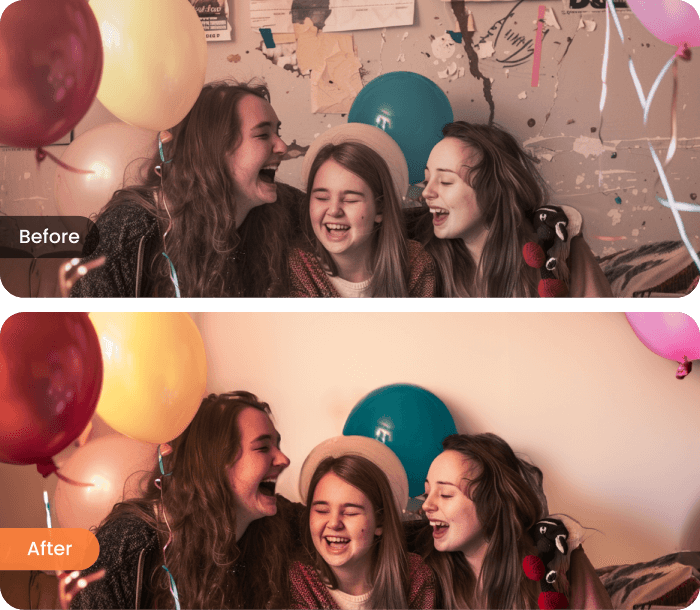
Remove tourists, vehicles, signs, and unwanted objects from landscape and travel photos while preserving natural textures and environmental details. Keep the focus on the scenery instead of distractions.
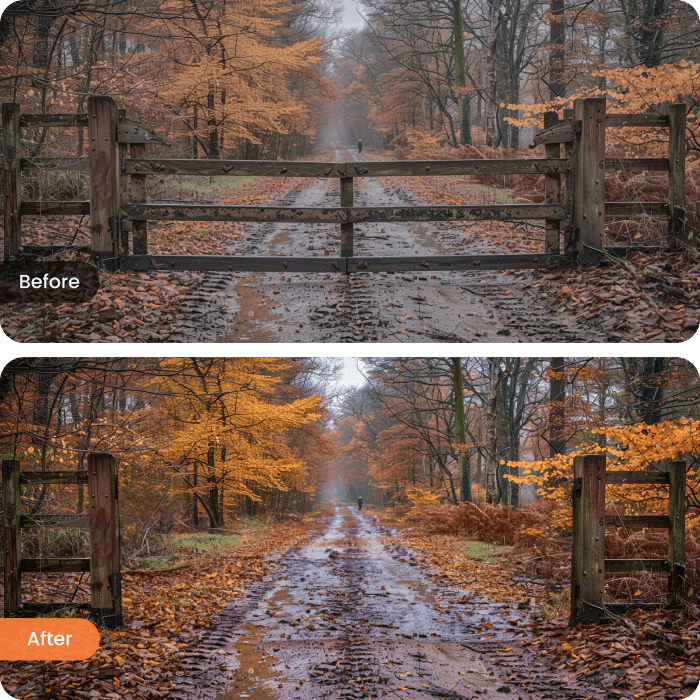
From restaurant photography and real estate interiors to fashion catalogs, pet businesses, and social media content, Airbrush Studio helps businesses create cleaner, more professional images by removing clutter, wrinkles, packaging, background people, and unwanted objects with natural looking results.
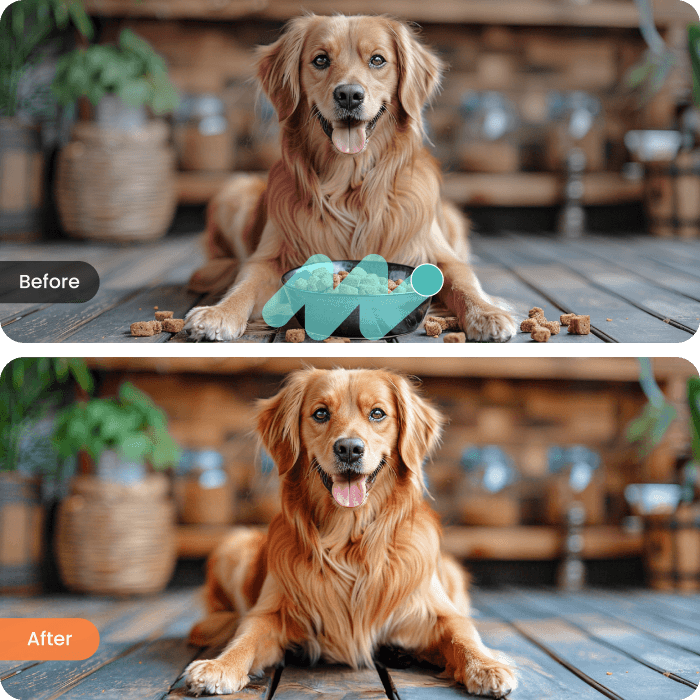
Go to Remove panel and click Magic Eraser.
Select pre-defined distractions that you want to remove such as passerby or trash bins. Optionally, you can use brush to manually add or subtract the remove area.
Click Remove to remove the unwanted item and choose the ideal visual from the three generated options.
