1
Background removal and edge quality
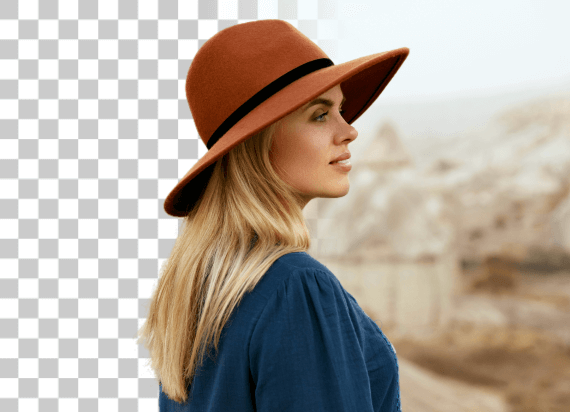
Consider how the tool handles hair, transparent objects, fine textures, and complicated backgrounds. Results can vary significantly depending on the source image.

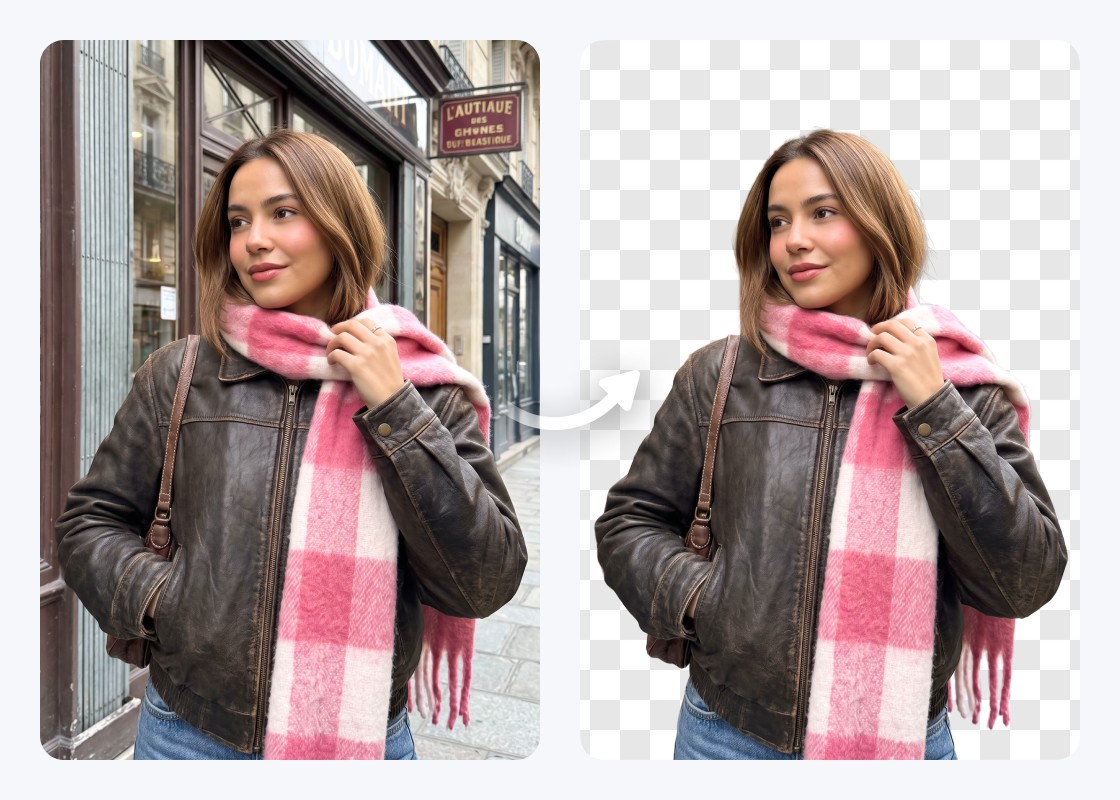
Different background removers suit different editing needs. The following table compares seven alternatives based on their primary use, free access, batch processing, API availability, additional editing options, pricing structure, and limitations.
Consider how the tool handles hair, transparent objects, fine textures, and complicated backgrounds. Results can vary significantly depending on the source image.
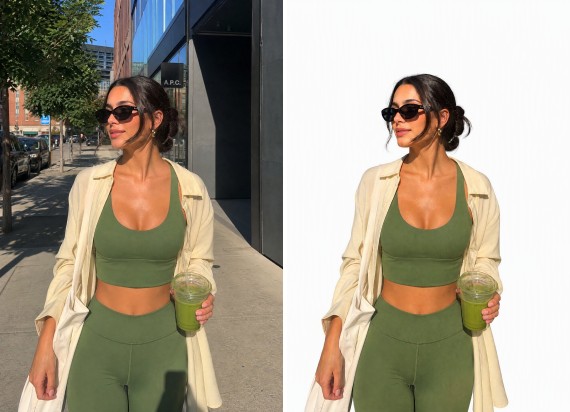
Some users only need transparent PNGs, while others want white backgrounds, custom colors, preset scenes, or the ability to upload their own background images.
Check whether full-resolution exports are supported and whether PNG or JPG downloads have additional credit or subscription requirements.
Compare the number of available edits, credits consumed per image, export restrictions, and the cost of processing additional photos.
Businesses handling hundreds of product images may need bulk processing. Developers replacing an existing Remove.bg integration should prioritize API compatibility and migration requirements.
If background removal is only the first step, an editor with object removal, image enhancement, relighting, or design tools may be more convenient.
There are several alternatives to Remove.bg, but each tool serves different image editing needs. Some focus on individual background removal, while others offer design features, batch processing, or API integrations. Here are seven options worth considering in 2026.
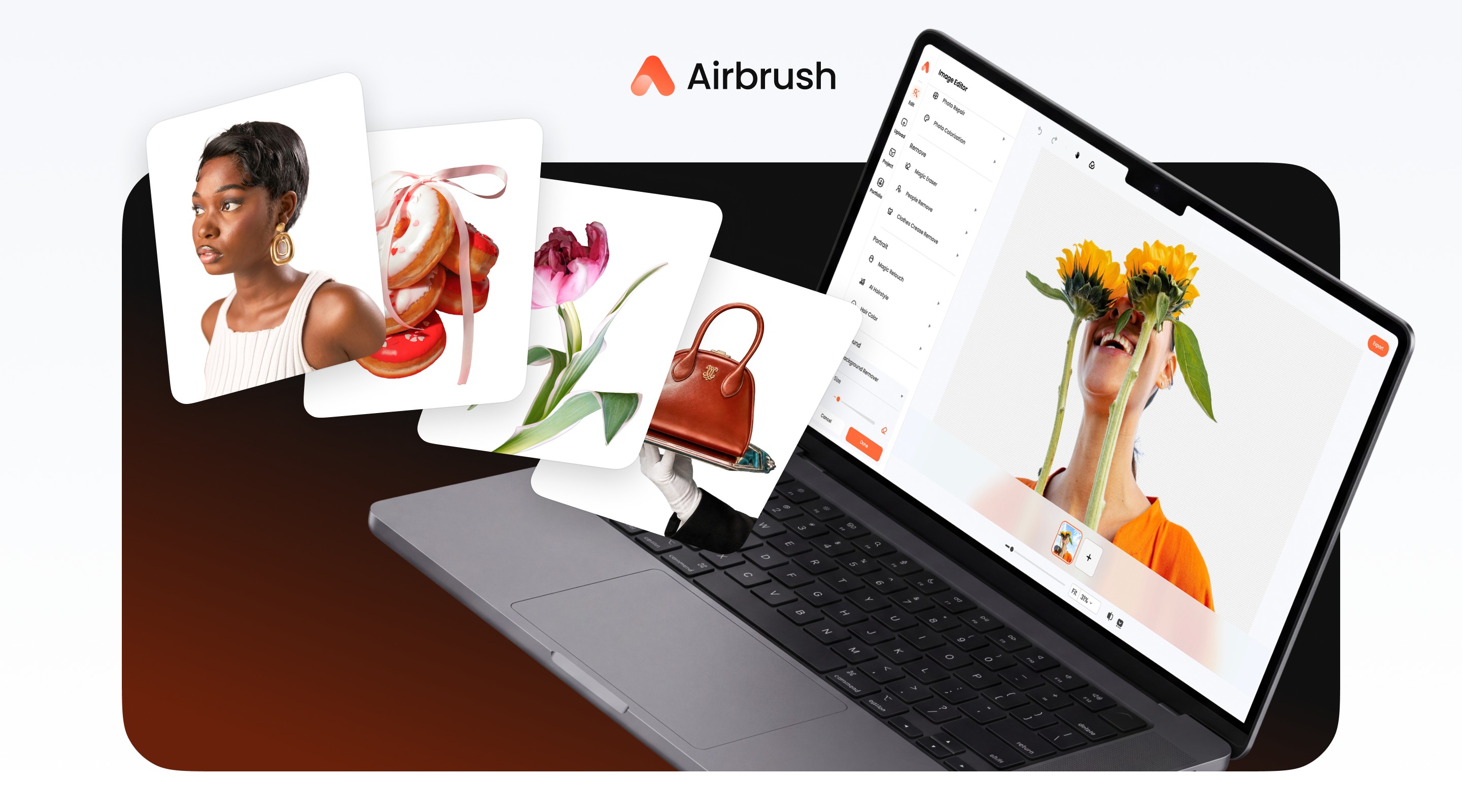

✨ Best for Background Removal and Continued Photo Editing
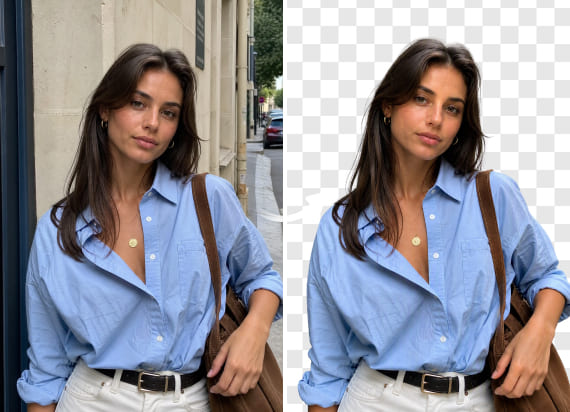
Airbrush BG Remover is a strong fit when background removal is only the first step. It removes backgrounds quickly and handles fine hair edges cleanly, then lets users continue working on the same image in the Airbrush Online Image Editor. From there, users can replace the background, remove unwanted objects, enhance image quality, relight the photo, or continue with portrait retouching without switching to another editor.
Creators, personal brands, marketers, and small teams who usually work on one image at a time and want to keep editing after the background is removed.
Airbrush Web is built around a single-image workflow rather than high-volume batch processing, and it does not currently offer a public background-removal API.
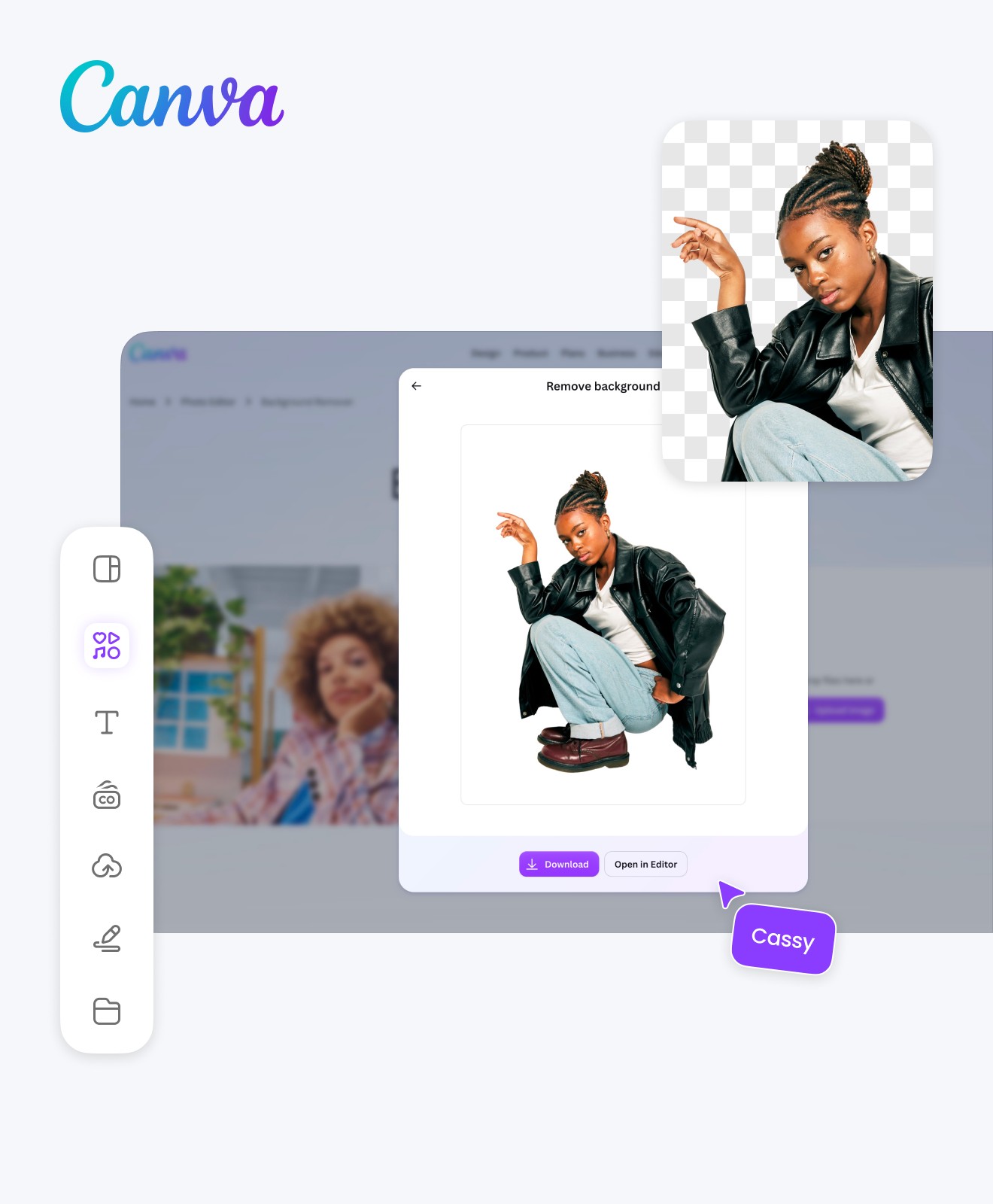
Best for Design and Remove.bg Web Migration
Canva Background Remover is an option for users who want to remove image backgrounds while creating social media posts, presentations, marketing graphics, and other designs. Remove.bg identifies Canva as its official website migration direction. Canva combines background removal with templates, design tools, and collaboration features, making it particularly useful for users already working within its platform.
Design projects, creative teams, and existing Canva users.
Canva offers free and paid plans, but background remover access, image-size limits, and certain editing features depend on the selected plan.
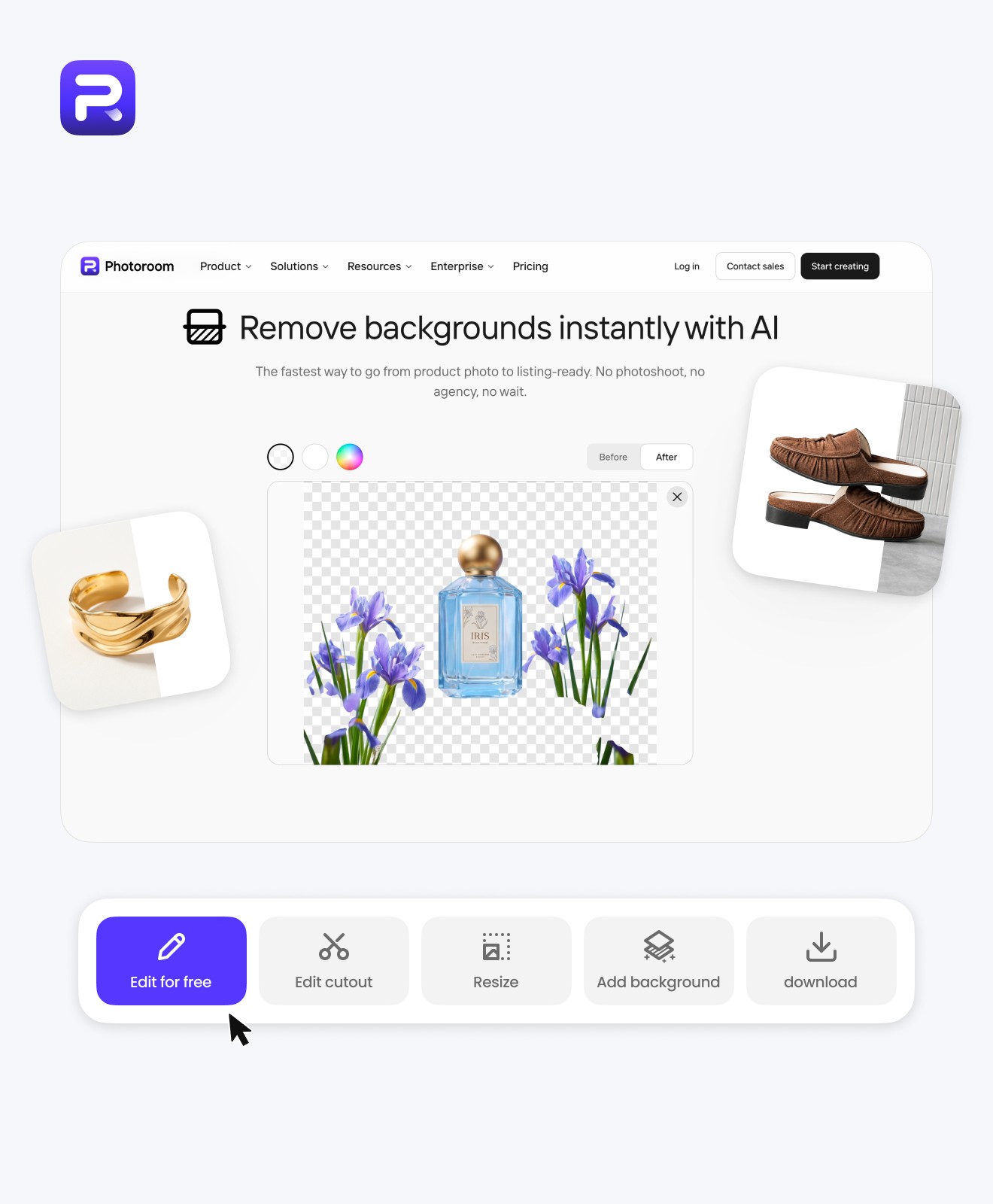
Best for Ecommerce and Product Photos
Photoroom focuses on AI background removal and product photography. It helps online sellers prepare product images with consistent backgrounds for ecommerce stores, catalogs, and marketplace listings. The platform also provides batch processing and API options for businesses handling larger numbers of product images.
Ecommerce businesses, product photography, and recurring catalog editing.
Free access and paid plans are available, but processing limits, export conditions, and API costs vary depending on usage.
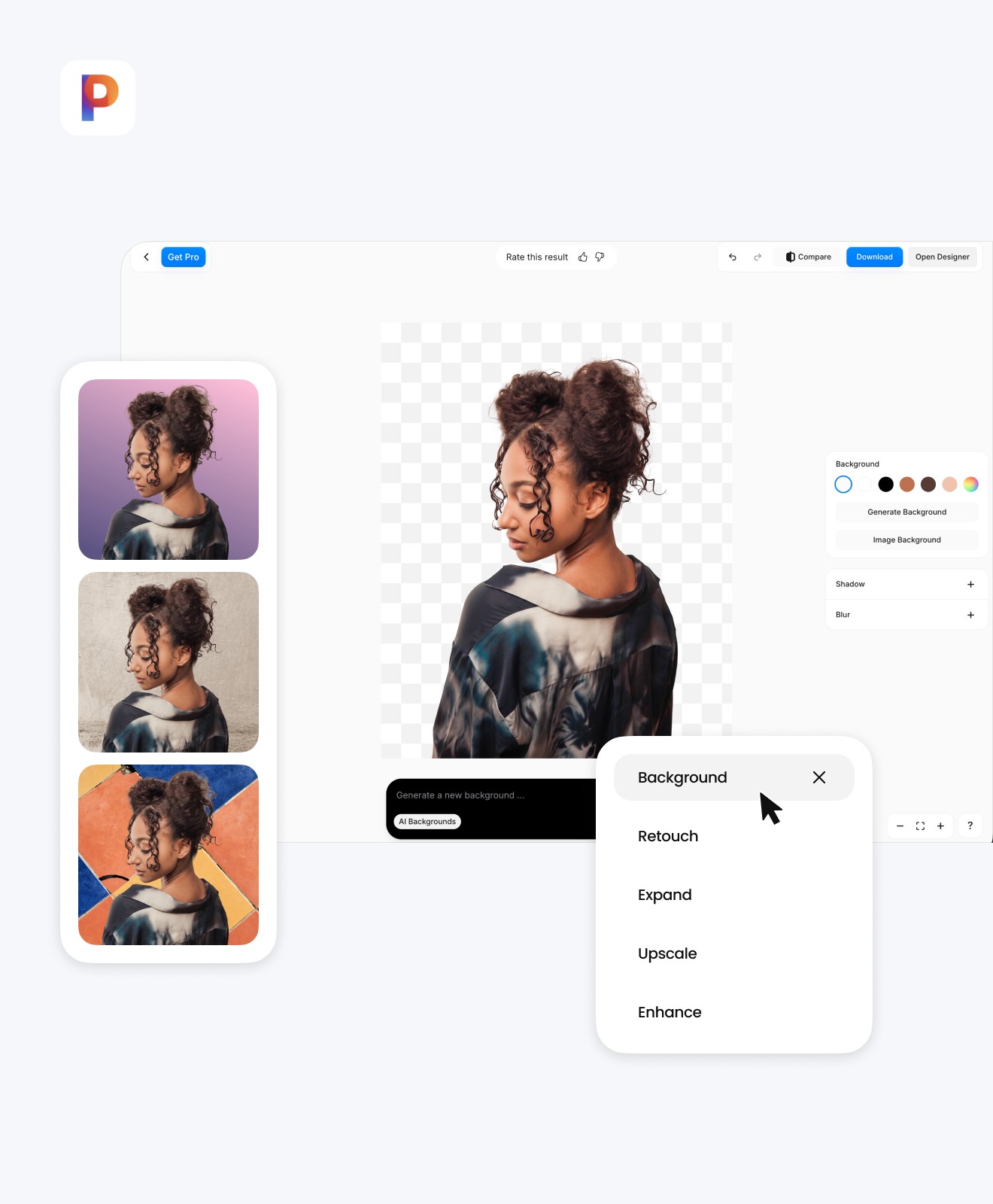
Best for Single Images and Batch Editing
Pixelcut provides AI background removal for individual images alongside tools for product photography and background editing. It also offers a separate bulk processing workflow, making it an option for users who occasionally edit individual photos but may need to process larger image collections.
Individual image editing, product photos, and bulk background removal.
Free access and paid options are available. HD downloads, batch processing, and API usage may have different credit and subscription requirements.
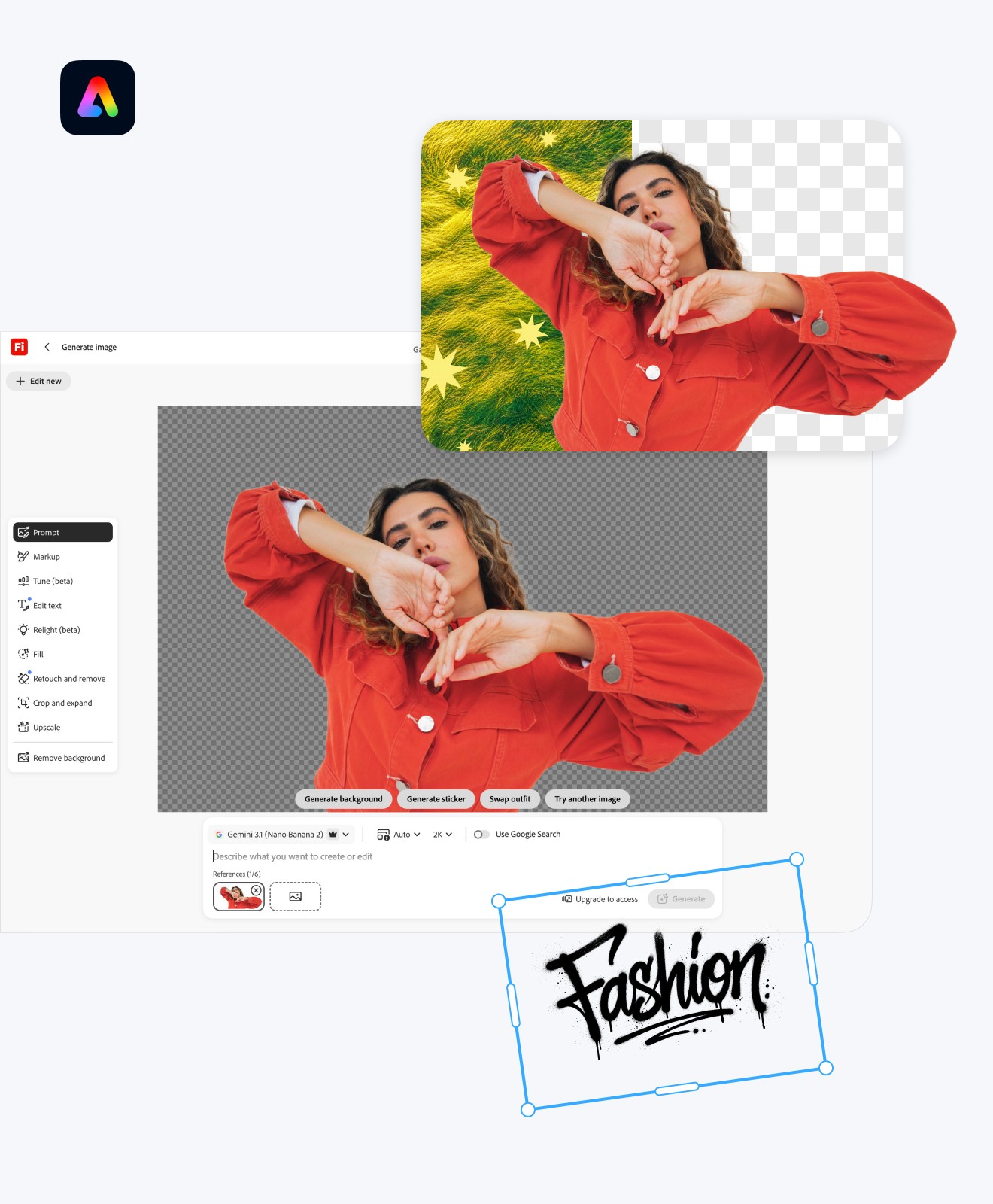
Best for Creative Design Workflows
Adobe Express includes background removal within its online creative editing platform. Users can remove image backgrounds and continue working with design templates, graphics, text, and other visual elements. It is particularly relevant for individuals and teams already familiar with Adobe's creative products.
Social media graphics, marketing designs, and Adobe users.
Adobe Express offers free and paid plans. Some features require an account or subscription, and availability depends on the editing workflow.
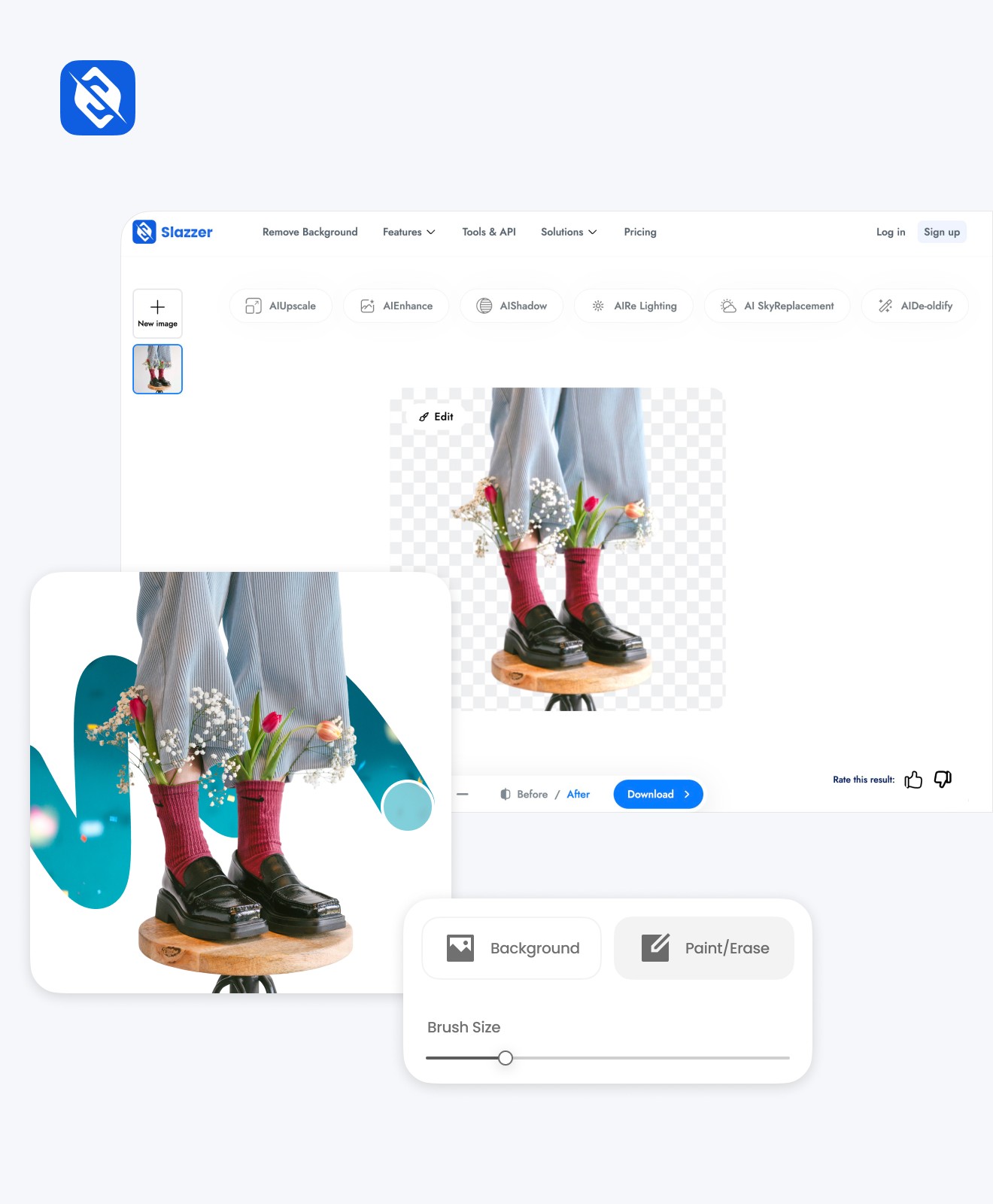
Best for Background Removal and API Access
Slazzer is an AI-powered background removal platform that supports website editing, desktop workflows, plugins, and API integrations. It is worth considering for users who need straightforward background removal through different platforms rather than a broader photo editing environment.
Background removal, desktop workflows, and automated integrations.
Slazzer uses a credit-based pricing model, with download quality and commercial processing conditions depending on the selected plan.
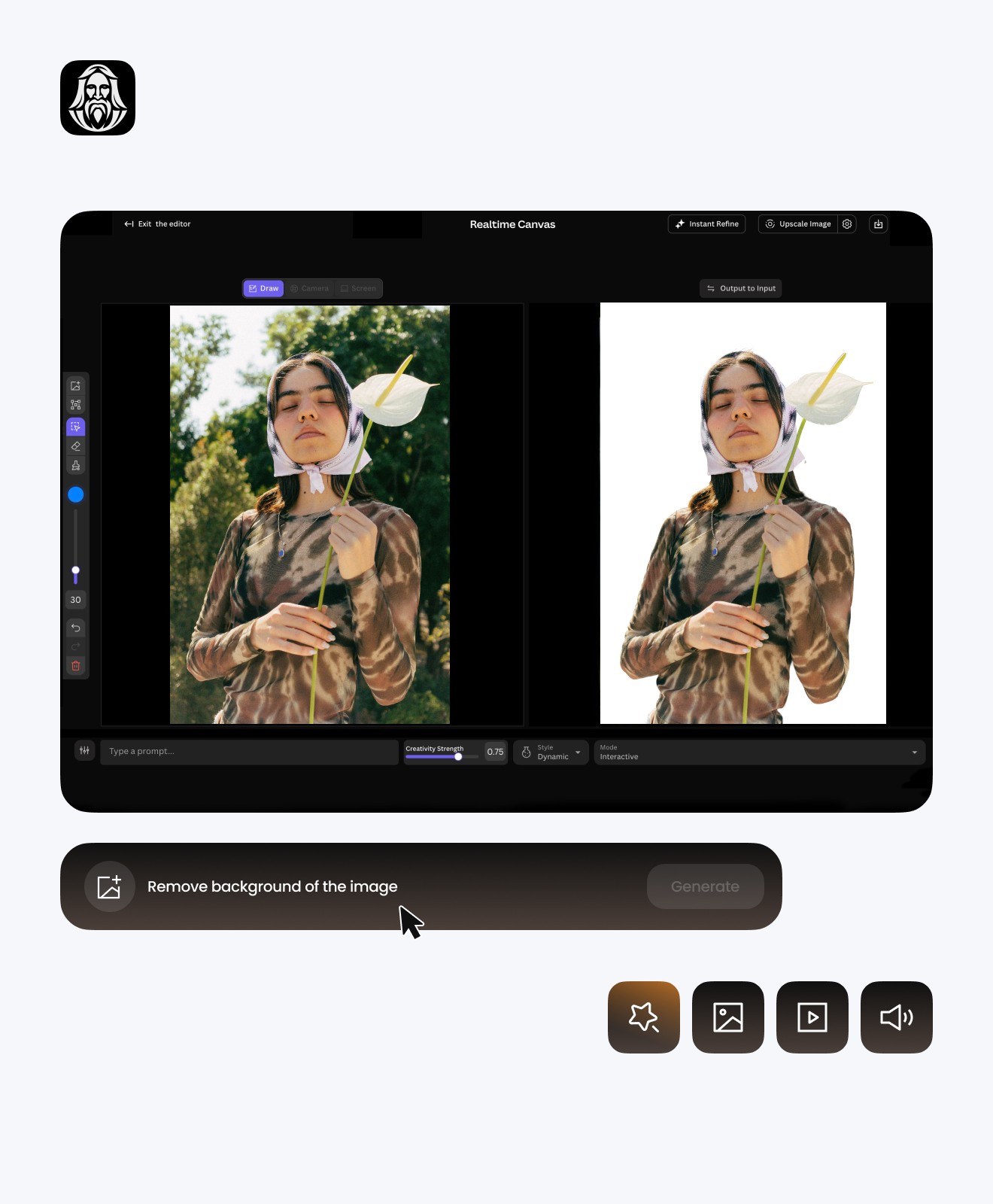
Best for Remove.bg API Migration
Leonardo.Ai API provides a documented migration route for developers replacing self-service Remove.bg API integrations. Unlike consumer-facing background removers, it focuses on programmatic image processing. Developers must update API credentials, authentication, endpoints, and request and response handling when migrating.
Developers, automated image processing, and Remove.bg API migration.
API usage follows Leonardo.Ai's pricing and technical requirements. Migration requires integration changes and testing, so it is not a direct replacement for users who simply want to edit photos online.

Before switching away from Remove.bg, review the following:
Choose your workflow
Single image, design, batch, or API.
Review credits & account records
Check subscriptions, invoices, and unused credits.
Test outputs
Quality, transparency, resolution, and formats.
Confirm batch/API needs
Make sure the replacement fits your volume and integration.
Migrate before Dec. 1, 2026
Test before the cutoff.
According to the official Remove.bg migration notice, its standalone service is scheduled to become unavailable after December 1, 2026, at 09:00 CET. Remove.bg is moving its website-based background removal functionality to Canva, while self-service API users have a separate migration route through Leonardo.Ai. Users should review the official Remove.bg FAQ for the latest information about the shutdown, subscriptions, and migration options.
Airbrush BG Remover is an option for users who want to remove backgrounds and continue editing their photos online. It supports transparent backgrounds, solid colors, preset background images, and custom uploads, making it useful for different photo editing needs.
Yes. Airbrush offers three AI editing credits to get started without creating an account. Each background removal uses one credit. Additional edits and downloads may depend on the available credits and subscription plan.
Yes. Airbrush BG Remover lets you upload a custom background image after removing the original background. You can also choose from preset images or solid colors, depending on the look you want for your photo.
Yes. Airbrush supports transparent backgrounds and PNG downloads. This is useful for product images, logos, profile pictures, and other visuals that need to be placed over different backgrounds.
No advanced editing experience is required. Upload your image, allow the AI to process the background, and select your preferred background option. The online editor provides straightforward controls for making additional changes.
The best option depends on your workflow. Airbrush is suitable for individual background removal and continued photo editing. Canva focuses on design, Photoroom on ecommerce, Pixelcut on individual and batch workflows, and Leonardo.Ai API on developer integrations.
Yes. Airbrush supports white, blue, and other background colors, custom HEX color codes, preset background images, and personal background uploads. You can select a replacement that suits the intended image.