Airbrush

start icostart icostart icostart icostart ico

Download for 7-day Free Trial

smart banner
HomeAll Tools
Image Brightener

Online Image Brightener | Brighten Photos for Better Clarity

Improve dark, dull, or underexposed photos with a powerful Image Brightener. Airbrush lets you adjust brightness, contrast, and tones with simple controls, helping you restore details and bring out clearer, more vibrant images exactly the way you want.
Upload Image

Drag and drop Image here

Image Brightener

Improve dark, dull, or underexposed photos with a powerful Image Brightener. Airbrush lets you adjust brightness, contrast, and tones with simple controls, helping you restore details and bring out clearer, more vibrant images exactly the way you want.
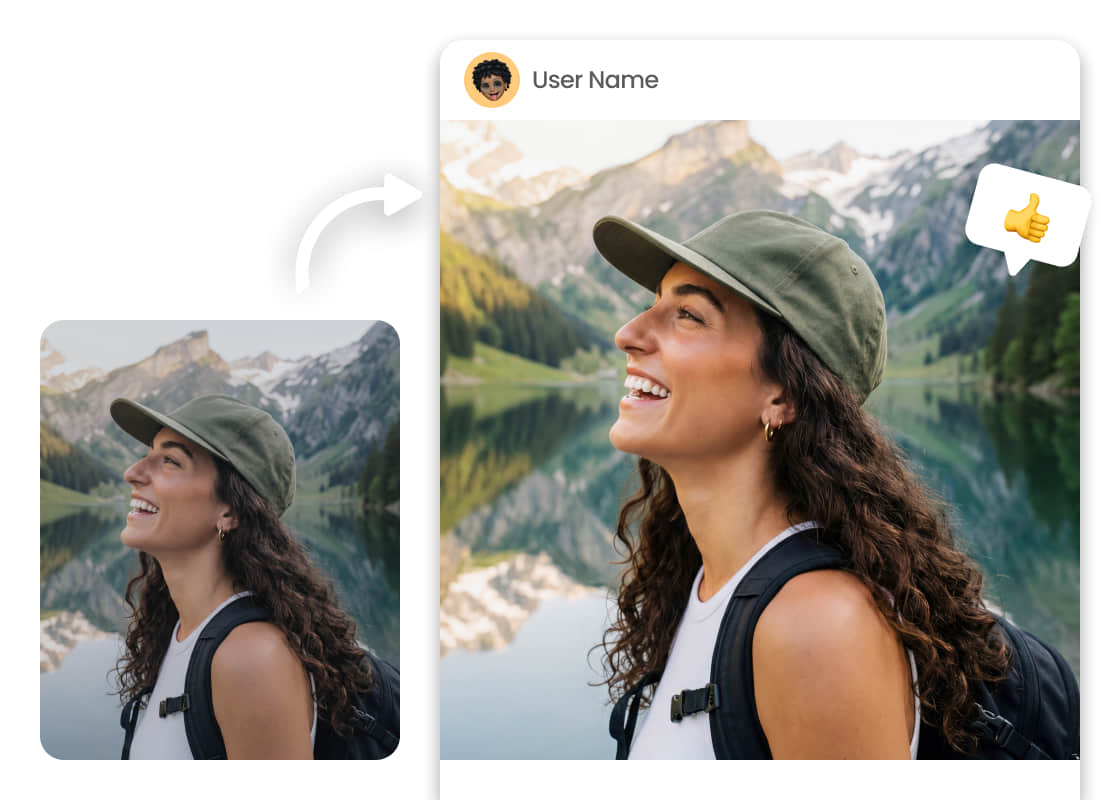
Image Brightener

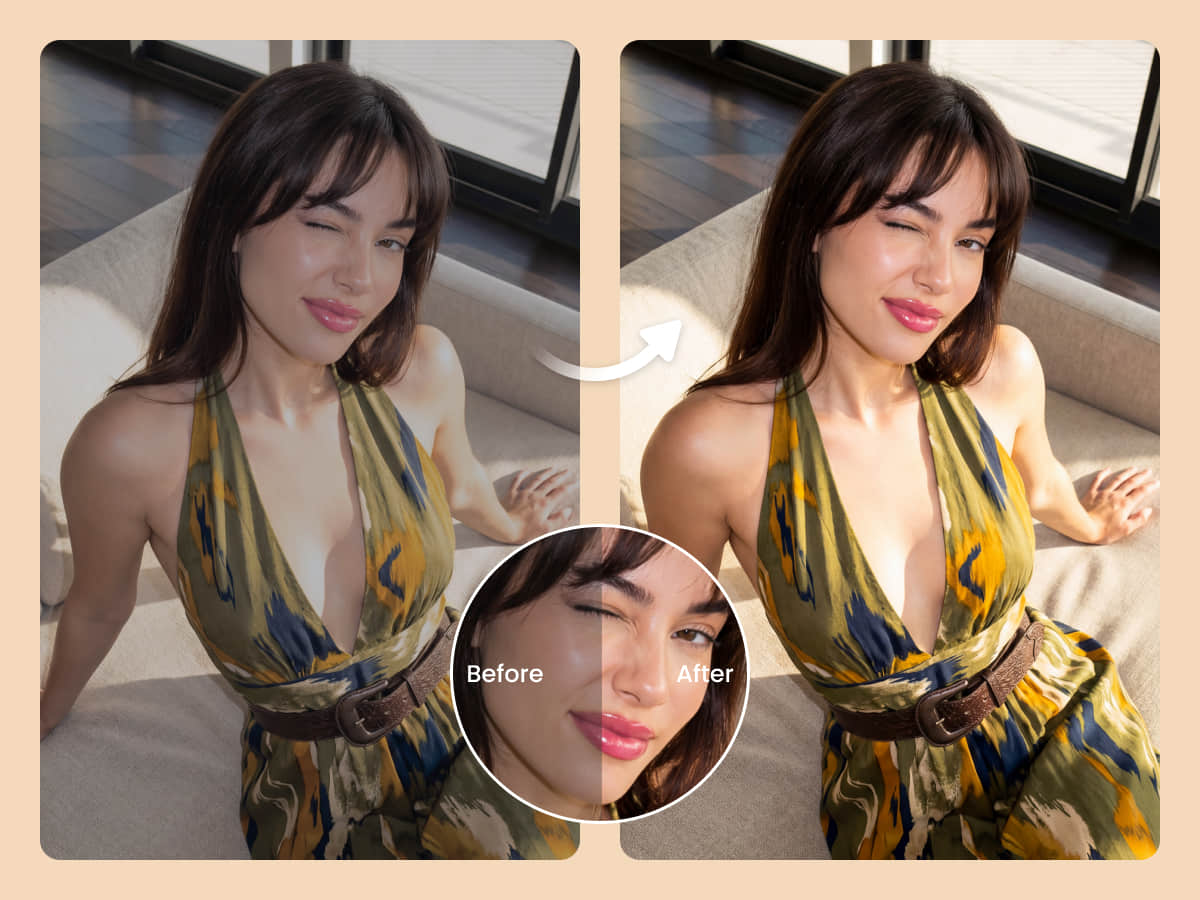
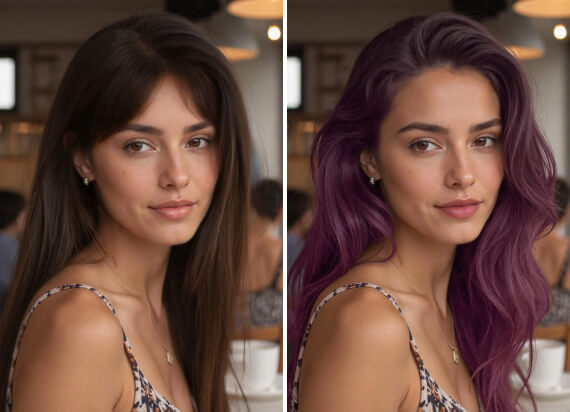
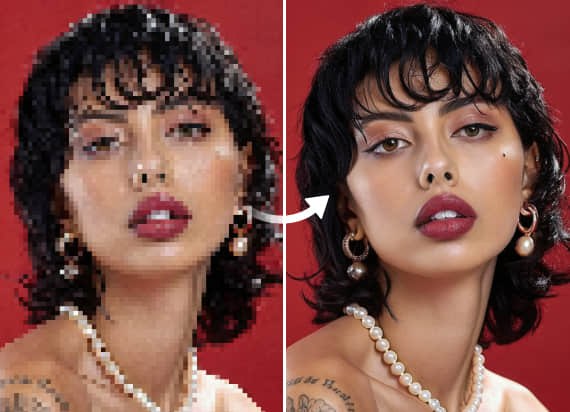
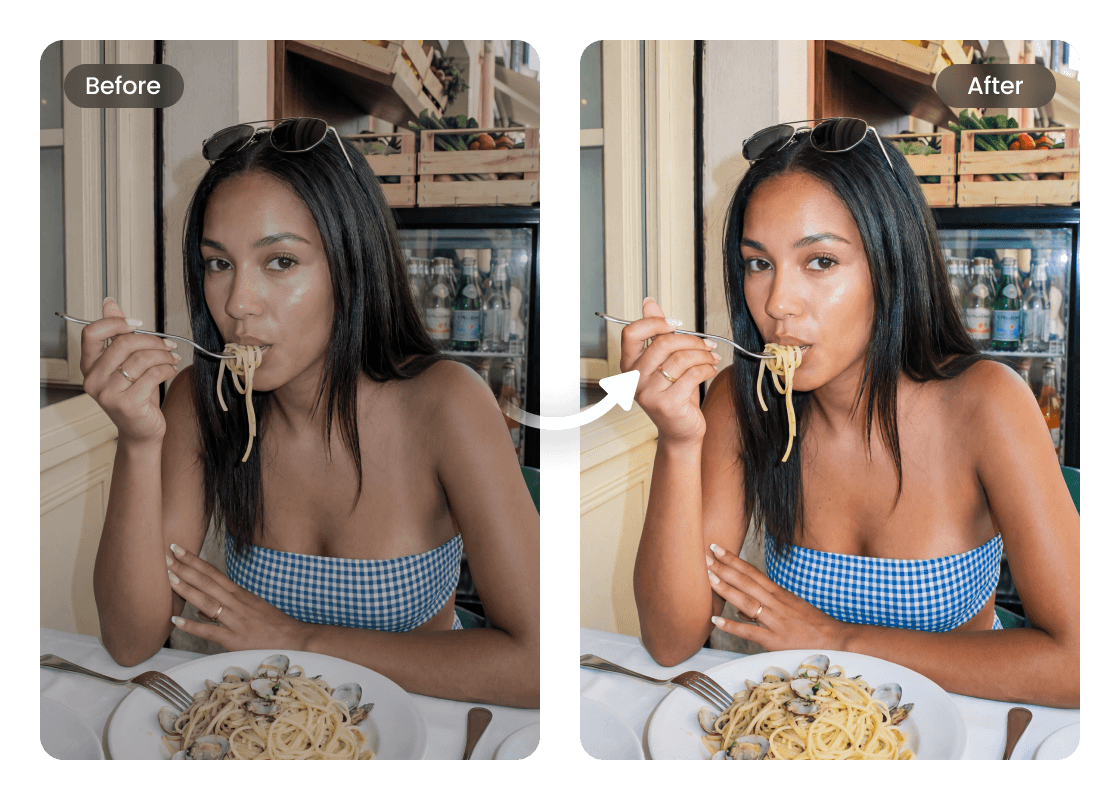
Refine Image Clarity and Color Depth with Airbrush

Bring out sharper details and richer color depth with Airbrush. Smart adjustments improve clarity, balance tones, and reveal more vibrant, natural colors, making every photo look cleaner, brighter, and more visually appealing in just seconds.
Image Brightener

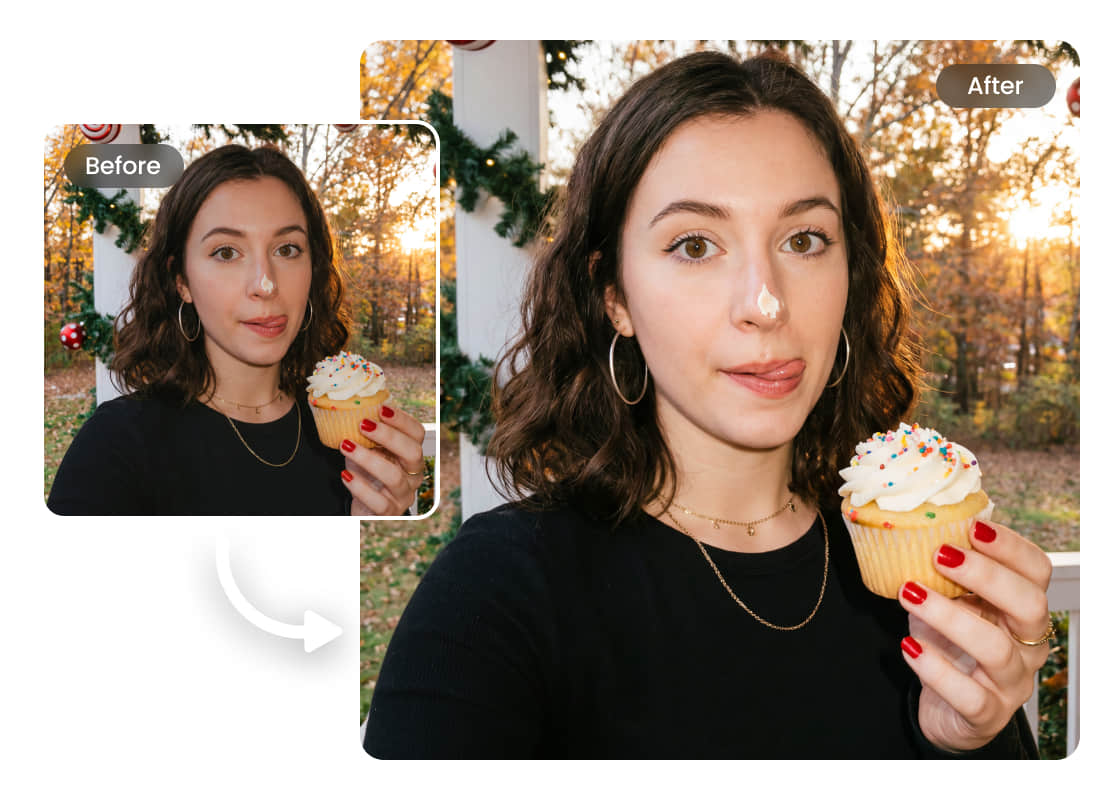
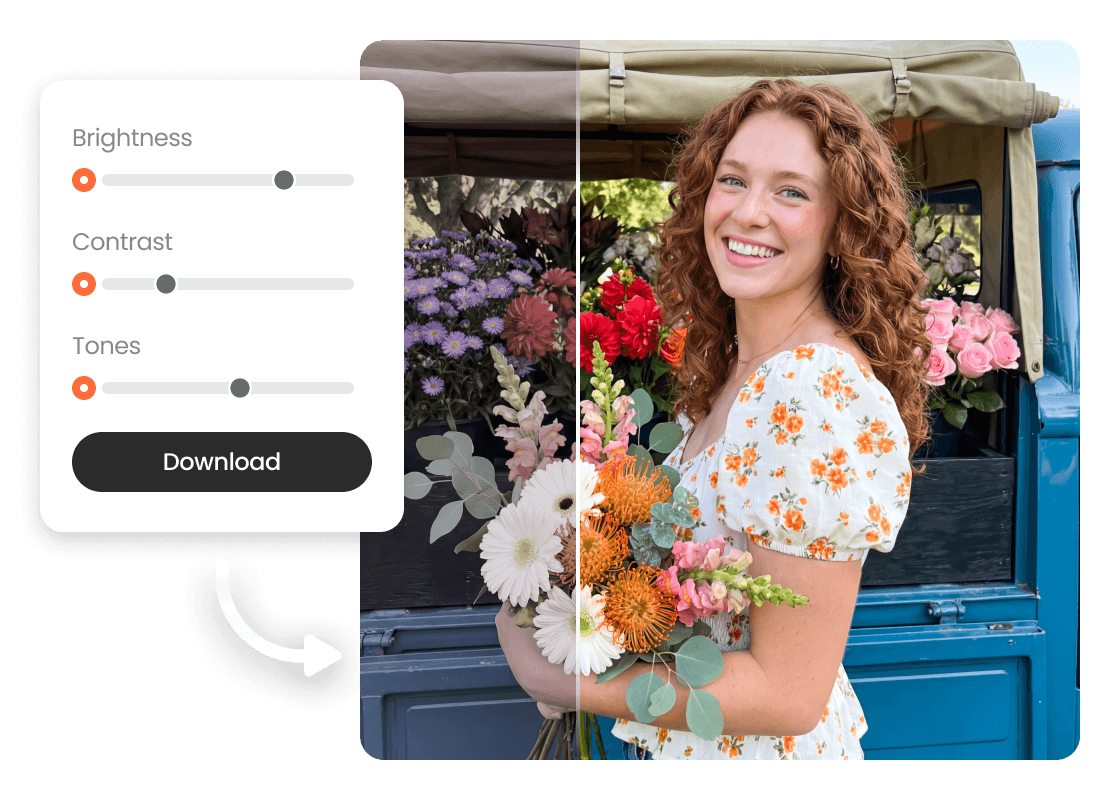
No Skills Needed: Brighten Photos in Seconds with Ease

Get better-lit images with flexible controls designed for your needs. No need for complex tools, just upload your photo and adjust brightness, contrast, and tones based on your preference. It’s easy to use and works online with no app download required.
Image Brightener

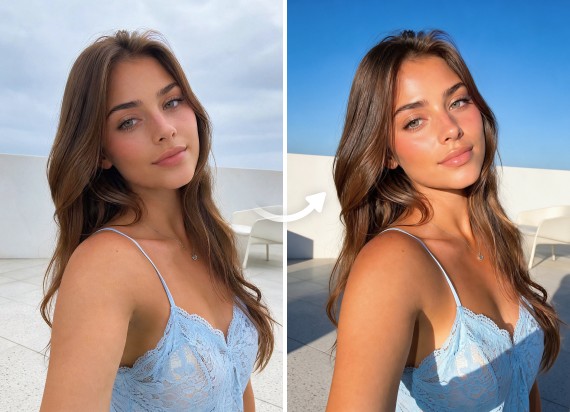
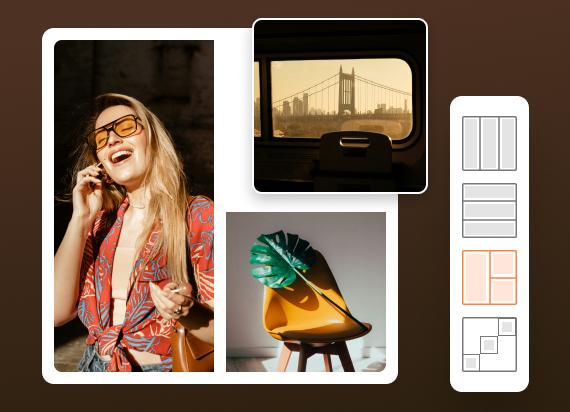
Create High-Quality Visuals for Marketing Campaigns

Last-minute marketing edits can be frustrating, and small lighting issues often take time to fix and delay your workflow. With Airbrush Image Brightener, you can quickly adjust brightness and improve visual quality directly on your laptop, making fast, polished updates without complex editing tools.
Image Brightener

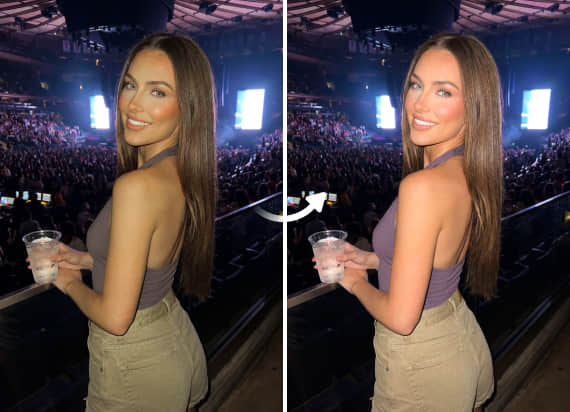
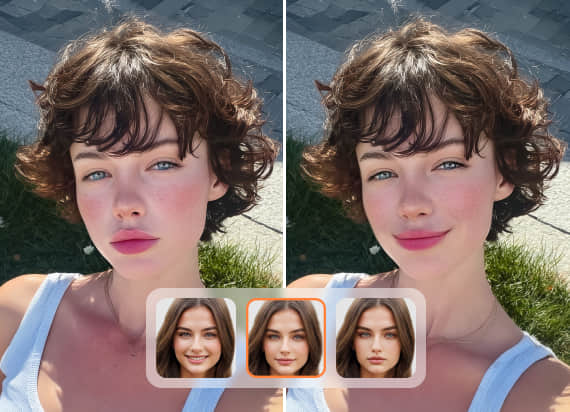
Brighten Face in Photo Online Without Affecting Background

Easily improve the lighting of people in your photos while keeping the background unchanged. Simply upload your image and adjust brightness on the subject only, preserving the original tones, colors, and details of the rest of the image for a natural, balanced look.

How to Use the Image Brightener

Upload Your Image

Select a photo from your device that needs better lighting or clarity.

Adjust Brightness and Settings

Manually control brightness, contrast, and tones to get the exact look you want.

Download Your Image

Save your improved photo, ready to share or use anywhere.
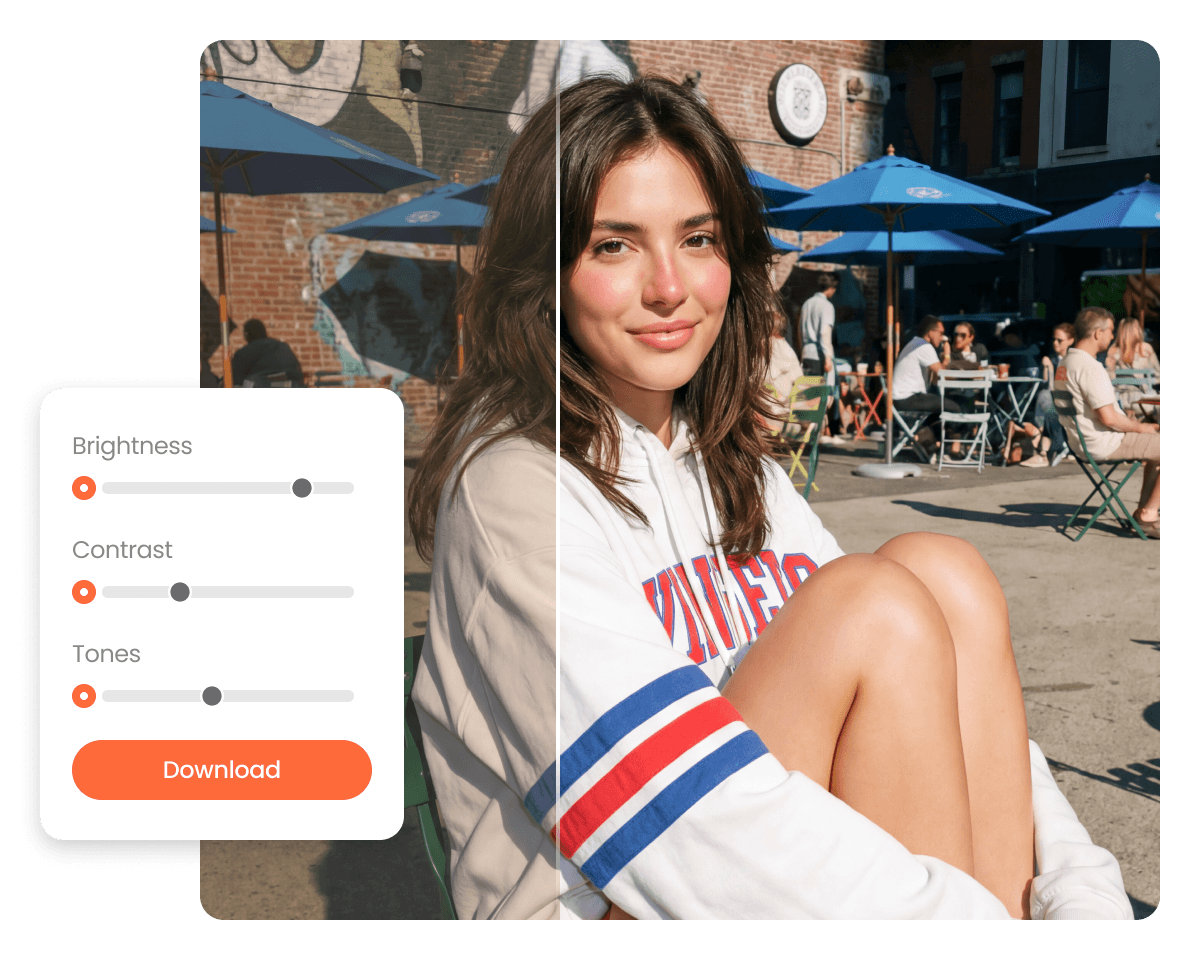
Image Brightener

User reviews 

I had an old photo that looked way too dark, and this tool helped me brighten an image without losing any detail. The results felt natural, not overdone. It’s honestly one of the easiest fixes I’ve found online.

- Zephyra Moonfall

I needed a quick image online solution for a last-minute project, and this worked perfectly. No downloads, no hassle, just upload and adjust. The lighting and overall enhancement made my visuals look much more professional.

- Orion Vexley

As someone who casually edits photos, I loved how simple this photo editor is. The filter options and saturation adjustments are subtle but effective, and even my exported png files looked sharper and brighter.

- Calista Runehart

I had an old photo that looked way too dark, and this tool helped me brighten an image without losing any detail. The results felt natural, not overdone. It’s honestly one of the easiest fixes I’ve found online.

- Zephyra Moonfall

I needed a quick image online solution for a last-minute project, and this worked perfectly. No downloads, no hassle, just upload and adjust. The lighting and overall enhancement made my visuals look much more professional.

- Orion Vexley

As someone who casually edits photos, I loved how simple this photo editor is. The filter options and saturation adjustments are subtle but effective, and even my exported png files looked sharper and brighter.

- Calista Runehart

Frequently Asked Questions

You can upload your photo and adjust brightness, contrast, and clarity while preserving details, so your image looks brighter without losing quality.

Absolutely. The tool helps improve visibility in dark photos, making low-light images clearer and more usable.

You can upload most common formats like JPG and PNG, making it easy to edit photos from different devices.