


Auto Color Correction Online with AI
Fix dull, tinted, or poorly lit photos instantly with AI Auto Color Correction. Automatically enhance colors, balance lighting, and restore natural tones to make your images look clearer, brighter, and more vibrant in seconds.
Upload Image
Drag and drop Image here
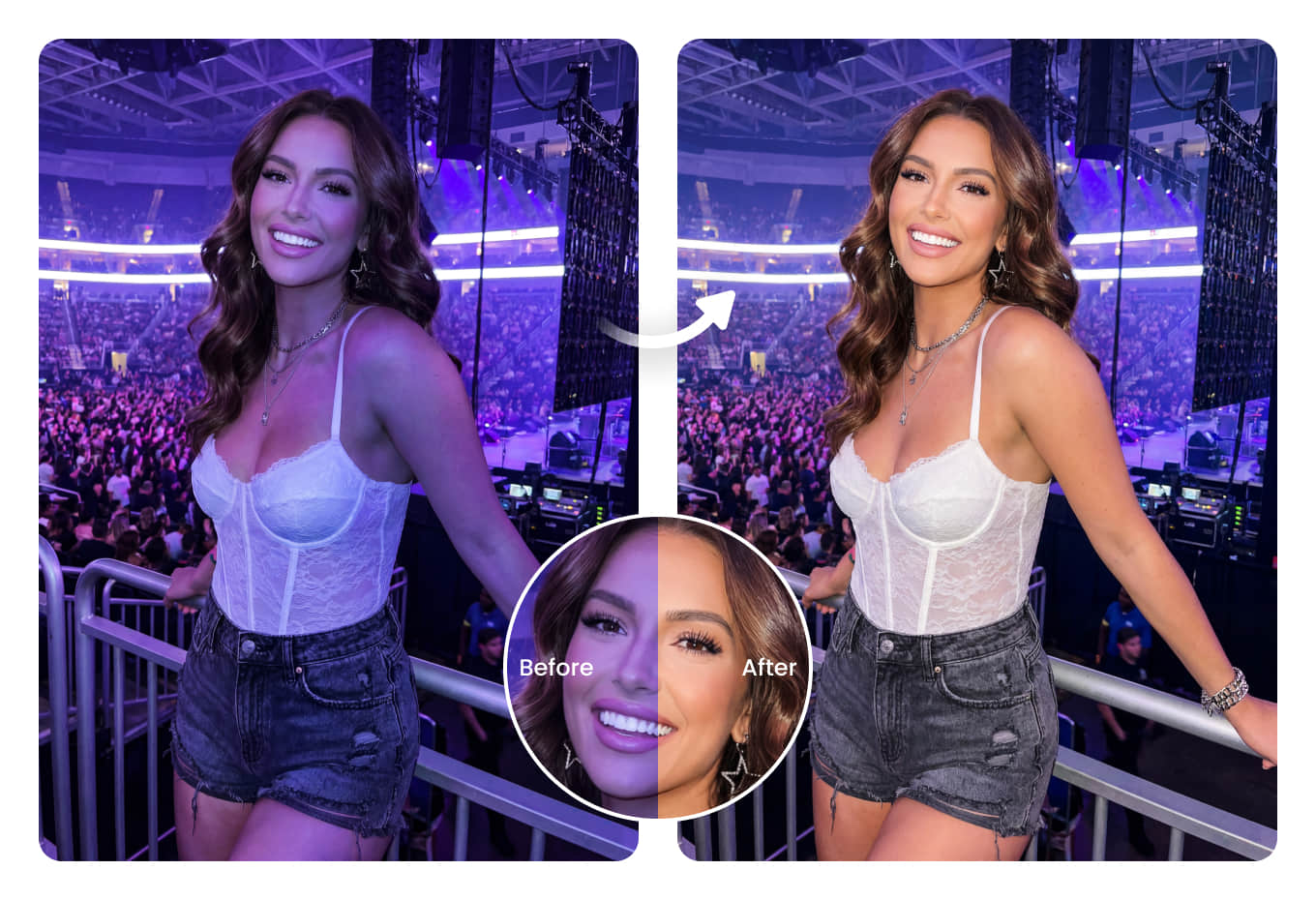
Fix dull, tinted, or poorly lit photos instantly with AI Auto Color Correction. Automatically enhance colors, balance lighting, and restore natural tones to make your images look clearer, brighter, and more vibrant in seconds.
How to use Auto Color Correction ?
Upload Photo
Upload an image with color lighting, heavy tints, or dull colors.
Auto Correct Colors
Let the AI fix color balance, lighting, and skin tones automatically.
Preview & Download
Preview the result and download your enhanced photo instantly.
Fix Colored Lighting and Restore Natural Photo Colors
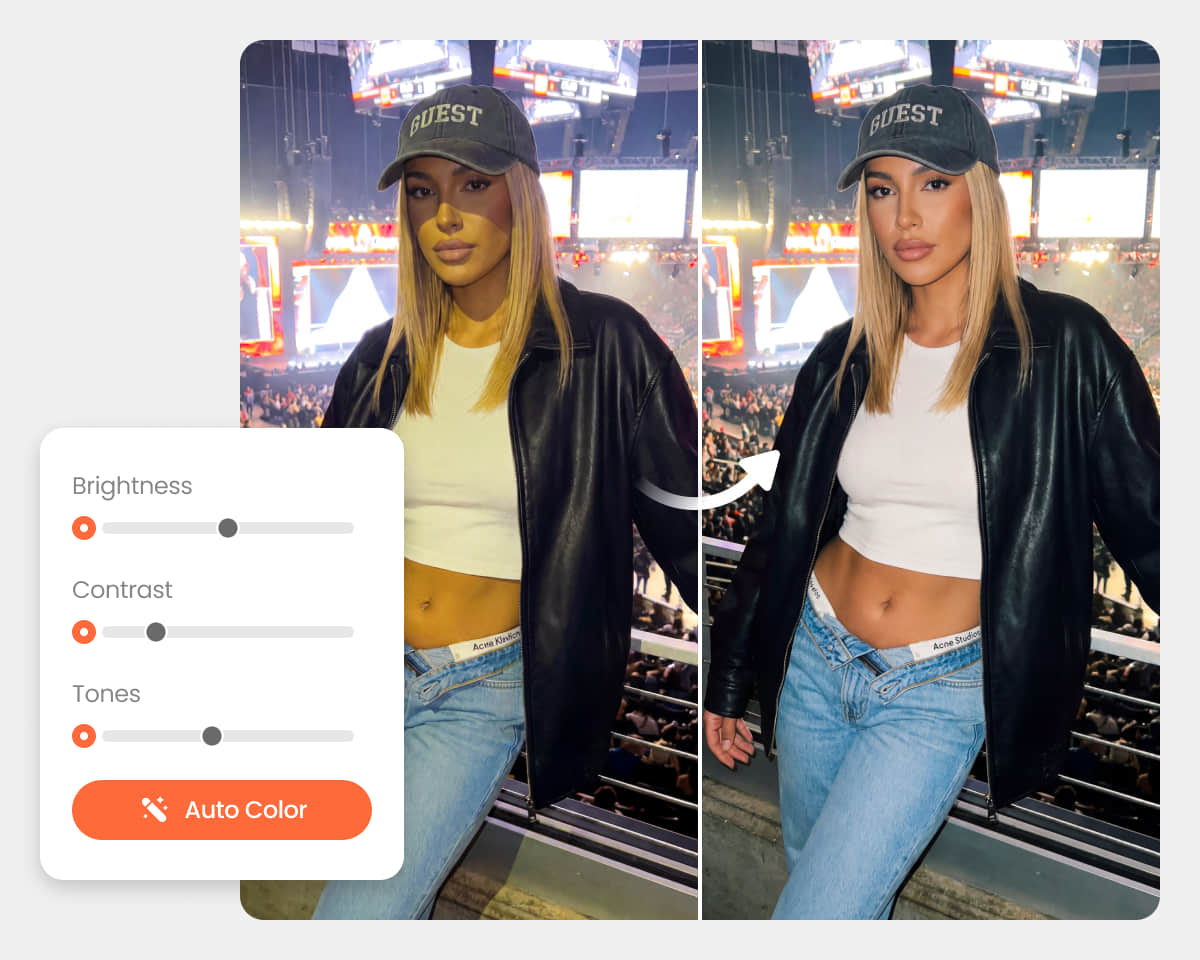
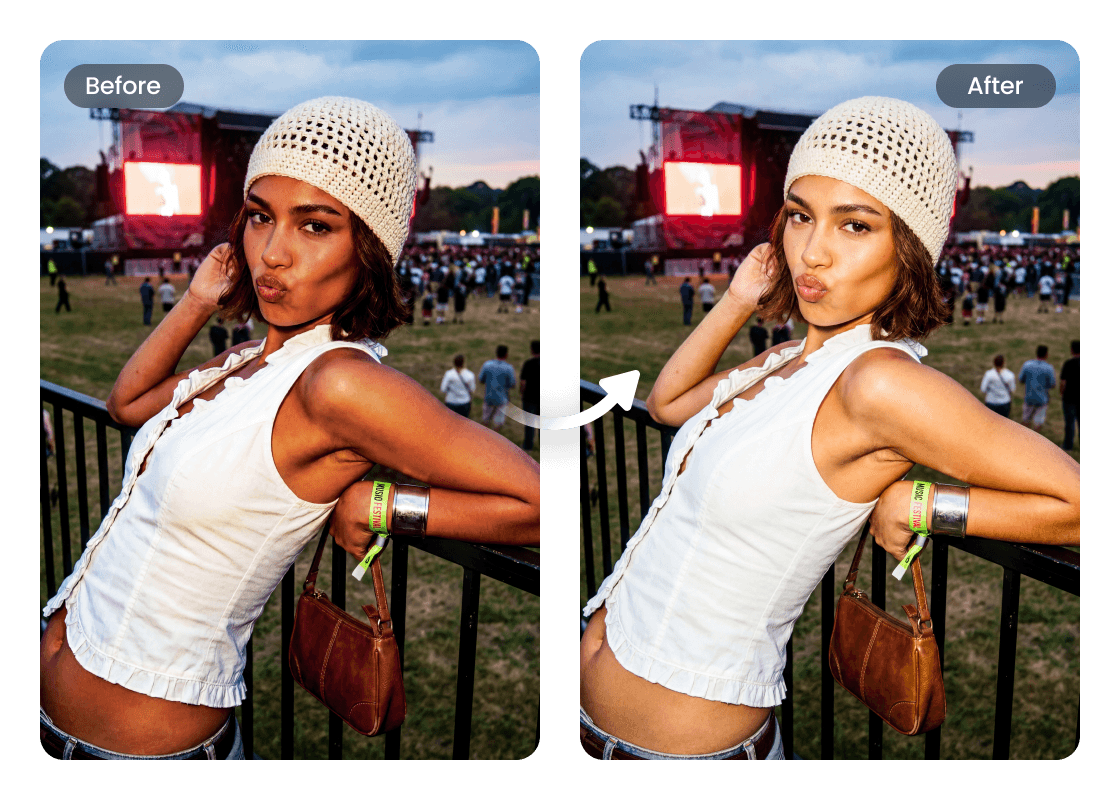
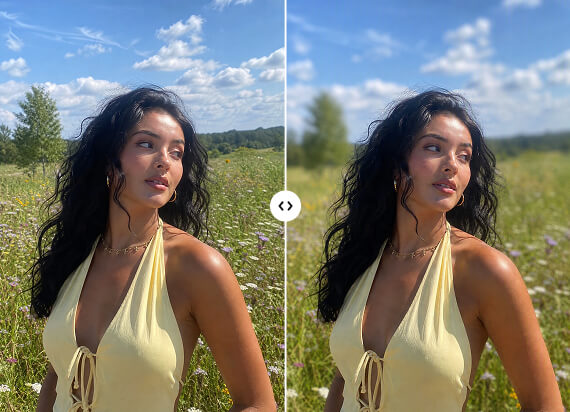
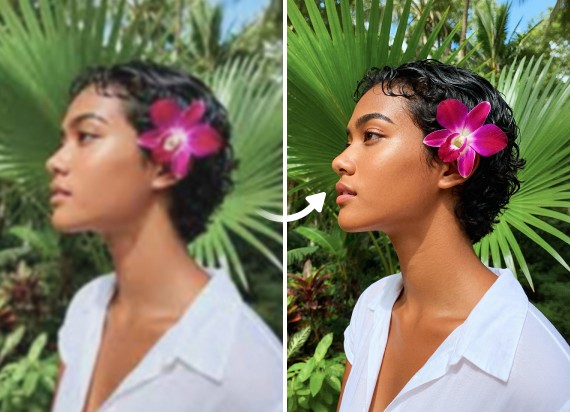
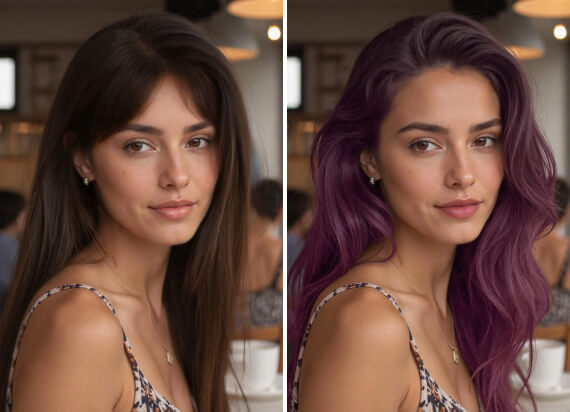
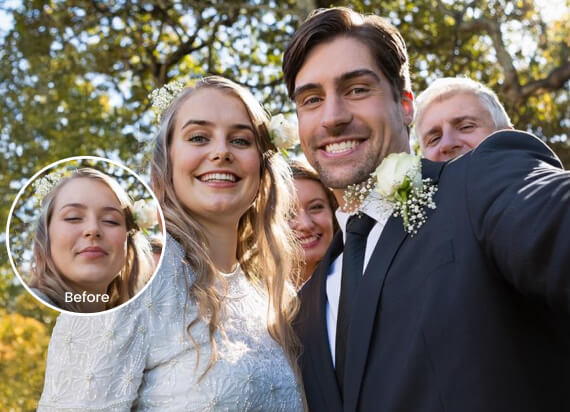
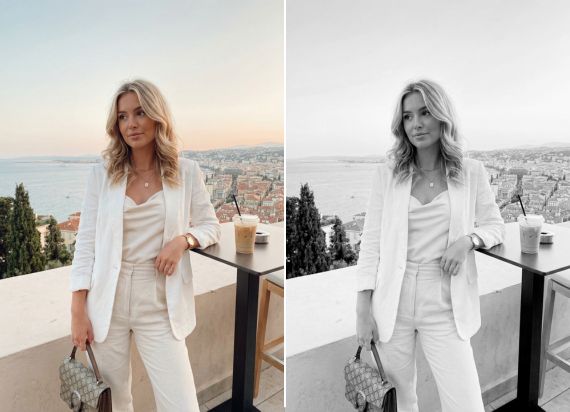
Fix photos affected by harsh lighting, neon colors, or strong tints with AI-powered color correction. Automatically restore realistic skin tones, balance image color, and enhance dull photos using advanced image colorizer technology for clearer, more natural-looking results.
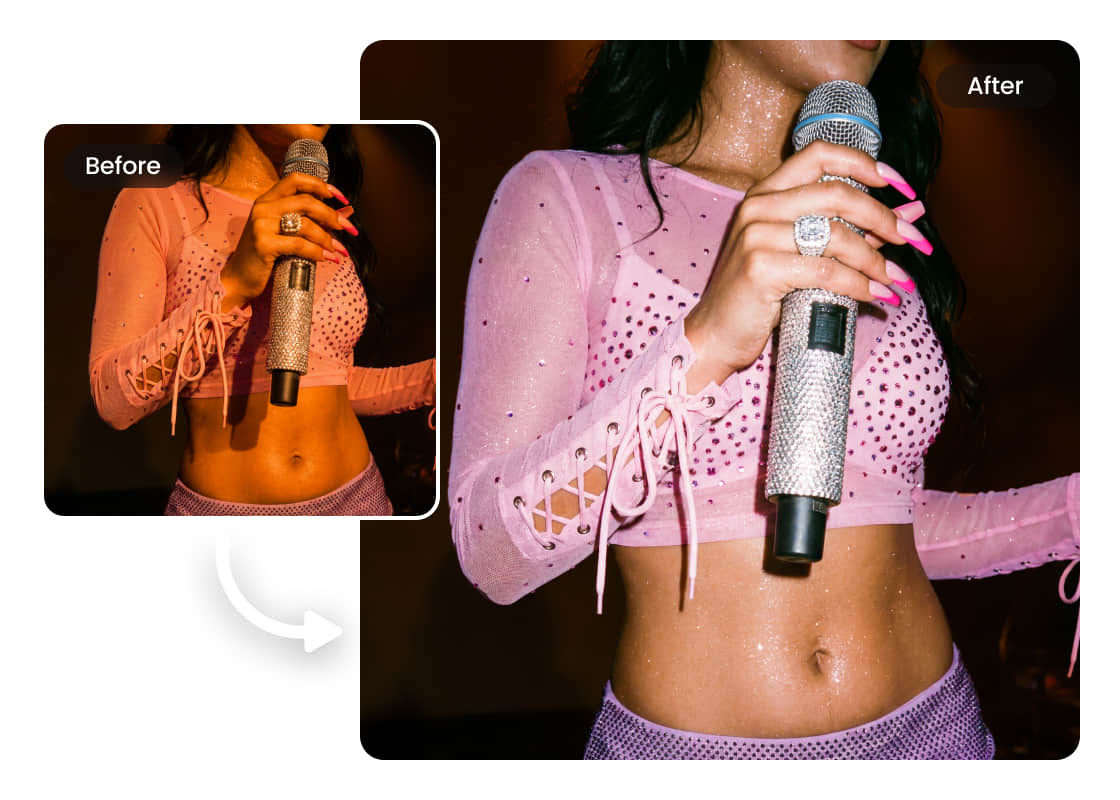
Restore Natural Colors in Concert and Low-Light Photos
Captured amazing concert or night photos, but the heavy stage lighting made the colors look too dark, blue, or unnatural? Use AI photo color correction to restore realistic tones, improve image color, and make your low-light shots look clearer, brighter, and ready to share.
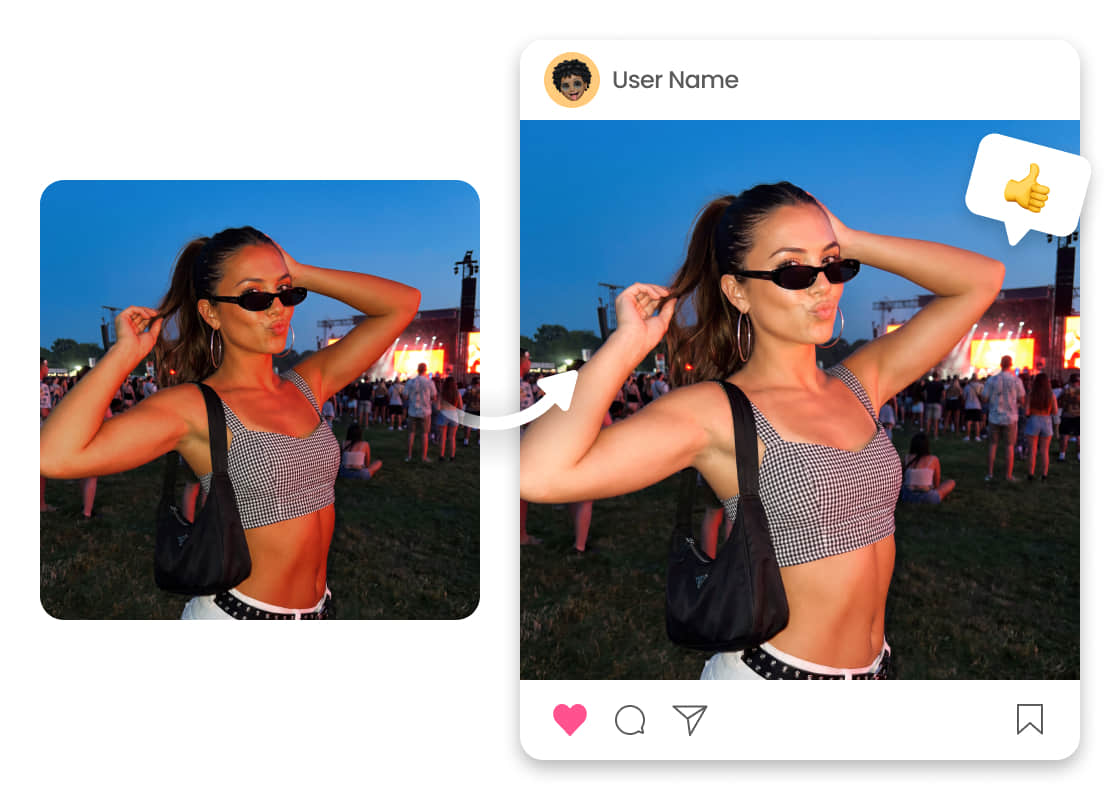
Balance Heavy Color Tints and Enhance Realistic Skin Tones
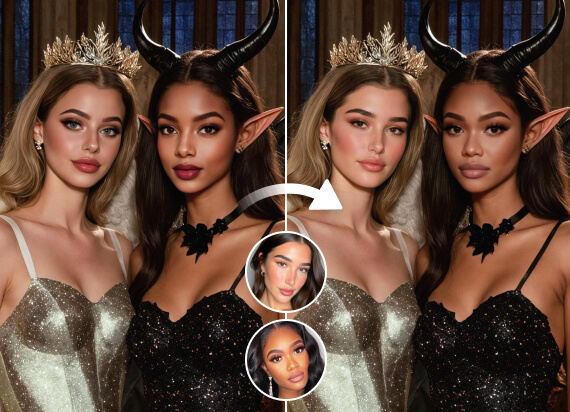
Strong red, blue, or purple lighting can make skin appear unnatural and uneven in photos. Airbrush AI Auto Color Correction detects heavy color tints, balances lighting automatically, and restores smoother, more realistic skin tones while keeping the original atmosphere of the image.
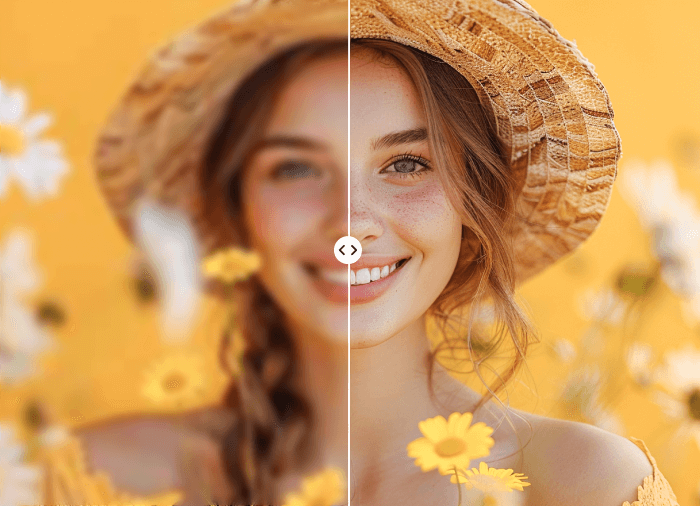
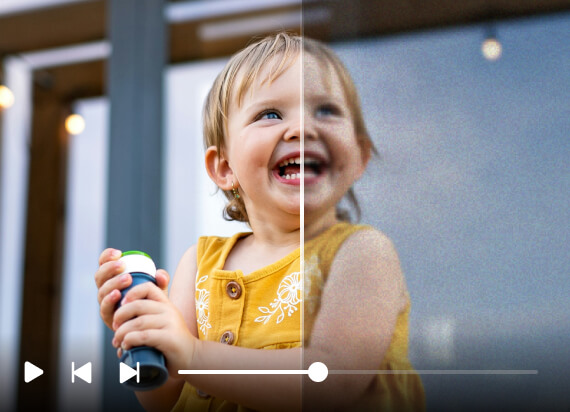
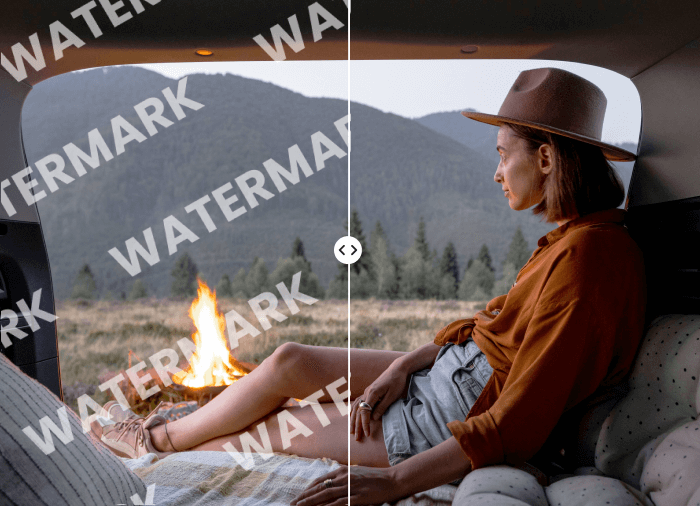
User Reviews
Sophia Lee
I took so many concert photos, but the lighting made everything look too blue and unnatural. This tool fixed the color cast automatically and improved the overall color balance without making the image look overedited. The skin tones finally look realistic again.
Ethan Carter
I’ve tried several photo editors before, but this AI tool made color correction incredibly fast and accurate. It adjusted the lighting, fixed weird stage colors, and even improved the white balance in my low-light photos perfectly.
Mia Chen
The AI did an amazing job enhancing the colors in my night photos while keeping the original atmosphere. I didn’t need to manually fine-tune anything; the images instantly looked brighter, cleaner, and much more professional.
FAQ
What does the AI color correction tool do?
The tool automatically fixes lighting issues, adjusts tones, and improves overall image quality using advanced color correction technology to make photos look more natural and balanced.
Can I improve dull or faded colors in my photos?
Yes, the AI can automatically enhance saturation levels and restore richer, more vibrant colors while keeping the image realistic and visually clean.
Does the tool help fix strange lighting colors?
Absolutely. The photo color correction tool can detect and correct unusual lighting by adjusting hue and balancing strong blue, red, or purple tints caused by concerts, LEDs, or night lighting.
Is this a professional color correction tool?
Yes, this AI-powered color correction tool helps improve skin tones, lighting balance, and overall image appearance for portraits, social media, ecommerce, and creative photography.
Can the AI brighten dark images automatically?
Yes, the tool can intelligently brighten low-light photos while preserving details and reducing unnatural shadows caused by poor lighting conditions.
Do I need to manually adjust photo settings?
No, the AI handles most edits effortlessly by analyzing the image automatically and then correct color for professional-looking results.

Features & Tools
AI Powered RetouchEraserBackground RemoveNo Beard FilterFace EditorAI MakeupPhoto FiltersPhoto Color ChangerAll ToolsDownload
Support
Features & Tools
Download
Support