Airbrush

start icostart icostart icostart icostart ico

Download for 7-day Free Trial

smart banner

AI Image Relighter for Better Photo Lighting

Change the lighting in any photo for a more polished and natural-looking result. Airbrush AI Image Relighter gives you more control over your photo lighting while preserving the original look and details.

Upload Image

Drag and drop Image here

Relighter

Change the lighting in any photo for a more polished and natural-looking result. Airbrush AI Image Relighter gives you more control over your photo lighting while preserving the original look and details.

Relighter

Choose from Free and Advanced Photo Lighting Styles

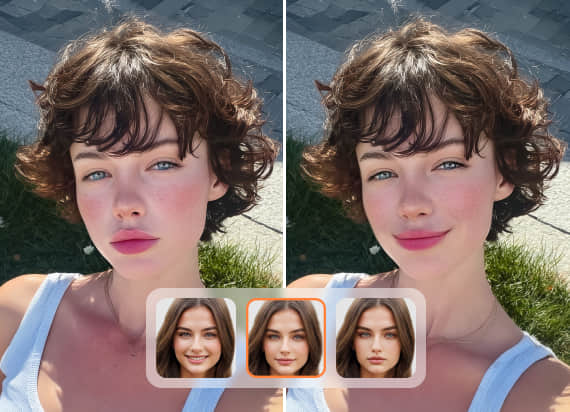
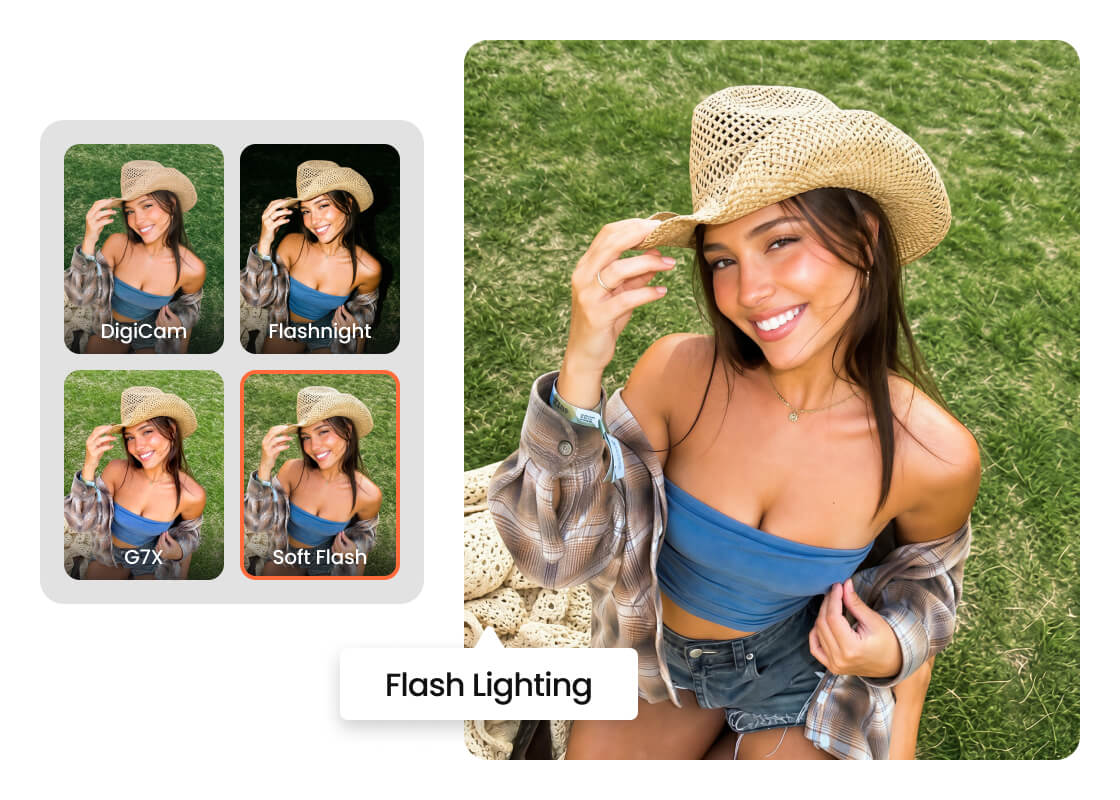
Airbrush Relight includes 7 free effects: Soft Flash, Flashnight, Flash, G7X, DigiCam, Even Light, and DeGlare. Sunsoft and Tan Flash are diamond-marked options that lead to advanced Plus styles in the editor on desktop or the app on mobile.
Relighter

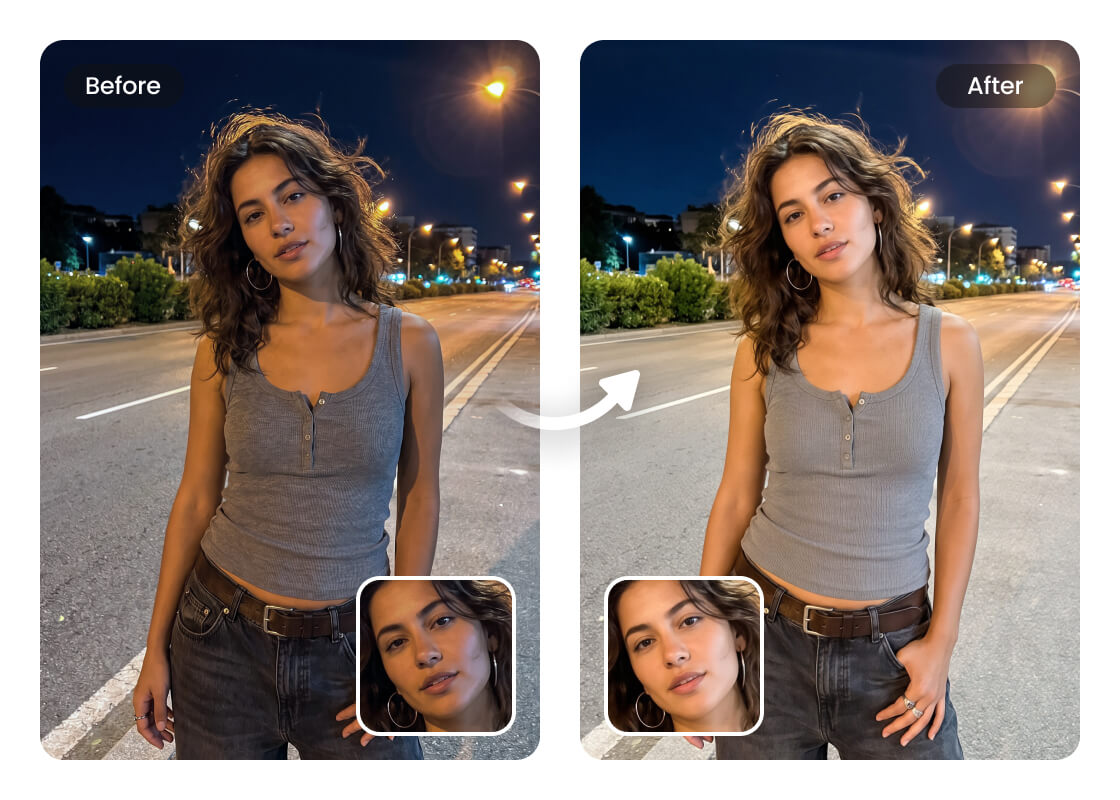
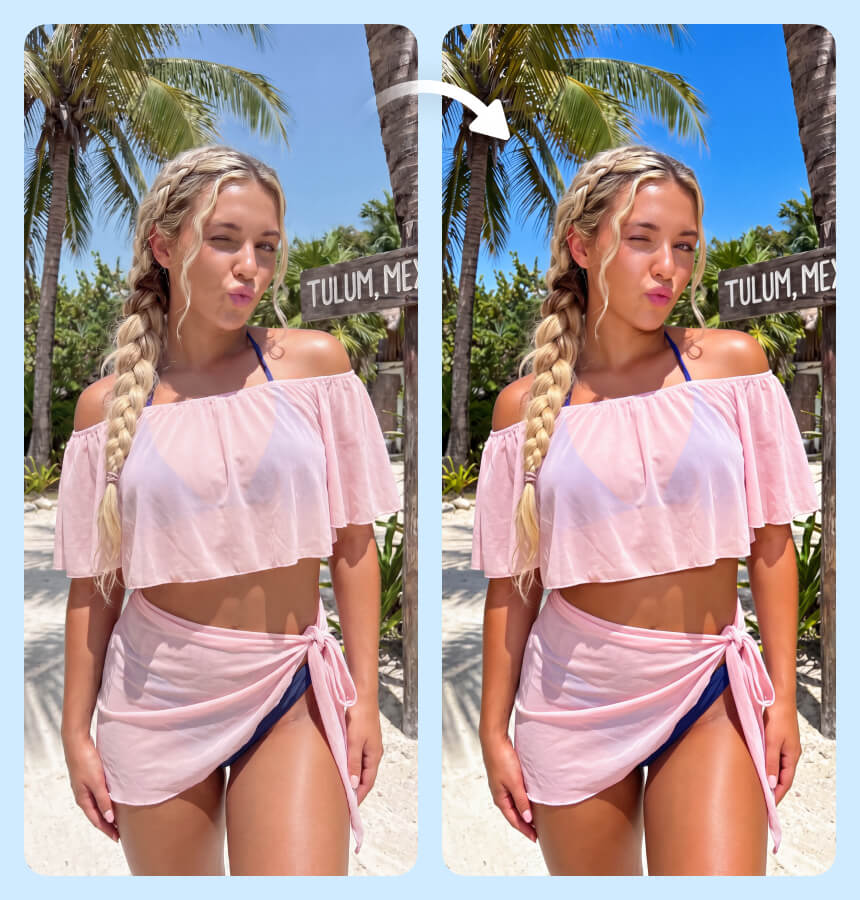
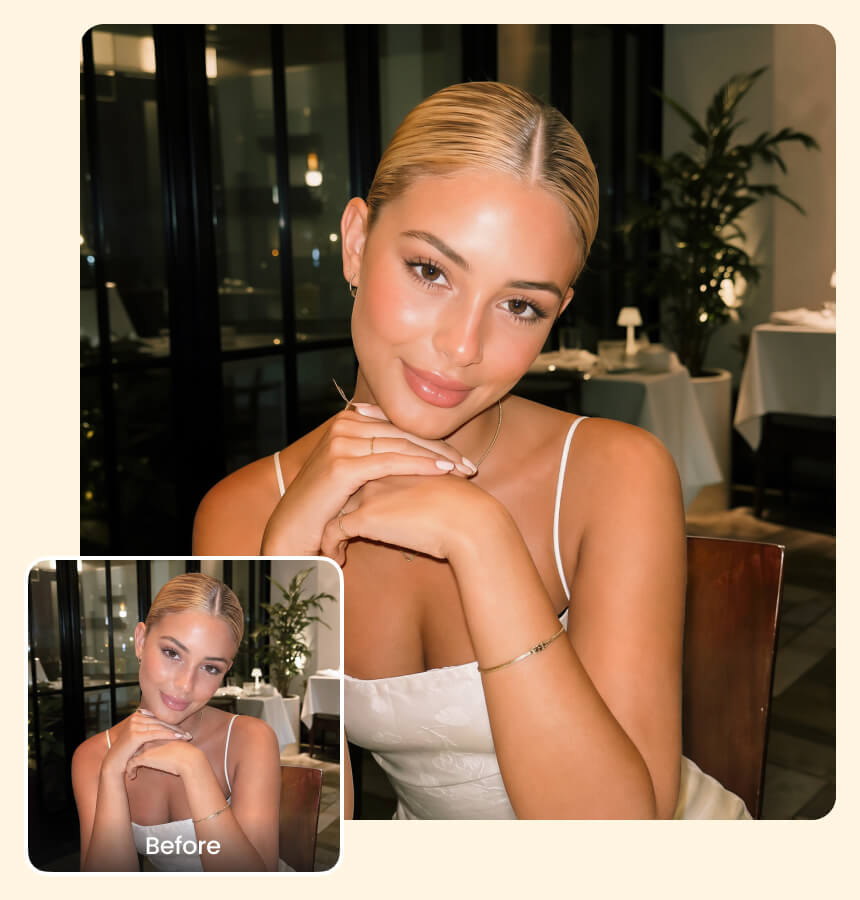
Fix Poor and Uneven Lighting in Photos

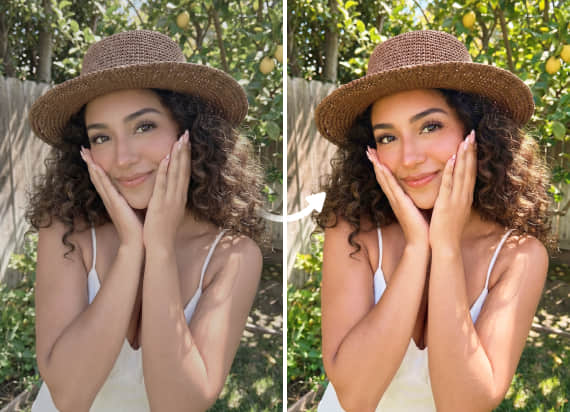
Improve photos where the original light leaves the subject too dark, flat, or unevenly exposed. The tool helps fix lighting in photo while maintaining important facial features, colors, textures, and other details in the original image.
Relighter

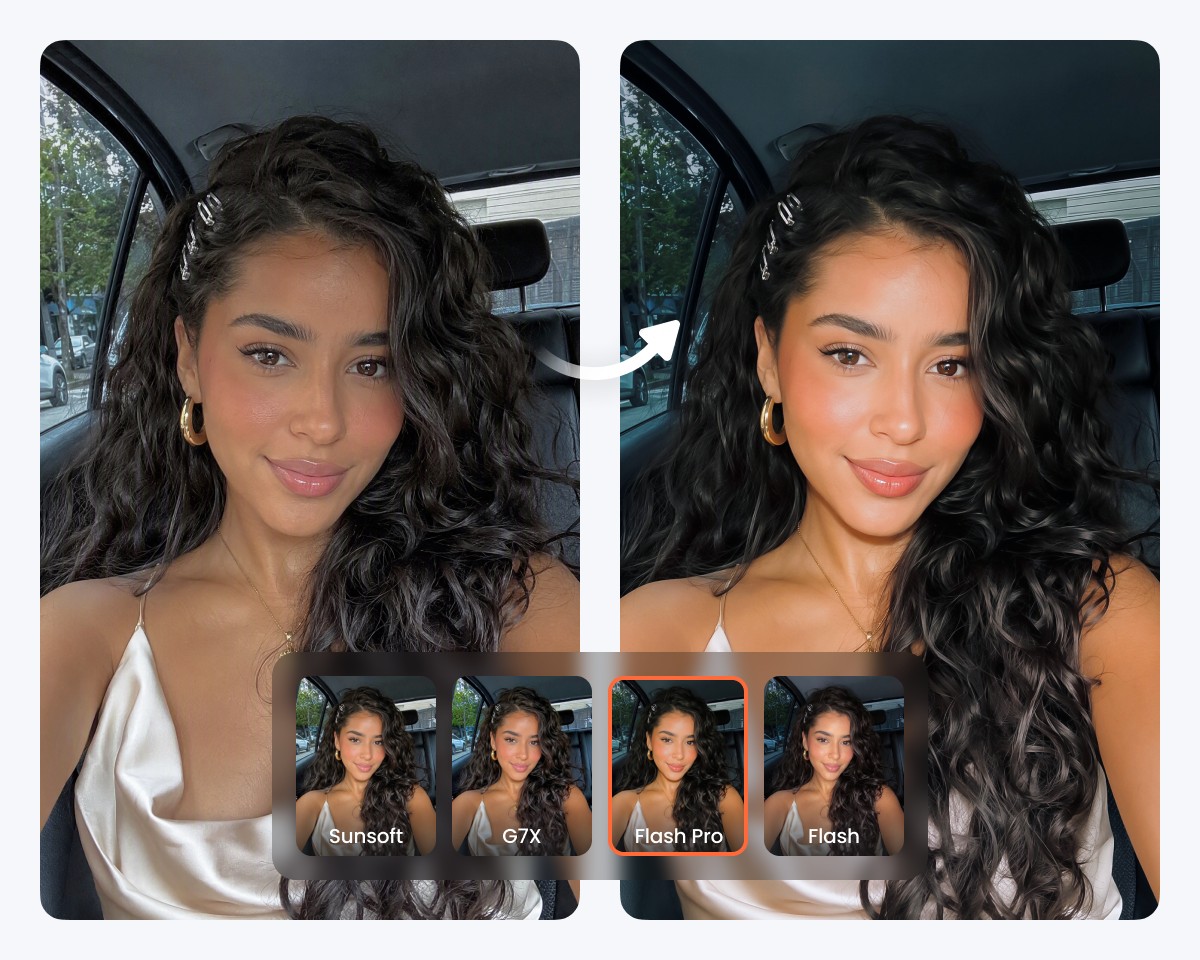
Recreate Flash and Digital Camera Lighting

Give existing photos the distinctive character of flash and compact-camera photography. Try Soft Flash, Flashnight, Flash, G7X, or DigiCam to recreate different camera-inspired lighting aesthetics without having to retake the original photo. For additional styles, Airbrush also provides access to advanced Relight effects through the editor or mobile app.
Relighter

Keep Your Subject Natural When Relighting

Adjust image lighting without losing the qualities that make the original photo look authentic. Skin tones, facial details, clothing, and surrounding elements remain recognizable while the new illumination blends naturally with the scene.

Use Cases of Airbrush AI Relighter

Relighter
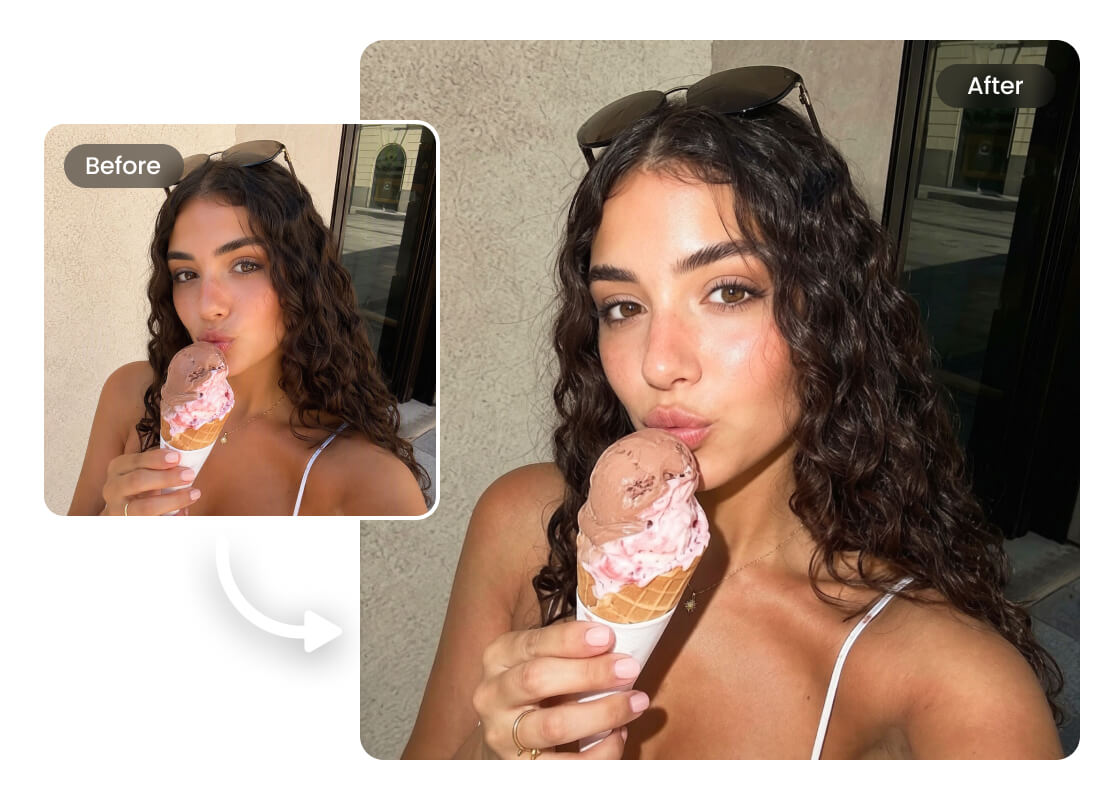
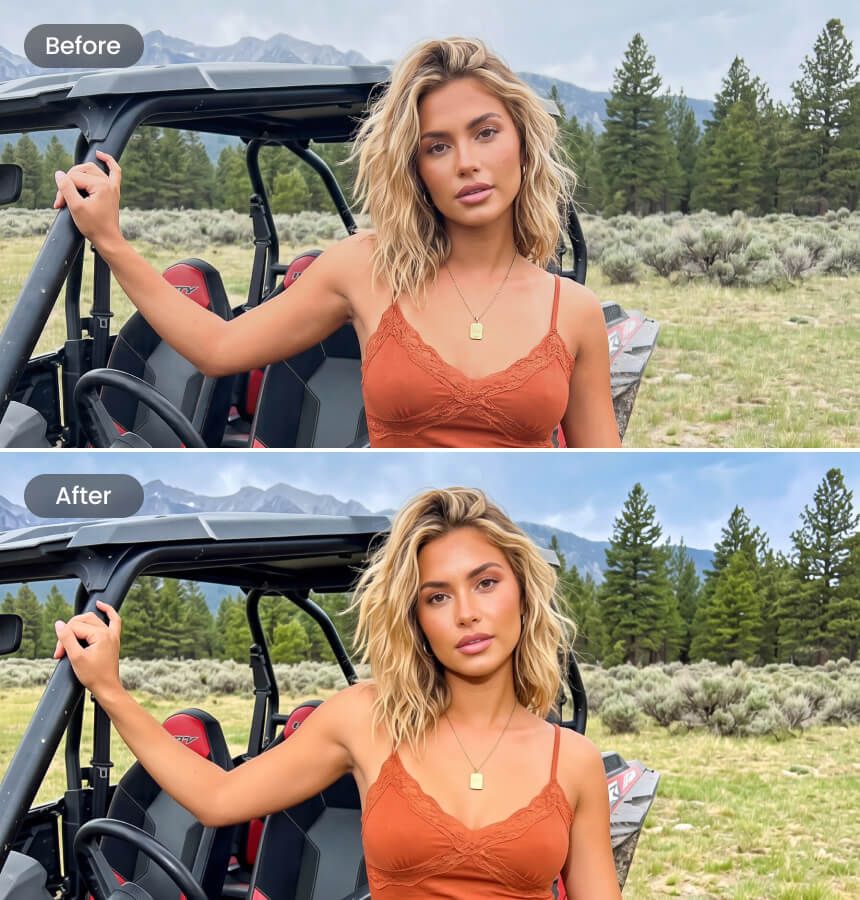
Give Portraits More Flattering Lighting

Improve selfies, portraits, profile pictures, and people photos where the original setup doesn't flatter the subject. Better photo lighting can bring more attention to the face, balance the overall appearance, and give portraits a more polished finish.
Relighter

Give Portraits More Flattering Lighting

Improve selfies, portraits, profile pictures, and people photos where the original setup doesn't flatter the subject. Better photo lighting can bring more attention to the face, balance the overall appearance, and give portraits a more polished finish.
Relighter

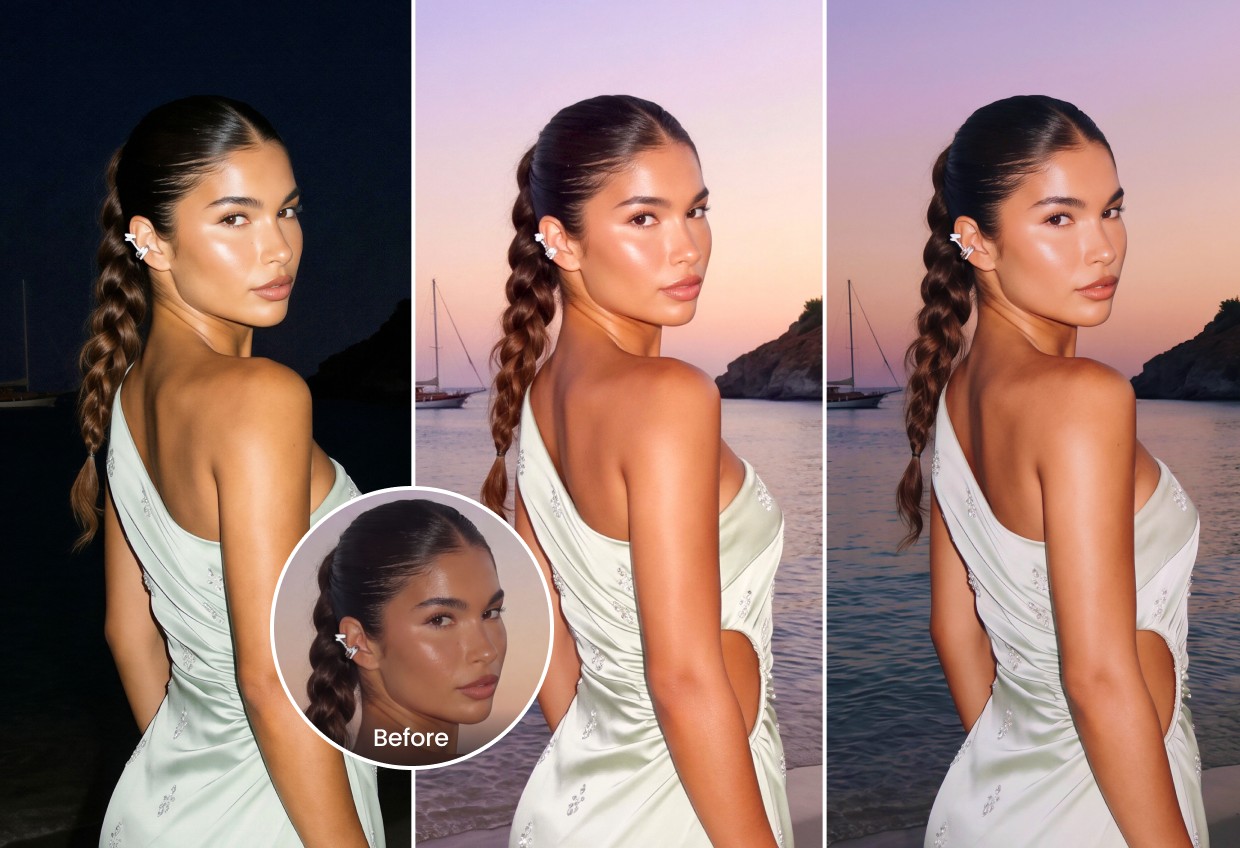
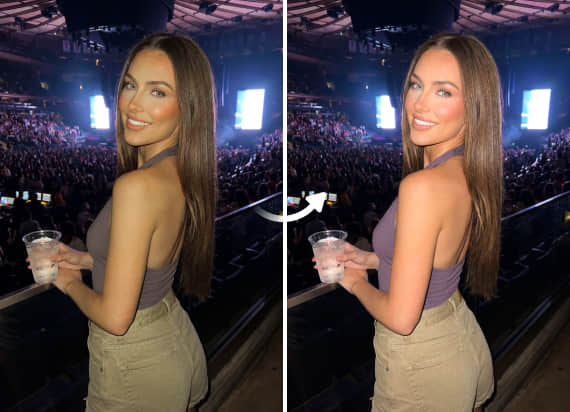
Improve Photos Taken in Poor Lighting

Make indoor shots, evening pictures, and other difficult exposures more usable when conditions weren't ideal. Adjust the lighting on pictures you already have instead of relying on the original environment or taking the photo again.

Relighter

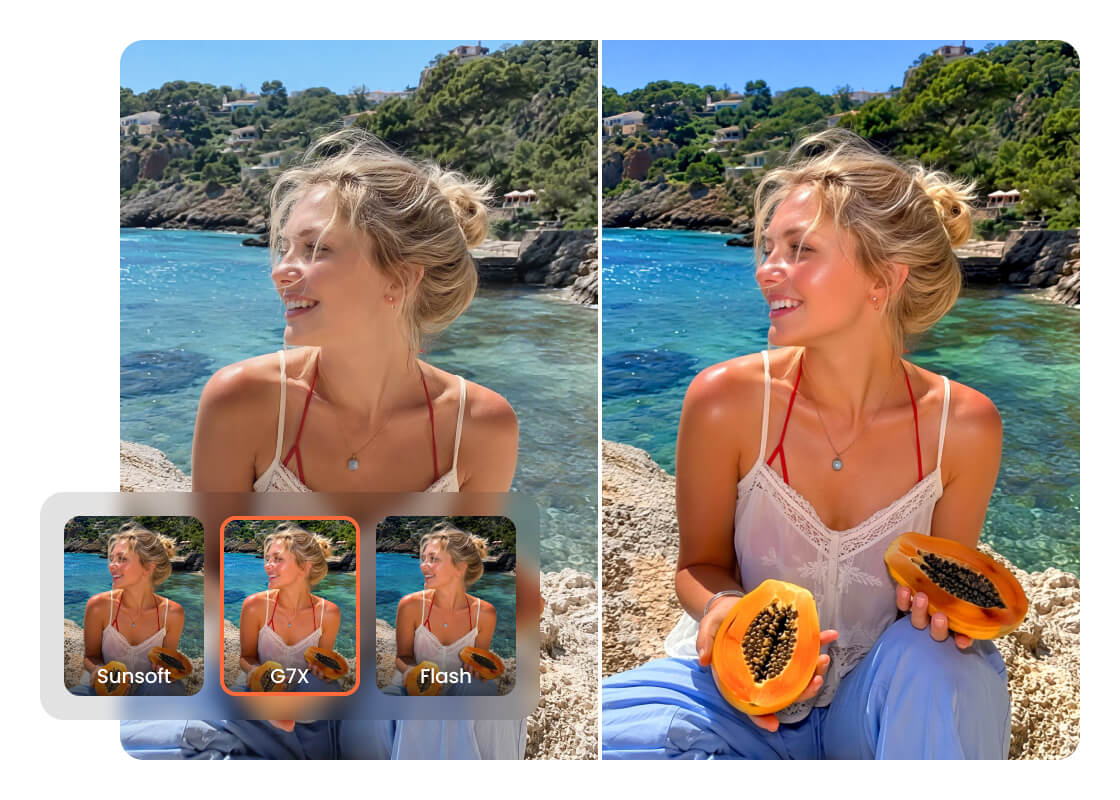
Create the Digital Camera Look for Social Photos

Bring the recognizable compact-camera aesthetic to lifestyle shots, travel photos, and social content. G7X and DigiCam styles give everyday images a distinctive camera-inspired appearance that works well for posts, stories, and personal photo collections.

Relighter

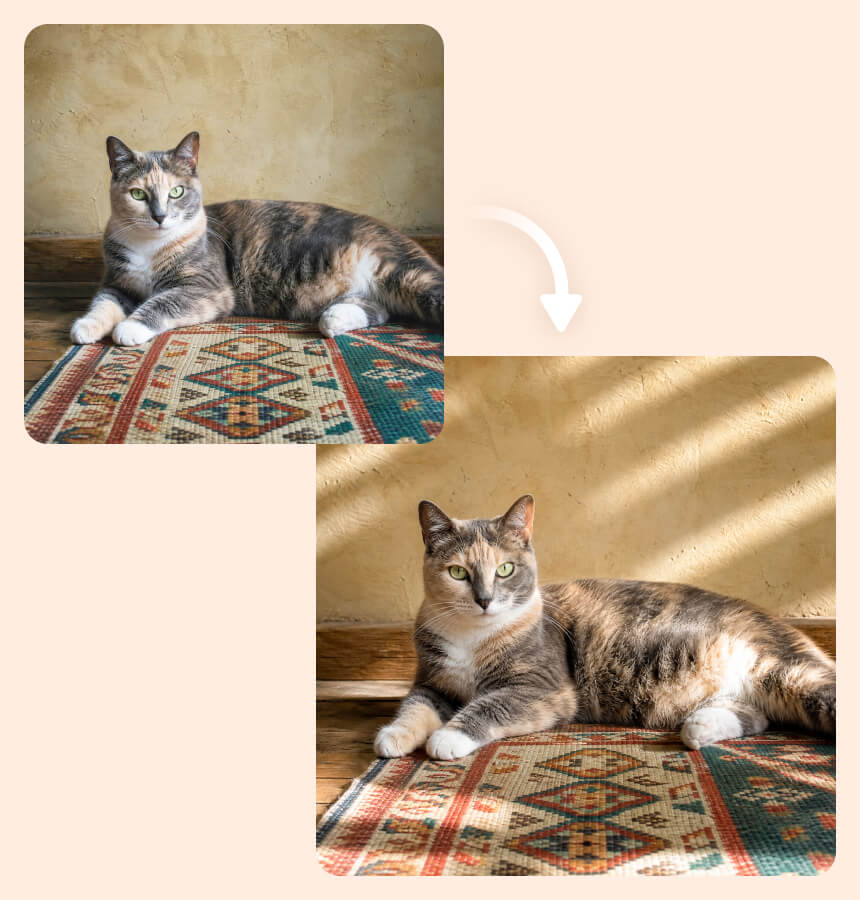
Change the Lighting to Match the Scene

A photo may have the right composition but the wrong illumination for the atmosphere you had in mind. Use AI photo lighting to introduce a warmer, softer, brighter, or more dramatic look that better complements the existing scene.

How to Relight a Photo with Airbrush

Upload Your Photo

Choose the photo you want to relight and upload it to Airbrush.

Choose a Relight Effect

Pick from 7 free effects, or select a diamond-marked option for more styles.

Apply or Explore More Styles

Apply and download your result, or access advanced Plus Relight styles in the editor or app.

Relighter

User Reviews

I had a few evening photos from a trip where my face looked much darker than the background. Even Light balanced them nicely without making the whole photo look overly bright. I ended up fixing three photos I had almost decided not to post.

- Nadia Rahman

I mainly tried this for the G7X look because I keep seeing that camera style on Instagram. DigiCam and Flash gave my regular phone photos a surprisingly similar feel. I like that I can try different lighting without changing the actual photo too much.

- Marco Silva

Soft Flash has been the most useful for me. I take a lot of indoor portraits near a window, and sometimes one side of the face comes out too dark. It gave the photo more balanced lighting while the skin and small details still looked natural.

- Amara Okafor

I had a few evening photos from a trip where my face looked much darker than the background. Even Light balanced them nicely without making the whole photo look overly bright. I ended up fixing three photos I had almost decided not to post.

- Nadia Rahman

I mainly tried this for the G7X look because I keep seeing that camera style on Instagram. DigiCam and Flash gave my regular phone photos a surprisingly similar feel. I like that I can try different lighting without changing the actual photo too much.

- Marco Silva

Soft Flash has been the most useful for me. I take a lot of indoor portraits near a window, and sometimes one side of the face comes out too dark. It gave the photo more balanced lighting while the skin and small details still looked natural.

- Amara Okafor

Frequently Asked Questions

An AI Image Relighter changes how light appears in an existing photo. Airbrush Relighter can adjust the overall lighting and apply different styles while keeping the subject, colors, and important image details recognizable.

Yes. Airbrush Relighter can help fix lighting in photo when the subject looks too dark, flat, or unevenly lit. You can choose a lighting style that better suits the image without having to recreate the original shot.

Yes. Airbrush includes Flash, Flashnight, and Soft Flash options for adding different flash-inspired looks to existing photos. This is useful when the original image was taken without flash or the lighting did not give you the look you wanted.

Airbrush offers 7 free Relight effects: Soft Flash, Flashnight, Flash, G7X, DigiCam, Even Light, and DeGlare. Sunsoft and Tan Flash are paid effects available with a Plus membership.

Yes. You can use the G7X and DigiCam styles to give regular phone photos a compact digital-camera-inspired look. They work especially well for portraits, travel pictures, lifestyle shots, and social media photos.

For photos, Airbrush AI lighting tool offers free Relight effects and access to advanced Plus styles in the editor or app. For videos, a dedicated video relighting tool is required.

Change Your Photo Lighting Now