Airbrush

start icostart icostart icostart icostart ico

Download for 7-day Free Trial

smart banner
HomeAll Tools
Image Upscaler

Airbrush Image Upscaler - Upscale Images with AI

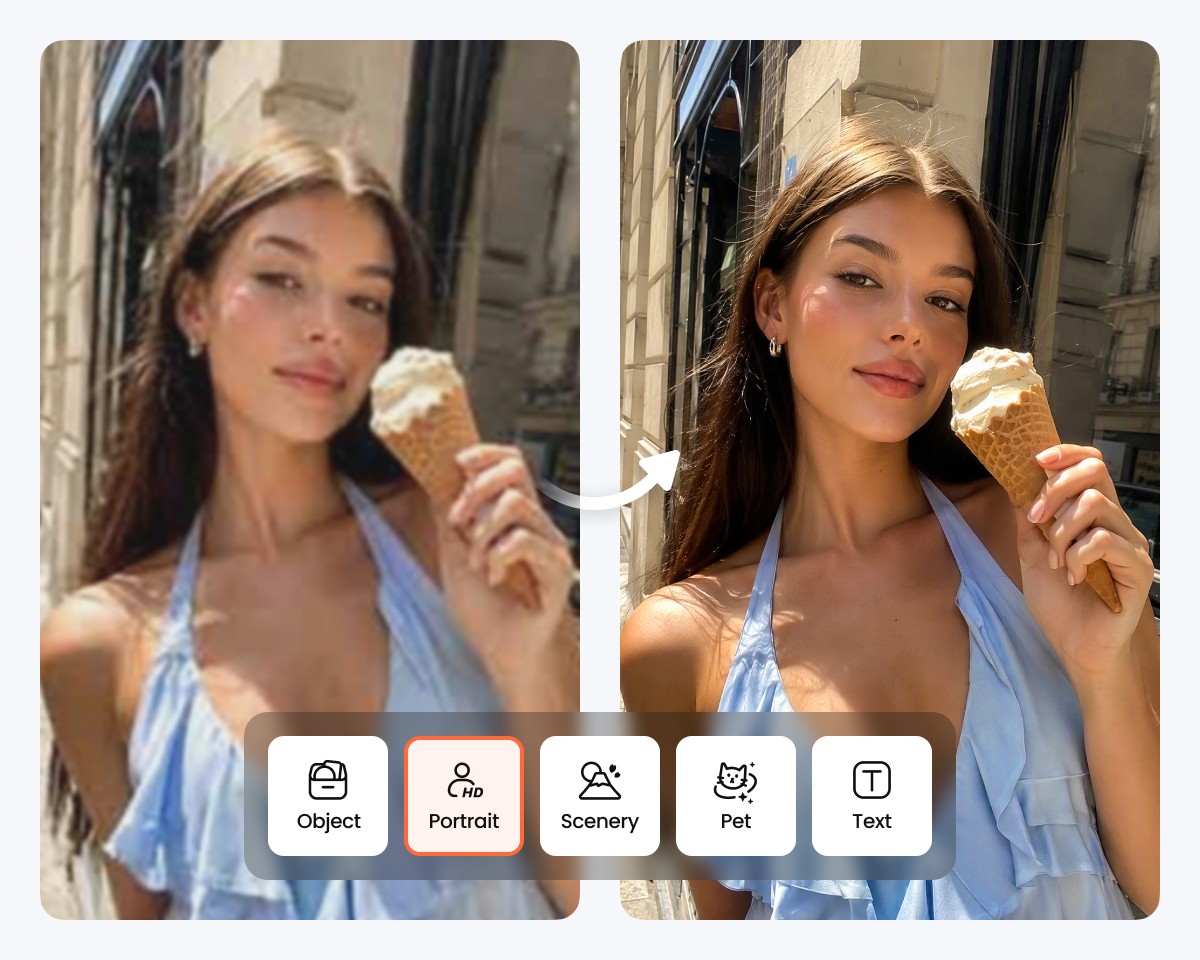
Image Upscaler turns low-resolution images into larger, clearer visuals while helping important details remain clear. Upscale images for better clarity and definition, with dedicated enhancement modes for portraits, products, scenery, pets, and text.

Upload Image

Drag and drop Image here

Image Upscaler

Image Upscaler turns low-resolution images into larger, clearer visuals while helping important details remain clear. Upscale images for better clarity and definition, with dedicated enhancement modes for portraits, products, scenery, pets, and text.

Image Upscaler

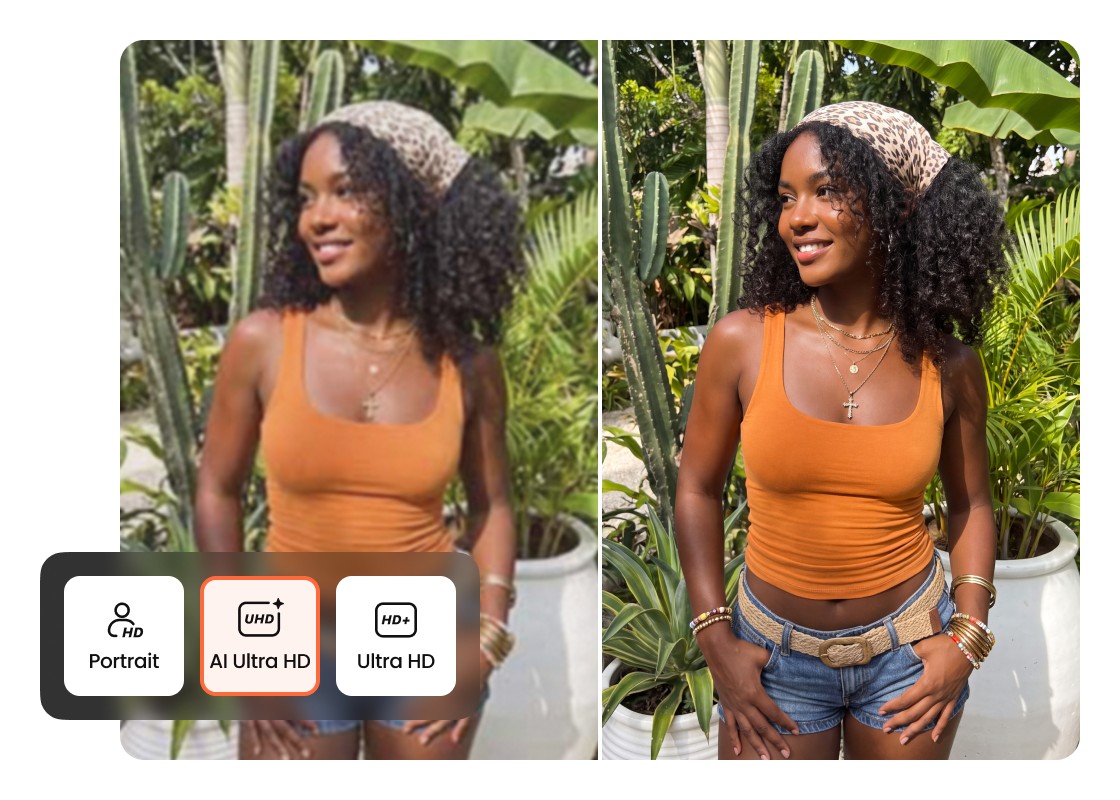
Choose Between Ultra HD and AI Ultra HD

Choose Ultra HD for a clean resolution boost, or AI Ultra HD when your photo needs stronger enhancement. Switch between the two options based on the source image and the level of detail you want to bring forward in the final result.
Image Upscaler

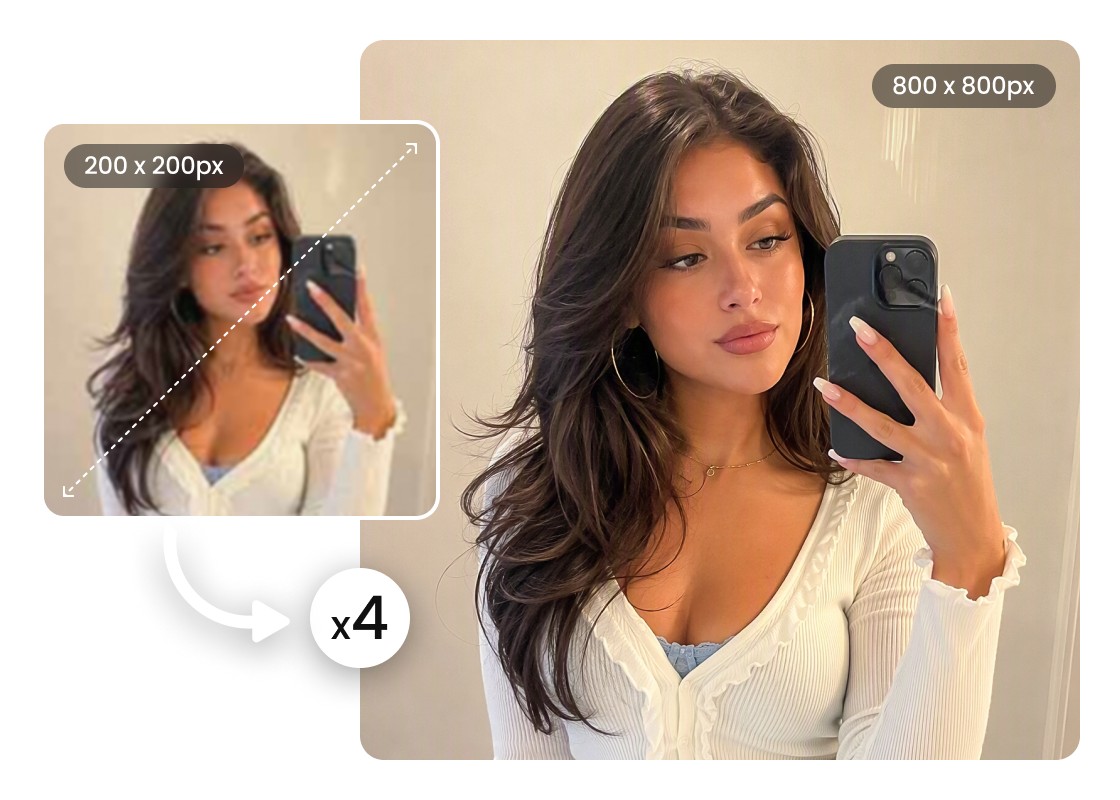
Upscale Images Up to 4X for Higher Resolution

Increase image dimensions at 1X, 2X, or 4X based on where the visual will be used. The image scaler gives you control over output size, helping smaller photos work better for larger displays, creative projects, and high-resolution layouts.
Image Upscaler

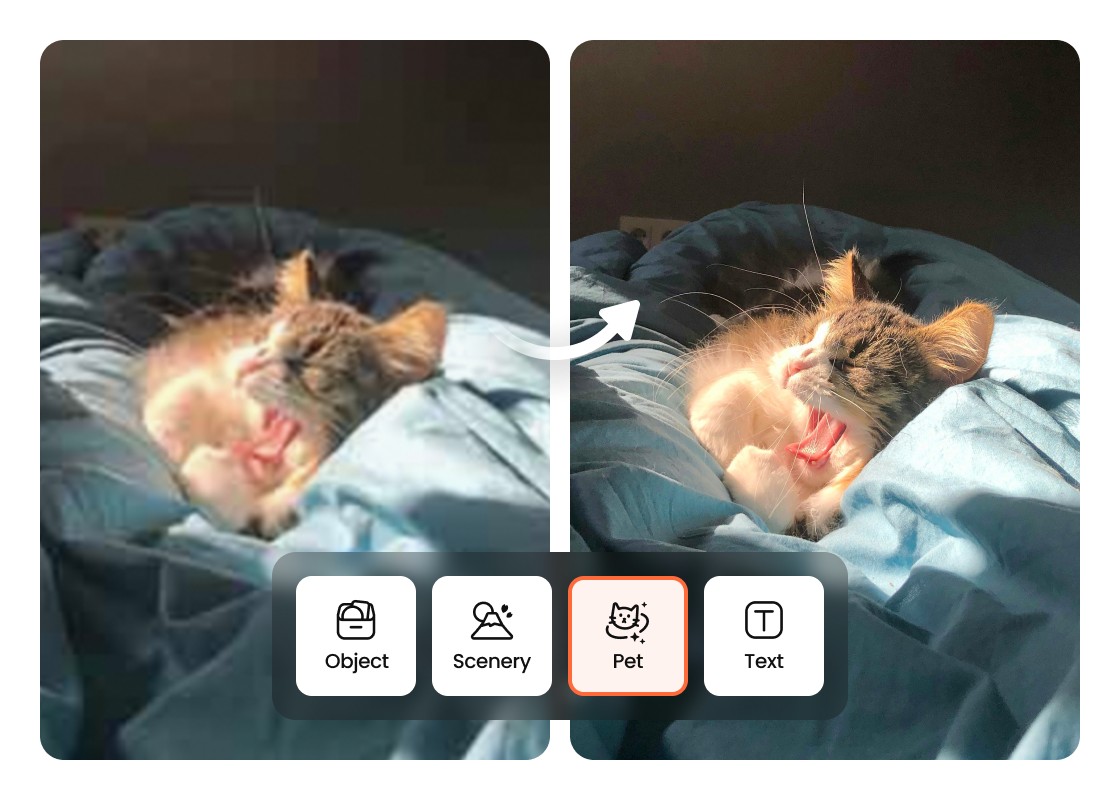
Match the Enhancement Mode to Your Image

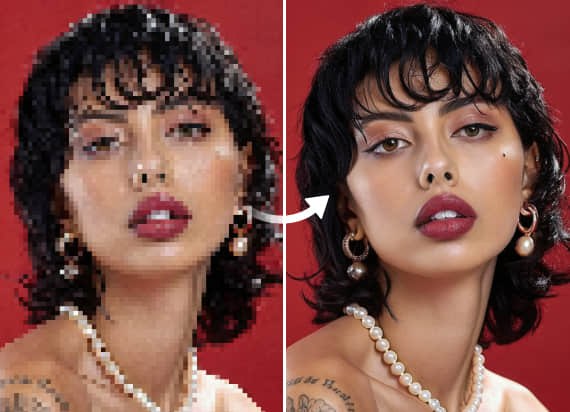
Different visuals need different treatment. Select Portrait, Object, Scenery, Pets, or Text so the upscaler can focus on the characteristics that matter for your image, from facial features and fur to product edges, landscapes, and lettering.
Image Upscaler

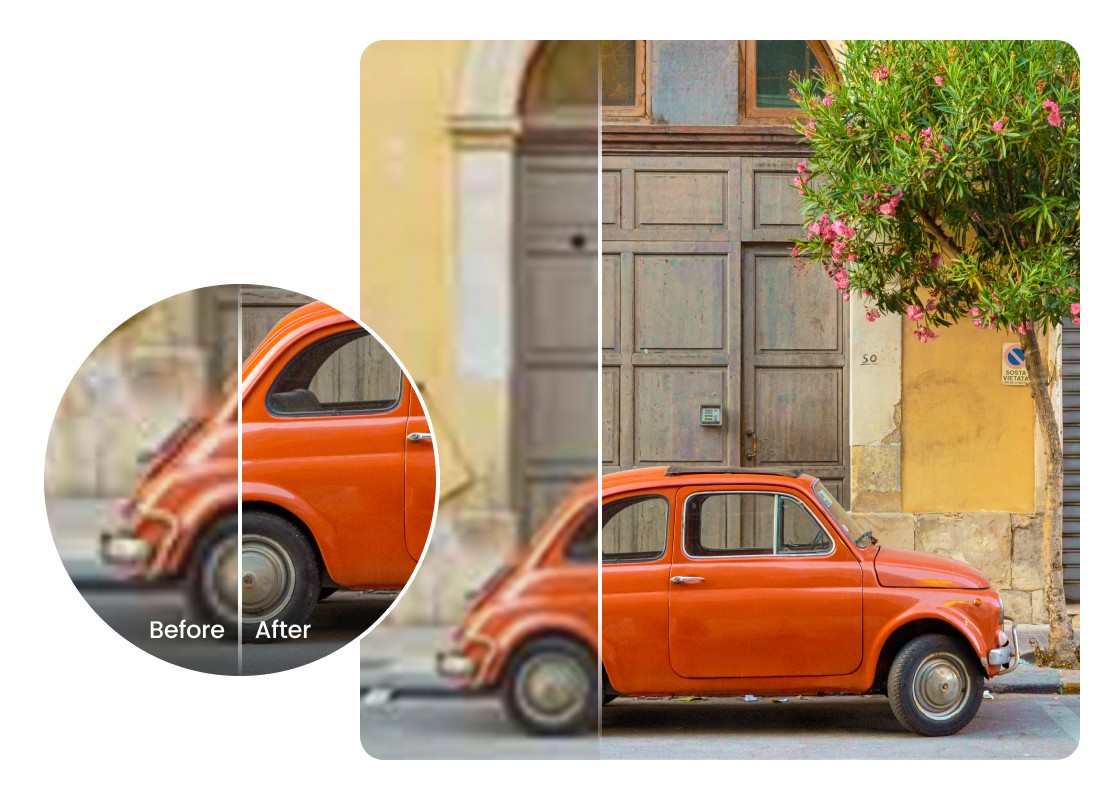
Keep Important Details Clear as You Enlarge

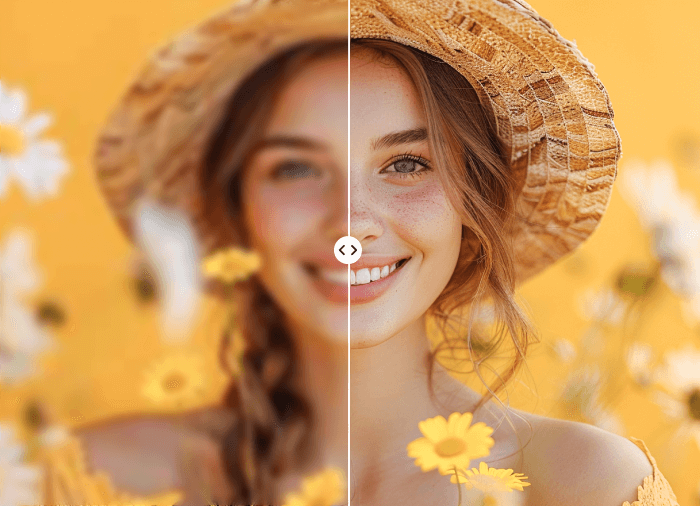
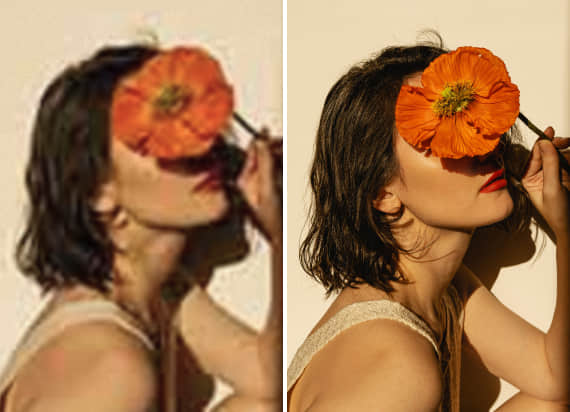
Make a small image larger without simply stretching the original pixels. The image upscaler refines visible edges, textures, and definition as it enlarges the picture, helping the result stay clear and balanced at a higher resolution.

Use Cases of Airbrush Image Upscaler

Image Upscaler
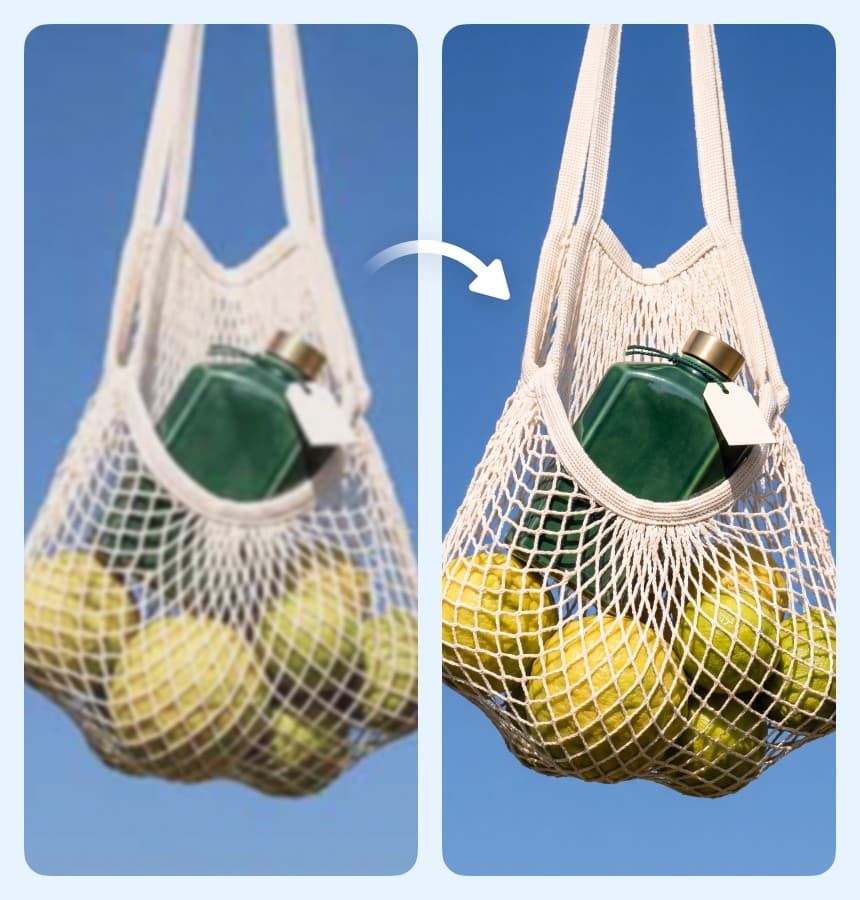
Bring Out Product Shapes, Edges, and Textures

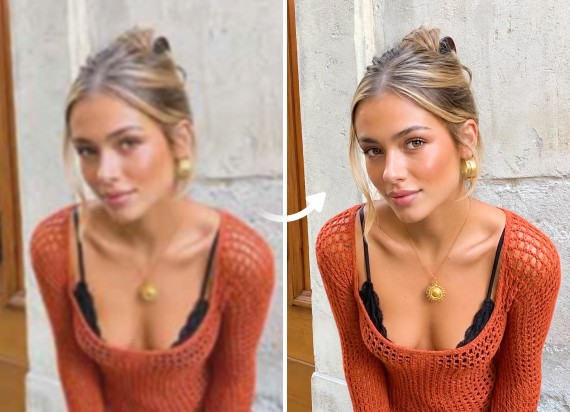
Give product photos more room to show their details. Object mode focuses on visible shapes, edges, surfaces, and textures, making it useful when you upscale pictures of clothing, accessories, electronics, furniture, or other physical products.
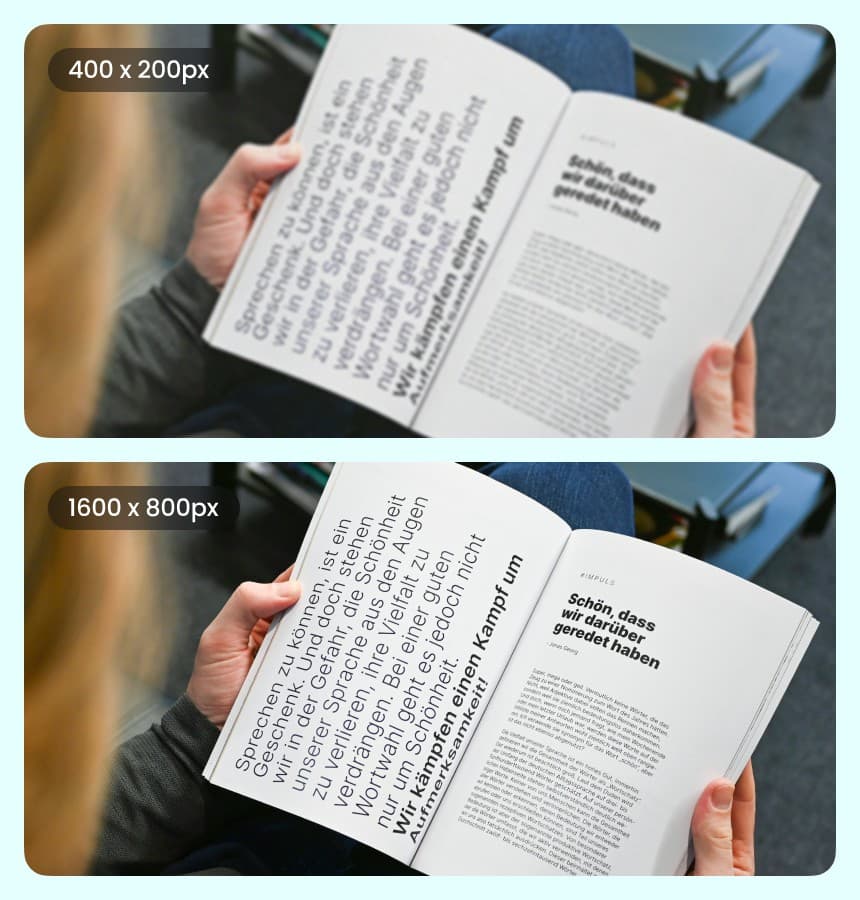
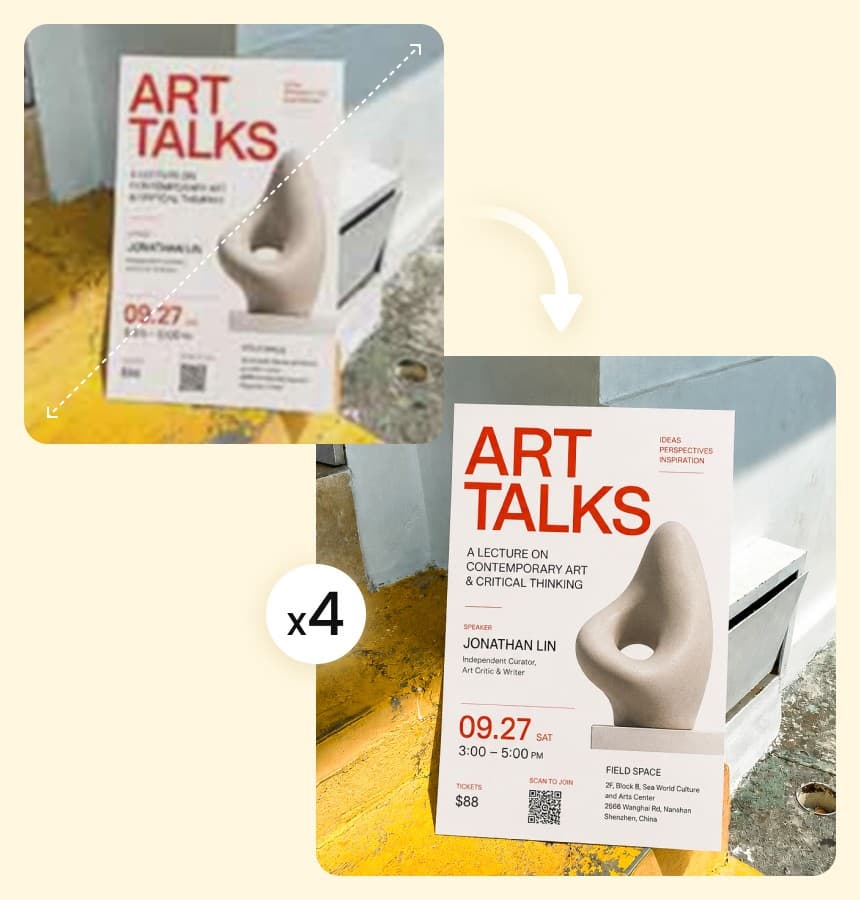
Image Upscaler

Bring Out Product Shapes, Edges, and Textures

Give product photos more room to show their details. Object mode focuses on visible shapes, edges, surfaces, and textures, making it useful when you upscale pictures of clothing, accessories, electronics, furniture, or other physical products.
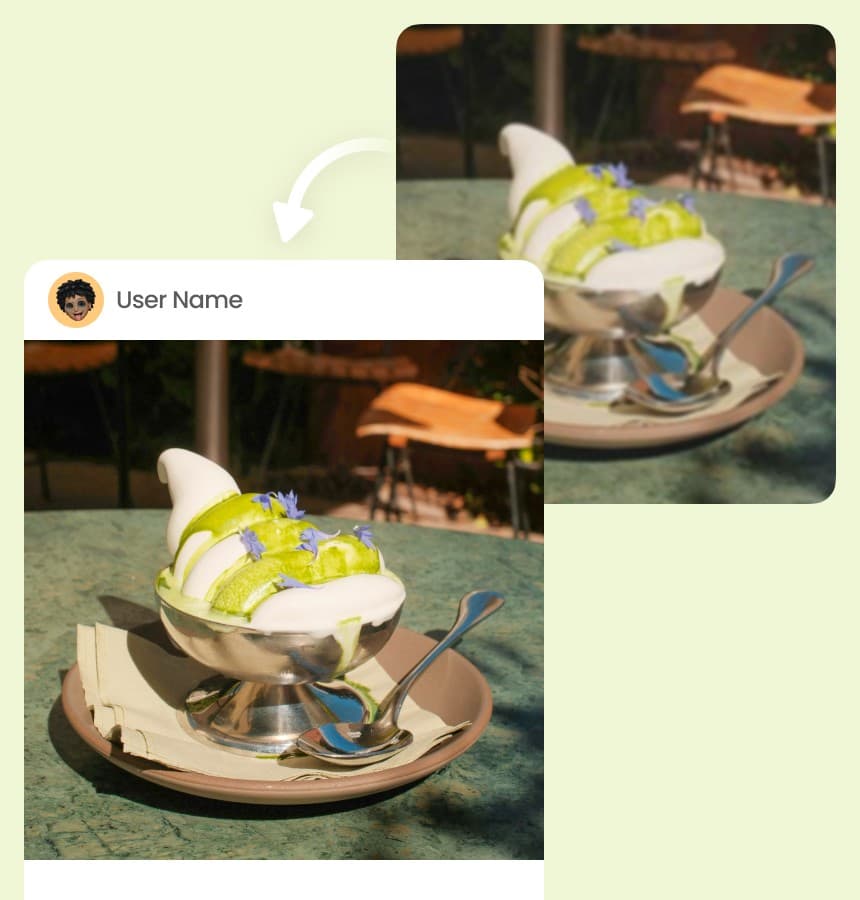
Image Upscaler

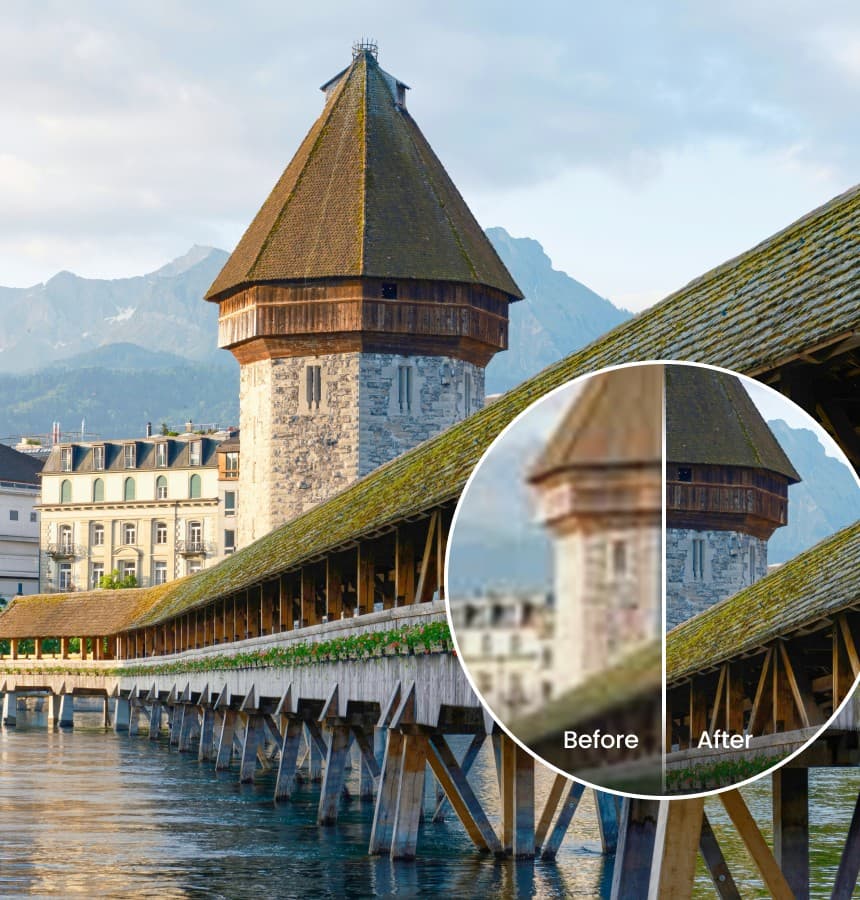
Enhance Landscapes and Scenery at Larger Sizes

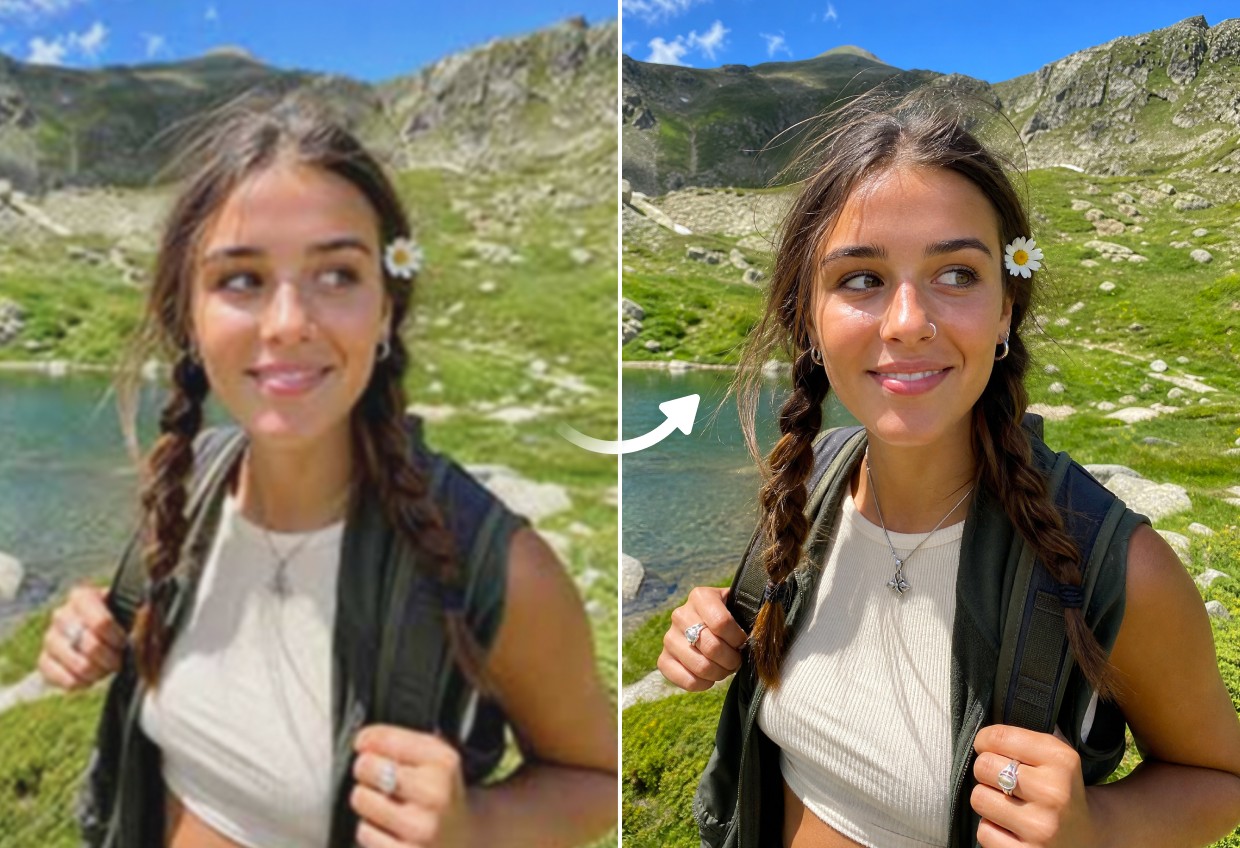
Enlarge travel photos, landscapes, architecture, and outdoor scenes while keeping the overall image balanced. Scenery mode focuses on the details across the frame, helping distant elements, textures, and features remain clear at a larger size.

Image Upscaler

Make Text and Graphics Clearer at Larger Sizes

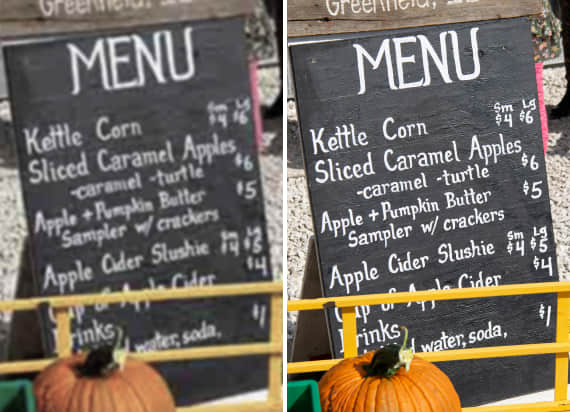
Enlarge images containing text, signs, posters, graphics, or other defined elements with a mode built for readability. Text mode helps maintain clearer letter shapes and visual edges, so important content remains easier to read at a larger size.

Image Upscaler

Enlarge Photos for Posters, Prints, and Presentations

Turn smaller photos into higher-resolution files for posters, presentations, marketing materials, and other larger formats. Use the image rescaler to increase dimensions while keeping visible details clearer than they would be with basic stretching.

Image Upscaler

Improve Images for Websites and Social Media

Prepare photos for websites, social posts, thumbnails, banners, and other digital content when the original file is too small. Upscale images to create larger visuals with clearer details, giving you more flexibility across layouts and screens.

Image Upscaler

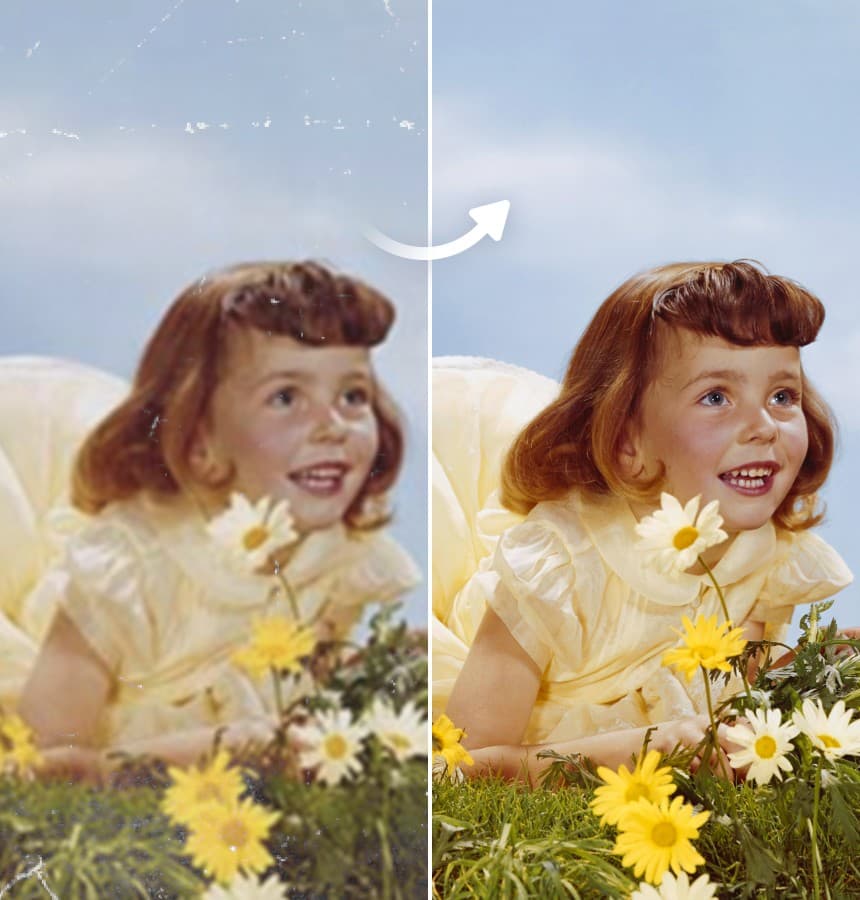
Give Older and Low-Resolution Photos More Usable Detail

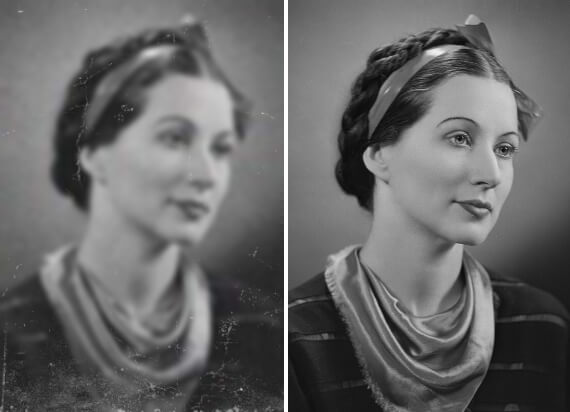
Give older or low-resolution pictures room to be reused without making existing pixelation more obvious. AI image upscaling can refine visible details and edges as the picture grows, making smaller files more suitable for larger screens and layouts.

How to Upscale an Image with Airbrush

Upload Your Image

Choose and upload the photo you want to upscale. Airbrush supports portraits, products, scenery, pets, text-based images, and more.

Choose Your Upscale Settings

Select Ultra HD or AI Ultra HD, choose the mode that matches your image, then set the upscale level to 1X, 2X, or 4X.

Preview and Download

Preview the higher-resolution result and check the details and overall quality. Once it looks right, download your upscaled image.

Image Upscaler

User Reviews

I needed a bigger version of a photo for a presentation, but the original was quite small. The upscaling worked better than just resizing it, especially around the face and hair.

- Amara Nwosu

I use a lot of supplier photos for my online store and some come in really low image resolution. I tried the Object setting on a few of them and the products stayed clear even after making the images bigger.

- Omar Al-Hassan

I mostly use it for old photos from my phone. Image upscaling helps when I want to crop something and still keep decent image quality. I usually use 2X; 4X is more than I need.

- unde Adebayo

I needed a bigger version of a photo for a presentation, but the original was quite small. The upscaling worked better than just resizing it, especially around the face and hair.

- Amara Nwosu

I use a lot of supplier photos for my online store and some come in really low image resolution. I tried the Object setting on a few of them and the products stayed clear even after making the images bigger.

- Omar Al-Hassan

I mostly use it for old photos from my phone. Image upscaling helps when I want to crop something and still keep decent image quality. I usually use 2X; 4X is more than I need.

- unde Adebayo

Frequently Asked Questions

Airbrush uses image upscaling to increase image resolution while refining visible edges, textures, and details. Instead of simply stretching the original pixels, it creates a larger, clearer image that stays balanced at a higher resolution.

Airbrush is designed to enlarge images while helping important details remain clear. Results depend on the resolution, compression, and available detail in the original image, but the tool can reduce the softness and pixelation associated with basic resizing.

Yes. Choose 1X to enhance your image while keeping its original dimensions, or 2X and 4X to increase its width and height. For example, a 612 × 408 px image can be upscaled to 1224 × 816 px at 2X or 2448 × 1632 px at 4X.

You can upscale portraits, products, landscapes, pet photos, text-based graphics, and other images. Airbrush provides dedicated Portrait, Object, Scenery, Pets, and Text modes so you can match the enhancement to your image.

Airbrush Image Upscaler focuses on increasing the size and image resolution of a photo while maintaining clarity. Airbrush Image Enhancer focuses more broadly on image quality, including clarity, color, contrast, and overall appearance.

Yes. The photo upscaler can enlarge low-resolution images while refining visible edges and details for a clearer result. For heavily pixelated photos, Airbrush Unpixelate Image is designed specifically to reduce visible pixelation.

While many AI image upscalers focus mainly on increasing resolution, Airbrush gives you more control over the result. You can choose Ultra HD or AI Ultra HD and select Portrait, Object, Scenery, Pets, or Text based on the image you're working with.

Airbrush Image Upscaler supports PNG, JPG, and JPEG images. Upload a supported image to increase its resolution while keeping important details, textures, and edges clear.

Airbrush processes your uploaded image to complete the upscaling request. For information about storage, retention, and data use, review the Airbrush Privacy Policy.

Yes. Airbrush provides 3 free credits to try Image Upscaler, so you can upscale your images and test the results before purchasing additional credits.

Upscale Your Image with Airbrush