Airbrush

start icostart icostart icostart icostart ico

Download for 7-day Free Trial

smart banner
HomeAll Tools
Image Upscaler

Airbrush Image Upscaler - Upscale Images with AI

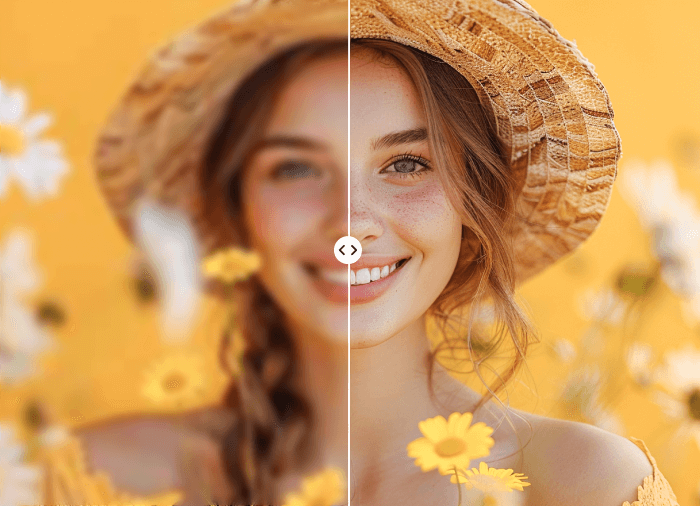
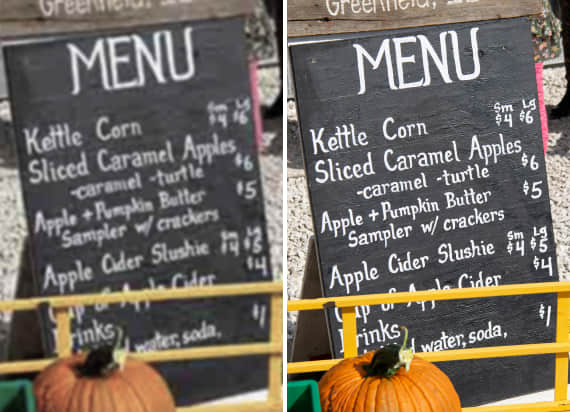
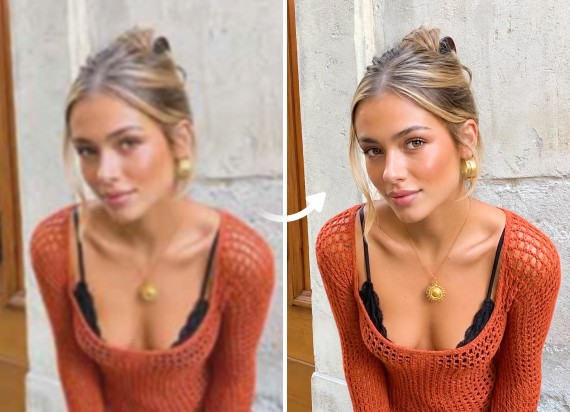
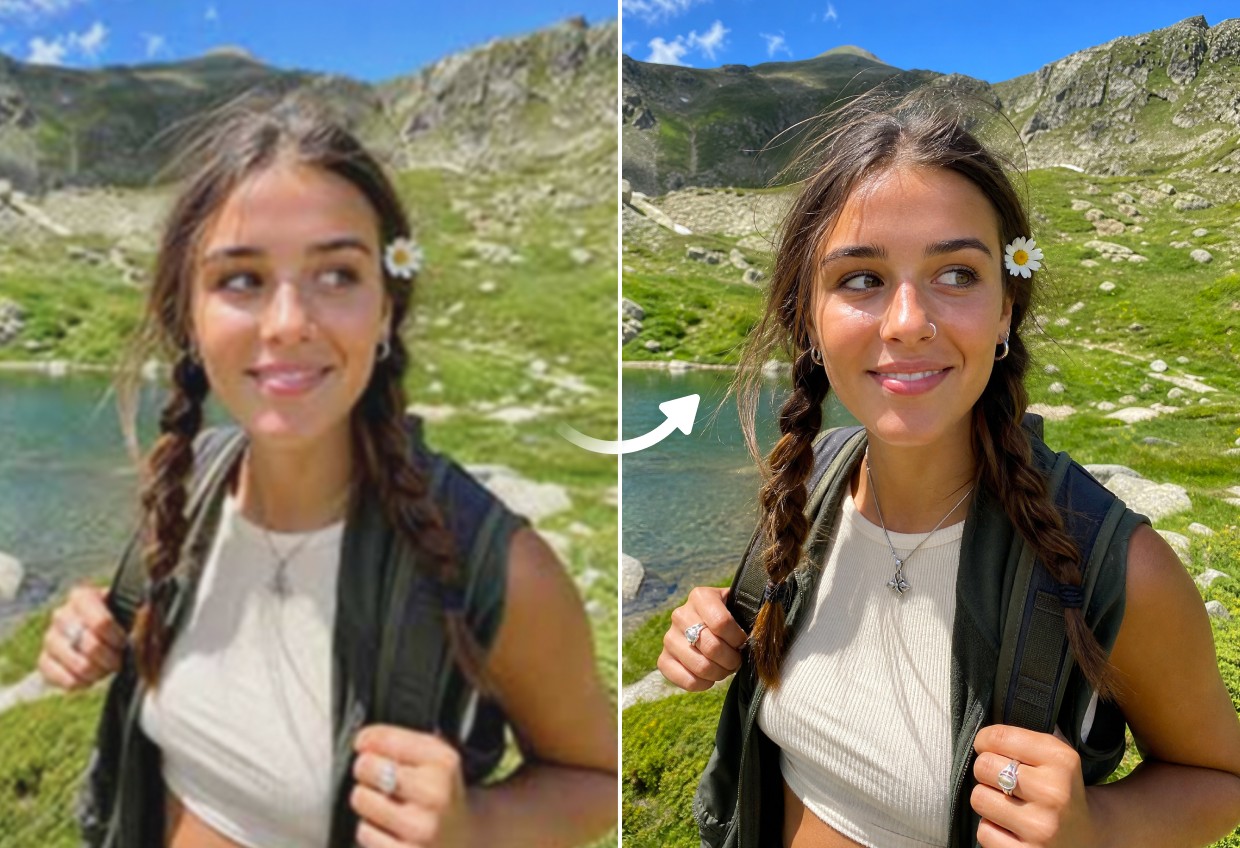
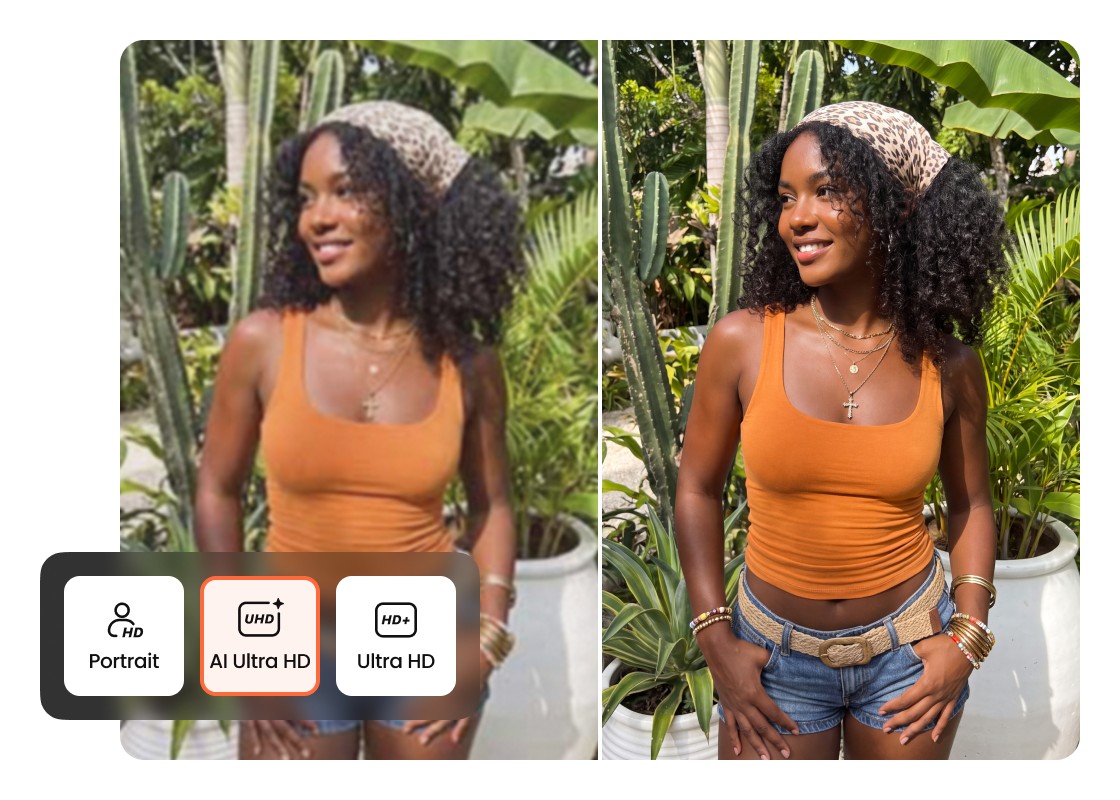
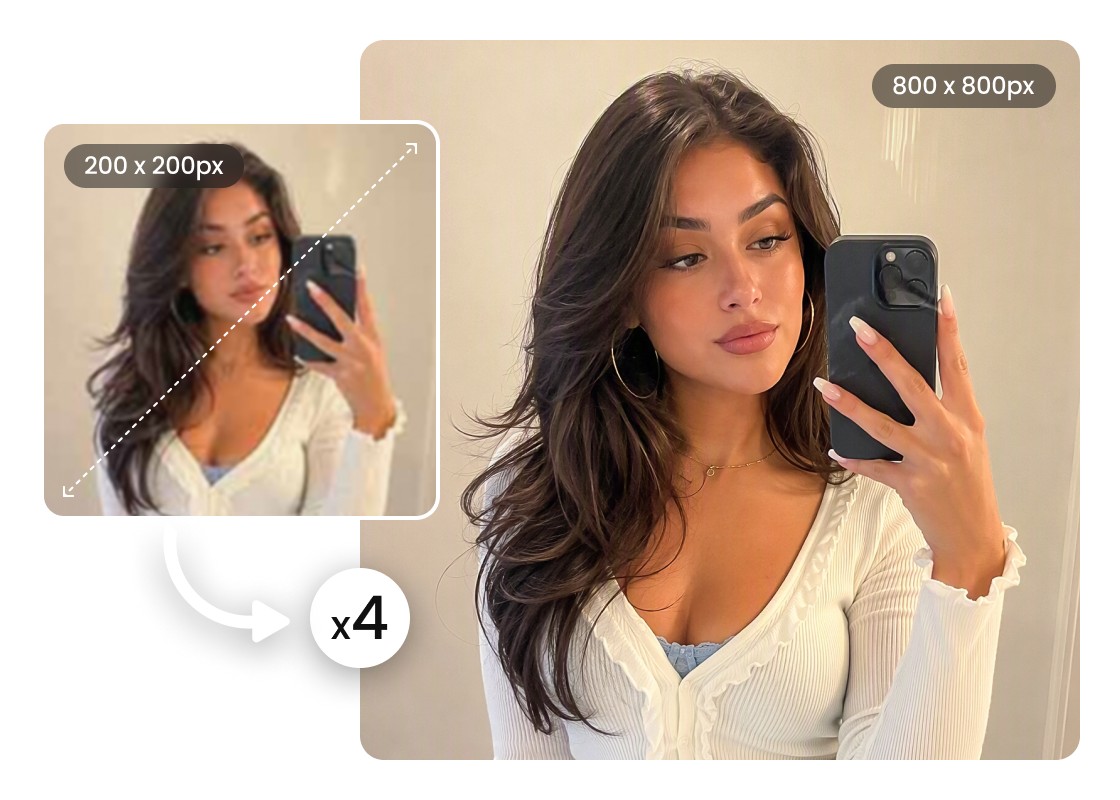
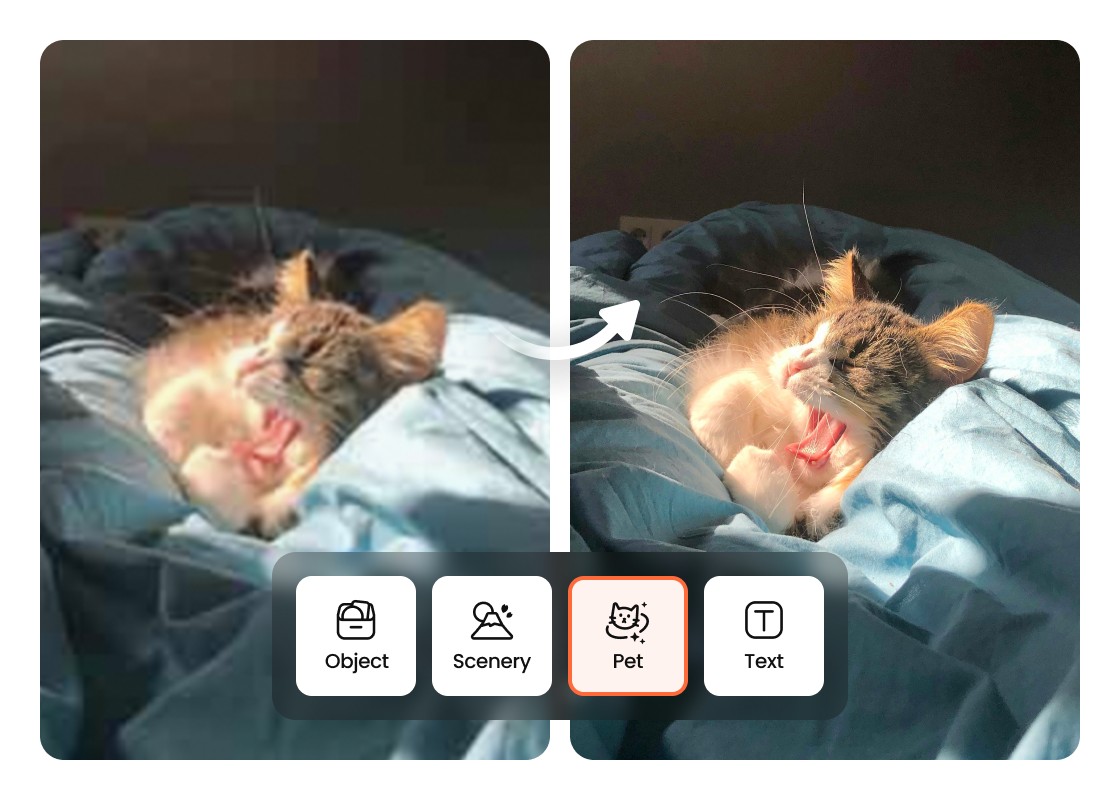
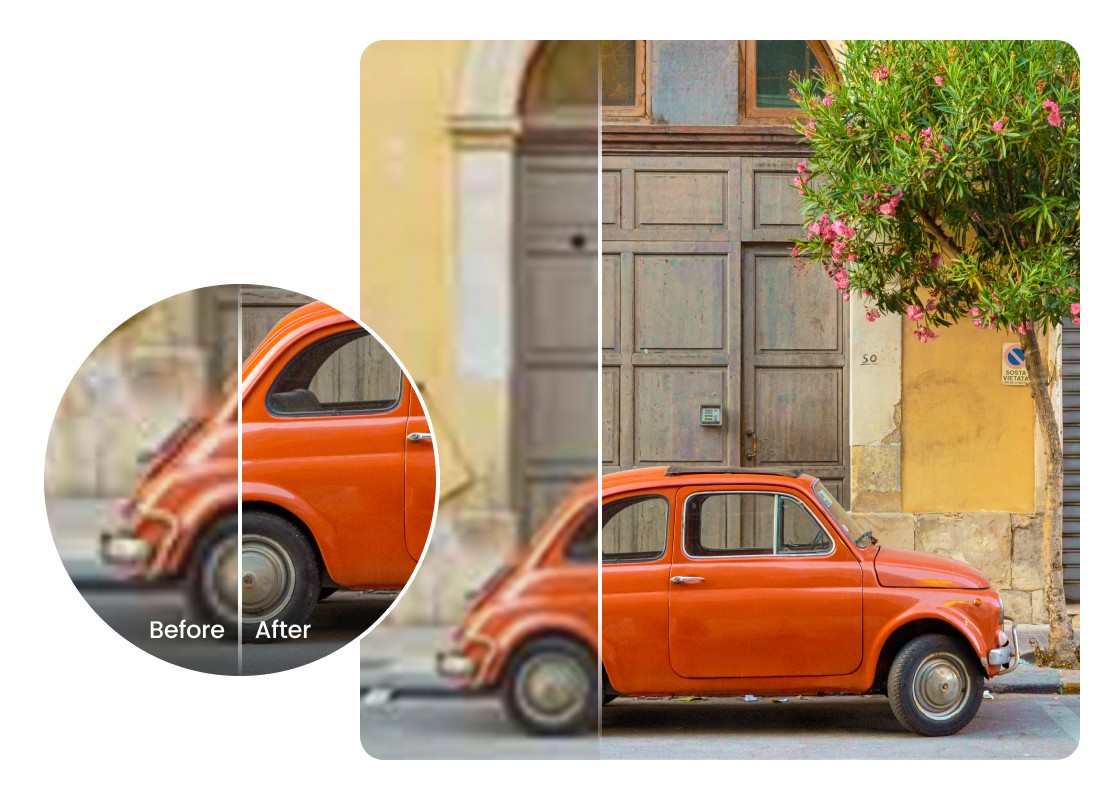
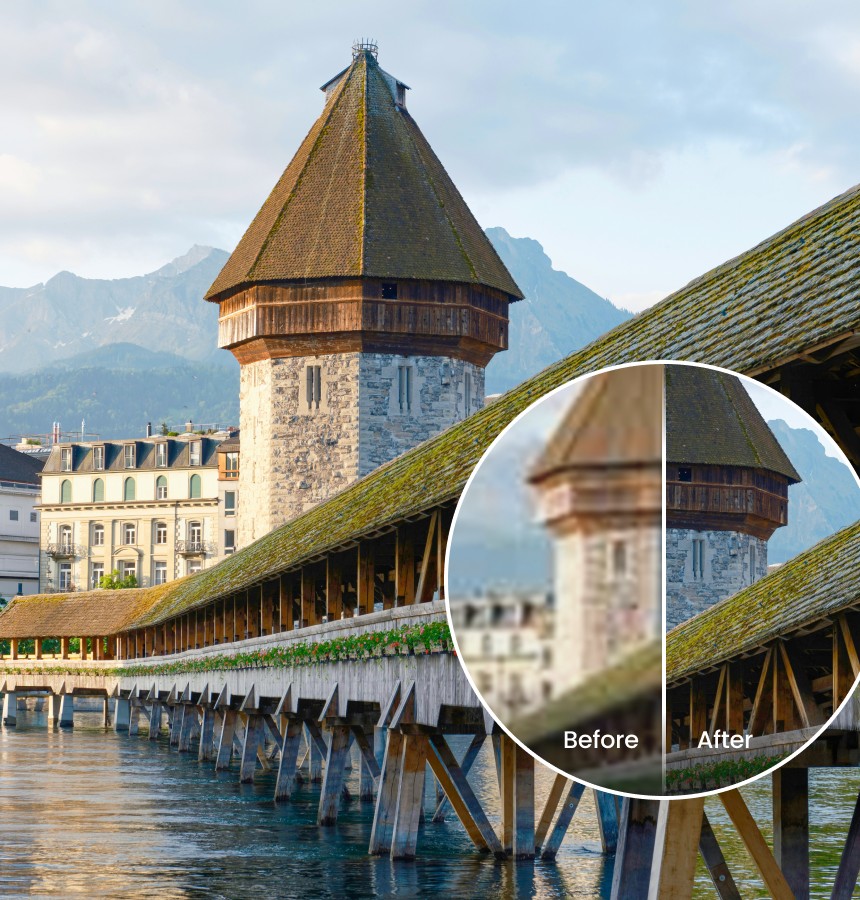
Make your photos clearer and more detailed with Airbrush AI Image Upscaler. This powerful AI tool enhances sharpness, adds definition, and restores missing details. You can even increase image quality up to 4K for stunning, high-resolution results.

Upload Image

Drag and drop Image here

Image Upscaler

Airbrush Studio

Switch to Airbrush Studio on desktop for advanced control and unlimited exports.

How Image Upscaling Transforms Photo Quality

01

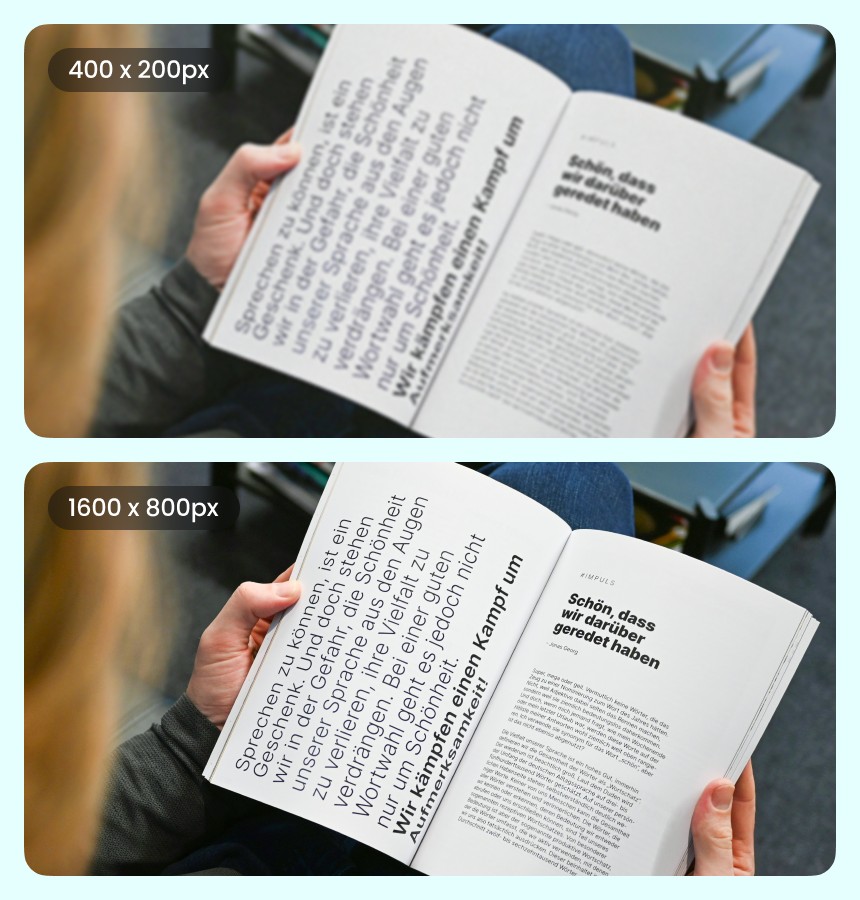
Simple to Use—No Editing Skills Needed

You don’t need to be a designer to make your photos look amazing. Airbrush Image Upscaler is easy for anyone to use—just upload your image and let the AI handle the rest. No confusing settings or editing skills needed—just clear, high-quality results in seconds.

02

Upscale Any Image Without the Hassle

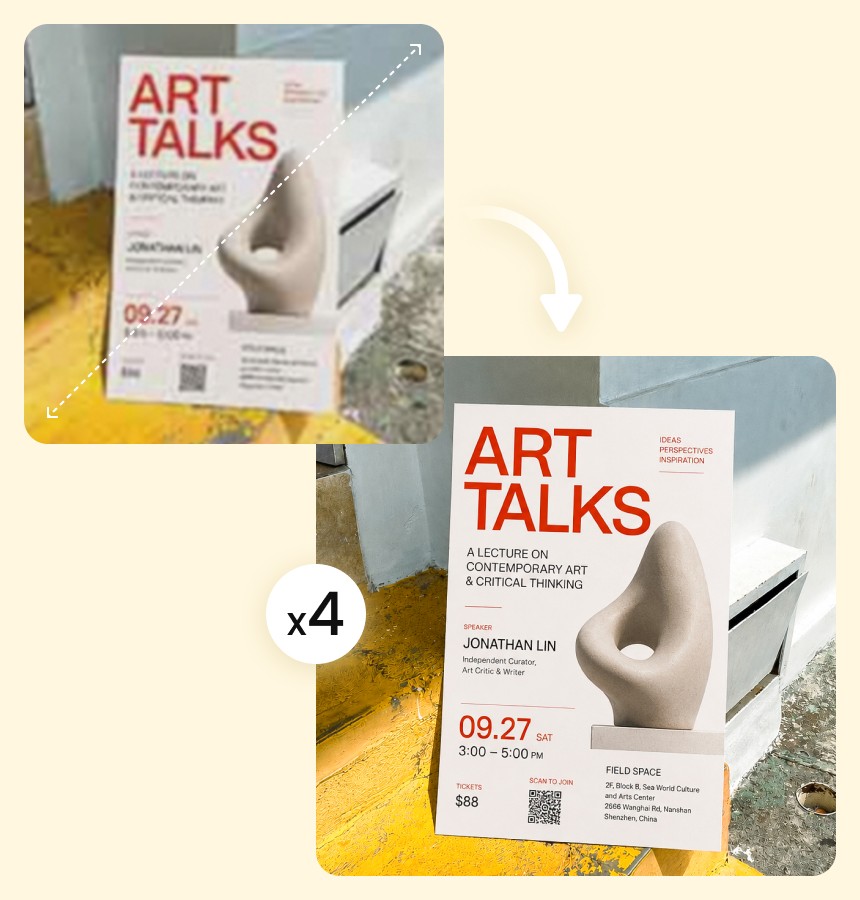
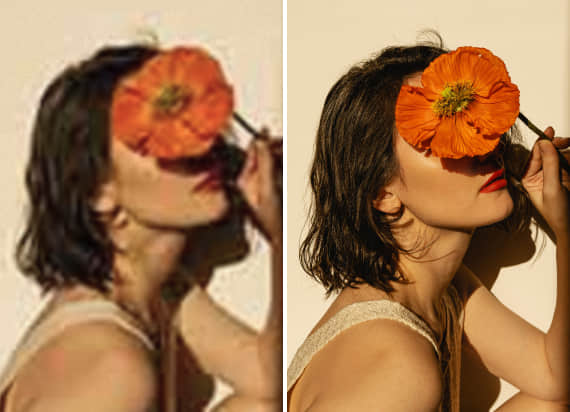
No matter what kind of photo you have—portraits, landscapes, digital art, Airbrush AI Image Upscaler makes it easy to enhance quality instantly. It automatically sharpens, cleans, and boosts resolution across all image types, so you can get stunning, high-res results.

03

Enhance Image Clarity and Color Instantly

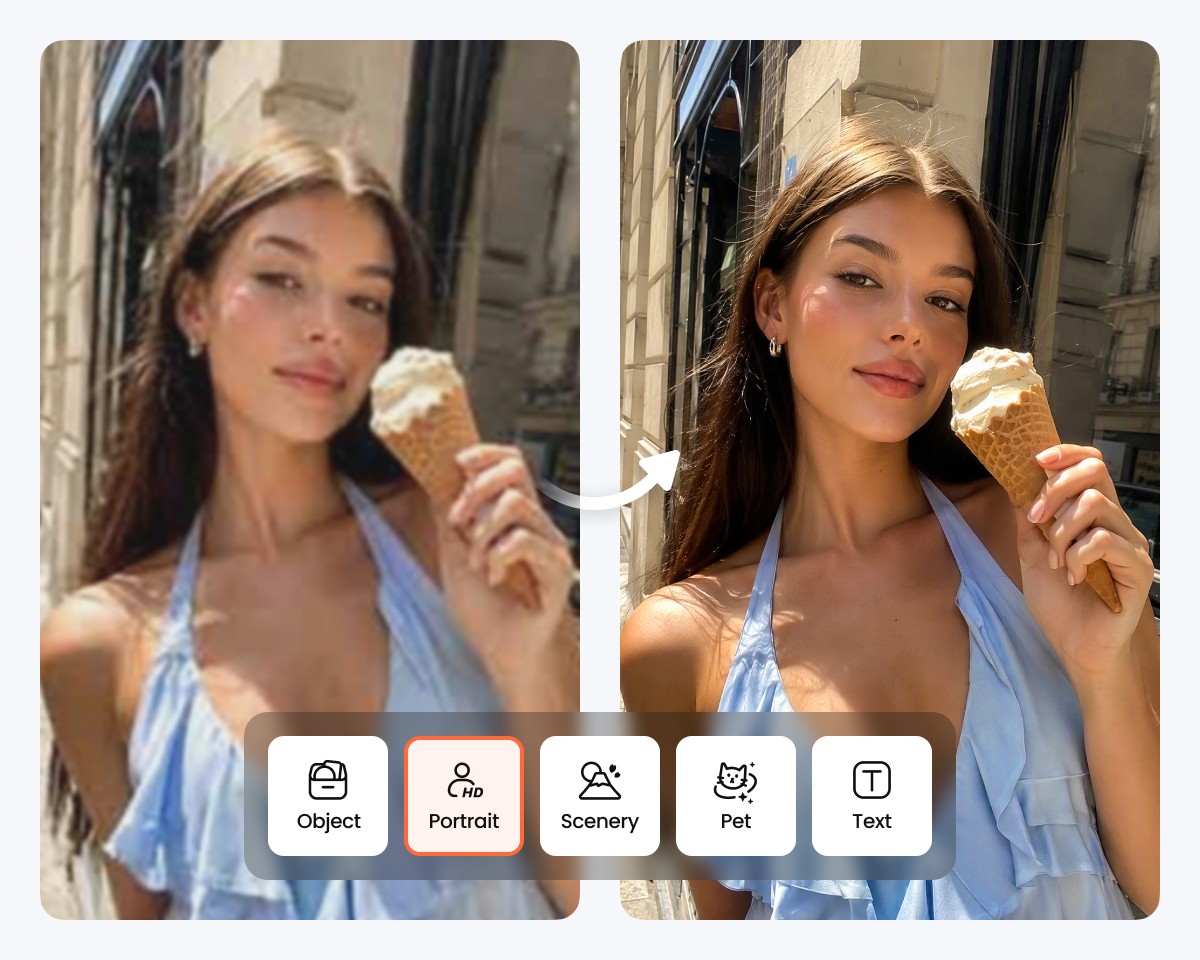
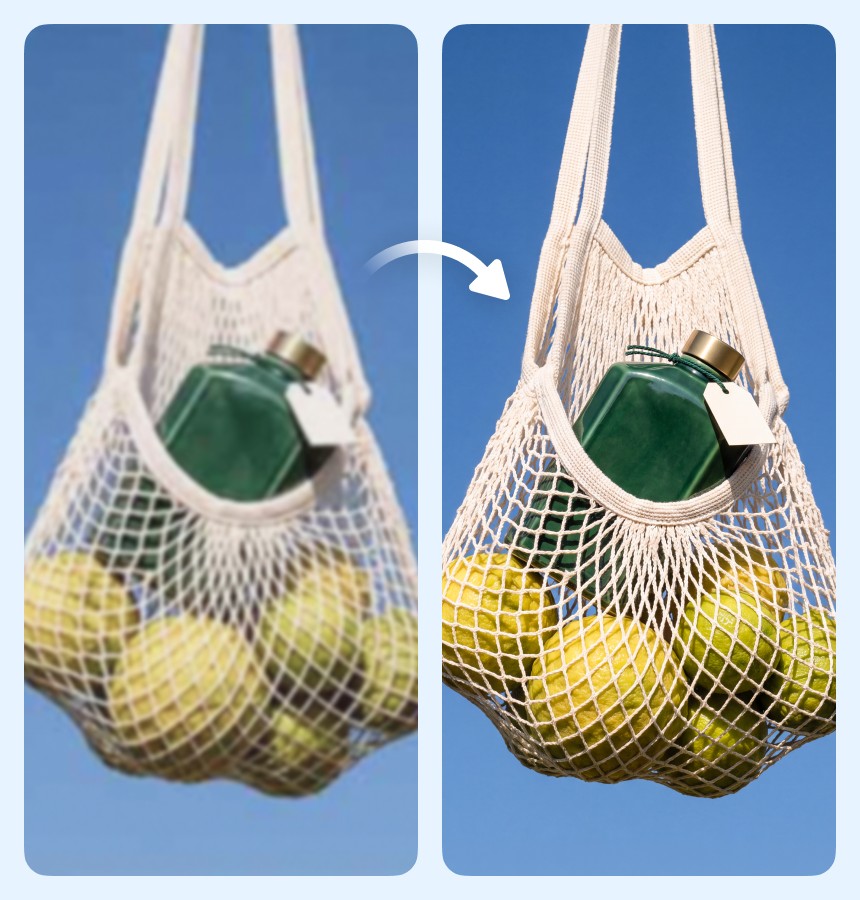
Airbrush is your go-to free AI image upscaler—simple, fast, and powerful. Just upload a JPG, or PNG file and let our smart AI do the rest. In seconds, your photo goes from low-res to sharp, high-quality HD. Airbrush doesn’t just stretch your image—it intelligently adds detail, improves clarity, and enhances color for a cleaner, more vibrant result.

01

Simple to Use—No Editing Skills Needed

You don’t need to be a designer to make your photos look amazing. Airbrush Image Upscaler is easy for anyone to use—just upload your image and let the AI handle the rest. No confusing settings or editing skills needed—just clear, high-quality results in seconds.

02

Upscale Any Image Without the Hassle

No matter what kind of photo you have—portraits, landscapes, digital art, Airbrush AI Image Upscaler makes it easy to enhance quality instantly. It automatically sharpens, cleans, and boosts resolution across all image types, so you can get stunning, high-res results.

03

Enhance Image Clarity and Color Instantly

Airbrush is your go-to free AI image upscaler—simple, fast, and powerful. Just upload a JPG, or PNG file and let our smart AI do the rest. In seconds, your photo goes from low-res to sharp, high-quality HD. Airbrush doesn’t just stretch your image—it intelligently adds detail, improves clarity, and enhances color for a cleaner, more vibrant result.

Your Go-To AI Photo Upscaler for Everyday Magic

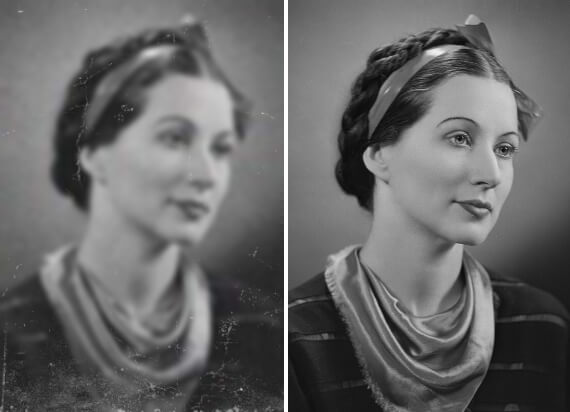
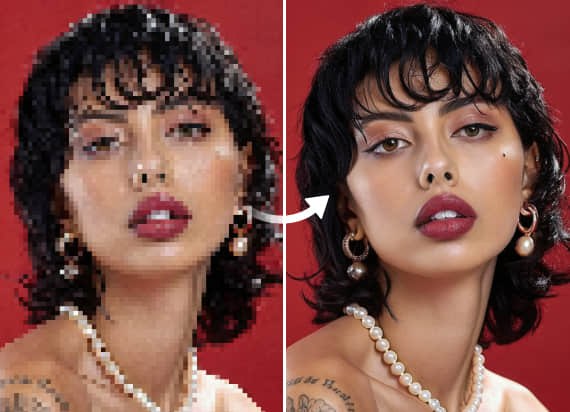
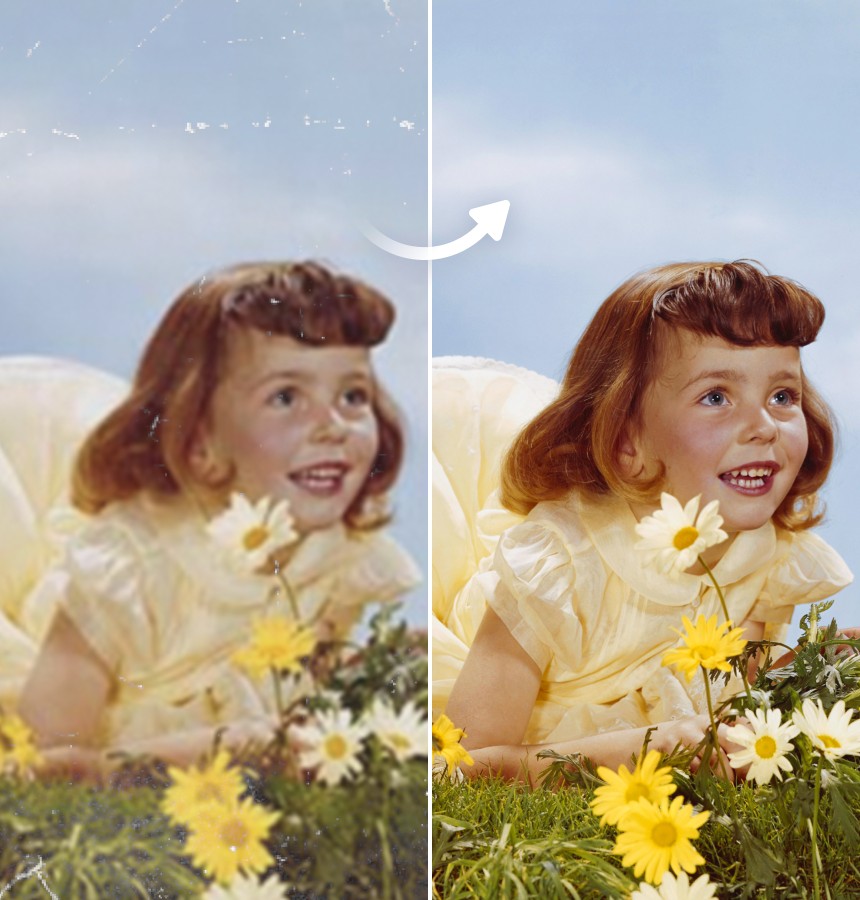
Airbrush’s AI-powered image enhancer makes it easy to upscale any photo without losing the details that matter. Your image stays sharp, natural, and texture-rich—even after enlargement. No pixelation, no blur—just clean, high-resolution results that look crisp enough for 4K screens. Whether you're reviving an old photo or refining a new one, Airbrush intelligently enhances clarity and color to deliver professional-grade quality.

Image Upscaler

Get Print-Ready Quality Without Re-Shoots

Need high-quality visuals for print but short on time or budget? Airbrush upscales your existing images to sharp, print-ready resolution—no reshoots needed. Save time, reduce costs, and get pro-level results from the photos you already have.

Image Upscaler

Get Print-Ready Quality Without Re-Shoots

Need high-quality visuals for print but short on time or budget? Airbrush upscales your existing images to sharp, print-ready resolution—no reshoots needed. Save time, reduce costs, and get pro-level results from the photos you already have.

Image Upscaler

Create High-Resolution Assets for Ads

Creating ad visuals from scratch can be costly and time-consuming. With Airbrush, you can instantly upscale existing images to high-res quality—perfect for digital ads, banners, and campaigns—saving both time and production costs.

Image Upscaler

Sharper Images, Bigger Reach

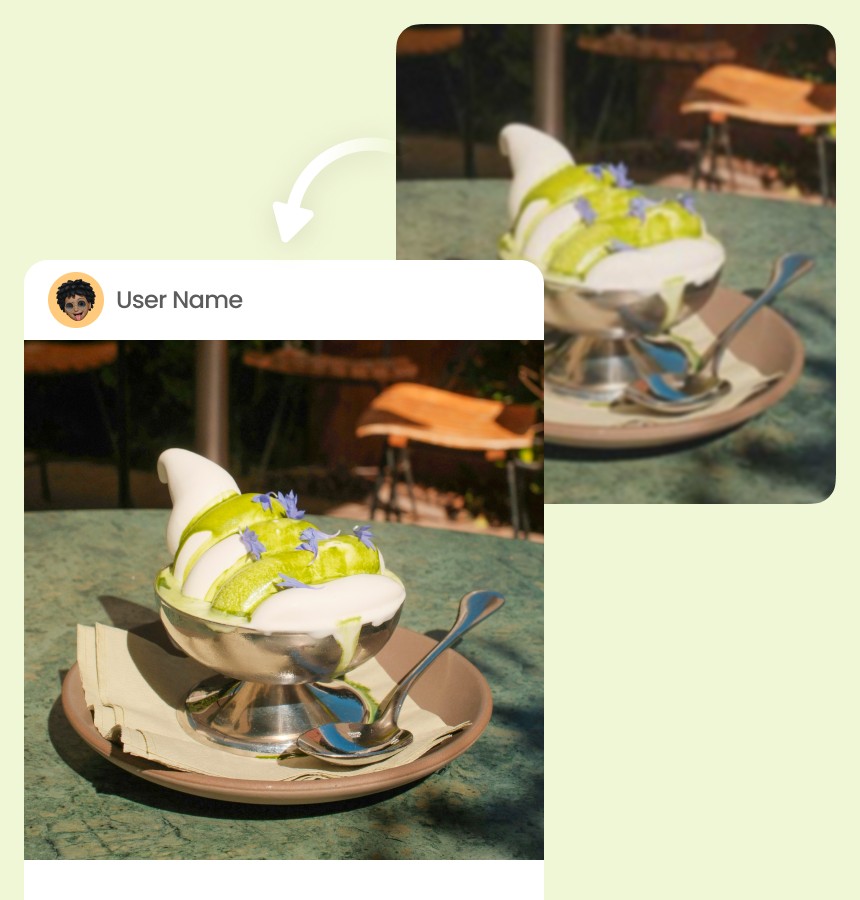
Blurry posts don’t build trust—but sharp, high-quality visuals do. With Airbrush, you can quickly upscale images to create polished, professional content that grabs attention, strengthens your brand, and helps you stand out on any social platform—effortlessly.

How to use Airbrush AI Photo Upscaler

1

step 1

Click "Upscale Image" and choose a JPG or PNG file to enhance

2

step 2

Once uploaded, our AI will instantly upscale and enhance your image—no effort needed

3

step 3

Save your upscaled photo instantly, ready to share or use anywhere.

1step 1

Click "Upscale Image" and choose a JPG or PNG file to enhance

2step 2

Once uploaded, our AI will instantly upscale and enhance your image—no effort needed

3step 3

Save your upscaled photo instantly, ready to share or use anywhere.

User Reviews 

I used the upscaler on an old family photo and was amazed by the clarity. It brought out so much detail without making it look fake. Super easy to use!

- Camila Rodríguez

I sell handmade jewelry and needed better product images. This tool made my photos look professional without expensive software. Love it!

- Lucas Méndez

I upscaled a blurry travel photo from my phone, and the result was like magic. Sharp, clean, and perfect for printing. Highly recommended.

- Valentina Gómez

I used the upscaler on an old family photo and was amazed by the clarity. It brought out so much detail without making it look fake. Super easy to use!

- Camila Rodríguez

I sell handmade jewelry and needed better product images. This tool made my photos look professional without expensive software. Love it!

- Lucas Méndez

I upscaled a blurry travel photo from my phone, and the result was like magic. Sharp, clean, and perfect for printing. Highly recommended.

- Valentina Gómez

Frequently Asked Questions

An AI Image Upscaler is a tool that uses artificial intelligence to increase the resolution of an image without losing quality—making your photos sharper, clearer, and more detailed.

It uses advanced AI algorithms to analyze your image, add missing pixels, and enhance details like color, texture, and edges—resulting in a high-resolution version of your original photo.

You can upload JPG or PNG files for upscaling. These are the most commonly used formats and fully supported on both desktop and mobile.

Not at all. Our AI enhances image resolution without blurring or pixelation. It intelligently fills in details to keep your photo looking natural and clean.

Most images are upscaled within a few seconds. The process is quick and fully automatic—just upload your photo and let the AI do the rest.

Yes, to ensure fast processing, there may be a file size limit (usually around 5MB–10MB). If your image is larger, try compressing or resizing it before uploading

Airbrush Image Upscaler - Upscale Images with AI