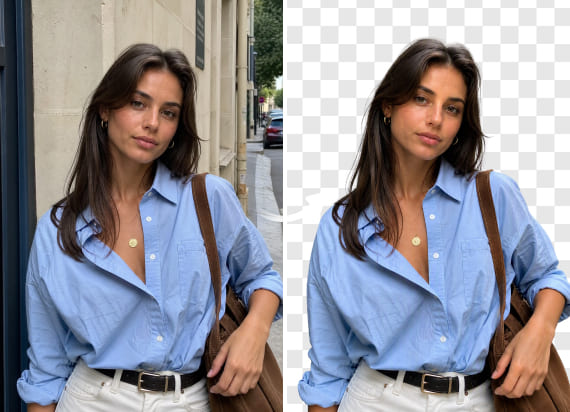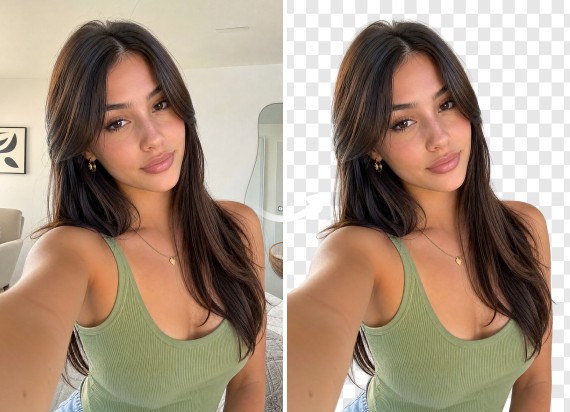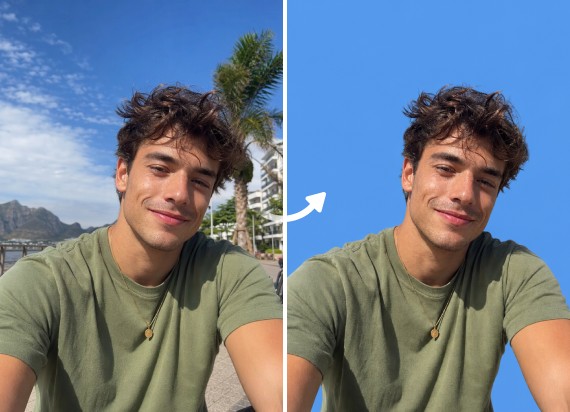
Stand Out with a Professional LinkedIn Photo
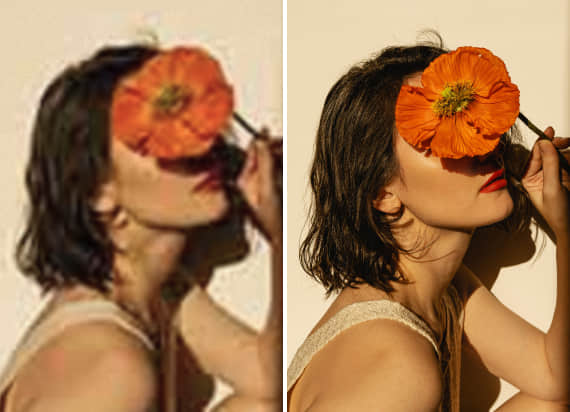
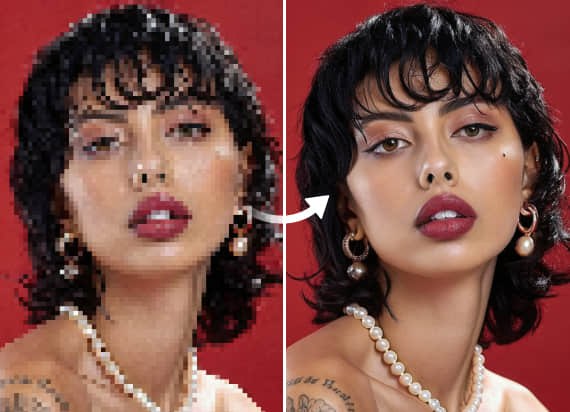
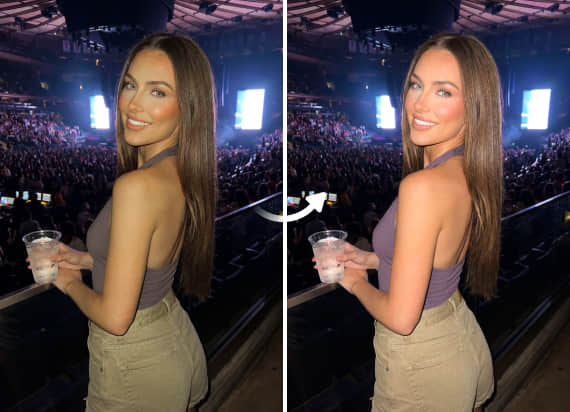
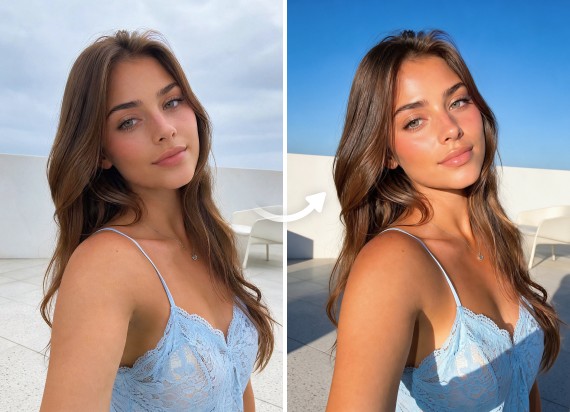
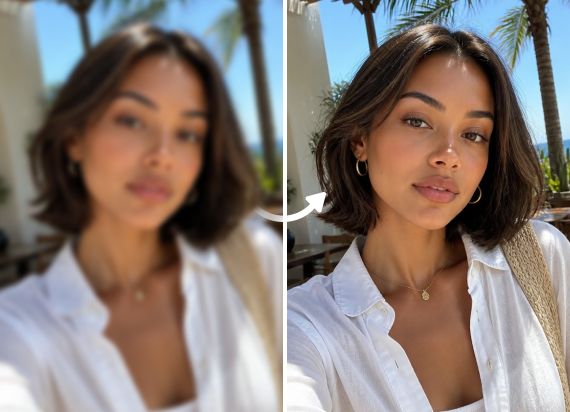
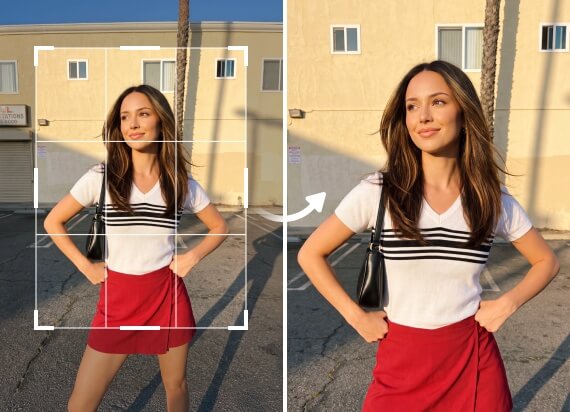
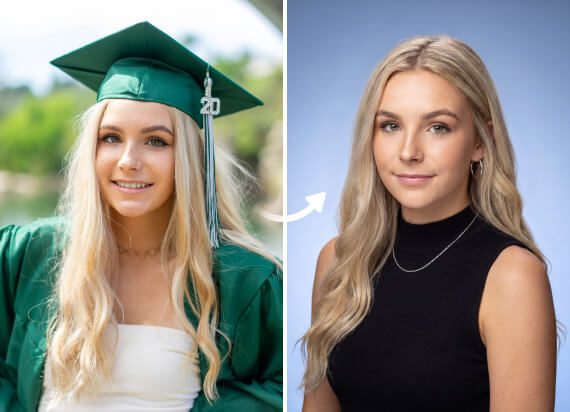
Your profile photo is often the first impression recruiters have of you. Turn any photo into a confident headshot that helps you make a strong first impression.
Turn photos you already have into professional headshots for LinkedIn, company websites, team directories, resumes, and more. No fake faces. Just a better version of you.
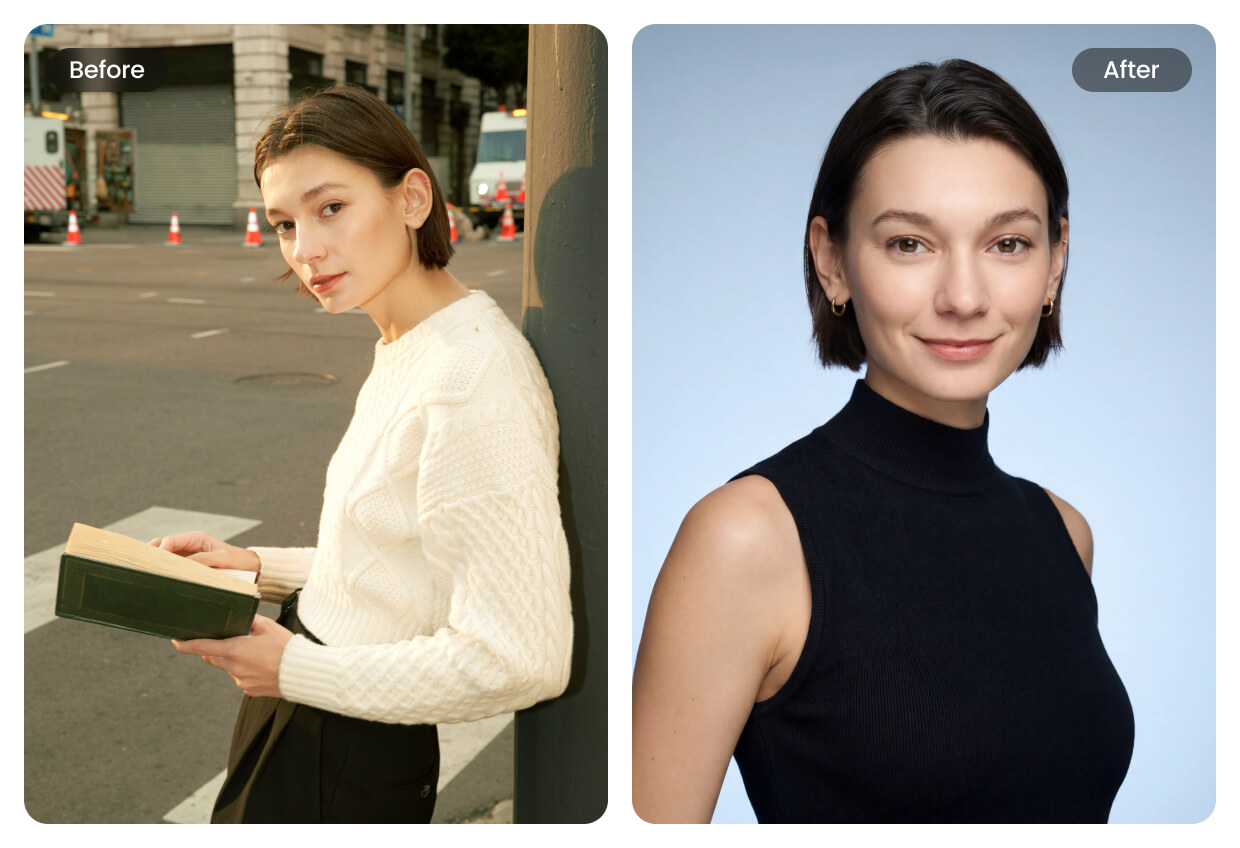
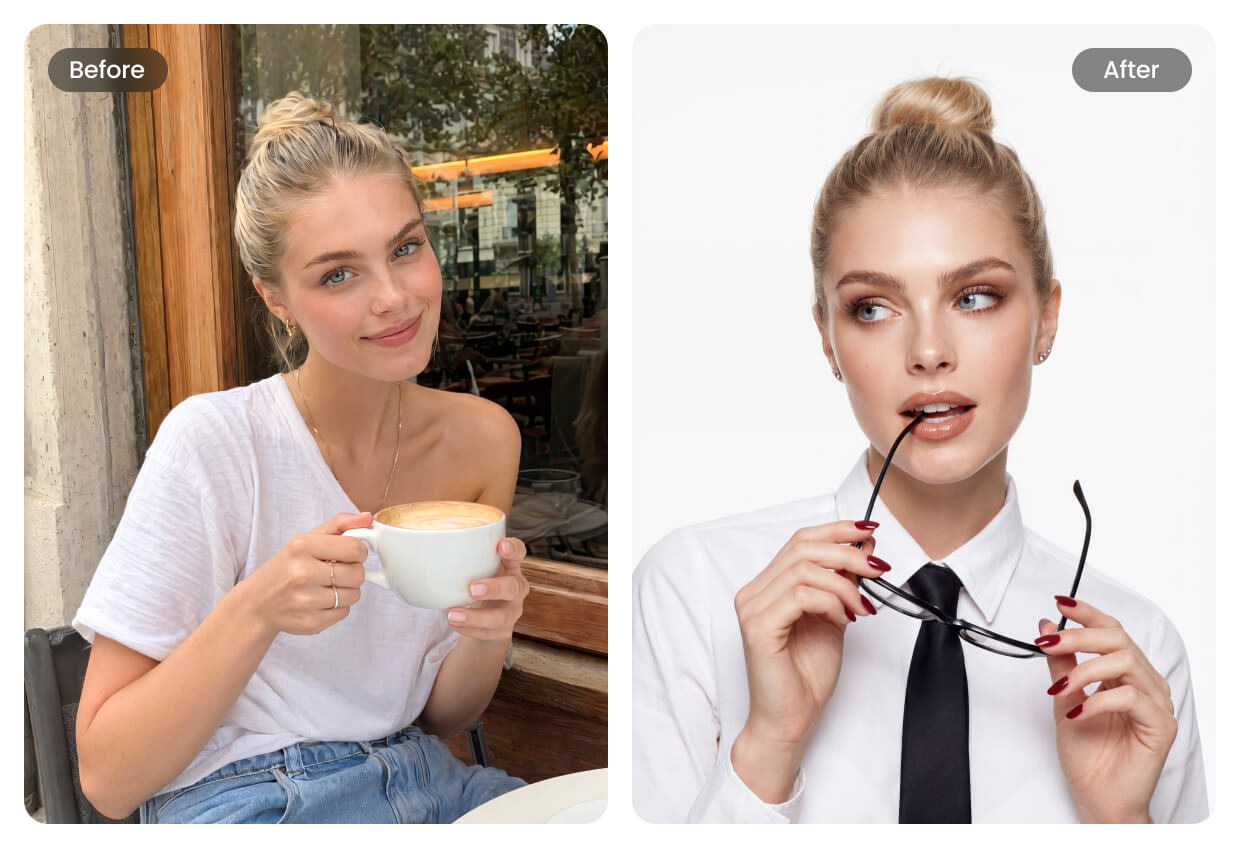
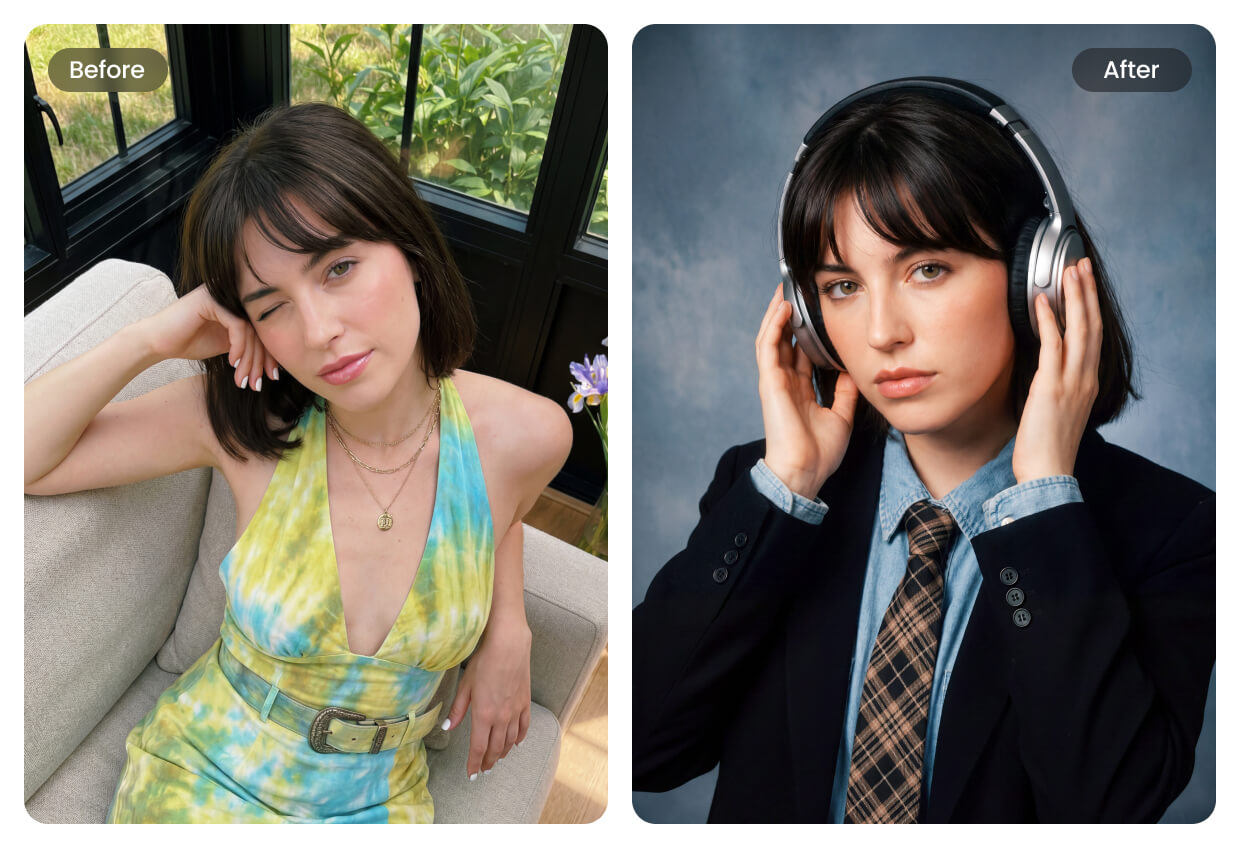
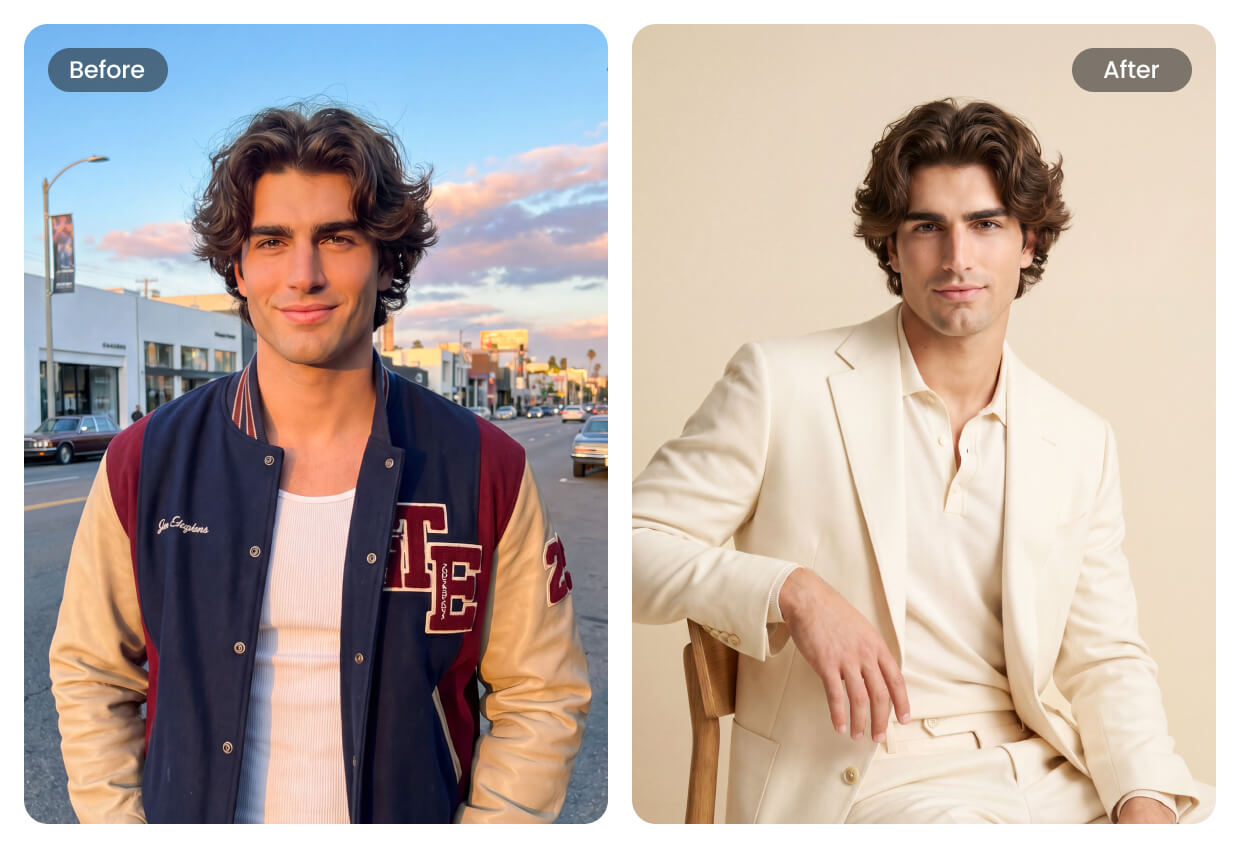
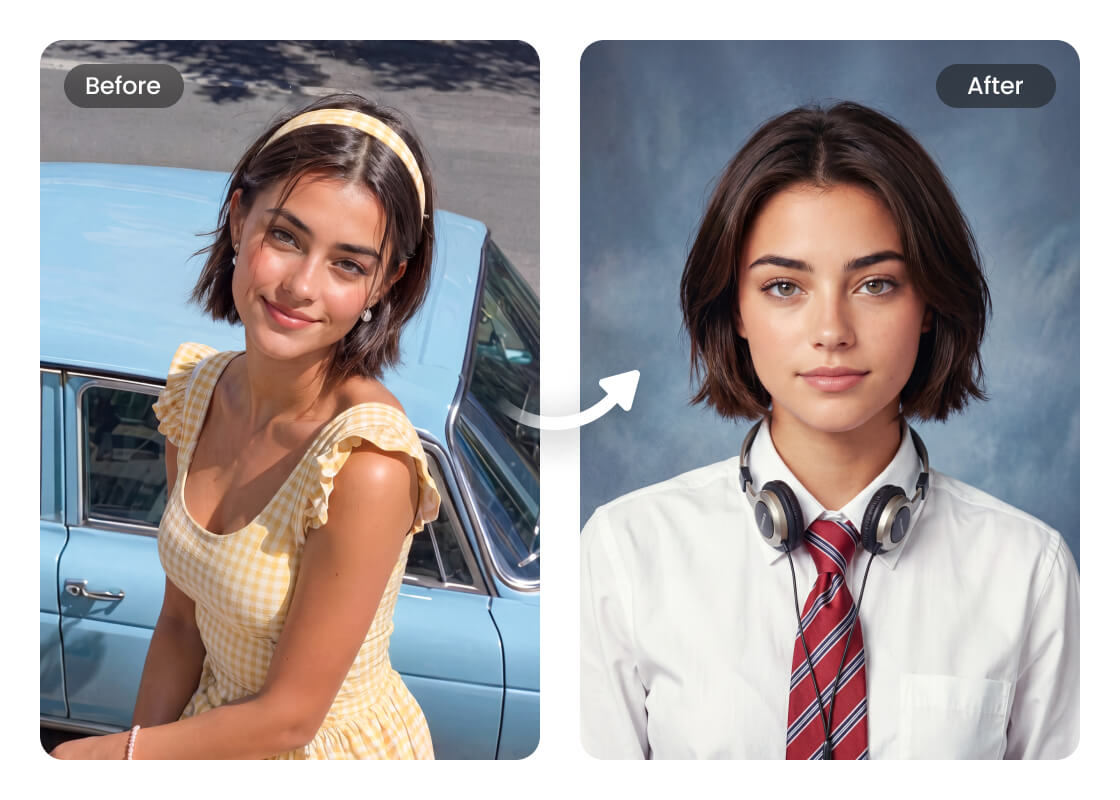
Your profile photo is often the first impression recruiters have of you. Turn any photo into a confident headshot that helps you make a strong first impression.
Your profile photo is often the first impression recruiters have of you. Turn any photo into a confident headshot that helps you make a strong first impression.
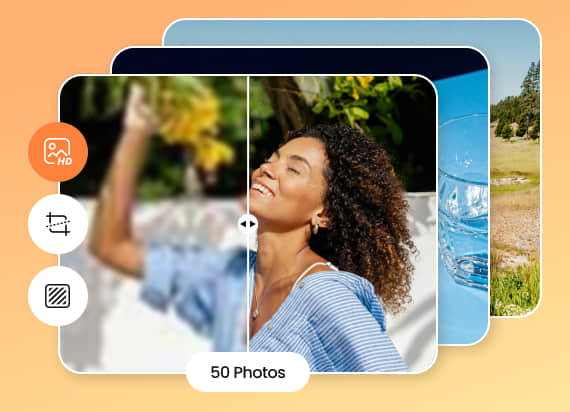
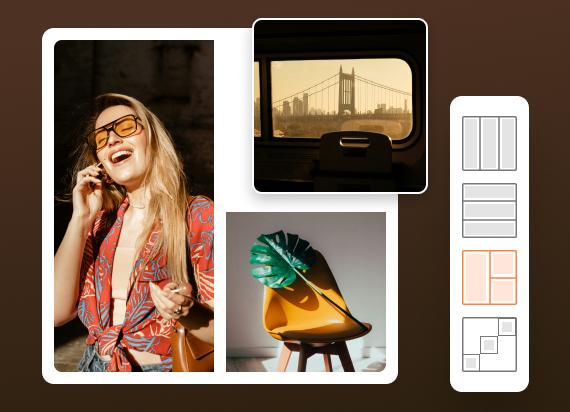
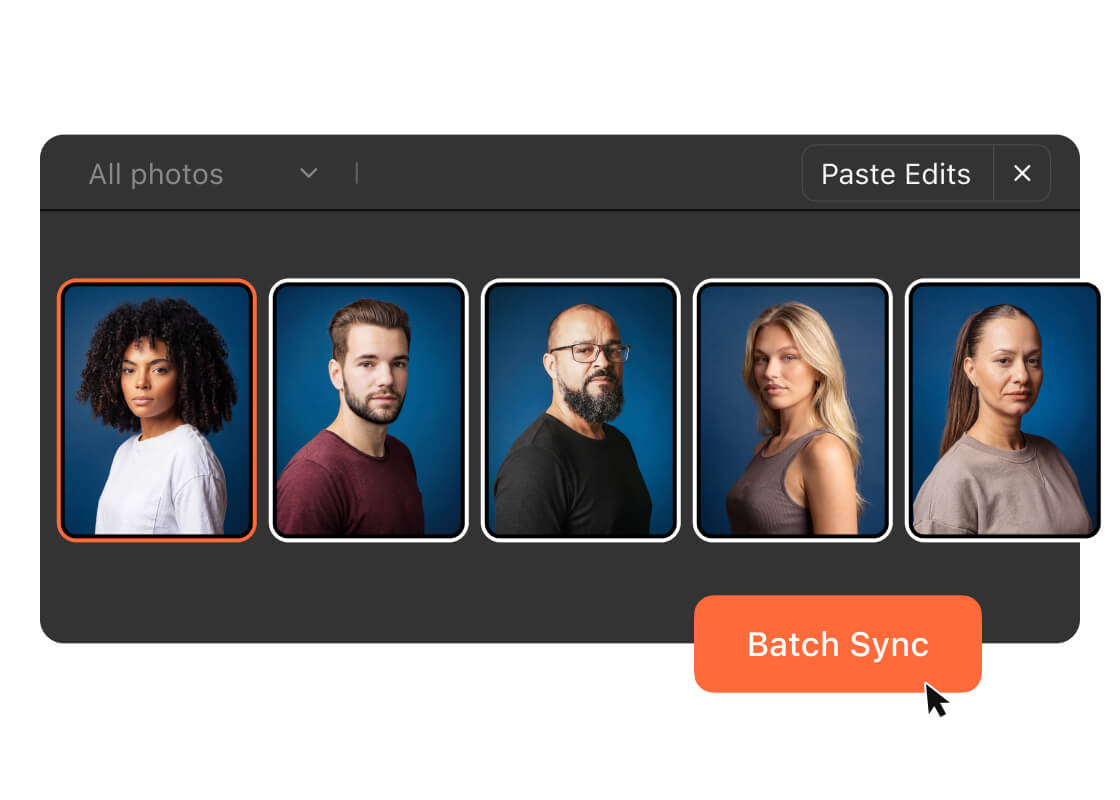
Running a photo editing business can be costly. Airbrush Studio helps reduce editing time and software costs by combining retouching, backgrounds, color adjustments, presets, and batch delivery in one tool.
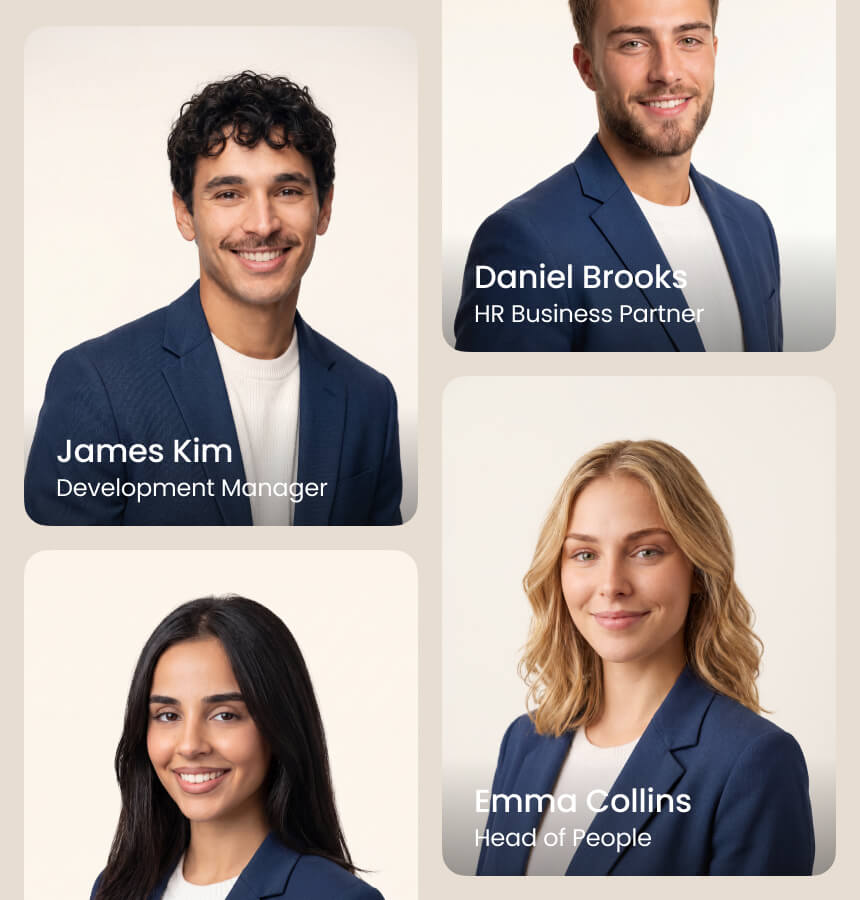
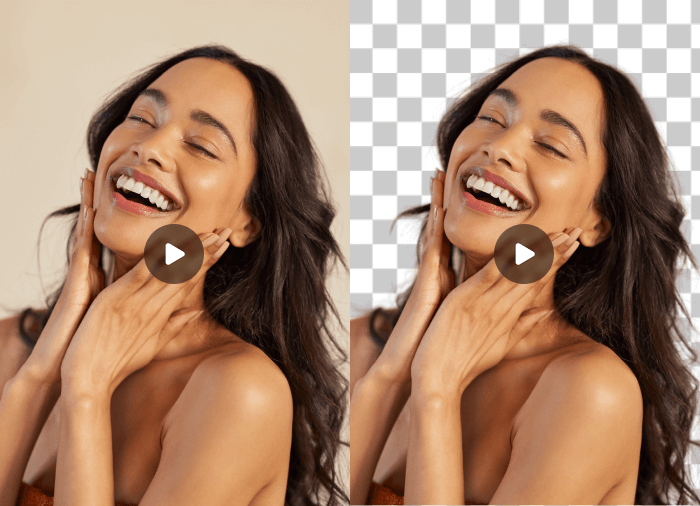
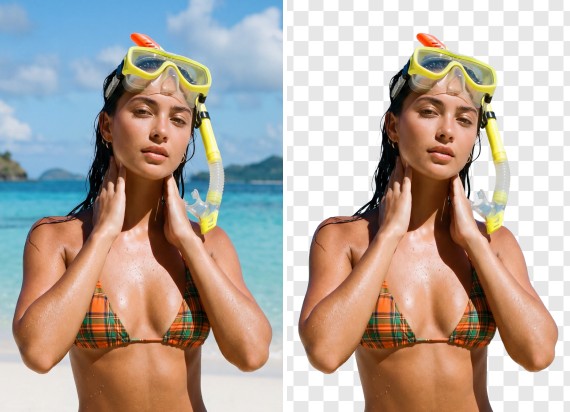
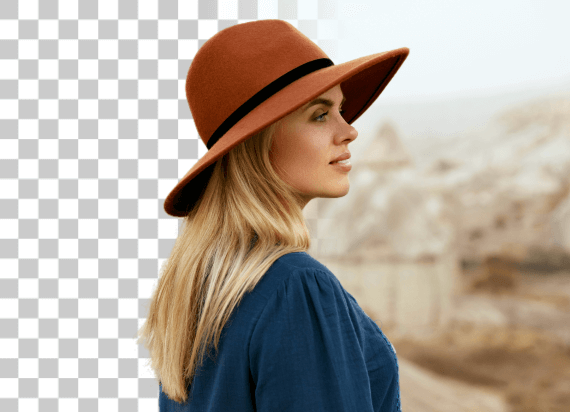
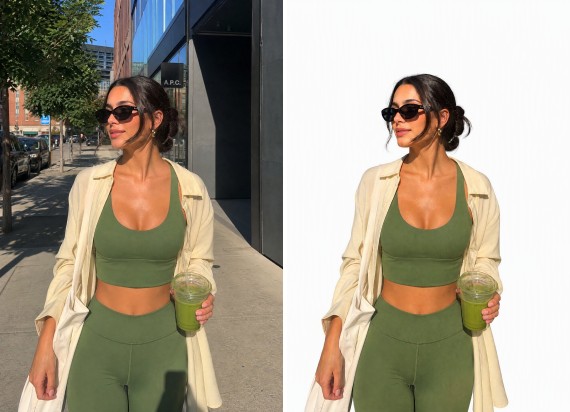
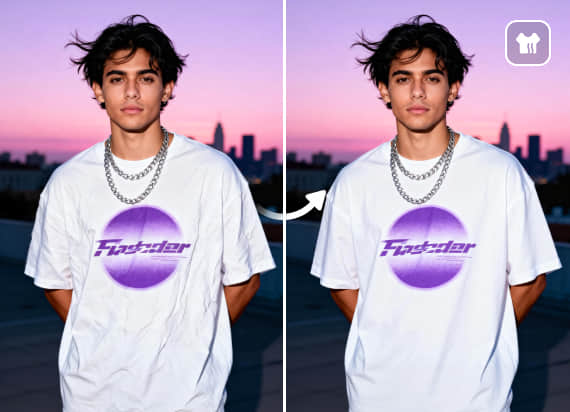
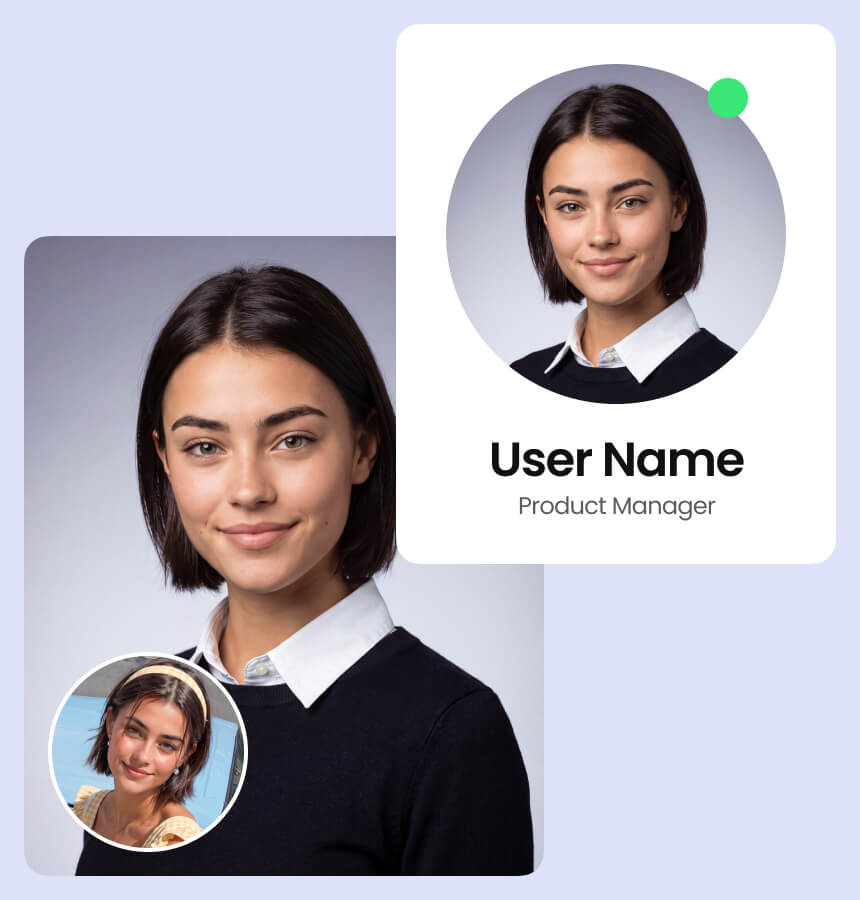
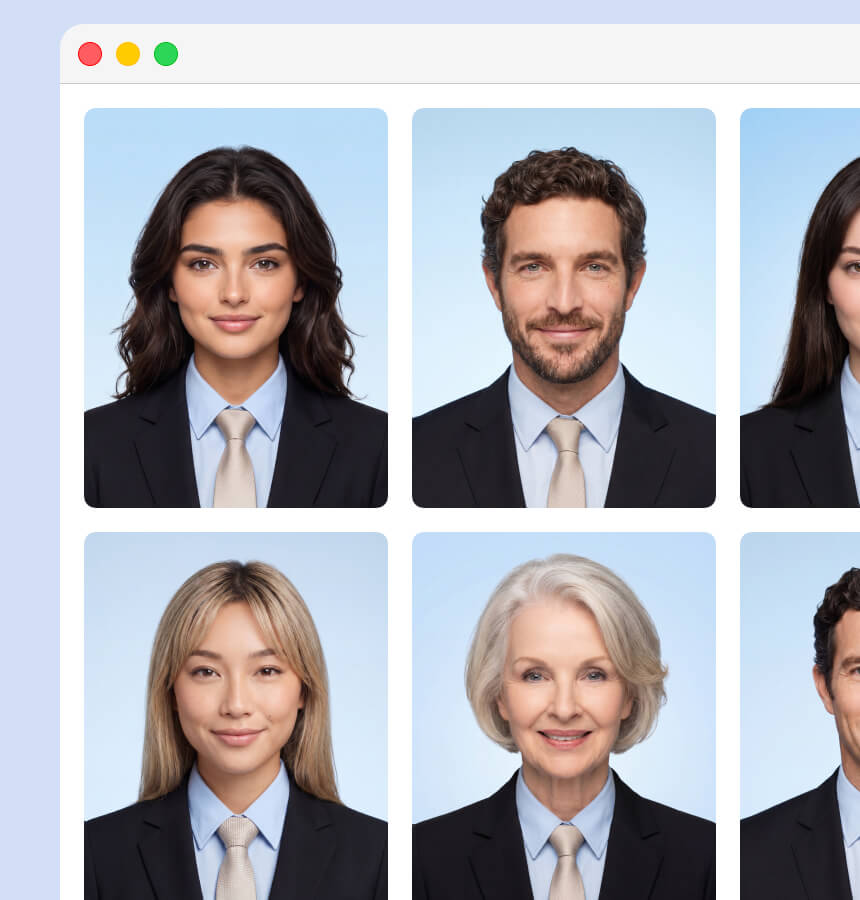
Keep your company looking professional with consistent employee photos. Standardize lighting, backgrounds, and overall style across your entire team in just a few clicks.
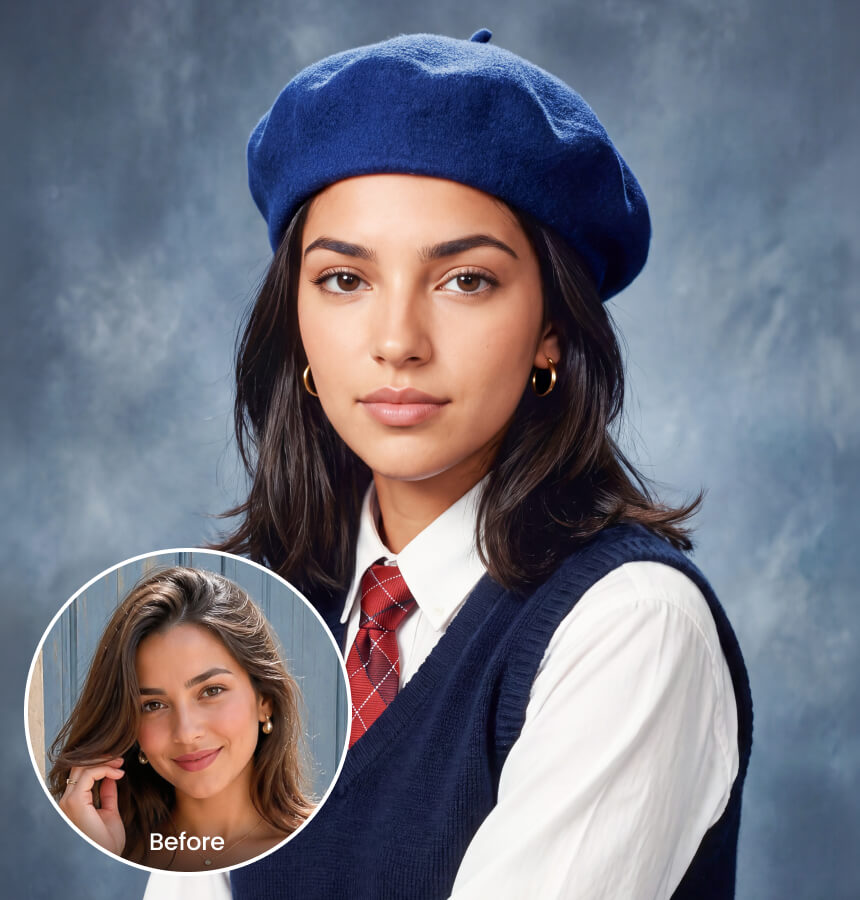
No studio session is required. Upload student photos, apply a preset, and generate polished, consistent graduation headshots for an entire class in school uniforms.
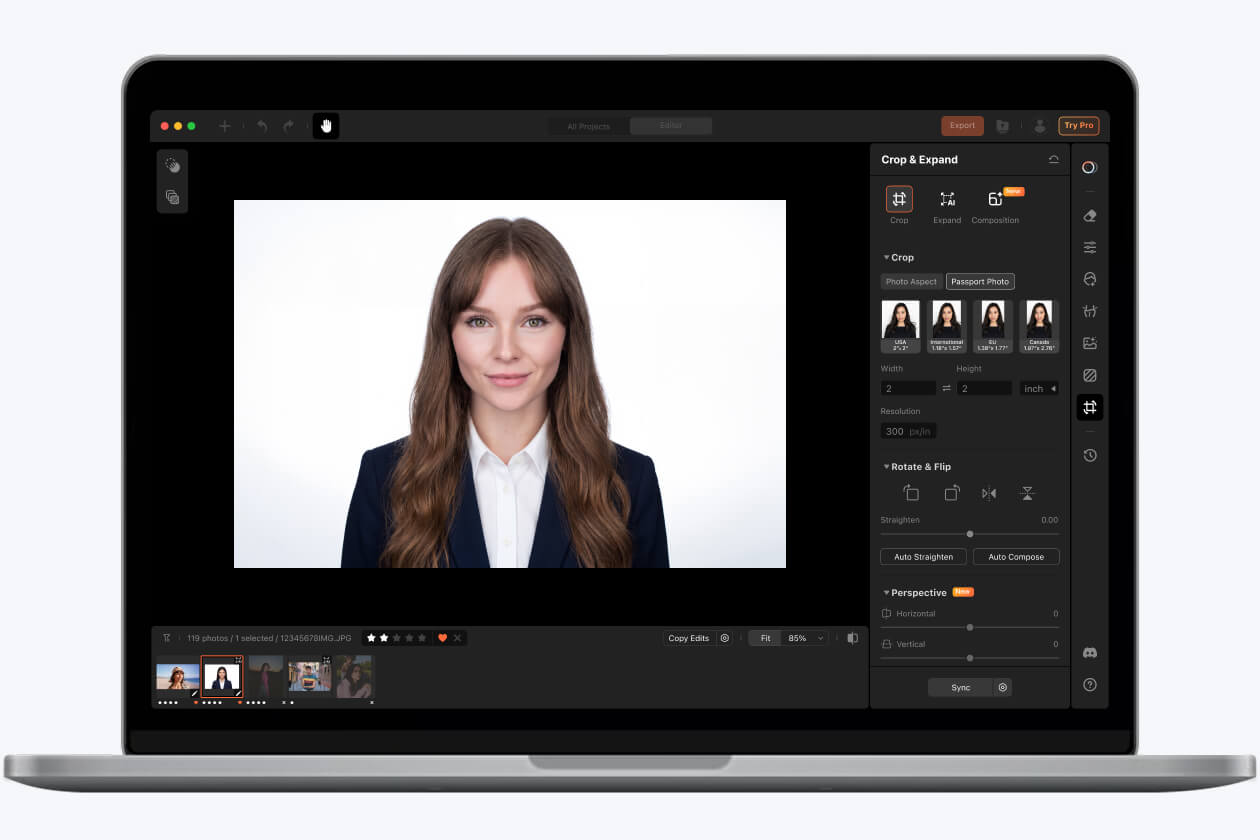
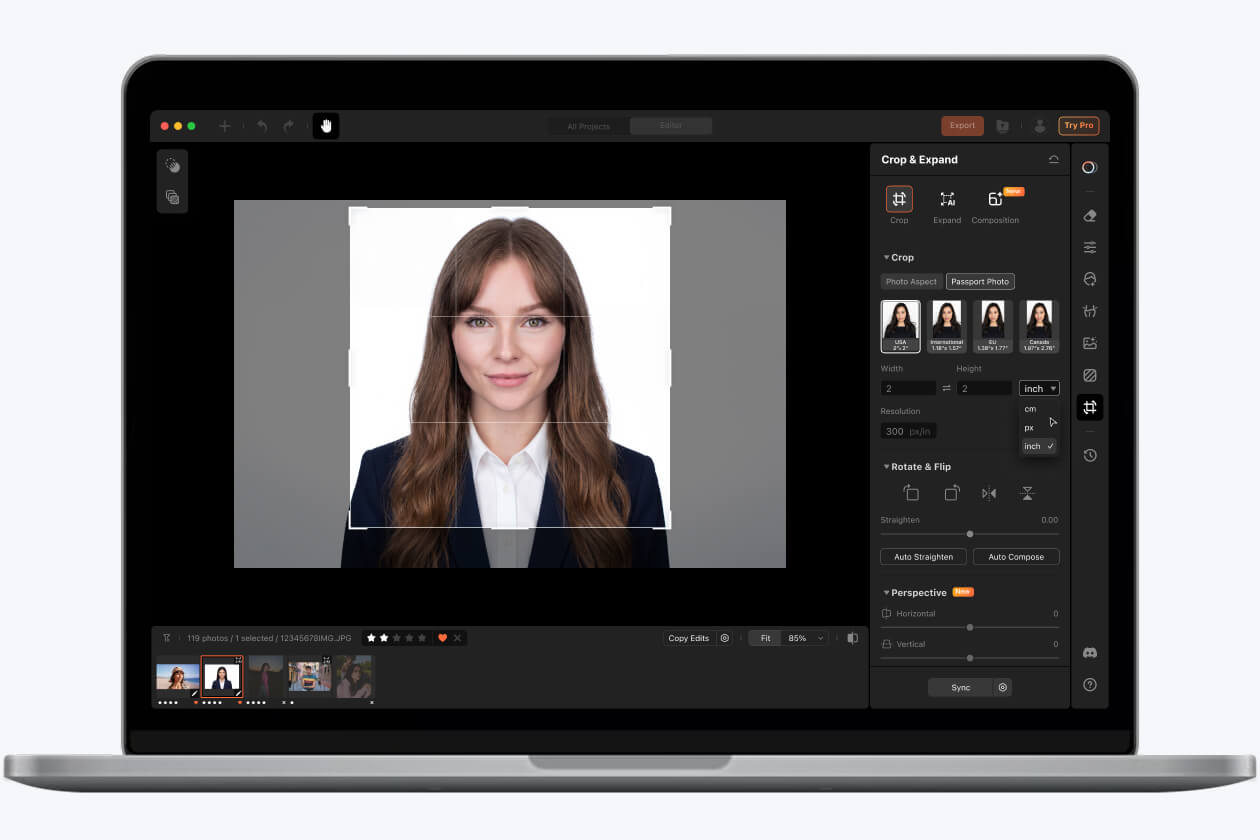
Traditional headshots can be expensive once you factor in photography, studio and retouching. Airbrush Studio transforms photos you already have into a polished, professional headshot at a fraction of the cost, while giving you full control over the final look.
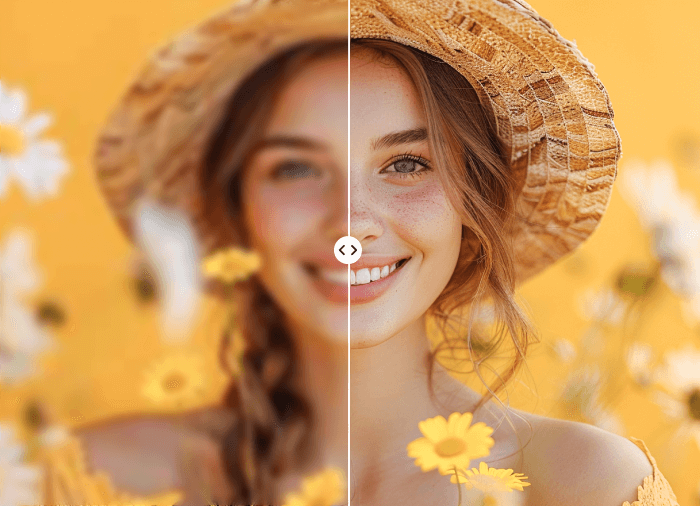
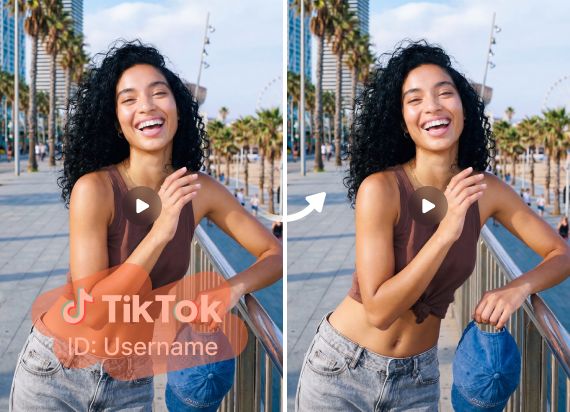
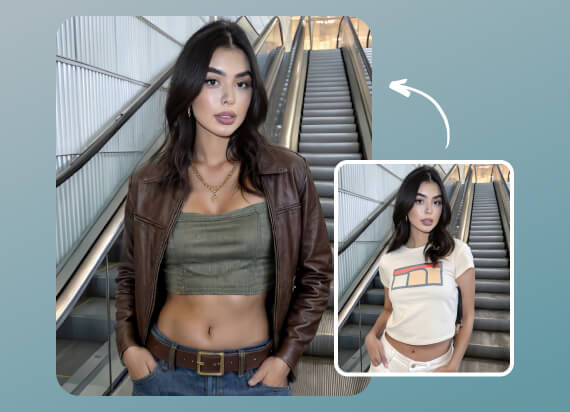
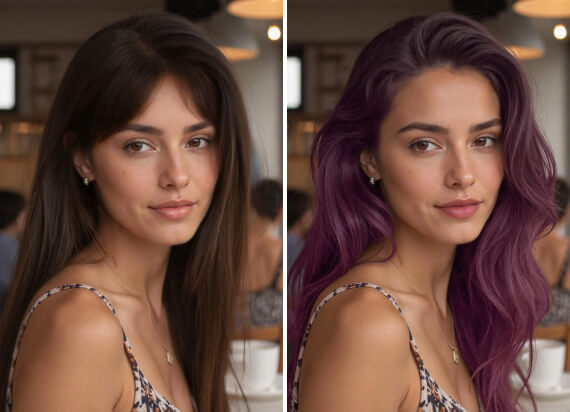
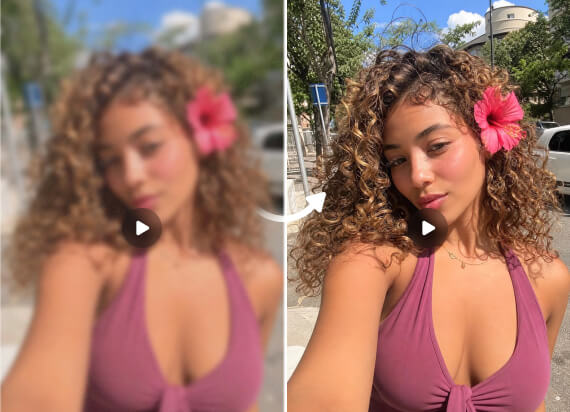
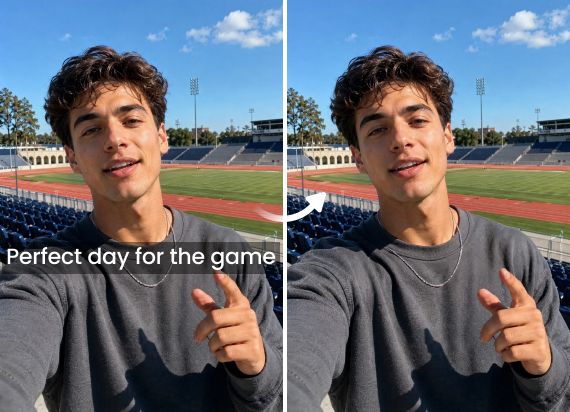
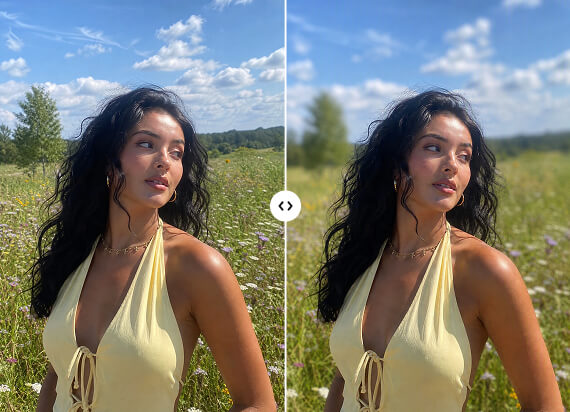
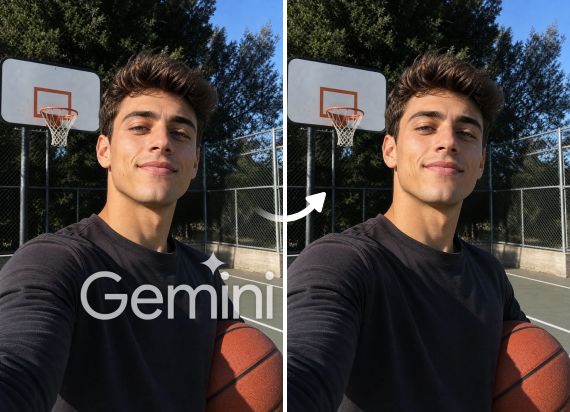
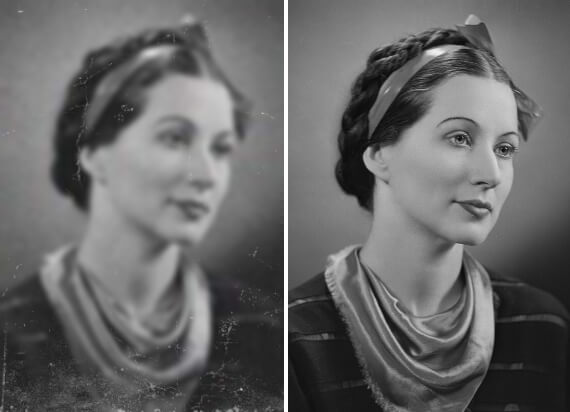
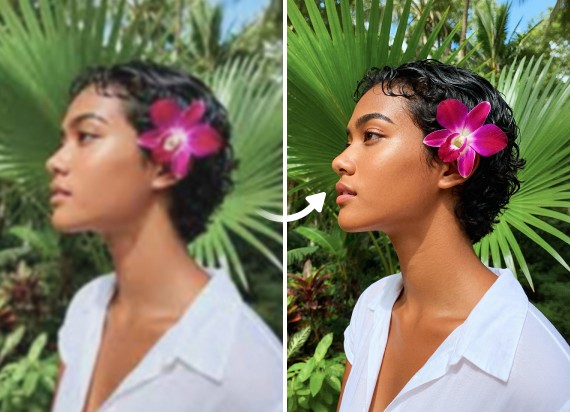
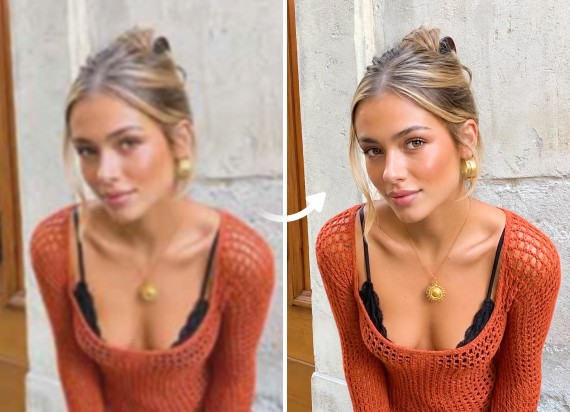
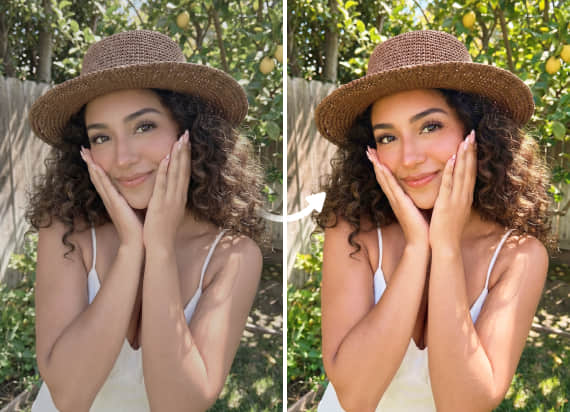
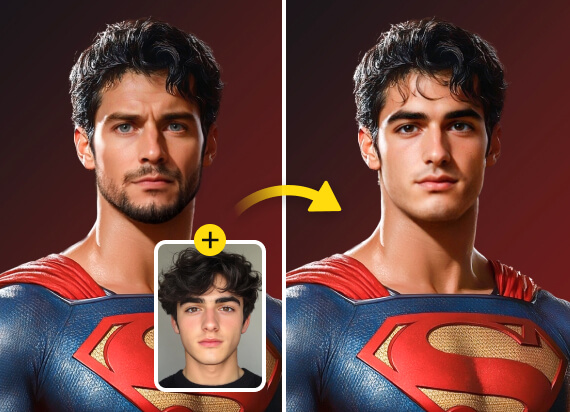
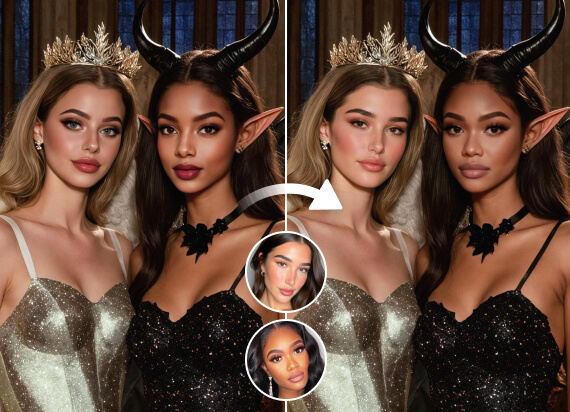
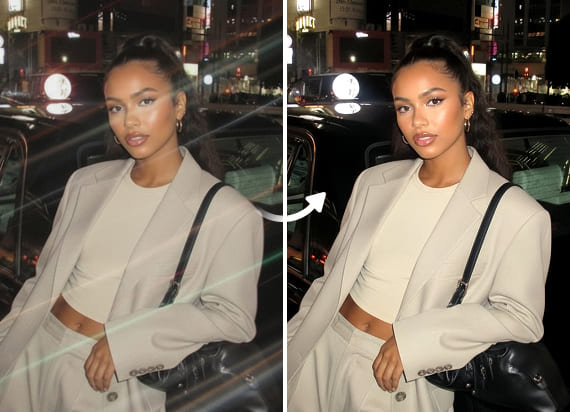
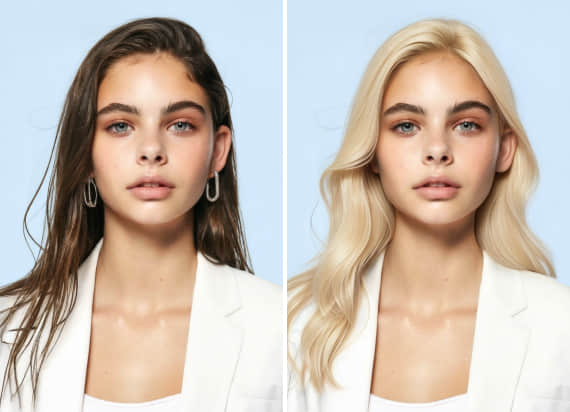
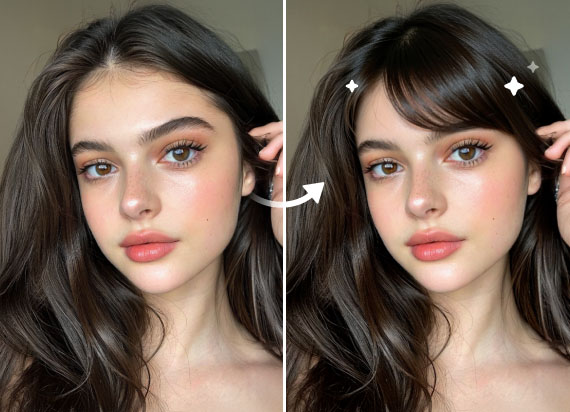
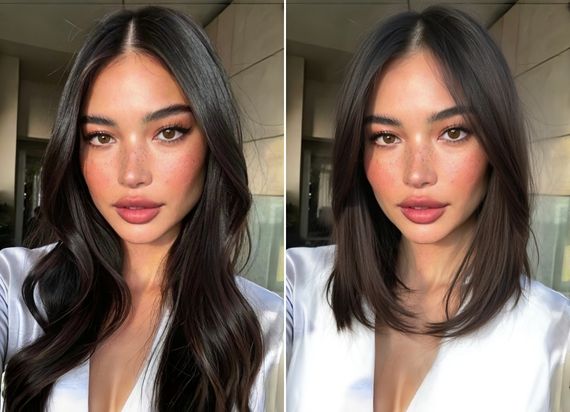
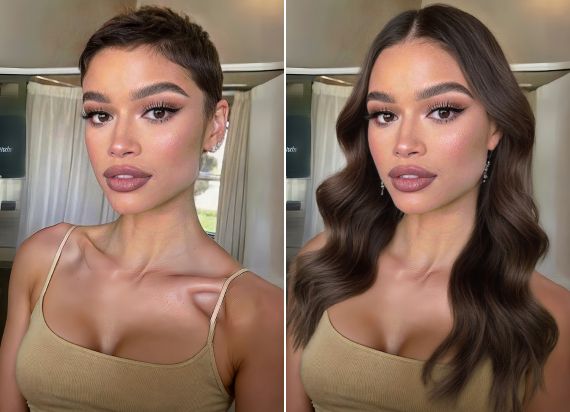
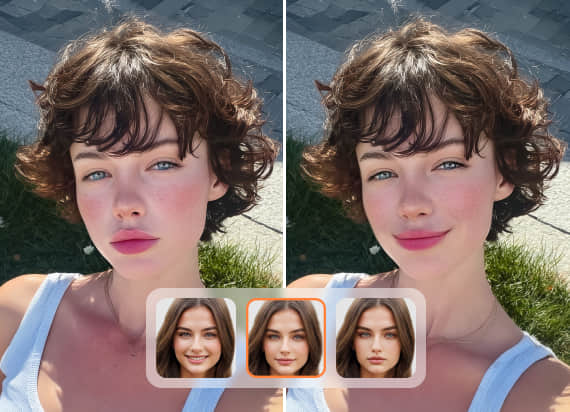
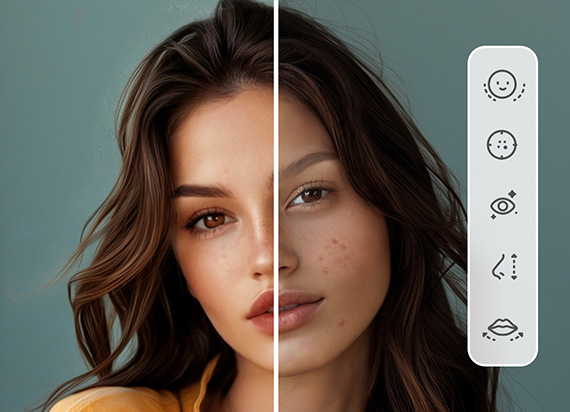
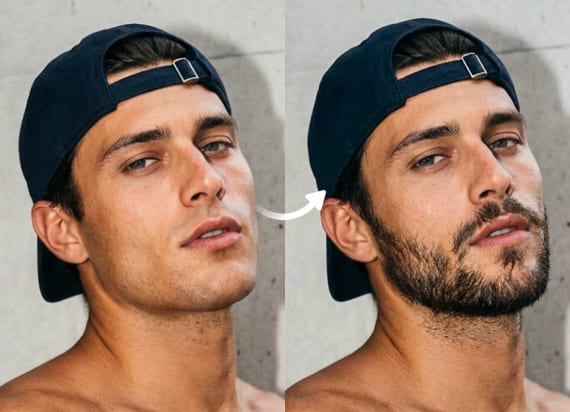
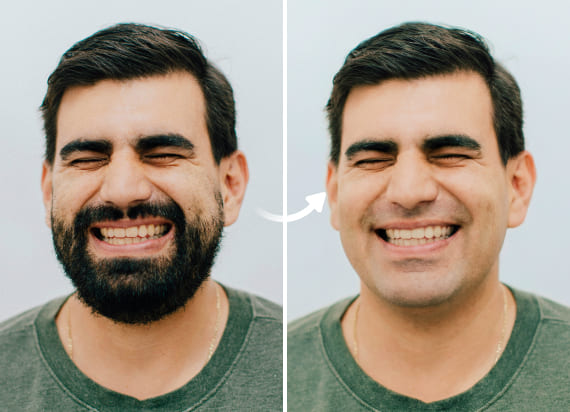
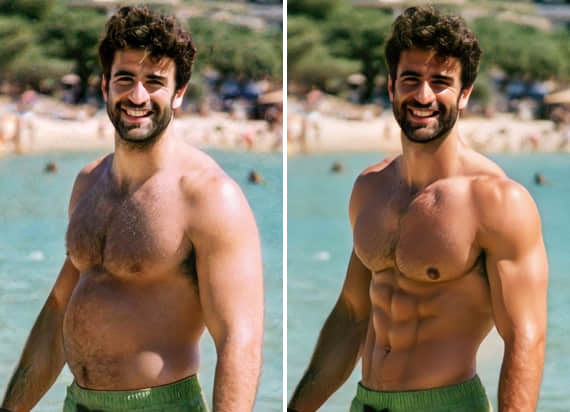
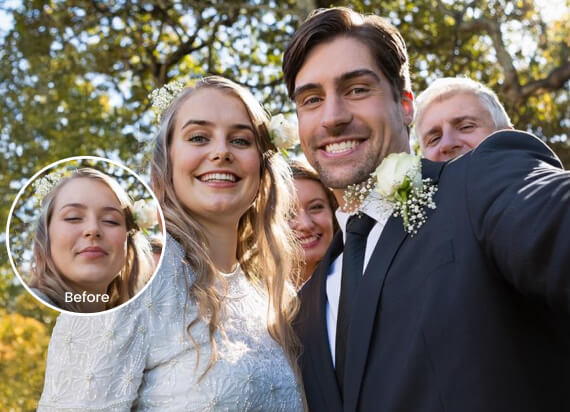
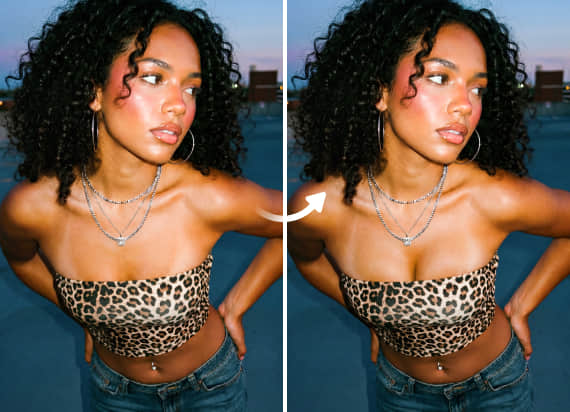
Many AI headshot generators create entirely new faces that barely resemble the original person. Airbrush Studio enhances your real photo instead, improving skin, lighting, color, and backgrounds while preserving your natural appearance.
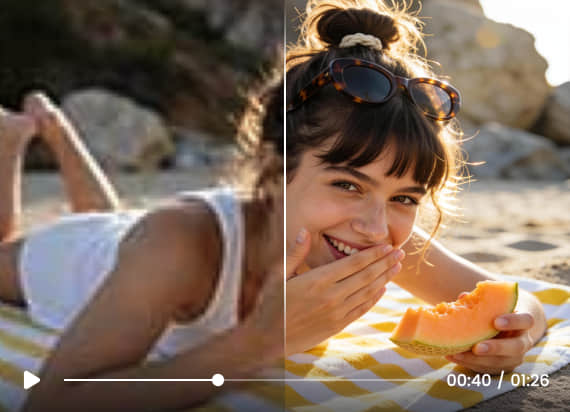
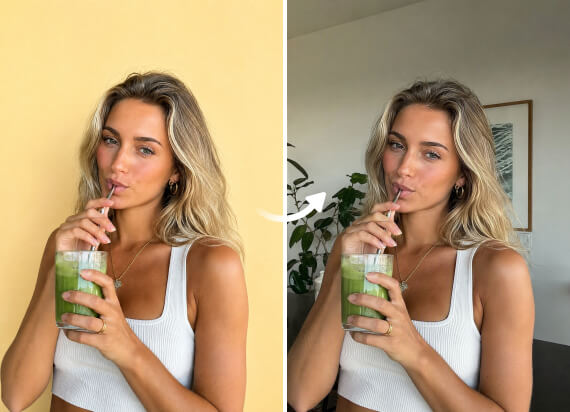
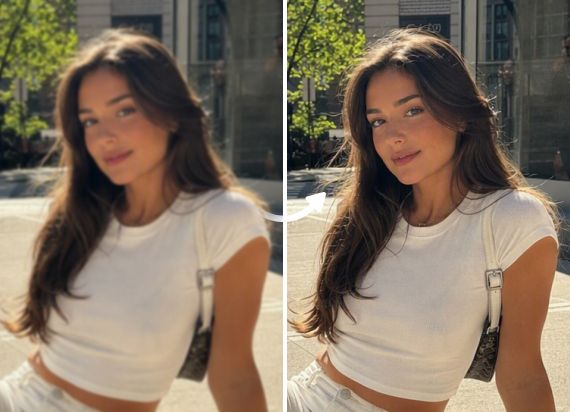
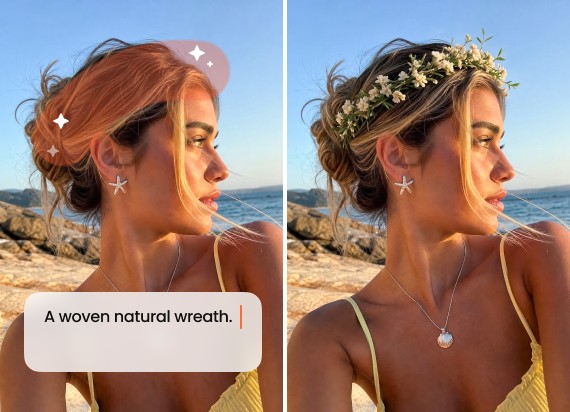
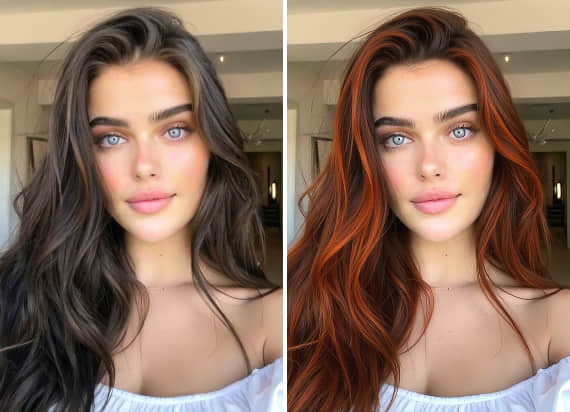
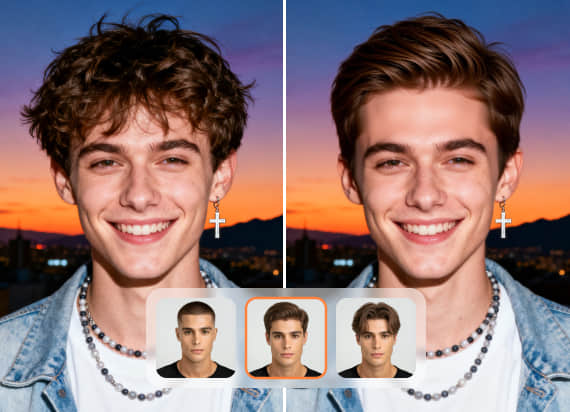
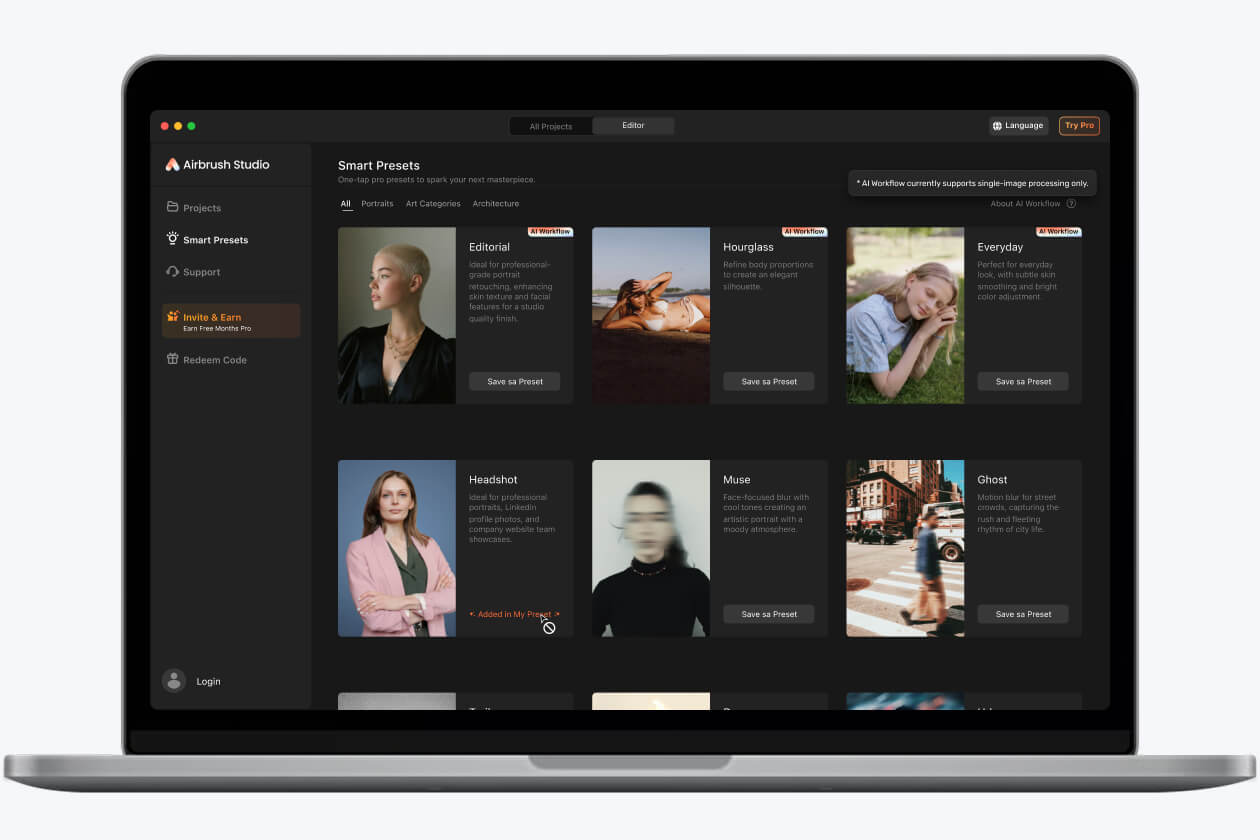
Turn your real photos into polished, high-quality headshots with ready-to-use smart presets. No manual retouching or complicated editing required. Enhance your portraits in seconds for LinkedIn, resumes, company websites, team directories, and more.
I needed a better LinkedIn photo but didn’t want to book a studio session. Airbrush Studio turned one of my regular photos into a clean, professional headshot that still looked like me. The lighting, background, and overall quality looked much more polished without feeling fake.
The best part is that it keeps your real face instead of creating a completely different version of you. I used it for my resume and company profile, and the final headshot looked natural, sharp, and professional. It saved me both time and money.
As someone who edits photos for clients, batch editing is a huge help. I can apply the same clean background, retouching style, and color settings across multiple headshots, which keeps everything consistent and saves hours of manual work.
Most AI professional headshot generators replace your face entirely. Business Headshot in Airbrush Studio enhances your real photo instead, improving skin, lighting, color, and background while keeping your natural features. The result looks polished and still looks like you.
Yes. Save your retouching, color, and background settings as a preset in Airbrush Studio and apply them across every photo in your batch. Every professional headshot stays consistent without repeating the same edits image by image.
Airbrush Studio‘s business free AI headshot generator works as a professional photo maker for LinkedIn profiles, resumes, company websites, team directories, doctor profiles, real estate listings, student graduation photos, speaker bios, and email signatures.
Any clear, well-lit photo works. Make sure your face is centered and visible. The cleaner the original photo, the better the final AI professional photo will look.
Yes. Uploaded photos are used only to generate your headshot and are deleted from the server after processing. Your images are never shared or stored beyond what is needed to deliver your results.
Yes. Airbrush Studio's business headshot works as a professional ai tool for LinkedIn, resumes, company websites, and other professional profiles. Upload your photo, pick a preset, and get a clean ai photo ready to use anywhere.Different from most tools, Airbrush Studio's Business Headshot uses ai tools to enhance your real photo, not replace it.
Any clear, well lit photo works. The ai model in Airbrush Studio does the heavy lifting on ai image quality, fixing lighting, color, and background automatically to deliver studio-quality headshots every time.